Planning a birthday party can be a thrilling yet overwhelming task, especially when it comes to sending out invitations. If you’re looking for a convenient solution, free printable birthday invitations online are an excellent choice. They provide a quick way to set the tone for your celebration without breaking the bank. Plus, you can customize them to match your party theme perfectly.
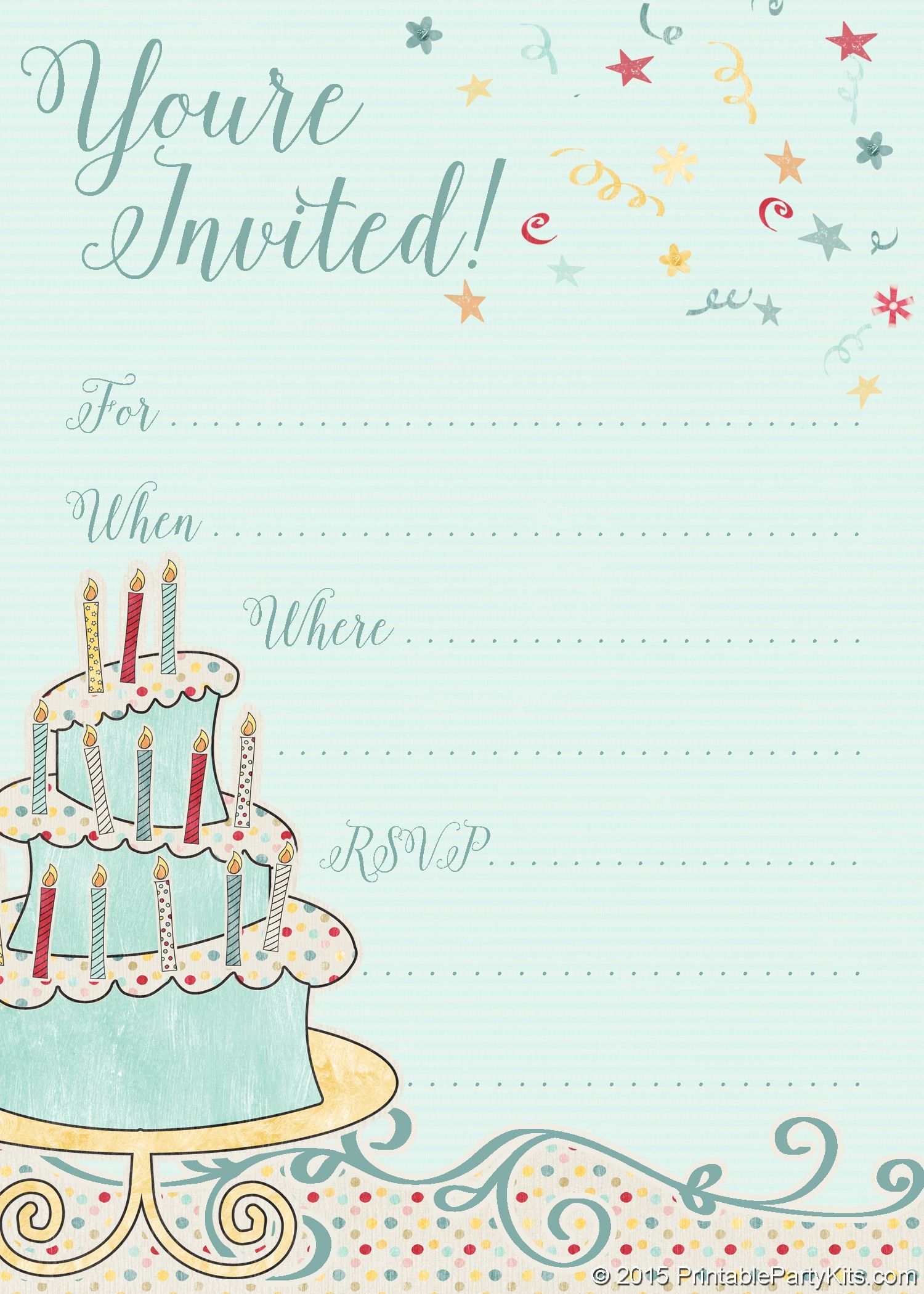
Finding the Right Template
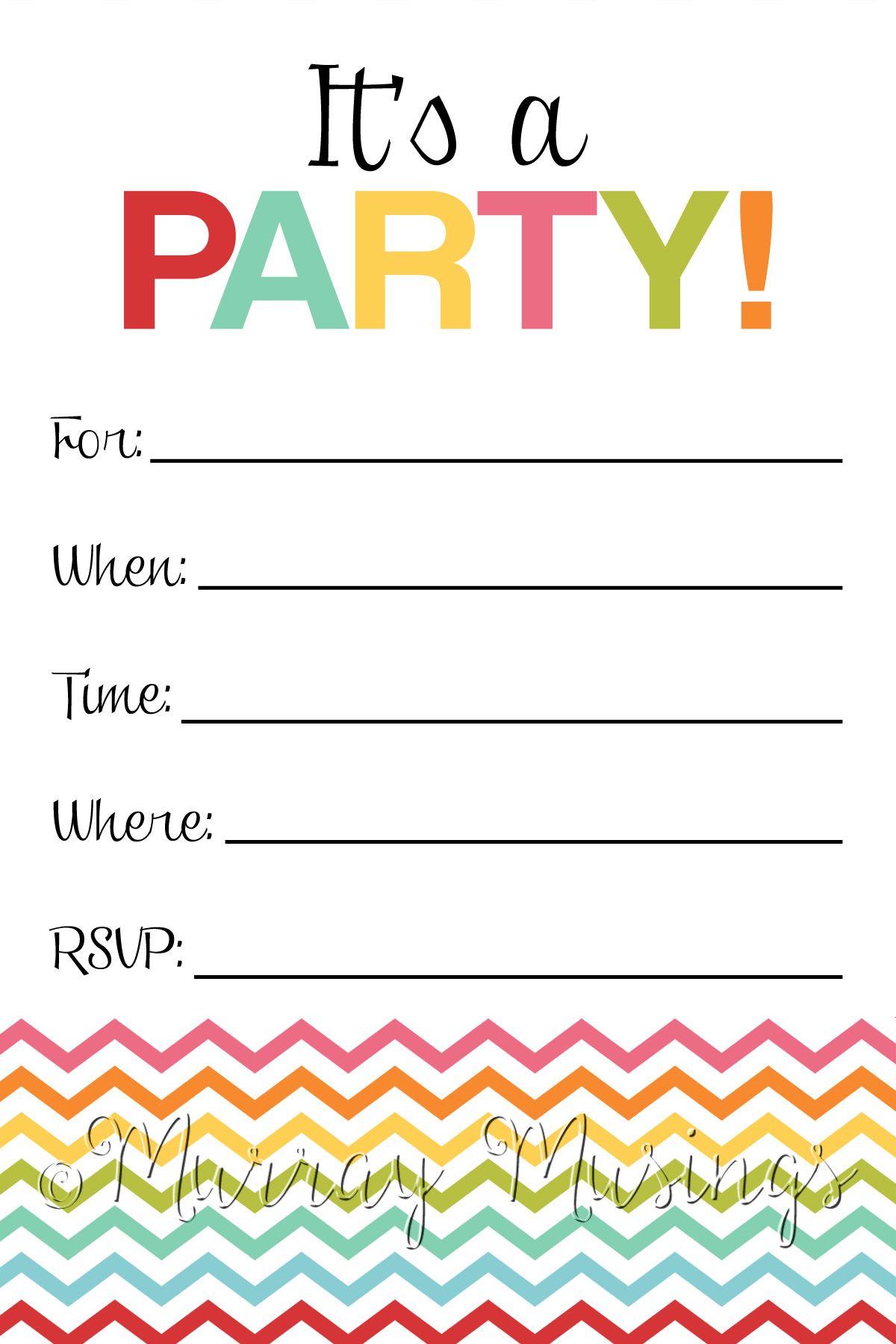
When searching for free printable birthday invitations online, consider the age group and interests of the birthday person. Kids’ invitations often feature colorful characters from popular cartoons or movies, while adult invitations might lean toward more sophisticated designs. Websites like Canva, Greetings Island, and Paperless Post offer a variety of templates that cater to different ages and styles.
Look for templates that allow for personalization. This means you can add names, dates, times, and even a fun message. Some sites might also let you upload photos to make the invitation even more special. Make sure the template is easy to edit; no one wants to struggle with complicated software just to get their invitations ready.
Choosing the Right Format
Once you’ve selected a template, pay attention to the file format. Most printable invitations come in PDF, JPEG, or PNG formats. PDF files are often the best choice for printing, as they maintain their quality and layout. If you choose a JPEG or PNG, ensure that the resolution is high enough to avoid pixelation when printed.
If you plan to print multiple copies, check if the template is designed for standard paper sizes like 5×7 inches or 4×6 inches. This will save you from cutting the invitations down to size later. Additionally, consider the type of paper you’ll use. Cardstock typically holds up better than regular printer paper and gives a more professional finish.
Printing Your Invitations
After customizing your invitations, it’s time to print them out. Here are some tips to ensure your invitations look great:
- Print Settings: Use the “best quality” setting on your printer for vibrant colors. If you have a color printer, this is your best bet for achieving the desired look. For black-and-white invitations, the draft mode can save ink.
- Paper Type: If you’re using cardstock, set your printer to handle heavy paper. Most home printers can manage this, but check your printer’s manual if you’re unsure.
- Test Print: Always do a test print on regular paper first. This allows you to check the colors and layout before committing to your cardstock.
Sending Out the Invitations
Once your invitations are printed, consider how you’ll send them out. If you’re mailing physical invitations, use colorful envelopes that match your theme. For a quicker option, you can also scan your printed invitations and send them via email or social media. Just remember to ask for RSVPs to keep track of how many guests will attend.
Incorporating a personal touch, like a handwritten note or a small sticker, can make your invitations feel special, even if they are printed.
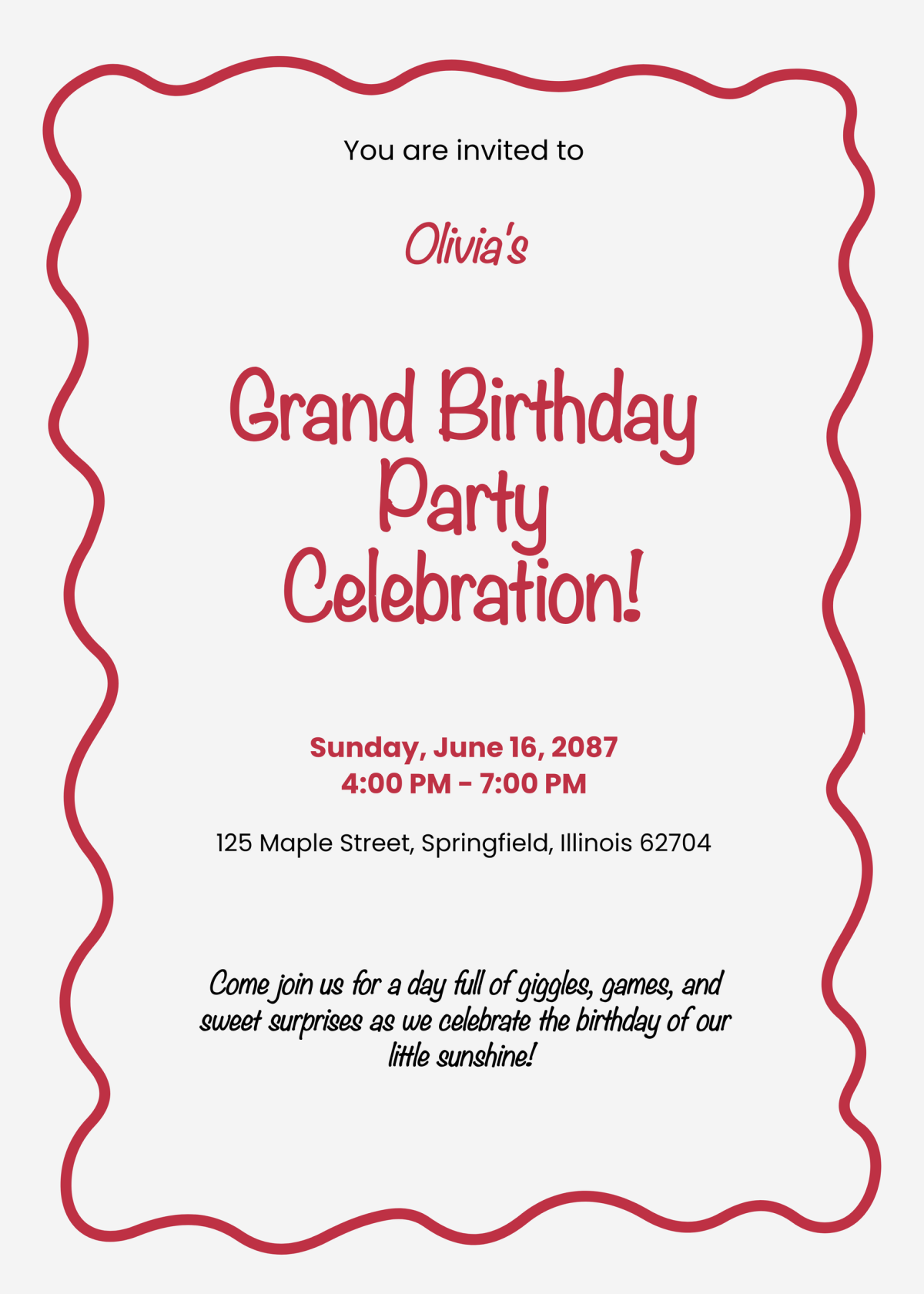
Don’t forget to include essential details like the date, time, location, and RSVP information. A fun theme or a quirky quote can also add personality to your invitation, making it more memorable for your guests.
For an immediate action, I recommend choosing a template today that resonates with your party theme. Download it, customize it, and get those invitations sent out. Your guests will love the effort you put into making them feel special!


