When you need to celebrate achievements, a free online certificate maker printable is a fantastic tool at your disposal. Whether it’s for a student’s accomplishment, a team member’s success, or a special occasion, creating a personalized certificate adds a thoughtful touch. Below, I’ll guide you through the process of selecting, customizing, and presenting certificates that feel meaningful and polished.
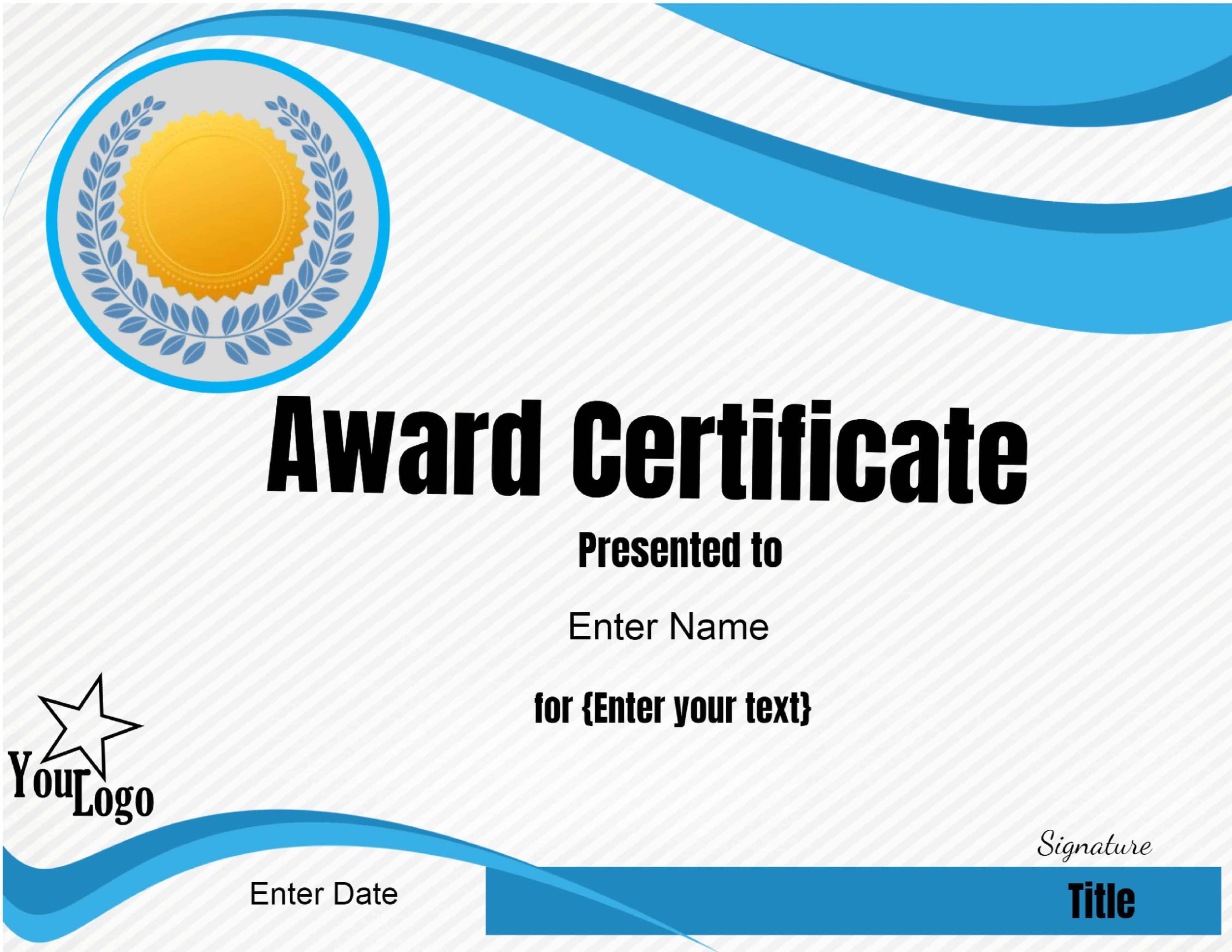
Choosing the Right Certificate Template
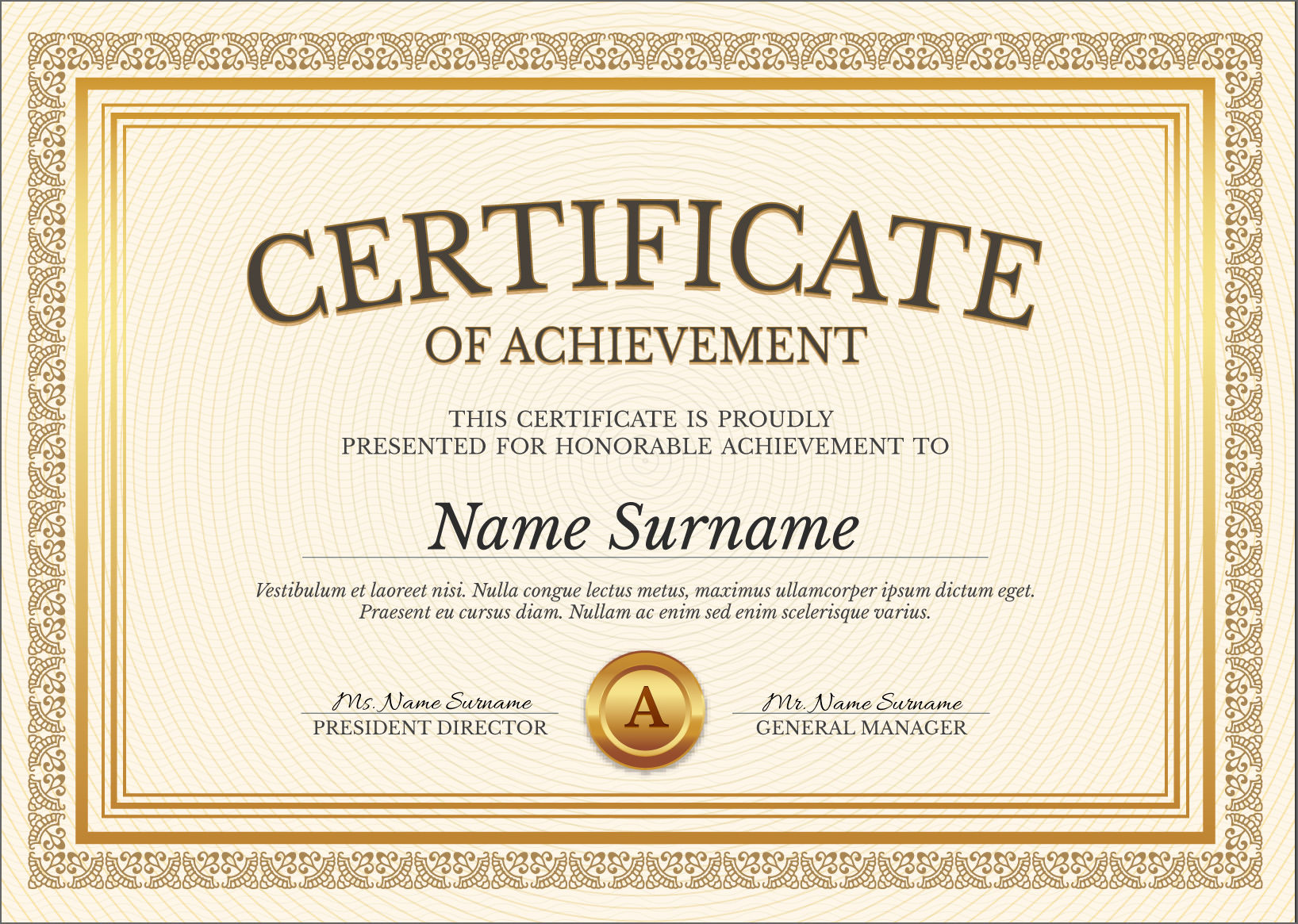
The first step is selecting the right certificate template. Many online platforms offer a variety of designs tailored for different occasions, such as academic achievements, employee recognition, or fun awards for kids. Look for templates that resonate with the purpose of the award. For example, if you’re recognizing a child for their art skills, a colorful and playful design will work best.
Most certificate makers allow you to filter templates by categories, styles, or themes. Take your time browsing until you find a layout that captures the spirit of the achievement. Popular formats include landscape and portrait orientation; choose based on how you plan to display the certificate later.
Personalizing Your Certificate
Personalization can transform a generic certificate into something truly special. Most online certificate makers let you customize text fields, including the recipient’s name, the date, and a brief description of the achievement. To make it feel more personal, consider adding a heartfelt message or a quote that aligns with the accomplishment.
Additionally, you can often adjust font styles and sizes to enhance readability and aesthetics. A clear, professional font works well for formal awards, while a more whimsical font can be great for informal settings. Don’t forget to include the signature of the person awarding the certificate; this adds a personal touch that elevates the entire presentation.
Printing and Presentation Tips
Once your certificate is ready, it’s time to think about printing and how you’ll present it. Here are a few practical tips to ensure your certificate looks great:
- Paper Choice: Use high-quality paper for printing. Cardstock (typically 65 lb or heavier) works well if you want a more durable, professional feel. If you plan to laminate the certificate, a lighter paper (like 24 lb) is also suitable.
- Print Settings: Always choose the highest quality print settings on your printer. This ensures crisp text and vibrant colors. If you’re using a home printer, a portrait layout tends to work better for most standard sizes (like 8.5×11 inches).
- Framing Options: After printing, consider framing the certificate. A simple frame adds elegance and allows the recipient to display their achievement prominently. If framing isn’t an option, a decorative folder can also work well.
- Presentation: When awarding the certificate, make it a special moment. Gather friends or family around, or present it during a small ceremony if appropriate. This can enhance the significance of the award and make the recipient feel valued.
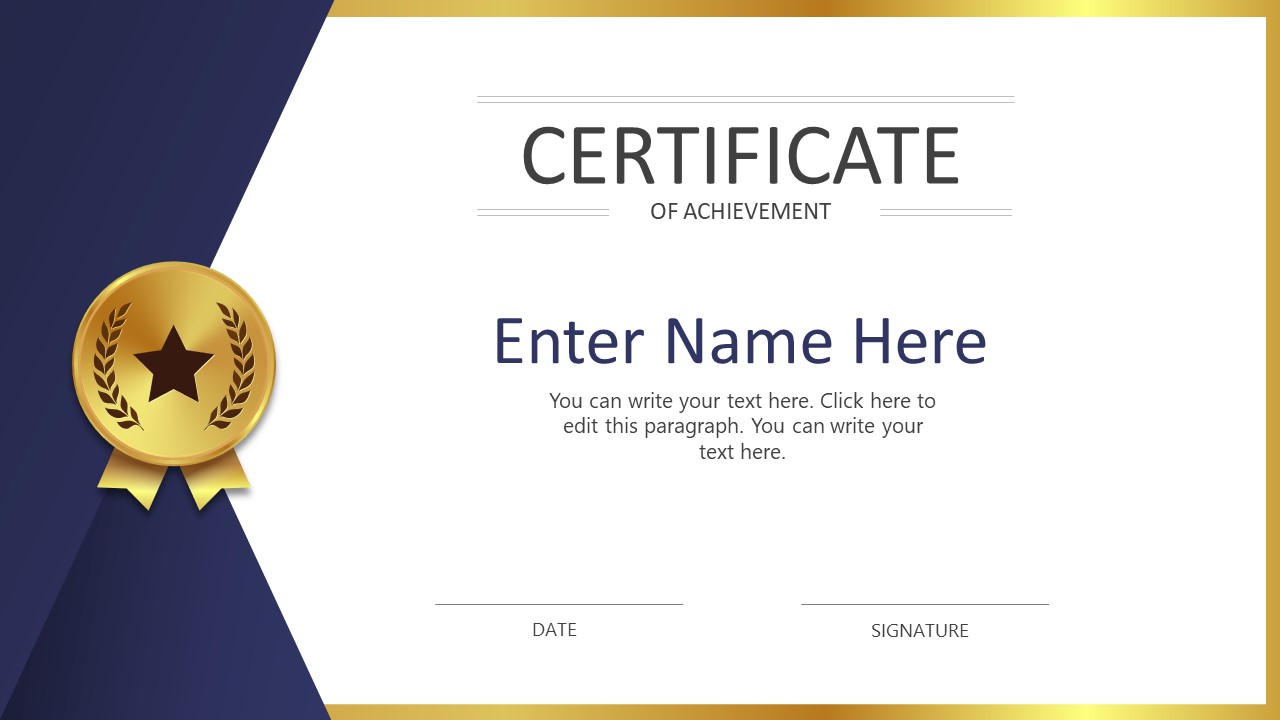
Creative Uses for Certificates
Certificates aren’t just for formal achievements; they can also serve fun, creative purposes. Here are some ideas to spark your imagination:
- Fun Awards: Create humorous certificates for family game nights, like “Best Monopoly Player” or “Ultimate Karaoke Star.”
- Recognition in Clubs: Use them in clubs or organizations to acknowledge participation or special contributions.
- School Projects: Teachers can use certificates to reward students for completing projects, improving grades, or demonstrating kindness.
These creative uses make certificates versatile tools for recognition in various settings.
When you’re ready to create an award, remember that a free online certificate maker printable can help you craft something truly special. So go ahead, celebrate those achievements with a personalized touch that everyone will cherish!


