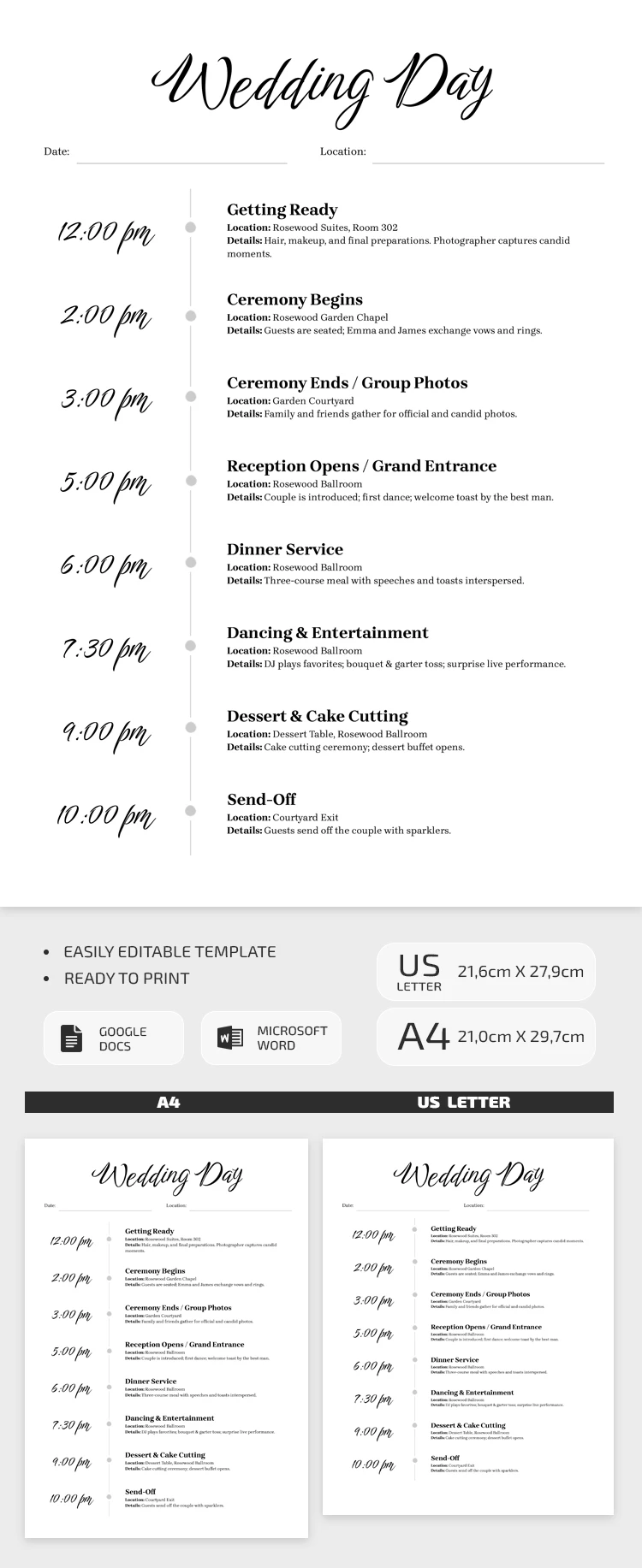
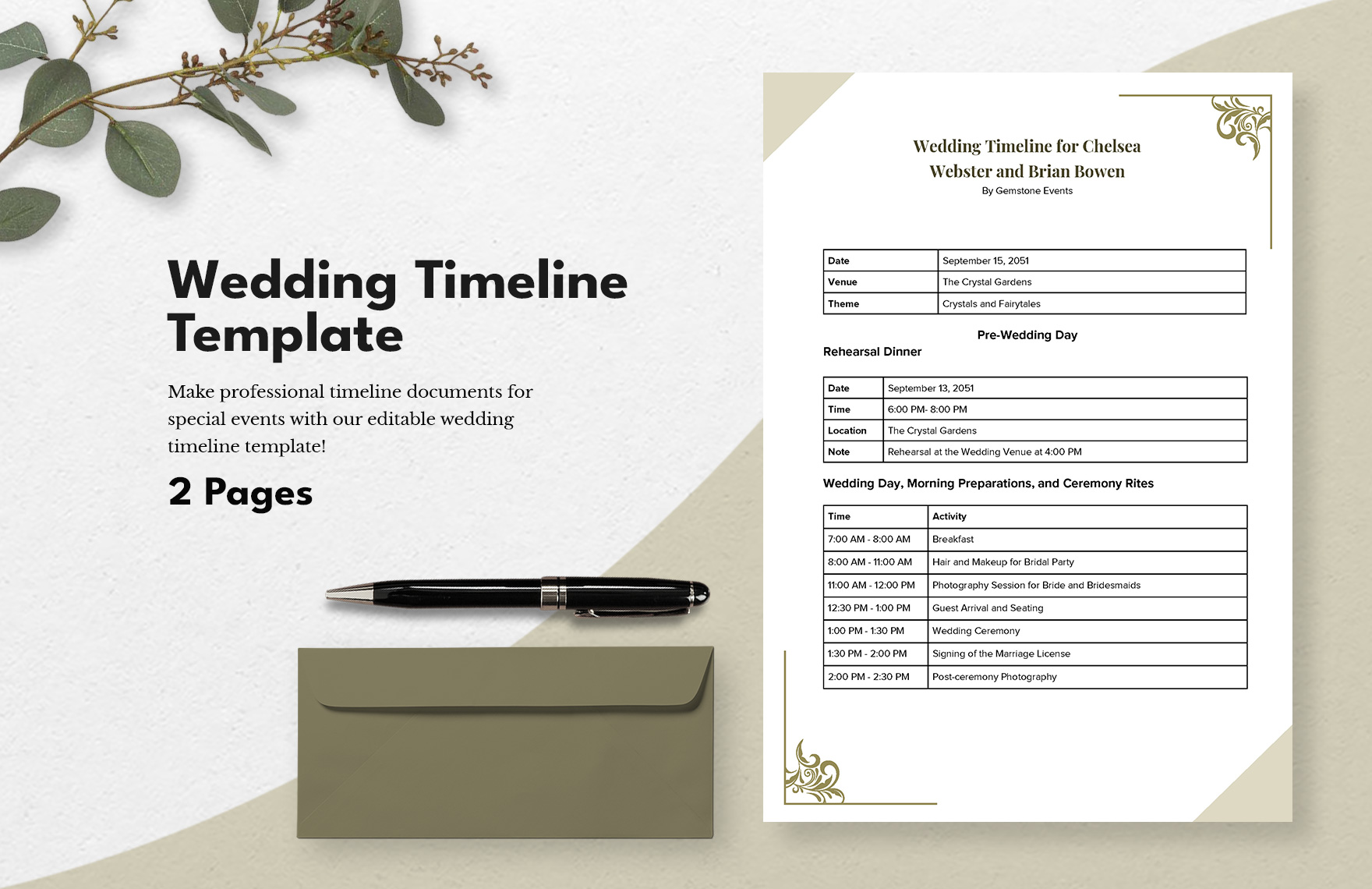
Planning a wedding can be both exciting and overwhelming. The key to a smooth and memorable day lies in the details, and having a structured timeline can make all the difference. A Formal Wedding Timeline Free Google Docs Template is an excellent resource to streamline your planning process. Unlike generic timelines that may lack specificity, this template offers a customizable format tailored to your needs, ensuring you don’t miss any crucial steps leading up to your big day.
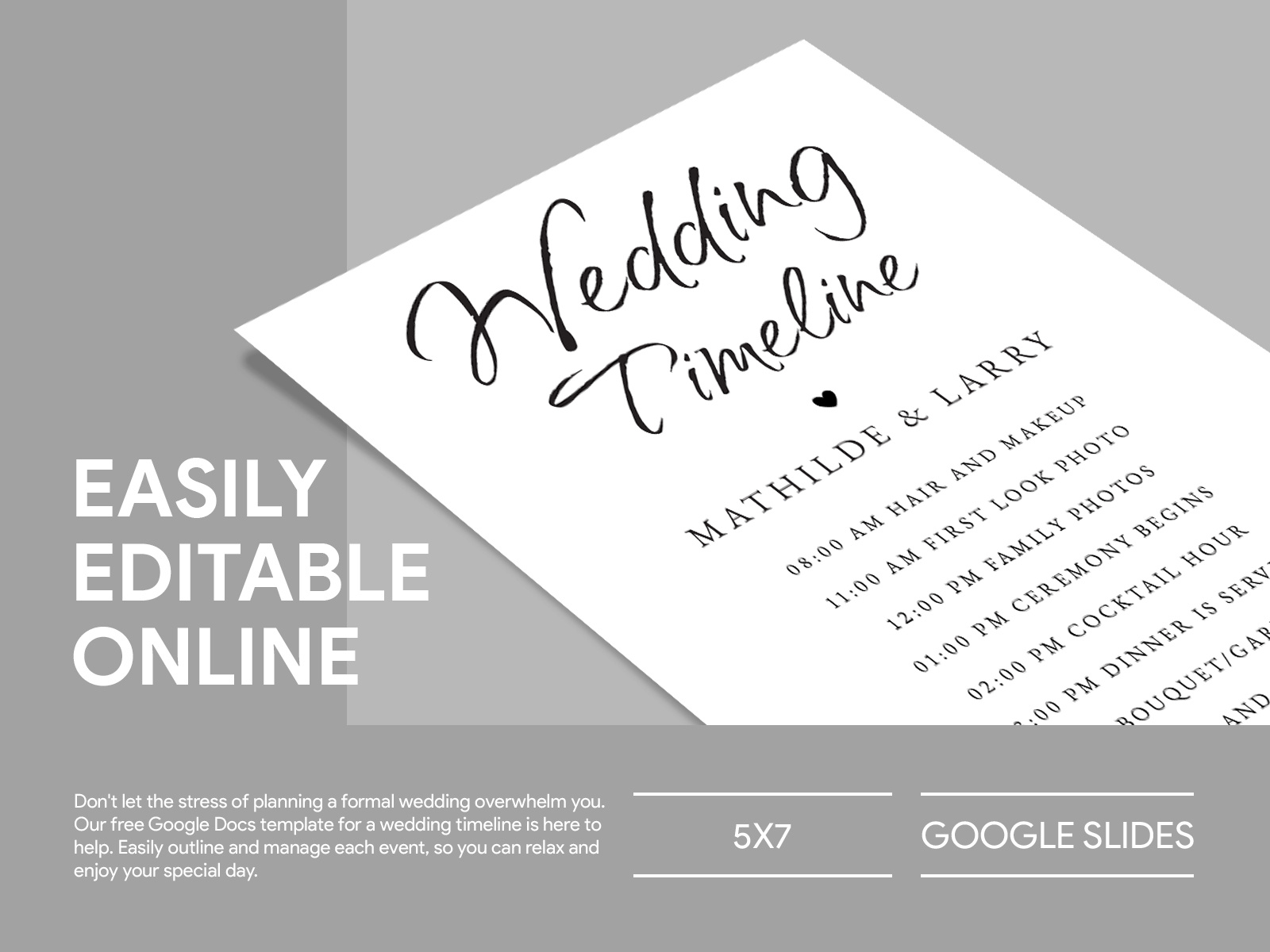
Understanding the Importance of a Wedding Timeline
A wedding timeline serves as your roadmap, guiding you through the planning stages and helping you coordinate various elements of your wedding day. From when to send out invitations to the order of events during the ceremony and reception, having a clear timeline helps ensure that everything runs smoothly. By using a dedicated template, you can organize all your tasks in one place, allowing you to focus on enjoying the journey.
Key Features of the Formal Wedding Timeline Template
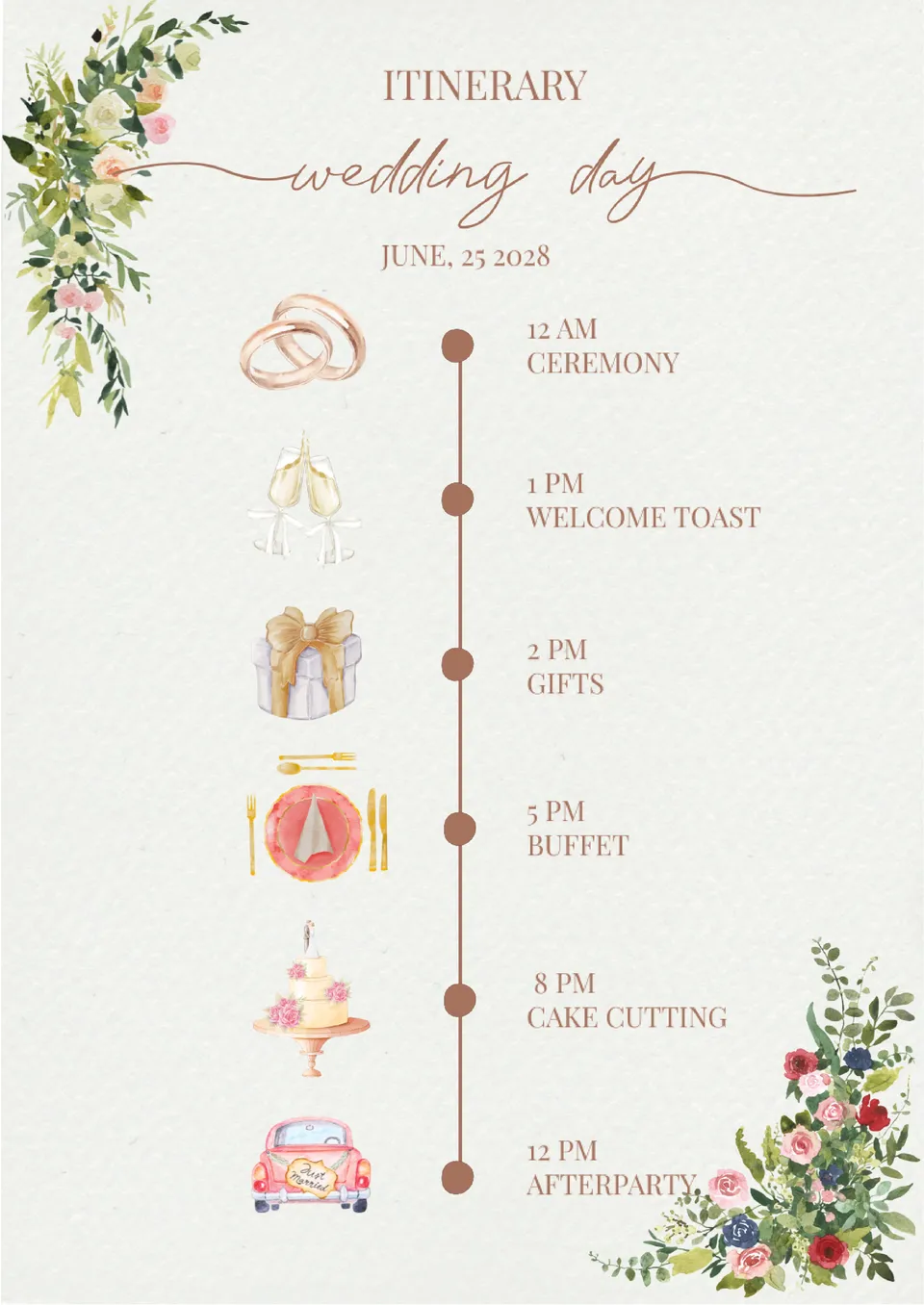
This Google Docs template comes with several features designed to simplify your planning:
- Customizable Sections: You can adjust the timeline to fit your unique wedding style, whether it’s an intimate gathering or a grand celebration.
- Timeframes: The template includes suggested timeframes for essential tasks, making it easier to stay on track.
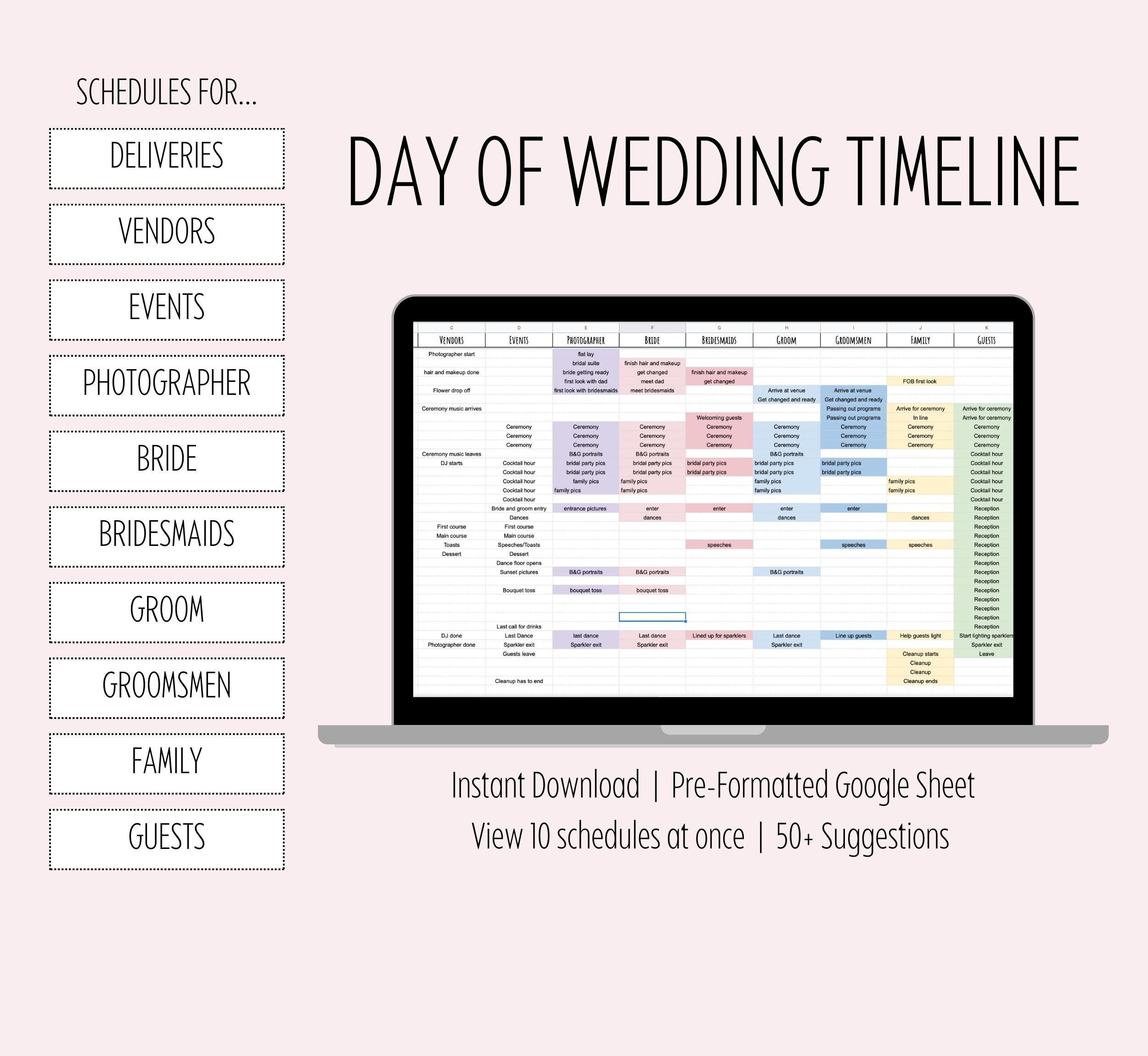
- Collaborative Editing: Since it’s in Google Docs, you can share it with your partner, wedding planner, or anyone else involved in the planning process for real-time collaboration.
How to Use the Formal Wedding Timeline Free Google Docs Template
Using the template is straightforward. Here’s a simple step-by-step guide:
- Download the Template: Access the Free Google Docs Template and make a copy to your own Google Drive.
- Adjust the Dates: Begin by entering your wedding date. This will help you work backward to set deadlines for tasks like booking vendors and sending invitations.
- Fill in the Sections: The template will have sections for different aspects of your wedding, such as venue details, vendor contacts, and a checklist of must-do tasks. Customize these sections to fit your wedding plans.
- Set Reminders: Use Google Calendar or another reminder tool to alert you of upcoming tasks based on your timeline.
Tips for Customizing Your Timeline
When filling out the template, consider your specific needs and preferences. Here are some practical tips to enhance your timeline:
- Add Personal Touches: Include any special rituals or traditions that are important to you and your partner. This could be a family member officiating the ceremony or a unique send-off.
- Allocate Buffer Time: Weddings can be unpredictable, so it’s wise to build in some buffer time between events. This way, if one segment runs late, you won’t feel rushed.
- Vendor Coordination: Make sure to include contact information for all your vendors within the timeline. This makes it easy to reach out to them for any last-minute changes or confirmations.
Printing and Sharing Your Timeline
Once you’ve filled out the Formal Wedding Timeline Free Google Docs Template, you can easily print it for physical reference. If you prefer digital access, share it with your wedding party or planner via Google Drive. Here are a few printing tips to consider:
- Paper Size: Standard letter size (8.5 x 11 inches) works best for most home printers. If you want a more polished look, consider printing on heavier cardstock.
- Color vs. Black and White: If your template has color coding, printing in color can help distinguish different sections at a glance. However, black and white printing is often more economical if you’re on a budget.
- Laminating: For durability, especially if you’ll be referencing the timeline frequently, consider laminating it. This makes it easy to write notes and adjustments, which you can wipe off later.
Final Considerations and Common Pitfalls
While a Formal Wedding Timeline Free Google Docs Template is a fantastic starting point, there are a few pitfalls to watch out for:
- Overloading Your Schedule: Don’t try to fit too much into your timeline. It’s easy to get excited and overbook, but this can lead to unnecessary stress. Focus on the essentials and prioritize what matters most to you.
- Neglecting Communication: Ensure everyone involved in your wedding planning is on the same page. Regular check-ins can help keep everyone informed and reduce the chances of miscommunication.
- Forgetting to Update: As your plans evolve, make sure your timeline reflects the latest changes. This keeps all parties informed and helps avoid confusion as the big day approaches.
Using a Formal Wedding Timeline Free Google Docs Template can significantly simplify your wedding planning experience. By customizing your timeline and following the outlined steps, you can stay organized and focused, ensuring your wedding day unfolds as beautifully as you’ve envisioned.
Formal Wedding Timeline Free Google Docs Template Gallery