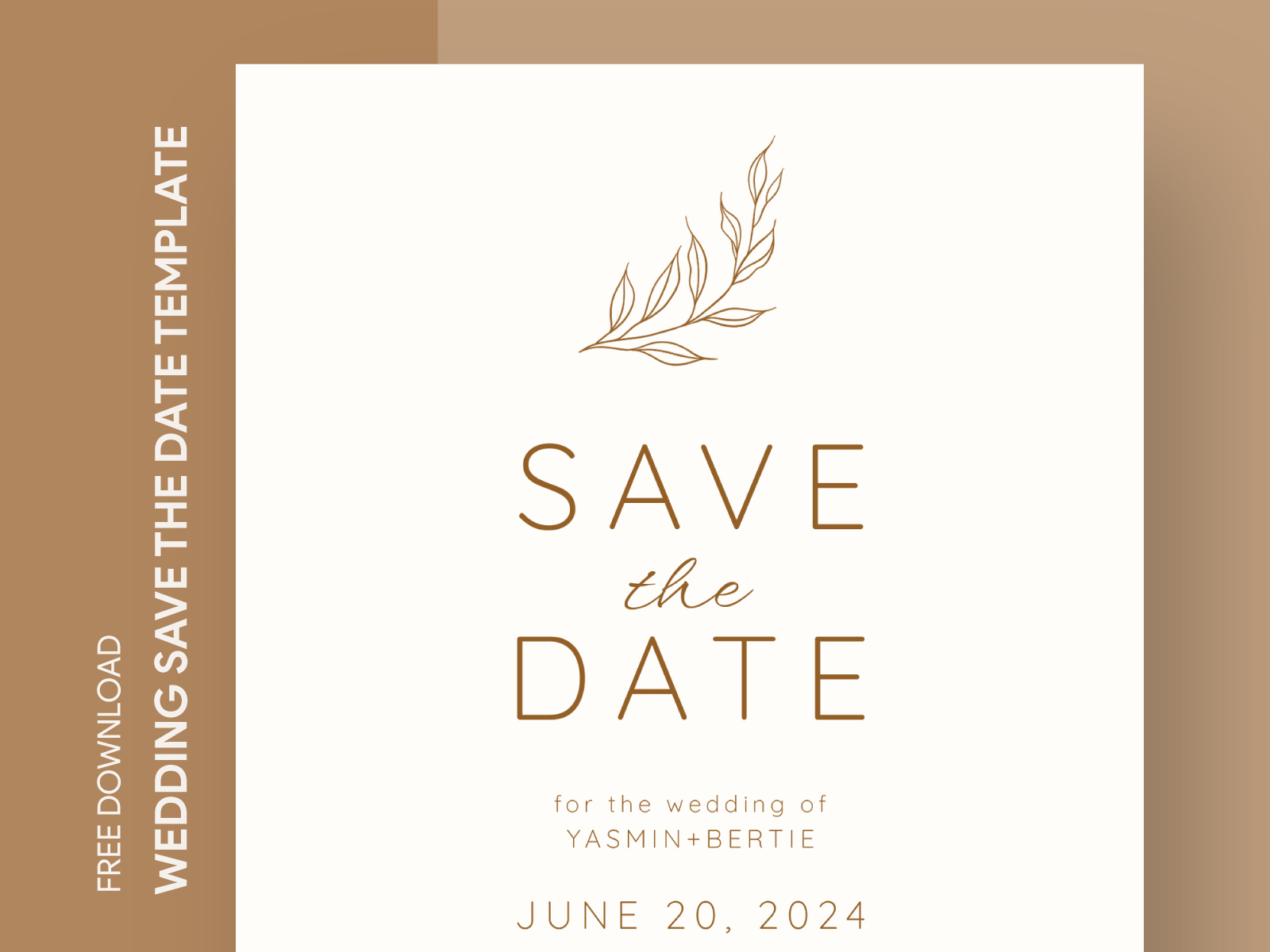
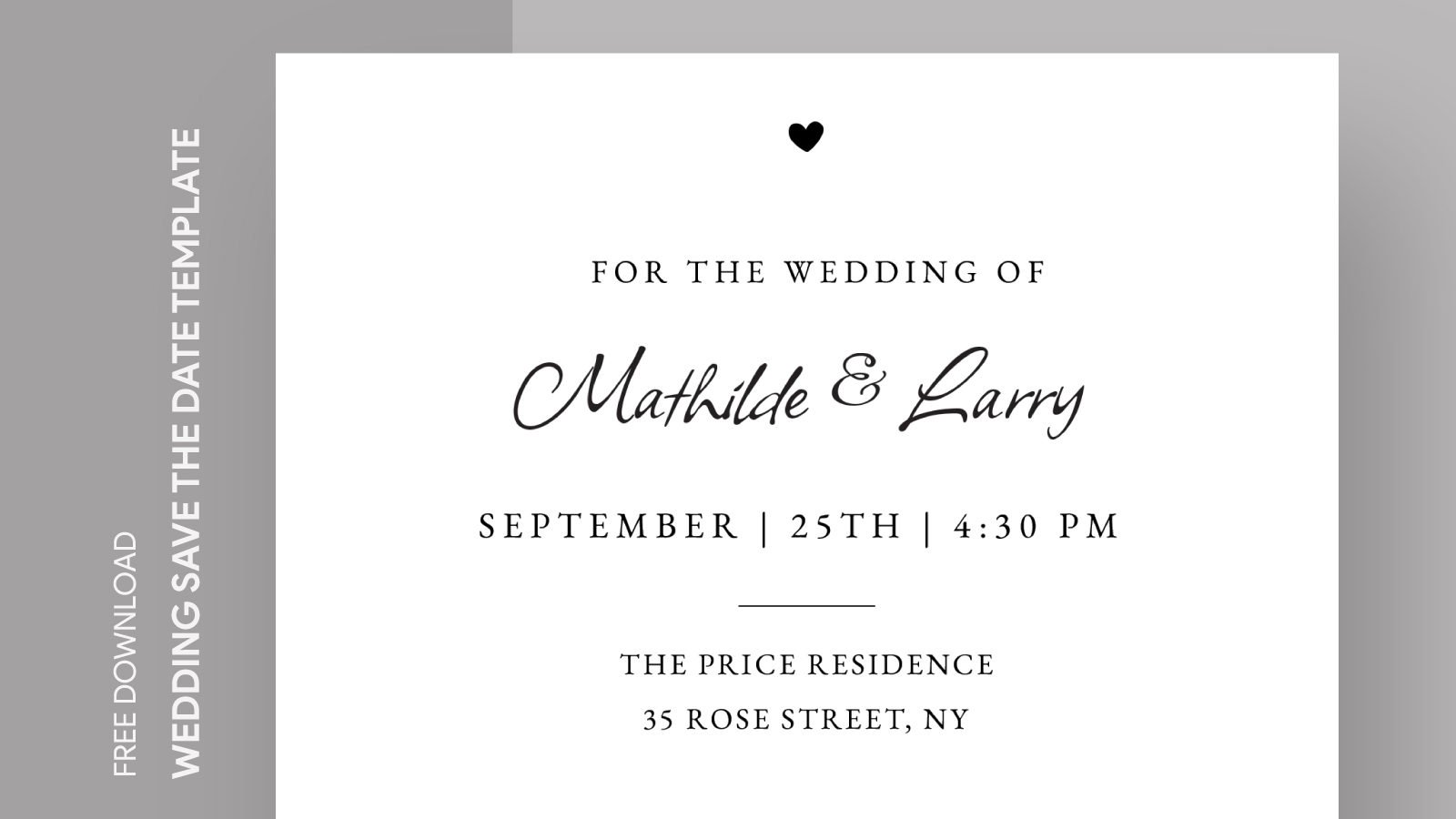
Planning a wedding is an exciting but sometimes overwhelming task, especially when it comes to getting the word out to your loved ones. That’s where the Formal Wedding Save the Date Free Google Docs Template comes in! This template not only simplifies the process but also gives you a beautiful way to announce your special day. Let’s explore how you can make the most out of this resource.
Understanding the Layout and Design Choices
The template features a clean and elegant design, perfect for a formal wedding setting. You’ll notice that it includes ample white space, which allows your text to stand out beautifully. This layout helps keep the focus on the essential details: your names, wedding date, and location. Additionally, the font choices are classic and sophisticated, enhancing the overall aesthetic without being overly complicated.
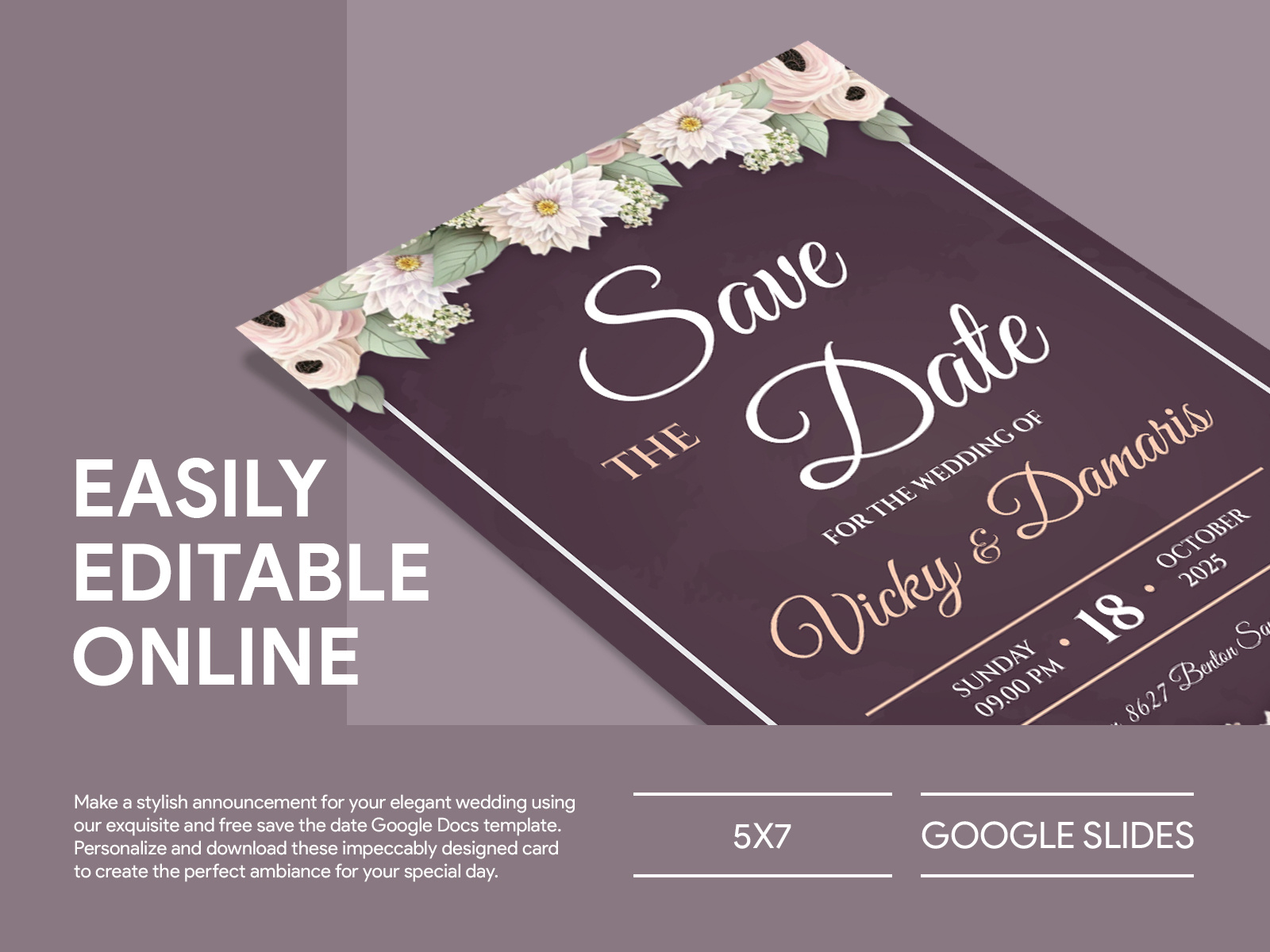
It’s designed to fit standard printing sizes, typically 5×7 inches, which is a popular choice for save-the-date cards. This size is easy to handle and fits well into most envelopes. If you’re using a home printer, make sure to select the correct paper size in your printer settings to avoid any formatting issues.
Personalizing Your Save the Date
One of the best features of this template is its easy customization. You can simply open it in Google Docs and edit the text to include your wedding details. The template allows you to add your names, date, and location with just a few clicks.
You might want to consider including a personal touch, like a favorite quote about love or a small graphic element that reflects your wedding theme. Just remember that simplicity often has the most impact. Too much clutter can detract from the information you’re trying to convey.
Color Choices and Aesthetic Appeal
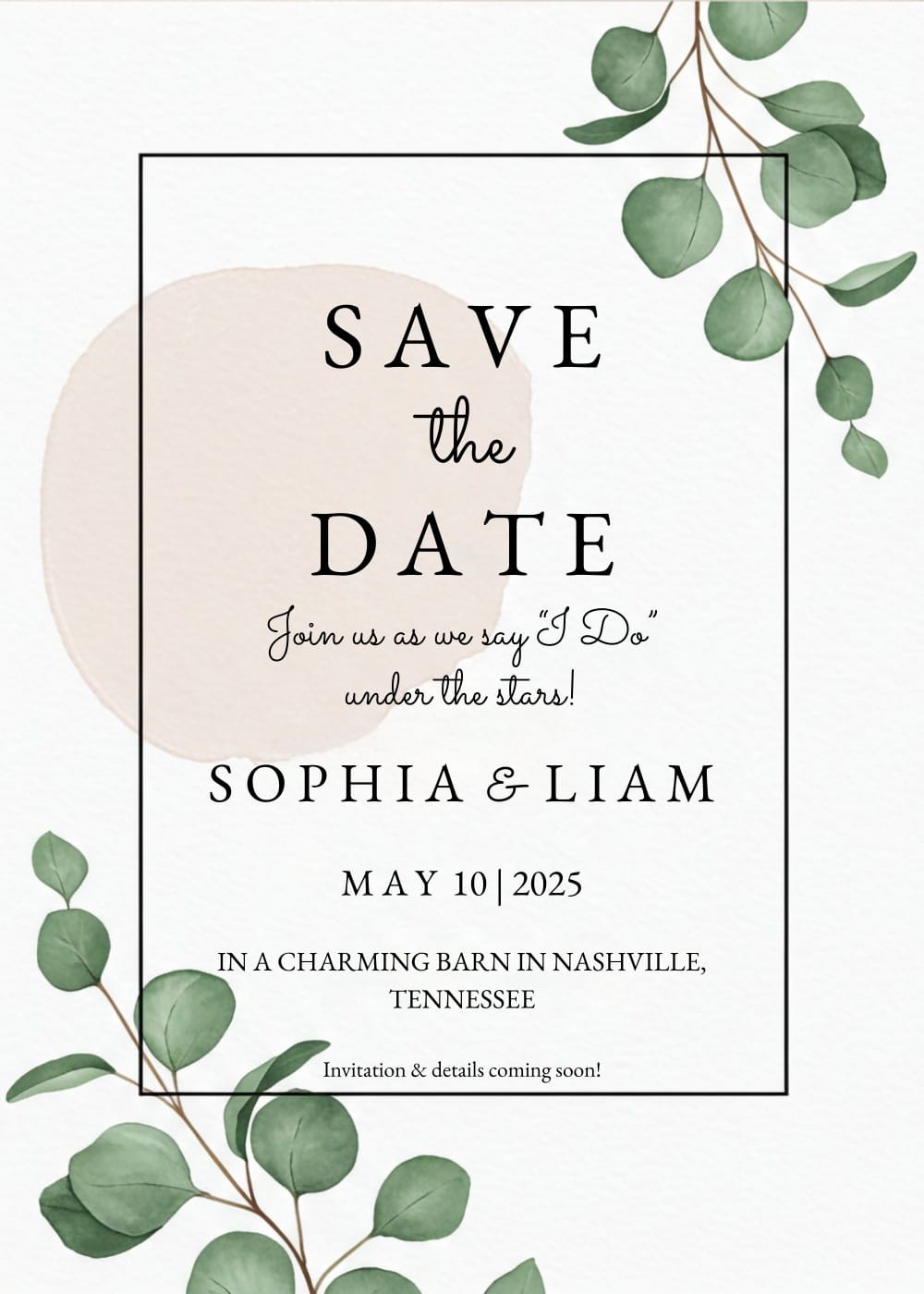
Another aspect of personalization is color choice. The template typically comes with a neutral background that can be easily modified to fit your wedding colors. If your palette includes soft pastels or vibrant hues, consider changing the template’s color scheme to match. This can help create a cohesive look for all your wedding materials, from invitations to thank-you cards.
Printing Options and Paper Types
Once you’ve customized your save-the-date card, it’s time to print! For a professional look, consider using cardstock, which is sturdier than regular paper and lends a more premium feel to your invitations. The ideal weight for cardstock is around 80-110 lb. If you plan to laminate your cards for durability, opt for a heavier weight.
When printing, you have a couple of options:
- Home Printing: If you’re using a home printer, ensure it can handle cardstock. A test print on regular paper first can help you check the layout and colors.
- Professional Printing Services: If you want a polished finish, many local print shops or online services can print your designs. They often offer a variety of paper finishes, including matte or glossy, which can enhance the visual appeal of your save-the-date cards.
Delivery and Distribution Methods
Once your save-the-date cards are printed, think about how you want to deliver them. Traditional mail is always a classic choice, but with many people being tech-savvy, digital delivery can also be effective. You might consider sending a digital version through email or even social media to reach guests quickly, especially if your wedding is just around the corner.
If you choose to mail them, don’t forget to address the envelopes neatly and include return addresses for ease of response. A handwritten note can add a personal touch that your guests will appreciate.
Final Touches and Considerations
Before sending out your save-the-dates, double-check all the details. It’s easy to overlook something, especially when you’re deep in wedding planning! Make sure your names are spelled correctly, the date is accurate, and all relevant details are included.
Lastly, consider setting a deadline for responses. This can help you gauge how many guests will attend and assist in planning other wedding details, such as seating arrangements and catering.
With the Formal Wedding Save the Date Free Google Docs Template, you have a beautiful, customizable tool that makes wedding planning just a bit easier. Whether you opt for traditional mailing or digital delivery, your guests will appreciate the heads-up about your big day. You have the power to create a memorable first impression, so let your excitement shine through!
Formal Wedding Save the Date Free Google Docs Template Gallery