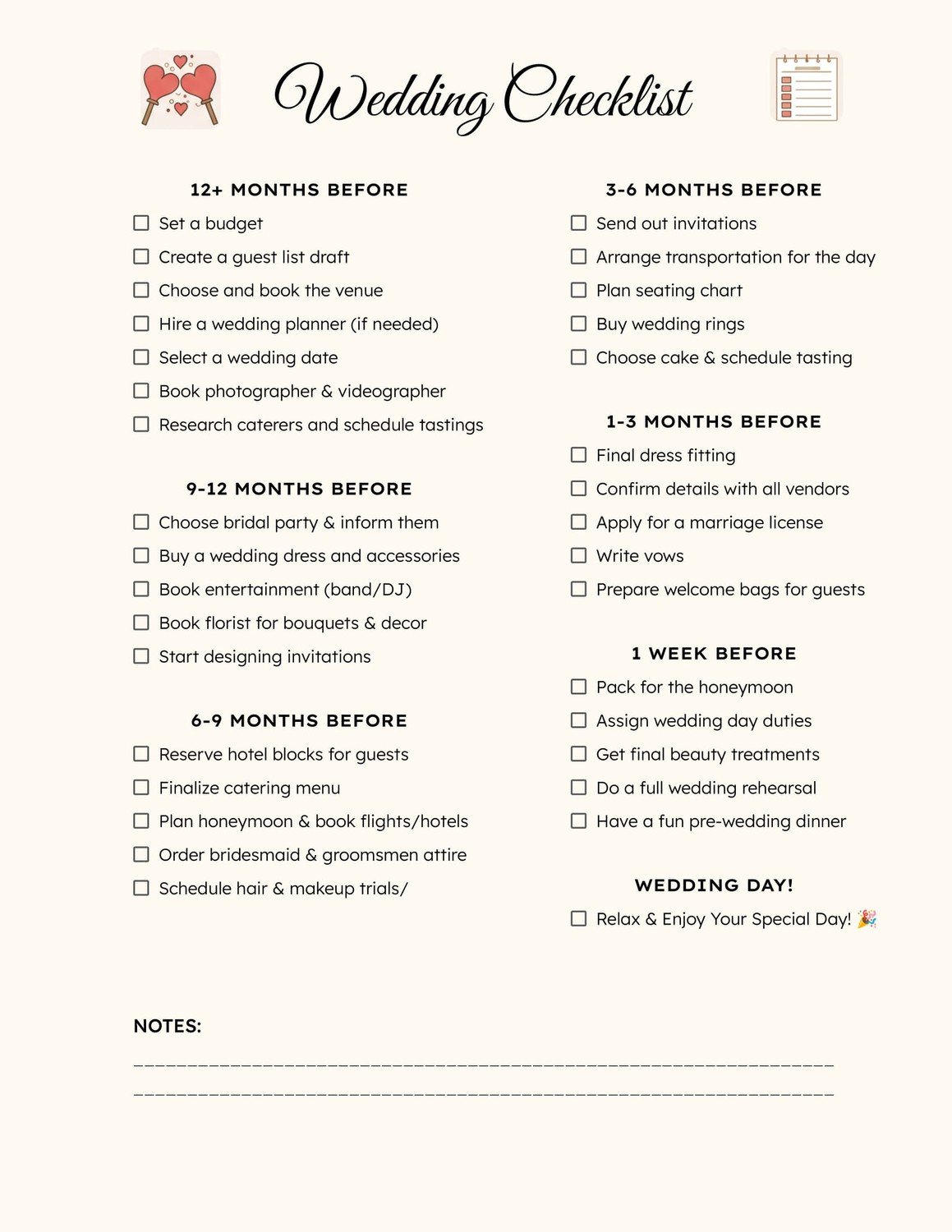
Planning a wedding can feel overwhelming, especially when it comes to creating the perfect invitations. You might find yourself sitting down on a Sunday afternoon, coffee in hand, ready to tackle the next big task: designing your wedding invitations. The good news? With a Formal Wedding Invitation Free Google Docs Template, you can make this process not only easier but also more enjoyable. These templates offer a practical way to create beautiful, personalized invitations that set the tone for your special day.
Why Choose a Google Docs Template for Your Wedding Invitations?
Using a Google Docs template for your wedding invitations has several advantages. First, it allows for easy customization. You can change the text, fonts, and colors to match your wedding theme without needing advanced design skills. Plus, Google Docs is cloud-based, so you can access your invitations from anywhere, whether you’re at home or on the go.
Another benefit is the ability to collaborate with your partner or family members. You can easily share the document, allowing others to provide input or make edits in real time. This can be especially helpful if you’re working on a tight timeline or want to ensure that everyone’s on the same page regarding the details.
Personalizing Your Formal Wedding Invitations
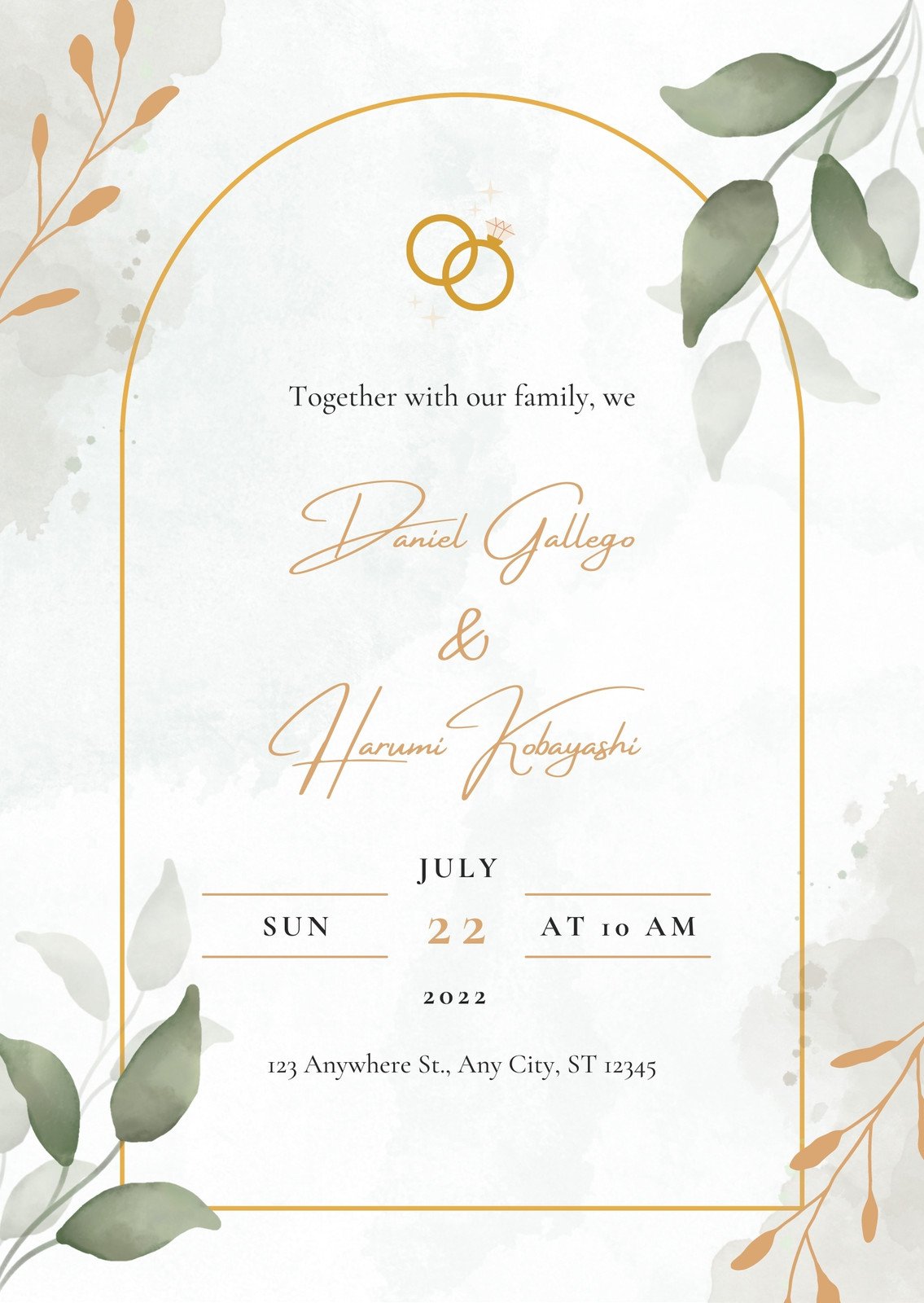
When it comes to wedding invitations, personalization is key. Your invites should reflect your style and the overall theme of your wedding. Here are some practical tips for customizing your Formal Wedding Invitation Free Google Docs Template:
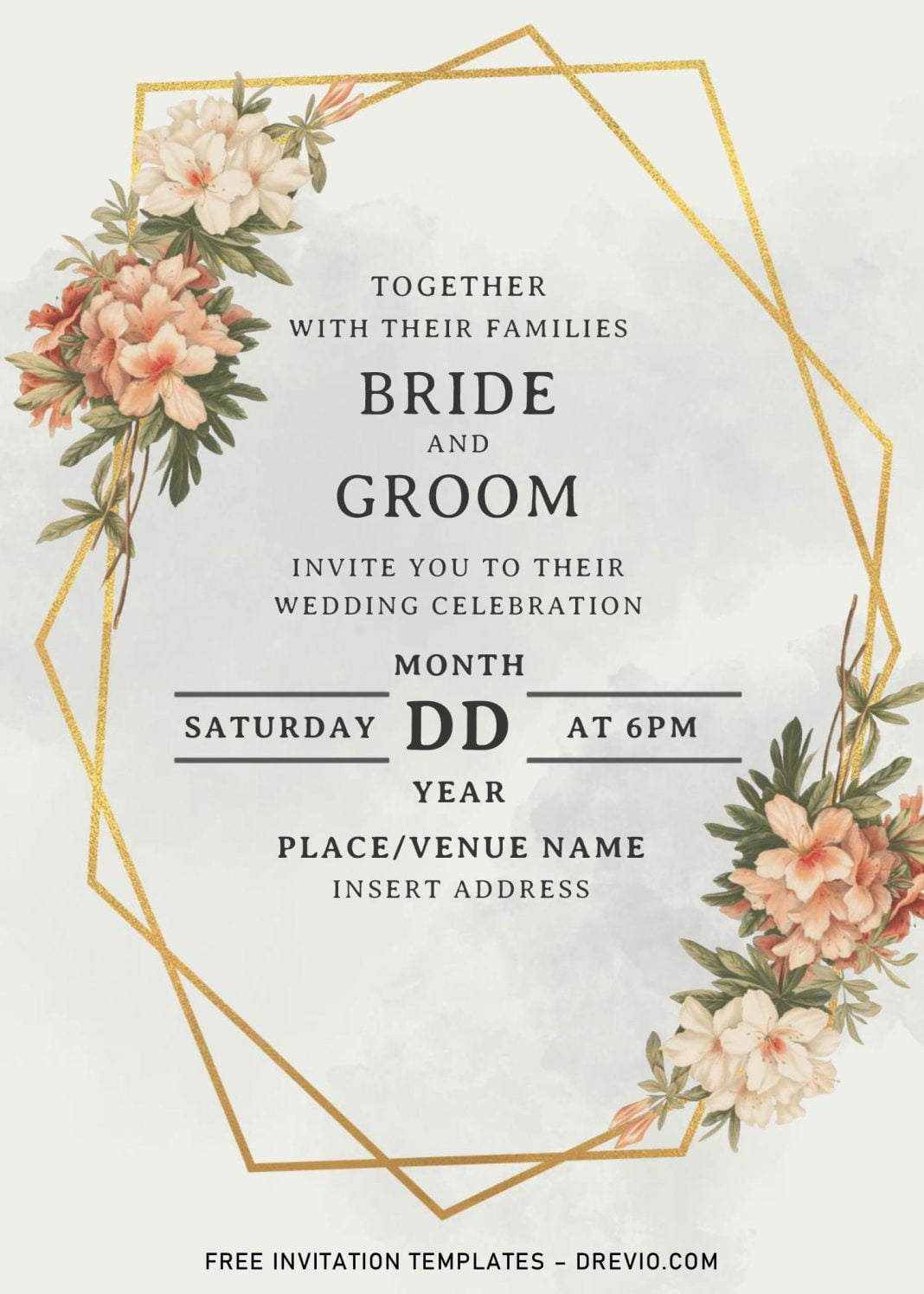
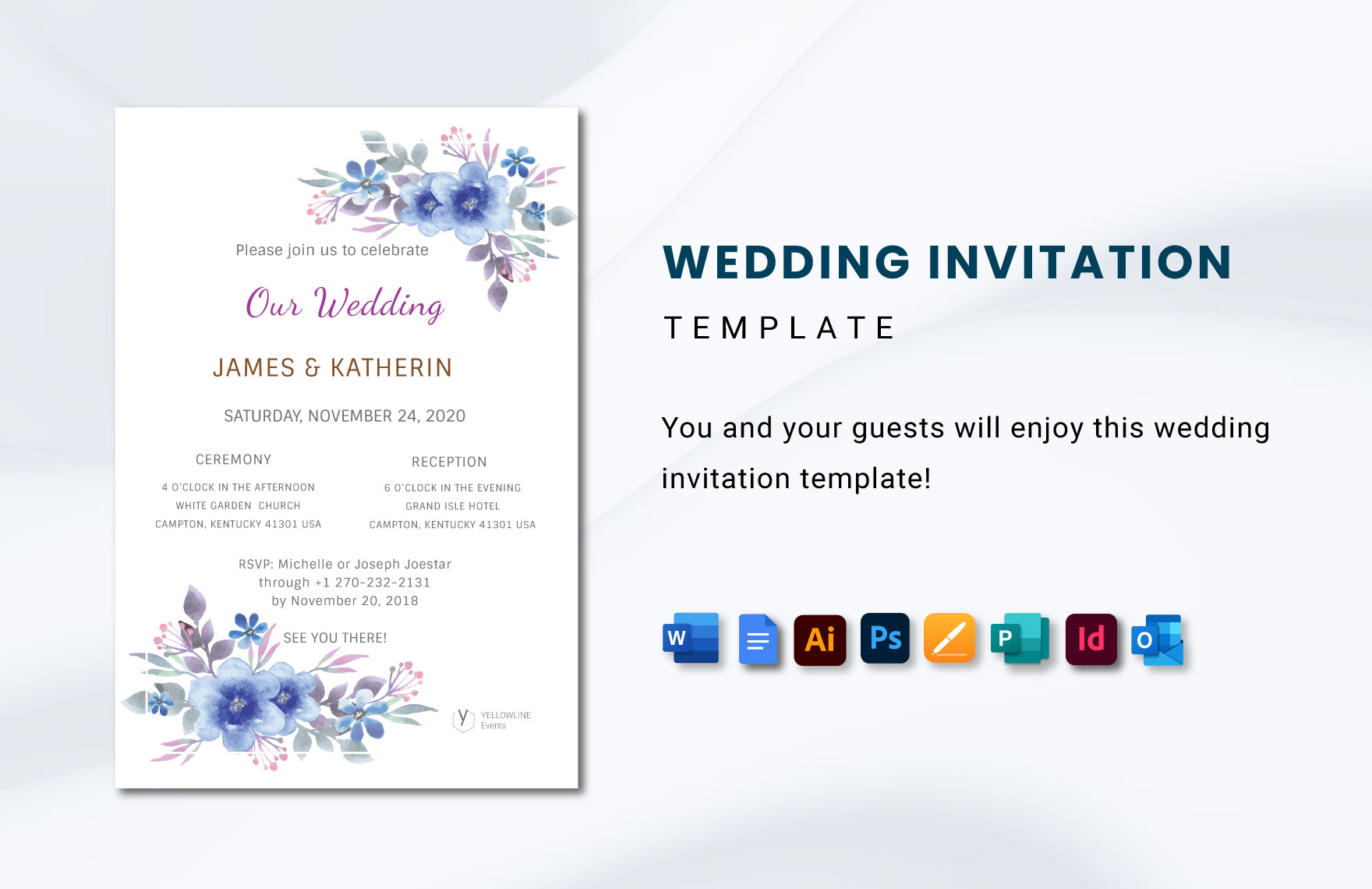
- Choose the Right Wording: The wording sets the tone. Traditional invitations typically include the names of the couple, the date, time, and location of the ceremony. Here’s a classic format you might consider:
- “Together with their families, [Bride’s Name] and [Groom’s Name] request the honor of your presence at their wedding on [Date] at [Time].”
- Select a Color Palette: Depending on your wedding colors, you can easily adjust the text color and background in Google Docs. This simple tweak can make your invitations feel cohesive with your overall wedding decor.
- Incorporate Design Elements: While Google Docs has limited design features, you can add images or custom graphics to your invitation. Consider using a floral border or a monogram that represents your initials.
- Use Appropriate Fonts: Fonts can evoke a mood. For a formal wedding, elegant script fonts combined with a clean sans-serif can create a beautiful contrast. Just ensure that your text remains readable.
Printing and Mailing Your Invitations
Once you’ve perfected your invitations, the next step is printing and mailing them. Here are some practical considerations:
- Paper Choice: For a formal look, consider using cardstock, which is thicker and more durable than regular printer paper. A weight of 80-110 lb is typically ideal for wedding invitations. This choice not only enhances the feel of the invitation but also ensures it withstands mailing without bending.
- Envelope Sizes: Standard sizes for wedding invitations are typically 5×7 inches or 4.5×6.25 inches. Make sure to select envelopes that fit your invitations snugly, as this helps them arrive in pristine condition.
- Postage Considerations: Don’t forget to weigh your invitations before mailing. If you opt for heavier cardstock or additional inserts, such as RSVP cards or details cards, you might need additional postage. It’s always a good idea to take a sample invitation to the post office to check the weight and postage requirements.
The Final Touches: Hand Delivery Vs. Mailing
Deciding whether to mail your invitations or hand-deliver them can depend on various factors, including your wedding size and your relationship with the guests. If your guest list includes close friends and family, consider hand-delivering the invitations. This personal touch can make your loved ones feel special and connected to your big day.
If you choose to mail them, ensure that you send the invitations out at least 6-8 weeks before the wedding. This timeframe allows your guests enough time to RSVP and make travel arrangements if necessary.
Formal Wedding Invitation Free Google Docs Template Gallery