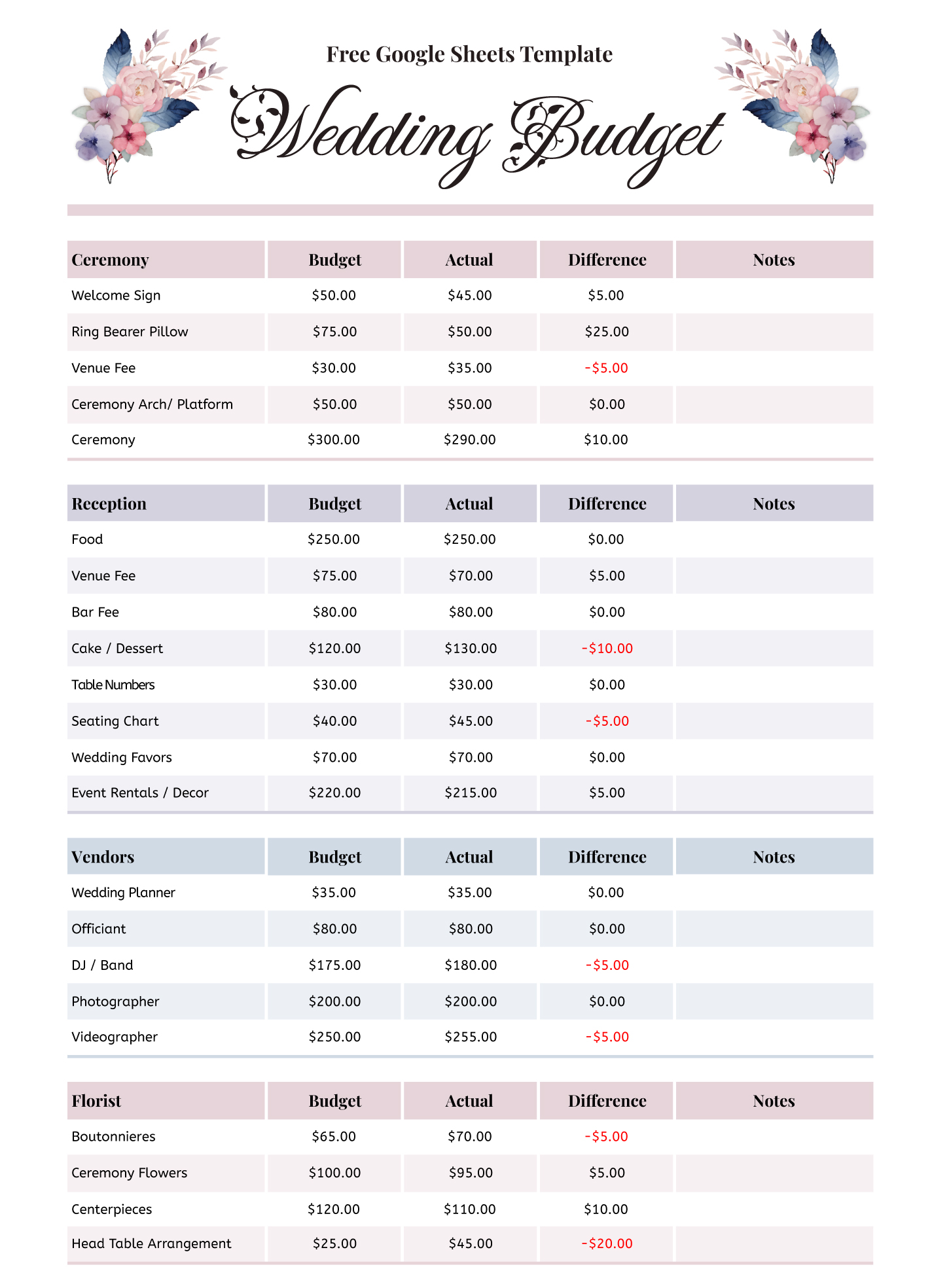
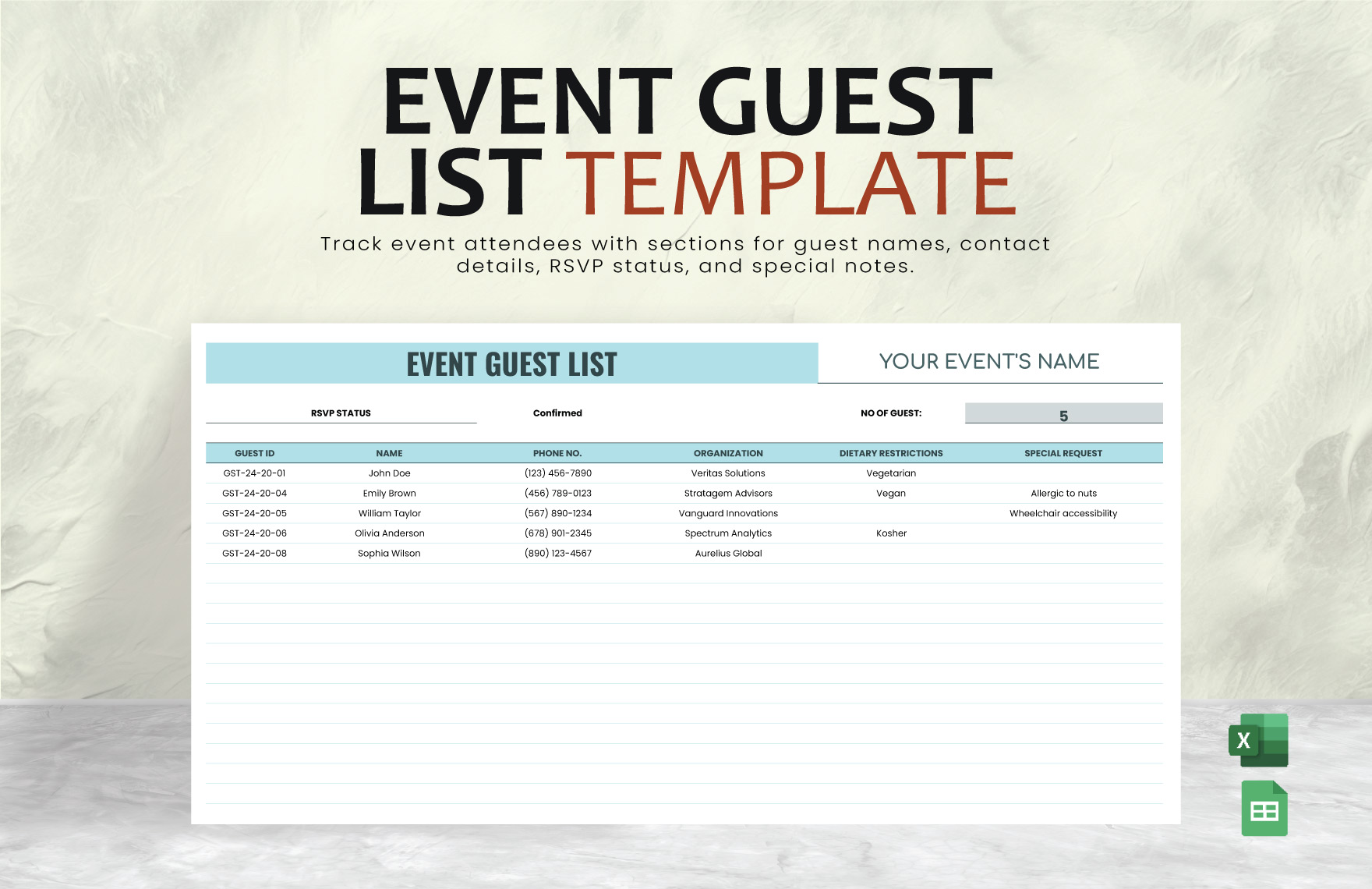
When planning a wedding, one of the most crucial tasks is creating a guest list. A Formal Wedding Guest List Free Google Sheets Template can simplify this process, offering a structured way to manage your invitees, track RSVPs, and ensure no one gets overlooked. Unlike other templates that may feel overwhelming or lack customization options, this Google Sheets template is designed specifically for weddings, making it a practical choice for couples who want to stay organized.
Key Features of the Template
This guest list template comes with built-in features that cater to the specific needs of wedding planning. You can easily customize the following elements:
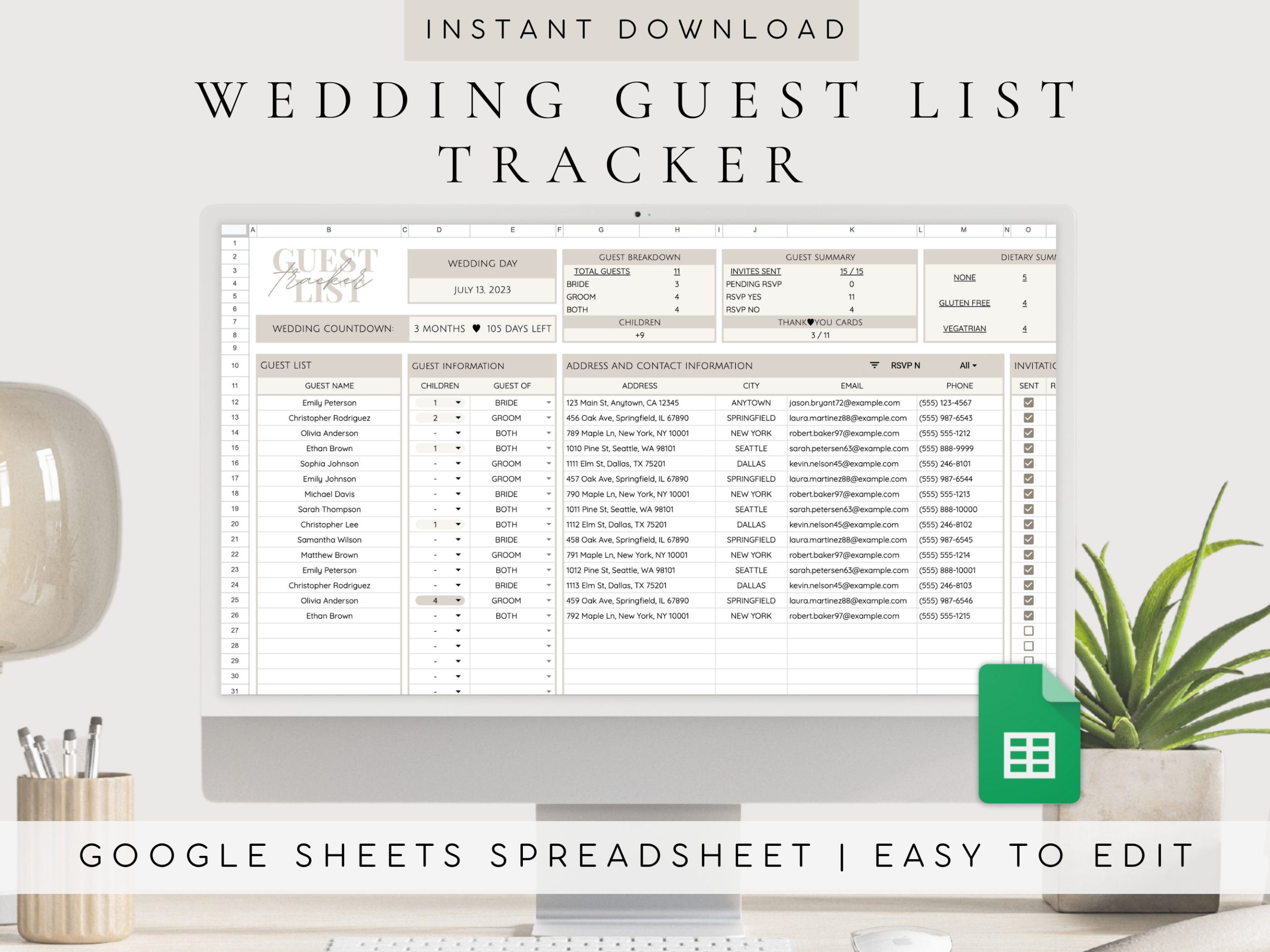
- Guest Information: Capture essential details such as names, addresses, and contact numbers. This helps ensure that you can reach out to everyone with ease.
- RSVP Tracking: There’s a dedicated section to mark whether guests have confirmed their attendance. This feature is vital for catering purposes and seating arrangements.
- Meal Preferences: If you’re offering a choice of meals, you can include a column to note guests’ preferences, making it easier to finalize catering details.
- Notes Section: Use this for any additional information you might need for each guest, such as whether they are bringing a plus one.
With these features, the template not only keeps you organized but also allows for easy updates. You can adjust names or details as needed, keeping everything in one accessible place.
Formatting and Customization Options
Google Sheets offers a variety of formatting options, giving you flexibility in how the guest list looks. Here are some tips for customization:
- Color Coding: Use different colors to indicate various statuses (e.g., invited, RSVP’d, not attending). This visual aid can help you quickly assess your guest list.
- Sorting and Filtering: Take advantage of Google Sheets’ sorting and filtering tools. This feature allows you to organize guests by last name, RSVP status, or meal choice, making it easy to manage large lists.
- Print Options: If you prefer a physical copy, you can easily print the guest list. For best results, set your print layout to portrait and adjust the margins to fit all the details neatly on the page.
Keep in mind that Google Sheets is cloud-based, so you can access your guest list from anywhere, If you are at home or on the go. This is especially beneficial during the hectic days leading up to the wedding.
How to Download and Use the Template
To get started with your Formal Wedding Guest List Free Google Sheets Template, follow these simple steps:
- Download the Template: Look for a link to the Google Sheets template on the printable-resource website. Typically, it’s as easy as clicking a button labeled “Download” or “Use Template.”
- Make a Copy: Once you have the template open in Google Sheets, go to “File” > “Make a copy.” This allows you to save the template to your own Google Drive, where you can make edits.
- Customize Your List: Begin by entering your guest names and details. Don’t feel pressured to fill everything out at once; you can always come back and add more later.
- Share with Others: If you’re planning the wedding with someone else, you can share the sheet with them. Click on the “Share” button in the top right corner and enter their email address. This way, both of you can update the guest list in real time.
- Regular Updates: As your guest list evolves—whether due to RSVPs or changes in plans—make it a habit to check and update the list regularly. This will help you stay on top of everything as the wedding date approaches.
Alternatives and Considerations
While this Google Sheets template is a fantastic tool, you might be wondering if it’s the best fit for your needs. Here are some alternatives to consider:
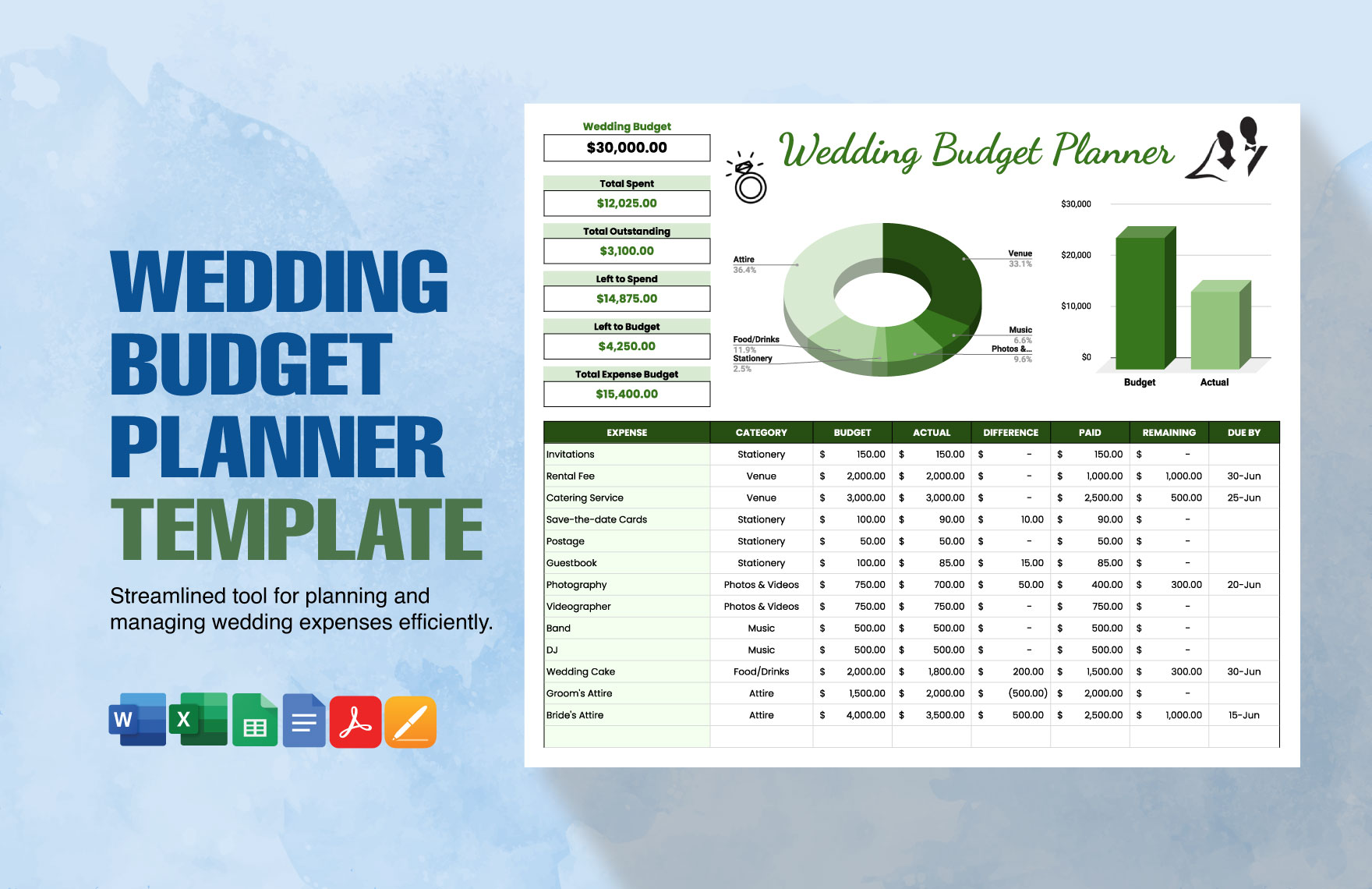
- Excel Templates: If you’re more comfortable with Microsoft Excel, there are similar templates available. Excel allows for more complex calculations, which could be helpful if you’re managing a large budget alongside your guest list.
- Wedding Planning Apps: Some couples prefer dedicated wedding planning apps that have guest list features integrated. These apps often include additional tools for budgeting, timelines, and vendor management. However, they may come with fees or subscriptions.
- Paper Lists: For those who prefer a tactile method, creating a paper list can be effective. This old-school approach allows you to physically cross off names and make notes. Just keep in mind that it won’t be as easily shareable or updatable as a digital version.
Choosing the right method depends on your personal preferences and how you plan to manage your wedding details. A digital template, like the Formal Wedding Guest List Free Google Sheets Template, is often more efficient, especially when juggling multiple tasks.
As you prepare for your special day, consider how this guest list template can fit into your overall wedding planning routine. It’s a straightforward, practical solution that can save you time and stress. Whether you opt for a digital approach or stick to traditional methods, make sure it aligns with your planning style and needs.
Formal Wedding Guest List Free Google Sheets Template Gallery