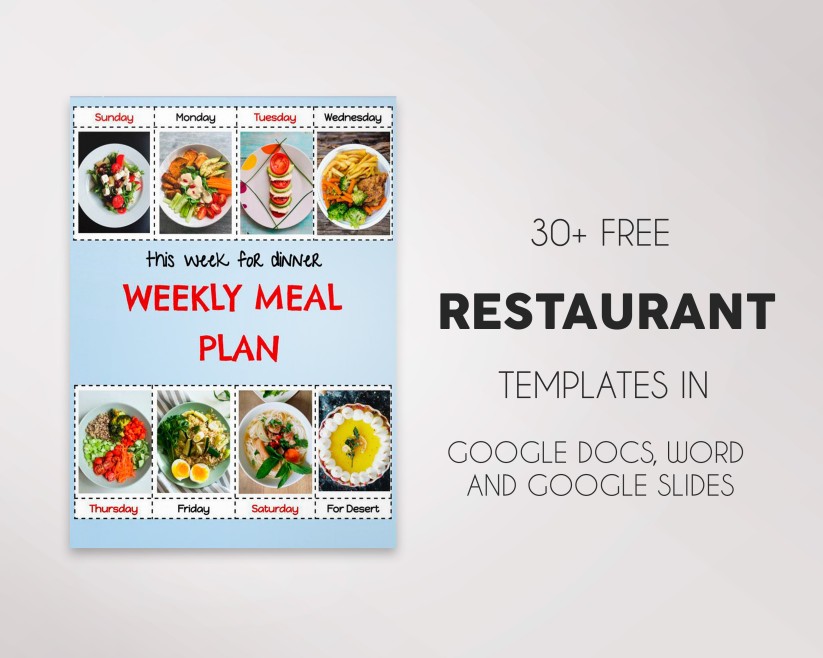
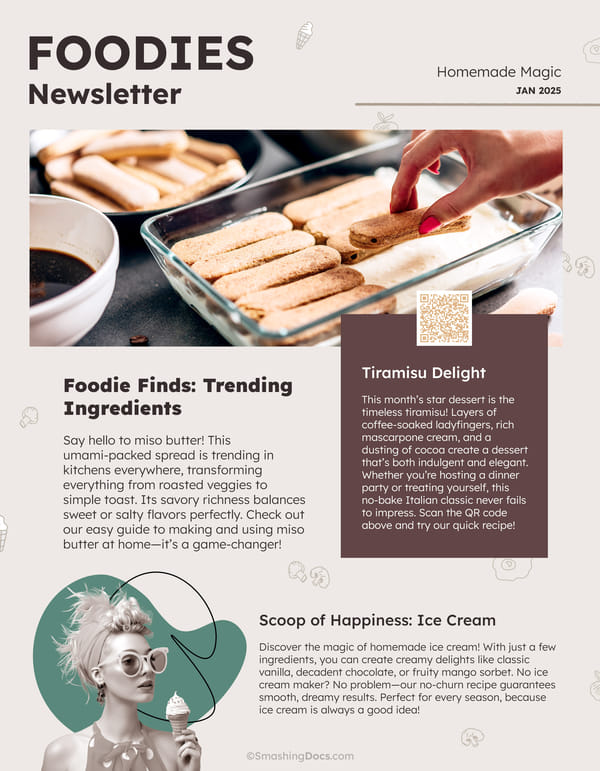
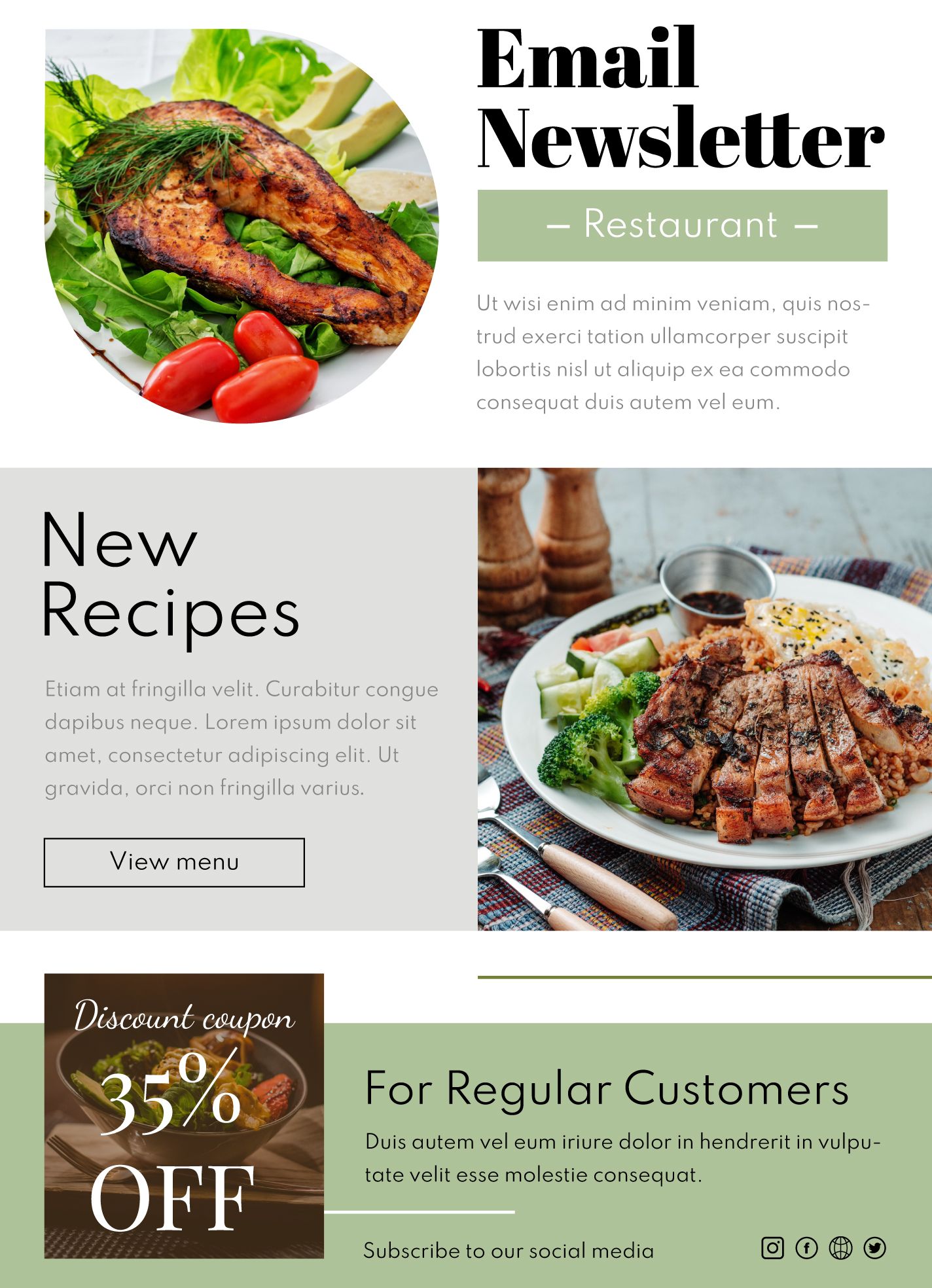
Creating a newsletter for your food business can feel overwhelming. Most templates online are either too generic or so complicated that they end up causing more stress than they alleviate. The Food and Restaurant Newsletter Free Google Docs Template stands out because it offers a user-friendly format that makes it easy to customize and share. If you are a restaurant owner, a catering service, or a food blogger, this template can help you reach your audience effectively.
What Makes This Template Different?
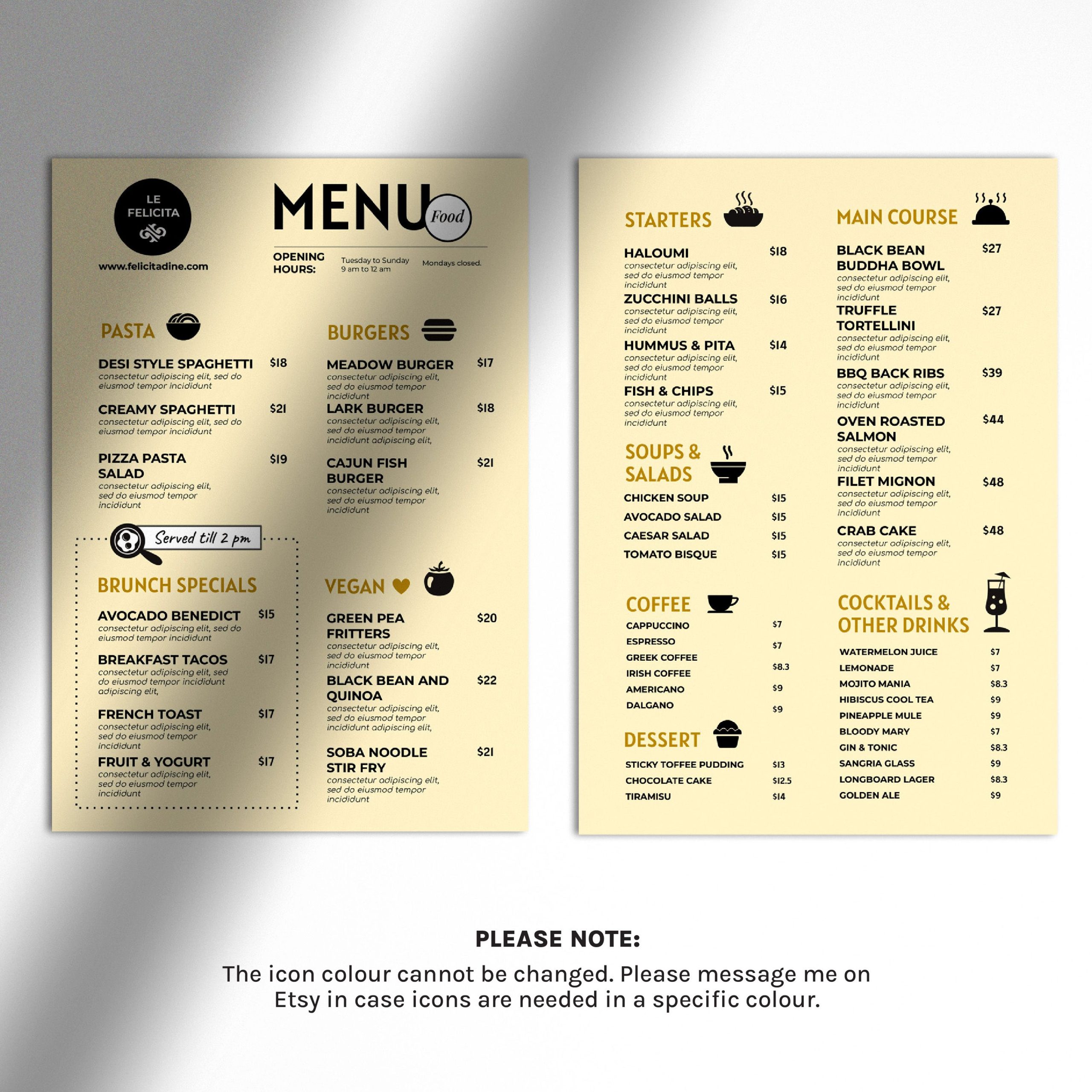
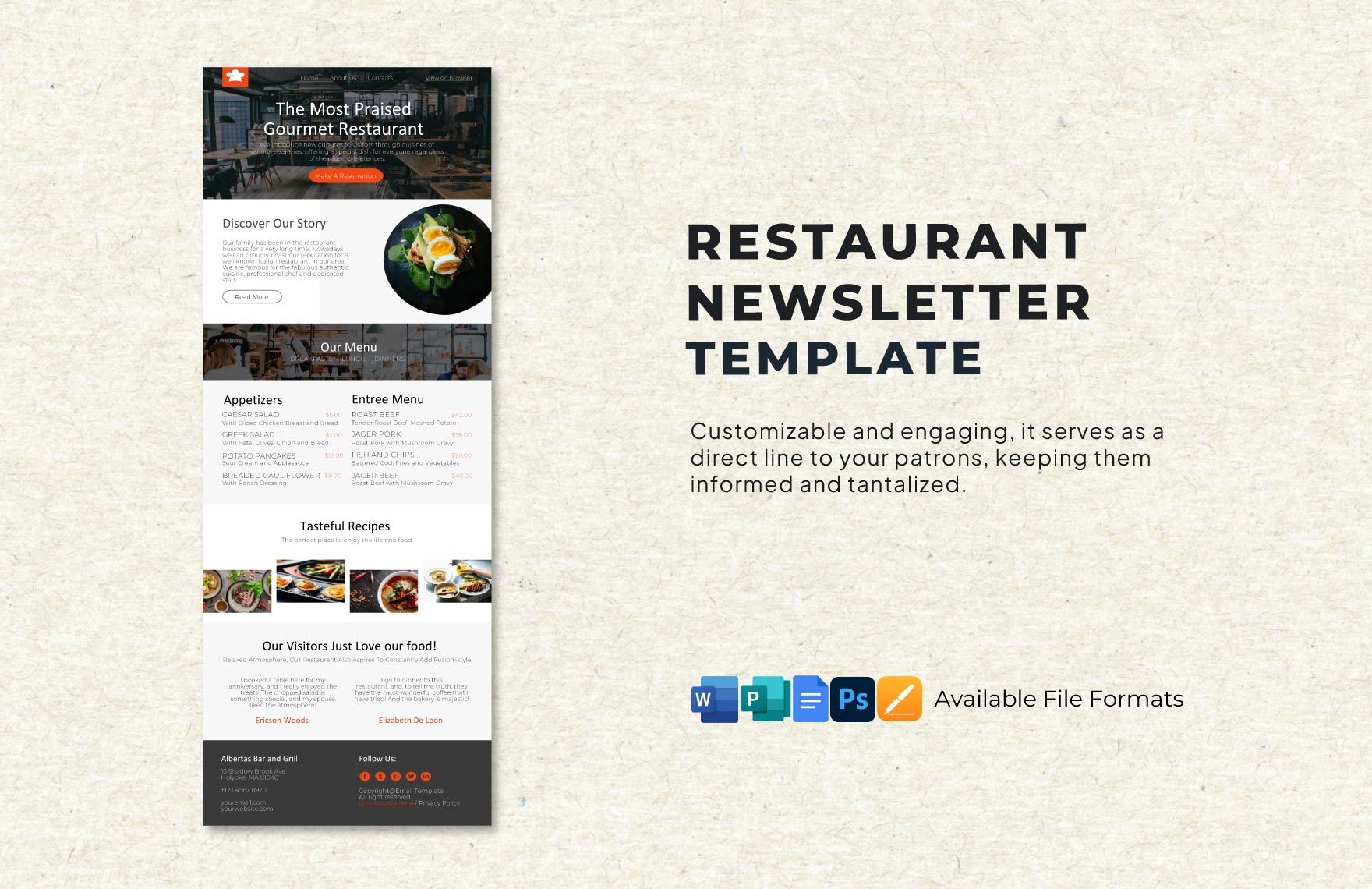
When searching for a newsletter template, you might come across a plethora of options, many of which look similar at first glance. The key difference with this Google Docs template is its focus on the food industry. It’s designed specifically to showcase your menu, highlight special events, and share recipes or tips that engage your clientele. You can easily modify the layout to fit your brand’s aesthetic, ensuring that your newsletter doesn’t just inform but also reflects your restaurant’s personality.
Moreover, using Google Docs means that you can access your newsletter from anywhere, making it simple to edit and share on-the-go. Plus, the collaborative features allow you to work with your team in real-time, making it easier to gather input and finalize designs together.
Customizing Your Newsletter
One of the greatest advantages of the Food and Restaurant Newsletter Free Google Docs Template is its flexibility. Here, I’ll share some practical ways to customize it to suit your needs:
- Brand Colors and Fonts: You can easily change the colors and fonts to align with your restaurant’s branding. This is a great opportunity to create a cohesive look across all your marketing materials.
- Content Sections: The template includes various sections for different types of content. You can add a featured recipe, upcoming events, or customer testimonials. Think about what your audience wants to see and structure your newsletter accordingly.
- Images and Graphics: High-quality images of your dishes can make your newsletter more appealing. You can simply drag and drop your images into the template. Ensure they are clear and vibrant to entice your readers.
- Call to Action: Don’t forget to include a call to action, whether it’s encouraging readers to make a reservation, visit your website, or follow you on social media. This can significantly increase engagement.
- Printable Version: If you prefer to distribute physical copies, ensure your layout fits standard letter-size paper (8.5 x 11 inches). You can easily print it at home or at a local print shop.
Practical Use Cases for Your Newsletter
Once you’ve customized your newsletter, the next step is determining how to use it effectively. Here are some practical use cases that can help you maximize its impact:
- Monthly Specials: Use your newsletter to highlight monthly specials or seasonal dishes. This keeps your menu fresh in the minds of customers and can drive traffic during slower months.
- Event Announcements: If you’re hosting a special event or promotion, your newsletter is a great way to get the word out. Include details like dates, times, and any special activities.
- Customer Feedback and Surveys: Engage with your customers by including a short survey or feedback section. This not only shows that you value their opinions but can also provide insights into what they enjoy most about your restaurant.
- Loyalty Programs: If you have a loyalty program, share updates through your newsletter. Remind customers of their rewards and encourage them to visit more frequently.
Downloading and Sharing Your Template
Getting started with the Food and Restaurant Newsletter Free Google Docs Template is straightforward. Here are the steps you need to follow:
- Download the Template: Access the template through the provided link. You might need to sign into your Google account if you aren’t already.
- Make a Copy: Once you open the template, make a copy to your Google Drive. This ensures that you can edit it without altering the original.
- Edit and Customize: Take your time to personalize it. Remember, clarity and visual appeal are key.
- Share with Your Team: If you’re collaborating with others, share the document via Google Docs. You can grant them editing rights, allowing for seamless teamwork.
- Export as PDF: If you plan to send the newsletter via email or print it, consider exporting it as a PDF. This format avoids any formatting issues that can occur with Google Docs.
Considerations When Using the Template
While the Food and Restaurant Newsletter Free Google Docs Template is a fantastic resource, there are a few considerations to keep in mind:
- Brand Consistency: Ensure that the newsletter aligns with your other marketing materials. A disconnected look can confuse customers and dilute your brand identity.
- Frequency of Distribution: Decide how often you want to send out newsletters. Monthly is often a good starting point, but assess your capacity to produce quality content consistently.
- Legal Considerations: If you include customer testimonials or images, make sure you have permission to use them. This is crucial to avoid any potential legal issues.
- Testing and Feedback: After your first few newsletters, ask for feedback. What do your readers like? What would they want to see more of? Use this feedback to refine your approach.
By leveraging the Food and Restaurant Newsletter Free Google Docs Template, you can effectively communicate with your audience, showcase your culinary offerings, and build lasting relationships with your patrons. Remember to keep your content engaging and visually appealing, and you’ll see the positive impact on your business’s growth.
Food and Restaurant Newsletter Free Google Docs Template Gallery