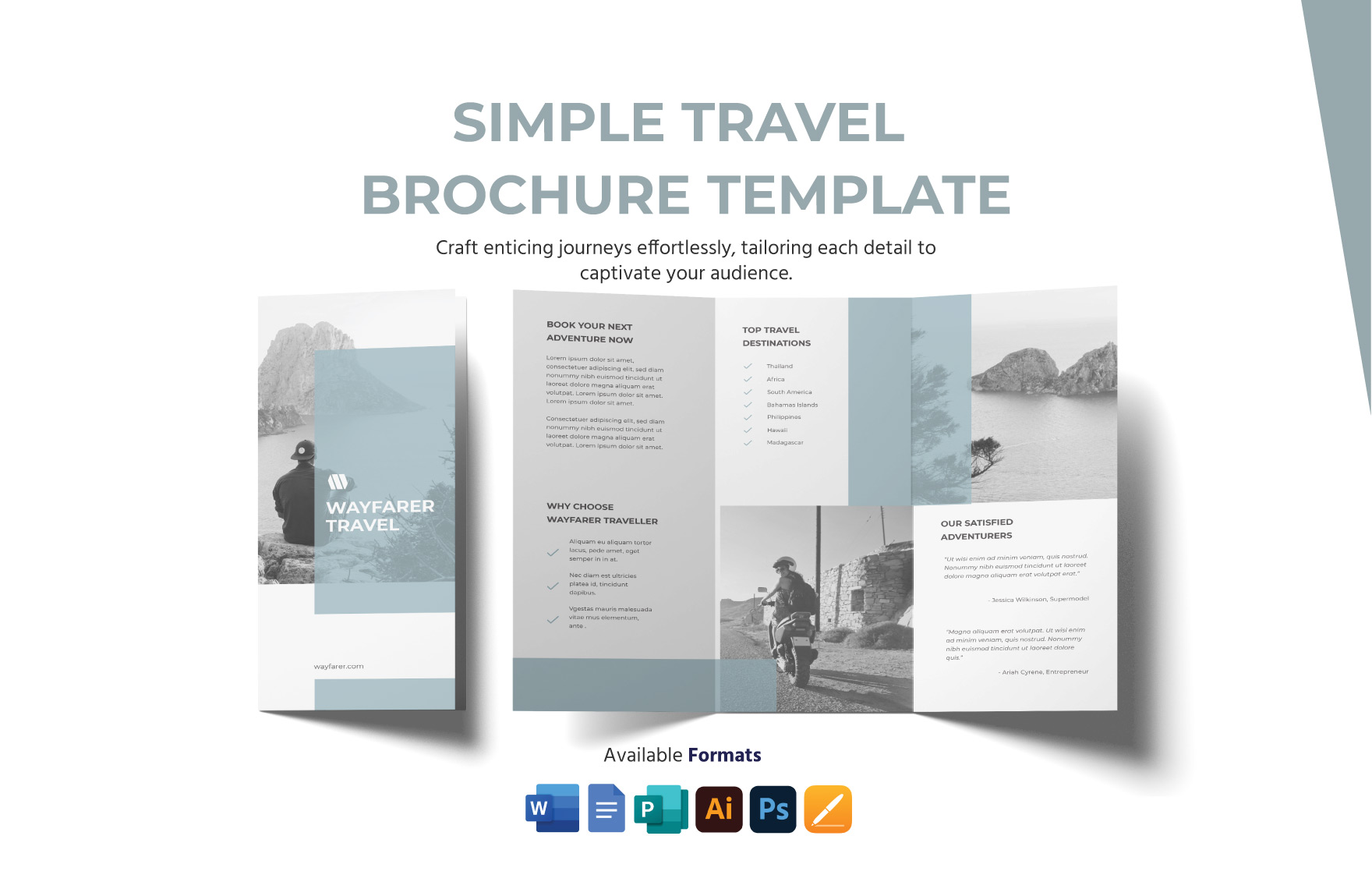
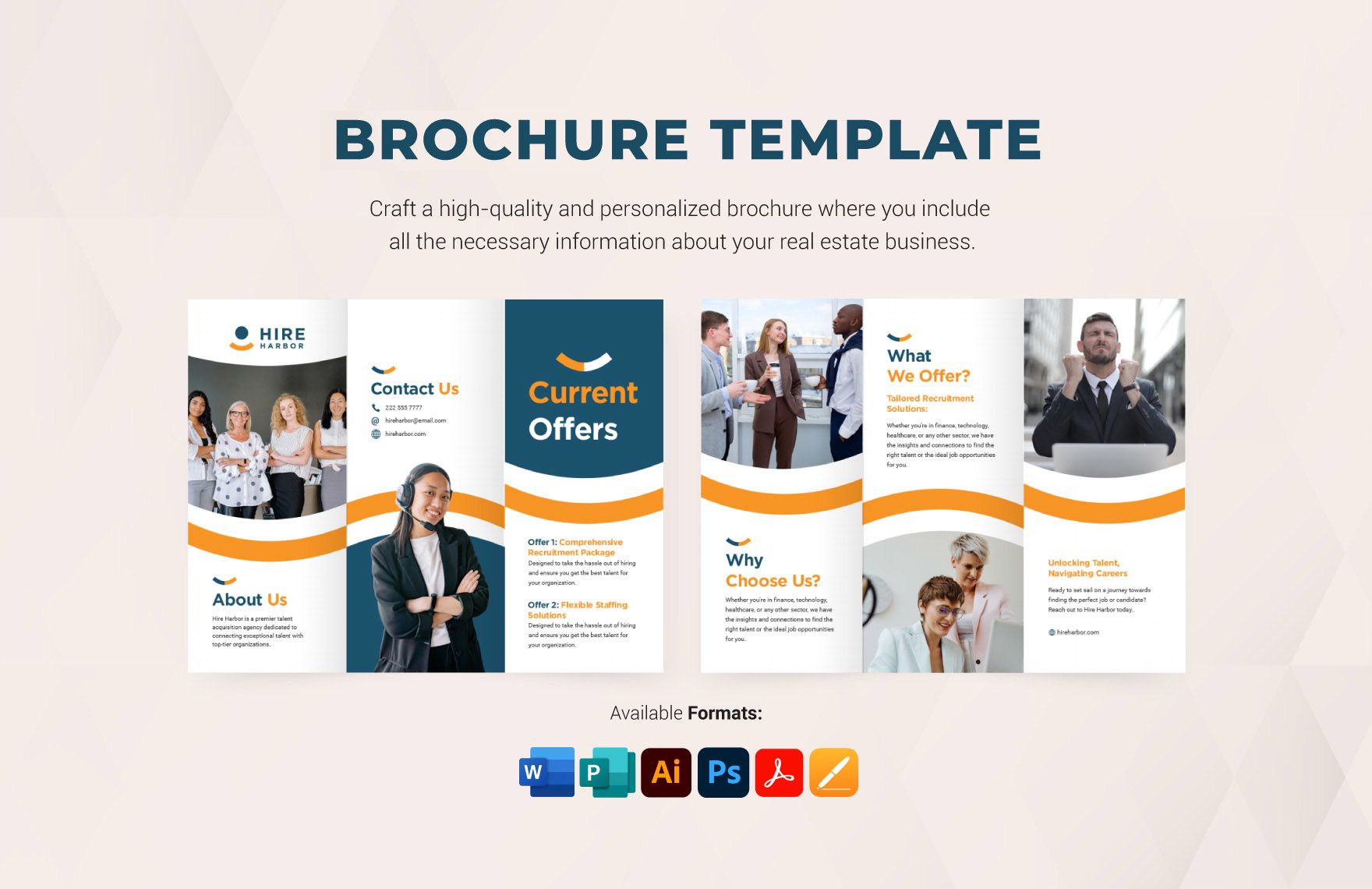
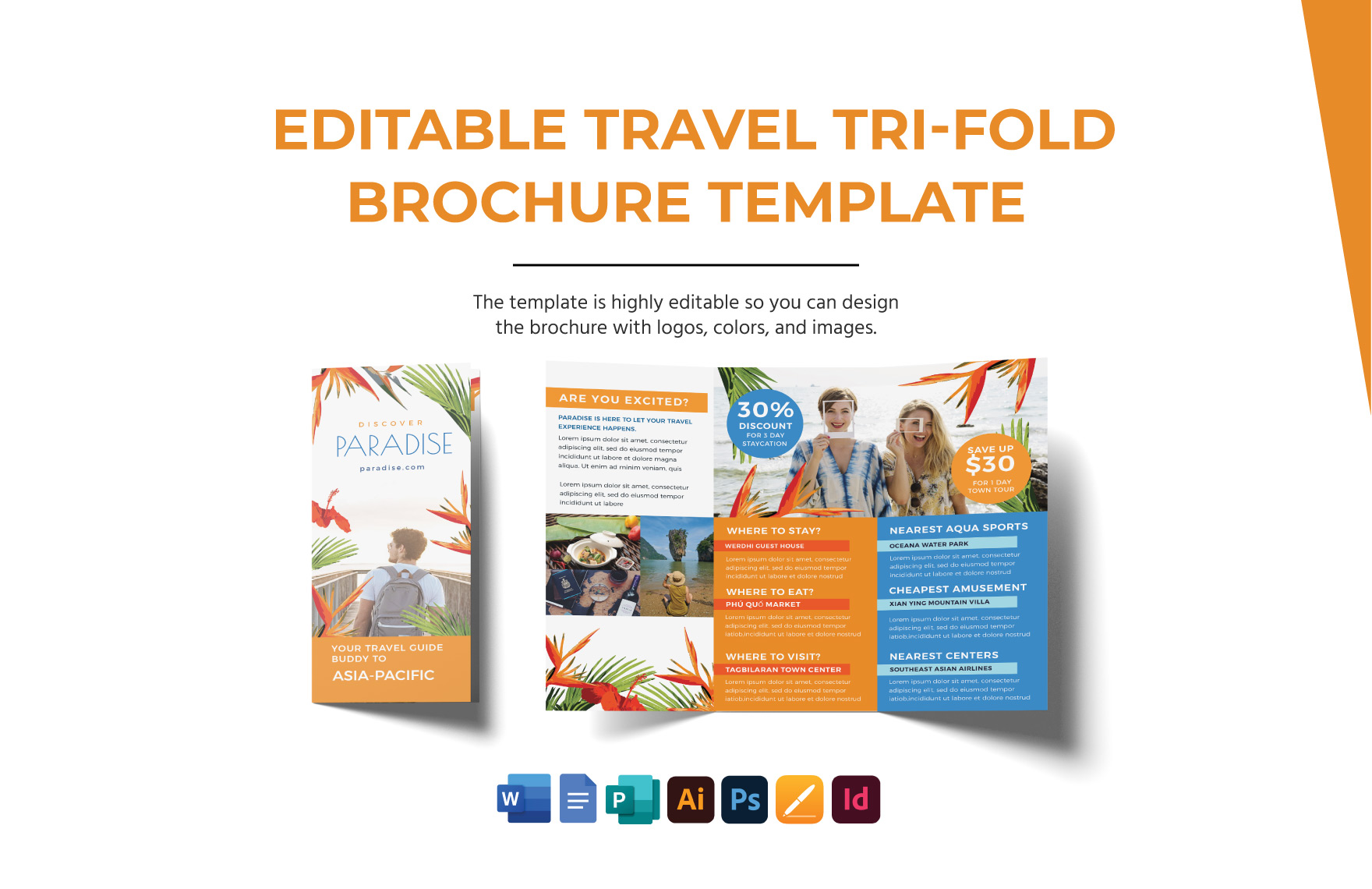
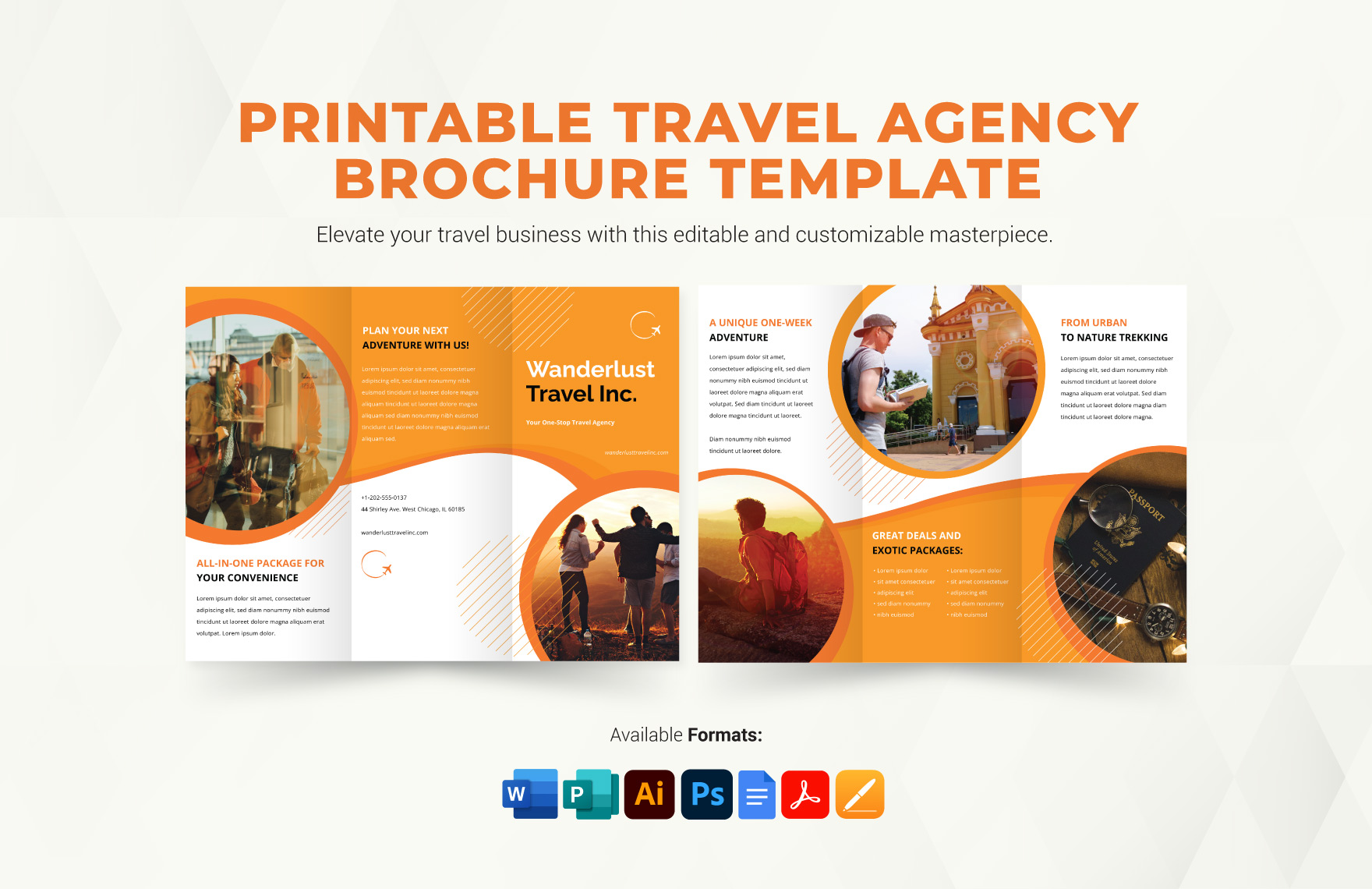
Creating a travel brochure can be an exciting way to share your travel experiences, plan future trips, or even engage your kids in learning about geography and culture. With a Foldable Travel Brochure Free Google Docs Template, you can easily design a colorful and informative brochure that showcases your favorite destinations. This resource is perfect for family vacations, school projects, or even just for fun!
What Is a Foldable Travel Brochure?
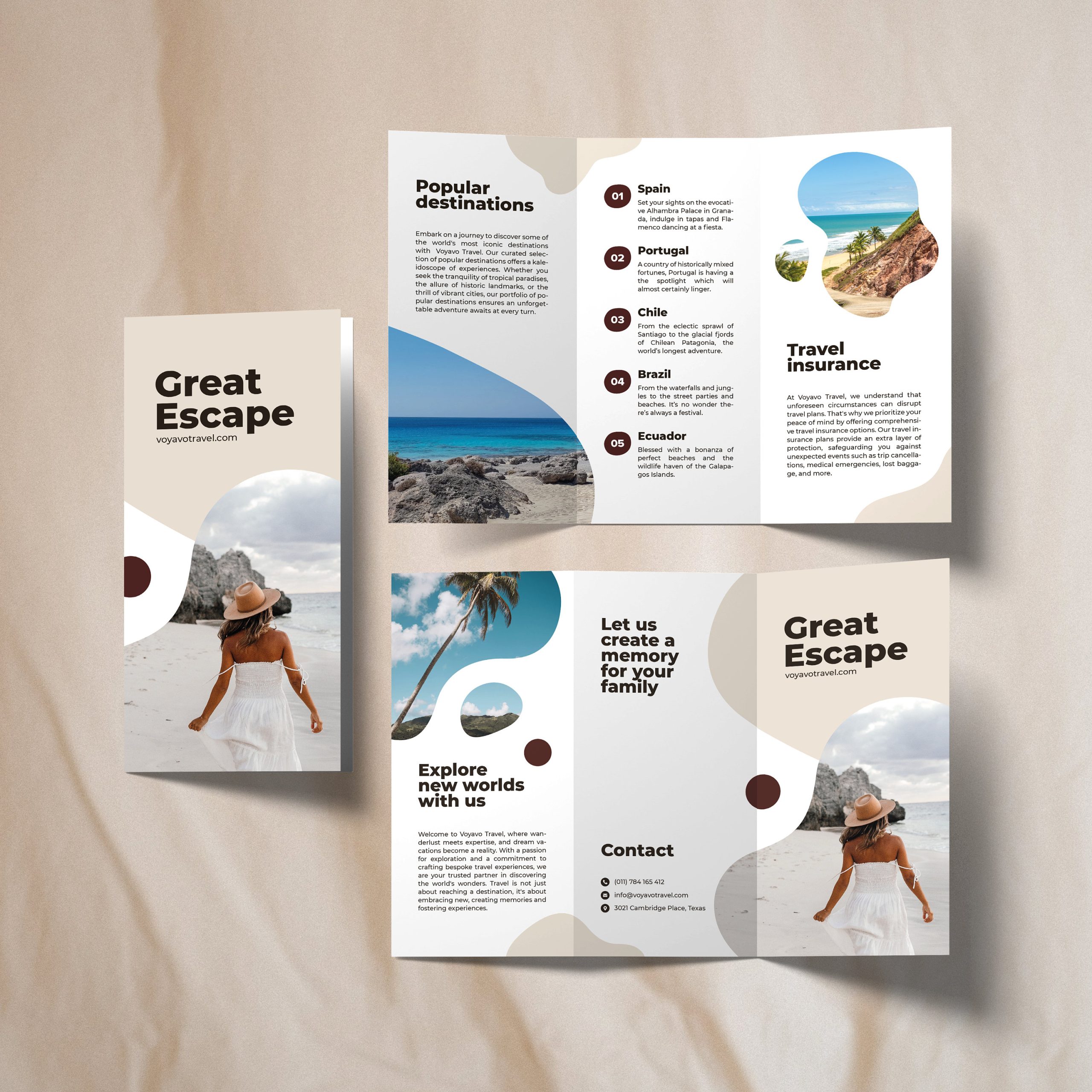
A foldable travel brochure is a compact, multi-panel document that allows you to present information in a visually appealing way. Typically, these brochures are designed to be printed on standard letter-sized paper (8.5 x 11 inches) and can be folded into a tri-fold or bi-fold format. This makes them easy to carry and share, If you are handing them out at a family gathering or using them as part of a school presentation.
By using a Google Docs template, you can edit the content directly in your browser. It’s user-friendly, and you won’t need any advanced design skills to create something beautiful. The template is easily customizable, so you can add your own images, text, and personal touches.
How to Download the Template
Getting started with your Foldable Travel Brochure Free Google Docs Template is simple. Here’s how you can download and access it:
- Visit the website offering the template.
- Locate the link for the Foldable Travel Brochure Free Google Docs Template.
- Click on the link to open the template in Google Docs.
- Select “File” in the top menu, then choose “Make a copy” to save it to your Google Drive. This step allows you to edit it without modifying the original template.
Make sure you have a Google account to access Google Docs. If you don’t have one yet, creating an account is quick and straightforward.
Customizing Your Brochure
Once you have the template open in Google Docs, customization is where the fun really begins! Here are some practical tips to make your travel brochure stand out:
- Add Your Images: Use high-resolution images that represent the destinations you want to feature. To insert images, go to “Insert” > “Image” and choose the source (upload from your computer, Google Drive, etc.).
- Edit the Text: Replace placeholder text with your own content. Include details like travel dates, interesting facts about the location, and personal anecdotes. Keep your text concise to maintain readability.
- Choose Beautiful Fonts: Select fonts that fit the theme of your trip. Google Docs offers a variety of fonts. Just highlight the text and choose a new font from the font dropdown menu.
- Color Schemes: Use colors that evoke the spirit of the place you are showcasing. You can change the background color of each panel by clicking on “File” > “Page setup” and selecting a color.
Printing Your Brochure
After customizing your brochure, it’s time to print it. Here are some tips to ensure your printed brochure looks as good as it does on screen:
- Paper Choice: For a professional finish, consider using heavier paper like cardstock, especially if you plan to fold it. Standard printer paper (20 lb) works too, but it won’t be as durable.
- Printer Settings: Adjust your printer settings to “Best Quality” for optimal results. Make sure to select the correct paper size (8.5 x 11 inches) in the print settings.
- Test Print: Before printing multiple copies, do a test print to see how everything looks. This way, you can catch any formatting issues or typos before the final print.
Using Your Travel Brochure
Once your Foldable Travel Brochure is printed, it can serve multiple purposes:
- Family Planning: Use it to outline your travel itinerary, highlighting key attractions and scheduling activities.
- Educational Tool: If you’re a parent or teacher, this brochure can be a fun way to teach kids about different cultures and geography. They can create brochures about places they want to learn about.
- Sharing Memories: After your trip, the brochure can become a keepsake, filled with memories and experiences from your travels.
- Presentation Aid: If your child has a school project on a specific location, this brochure can enhance their presentation, making it more engaging.
Be mindful of how you fold and store your brochures after printing. If you plan to carry them around, consider laminating them for durability.
Creating a Foldable Travel Brochure using the Free Google Docs Template is a practical and enjoyable way to engage with travel planning. It combines creativity with organization, making it a valuable resource for parents looking to involve their children in the adventure of travel. Just remember to check your printer settings and paper type to ensure the best results!
Foldable Travel Brochure Free Google Docs Template Gallery