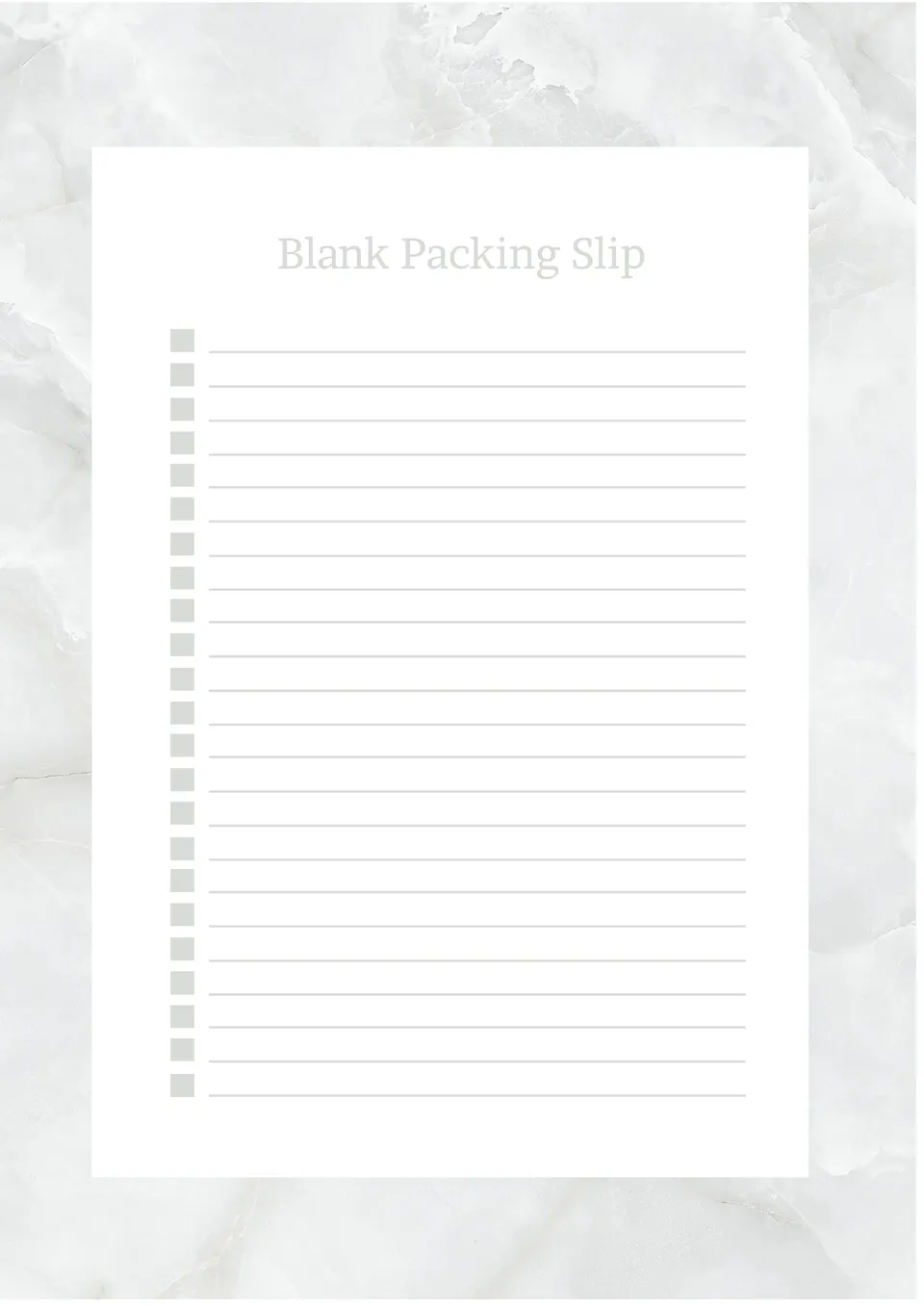
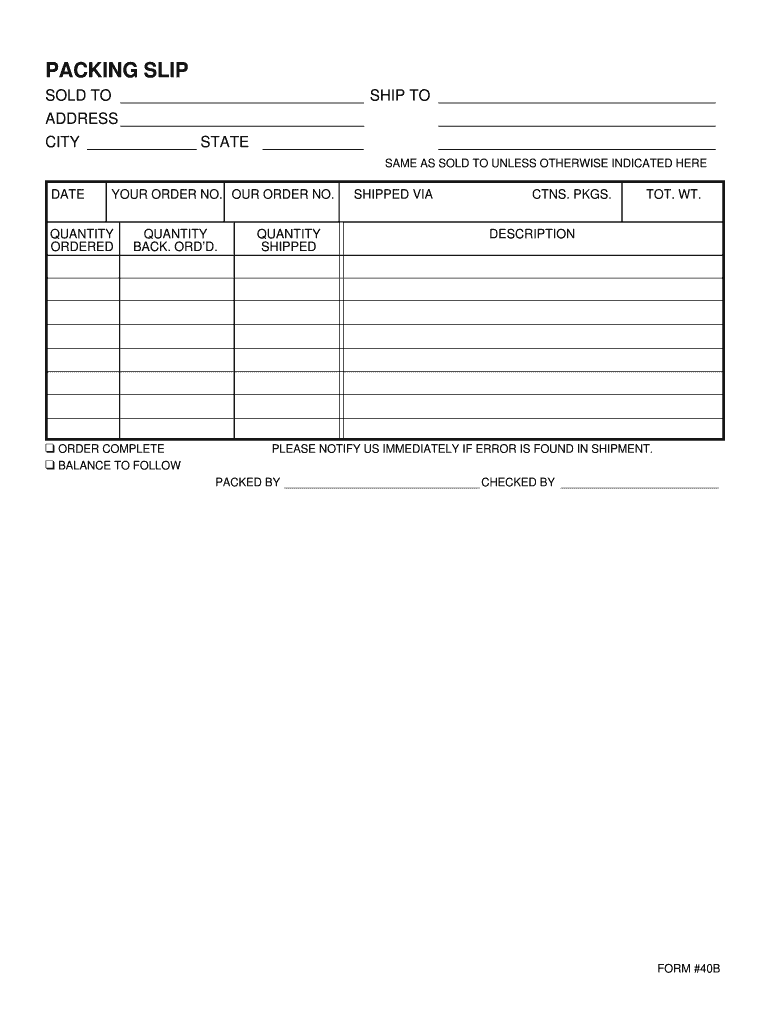
Creating a fillable packing slip can save you a lot of time and hassle when shipping items. This resource is designed to help you manage your orders effectively, ensuring that both you and your customers have all the necessary information at hand. The Fillable Packing Slip Free Google Docs Template is a simple yet powerful tool that allows you to customize your packing slips to fit your specific needs.
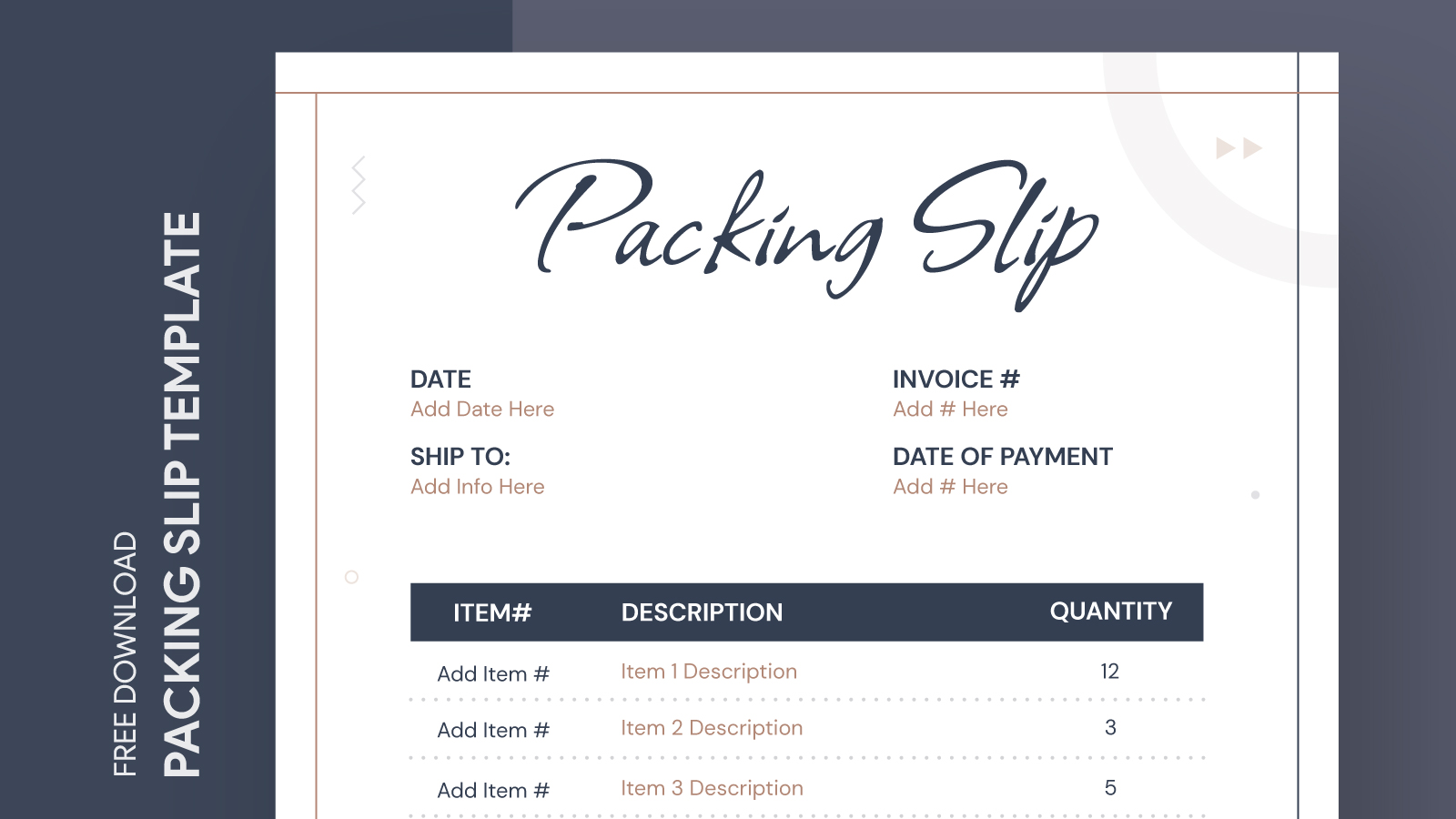
Understanding the Layout of the Packing Slip Template
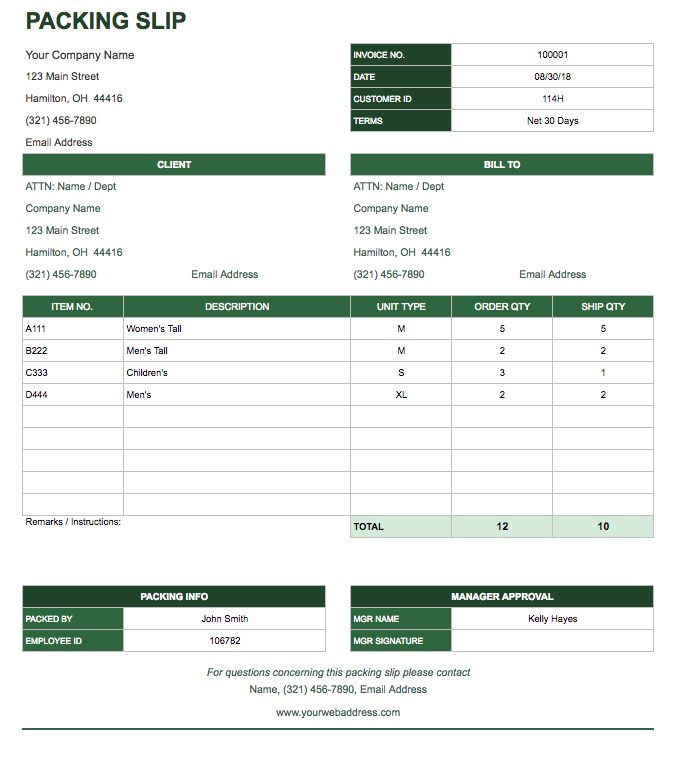
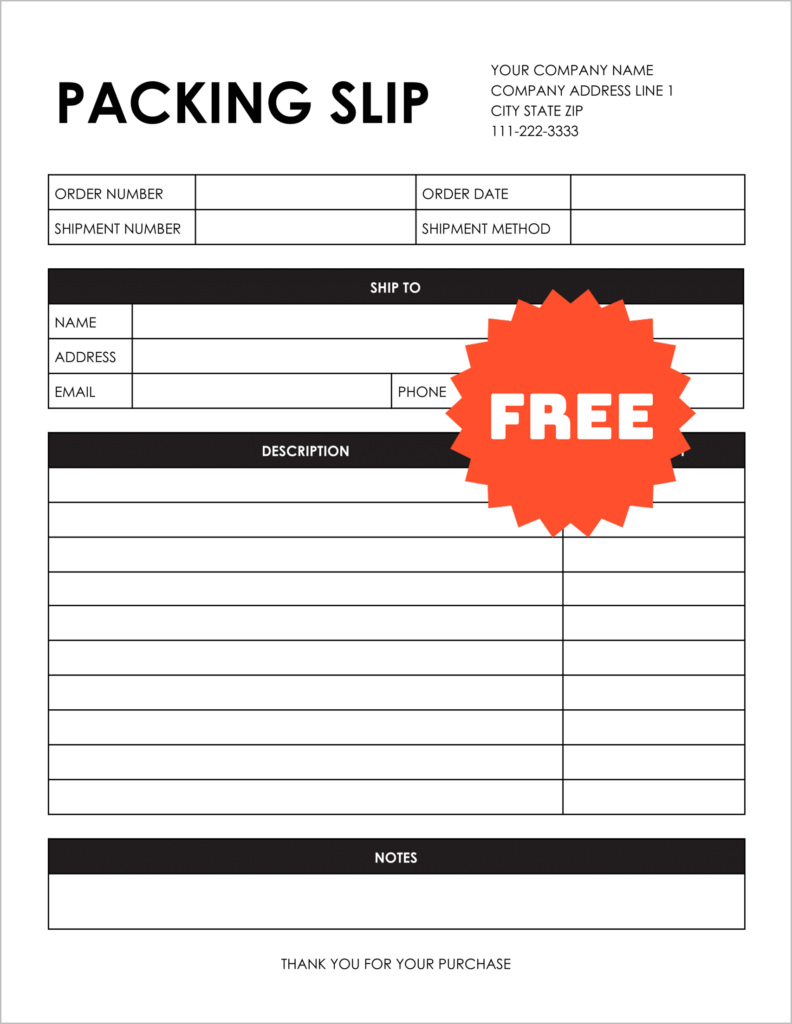
When you first open the Fillable Packing Slip Free Google Docs Template, you’ll notice a clean and straightforward design. The template typically uses an 8.5 x 11-inch format, which is standard for printing on letter-sized paper. This size is perfect for most home or office printers, allowing you to easily print multiple packing slips without any hassle.
The layout is divided into several sections, each designated for specific information. This includes:
- Sender Information: Your name, address, and contact details.
- Recipient Information: The name and address of the person receiving the package.
- Order Details: A list of items being shipped, including quantity and description.
- Tracking Information: Space for any tracking numbers or shipping carrier details.
This structured format ensures that all relevant information is clearly presented, making it easy for both you and the recipient to reference.
Customizing Your Packing Slip
One of the best features of the Fillable Packing Slip Free Google Docs Template is its customizability. You can easily fill in the required fields directly in Google Docs. Here’s how to make it work for you:
- Open the Template: After downloading, open the template in Google Docs.
- Fill in Your Information: Enter your business name and address in the sender section. Ensure it’s accurate to prevent any shipping issues.
- Add Recipient Details: Input the recipient’s information, making sure it’s spelled correctly. Double-check for any typos that could lead to delivery problems.
- List the Items: For the order details, you can add as many items as needed. Each item should include a brief description and the quantity.
- Final Touches: Consider adding a logo or branding elements to personalize your packing slip further.
By customizing these elements, you can create a packing slip that reflects your brand and meets your operational needs.
Practical Usage Scenarios
Using a fillable packing slip template can be particularly beneficial for various scenarios, such as:
- E-commerce Businesses: If you run an online shop, a well-organized packing slip can enhance the customer experience by providing clear information about their orders.
- Gift Shipping: When sending gifts, you can include a personalized message along with the packing slip, making the experience more special for the recipient.
- Returns Management: Including a packing slip can help streamline the return process, allowing customers to easily reference their original order details.
In each case, having a fillable packing slip on hand simplifies the shipping process and keeps everything organized.
Printing and Using the Template
Once you’ve filled out the packing slip, it’s time to print. Here are a few practical tips to ensure the best results:
- Paper Type: Regular printer paper works well, but using a heavier cardstock can provide a more professional feel, especially if you’re using the slips for business purposes.
- Print Settings: Make sure your printer settings are adjusted for standard letter-sized paper. If you’re printing multiple slips, check the “Print Multiple Copies” option to save time.
- Check Alignment: Before printing a large batch, do a test print to ensure everything aligns properly and is easy to read.
After printing, you can attach the packing slip to your package, ensuring it’s visible. This helps in keeping everything organized and ensures the recipient has all the information they need.
Using the Fillable Packing Slip Free Google Docs Template is about more than just aesthetics; it’s a practical solution that enhances your shipping operations. With a few simple customizations, you can streamline your processes and provide a better experience for your customers. The most useful detail to remember? This template is entirely free and easy to access, so you can start organizing your shipping today!
Fillable Packing Slip Free Google Docs Template Gallery