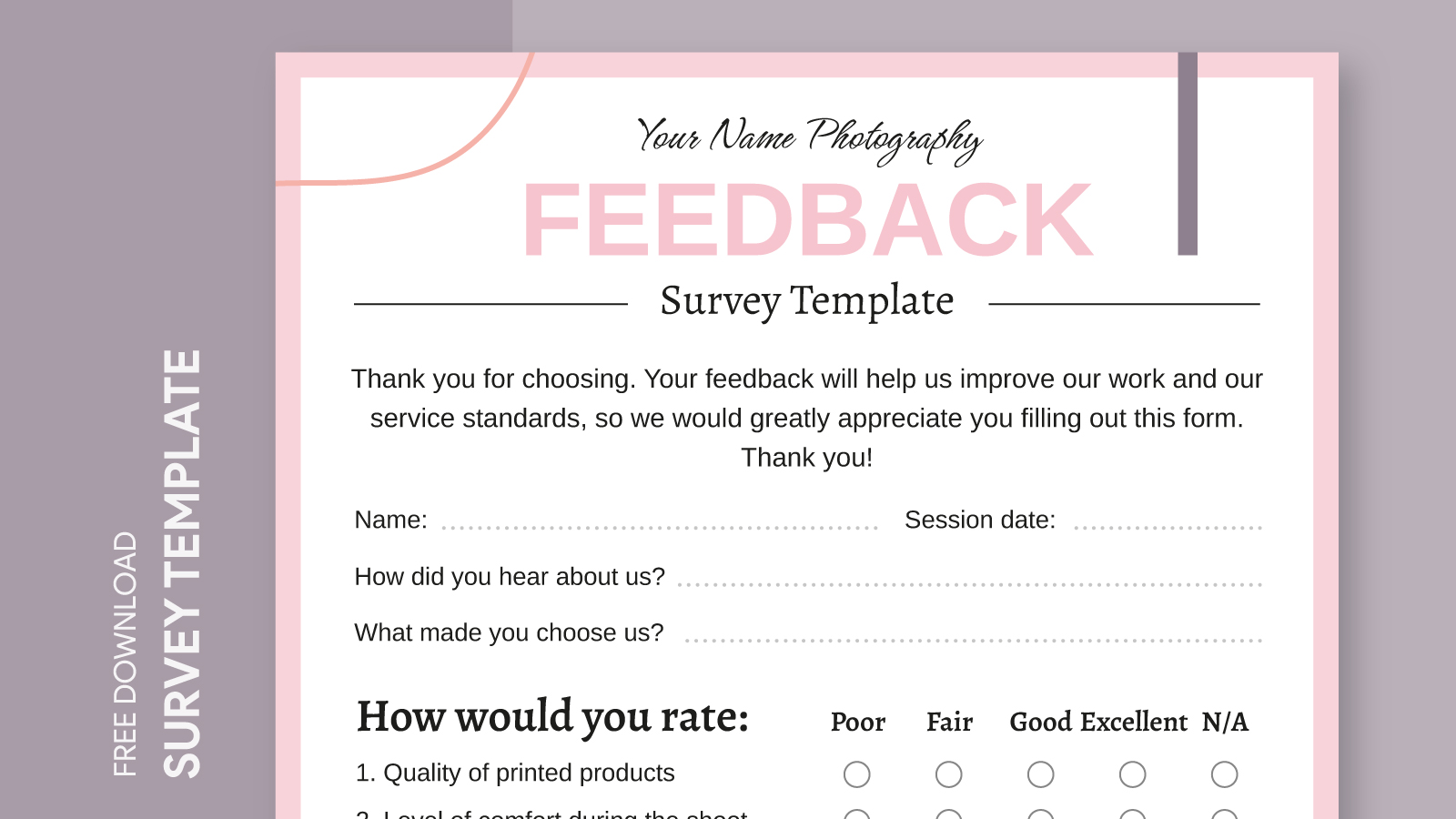
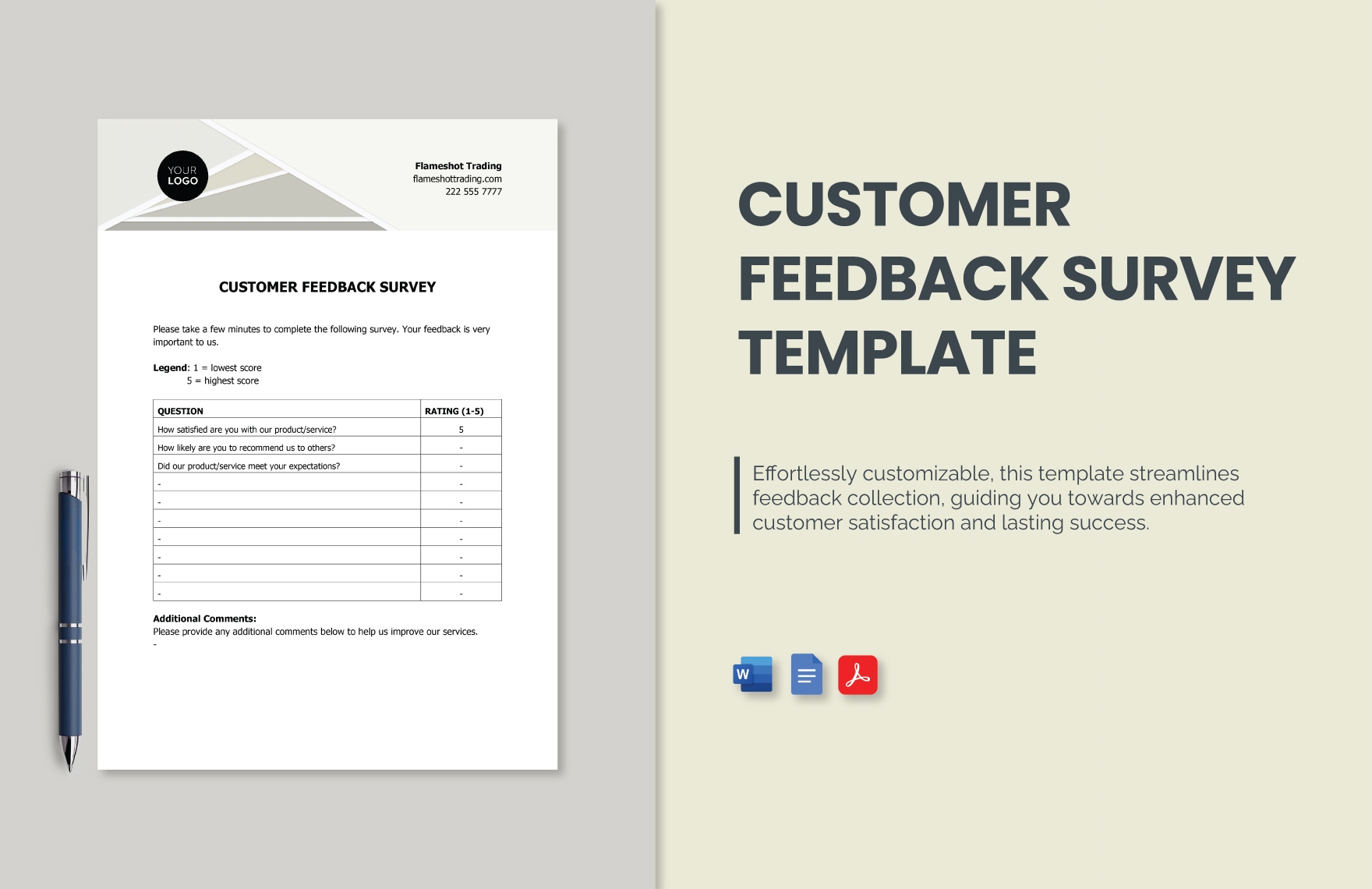
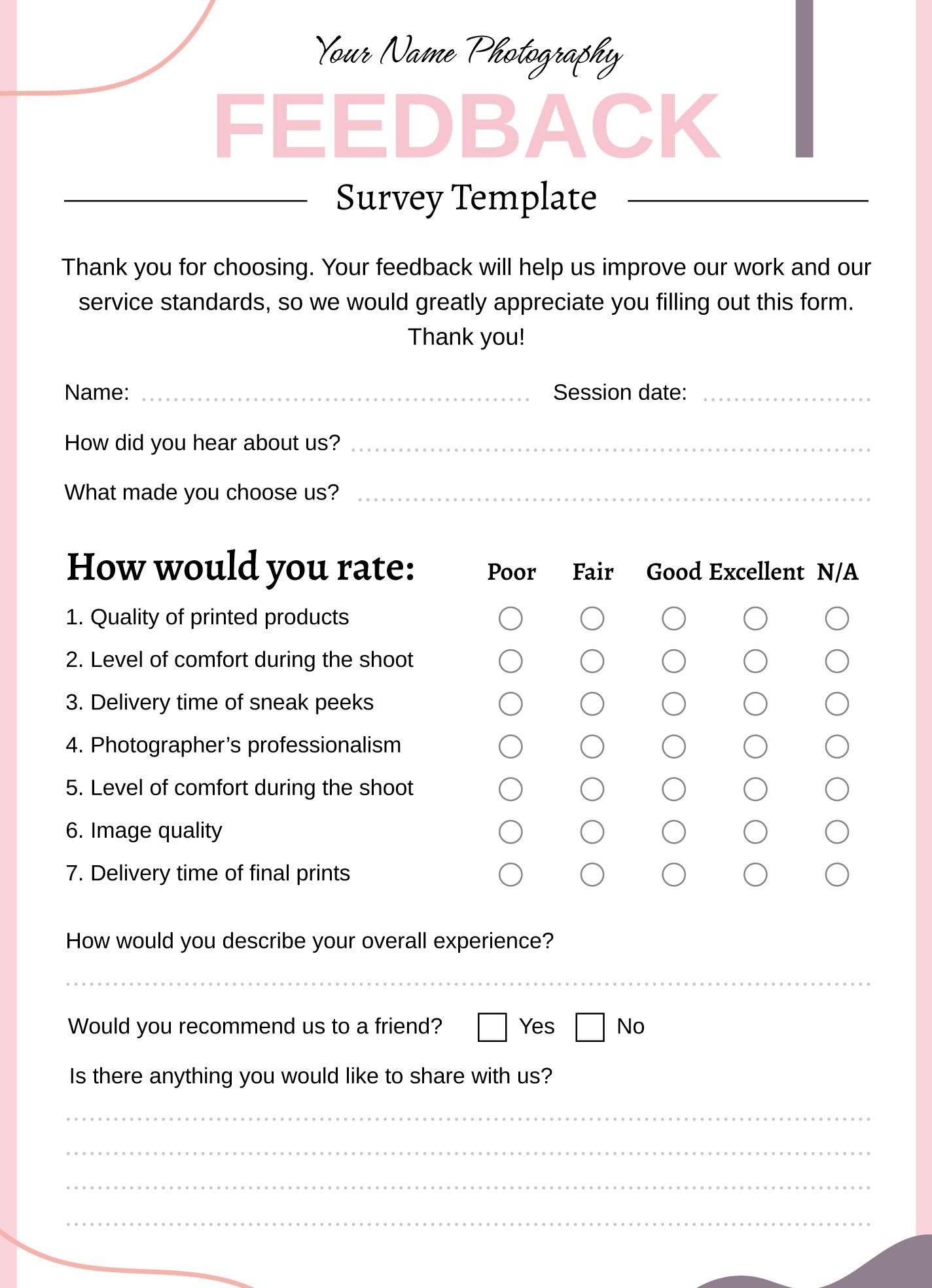
Using a Feedback Survey Free Google Docs Template can streamline your feedback gathering process, making it easier to collect opinions, suggestions, and insights from your audience. If you are a teacher wanting to gauge student understanding, a business owner looking for customer feedback, or an event planner seeking attendee impressions, this template is designed to help you gain valuable insights efficiently.
What to Expect From the Free Google Docs Feedback Survey Template
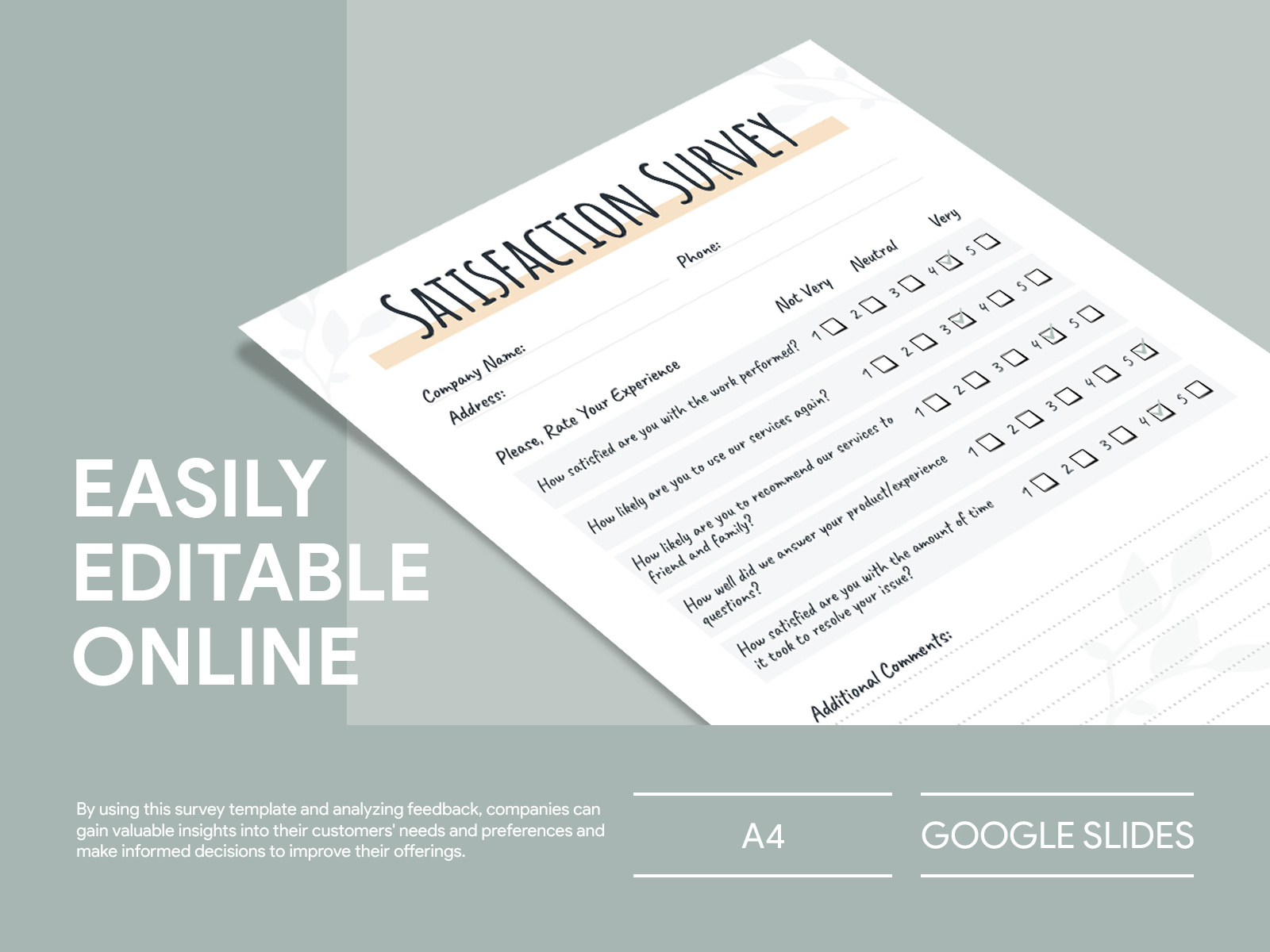
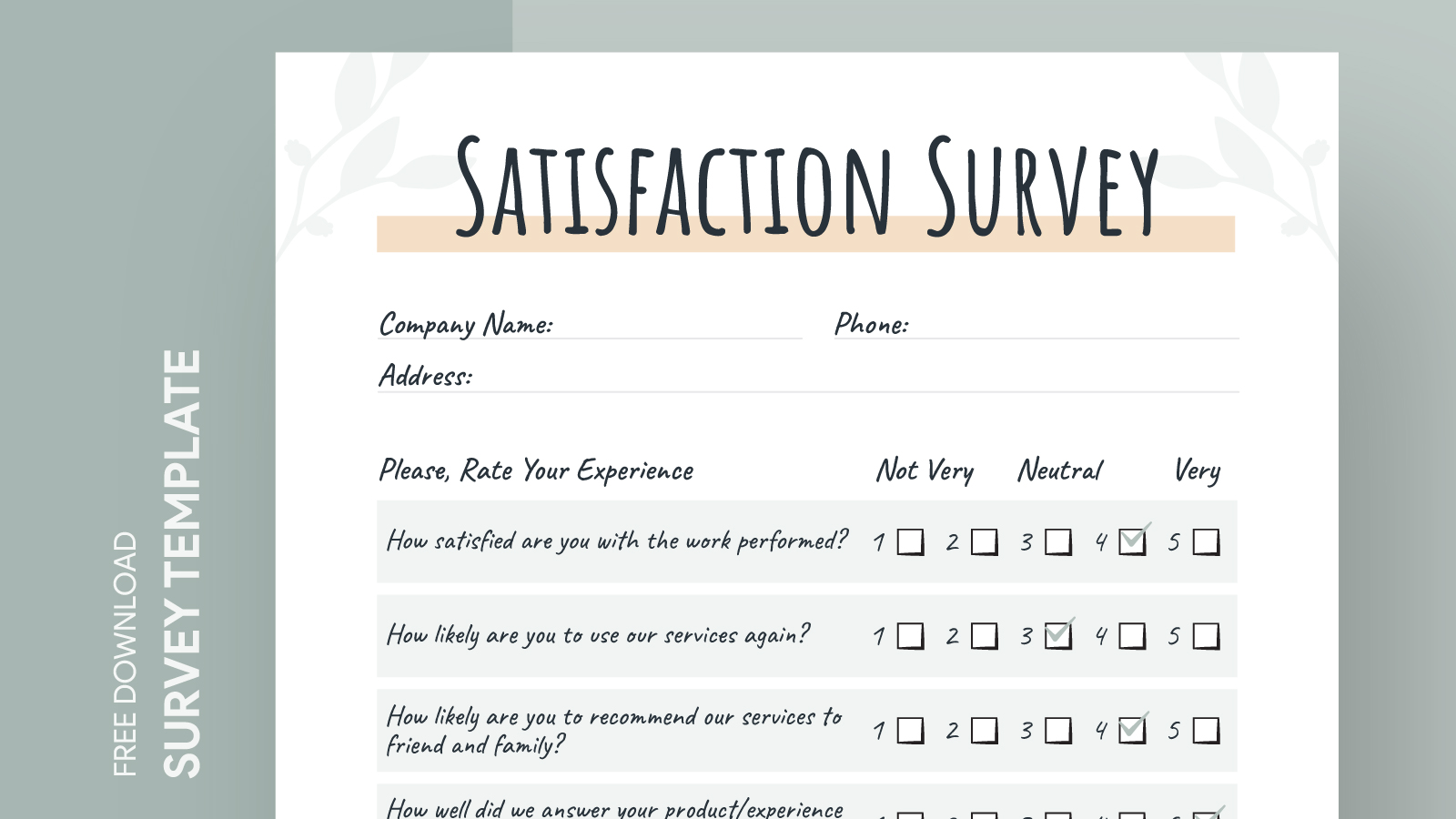
A feedback survey template in Google Docs typically includes a variety of question types, such as multiple-choice, rating scales, and open-ended responses. This variety allows you to gather qualitative and quantitative data, making it easier to analyze the results. You can easily customize the template to fit your specific needs, adding or removing questions based on the information you wish to gather.
You can also personalize the template with your branding, such as logos and color schemes, which can help make respondents feel more connected to your organization. This small touch can enhance engagement and encourage more thoughtful responses.
How to Customize Your Template
Once you’ve downloaded the Feedback Survey Free Google Docs Template, customizing it is straightforward. Here’s how you can make it your own:
- Open the Template: Simply click on the link to access the Google Docs template. Make sure you’re logged into your Google account to enable editing.
- Edit Questions: Review the pre-filled questions. You can delete unnecessary questions or add new ones that are specific to your needs. Remember to ask clear and concise questions to avoid confusion.
- Add Your Branding: Incorporate your logo and adjust the color scheme to match your brand identity. This will make your survey look professional and appealing.
- Adjust Formatting: Pay attention to the layout. Ensure that the template is easy to read and navigate. You can modify fonts, sizes, and spacing as necessary.
- Finalize and Share: Before sharing your survey, double-check for any typos or unclear questions. When you’re satisfied, share it via email or social media, or embed it on your website.
Printing and Distribution Options
While digital surveys are convenient, you may prefer a printed version for in-person events or meetings. Here’s how to handle printing:
- Paper Size: The standard size for printed surveys is usually 8.5×11 inches (letter size). Make sure your printer settings match this size to avoid any cropping.
- Paper Type: For a more professional look, consider printing on heavier paper or cardstock. This not only gives a quality feel but also makes it easier to write on.
- Distribution: If you’re distributing surveys in person, consider using clipboards for ease of writing. If you’re mailing them, ensure you have a clear return address and instructions for respondents to send them back.
Analyzing Responses
Once your survey is out in the world, the next step is analyzing the responses. Google Docs allows you to easily track responses if you set up a spreadsheet linked to the survey. Here are a few tips for analyzing your feedback:
- Categorize Responses: Sort responses into categories based on themes. For instance, if you receive feedback about improving a service, group similar comments to identify trends.
- Quantitative Analysis: For multiple-choice questions, calculate percentages to understand how many respondents selected each option. This helps highlight what the majority thinks.
- Qualitative Insights: Review open-ended responses for detailed insights. Look for common phrases or suggestions that can inform your next steps.
- Visual Representation: Consider creating charts or graphs from your data to present findings clearly. Visuals can make it easier to share insights with stakeholders or teams.
When to Use This Template
The Feedback Survey Free Google Docs Template is versatile, making it suitable for various scenarios. Here are a few instances when you might find it particularly useful:
- Event Feedback: After hosting an event, gather attendee feedback to understand what worked well and what could be improved for future events.
- Course Evaluations: Teachers and educators can use this template at the end of a course to assess student satisfaction and learning outcomes.
- Product Launch: Businesses can gather customer feedback on a new product to refine features and improve user experience.
- Community Engagement: Nonprofits and community organizations can solicit feedback from the community to enhance their programs and services.
By incorporating a Feedback Survey Free Google Docs Template into your feedback process, you set the stage for continuous improvement. You’ll be able to track progress effectively and make informed decisions based on the insights you gather.
Feedback Survey Free Google Docs Template Gallery