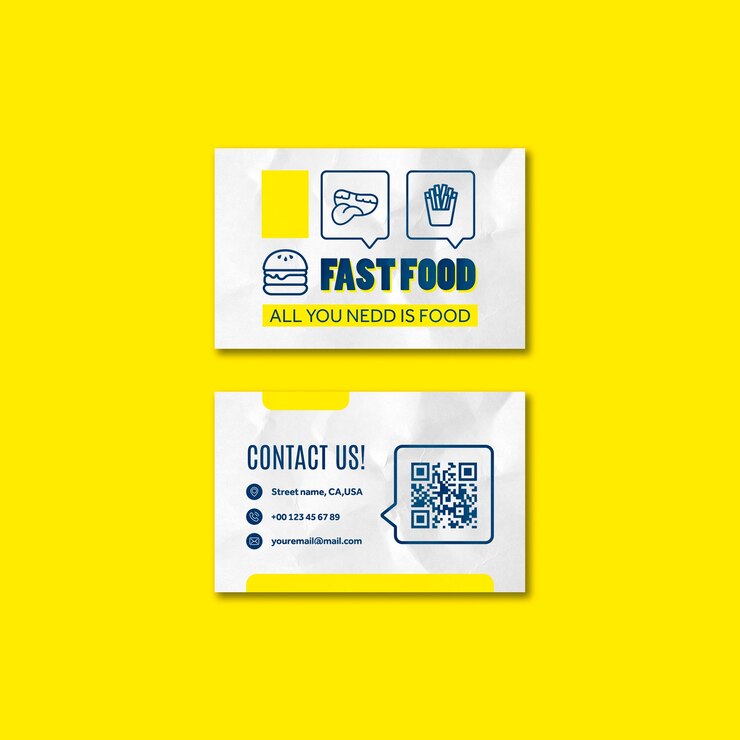
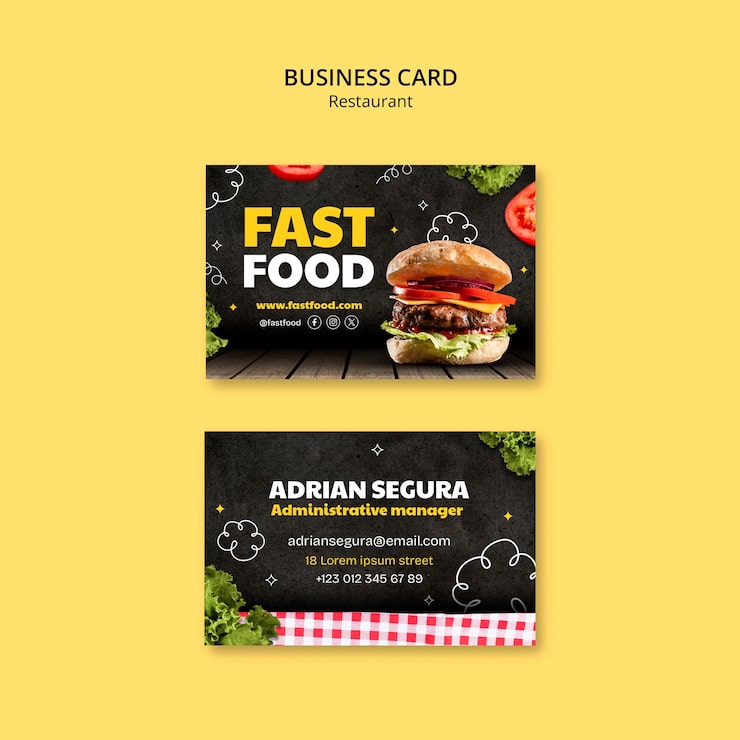
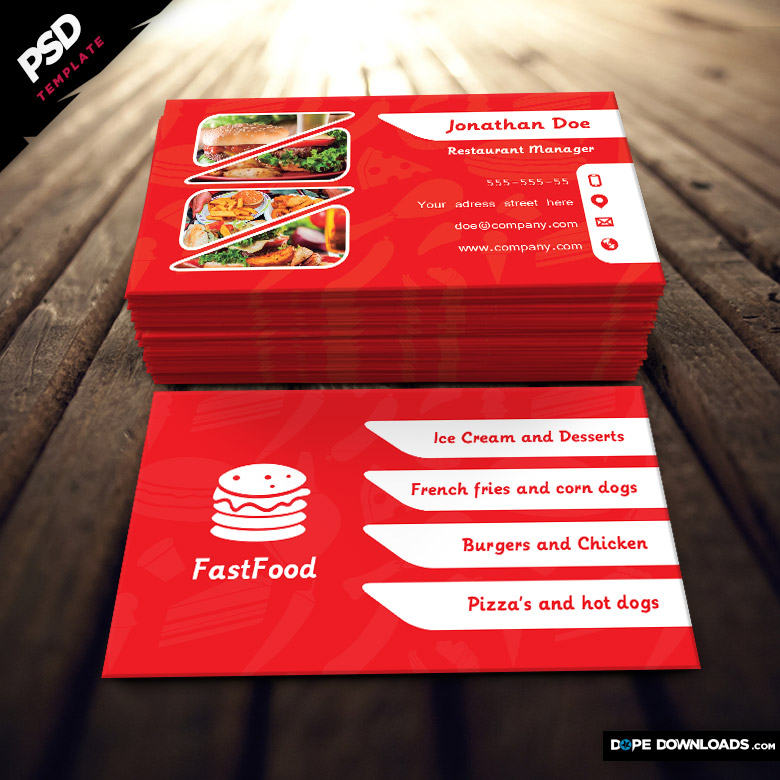
When you’re sitting down on a Sunday evening, preparing for the week ahead, the last thing you want is to scramble for business cards. Perhaps you just launched a new fast food venture or are looking to promote your existing one. The Fast Food Business Card Free Google Docs Template is exactly what you need to make a great first impression. It’s not just about looking professional; it’s about being ready to seize opportunities whenever they arise.
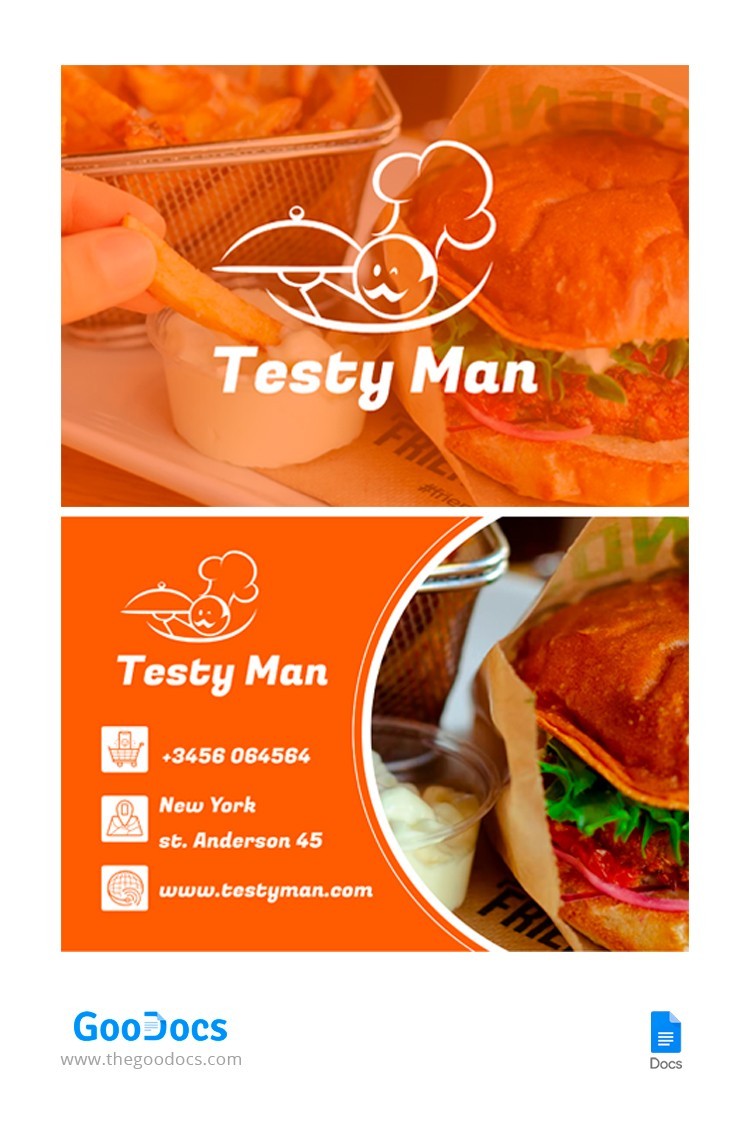
Why Use a Google Docs Template for Your Fast Food Business Card?
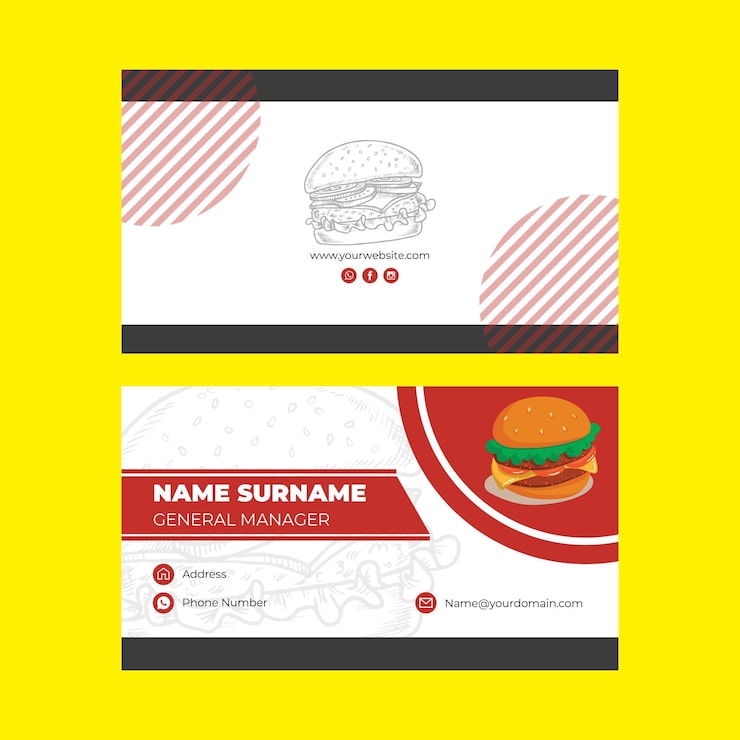
Using a Google Docs template simplifies the design process. You won’t need any specialized software or design skills. Google Docs allows you to easily edit, customize, and print your business cards in just a few clicks. Plus, since it’s cloud-based, you can access your template from anywhere, If you are at home or on the go.
Moreover, the template is designed with the fast food industry in mind, featuring vibrant colors and engaging graphics that resonate with food lovers. This ensures that your card stands out in a crowd and makes it easier for potential customers to remember your business.
Customizing Your Fast Food Business Card
Once you have your Fast Food Business Card Free Google Docs Template, the real fun begins with customization. Here’s how to make it truly yours:
- Text Personalization: Start by adding your business name, tagline, and contact information. Keep your font choice readable and appealing. For fast food, a fun, bold font can capture attention effectively.
- Color Selection: Use colors that reflect your brand. Bright reds, yellows, and greens are often associated with food and can evoke appetite. Choose a color scheme that aligns with your restaurant’s theme.
- Image Inclusion: Consider adding your logo or a relevant image, like a delicious burger or a pizza slice. This visual element can make your card more memorable.
- Size and Layout: The standard business card size is 3.5 x 2 inches. Ensure your design fits within this dimension, as this will help it fit well in wallets and cardholders. The Google Docs template is already set up for this size, so you’re good to go!
- Proofread: Before printing, double-check all your information. Typos can make your business seem unprofessional.
Paper and Printing Options
Once you’re happy with your design, it’s time to think about printing. The type of paper you choose can greatly affect the final look and feel of your business card.
- Cardstock: Opt for a thick cardstock to give your cards a premium feel. A weight of around 80-110 lb is ideal for durability.
- Finish: You can choose between matte and glossy finishes. A matte finish is easier to write on, which can be useful if you want to jot down a personal note. A glossy finish can enhance colors and images, making your card pop.
- Home Printing vs. Professional Printing: If you have a good quality inkjet or laser printer, printing at home is an option. Use portrait layout settings for a clean look. However, if you want a more professional finish, you might consider using a local print shop. Make sure to check their printing guidelines beforehand.
Tips for Distributing Your Business Cards
Having your business cards ready is just the first step; knowing how to distribute them effectively is crucial. Here are some strategies to ensure your cards reach the right people:
- Networking Events: Attend local food festivals or community events where you can meet potential customers. Handing out your cards in person can create a personal connection.
- Partnering with Other Businesses: Consider leaving your cards at local businesses that complement yours, like grocery stores or cafes.
- In-Store Promotions: Place your business cards on tables or counters in your fast food establishment. Customers might take one home, which can lead to new clientele.
- Social Media Integration: Share a digital version of your business card on your social media platforms. This can help you reach a broader audience without the physical constraints of traditional cards.
Fast Food Business Card Free Google Docs Template Gallery