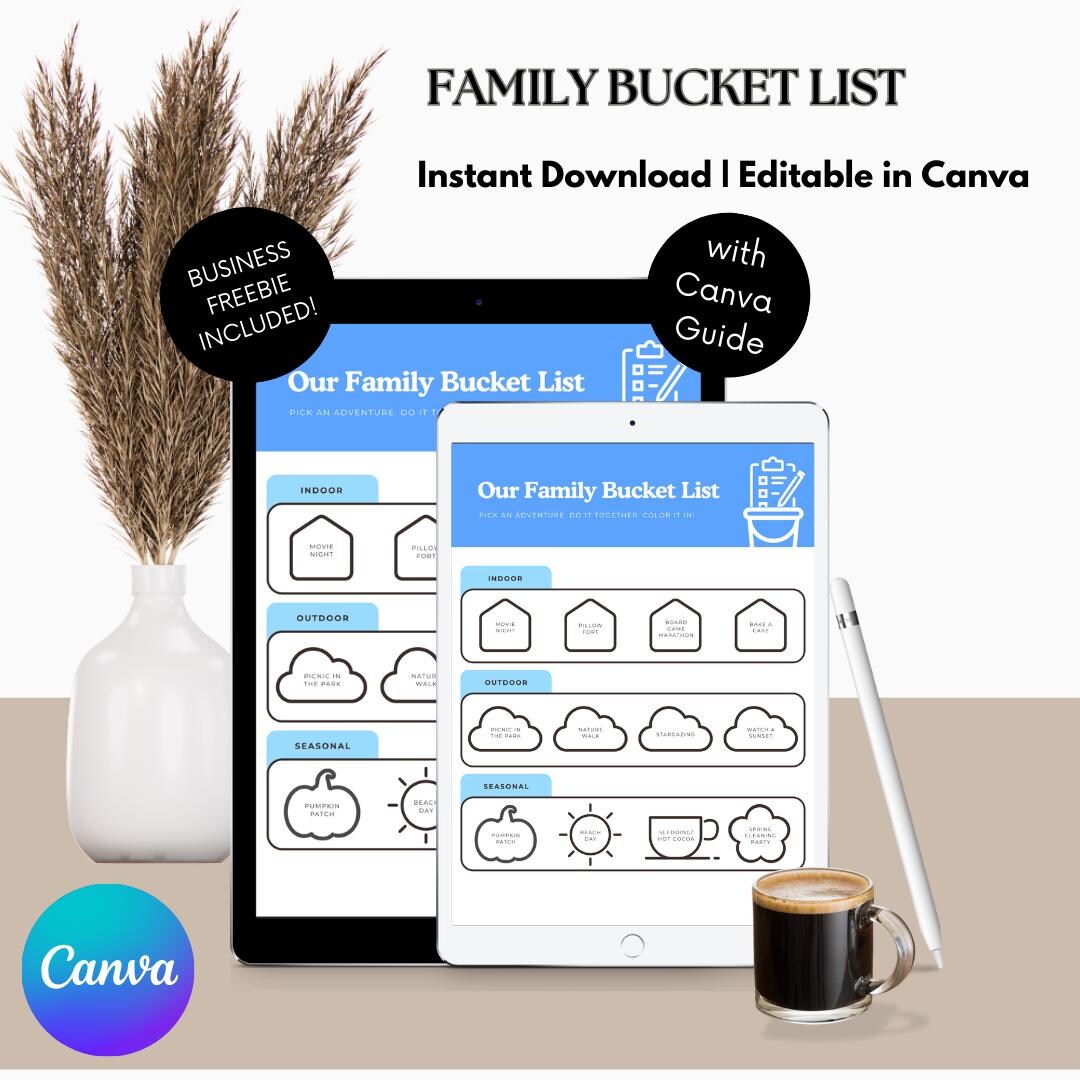
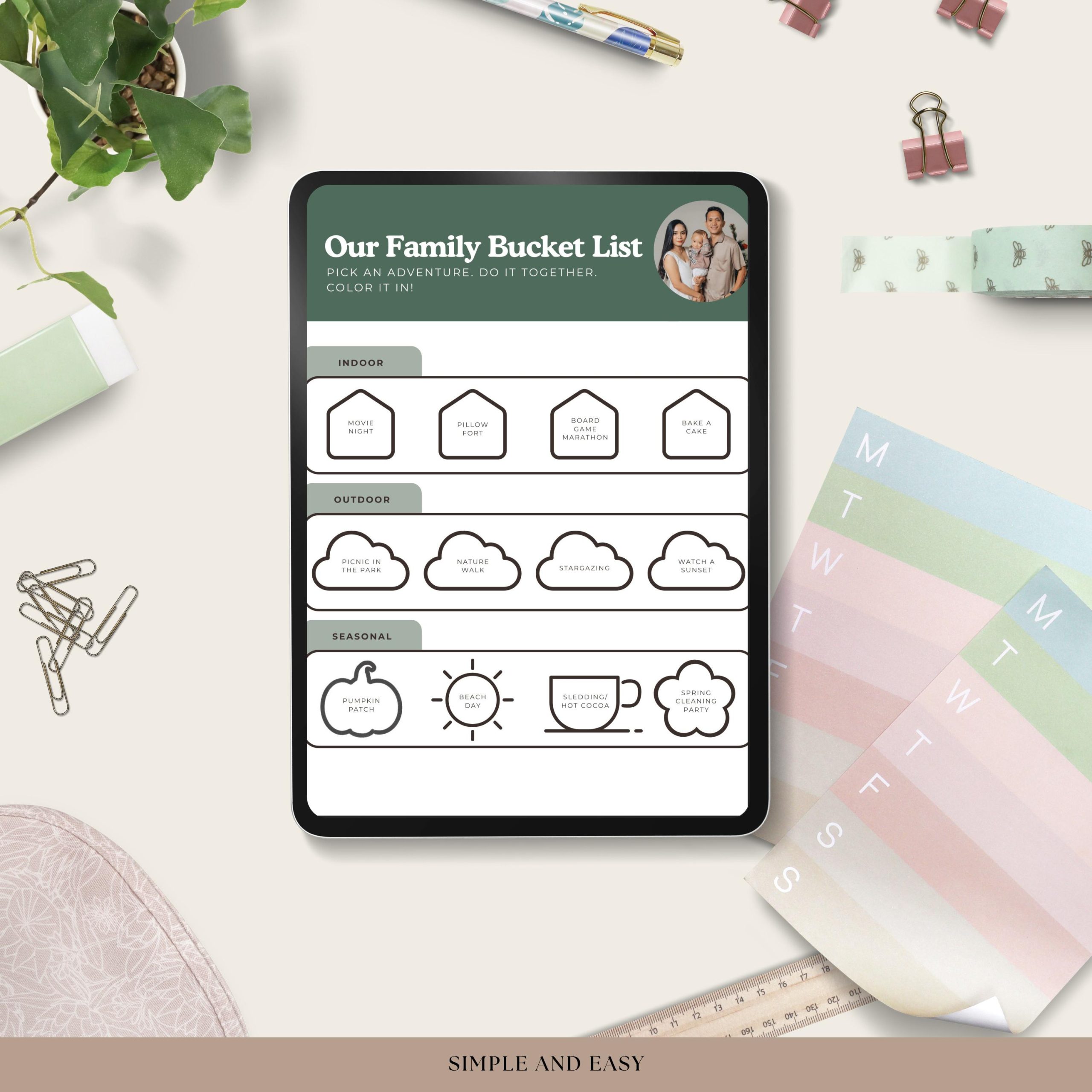
Creating a family bucket list can be a wonderful way to bond with your loved ones while planning exciting adventures together. The Family Bucket List Free Google Docs Template is a fantastic tool that makes this process simple and enjoyable. By using this template, you can customize your list and ensure that everyone in your family has a say in the experiences they want to share. Whether it’s a weekend getaway or a yearly vacation, this template can help you keep track of your family’s aspirations.
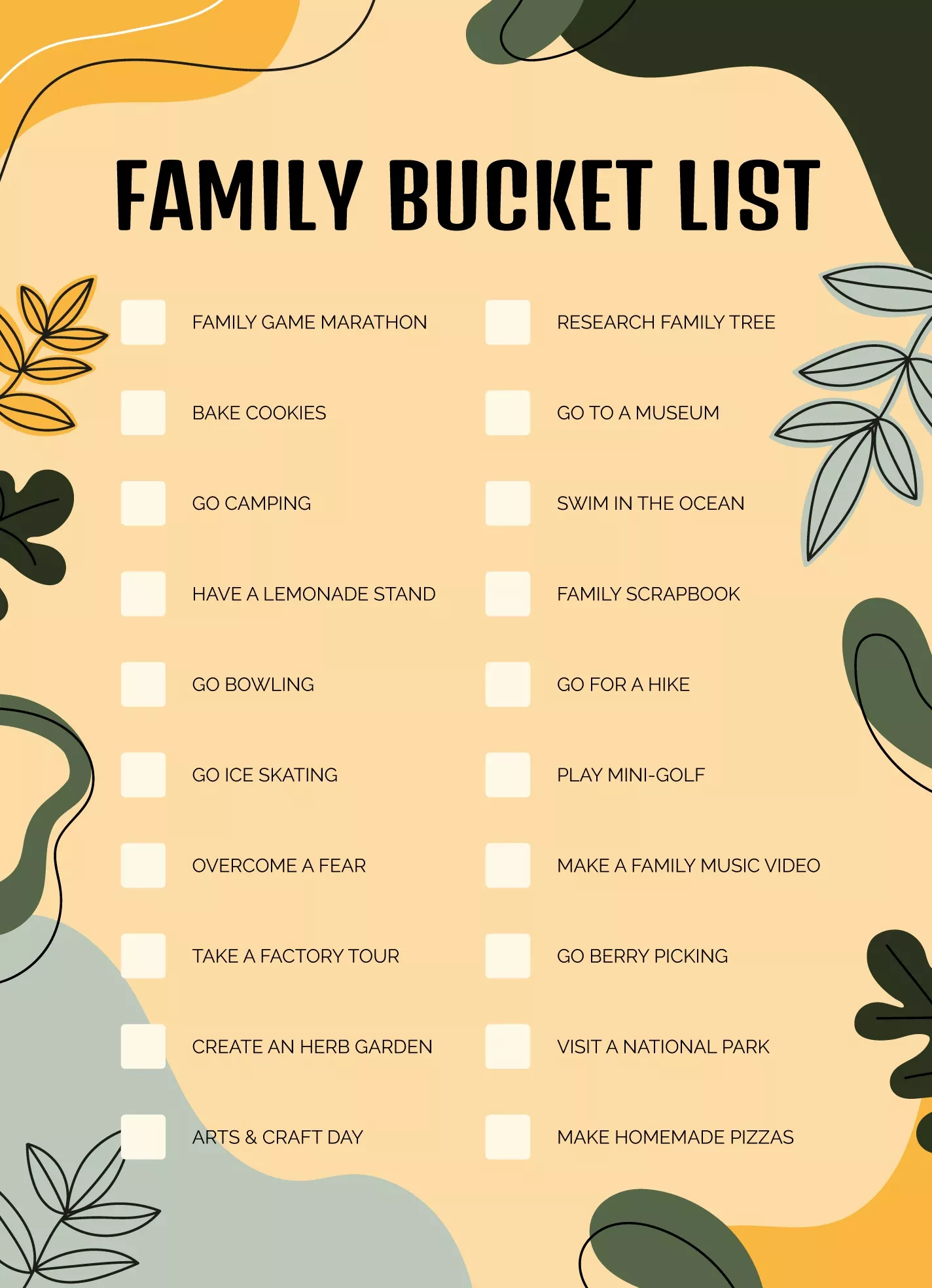
What’s Included in the Template?
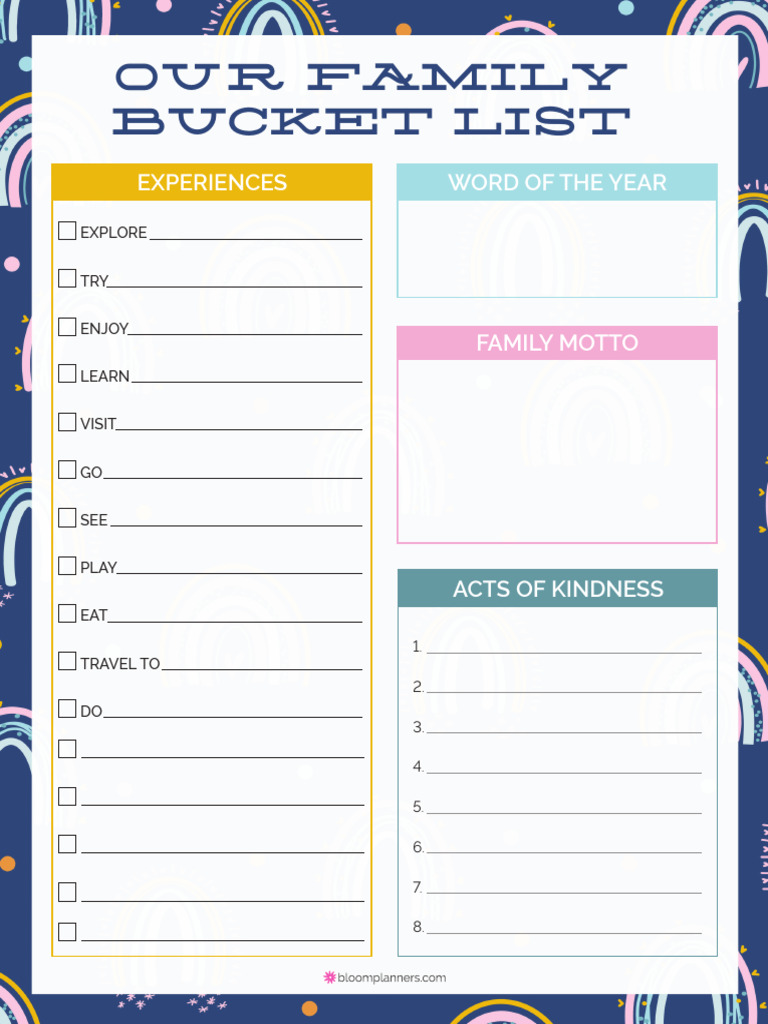
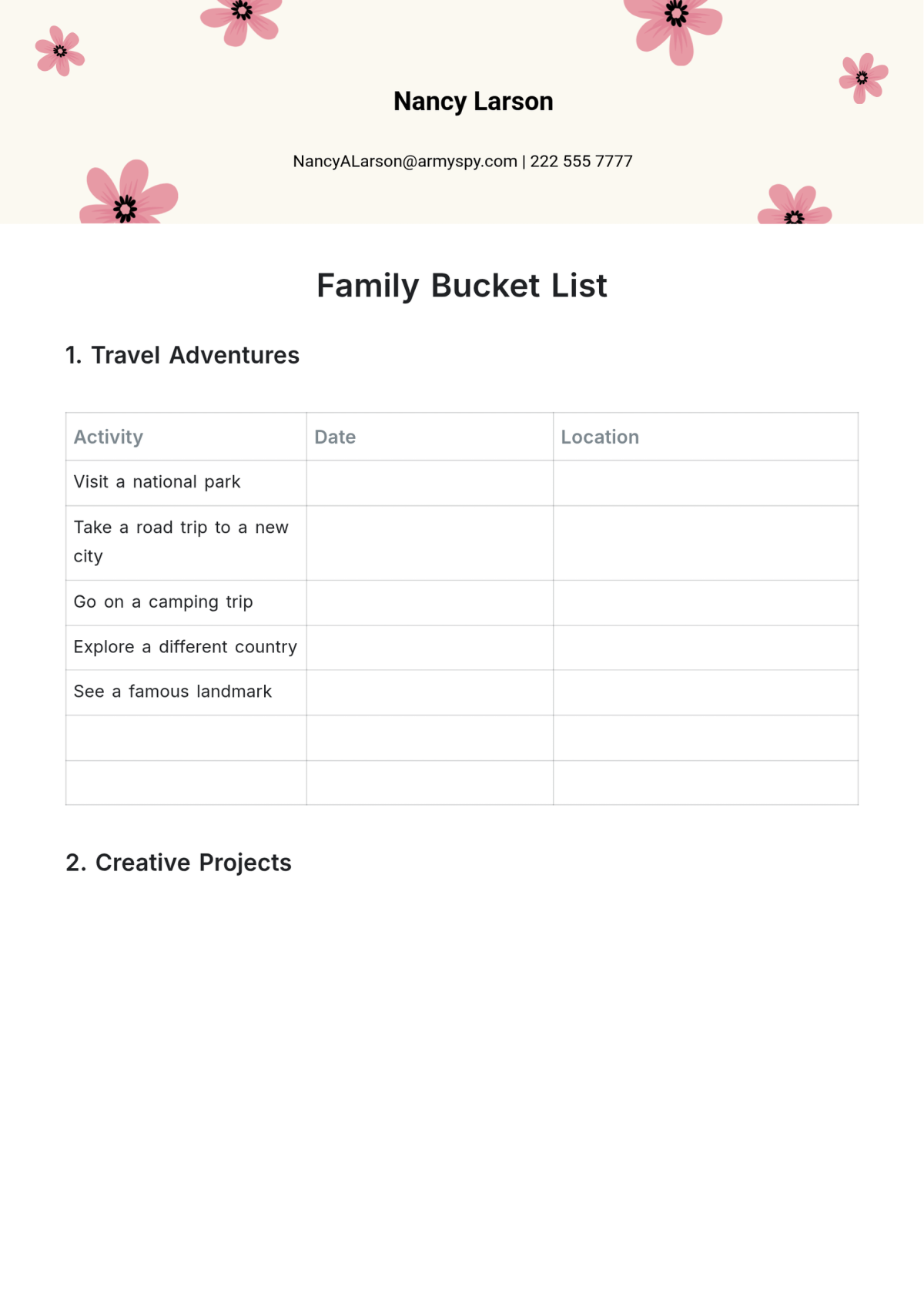
This Family Bucket List template is designed with flexibility in mind. It typically includes sections for:
- Family member names
- Activities or experiences each member wants to include
- Space for notes or ideas
- A timeline for when to accomplish each item
You can easily customize this template in Google Docs by adding your own ideas and preferences. This means you can make it as unique as your family is! Simply click on the template link, and it will open in Google Docs, where you can adjust the text, fonts, and colors to match your family’s personality.
How to Download and Use the Template
Getting started with the Family Bucket List Free Google Docs Template is incredibly straightforward. Follow these steps to download and customize it:
- Access the Template: Click the link to the template. It should open in Google Docs.
- Make a Copy: To edit the template, go to “File” in the top menu, then select “Make a copy.” This will save a version to your Google Drive.
- Customize Your List: Start filling in the template with ideas. Encourage each family member to contribute their thoughts on what they’d like to do together. This can lead to some fun discussions!
- Print It Out: Once you’ve finalized your list, printing it is easy. Go to “File,” then “Print.” You can choose to print on standard letter-size paper or adapt it to your preferred size.
Optimal Printing Settings
When you’re ready to print your Family Bucket List, you’ll want to make sure it looks great. Here are some tips to consider for optimal printing:
- Paper Type: For durability, especially if you plan to hang it on the fridge or keep it in a binder, consider using cardstock. This will ensure that it holds up well over time.
- Print Quality: Set your printer to high-quality settings. This will help the colors and text stand out, making your bucket list visually appealing.
- Layout: Portrait layout is commonly used for templates like this. However, if you have more activities that need more space, consider switching to landscape for a wider format.
Ideas for Family Adventures
Now that you have your Family Bucket List template ready, it’s time to brainstorm some ideas! Here are a few suggestions to get the creative juices flowing:
- Weekend Camping Trip: Enjoy nature, roast marshmallows, and stargaze.
- Visit a Theme Park: Create unforgettable memories with thrilling rides and games.
- Family Game Night: Dedicate an evening to board games, snacks, and laughter.
- Cook a New Recipe Together: Choose a cuisine you’ve never tried and make it a family cooking night.
- Volunteer Together: Spend a day giving back to your community as a family.
Encouraging each family member to suggest their own ideas will make the list more inclusive and exciting. You might discover new interests or activities that you hadn’t considered before!
Adapting the Template for Future Use
One of the best features of the Family Bucket List Free Google Docs Template is its adaptability. After you’ve completed your initial list, you can always come back to it later. Here’s how to keep it fresh:
- Update Regularly: As your family grows or changes, so might your interests. Set a date, like the start of a new year or summer, to review and update your bucket list.
- Add Completed Activities: Don’t forget to celebrate your achievements! Once you complete an activity, add it to a section for completed items. This not only gives you a sense of accomplishment but also serves as a lovely memory to look back on.
- Create Themes: If your family has particular interests, you can create themed lists. For example, a travel bucket list, a food bucket list, or a seasonal activities list can help focus your family’s adventures.
By using the Family Bucket List Free Google Docs Template, you’re not just making a list; you’re creating a roadmap for family bonding and shared experiences. So go ahead, download the template, and start planning those unforgettable moments together!
Family Bucket List Free Google Docs Template Gallery