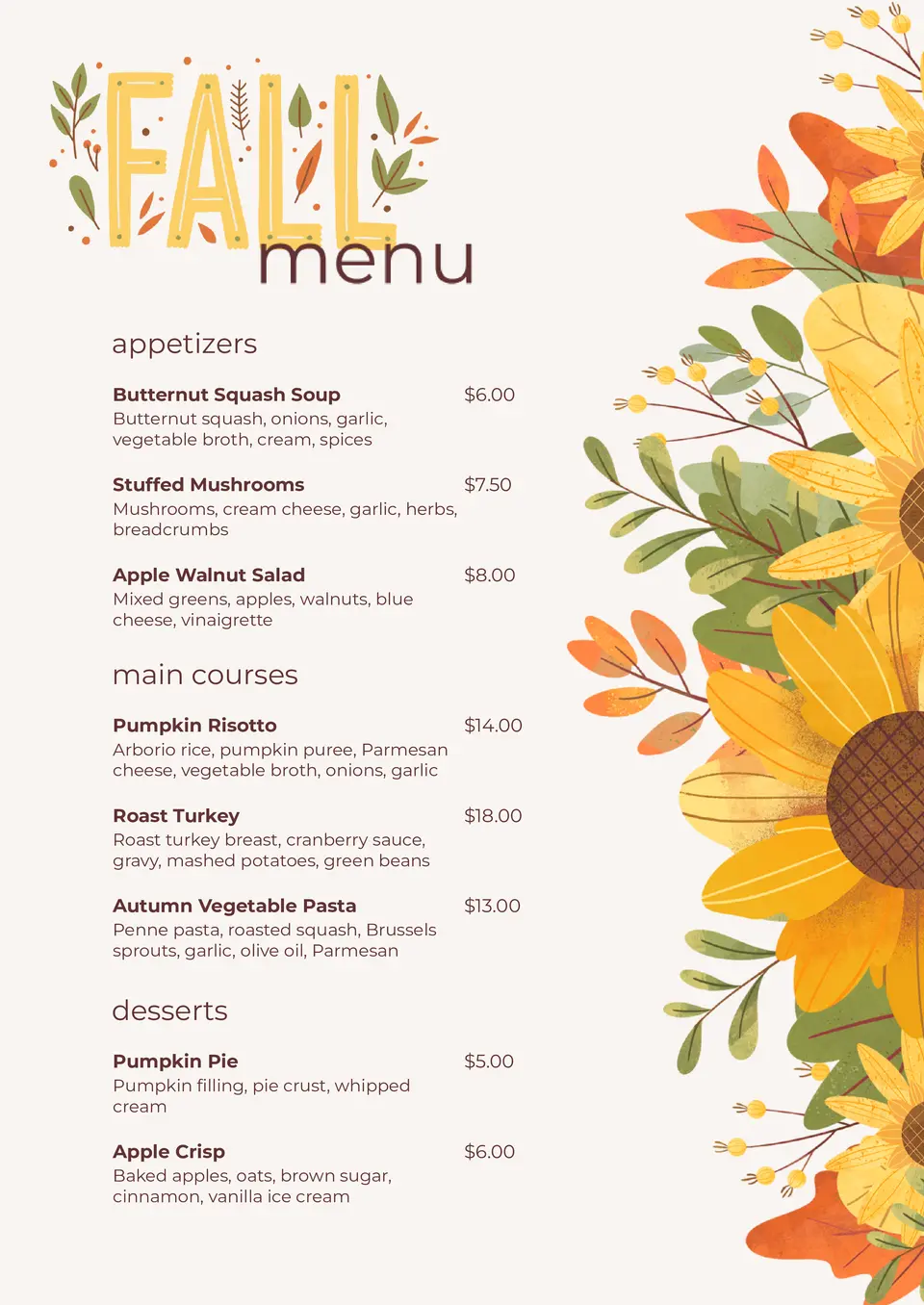
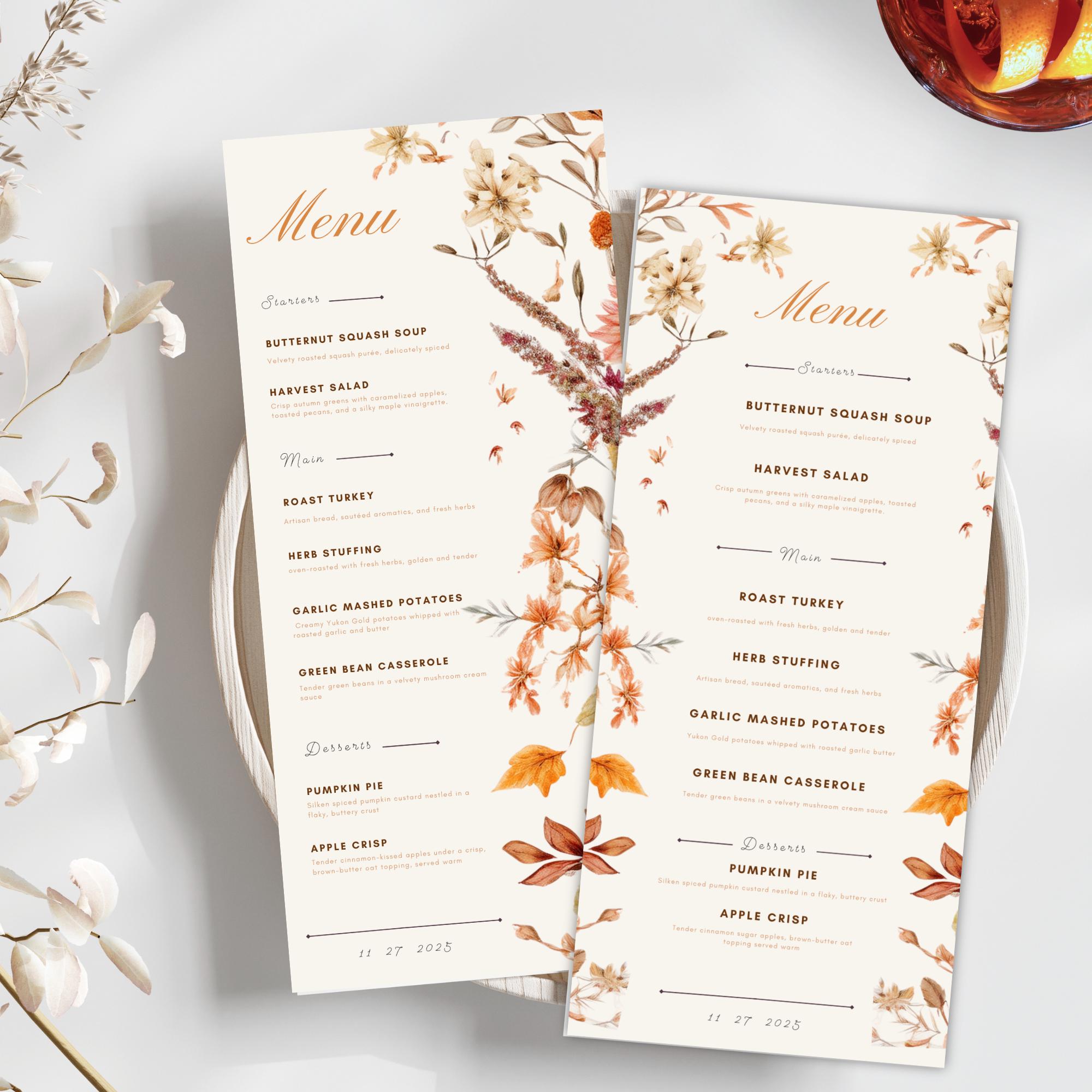
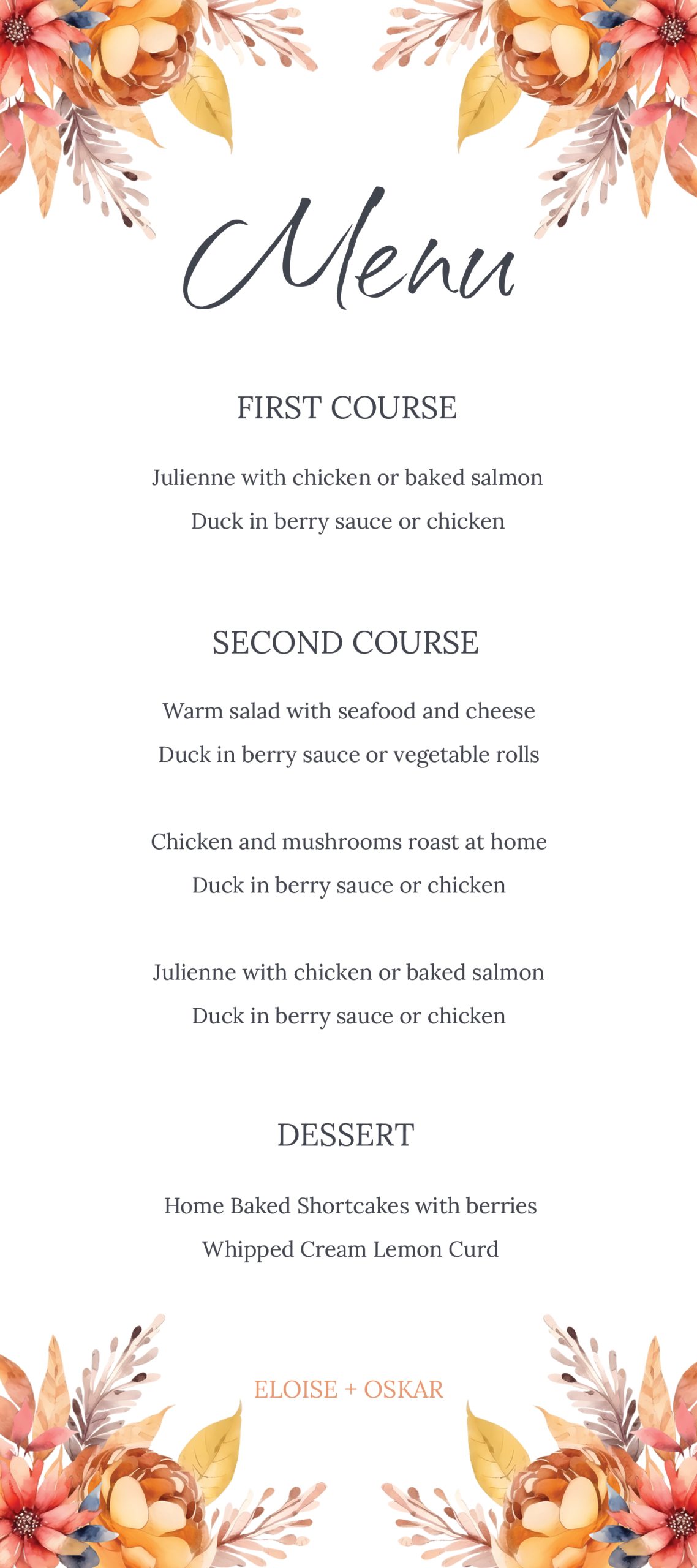
As the leaves begin to change and the air turns crisp, it’s the perfect time to start planning a beautiful fall wedding. Picture this: you’re sitting down on a cozy Sunday afternoon, sipping on warm cider, and mapping out your dream wedding details. One of the key elements to consider is the wedding menu, which not only reflects your personal taste but also sets the tone for the day. That’s where the Fall Wedding Menu Free Google Docs Template comes in, making it easy to create a stunning and organized menu for your guests.
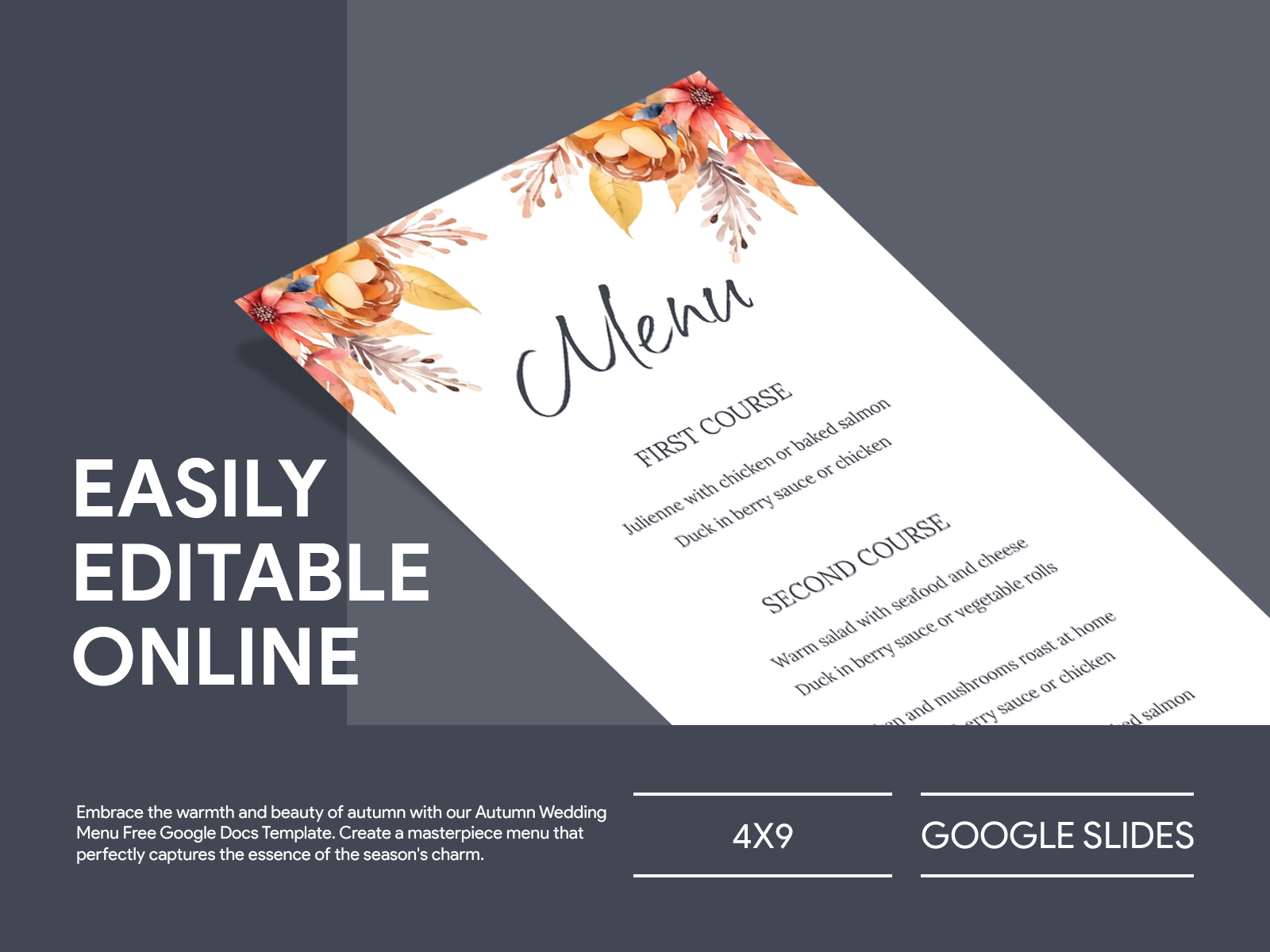
Reasons to Choose a Google Docs Template for Your Fall Wedding Menu
Using a Google Docs template for your wedding menu has several advantages. First, it’s user-friendly and accessible. You can easily edit the template from any device, ensuring that you can make changes on the go or from the comfort of your home. You won’t have to worry about software compatibility since Google Docs works seamlessly across different platforms. Plus, it’s free! This makes it a budget-friendly option, which is always a bonus when planning a wedding.
Another benefit is the collaborative feature. If you’re planning with a partner or family member, you can share the document and make edits in real-time. This way, everyone can contribute ideas and suggestions, ensuring that your menu is a true reflection of your style and taste.
Customizing Your Fall Wedding Menu
Once you’ve downloaded the Fall Wedding Menu Free Google Docs Template, it’s time to make it your own. Start by choosing a theme that resonates with the autumn season. Consider incorporating warm colors like deep oranges, rich reds, and earthy browns into your menu design.
Selecting Your Dishes
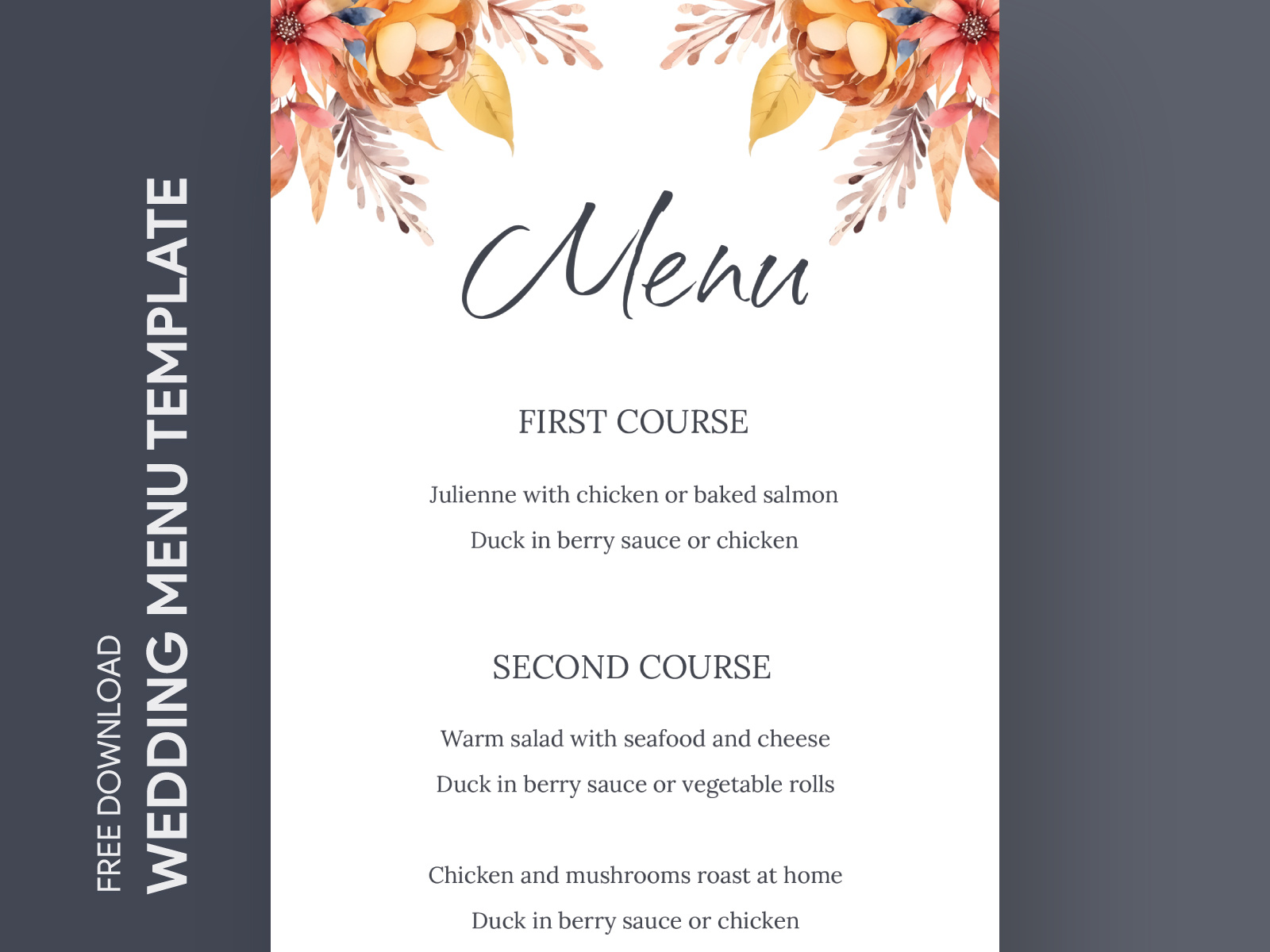
When it comes to the food, think about what feels comforting and seasonal. Here are some ideas to inspire you:
- Starters: Butternut squash soup, apple and brie crostini, or roasted pumpkin salad.
- Main Courses: Herb-roasted turkey, beef tenderloin with a red wine reduction, or a vegetarian option like stuffed acorn squash.
- Sides: Maple-glazed carrots, garlic mashed potatoes, or a fall harvest salad with cranberries and pecans.
- Desserts: Pumpkin pie, caramel apple tart, or a selection of seasonal pastries.
Make sure to include any dietary restrictions your guests may have. You can easily add sections to the template for gluten-free, vegetarian, or vegan options.
Organizing Your Menu Layout
A well-organized menu not only looks great but also helps your guests understand their meal options. Here are some tips for structuring your menu in the Google Docs template:
- Use Clear Headings: Make sure each section is clearly labeled (e.g., Starters, Main Course, Desserts).
- Keep It Simple: Avoid overcrowding the menu with too many options. Highlight your top picks to make it easier for guests to choose.
- Add Descriptions: A brief description of each dish can add a personal touch. For example, “Herb-roasted turkey, served with a rich gravy and seasonal vegetables.”
When printing, consider using high-quality paper or cardstock for a professional look. A heavier weight paper can enhance the overall presentation, especially if you plan to display the menu at each table setting.
Practical Printing and Display Tips
Before you hit print, here are some practical tips to ensure your menu looks its best:
- Choose the Right Size: Depending on your table setup, you might opt for a folded menu that fits nicely in a place card holder or a single-page layout.
- Printer Settings: If you’re printing at home, use a portrait layout for traditional menus. Adjust your printer settings for the best quality, selecting the paper type and quality that matches your cardstock.
- Consider Display Options: You might want to display your menu in a frame or on a decorative stand. This not only protects the menu but also adds a lovely touch to your table decor.
If you’re unsure about printing from home, consider visiting a local print shop for professional results. They can often handle larger quantities and help ensure your colors pop.
Final Touches and Personalization
Once your menu is printed, consider adding a personal touch. Maybe you want to include a note of thanks to your guests or a special message about the significance of certain dishes. You could even add a small photo of you and your partner to make the menu feel even more special.
Don’t forget to proofread your menu before the big day! A fresh set of eyes can catch any typos or errors you might have missed.
With the Fall Wedding Menu Free Google Docs Template in hand, you’re well on your way to creating a memorable dining experience for your guests. Embrace the season and let your menu reflect the warmth and joy of your special day.
Fall Wedding Menu Free Google Docs Template Gallery