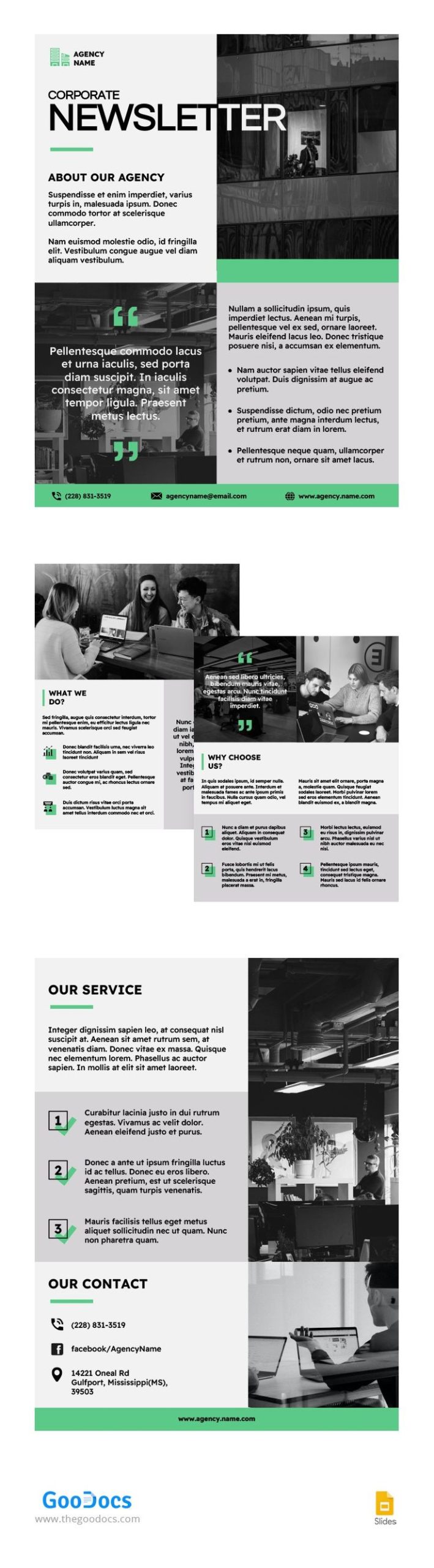
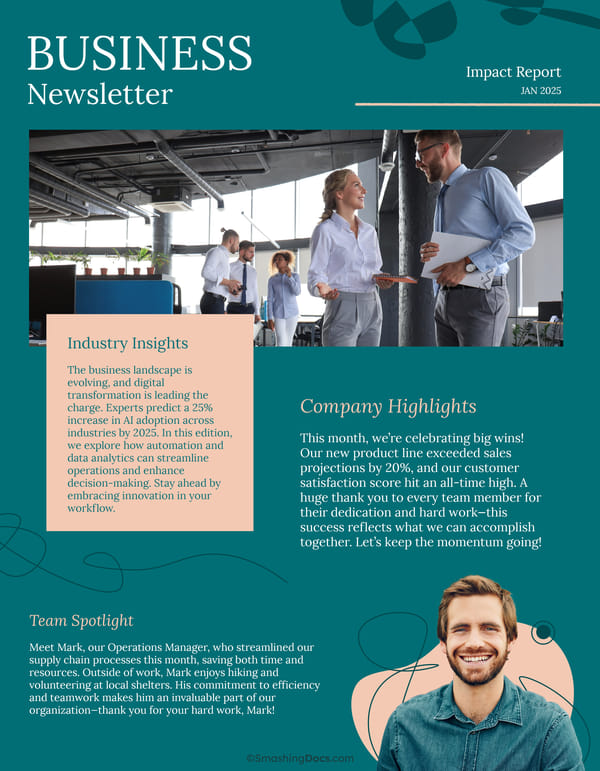
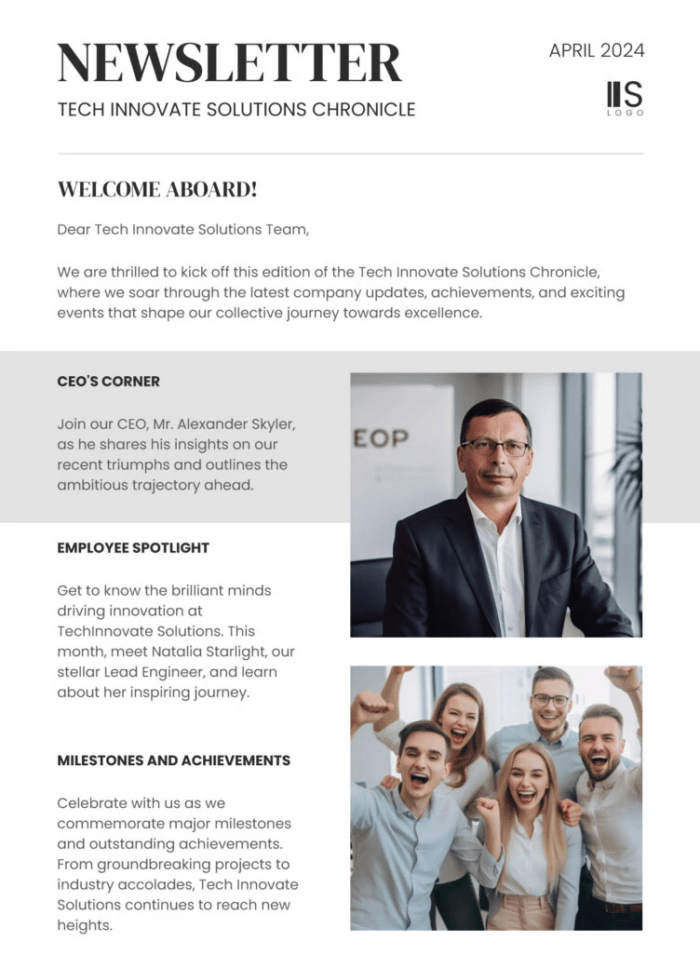
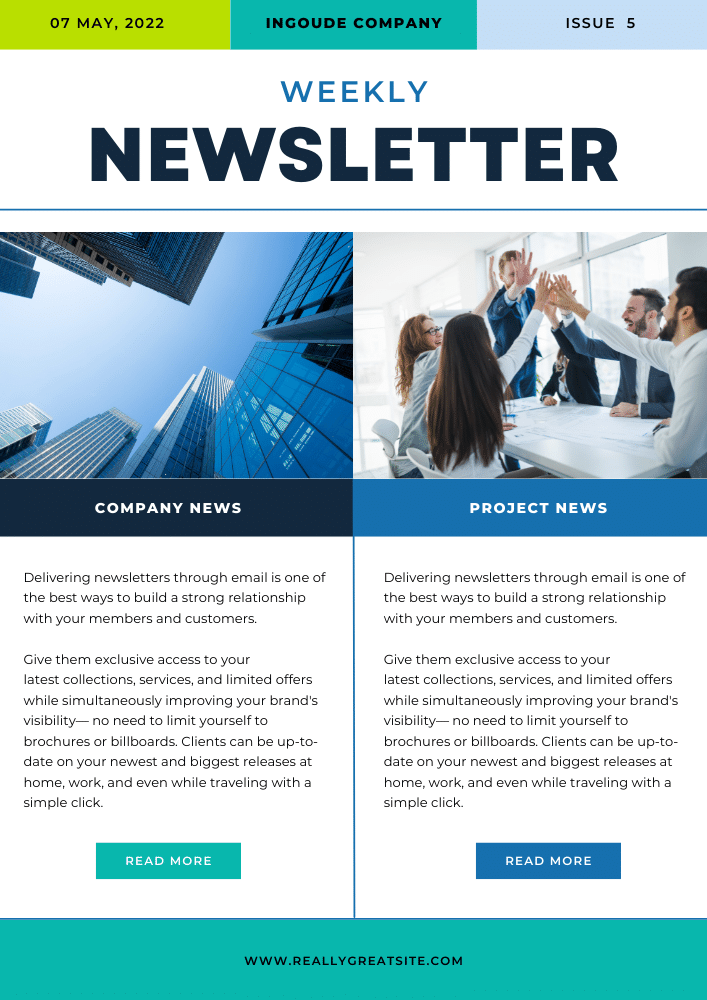
Creating an engaging employee newsletter is a great way to keep your team informed and connected. The Employee Newsletter Free Google Docs Template offers a straightforward solution for crafting newsletters that highlight company news, achievements, and upcoming events. This template is ready for you to customize, making it easy to share important information with your colleagues.
Why Use a Google Docs Template for Your Newsletter?
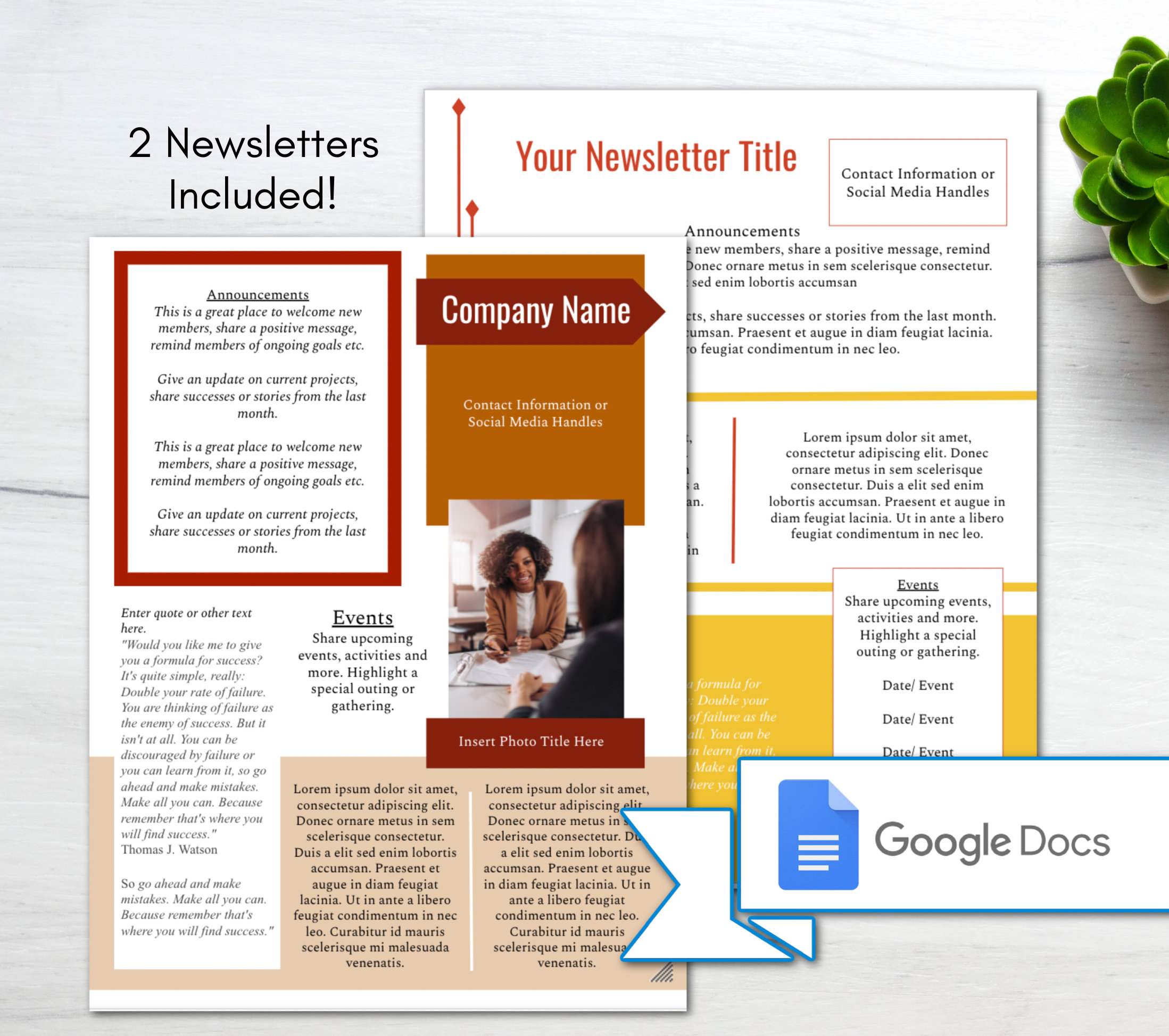
Using a Google Docs template saves you time and energy. You don’t have to start from scratch; instead, you can focus on filling in the relevant content. The Employee Newsletter Free Google Docs Template allows you to easily edit text, add images, and adjust the layout as needed. Plus, since it’s in Google Docs, your team can collaborate in real-time, making it even easier to gather input from others.
Customizing Your Employee Newsletter
When you download the Employee Newsletter Free Google Docs Template, you’ll notice it already has sections for various content types. Here are some areas you can customize:
- Company Updates: Share recent achievements, changes in policies, or notable events.
- Employee Spotlights: Highlight team members or departments that have made significant contributions.
- Upcoming Events: Include a calendar of company events, meetings, or social gatherings.
- Fun Sections: Add quizzes, polls, or fun facts to make your newsletter more engaging.
To get started, make a copy of the template in your Google Drive. This way, you can keep the original intact while editing your version. Focus on personalizing each section to reflect your company culture and current happenings.
Downloading and Printing Your Newsletter
Once you’ve customized your newsletter, you may want to print it for distribution. Here are some practical tips for printing:
- Format: Ensure you’re printing in the correct format. Google Docs allows you to save your document as a PDF, which is generally the best format for printing. PDFs maintain formatting, so what you see on the screen is what you’ll get on paper.
- Paper Size: Standard letter size (8.5” x 11”) works well for most newsletters. However, if you’re looking for something more compact, consider using half-letter size (5.5” x 8.5”).
- Color vs. Black and White: Decide whether you want to print in color or black and white. Color can make your newsletter more visually appealing, but it can also be more costly. If you’re printing in-house, check your printer settings to ensure optimal quality.
Printer Setup and Paper Choices
Choosing the right paper is crucial for a professional-looking newsletter. Here are some recommendations:
- Standard Printer Paper: For regular newsletters, 20 lb. bond paper is suitable. It’s affordable and works well for everyday use.
- Cardstock: If you want your newsletter to stand out, consider using cardstock (around 65 lb.). This heavier paper is more durable and gives a polished look.
- Glossy vs. Matte Finish: Glossy paper can enhance color vibrancy, but it might not be ideal for text-heavy newsletters. Matte paper is easier to read and write on, so consider your audience’s needs.
Before printing, do a test print to check for any formatting issues. Adjust margins and spacing as necessary to ensure everything looks right.
Tips for Effective Newsletter Design
The design of your newsletter is just as important as its content. Here are some tips to create an eye-catching layout:
- Consistent Fonts: Use no more than two or three different fonts to maintain a cohesive look. Stick to easy-to-read fonts for body text, while you can use a more decorative font for headings.
- Images and Graphics: Visual elements can break up text and make your newsletter more engaging. Use relevant images or graphics to support your content, but avoid cluttering the layout.
- White Space: Don’t be afraid of white space! It helps to make your newsletter look clean and organized, making it easier for readers to digest the information.
Final Considerations
As you finalize your Employee Newsletter Free Google Docs Template, remember to proofread for any typos or errors. A polished newsletter reflects professionalism and attention to detail.
Before distributing your newsletter, think about the best way to share it with your team. Whether you choose to print copies or send it via email, ensure it reaches everyone effectively.
One thing to watch out for is the feedback you receive from your readers. Their input can help you improve future editions, making them even more relevant and engaging.
Employee Newsletter Free Google Docs Template Gallery