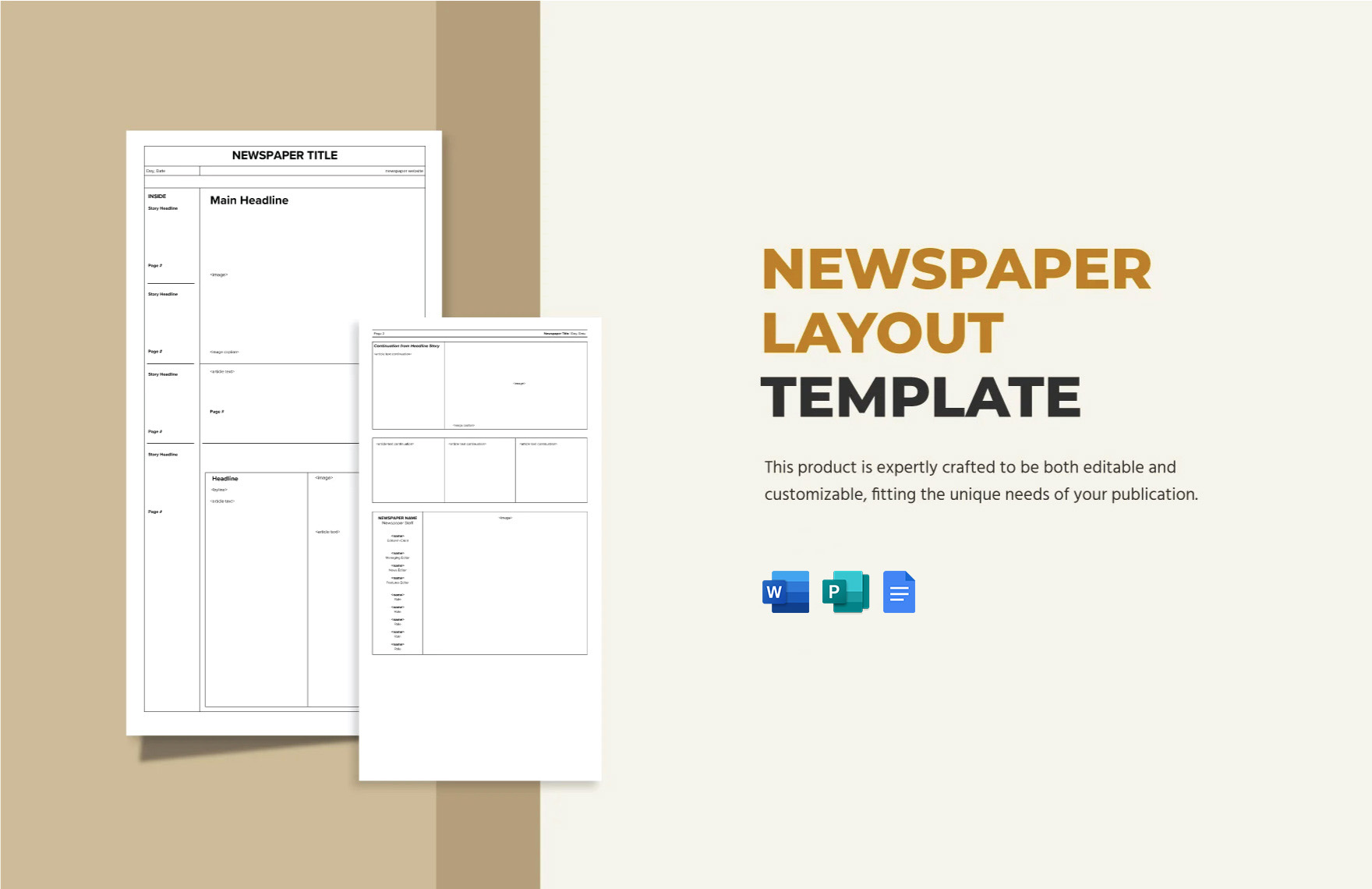
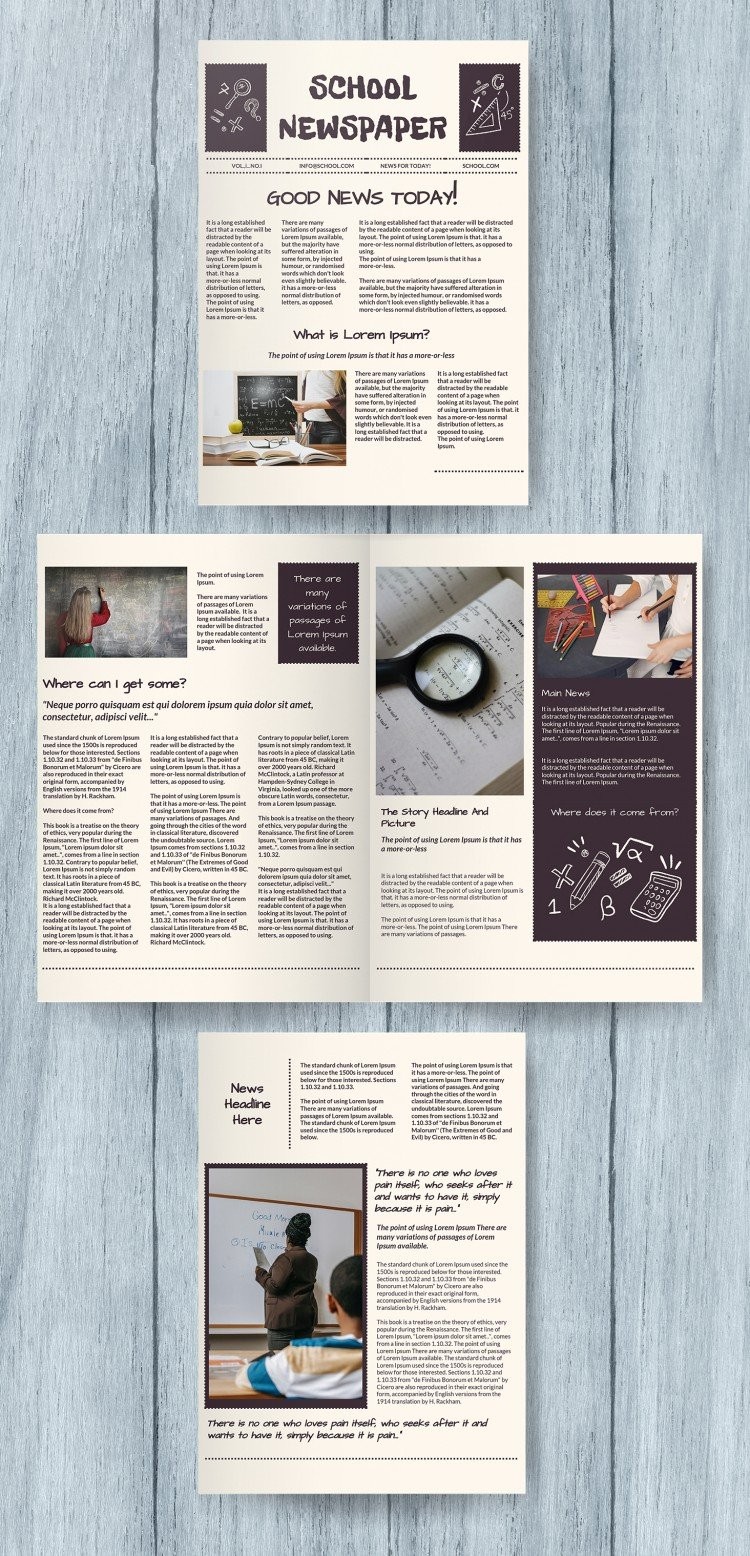
Creating an elementary school newspaper is a fantastic way to encourage creativity and communication among students. The Elementary School Newspaper Free Google Docs Template stands out because it offers an organized layout that is easy to customize and use. With this template, students can step into the role of reporters, editors, and designers while having fun documenting school events, news, and stories.
Layout and Design Features
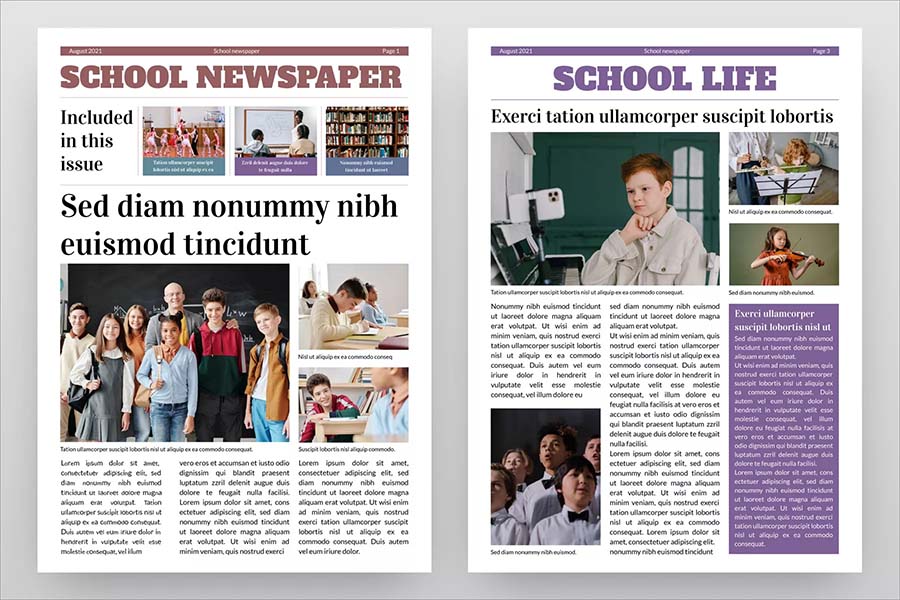
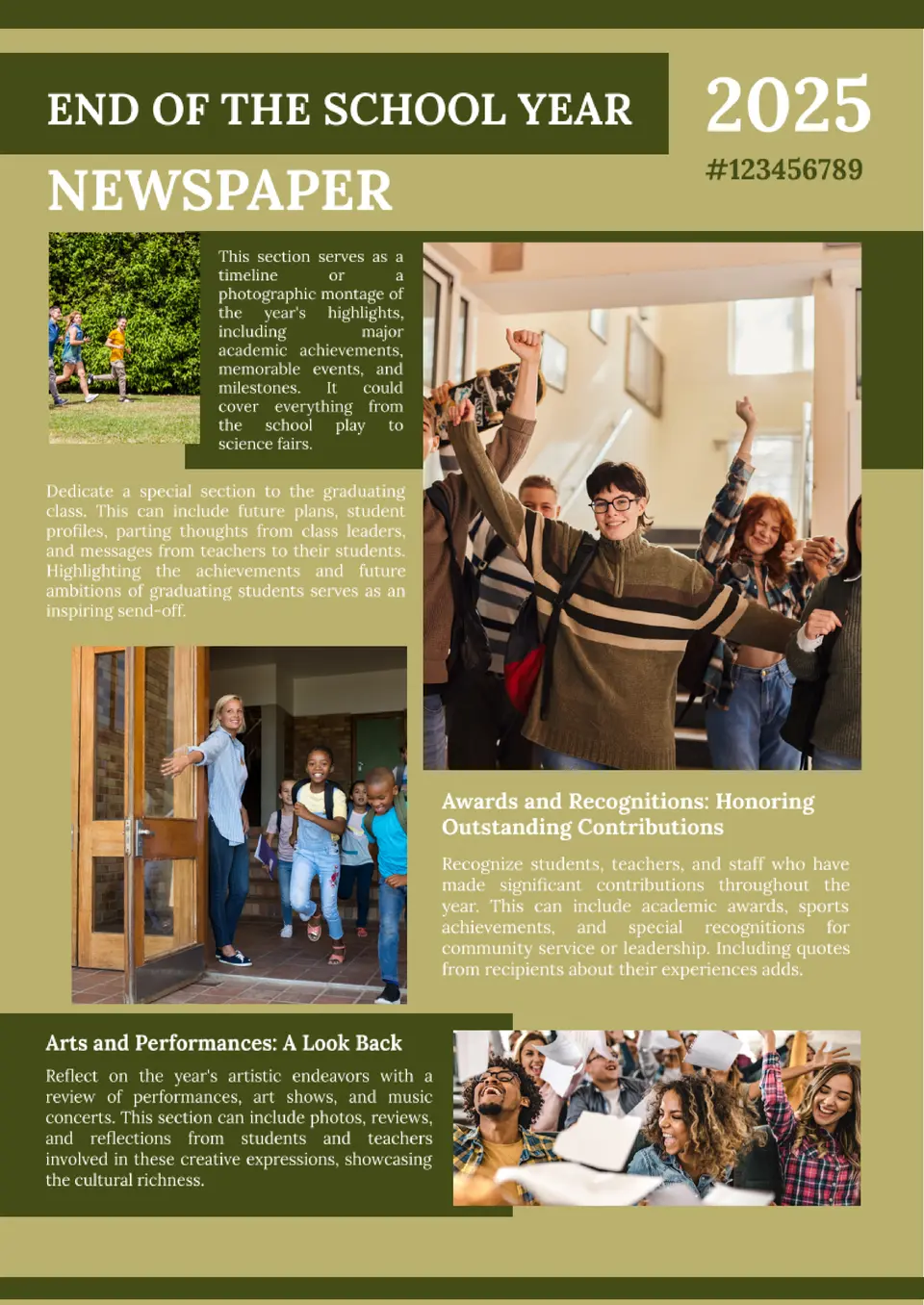
The template features a user-friendly design with sections that are clearly delineated, making it easy for young students to navigate. You’ll find areas designated for headlines, articles, images, and even a fun facts section. This structured approach helps students understand the basics of newspaper layout, which can be a valuable learning experience.
Sections to Explore
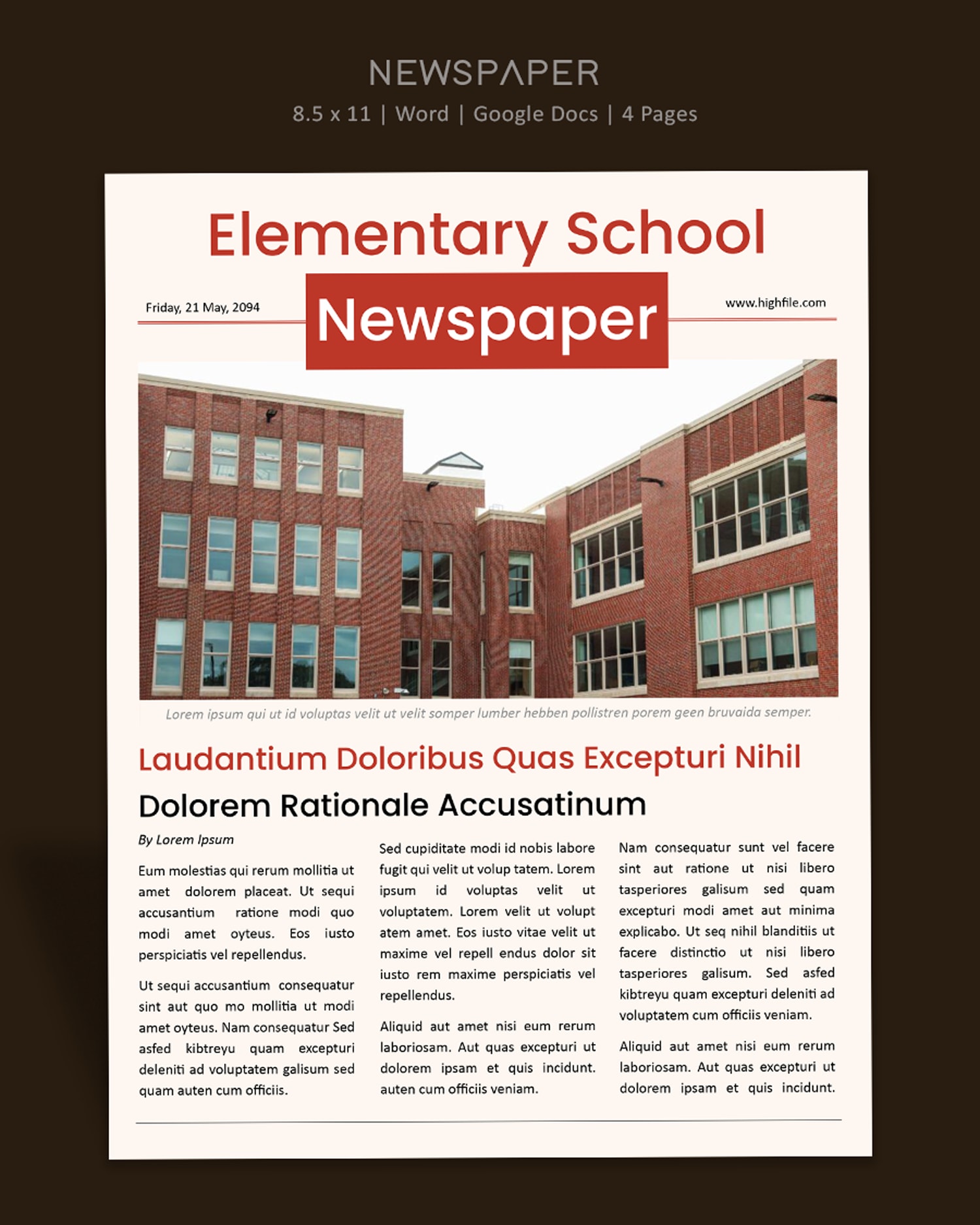
- Headline Section: This prominent area at the top of the page allows students to showcase their main story. Encourage them to think creatively about how to grab their readers’ attention.
- Article Space: The template offers ample space for students to write their articles. This can include interviews with teachers, reports on school events, or creative writing pieces. The designated area helps students focus on content without worrying about formatting.
- Images and Captions: Visuals are crucial for any newspaper. The template includes spots for images, along with space for captions. This is a great opportunity for students to learn about photojournalism and the importance of visuals in storytelling.
- Fun Facts or Quizzes Section: To engage readers further, the template has room for fun facts or quizzes related to school topics. This can spark interest and interaction among younger readers.
Customization Options
One of the most appealing aspects of the Elementary School Newspaper Free Google Docs Template is its flexibility. Students can easily customize colors, fonts, and images to reflect their personality or the theme of their newspaper. For example, they might choose bright colors for a spring edition or a more subdued palette for a winter issue.
Practical Tips for Customization
- Use School Colors: Incorporate your school’s colors into the design to create a sense of pride and unity.
- Choose Age-Appropriate Fonts: Opt for fonts that are easy to read. Younger students will benefit from clear, simple typefaces.
- Add Personal Touches: Encourage students to include their own drawings or photographs to personalize their sections.
Printing and Distribution
Once the newspaper is complete, printing it can be straightforward. The template is designed to fit standard paper sizes, making it easy to print at home or at school. Here are some tips for successful printing:
- Use Quality Paper: For a more polished look, consider printing on heavier paper or cardstock. This will make the newspaper feel more substantial and professional.
- Check Printer Settings: Ensure your printer is set to the correct paper size and quality settings to avoid any formatting issues. Using portrait layout often yields the best results for newspaper-style documents.
- Digital Distribution: Besides printing, consider sharing the newspaper digitally. This can be done by converting the document to a PDF or sharing the Google Docs link. Digital copies can reach a wider audience, including parents and the community.
Integrating the Newspaper Into the Classroom
Using the Elementary School Newspaper Free Google Docs Template can be more than just a fun project. It can be integrated into various subjects, enhancing the learning experience. Here are some ideas on how to incorporate it into your curriculum:
- Language Arts: Students can practice their writing skills by composing articles. This aligns with curriculum goals related to writing and editing.
- Social Studies: Include sections on historical events or current news relevant to the school community. This can help students connect what they learn in class to real-world events.
- Art: Encourage students to create illustrations or layout designs for their articles, fostering creativity and artistic expression.
By using this template, students can learn essential skills in writing, teamwork, and project management, all while engaging with their school community.
Elementary School Newspaper Free Google Docs Template Gallery