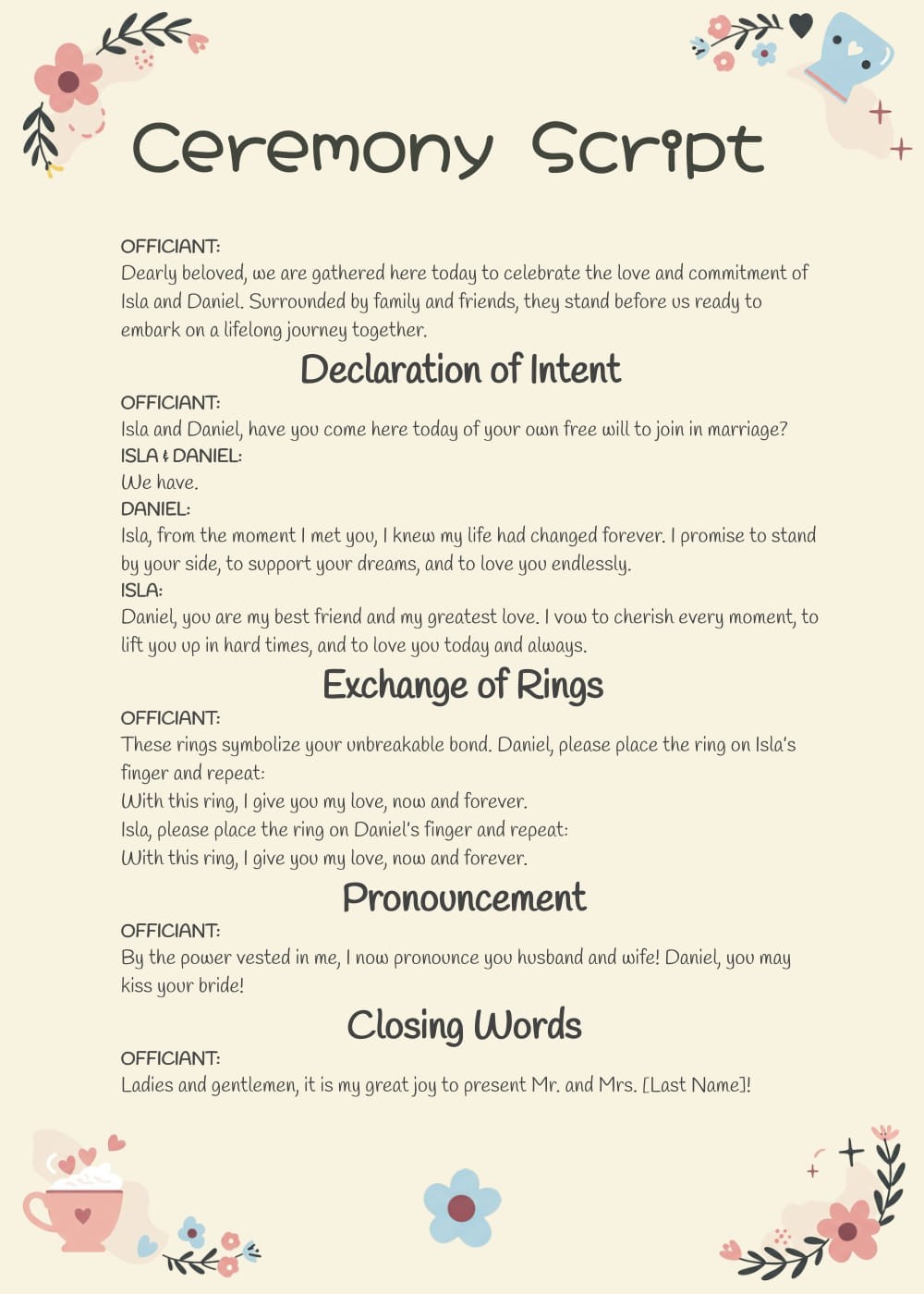
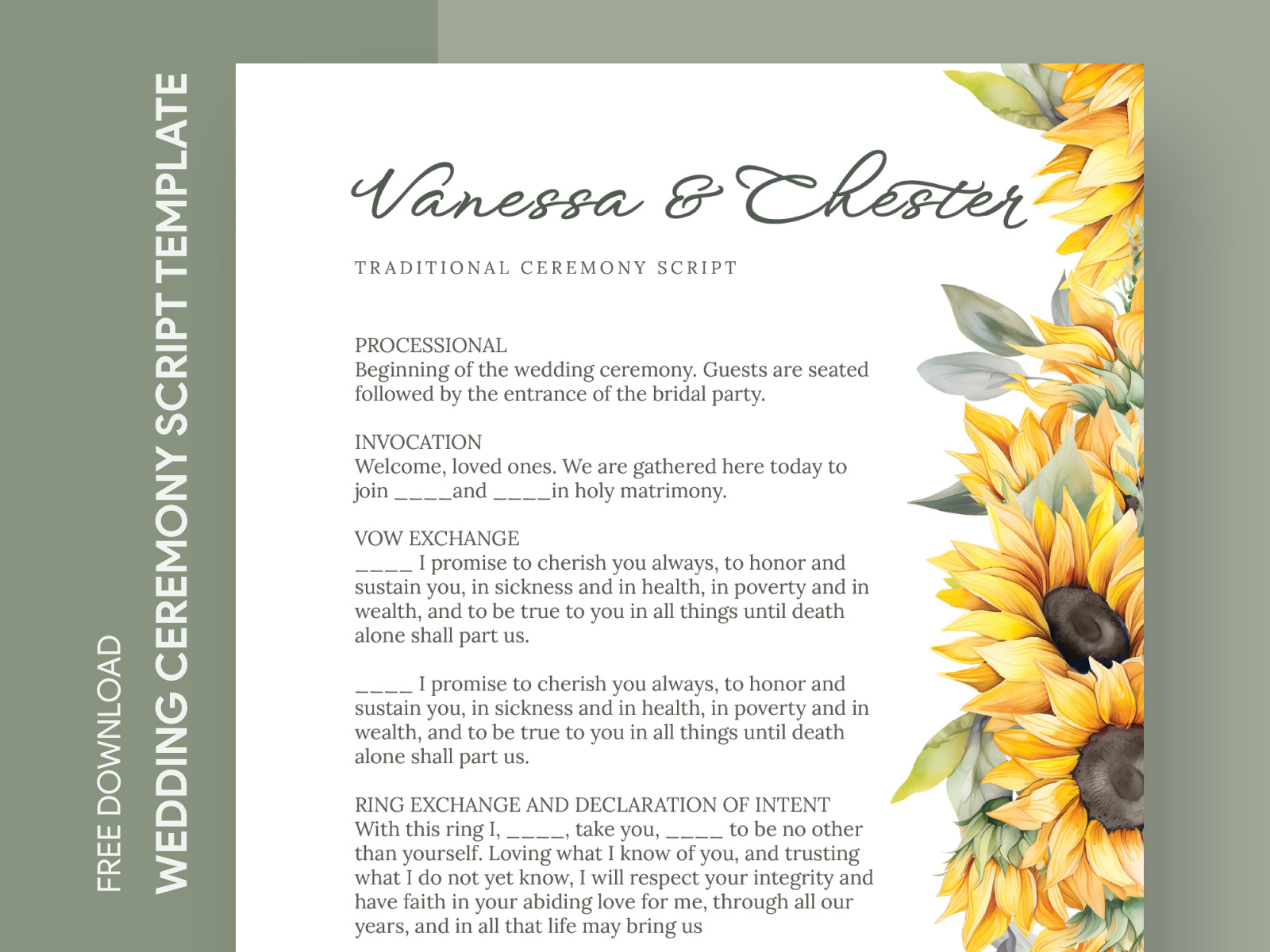
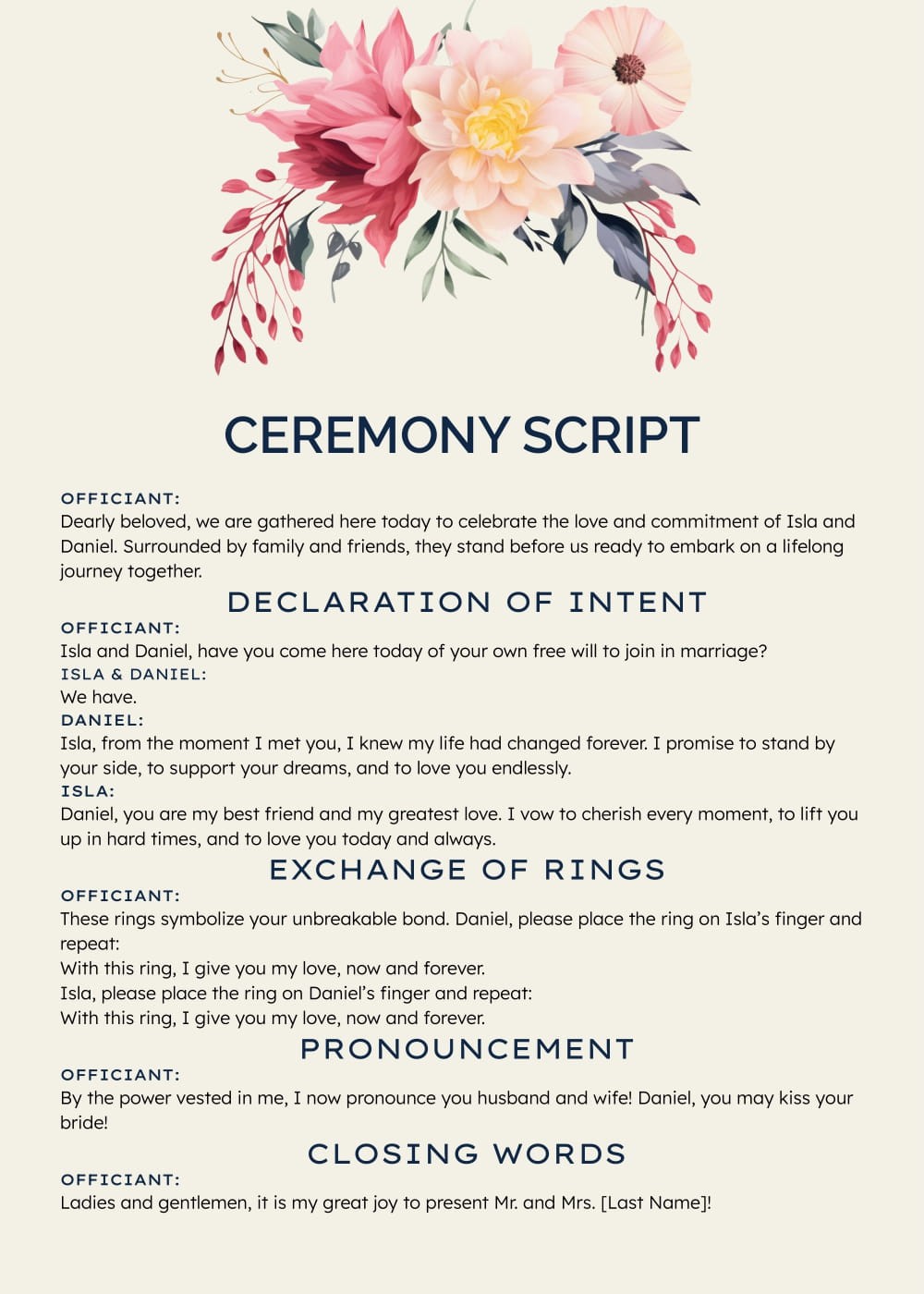
Every couple wants their wedding ceremony to be special, and having the right script can make all the difference. The Elegant Wedding Ceremony Script Free Google Docs Template provides a beautifully structured format that you can easily customize to fit your unique love story. This template streamlines the process, allowing you to focus on what truly matters: celebrating your commitment to each other.
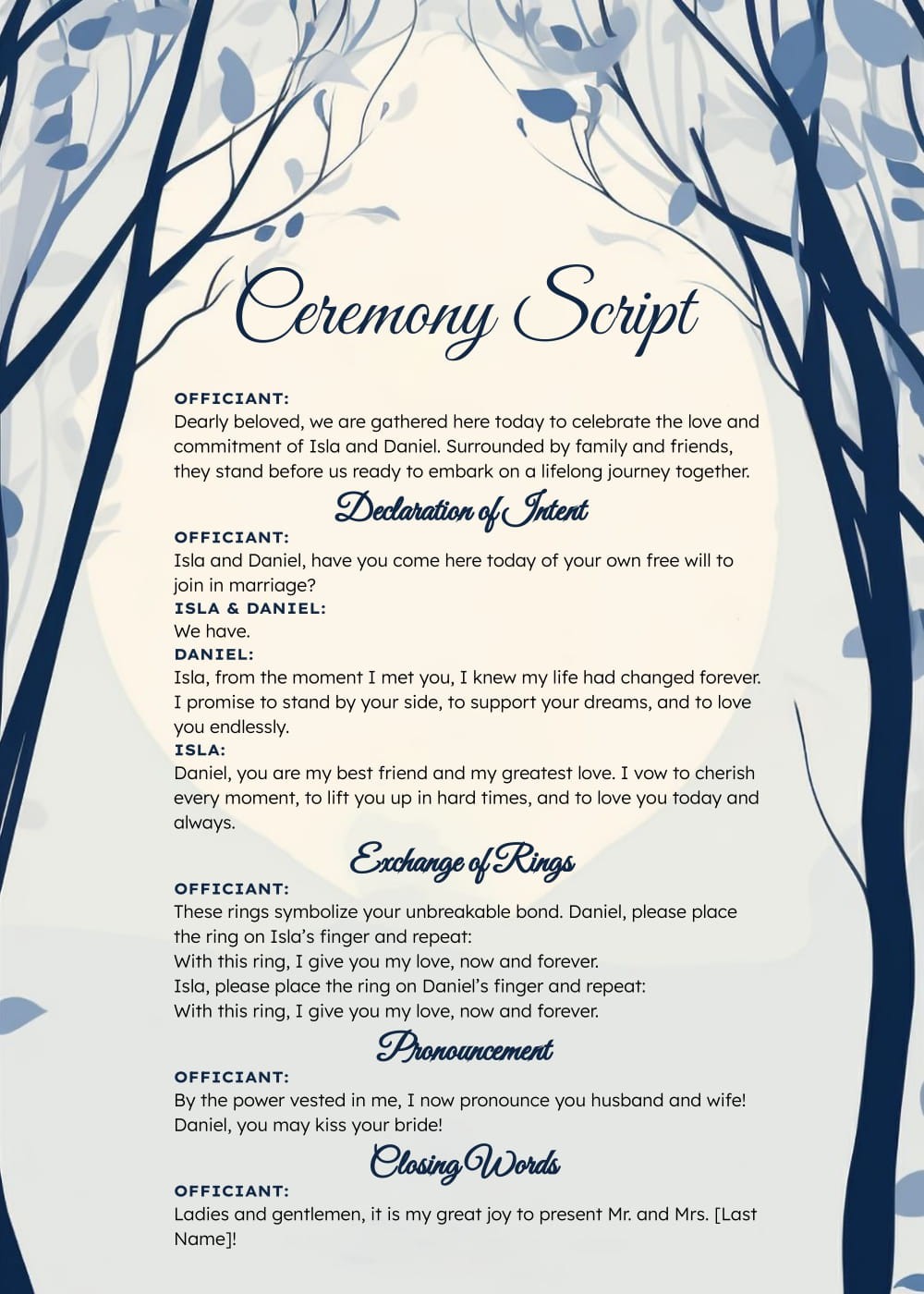
What’s Included in the Template?
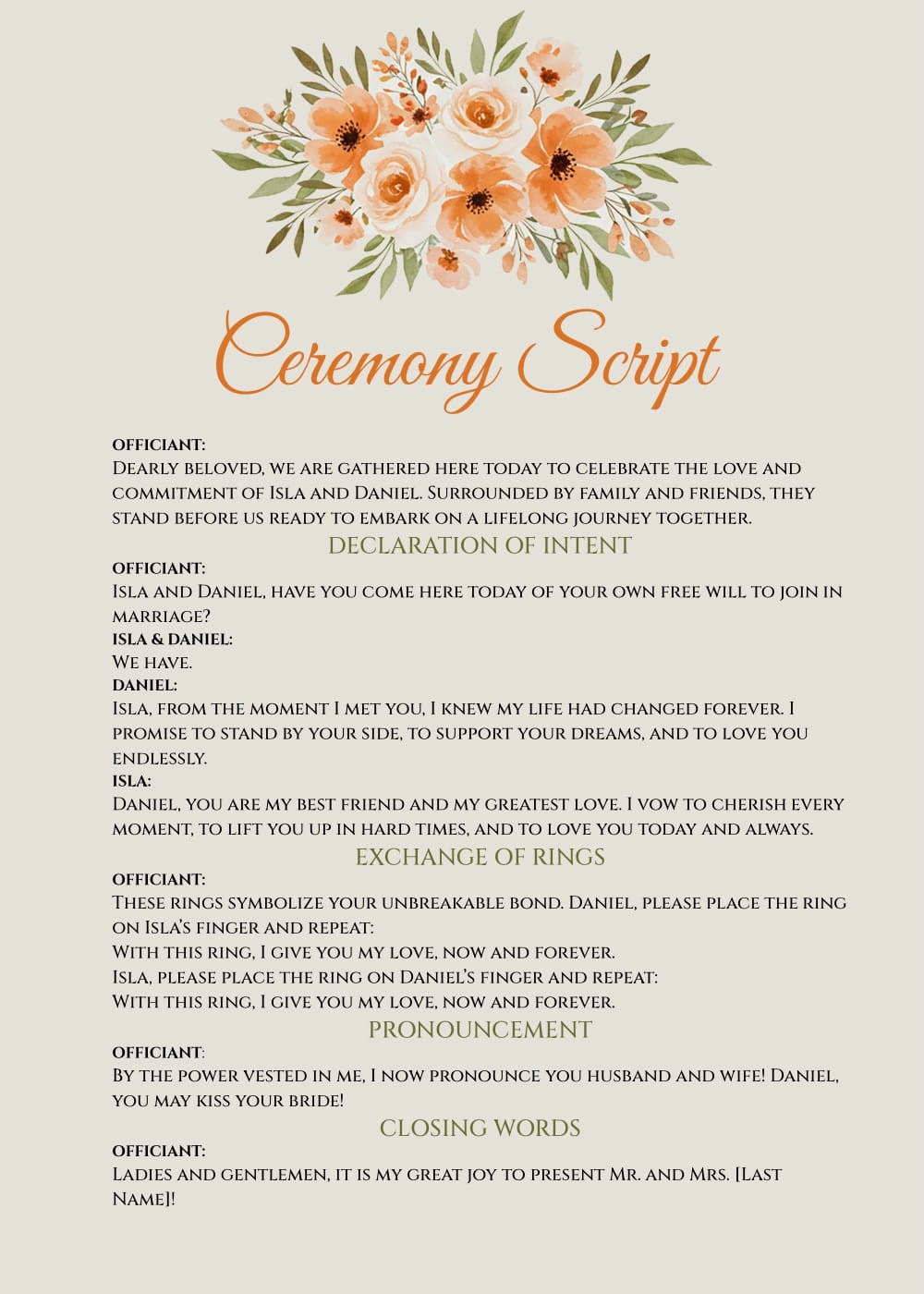
This free Google Docs template includes several key sections that are essential for crafting a memorable wedding ceremony. Here’s what you can expect:
- Welcome Message: A warm introduction to set the tone.
- Readings and Poems: Suggestions for meaningful readings that resonate with you as a couple.
- Vows Section: Areas for personal vows, allowing for a heartfelt exchange.
- Ring Exchange: A traditional segment to symbolize your commitment.
- Closing Remarks: A lovely way to conclude the ceremony and celebrate your new union.
Each section is designed to be easily editable, so you can add personal touches that reflect your relationship and style.
Customizing Your Ceremony Script
One of the standout features of the Elegant Wedding Ceremony Script Free Google Docs Template is its flexibility. You have the freedom to modify text, add personal anecdotes, or even change the order of sections. Here are some customization tips to ensure your script is genuinely yours:
- Personalize Your Welcome Message: Use a greeting that reflects your personalities. Whether it’s humorous or sentimental, make it your own.
- Choose Meaningful Readings: Consider including passages that have significance for both of you. This could be a favorite quote, a poem, or scripture.
- Craft Unique Vows: Writing your vows can be a deeply personal experience. Don’t hesitate to express your feelings and promises in your own words.
- Incorporate Family or Friends: If you want special people to be part of your ceremony, designate sections for them to read or speak.
Using Google Docs allows for easy collaboration, so if you want opinions from close family or friends, they can access the script and provide feedback.
Printing and Formatting Tips
Once you’ve customized your script, it’s time to print it. Here are some practical tips to ensure your final product looks polished and professional:
- Select the Right Paper: A heavier cardstock (80-100 lb) is ideal for a more elegant feel. This will hold up better than standard printer paper.
- Check Your Print Settings: Make sure to use the correct paper size; typically, 8.5×11 inches works best. Portrait orientation usually suits most wedding scripts.
- Proofread Before Printing: It’s easy to overlook details when you’re excited. Give your script a final read-through, or ask a trusted friend to help catch any errors.
You might also want to print multiple copies. Having extras ensures that you won’t be caught off guard if something goes awry.
Using the Template on Different Devices
Another advantage of the Elegant Wedding Ceremony Script Free Google Docs Template is its accessibility across devices. You can easily edit the document from your laptop, tablet, or smartphone. Here’s how to make the most of this feature:
- Access Anywhere: Since it’s cloud-based, you can work on your script from anywhere, whether you’re at home or on the go.
- Share with the Officiant: If you’re working with a wedding officiant, sharing the document is straightforward. They can review it and suggest adjustments if needed.
- Keep Backup Copies: Always save a backup copy in a different format, like PDF, to prevent any potential loss of your work. This also ensures the formatting remains intact when printed.
Getting familiar with Google Docs can save you a lot of time, especially if you’re also using it for other wedding planning tasks, such as guest lists and timelines.
Final Touches for Your Ceremony Script
Once your Elegant Wedding Ceremony Script Free Google Docs Template is complete, it’s time to add those finishing touches. Here are a few ideas to elevate your script further:
- Decorative Elements: Consider adding decorative borders or images. Just be mindful of keeping it readable.
- Use a Professional Font: Choose fonts that are elegant yet easy to read. Script fonts can add a nice touch, but ensure they don’t compromise legibility.
- Create a Program: If you want to share your script with guests, consider creating a wedding program that outlines the ceremony, including any readings or songs.
By putting in these final touches, you’ll ensure that your script not only serves its purpose but also becomes a cherished keepsake of your special day.
So, take a moment to explore the Elegant Wedding Ceremony Script Free Google Docs Template, and start crafting the beautiful words that will mark the beginning of your journey together. Your wedding day is just around the corner, so get started today!
Elegant Wedding Ceremony Script Free Google Docs Template Gallery