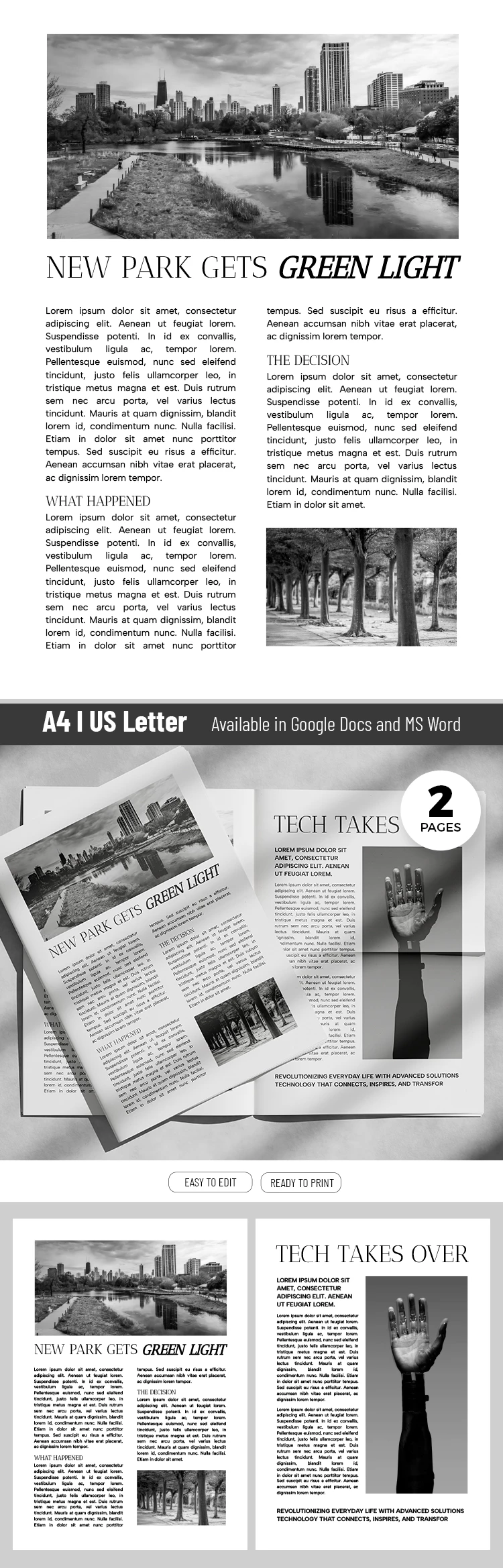
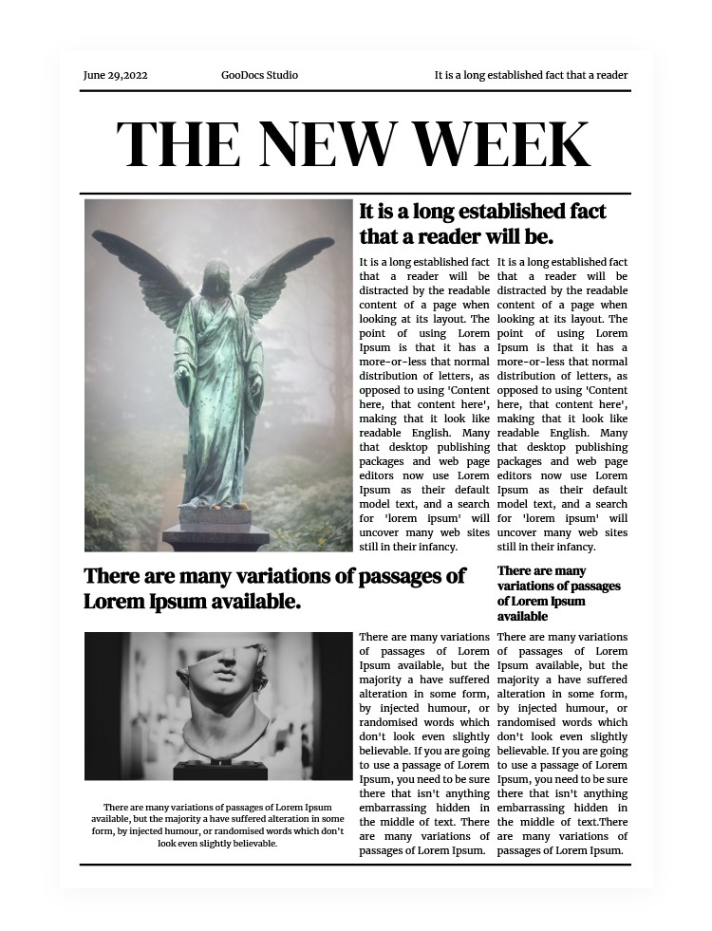
Creating a polished and eye-catching newspaper can be a daunting task, especially if you’re unsure where to start. The Elegant Newspaper Free Google Docs Template offers a straightforward solution. With its well-organized layout and customizable features, you can produce a professional-looking publication without the hassle of design software. This template not only saves you time but also ensures that your content stands out with elegance and clarity.
Key Features of the Elegant Newspaper Free Google Docs Template
This template is designed with a variety of sections to enhance your publication. You’ll notice it includes:
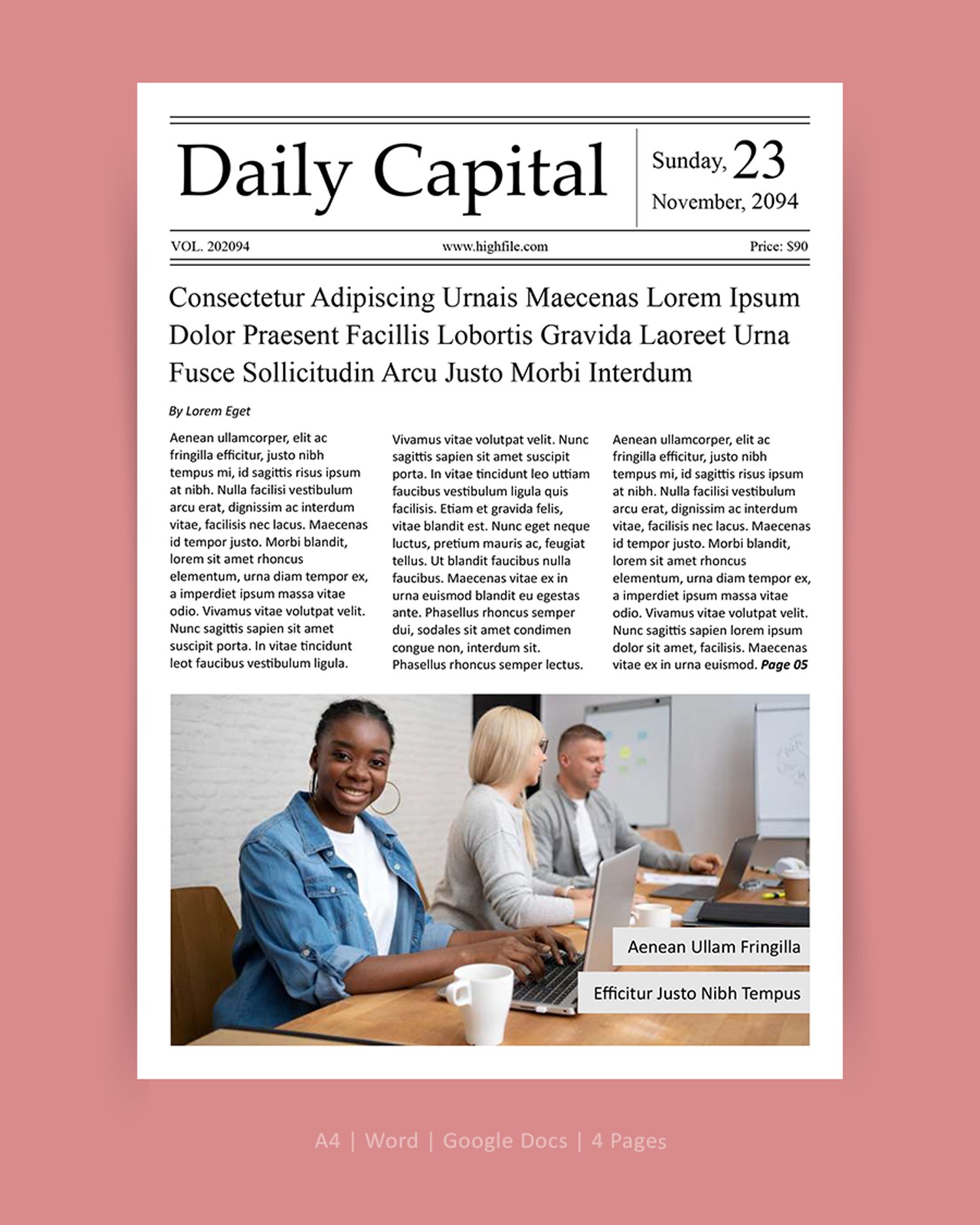
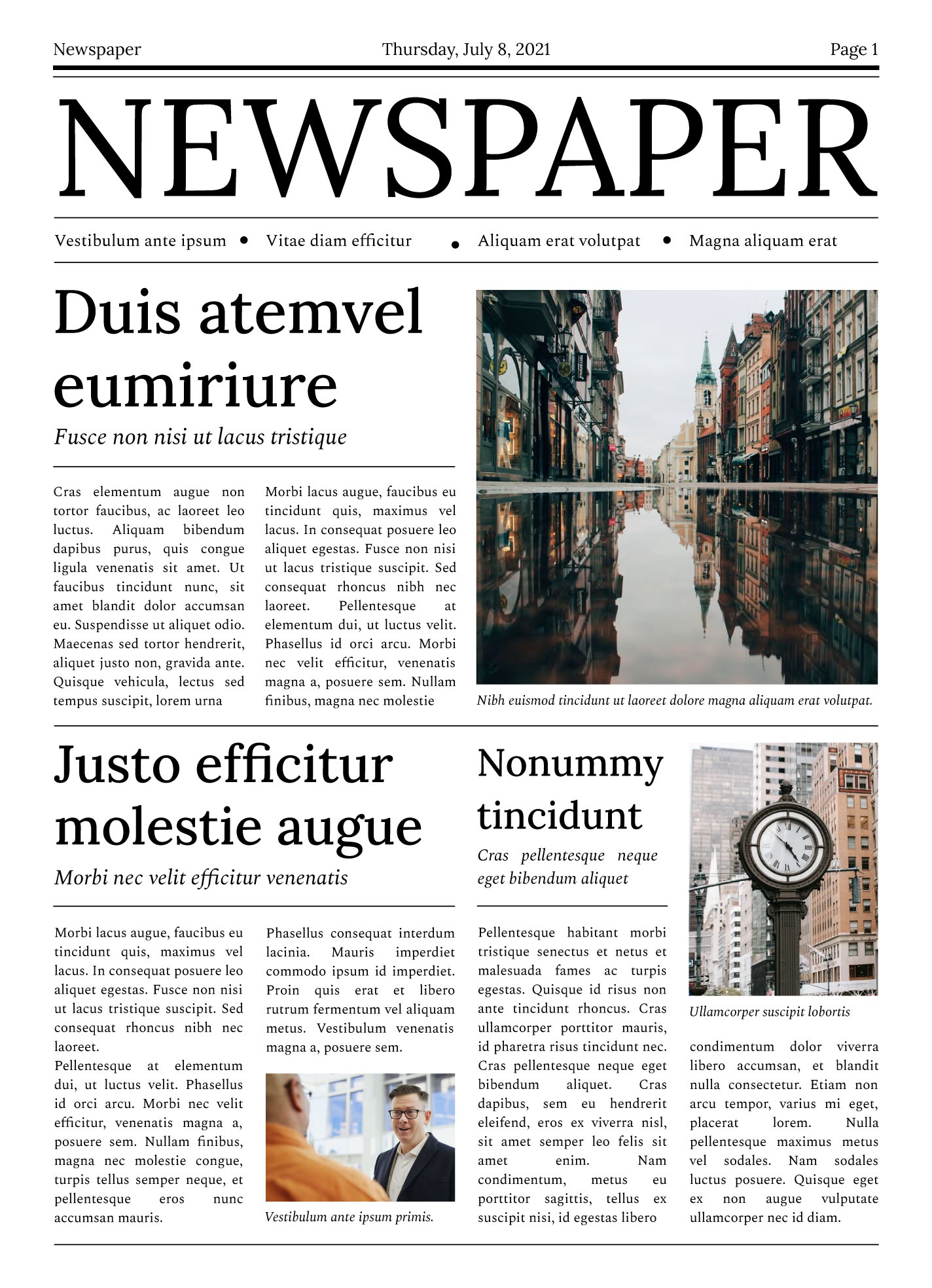
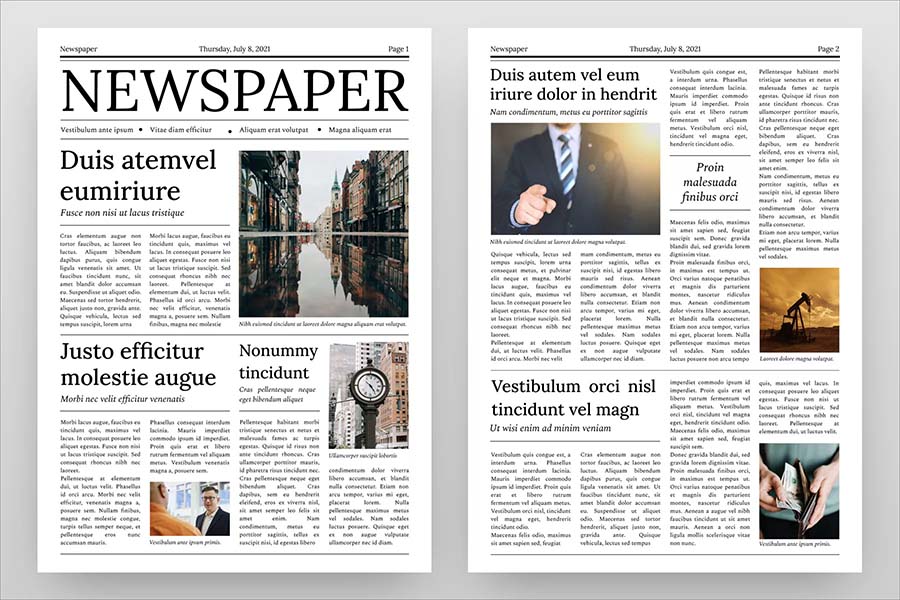
- Headlines and Subheadings: The template features prominent headline areas that allow you to grab the reader’s attention. Subheadings help in organizing content, making it easy to navigate through different sections.
- Image Placeholders: You can easily insert images related to your articles. This adds visual appeal and breaks up text, making the newspaper more engaging.
- Column Layout: The multi-column format mimics a traditional newspaper, giving your content a professional feel. This layout is particularly effective for presenting news articles, opinion pieces, and feature stories.
- Text Boxes: These are ideal for quotes or side notes that you want to highlight, providing a dynamic look.
Customizing Your Template
One of the best aspects of the Elegant Newspaper Free Google Docs Template is its customizability. You can adjust various elements to suit your needs:
- Text and Fonts: Change the font styles and sizes to match your publication’s theme. Google Docs offers a range of fonts, allowing for both modern and classic aesthetics.
- Color Scheme: Adjust the color of text boxes or headlines to align with your branding or the mood of your content. This can be easily done through the Google Docs toolbar.
- Images: Replace the placeholders with your images. Remember to choose high-resolution images for the best quality when printed or viewed digitally.
Practical Uses for the Template
The versatility of the Elegant Newspaper Free Google Docs Template makes it suitable for various applications:
- School Projects: If you’re a teacher or student, this template can serve as a great tool for creating newsletters or reports. It encourages creativity while providing a structured format.
- Community Newsletters: Local organizations can use this template to publish community news, events, and announcements. Its professional look can help engage readers and promote participation.
- Event Programs: For special occasions, such as weddings or anniversaries, the template can be adapted to create a unique program that tells a story about the event.
- Personal Use: You can even create a family newsletter to keep relatives updated on family happenings, vacations, or milestones.
Downloading and Printing Options
To get started with the Elegant Newspaper Free Google Docs Template, simply download it from the resource website. Here’s how to make the most of it:
- Downloading: Ensure you have a Google account to easily access and edit the template. Once downloaded, you can open it directly in Google Docs for immediate editing.
- Printing: When it’s time to print, consider using heavier paper like cardstock for a more durable feel. Standard letter size (8.5” x 11”) works well for most home printers, but you can adjust settings if you prefer a different size.
- Digital Sharing: If you plan to share your newspaper digitally, exporting it as a PDF is a smart choice. This format preserves your formatting and ensures that everyone sees your publication as intended.
Design Choices and Considerations
When working with the Elegant Newspaper Free Google Docs Template, a few design choices can enhance your final product:
- Margins and Spacing: Pay attention to margins and line spacing. These elements can dramatically affect readability. A clean layout with ample white space will make your content more inviting.
- Consistency: Maintain a consistent style throughout your newspaper. Stick to a limited color palette and font choices to create a cohesive look.
- Proofreading: Before finalizing your newspaper, always proofread for spelling and grammatical errors. A polished publication reflects professionalism and care.
In summary, the Elegant Newspaper Free Google Docs Template is an invaluable resource for anyone looking to create a polished publication effortlessly. With its customizable features and practical applications, you can adapt it to fit your specific needs, whether for personal use or professional endeavors. Whether you choose to print it or share it digitally, this template is designed to ensure your content shines. You can decide between a traditional print format or a sleek digital PDF — either way, your readers will appreciate the effort you put into your elegant newspaper.
Elegant Newspaper Free Google Docs Template Gallery