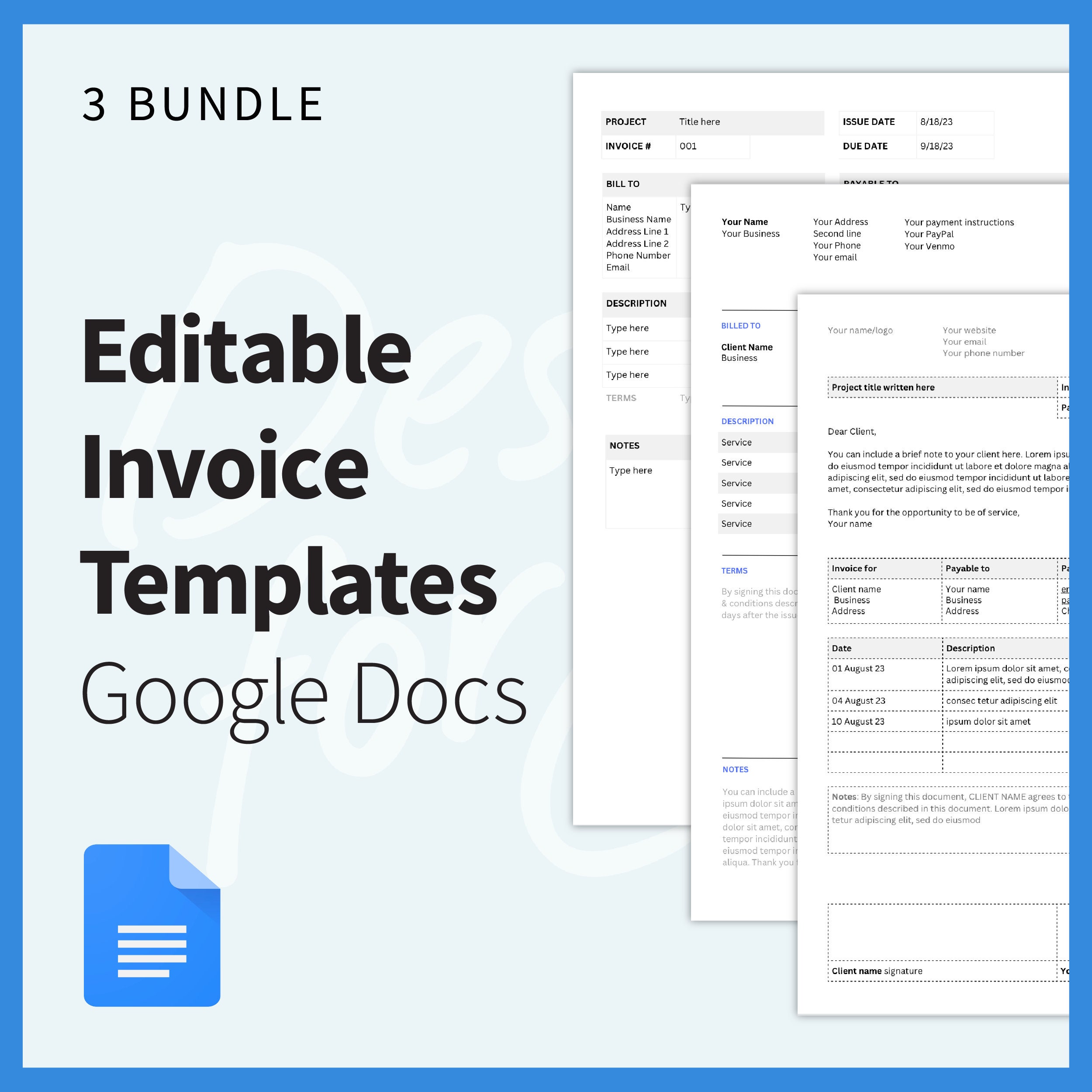
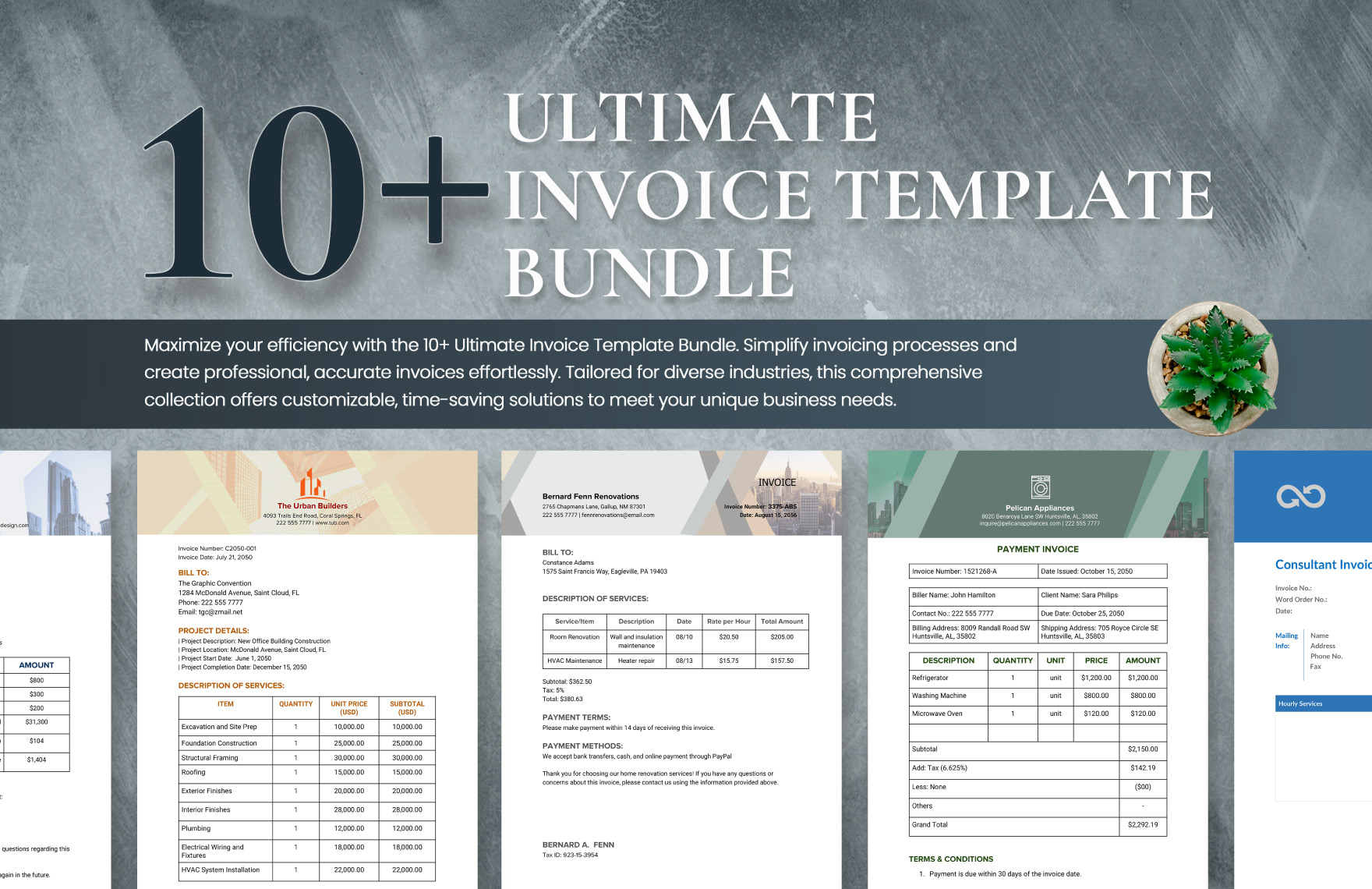
Creating invoices can often feel like a daunting task, especially if you want to maintain a professional appearance without spending hours on design. The Editable Invoice Free Google Docs Template stands out as a practical solution for anyone looking to streamline their invoicing process. This versatile template offers you a user-friendly layout that’s easy to customize, ensuring your invoices reflect your business’s unique identity.
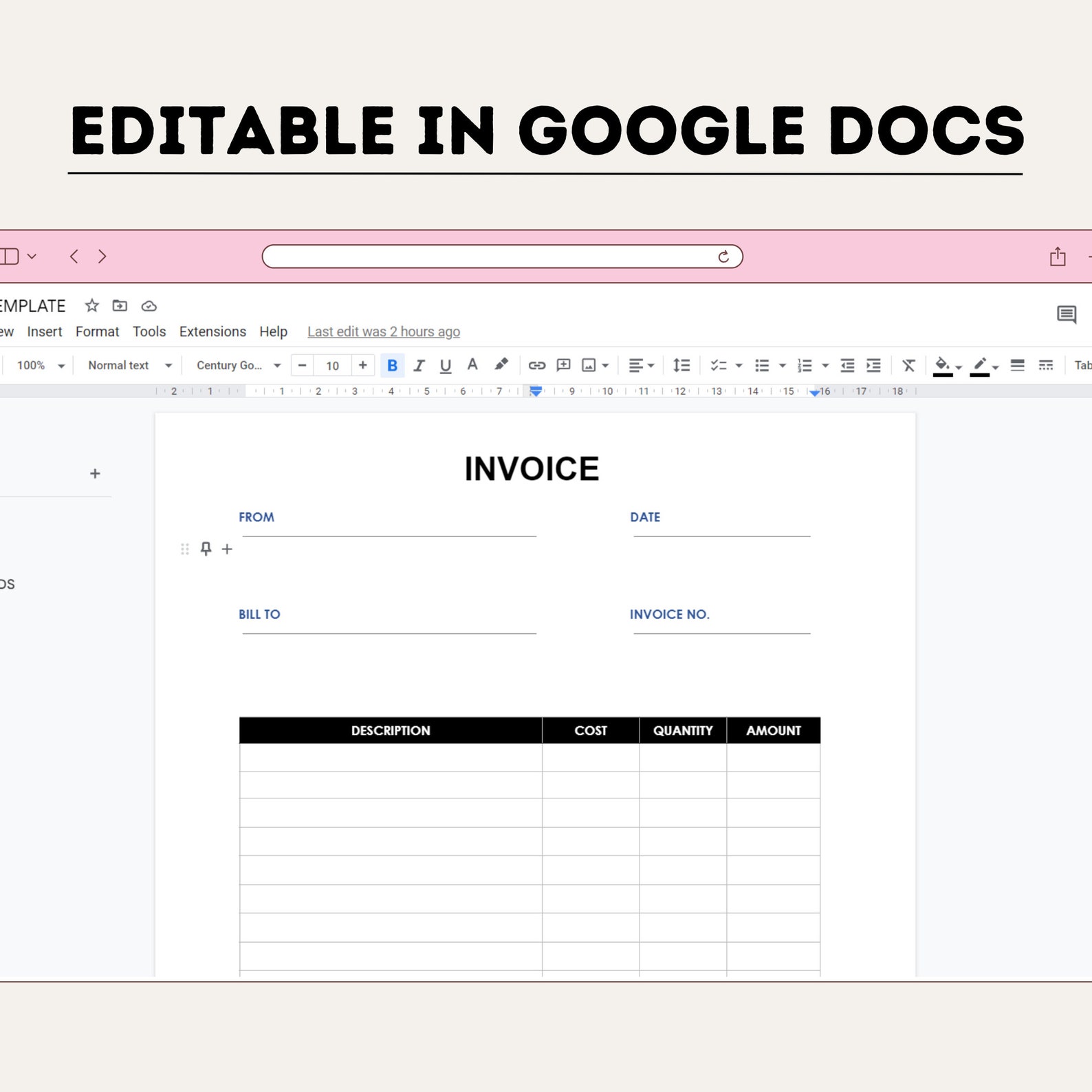
Understanding the Layout of the Editable Invoice Template
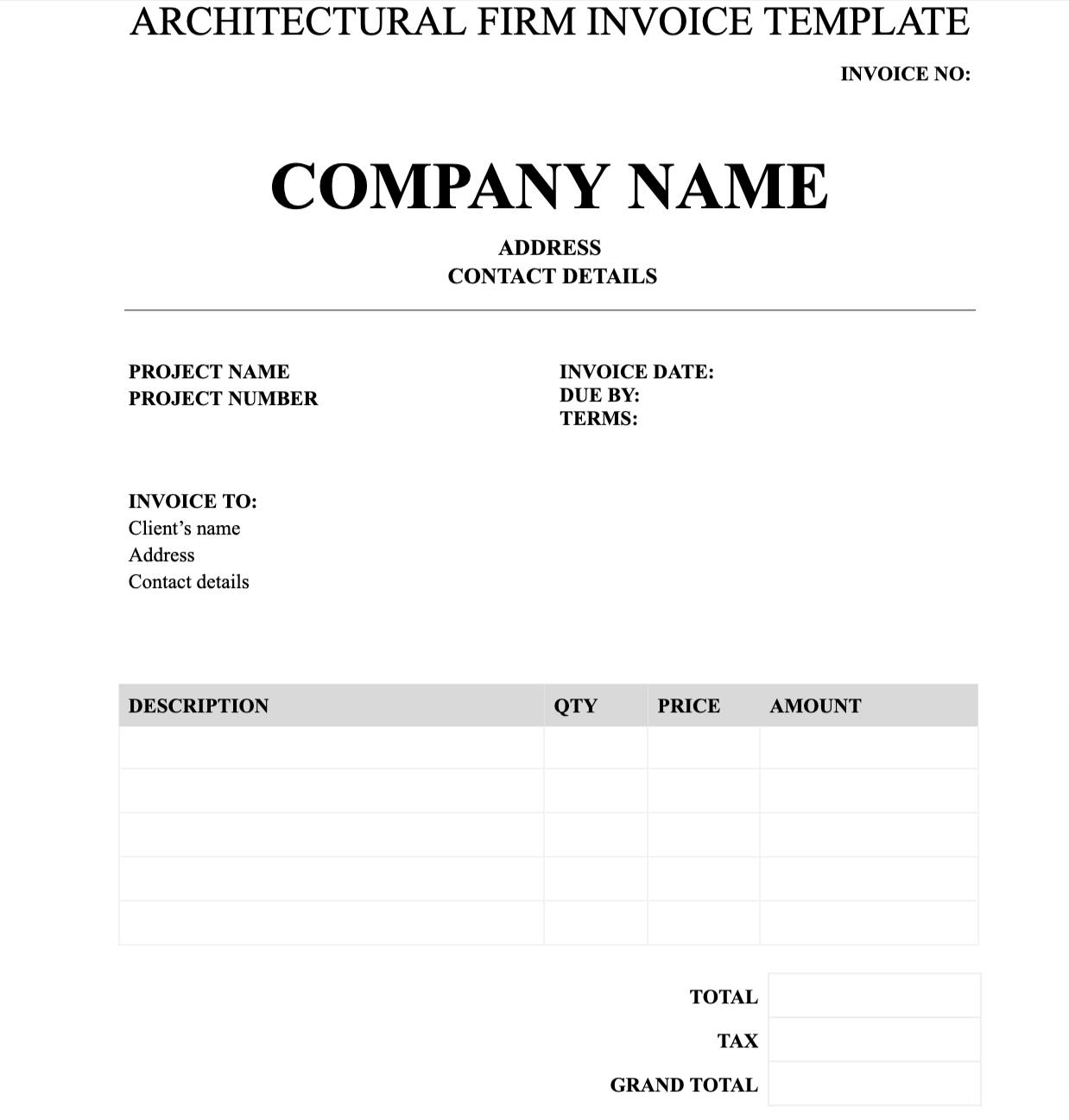
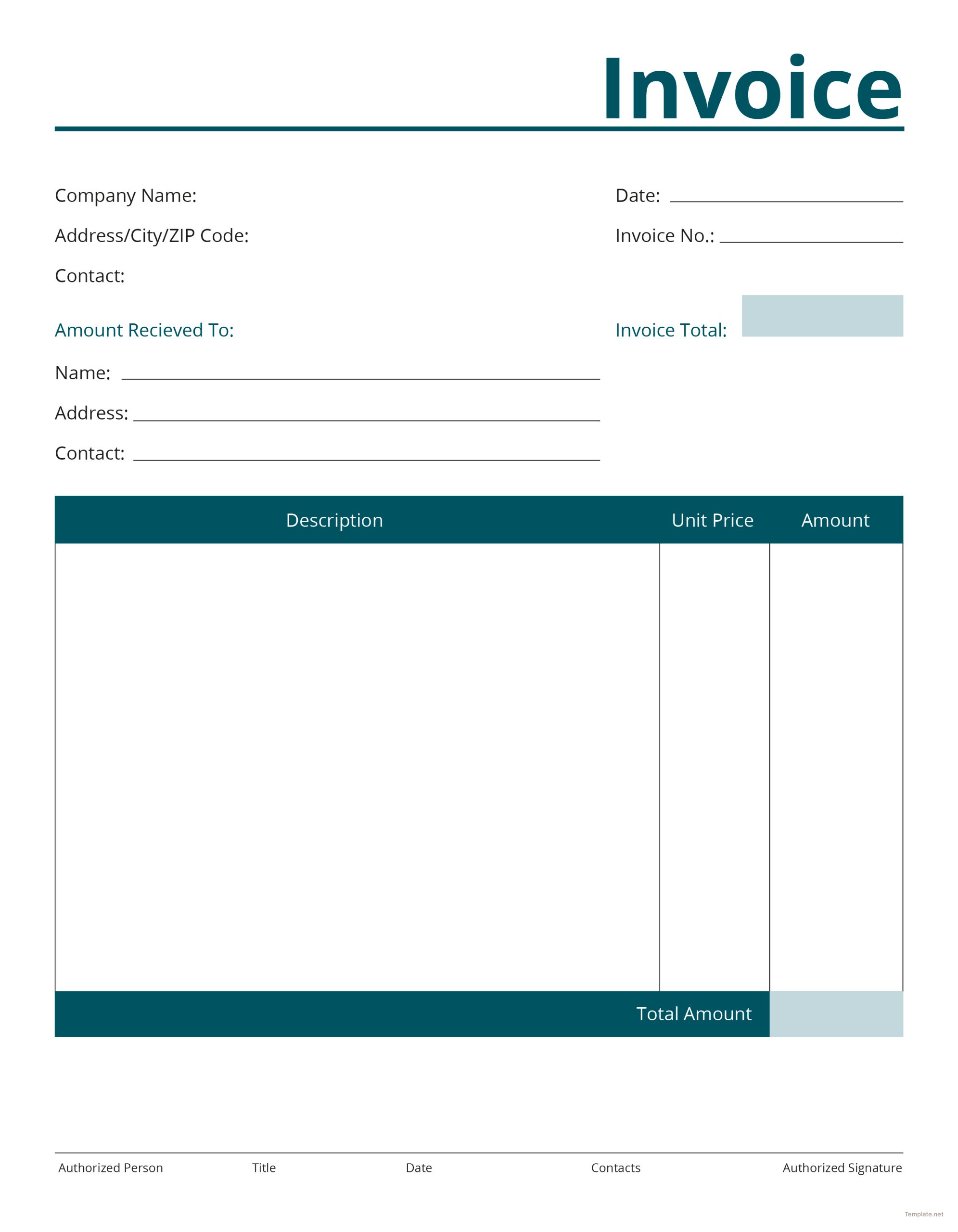
When you first open the Editable Invoice Free Google Docs Template, you’ll notice its clean and straightforward layout. This template is designed with clarity in mind, making it easy for both you and your clients to read. Key sections include:
- Header: Typically contains your business name, logo, and contact information. This is where you establish your brand’s identity.
- Client Information: A dedicated area for your client’s name, address, and contact details. Personalizing this section helps foster a business relationship.
- Invoice Details: This section includes the invoice number, date of issue, and payment due date. Keeping these details organized is crucial for tracking payments.
- Itemized List of Services or Products: Here, you can detail what you’re charging for, including descriptions, quantities, and prices. This transparency is essential for maintaining trust.
- Total Amount Due: An easily visible total ensures clients know exactly what they owe at a glance.
This layout is not only user-friendly but also customizable, allowing you to tweak colors, fonts, and arrangement to match your brand’s style. Plus, you can easily switch between portrait and landscape formats depending on how you prefer to present your invoices.
Customization Options for Your Needs
One of the standout features of the Editable Invoice Free Google Docs Template is its high level of customization. You can modify various fields to suit your specific needs:
- Colors and Fonts: Adjust these to reflect your brand’s identity. Using your brand colors can make the invoice feel more personal and professional.
- Add or Remove Sections: Depending on your business model, you might want to include additional information, such as terms and conditions or a thank-you note.
- Currency and Tax Calculations: If you work in an international market, you can easily adjust the currency format. Including tax calculations can also be a matter of a few simple tweaks.
By customizing these elements, you create a document that not only looks professional but also resonates with your brand identity.
Practical Decisions When Using the Template
When you decide to use the Editable Invoice Free Google Docs Template, consider a few practical aspects that can enhance your invoicing process:
- Downloading and Printing: You can easily download the template in Google Docs and print it directly from your home or office printer. For best results, use high-quality paper to give your invoices a professional touch.
- Saving as PDF: After customizing your invoice, consider saving it as a PDF before sending it to clients. This format ensures that your layout remains intact, regardless of the device used to view it.
- Regular Updates: As your business evolves, so should your invoice template. Regularly revisiting your invoice to update information, such as pricing or services offered, keeps it relevant.
Choosing to adapt your template to fit your workflow can save you time and reduce errors.
Integrating the Invoice Template Into Your Workflow
To make the most out of the Editable Invoice Free Google Docs Template, think about how it can fit into your existing systems. Here are some strategies:
- Use in Conjunction with Tracking Software: If you’re using software for tracking expenses and income, ensure your invoice template aligns with your financial reporting needs.
- Create a Library of Templates: If you offer various services, consider creating multiple versions of your invoice template tailored to different client needs or services.
- Automate Reminders: Pair your invoices with reminder systems for payments. You can set calendar reminders for following up on unpaid invoices.
This integration not only simplifies the invoicing process but also enhances your overall efficiency.
Choosing the Right Paper and Printing Options
Finally, consider how the final printed invoice will look. The right paper choice can elevate the professional appearance of your invoices. Here are some options:
- Standard Printer Paper: This is the most accessible option, but it can sometimes lack the flair you want.
- Cardstock: A thicker paper adds a touch of professionalism and durability, especially if you plan to deliver invoices in person.
- Color vs. Black and White: Color prints can make your invoices stand out, but black and white is often more economical and sufficient for most business needs.
Understanding these choices can help you present invoices that not only serve their purpose but also impress your clients.
The Editable Invoice Free Google Docs Template offers a straightforward way to create professional invoices that reflect your business’s identity. Whether you’re just starting or have an established business, this template can save you time and effort while ensuring your invoices are clear and effective. With the ability to customize every aspect, from layout to colors, you can create something that truly represents your brand.
Editable Invoice Free Google Docs Template Gallery