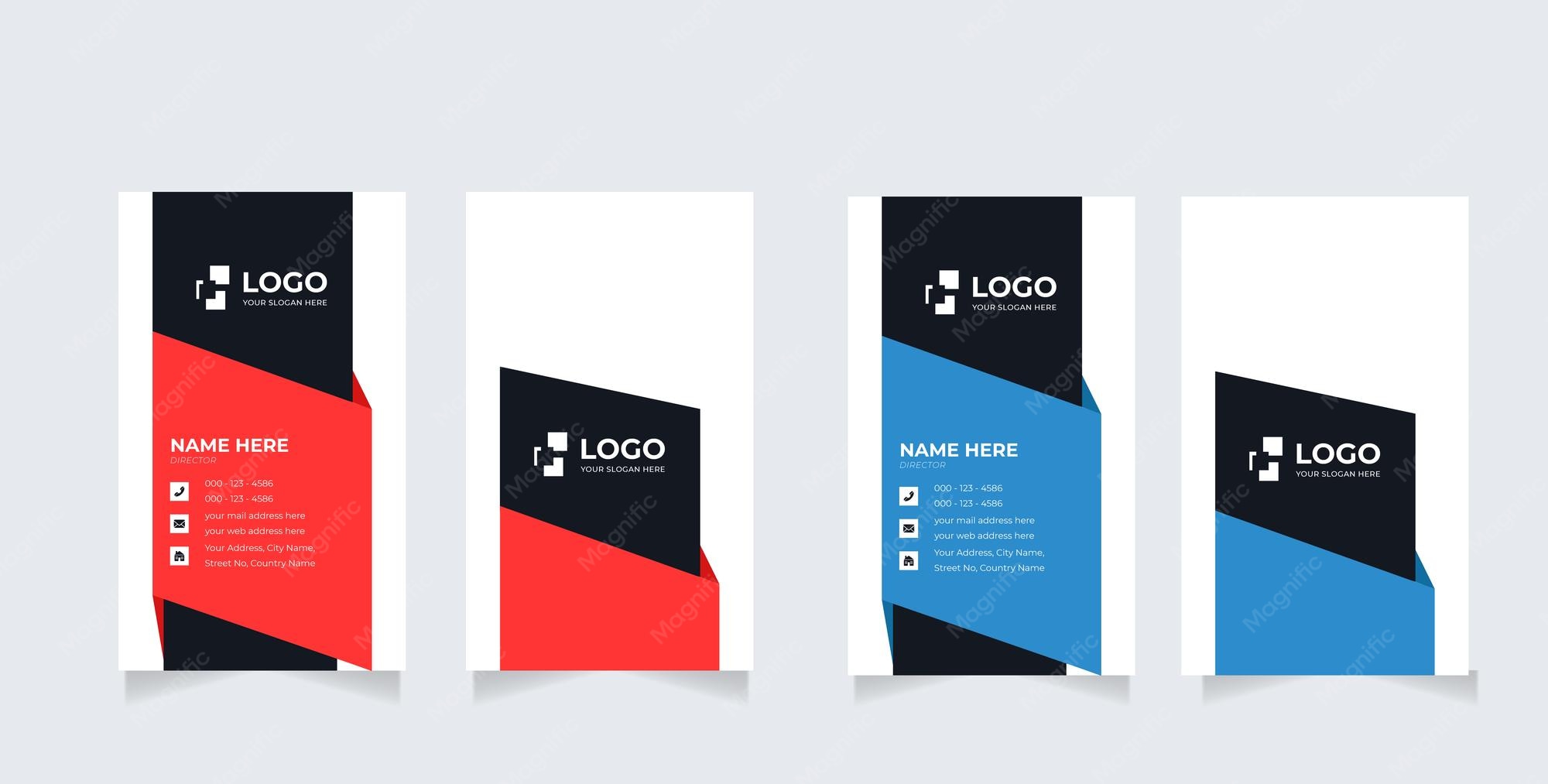
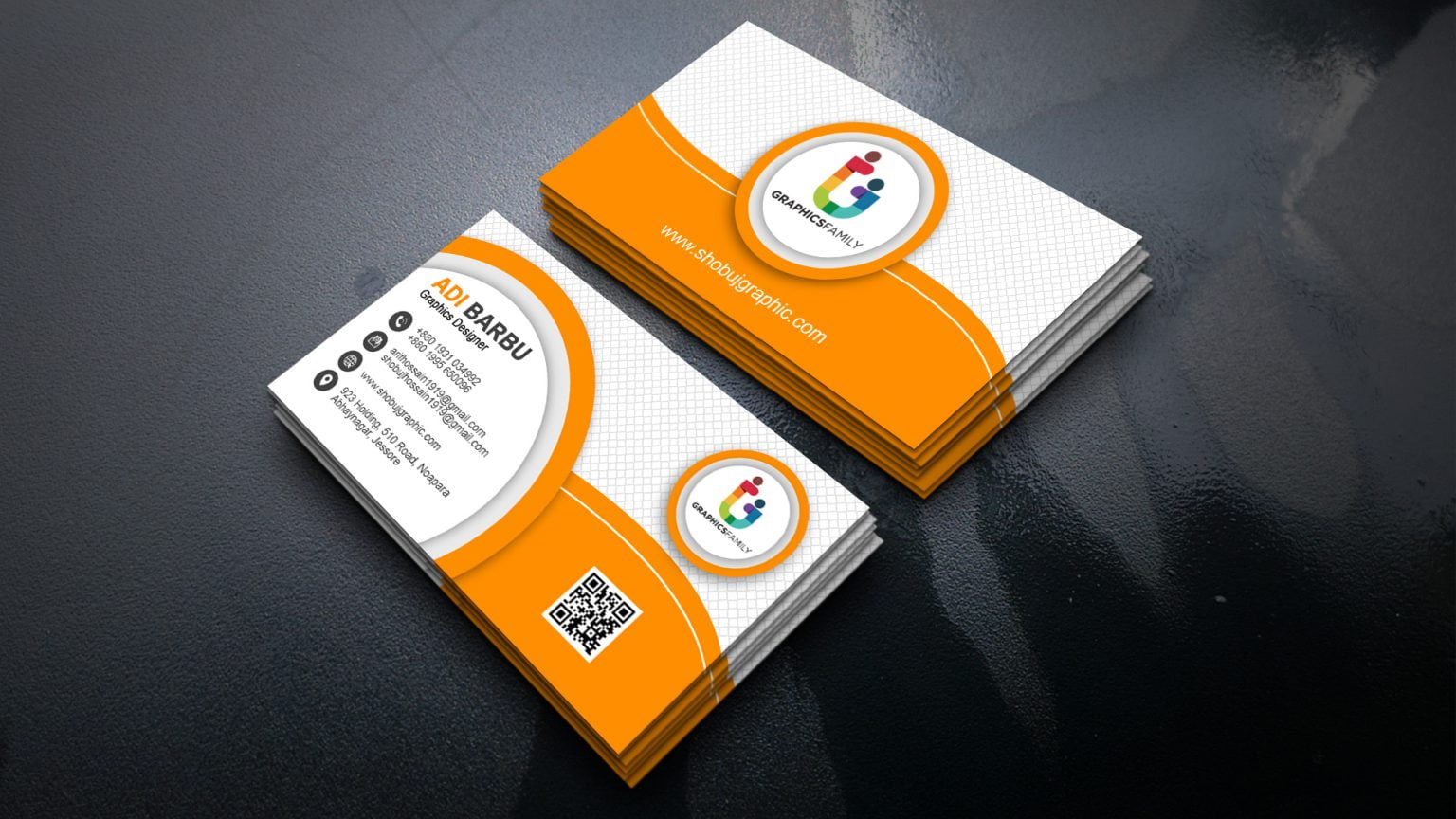
Creating a Double Sided Business Card offers you more space to showcase your brand without sacrificing a clean, professional look. These cards typically measure 3.5 x 2 inches, making them a standard size that fits easily into wallets and cardholders. If you’re looking to make a memorable impression, a double-sided card allows you to include essential contact information on one side and a striking design or additional details on the other.
Design Considerations for Your Double Sided Business Card
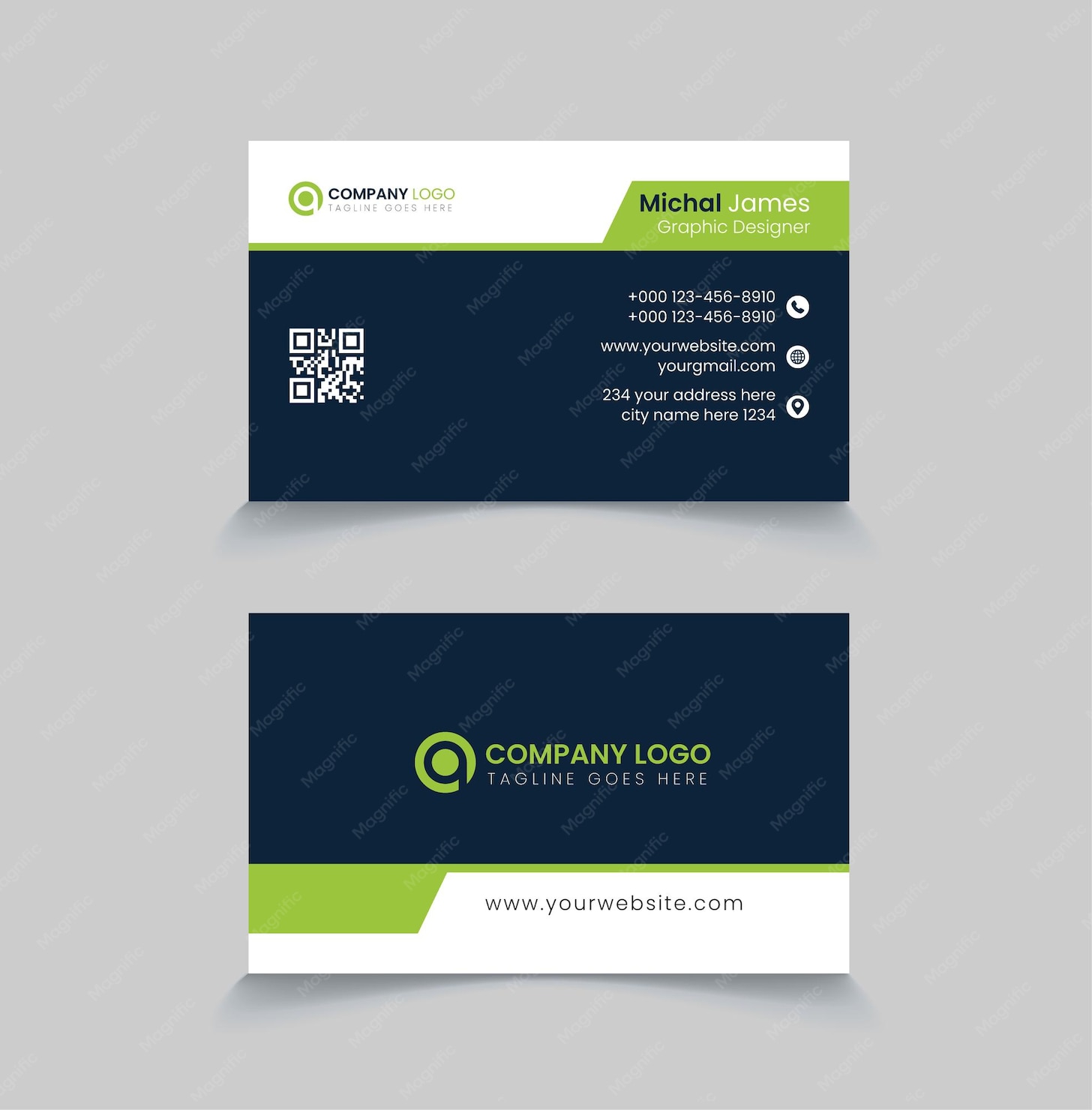
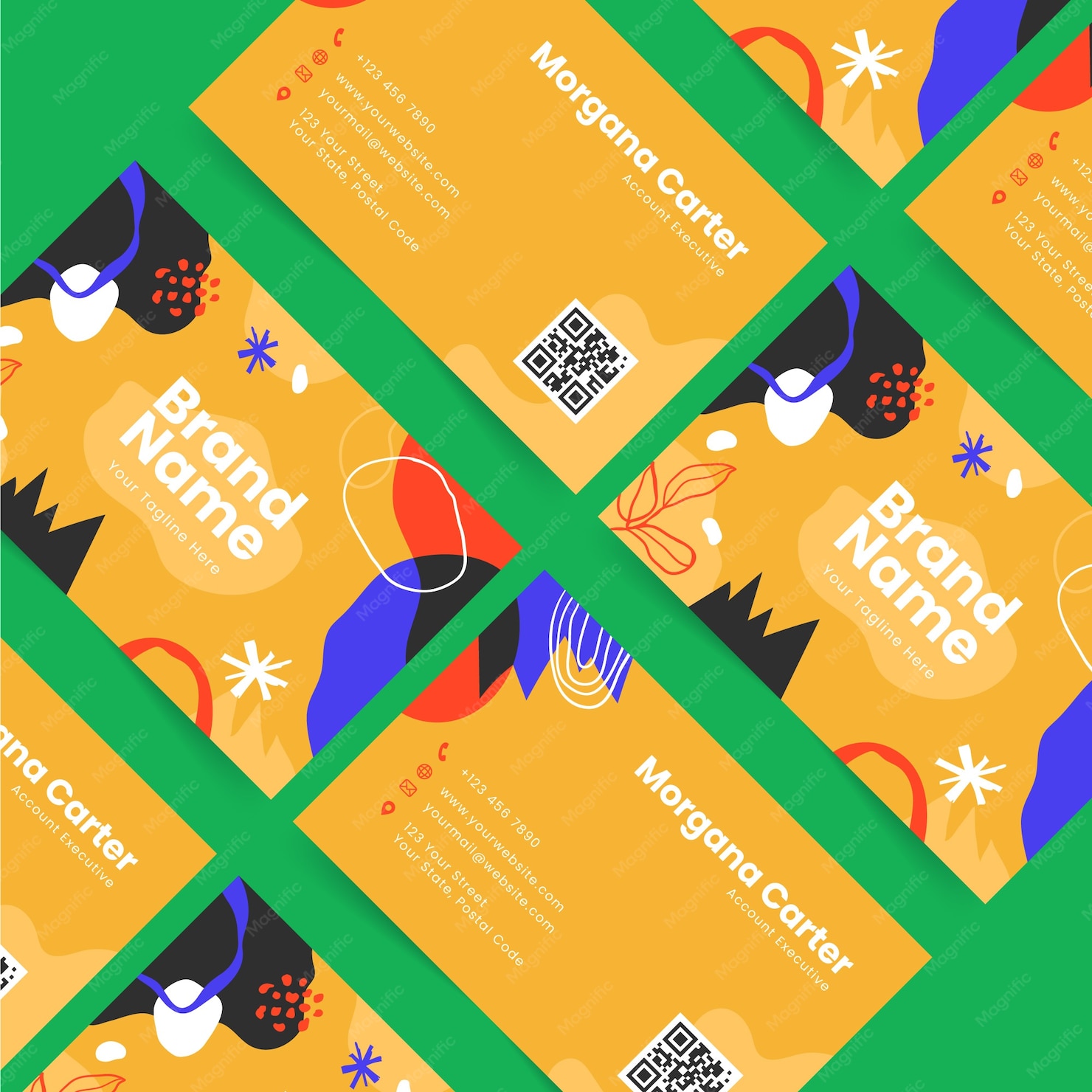
When designing your double-sided business card, think about how each side can complement the other. The front often features your logo, name, title, and primary contact information. The back can be used for additional details such as a tagline, social media handles, or even a QR code linking to your website.
Choosing the Right Color Scheme and Fonts
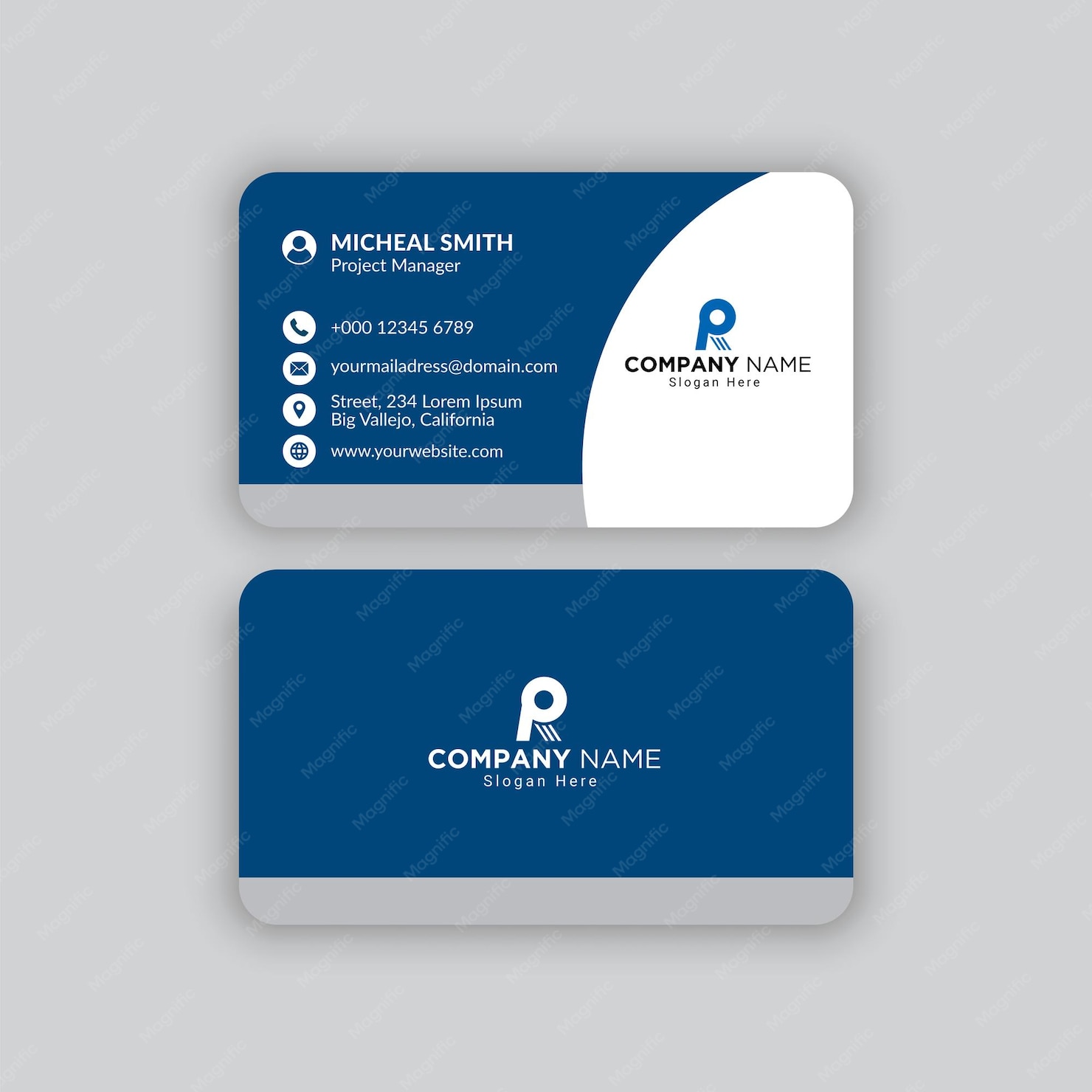
Selecting a cohesive color scheme is crucial. Stick to 2-3 colors that align with your branding. This consistency helps reinforce your brand identity. For fonts, choose something legible. Sans-serif fonts like Arial or Helvetica work well for contact details, while a more stylized font can be used for your name or company name to add flair.
Paper Types and Printing Options
The paper you choose for your double-sided business card can significantly affect its presentation. Cardstock is the most popular choice due to its durability and professional feel. A thickness of 14pt to 16pt is ideal, providing a sturdy card that won’t bend easily.
Finishing Touches: Matte Vs. Glossy
You’ll also want to consider the finish of your card. Matte finishes offer a sophisticated look and are easier to write on, which can be handy if you want to jot down notes when handing them out. Glossy finishes, on the other hand, are vibrant and can make colors pop, making them a great choice for visually striking designs. However, they can be harder to write on, so think about how you plan to use the cards.
Printer Setup for Double Sided Business Cards
Getting your double-sided business cards printed requires a bit of setup, especially if you’re printing at home. Here are some practical steps to ensure the best results:
- Select the Right Paper Size: Make sure you’re using the correct paper size, which should be 8.5 x 11 inches if you’re printing multiple cards per page.
- Choose the Right Printer: Inkjet printers usually handle cardstock well, but laser printers can provide sharper images and are often faster.
- Print Settings: Adjust your printer settings to the highest quality for the best color and detail. If your printer has a setting for thick paper, be sure to select that.
Test Print Before You Commit
Always do a test print on regular paper first. This helps you check alignment and color before wasting cardstock. Pay attention to margins and make sure everything is centered.
Personalizing Your Double Sided Business Card
Personalization adds a special touch to your double-sided business card. This could mean including a personal quote, a unique design element, or even a photo that represents your business. If you’re in a creative field, showcasing your work on one side can be an excellent way to attract potential clients.
Utilizing QR Codes
Incorporating a QR code on the back of your card can drive traffic to your website or portfolio. They’re easy to create and can be a great way to provide additional information without cluttering the card with text. Just make sure it’s large enough to be scanned easily.
Final Steps: Cutting and Distributing Your Cards
If you’re printing at home, you’ll need to cut your cards after printing. A paper cutter yields the cleanest edges, but scissors will work in a pinch if you’re careful.
When it comes to distributing your double-sided business cards, think about where you’ll be networking. Always have a few on hand during meetings, conferences, or even casual encounters.
Be Mindful of Your Card’s Lifespan
Keep your cards in a case to prevent bending or damage, and check on them regularly to ensure they’re still looking fresh. Having a well-maintained card can reflect positively on your professionalism.
By considering design elements, paper choices, and effective distribution strategies, you can create a double-sided business card that not only stands out but also effectively communicates your brand to potential clients and contacts. Remember to focus on quality and presentation, as these factors will significantly impact how your business card is perceived.
Double Sided Business Card Gallery