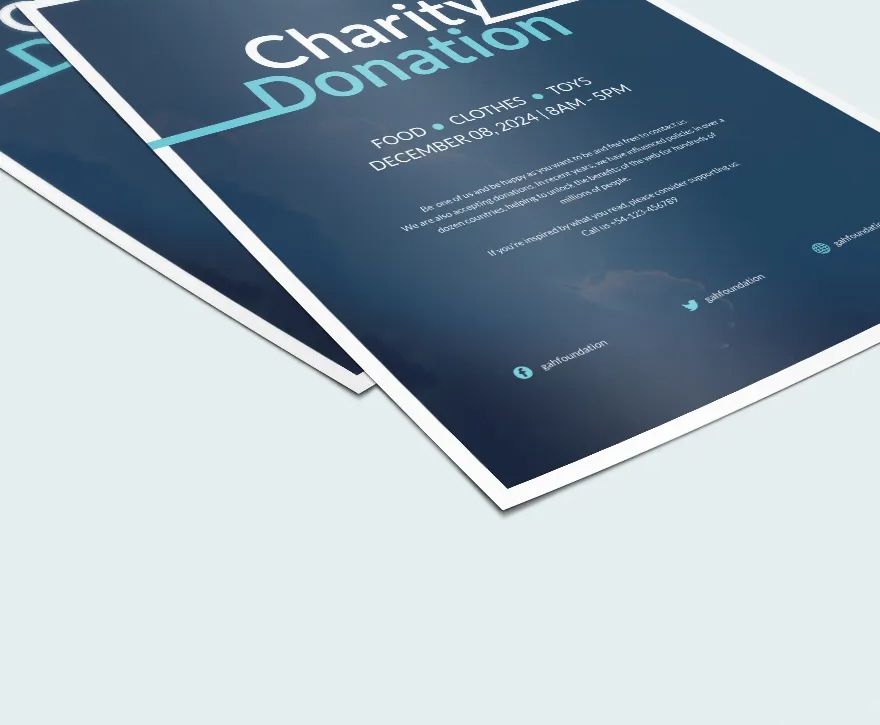
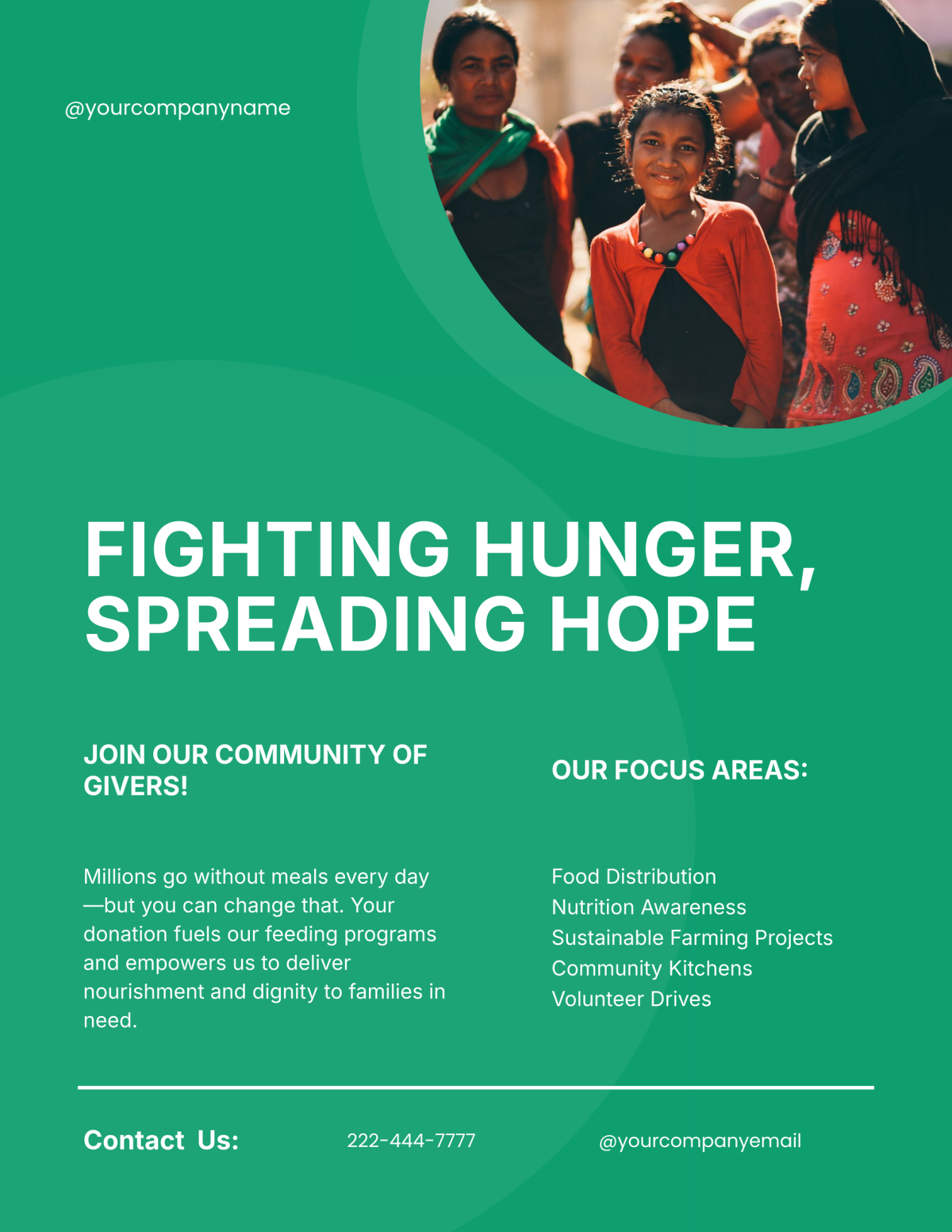
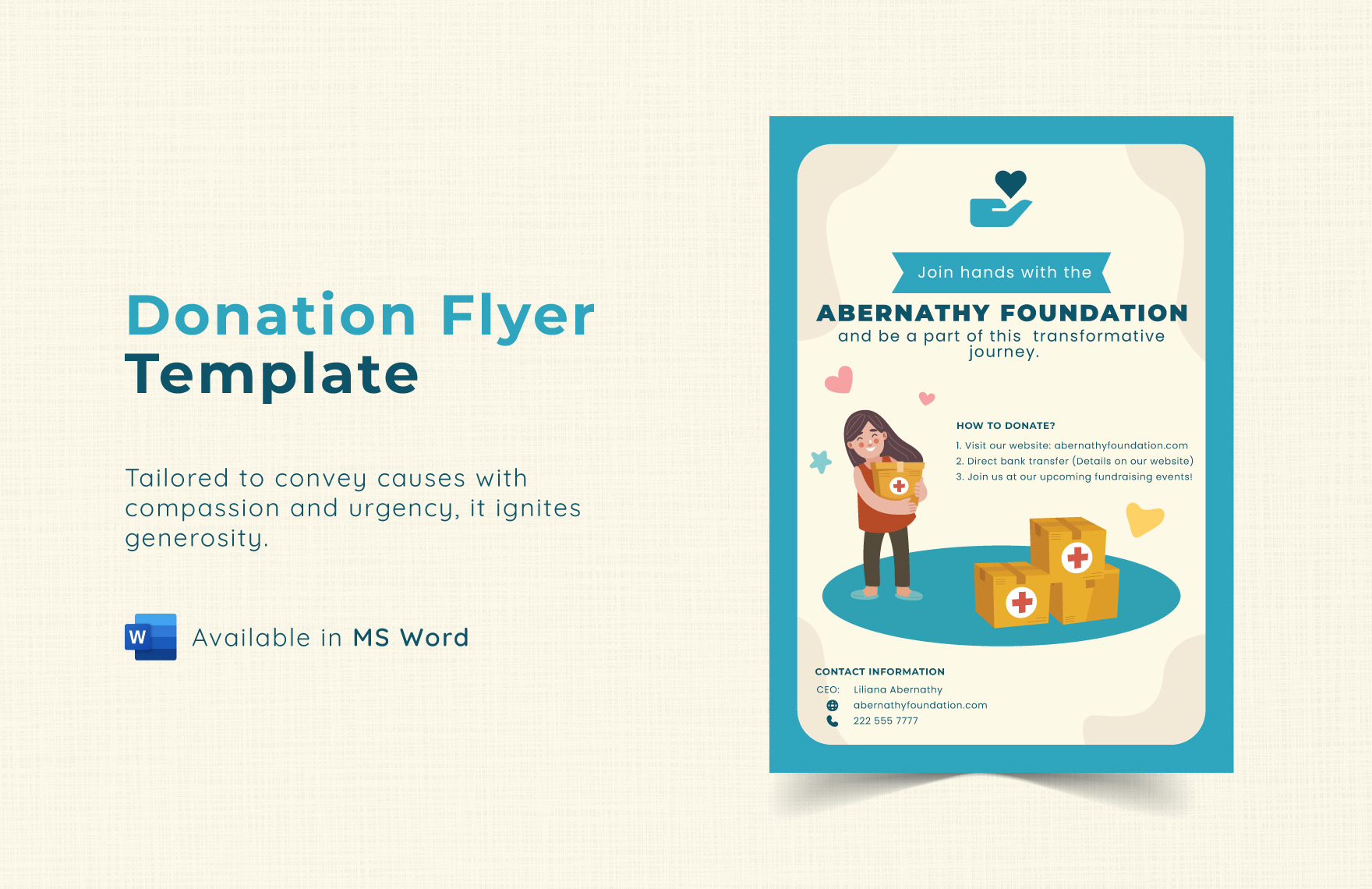
When you’re organizing a fundraising event, having an eye-catching and informative flyer is essential. That’s where the Donation Flyer Free Google Docs Template comes into play. This template is designed to be user-friendly and customizable, making it a practical option for busy parents and community organizers alike. You can easily personalize it to suit your needs, If you are raising money for a school project, local charity, or community event.
Reasons to Choose a Google Docs Template for Your Donation Flyer
Opting for a Google Docs template offers several advantages. First, it allows for easy collaboration. If you’re working with a team, you can share the document and edit it in real-time. This can be especially beneficial if you have family members or friends helping you with the fundraising effort.
Another major benefit is accessibility. You can access Google Docs from any device with internet capability. This means you can work on your flyer at home, on a tablet, or even on your phone while you’re out and about. Plus, you don’t need to worry about compatibility issues—everyone can view and edit the document without needing special software.
Customizing Your Donation Flyer
The Donation Flyer Free Google Docs Template is highly customizable, allowing you to tailor it to your specific fundraising needs. Here are some key elements you can modify:
- Text: You can change the title, add your organization’s name, and include details about the event. Make sure to highlight the purpose of your fundraiser and any specific goals you have.
- Colors and Fonts: The template allows you to change colors and fonts, making it easy to align with your organization’s branding or the theme of your event.
- Images: Including images can make your flyer more engaging. You can add your logo, photos from past events, or pictures that relate to your cause. High-quality images can capture attention and convey your message effectively.
- Call to Action: Don’t forget to include a clear call to action, such as “Donate Now” or “Join Us!” This can help drive engagement and participation.
Formatting Options
When you’re ready to print, consider the size and layout. The standard flyer size is typically 8.5×11 inches, which is easy to print at home or at a local print shop. If you prefer a more compact option, you might consider a half-sheet size (5.5×8.5 inches). Just remember that the layout may need some adjustments depending on the size you choose.
Also, think about the type of paper you’ll use. For a more professional look, cardstock is a sturdy option that holds up well, especially if you plan to distribute flyers outdoors. If you’re printing at home, make sure your printer can handle the thickness of cardstock.
Printing and Distribution Tips
Once you’ve customized your Donation Flyer Free Google Docs Template, it’s time to print and distribute. Here are some practical tips:
- Print Settings: If you’re using a printer at home, make sure to adjust the print settings to match the paper size and type. Opt for high-quality print settings to ensure your flyer looks its best.
- Quantity: Consider how many flyers you’ll need. It might be helpful to print a few extra copies for last-minute opportunities to share your event details.
- Distribution: Think about where to distribute your flyers. Local community centers, schools, libraries, and coffee shops are great places to start. Make sure to ask for permission before posting, as some places may have specific guidelines.

Incorporating Digital Versions
In addition to physical flyers, you might want to create a digital version. This can be as simple as saving your Google Docs flyer as a PDF and sharing it via email or social media. A digital flyer allows you to reach a broader audience and can be easily shared among friends and family.
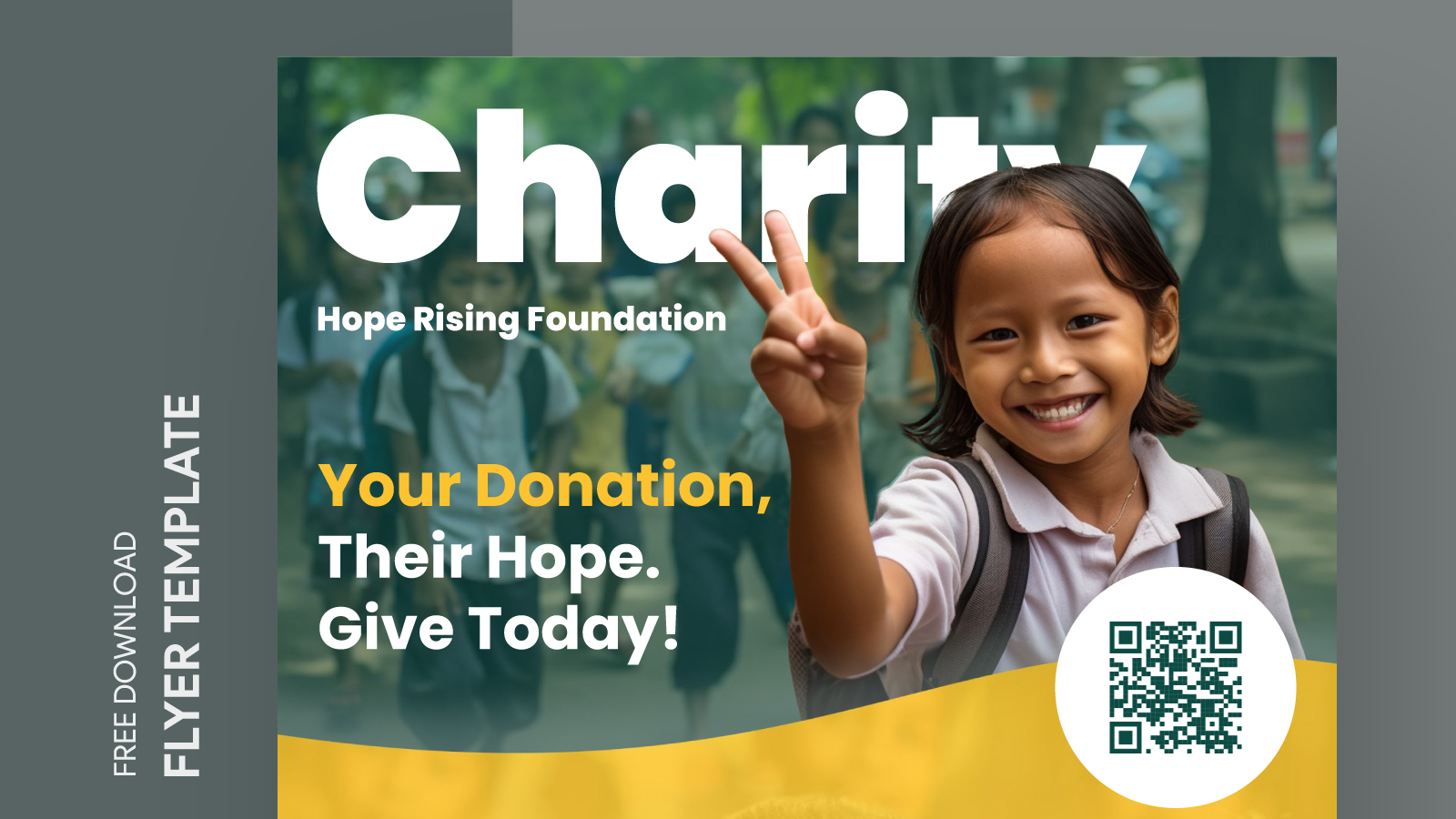
You could also consider creating a QR code that links directly to a donation page or event details. This makes it easy for people to access information quickly, especially if they see your flyer in a busy location.
Donation Flyer Free Google Docs Template Gallery