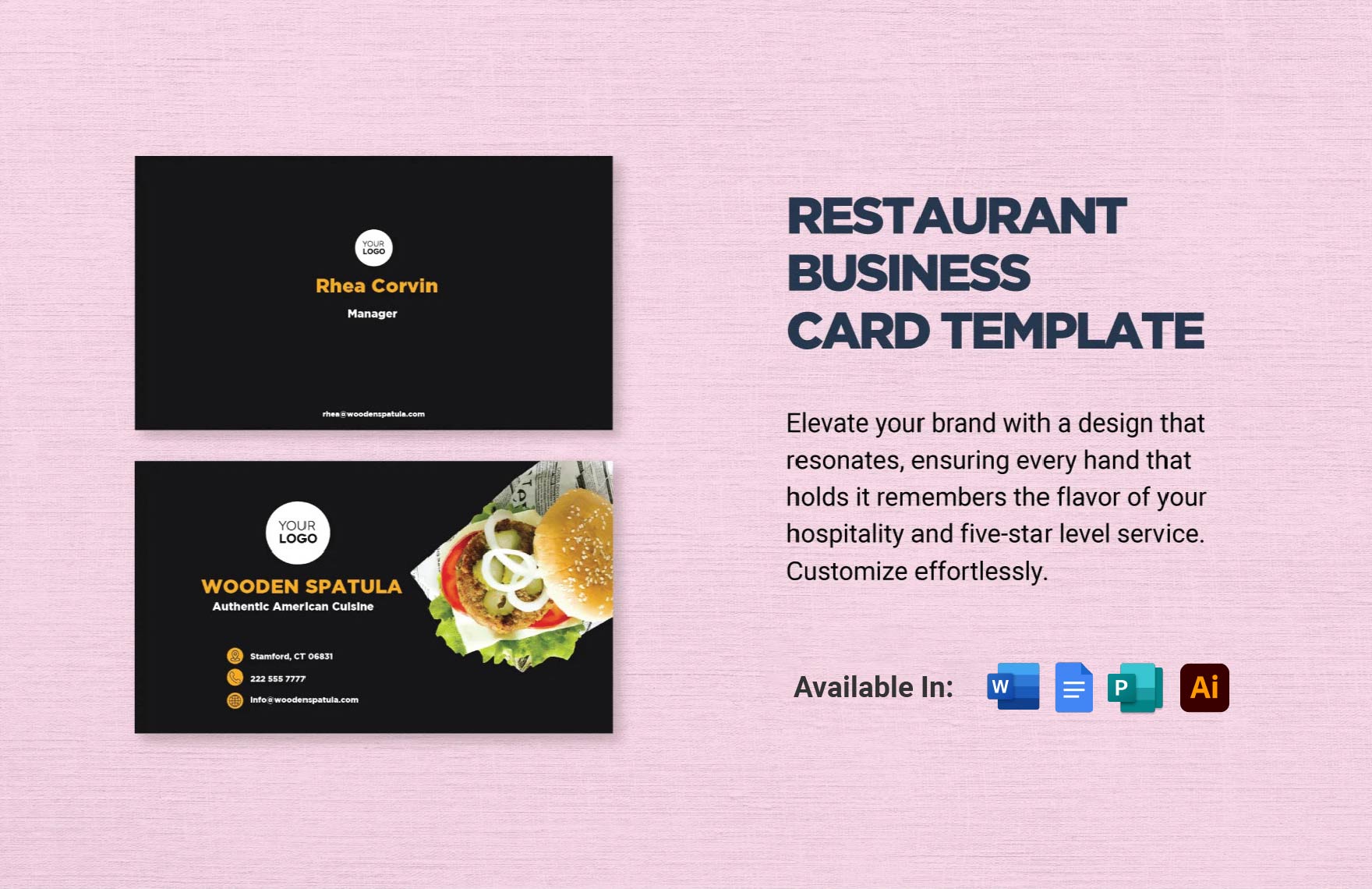
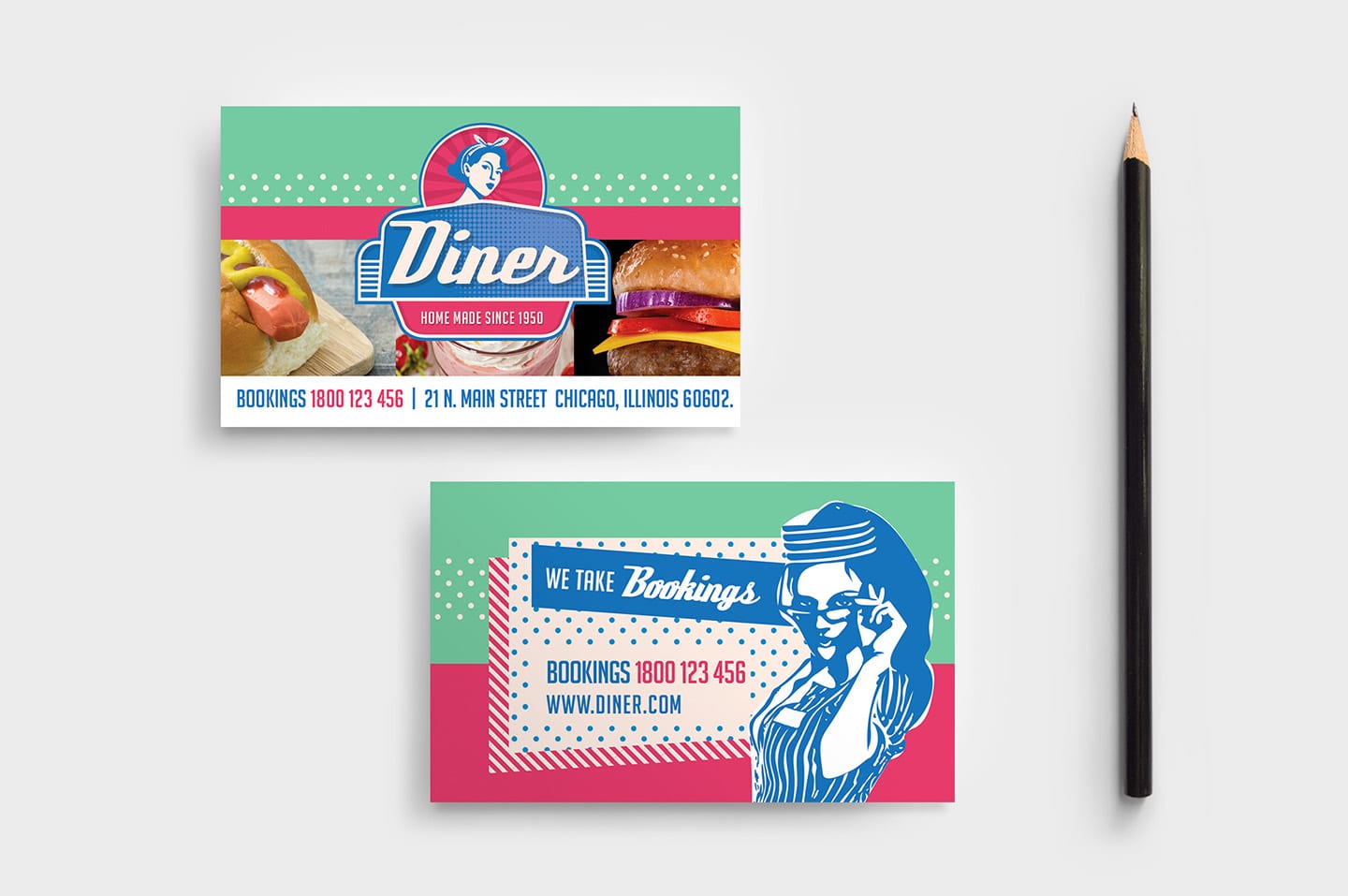
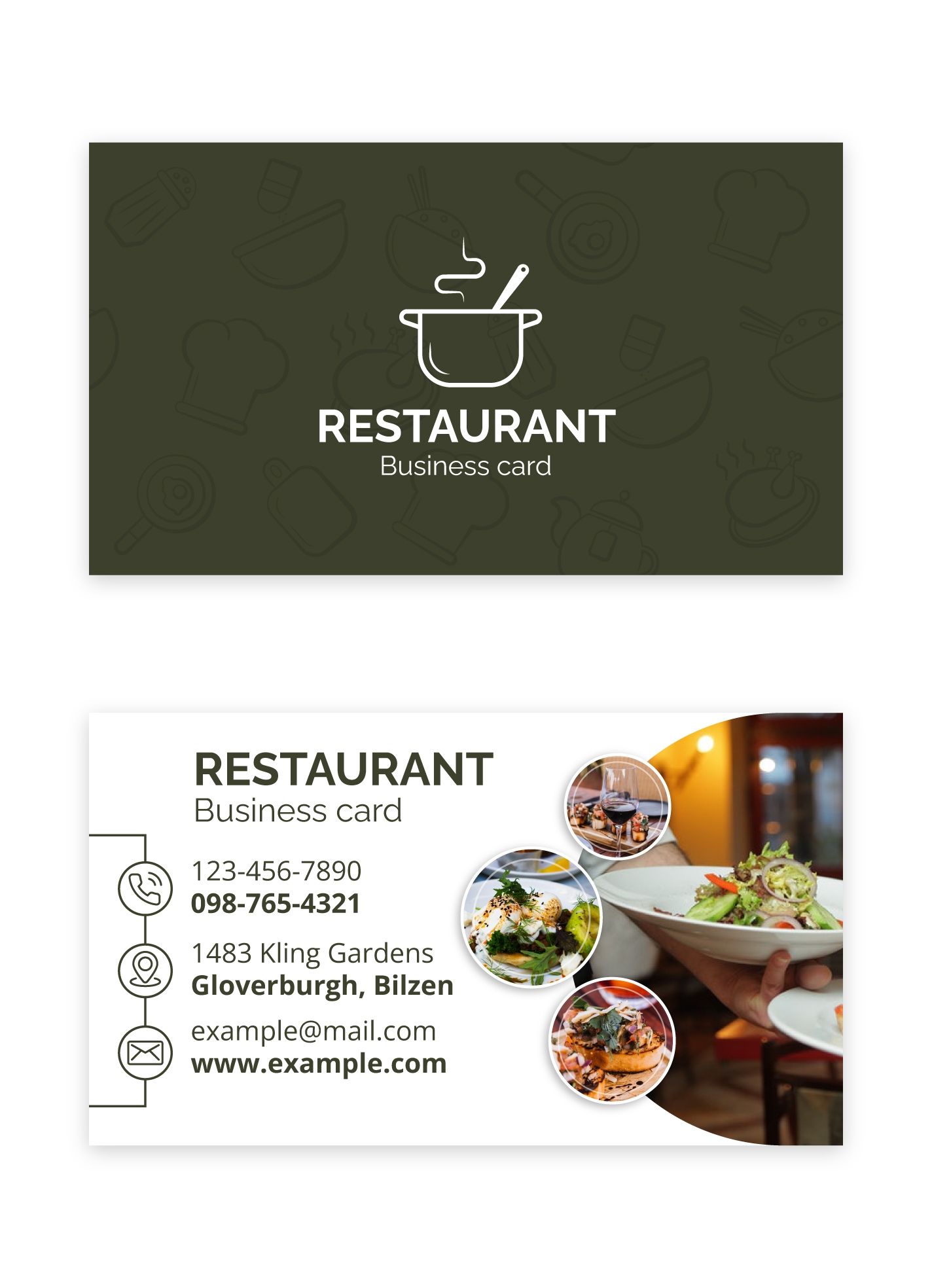
When it comes to making a great first impression, a well-designed business card can be a real game-changer. If you’re looking for a practical and eye-catching option, the Diner Restaurant Business Card Free Google Docs Template is a perfect choice. With its easy customization features and user-friendly design, you can create a card that truly reflects your diner’s unique style.
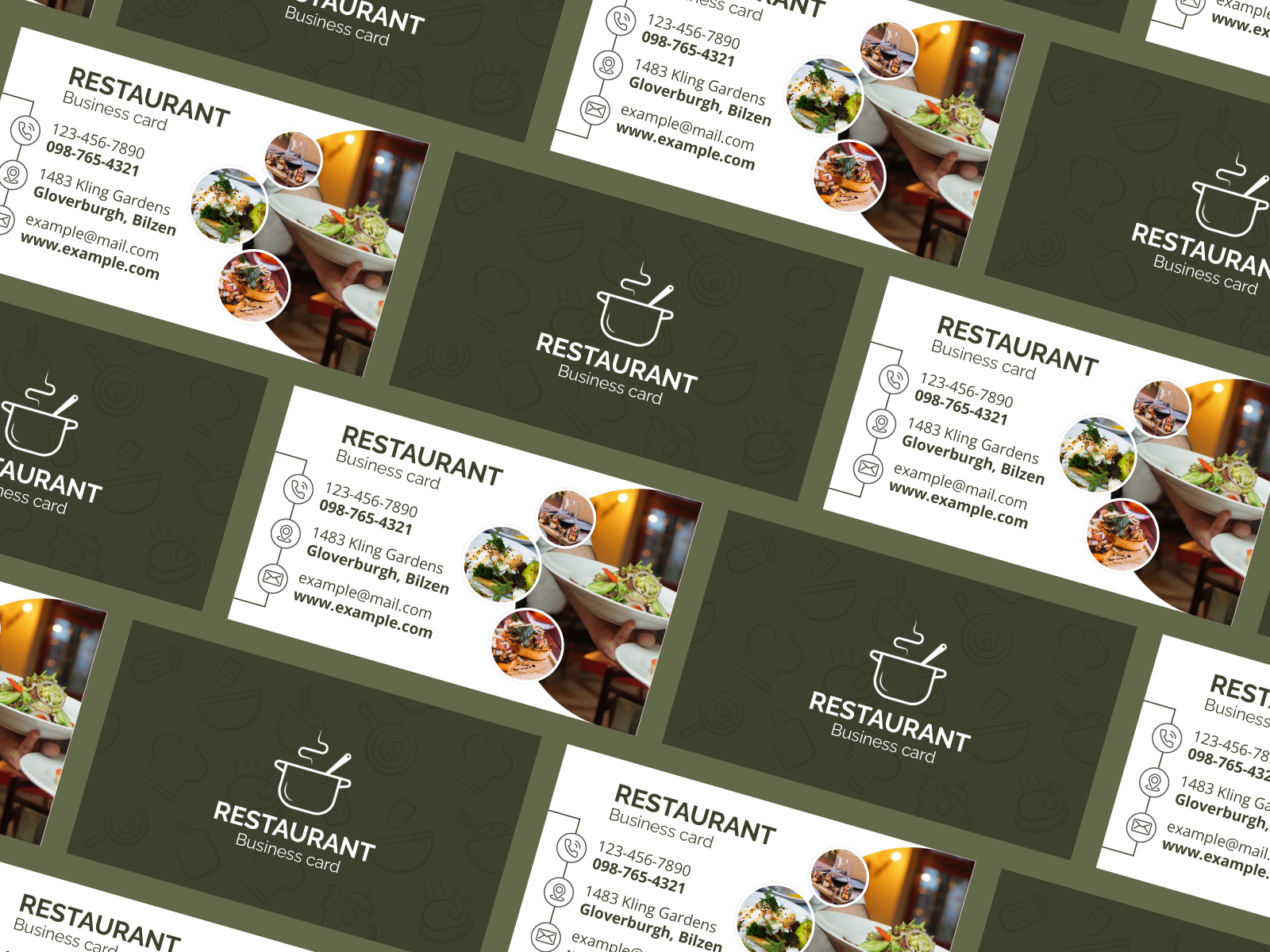
Understanding the Diner Restaurant Business Card Template
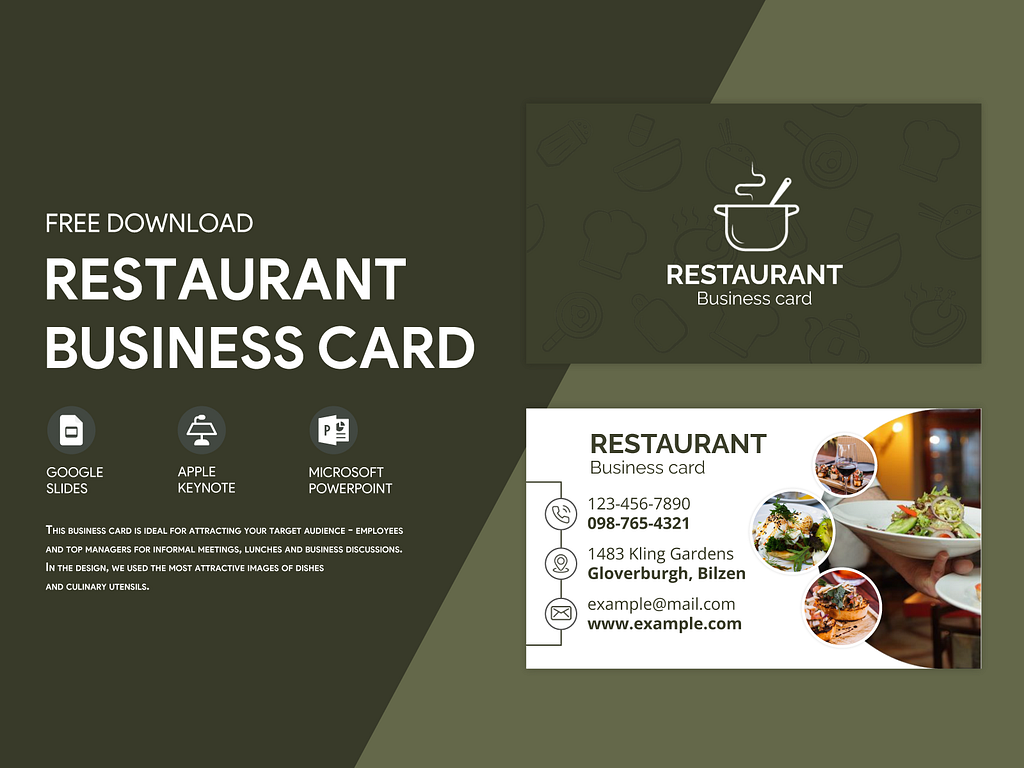
This template is designed specifically for diners, capturing the essence of a classic eatery while providing the flexibility to personalize it. It’s crucial to note that the business card is typically formatted to fit the standard size of 3.5 x 2 inches, which is perfect for handing out to customers or networking with other businesses. The template is available in Google Docs format, making it easy to edit and share.
Customizing Your Business Card
One of the best features of the Diner Restaurant Business Card Free Google Docs Template is its customization options. You can easily modify text, colors, and graphics to match your diner’s branding. Here are some tips to make your card stand out:
- Logo: Include your diner’s logo prominently. If you don’t have one yet, consider designing a simple logo that captures the spirit of your diner.
- Color Scheme: Choose colors that reflect your diner’s theme. For instance, if it’s a retro diner, you might want to select vibrant colors like red, teal, and yellow.
- Font: Use fonts that are easy to read but still reflect the diner’s atmosphere. A playful font can work well for a family-friendly diner, while a more classic font may suit a vintage-style eatery.
Printing Considerations
Once you’ve customized your business card, it’s time to think about printing. Here are some practical tips to ensure your cards look professional:
- Paper Choice: Opt for a sturdy cardstock with a weight of at least 300 GSM (grams per square meter). This will give your cards a professional feel.
- Printer Settings: If you’re printing at home, set your printer to the highest quality for the best results. Many home printers handle cardstock well, but you might want to check your printer’s specifications first.
- Cutting: If you’re printing on larger sheets, use a paper cutter for clean edges. A standard business card cutter can also ensure uniformity.
Using the Business Card
Now that your business cards are printed, how will you use them? Here are some ideas to maximize their potential:
- Networking: Always have a few cards on hand when attending local events or meetings. You never know when an opportunity to connect with potential customers might arise.
- In-House Promotions: Consider placing cards at your diner’s checkout counter. Encourage customers to take one home, which can help spread the word about your diner.
- Partnerships with Local Businesses: Collaborate with nearby businesses by leaving your cards in their establishments or offering them as part of a local promotion.
Final Touches and Tips
Before you start handing out your new cards, take a moment to double-check everything. Ensure that all information is correct, including your diner’s name, address, phone number, and website. Here are a few last-minute tips:
- Personalization: Handwriting a personal note on the back of your cards can make a lasting impression. It shows that you care about your customers and adds a personal touch.
- Storage: Keep your cards in a portable cardholder to prevent damage and make them easy to access when needed.
Be mindful of potential printing errors, such as misalignment or color discrepancies. Always print a test card first to ensure everything looks just right before doing a full batch.
Creating a Diner Restaurant Business Card Free Google Docs Template is a great way to promote your diner while showcasing your unique style. With the right customization, printing choices, and usage strategies, your business card can become an essential tool in your marketing arsenal.
Diner Restaurant Business Card Free Google Docs Template Gallery