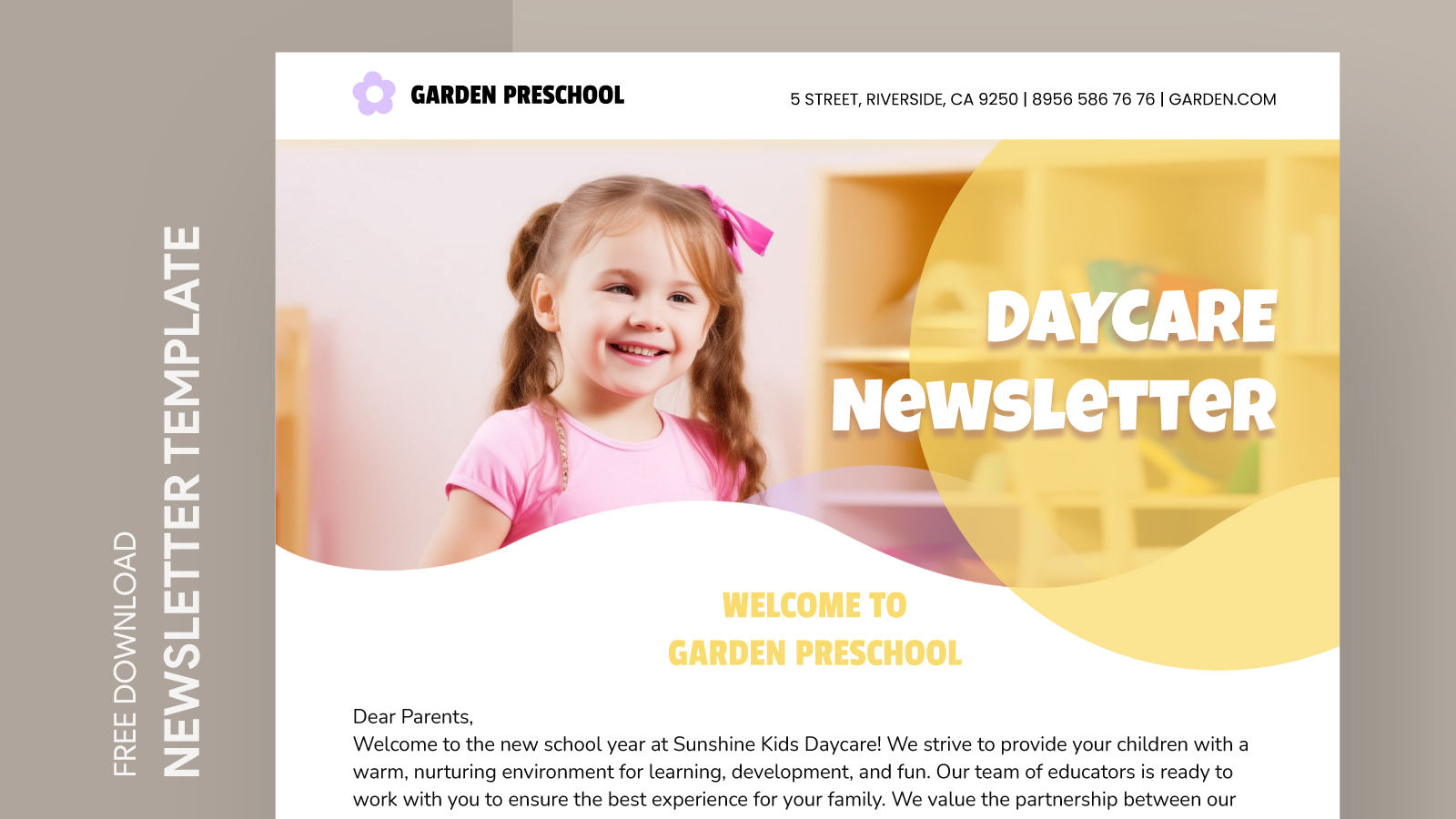
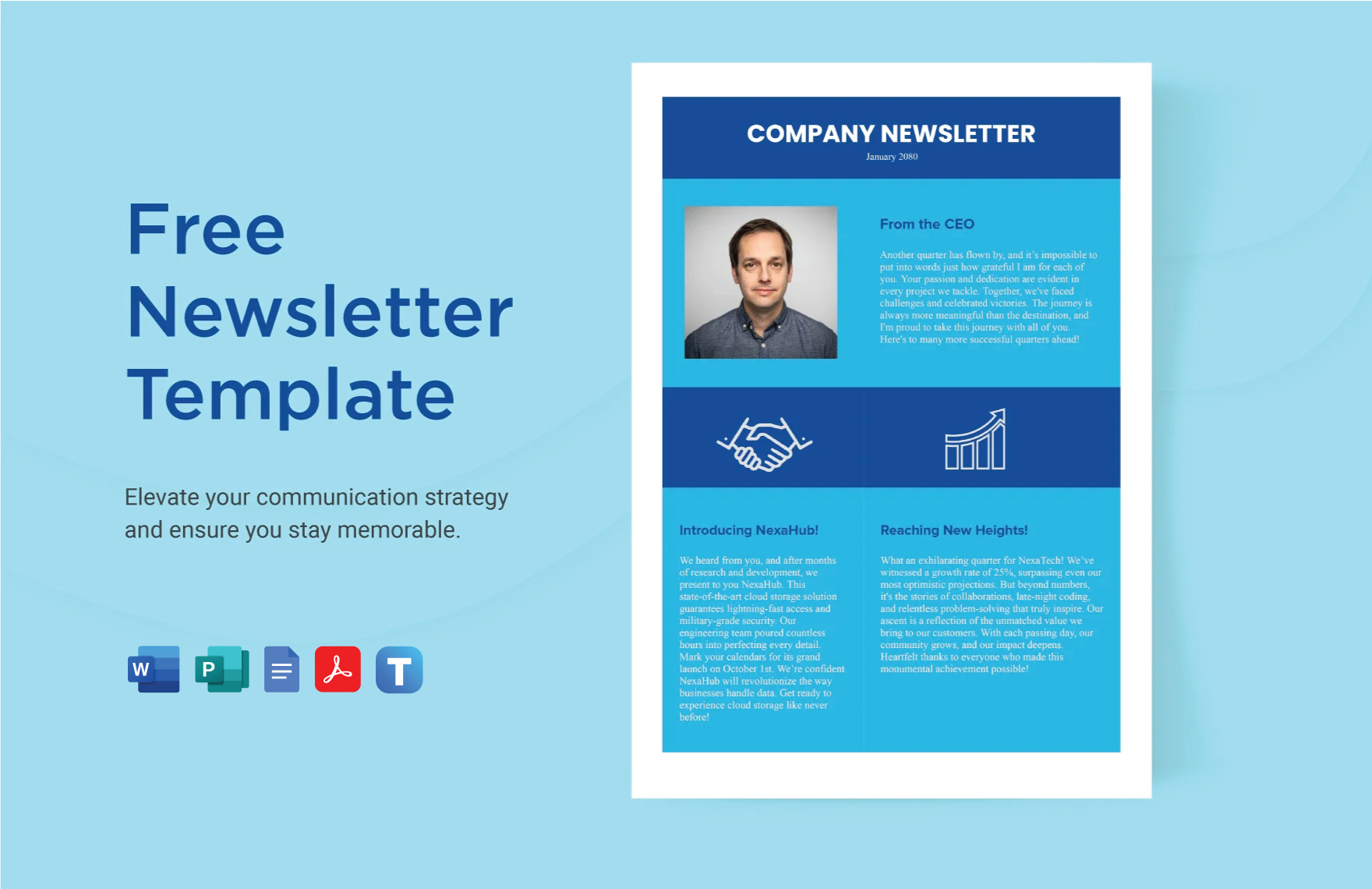
Creating a daycare newsletter is a fantastic way to keep parents in the loop about their child’s daily activities, upcoming events, and important announcements. With the Daycare Newsletter Free Google Docs Template, you can easily design and customize a professional-looking newsletter without breaking a sweat. This template not only saves you time but also helps you convey important information in a delightful and engaging manner.
Why Use a Google Docs Template for Your Daycare Newsletter?
Using a Google Docs template for your daycare newsletter has several advantages. First, it’s incredibly user-friendly. Google Docs allows you to edit the template directly in your browser and access it from anywhere. This means you don’t have to worry about software compatibility issues or losing your work if your computer crashes. Plus, collaboration is a breeze; you can share the document with your team for input or updates in real-time.
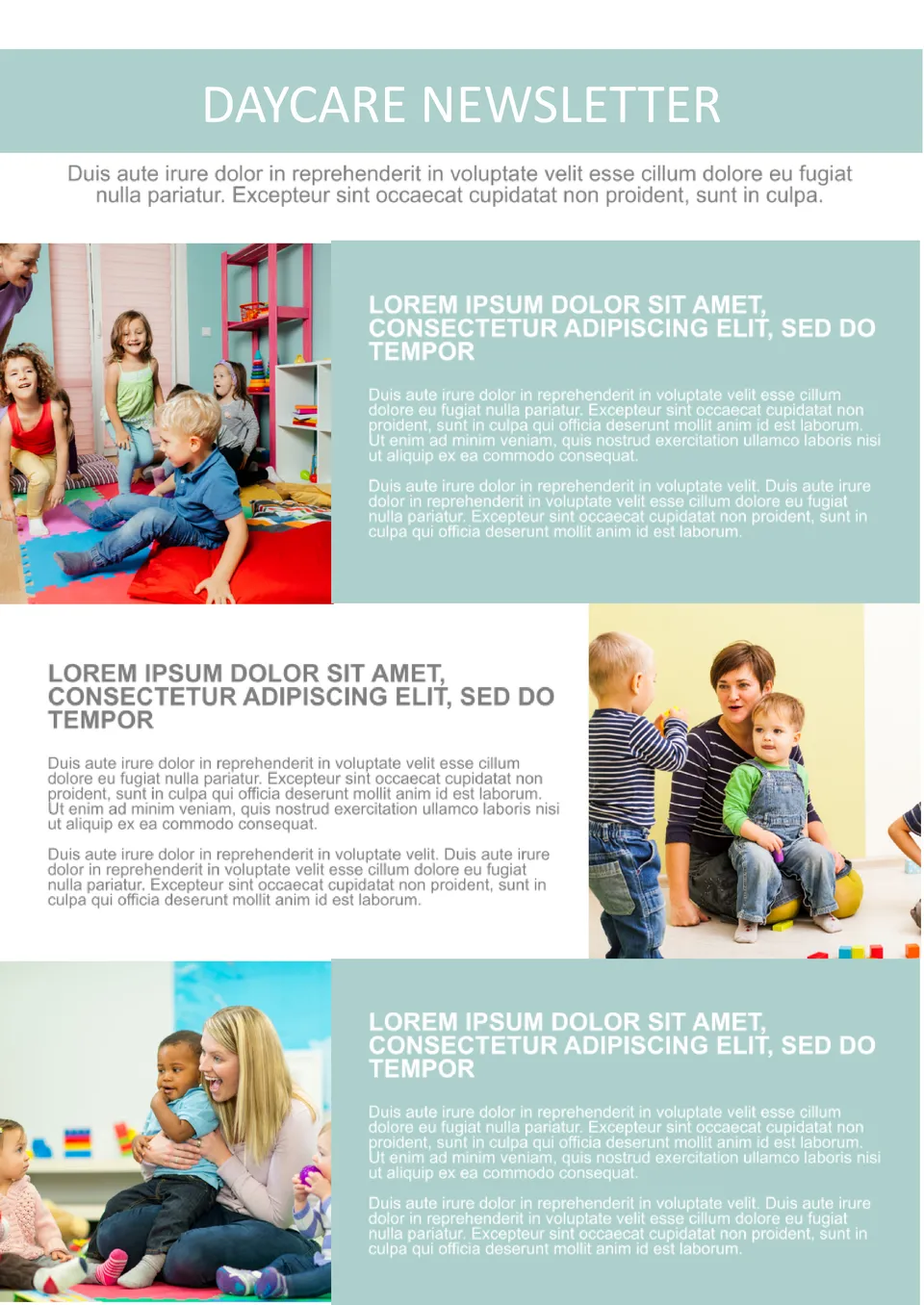
The Daycare Newsletter Free Google Docs Template is designed specifically for daycare settings, so it includes sections tailored to your needs. You can easily add updates on classroom activities, highlight children’s achievements, and share upcoming events or reminders. All you need is a Google account to get started!
Customizing Your Newsletter Template
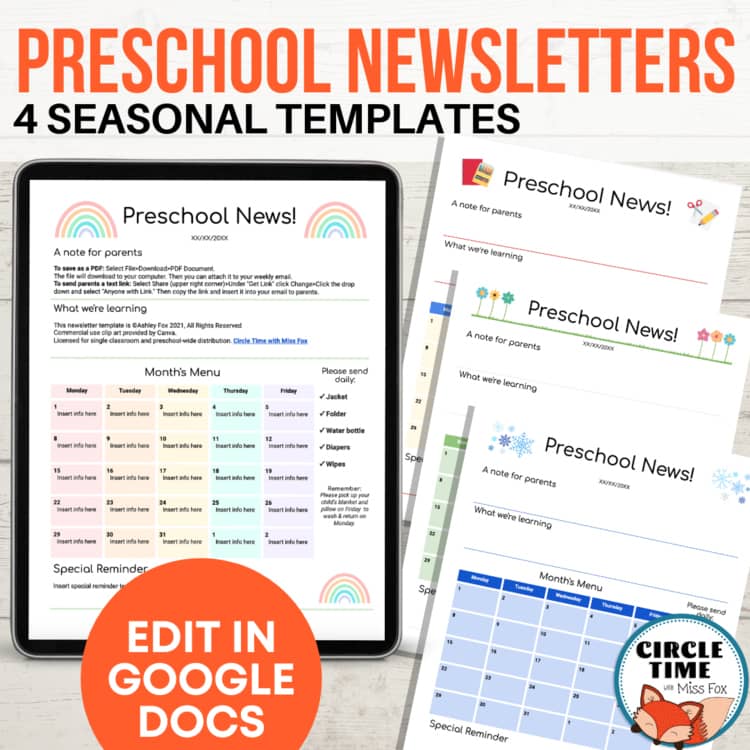
Customization is key to making your newsletter reflect the unique personality of your daycare. The template offers various sections such as “This Month’s Highlights,” “Upcoming Events,” and “Parent Reminders.” You can modify these sections to fit your daycare’s specific schedule and activities.
To start customizing:
- Open the template in Google Docs.
- Replace the placeholder text with your own content. Be sure to include vibrant descriptions of activities and any important dates.
- Add images to create a more engaging layout. Pictures of children participating in activities can make the newsletter more personal and appealing.
- Change the colors and fonts to match your daycare’s branding or theme. This can be done easily through the toolbar in Google Docs.
Don’t forget to save your changes regularly! Google Docs auto-saves, but it’s a good practice to keep backups by downloading the document in different formats such as PDF or Word if you plan to distribute it outside of Google Docs.
Printing and Distribution Tips
Once your newsletter is ready, it’s time to get it into the hands of parents. Printing can be straightforward, but a few tips can help ensure a polished final product:
- Paper Choice: For a professional look, consider using heavier paper or cardstock. This not only feels more substantial but also holds up better if parents choose to keep it as a keepsake.
- Printer Settings: Most home printers will work well, but setting your printer to “Best” quality will help ensure that colors pop and text is crisp. Remember to check that your printer is set to print on the correct paper size (usually 8.5 x 11 inches).
- Distribution: You can either hand out printed copies during pick-up times or send it home in a child’s backpack. If you prefer a digital approach, simply share the Google Docs link with parents, ensuring they have access to view or download the newsletter.
Engaging Parents With Content Ideas
To make your newsletter truly shine, think about what parents want to know. Here are some content ideas to consider:
- Spotlight on Students: Feature a “Student of the Month” section where you highlight a child’s achievements and contributions to the daycare.
- Parent Involvement Opportunities: Include information on how parents can get involved, whether through volunteering or attending events.
- Seasonal Themes: Tie your newsletter content to seasonal events or holidays. For example, include tips for summer activities or safety reminders for winter months.
- Educational Resources: Share links to articles, books, or websites that provide helpful parenting tips or educational resources.
These engaging sections not only keep parents informed but also foster a sense of community and connection between them and the daycare.
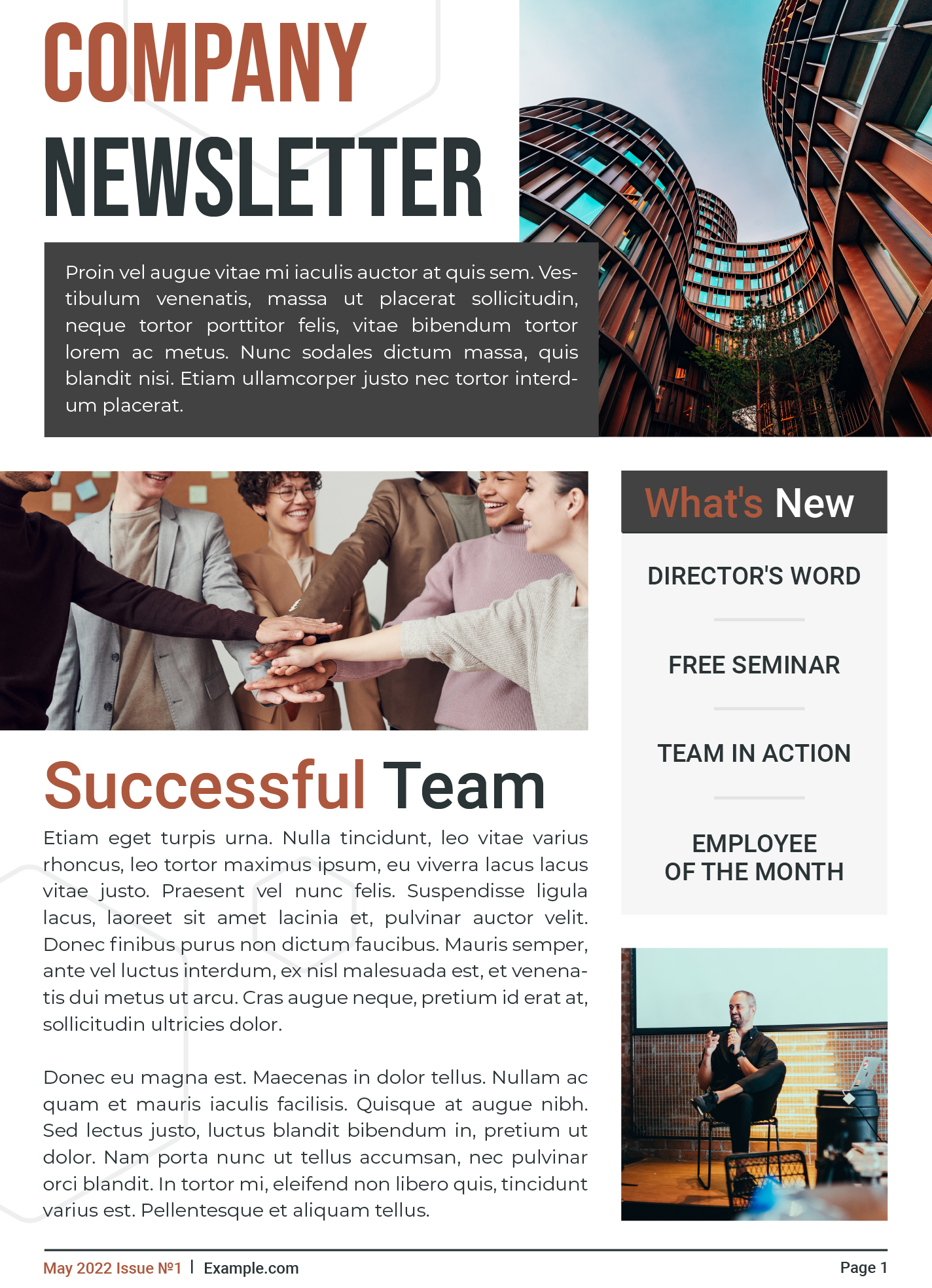
Next Steps: Download and Get Started!
If you’re ready to create your own daycare newsletter using the Daycare Newsletter Free Google Docs Template, you can find it easily online. Simply search for the template, download it to your Google Drive, and start customizing it to suit your daycare’s needs.
With the right preparation and a little creativity, you’ll have a beautiful newsletter that not only keeps parents informed but also strengthens the community around your daycare. Get started today and watch as your parents look forward to each new edition!
Daycare Newsletter Free Google Docs Template Gallery