When searching for a daily planner, you might come across various options that cater to different needs. One choice that stands out is the Daily Planner Free Google Docs Template. Unlike generic planners, this template offers a structured yet customizable layout, allowing you to organize your day effectively while keeping everything in one place. It’s especially useful for parents juggling multiple responsibilities. Let’s look at the practical features and benefits of this planner template to see how it can help you manage your daily tasks.
Understanding the Layout and Sections
The Daily Planner Free Google Docs Template is designed with distinct sections that cater to your planning needs. Typically, it includes the following:
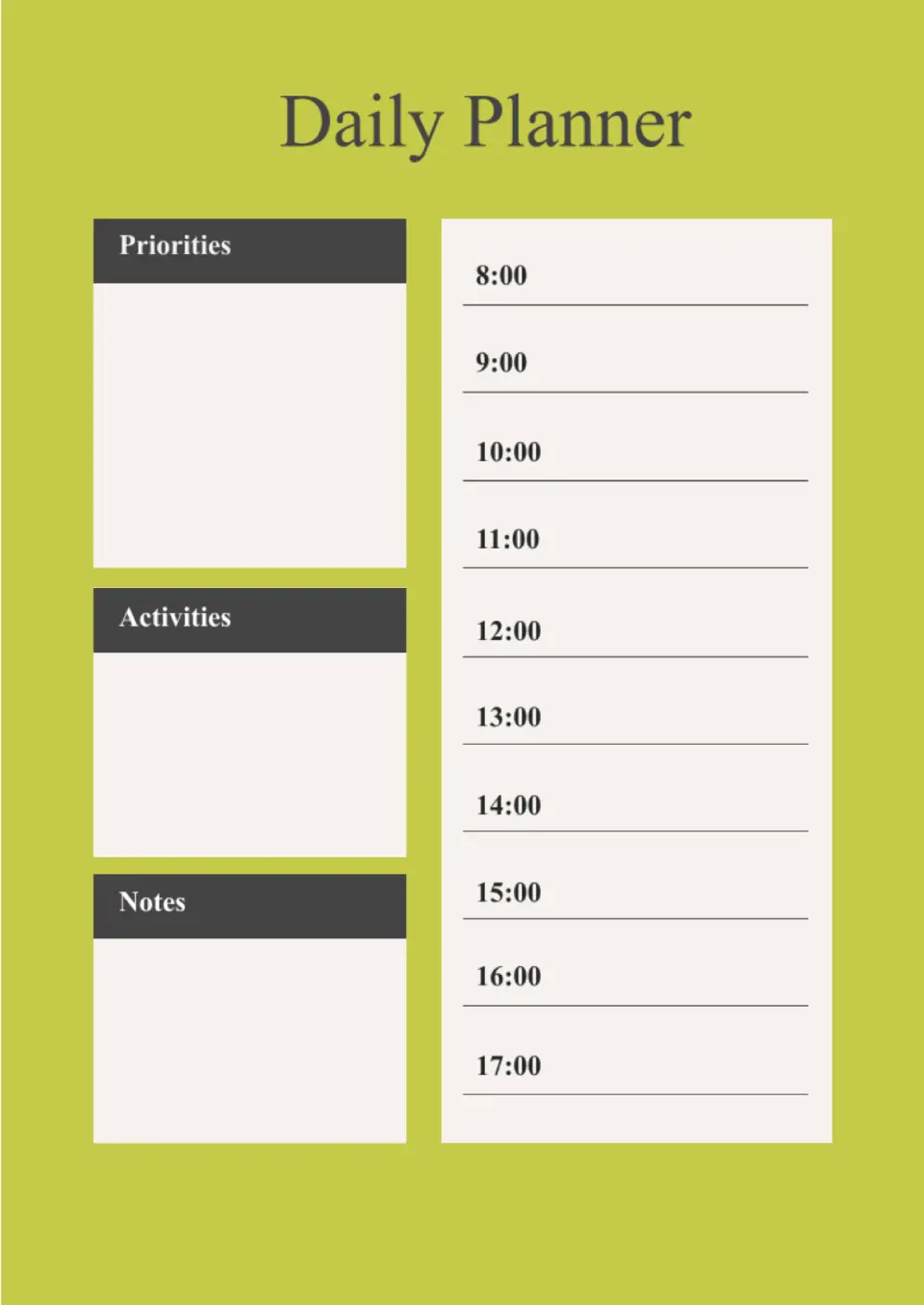
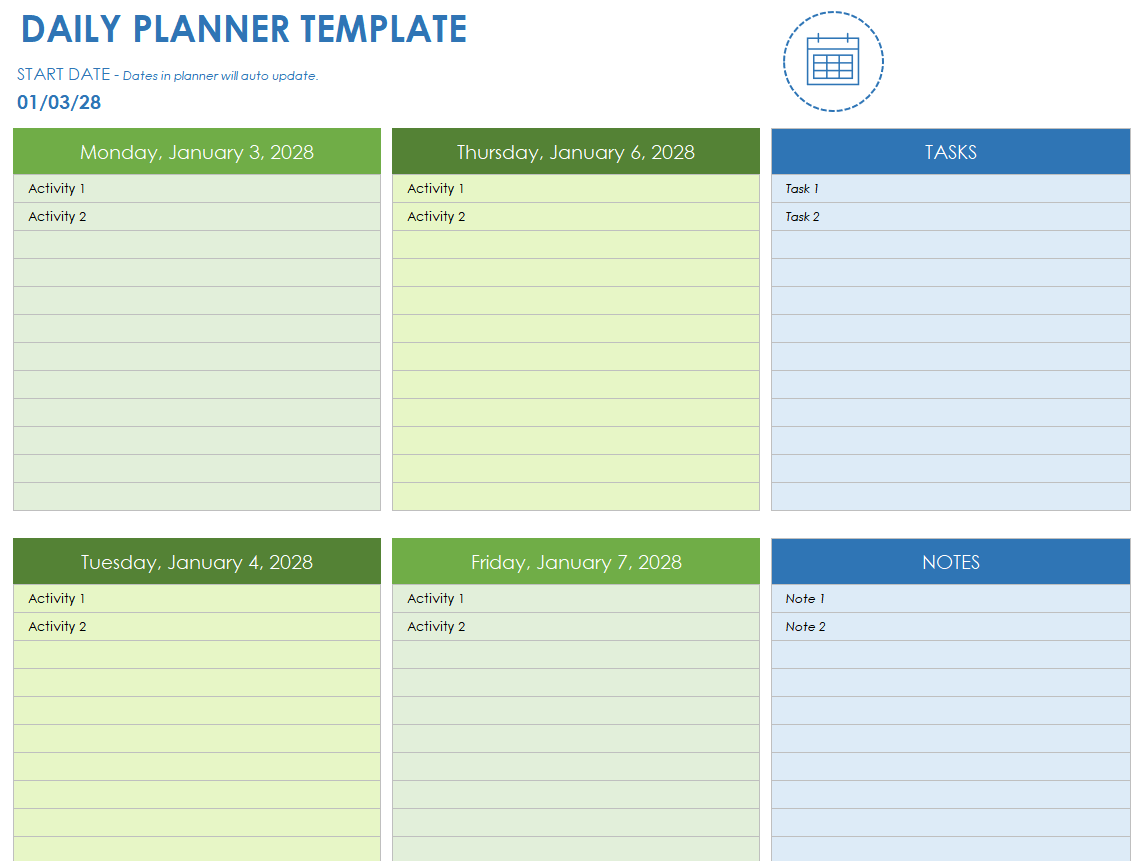
- Date and Day Header: This is where you can enter the specific date and day, making it easier to keep track of your schedule.
- Priority Tasks: A section dedicated to your top 3-5 tasks for the day. This helps you focus on what really matters.
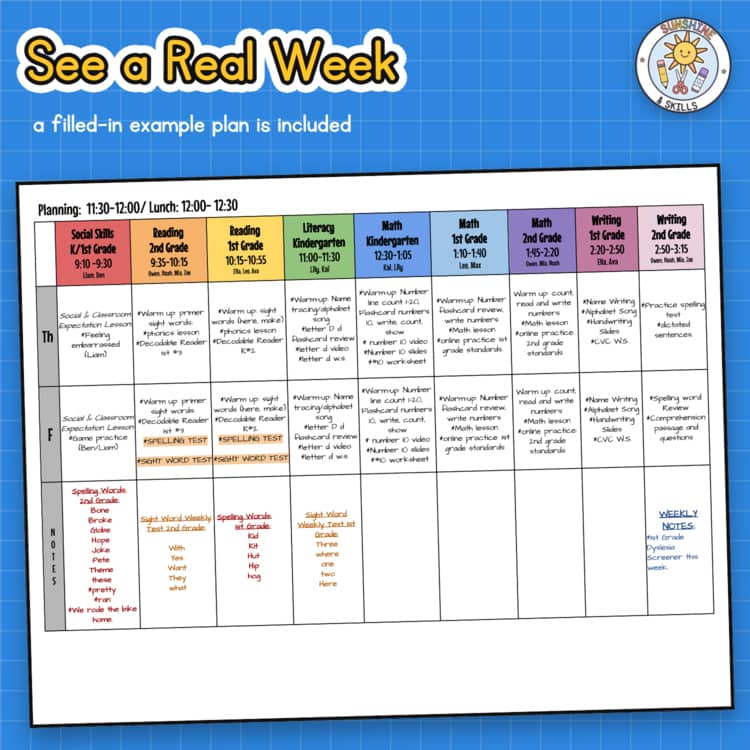
- Hourly Schedule: Often broken down into hourly slots, this section allows you to block out your time effectively. For parents, this is crucial for scheduling activities, appointments, or even family time.
- Notes Section: Use this space for reminders, thoughts, or anything else that comes to mind throughout the day.
- Habit Tracker: Some versions of the template include a habit tracker to help you monitor your progress on personal goals, whether it’s exercise, reading, or even meal planning.
This layout not only organizes your day but also encourages you to prioritize tasks, ensuring you don’t overlook what’s most important.
Customization Options
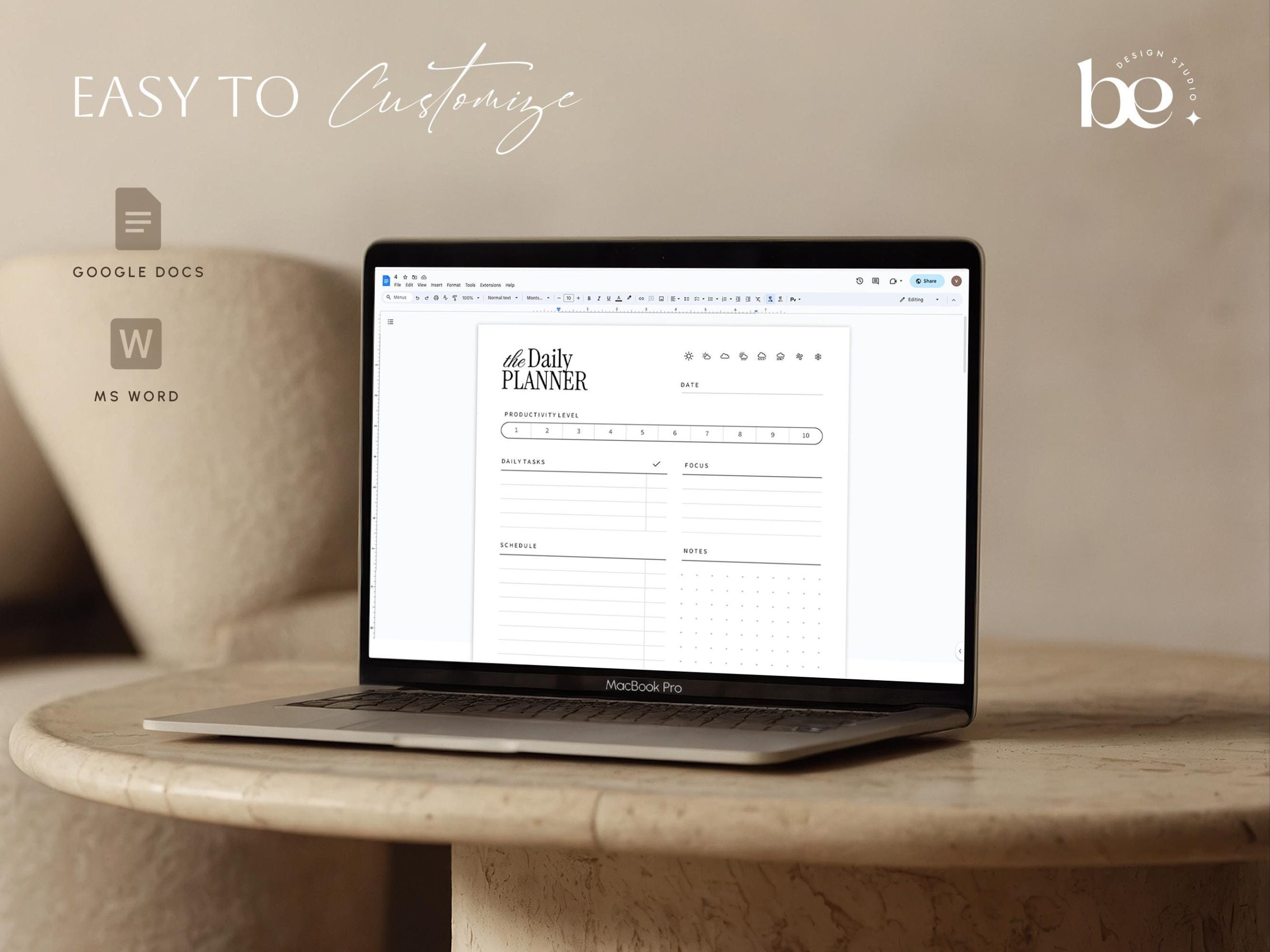
One of the significant advantages of using a Google Docs template is the ability to customize it according to your preferences. Here are a few ways you can tailor the Daily Planner Free Google Docs Template:
- Change Colors and Fonts: Make the planner visually appealing by adjusting the colors and fonts to suit your style. This personalization can motivate you to use it consistently.
- Add Sections: If you find that you need more space for specific areas, you can easily add or remove sections. For instance, you might want to include a section for meal planning or a checklist for kids’ activities.
- Incorporate Graphics: If you enjoy a bit of creativity, consider adding some graphics or icons that resonate with your family’s interests. This can make planning feel more engaging.
The customization options allow you to create a planner that feels uniquely yours, enhancing the likelihood that you’ll stick with it.
How to Use the Daily Planner Effectively
Using the Daily Planner Free Google Docs Template effectively requires a bit of routine. Here’s how you can integrate it into your daily life:
- Set a Daily Planning Time: Choose a specific time each day, perhaps in the evening or first thing in the morning, to fill out your planner. This consistency helps you stay organized.
- Review and Reflect: Take a few minutes at the end of each day to review what you accomplished. This can help you adjust your priorities for the following day and keep you motivated.
- Involve the Family: If you have older kids, involve them in the planning process. They can use their sections for homework or chores, teaching them valuable organizational skills.
By establishing a routine around your planner, you’ll find it becomes an essential tool in managing your daily life.
Practical Considerations for Printing
While the Daily Planner Free Google Docs Template is digital, you might prefer to print it out for easier access. Here are some practical tips for printing:
- Choose the Right Paper Size: Most planners work well on standard 8.5″x11″ paper, but if you prefer a smaller size, consider printing on 5″x7″ paper for easy portability.
- Print in Portrait Orientation: This layout usually works best for planners, as it allows for more natural handwriting space.
- Use Quality Paper: If you’re planning to laminate your pages or keep them for a while, consider using thicker paper or cardstock to ensure durability.
Printing your planner can make it a tangible part of your daily routine.
Monitoring Progress and Adjusting Goals
As you use the Daily Planner Free Google Docs Template, it’s vital to monitor your progress and adjust your goals as needed. Here’s how you can do this effectively:
- Track Completed Tasks: Make a habit of marking off completed tasks. This not only gives you a sense of accomplishment but also provides insight into your productivity patterns.
- Adjust Priorities Weekly: At the end of each week, review your planner to see which tasks consistently get pushed aside. This can help you adjust your priorities to align better with your actual needs.
- Set Monthly Goals: Use the last week of each month to plan ahead for the next month. This could involve setting family activities, planning vacations, or adjusting routines based on what worked well.
By actively engaging with your planner, you can create a more responsive planning system that adapts to your family’s needs.
The Daily Planner Free Google Docs Template is a fantastic resource for parents looking to streamline their daily lives. Its customizable features, clear layout, and practical structure make it an excellent choice for organizing your tasks. Just remember to set aside time for planning, involve your family, and regularly review your goals to make the most out of this helpful tool.
Daily Planner Free Google Docs Template Gallery