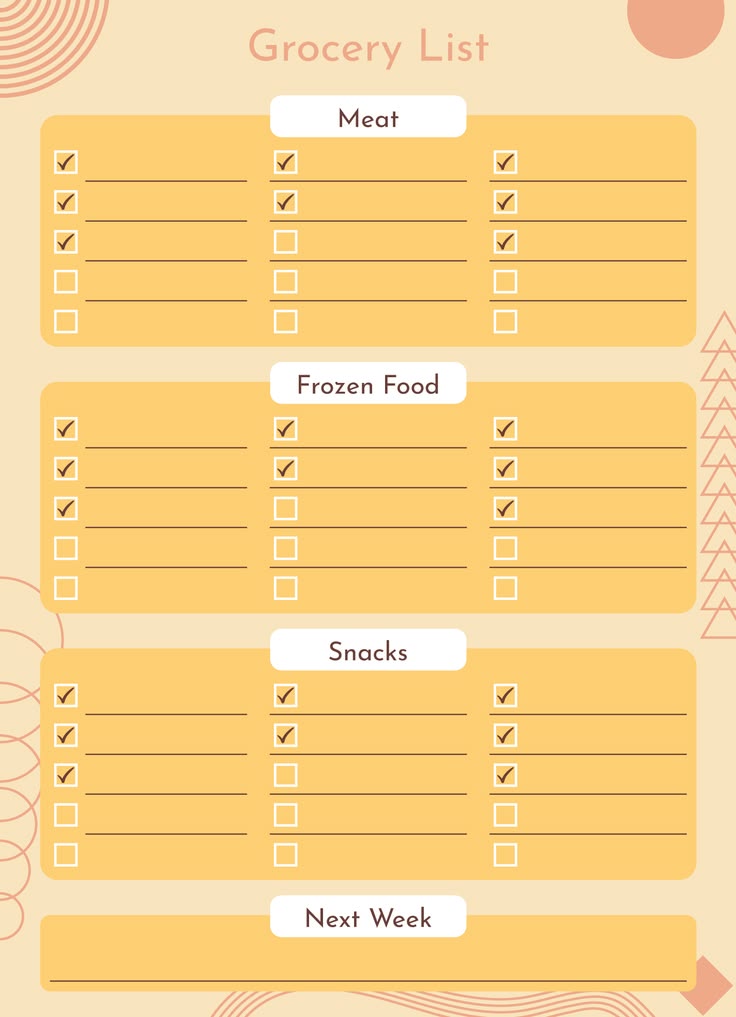
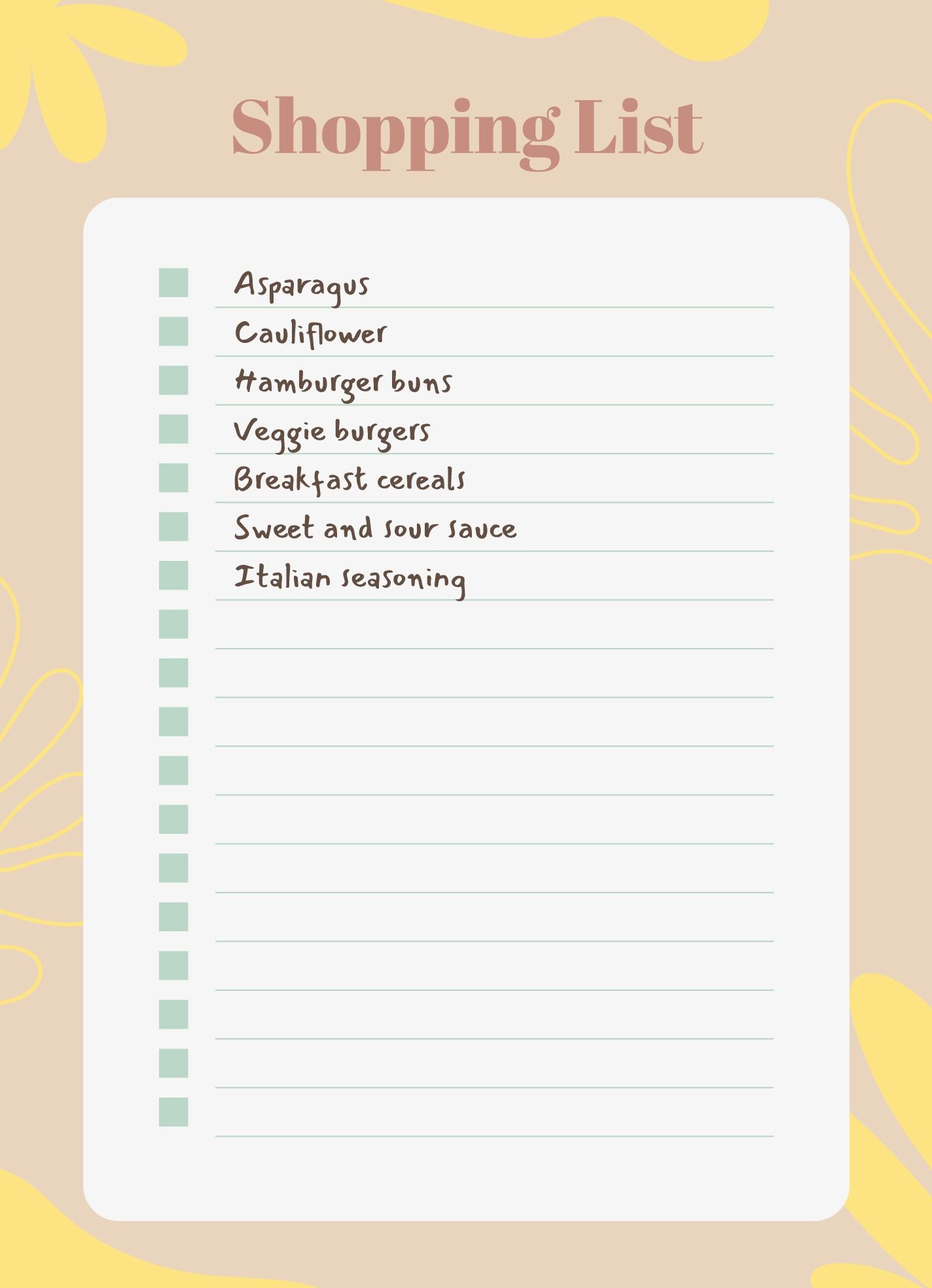
Creating a grocery list can feel like a daunting task, especially with busy schedules and growing families. That’s why I was excited to find the Cute Grocery List Free Google Docs Template. This resource stands out because it combines functionality with a charming design that makes planning your shopping trip a bit more enjoyable. In this article, I’ll guide you through its layout, customization options, and practical uses to help you make the most of this delightful template.
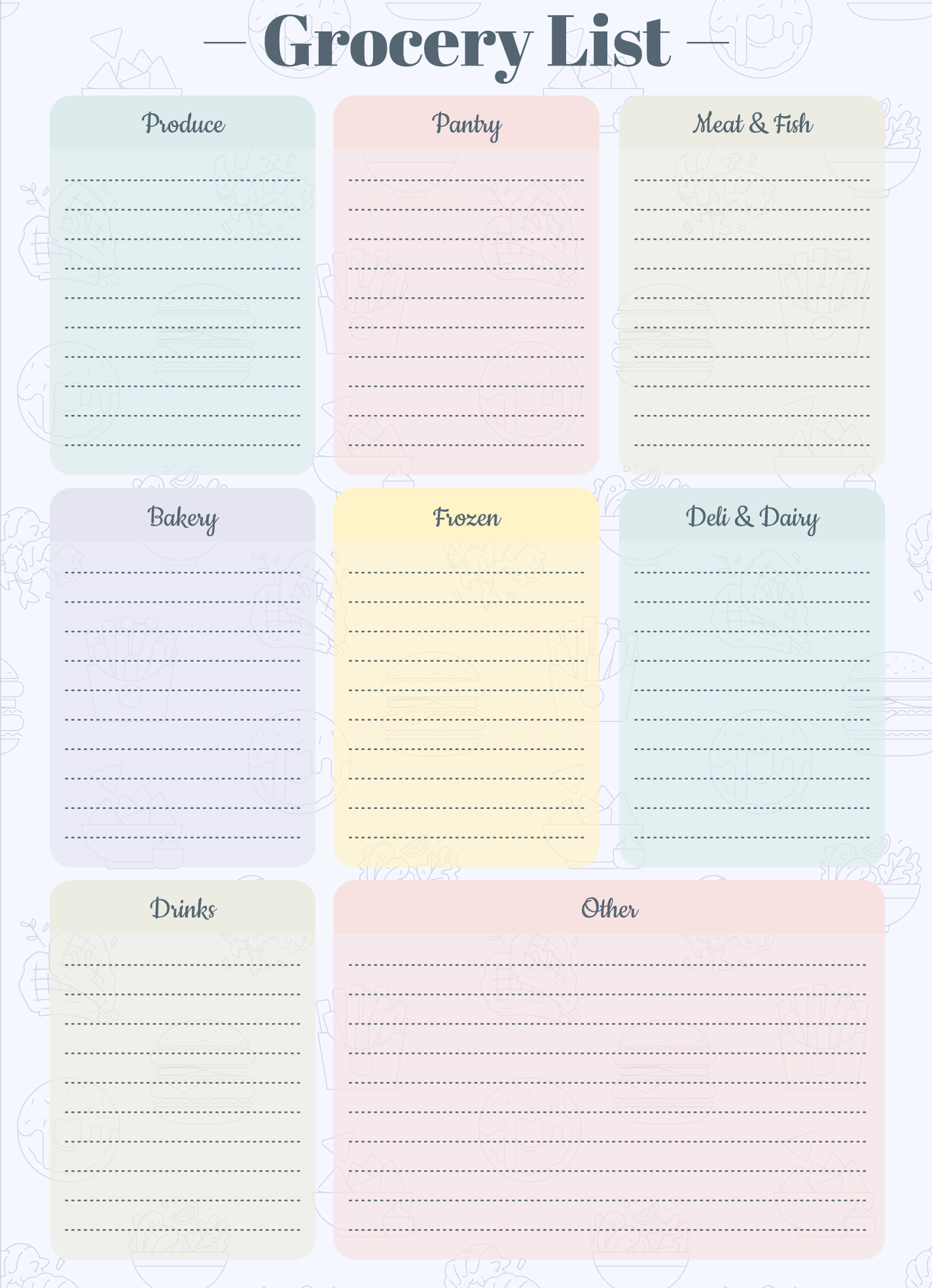
Understanding the Layout of the Grocery List Template
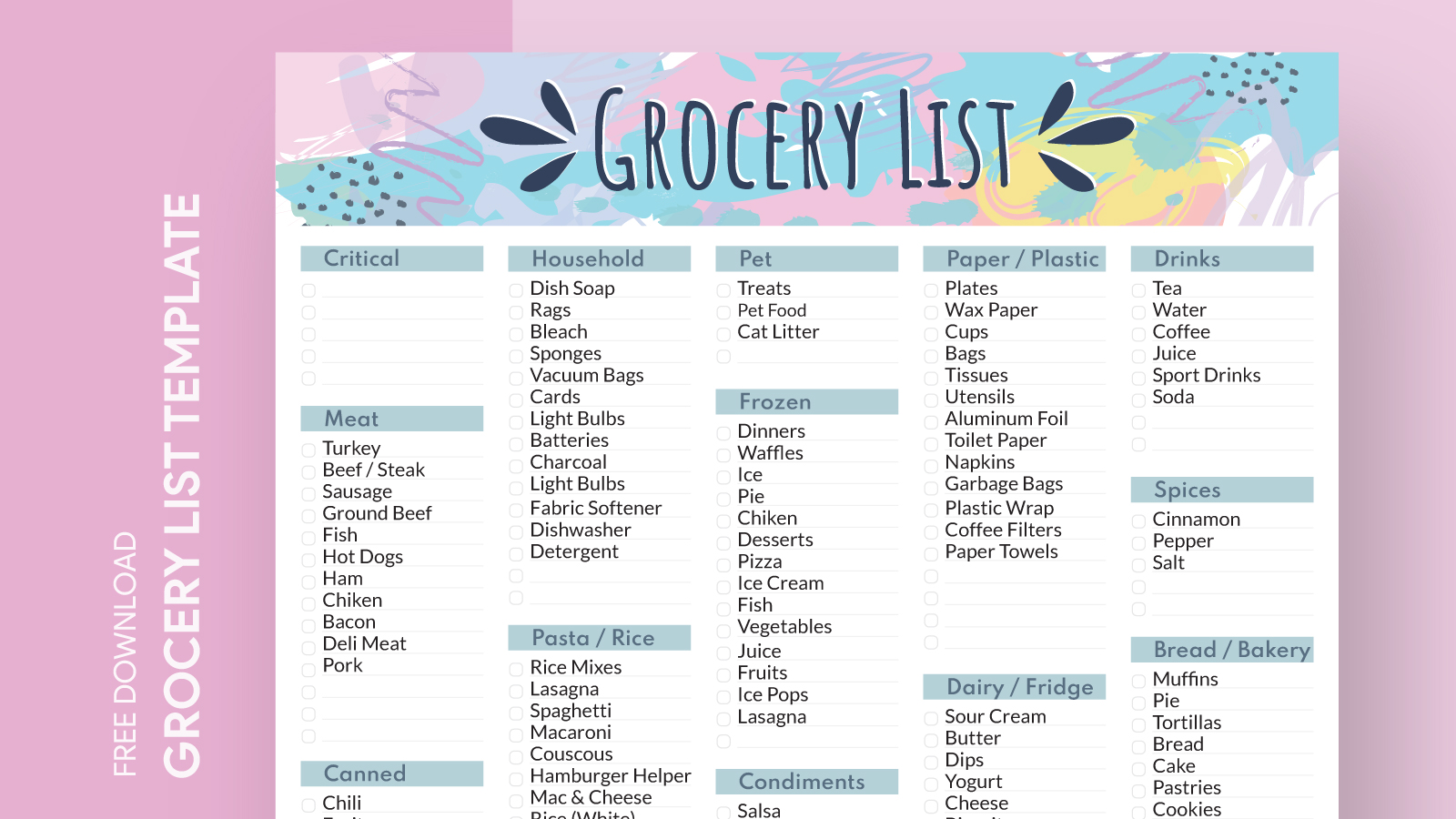
At first glance, the Cute Grocery List Free Google Docs Template is visually appealing with its colorful sections and playful font. The layout is simple yet effective, making it easy to navigate even when you’re in a rush.
You’ll notice that the list is divided into categories such as fruits, vegetables, dairy, meats, and snacks. This organization helps you shop efficiently, minimizing the time spent wandering the aisles. The template also includes checkboxes next to each item, allowing you to mark off what you’ve picked up as you go. It’s a small detail, but it can make a big difference in staying organized during your shopping trip.
Customizing Your Grocery List Template
One of the best features of the Cute Grocery List Free Google Docs Template is how easily it can be customized. You can add or remove categories based on your family’s needs. For example, if you find yourself frequently buying canned goods or frozen foods, you can create a dedicated section for those items.
To customize the template, simply open it in Google Docs, and you can start editing right away. Change the font color to match your kitchen decor, or add your family’s favorite recipes right at the bottom of the list. The flexibility of Google Docs makes it easy to update your grocery list whenever necessary.
Printing Your Grocery List
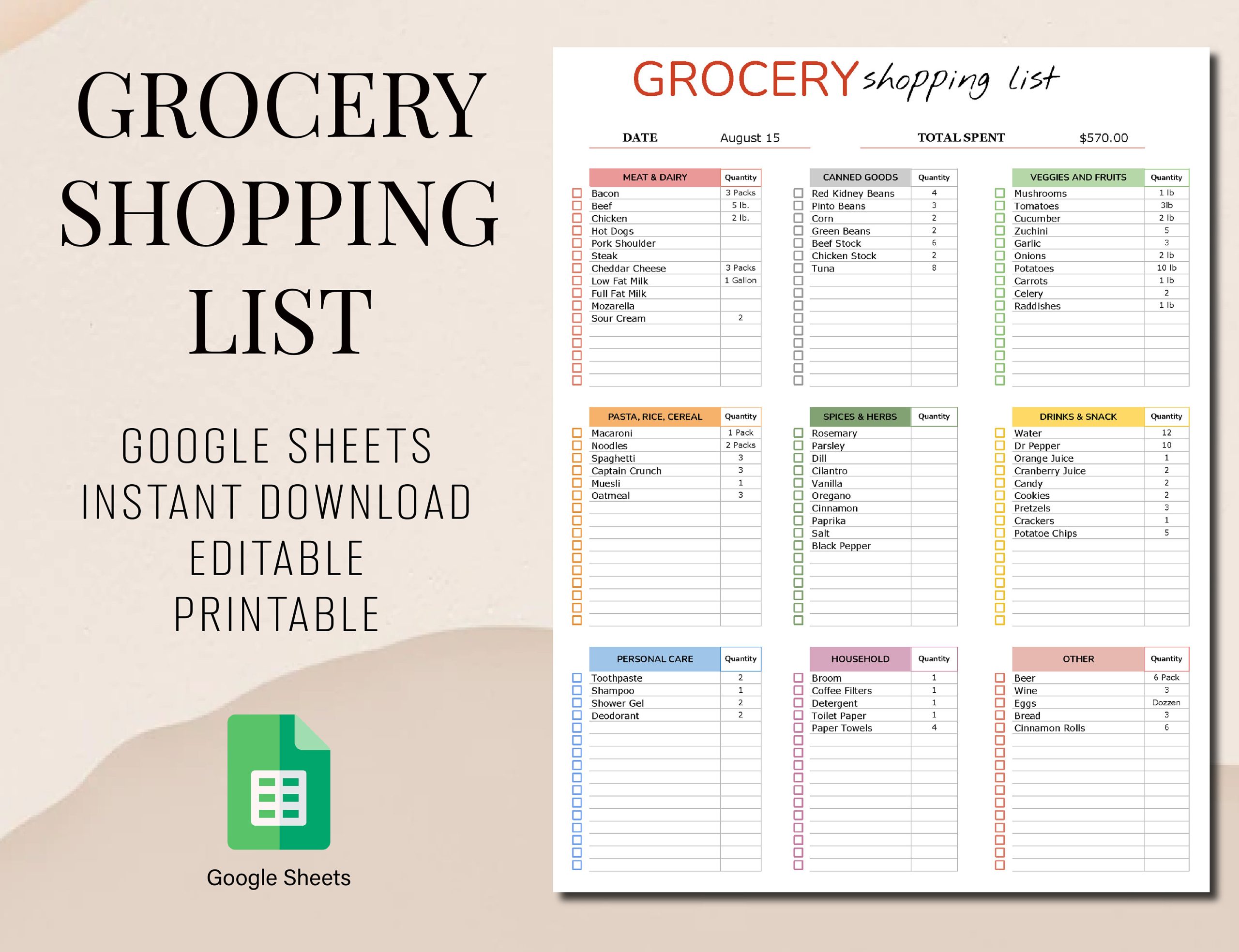
When it’s time to head to the store, you can easily print your grocery list. The template is designed to fit standard paper sizes, so you won’t have to worry about resizing or adjusting margins. For best results, I recommend using a heavier paper stock if you plan to keep the list handy for multiple trips, as it holds up better than regular printer paper.
If you prefer a digital approach, you can also access your list on your smartphone or tablet. Having it on your device makes it easy to check items off as you shop, and you won’t have to worry about losing a physical copy.
Practical Uses Beyond Grocery Shopping
While the primary purpose of the Cute Grocery List Free Google Docs Template is for shopping, its uses extend beyond conventional grocery lists. Here are a couple of alternative ways to utilize this template effectively:
- Meal Planning: Use the grocery list as a meal planner by adding specific meals next to each category. This way, you can ensure you have all the ingredients needed for the week ahead.
- Party Planning: If you’re hosting a gathering, customize the list for snacks, drinks, and party supplies. This helps you stay organized and ensures you don’t forget anything essential when preparing for events.
Accessibility and Downloading the Template
Accessing the Cute Grocery List Free Google Docs Template is straightforward. Simply visit the website where it’s hosted, and you’ll typically find a download link. Once you download the file, it will open directly in Google Docs.
From there, you can either edit it online or download it as a PDF for more printing options. If you encounter any issues while trying to download, make sure you have a Google account set up, as this will allow you to save and access your customized versions easily.
Cute Grocery List Free Google Docs Template Gallery