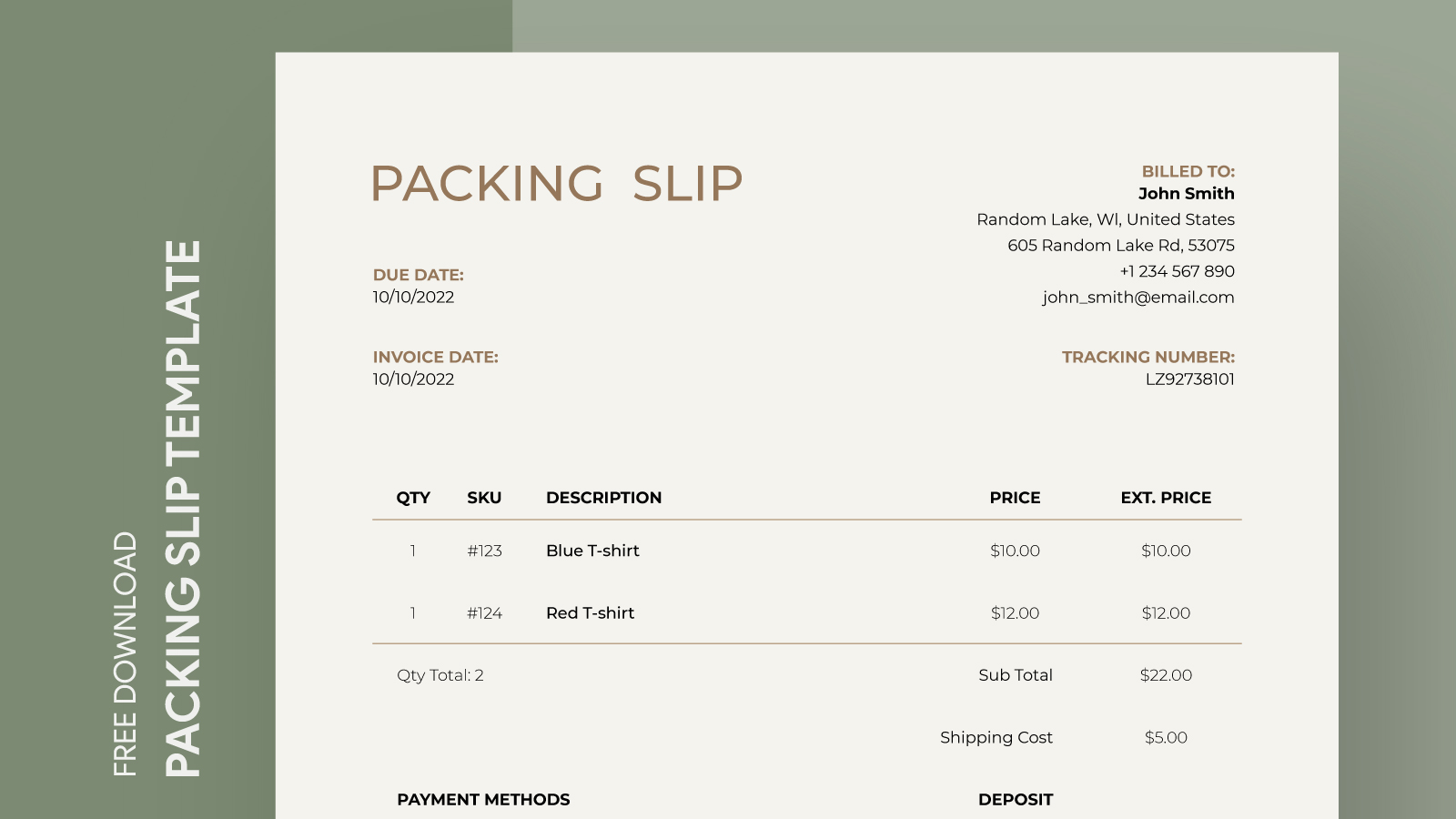
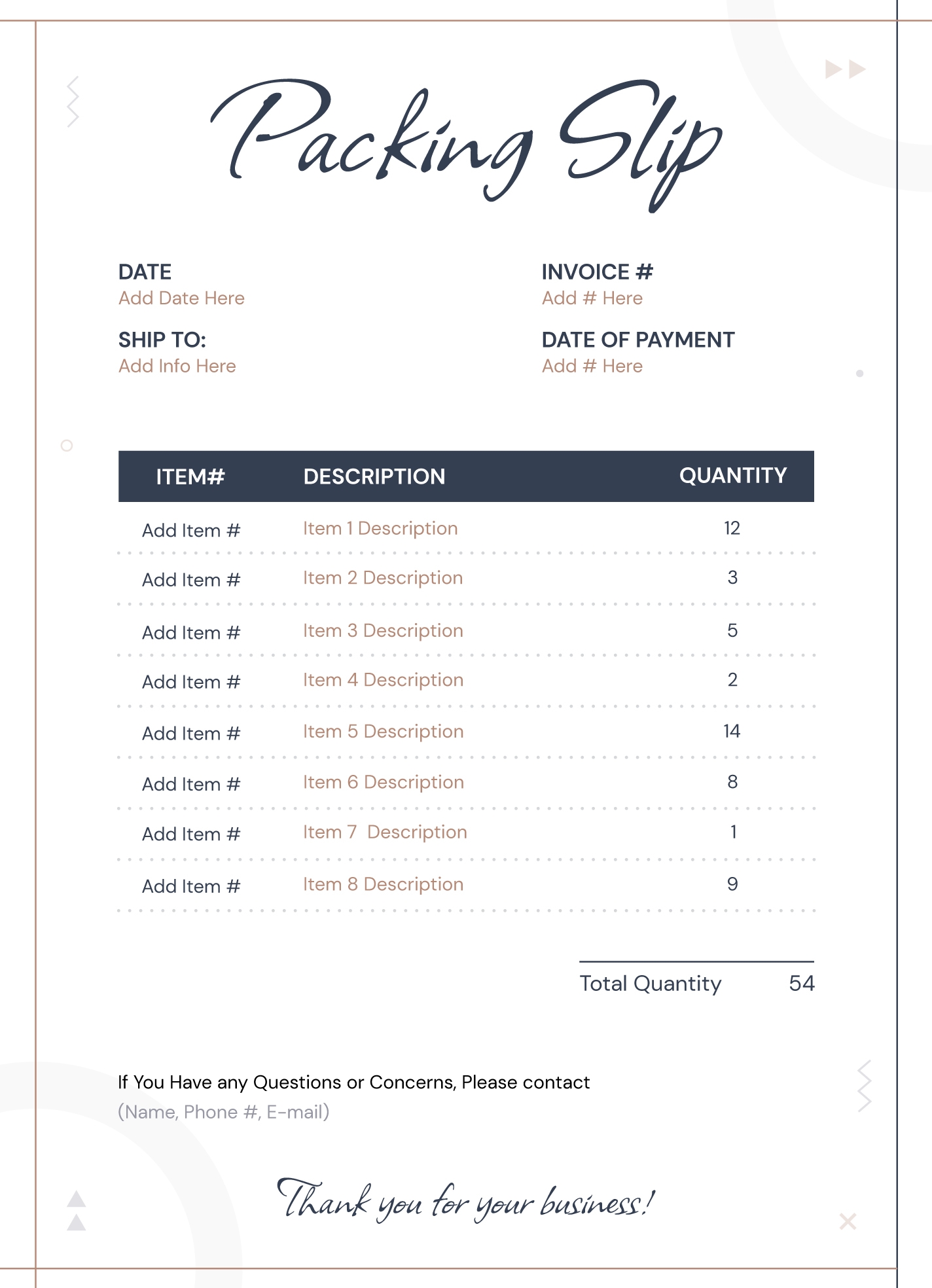
When it comes to shipping items, having a well-organized packing slip can make all the difference. The Custom Packing Slip Free Google Docs Template is an invaluable resource that simplifies the shipping process for parents running small businesses or managing home-based projects. This template allows you to create professional, clear packing slips that help keep track of orders, ensuring that every item reaches its destination without a hitch.
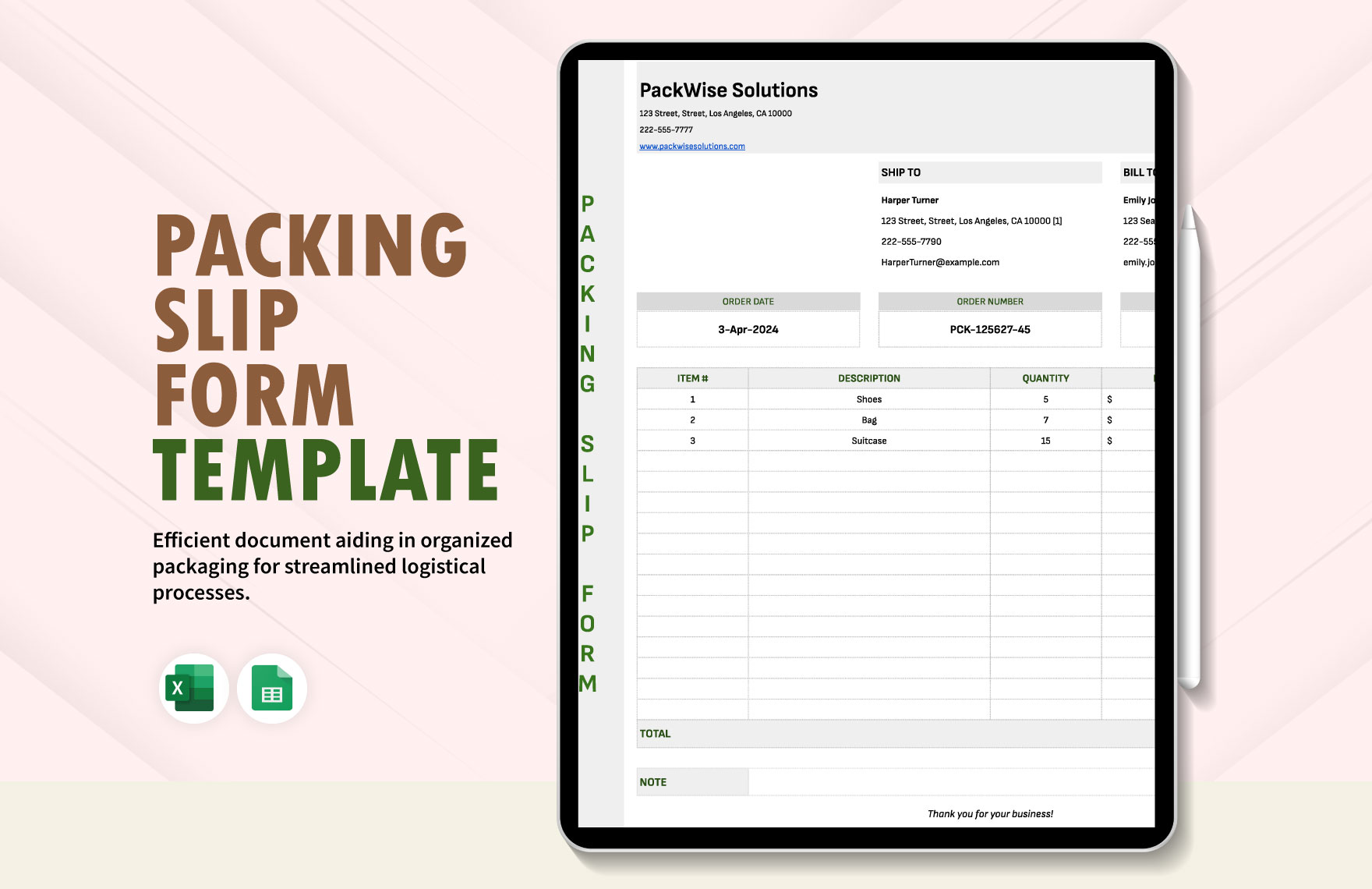
What’s Included in the Template?
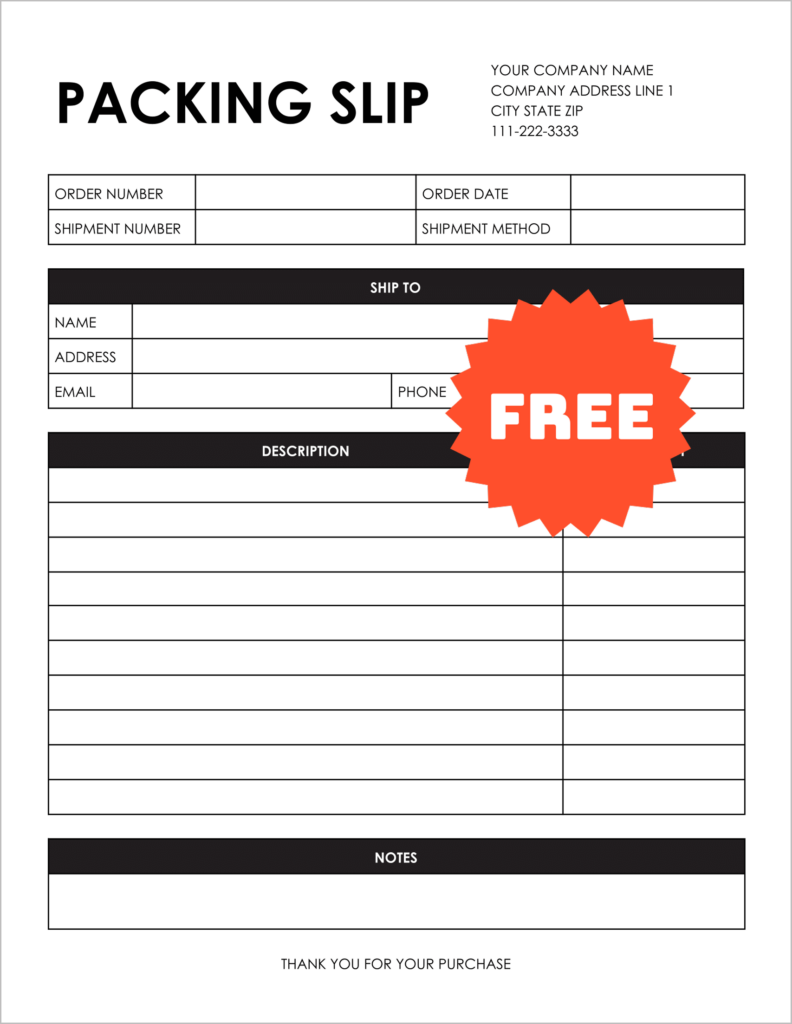
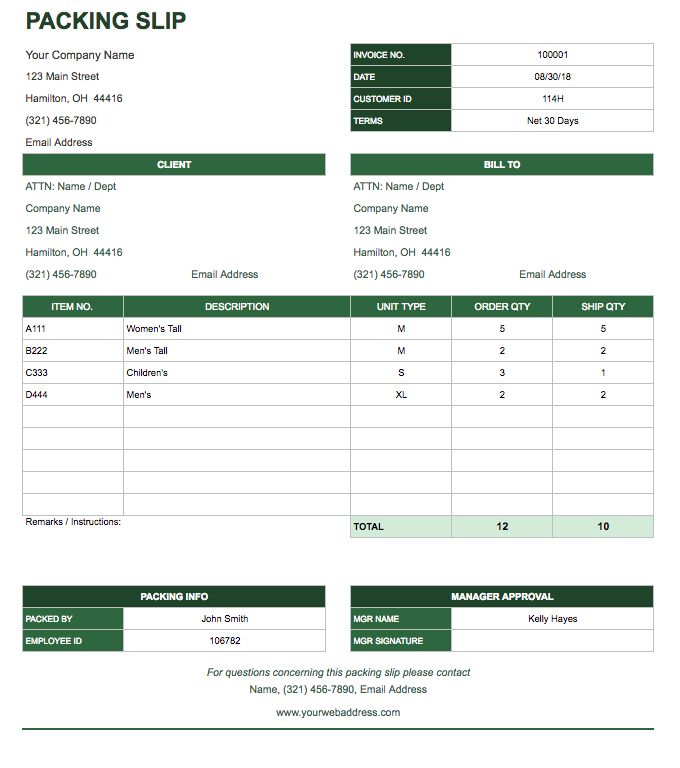
This custom packing slip template is thoughtfully designed with specific sections to cater to your shipping needs. You’ll find fields for:
- Sender Information: Include your name, address, and contact details.
- Recipient Information: A section for the recipient’s name, address, and phone number.
- Order Details: Space to list each item being shipped, including quantities and descriptions.
- Shipping Method: Indicate how the package will be sent (e.g., standard, expedited).
- Tracking Information: A field for tracking numbers, making it easier for recipients to follow their package.
The layout is user-friendly, ensuring you can fill it out quickly and efficiently. Each section is clearly marked, reducing the chance of errors during the packing process.
Customization Options
One of the best features of the Custom Packing Slip Free Google Docs Template is its flexibility. You can easily customize several aspects to fit your needs:
- Colors and Fonts: Change the color scheme and font style to match your brand identity, making it feel more personalized.
- Additional Fields: If you need to add extra information, you can modify the template to include more fields, such as notes or special instructions.
- Logo Insertion: For small business owners, including your logo can enhance professionalism and brand visibility.
Making these adjustments is straightforward in Google Docs. Plus, the template is designed to be printed on standard letter-size paper (8.5 x 11 inches), so you won’t have to worry about reformatting.
Practical Use Cases
Imagine you’re a parent who sells handmade crafts online. When preparing shipments, a packing slip helps ensure that you don’t miss any items. You can quickly check off each product against the packing slip, making packing more efficient.
Alternatively, if you’re organizing a family event where multiple items need to be shipped to different locations, this template can assist in keeping everything organized. You can create individual packing slips for each package, ensuring that every recipient gets what they expect.
Downloading and Printing the Template
Getting started with the Custom Packing Slip Free Google Docs Template is as easy as a few clicks. Here’s how to download and print it:
- Access the Template: Click the download link on the printable-resource website to access the Google Docs version.
- Open in Google Docs: Once downloaded, open the file in Google Docs for editing.
- Customize Your Details: Fill in the necessary information specific to your shipment.
- Print Options: When ready to print, go to File > Print. Choose your printer settings—using portrait layout usually works best for packing slips.
- Paper Quality: For a professional feel, consider printing on heavier paper or cardstock, especially if the slip will be included in a shipping package.
Make sure your printer is set to the correct paper size to avoid any formatting issues during printing.
Tips for Using Packing Slips Effectively
A packing slip is more than just a piece of paper; it serves several important functions. Here are a few tips to maximize its effectiveness:
- Keep Copies: Always keep a copy for your records, especially for business purposes. This helps track shipments and manage returns if necessary.
- Include Return Information: If you’re shipping items that may need to be returned, include return instructions on the packing slip. This can aid in customer satisfaction and streamline the return process.
- Use Clear Descriptions: When listing items, use clear and concise descriptions. This minimizes confusion for the recipient and ensures accuracy in what they receive.
With the Custom Packing Slip Free Google Docs Template, you have a tool that not only streamlines your shipping process but also enhances your overall organizational skills. Whether for business or personal use, this template is a practical solution to ensure your shipments are accurate and professional.
Next time you’re preparing to send out a package, consider how a well-crafted packing slip can make your life that much easier. You can choose to customize it with your brand colors or keep it simple and straightforward—either way, you’ll be set up for success.
Custom Packing Slip Free Google Docs Template Gallery