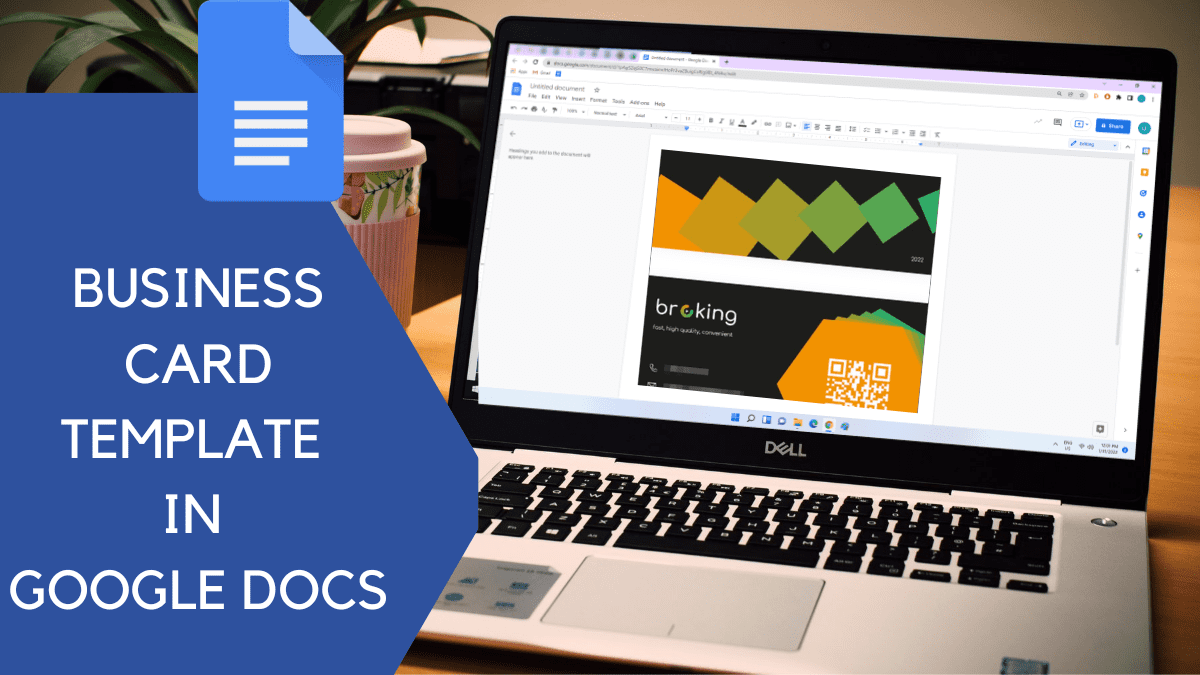
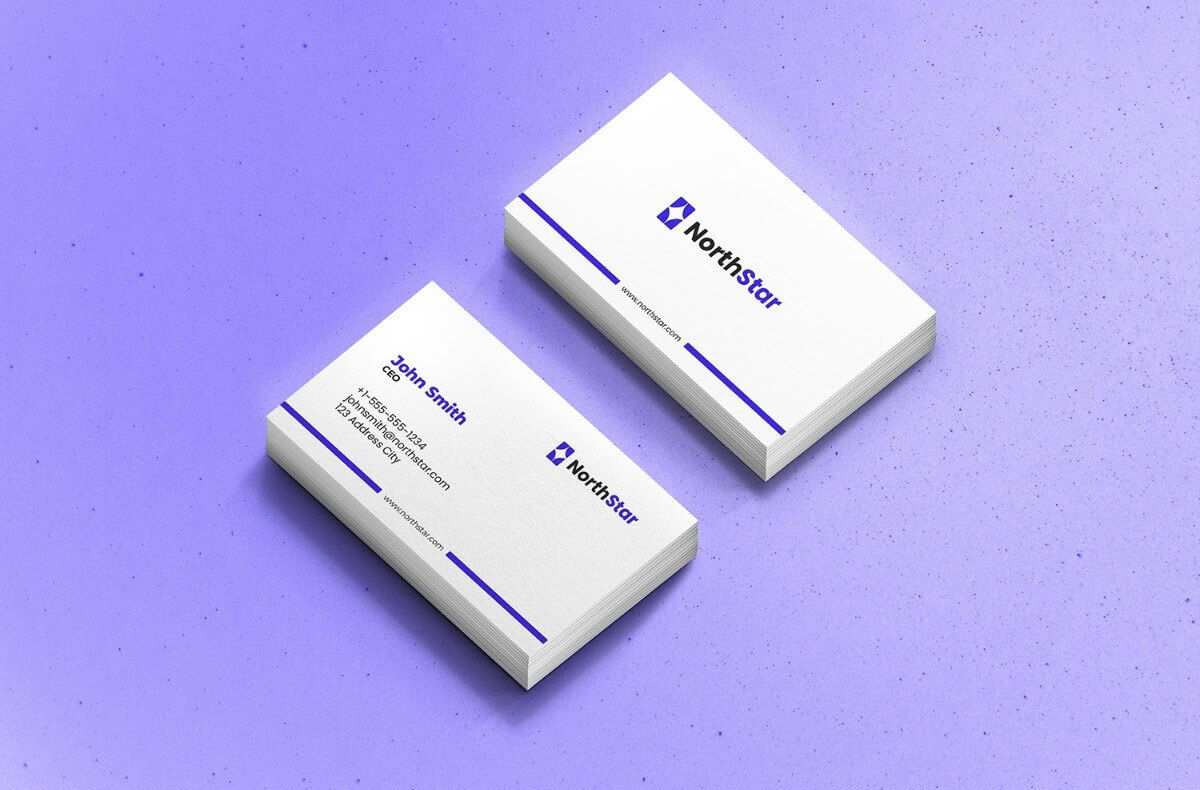
Creating a corporate business card is a vital step in establishing your professional identity. With a Corporate Business Card Free Google Docs Template, you can easily design a card that reflects your brand and meets your networking needs. This template typically comes in a standard size of 3.5 x 2 inches, which is perfect for fitting into traditional business card holders.
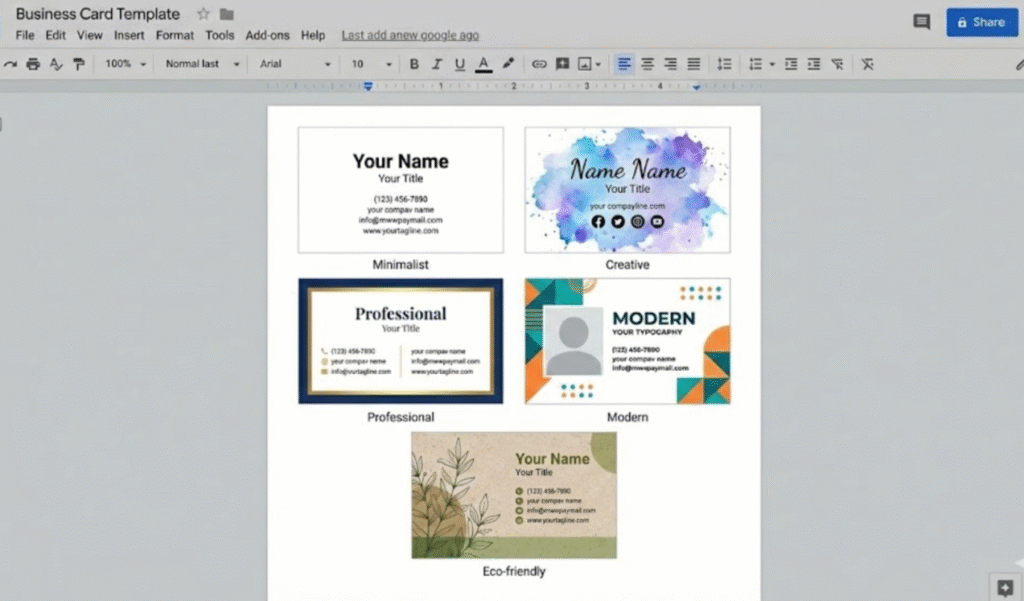
Understanding the Basic Layout
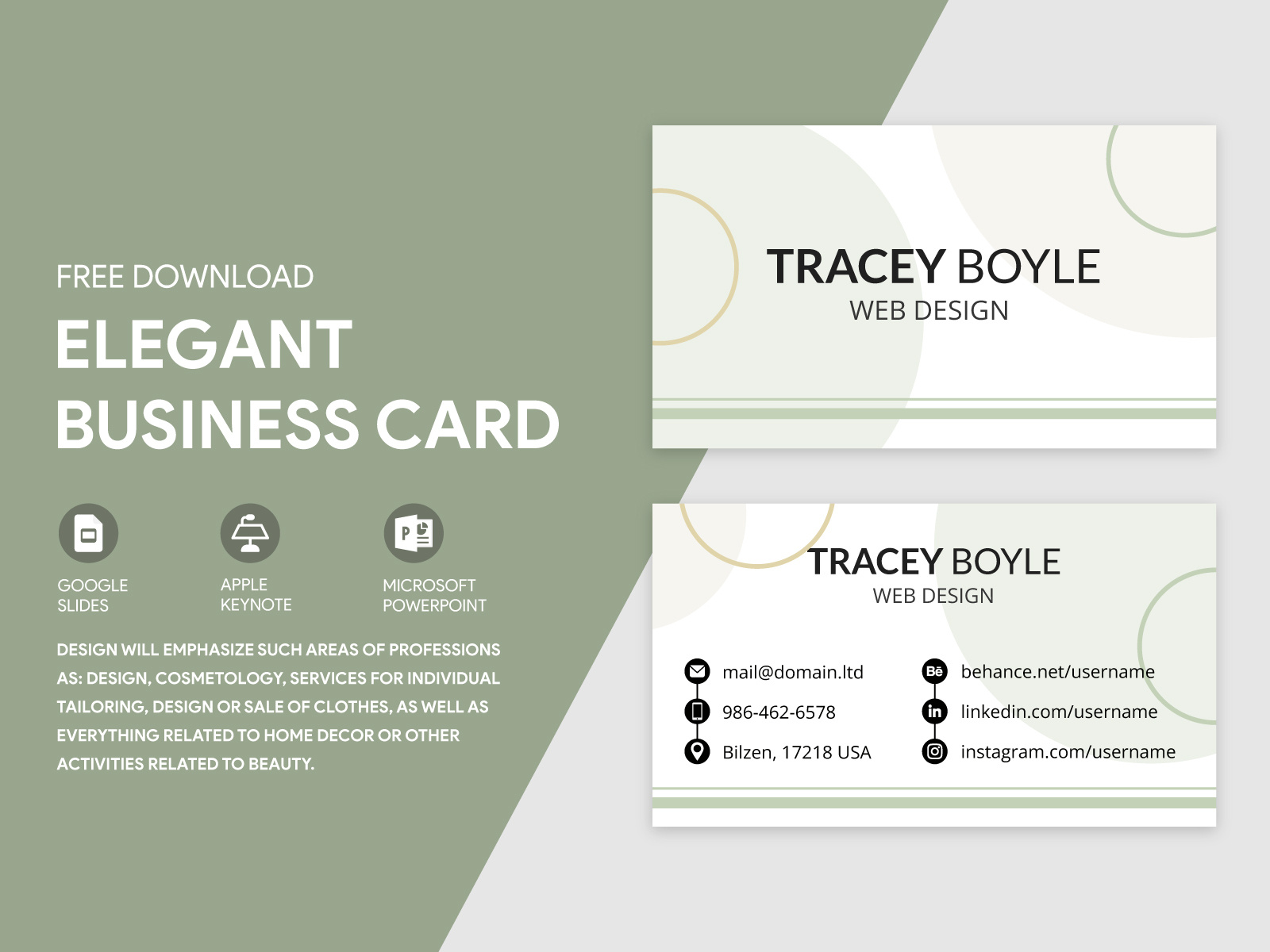
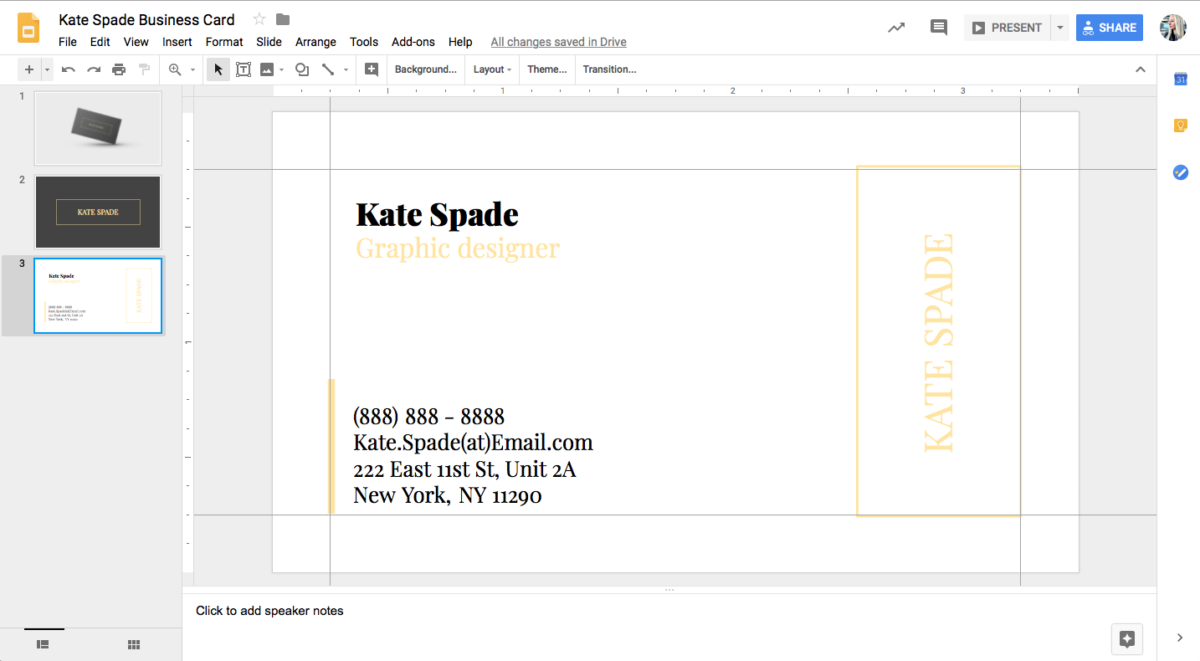
When you open your Google Docs template, you’ll notice a clean layout designed for easy customization. Most templates include essential fields such as:
- Name
- Job Title
- Company Name
- Contact Information
- Company Logo
These sections are strategically placed for optimal readability and visual appeal. The name is usually the most prominent, often at the center or top of the card, making it easy for anyone to identify you at a glance. The job title and company name follow closely, establishing your position and the organization you represent.
The contact information section is typically at the bottom, keeping it out of the way while still accessible. This layout allows for quick reference, which is crucial in networking situations where first impressions matter.
Customizing Your Template
One of the best features of using a Google Docs template is the ease of customization. You can change colors, fonts, and even the layout to better match your brand’s identity. Here are a few tips to make your card stand out:
- Choose Your Colors Wisely: Stick to your brand colors or select hues that convey professionalism. Blues and greys are often seen as trustworthy, while brighter colors can express creativity.
- Font Selection: Use clear, legible fonts. Sans-serif fonts are popular for business cards as they are easier to read at smaller sizes. Avoid overly decorative fonts that might distract from the essential information.
- Include a Logo: If you have a company logo, incorporate it into your design. This not only reinforces your brand but also adds a professional touch. Make sure it’s high-resolution to avoid pixelation when printed.
- Spacing Matters: Ensure there is enough white space around the text and logo. This makes the card easier to read and helps prevent it from looking cluttered.
Printing Options and Considerations
Once you’ve customized your Corporate Business Card Free Google Docs Template, you’ll need to consider how you will print it. Here are some key points to keep in mind:
- Paper Choice: For a professional feel, opt for cardstock (usually 80 lb or thicker). This material is sturdy and holds up well over time. If you plan to laminate your cards, choose a cardstock that can withstand the process without warping.
- Print Settings: Ensure your printer settings are set to “borderless” if you want the design to extend to the edges of the card. If you don’t have a borderless option, you might need to trim the cards after printing.
- Envelope Sizing: If you plan to mail your business cards, standard envelopes (like A2 or A7) work perfectly for 3.5 x 2-inch cards. Consider using heavier envelopes if you’re mailing multiple cards to ensure they arrive in good condition.
- Postage: Remember that the weight of your envelopes will affect postage. Most standard business cards will not add much weight, but if you include additional materials, check with your local postal service for correct postage.
Delivery and Usage
Once printed, your business cards are ready for distribution. Think about how you want to present them. Here are some practical tips for effective delivery:
- Networking Events: Always have a few cards on hand when attending professional gatherings. A well-timed card can lead to valuable connections.
- Follow-Up: If you meet someone who expresses interest in your work, hand them a card while discussing your services. This reinforces the connection and serves as a reminder of your conversation.
- Personal Touch: When handing out cards, consider writing a personalized note on the back. This makes the card more memorable and shows you care about the connection.
Having a reliable Corporate Business Card Free Google Docs Template at your fingertips not only streamlines the design process but also helps you project a professional image. Don’t forget to take the time to refine your design and ensure every detail represents you well. A small but crucial detail to remember is to keep a digital version of your business card on your phone or in your email for easy sharing when meeting new contacts.
Corporate Business Card Free Google Docs Template Gallery