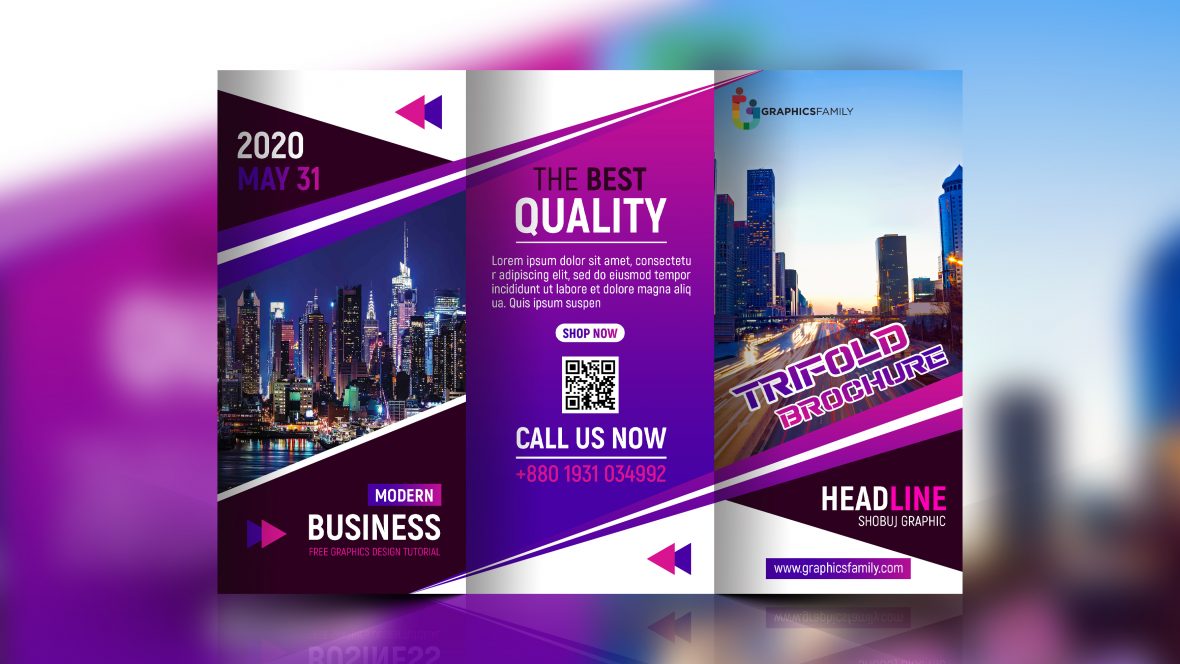
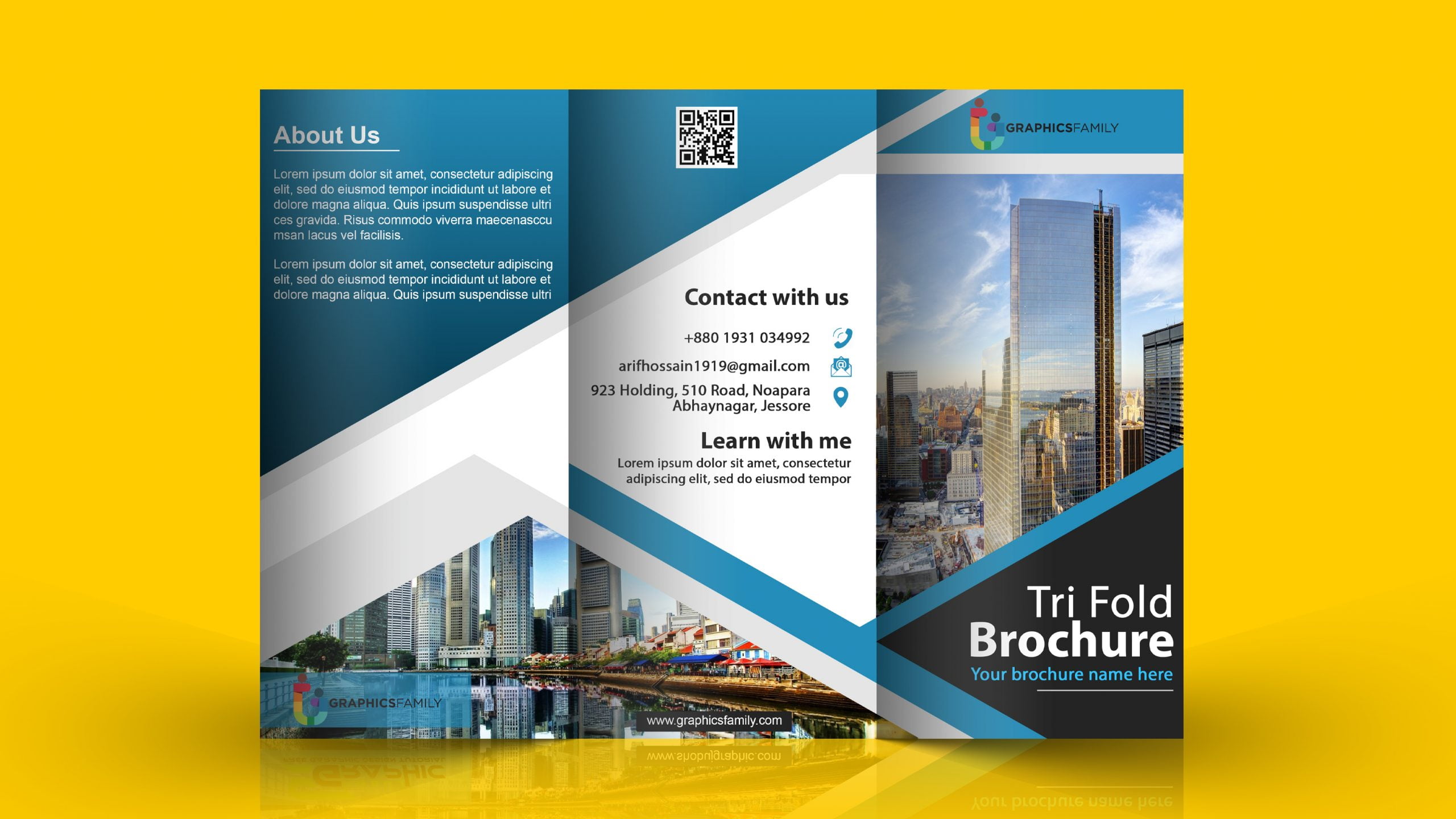
Creating a brochure might seem daunting, but with the right tools, it can be a delightful experience. The Contemporary Tri-Fold Brochure Free Google Docs Template stands out among various resources because it offers a clean, modern design that’s easy to customize. This template caters to your needs, whether you’re promoting a local business, organizing an event, or sharing information about a community project. Let’s explore how to make the most of this resource and the decisions involved in using it effectively.
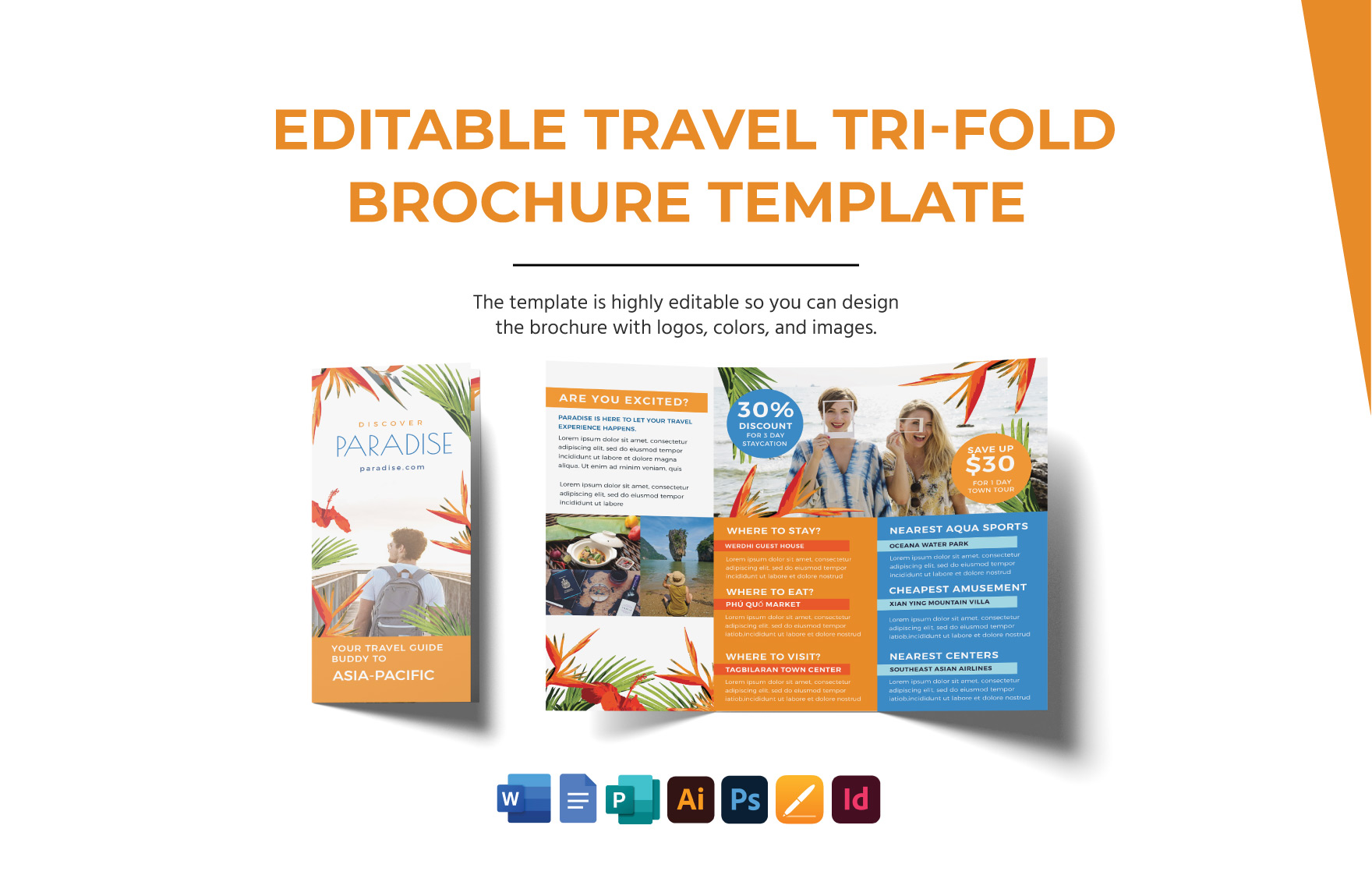
Understanding the Template’s Design and Features
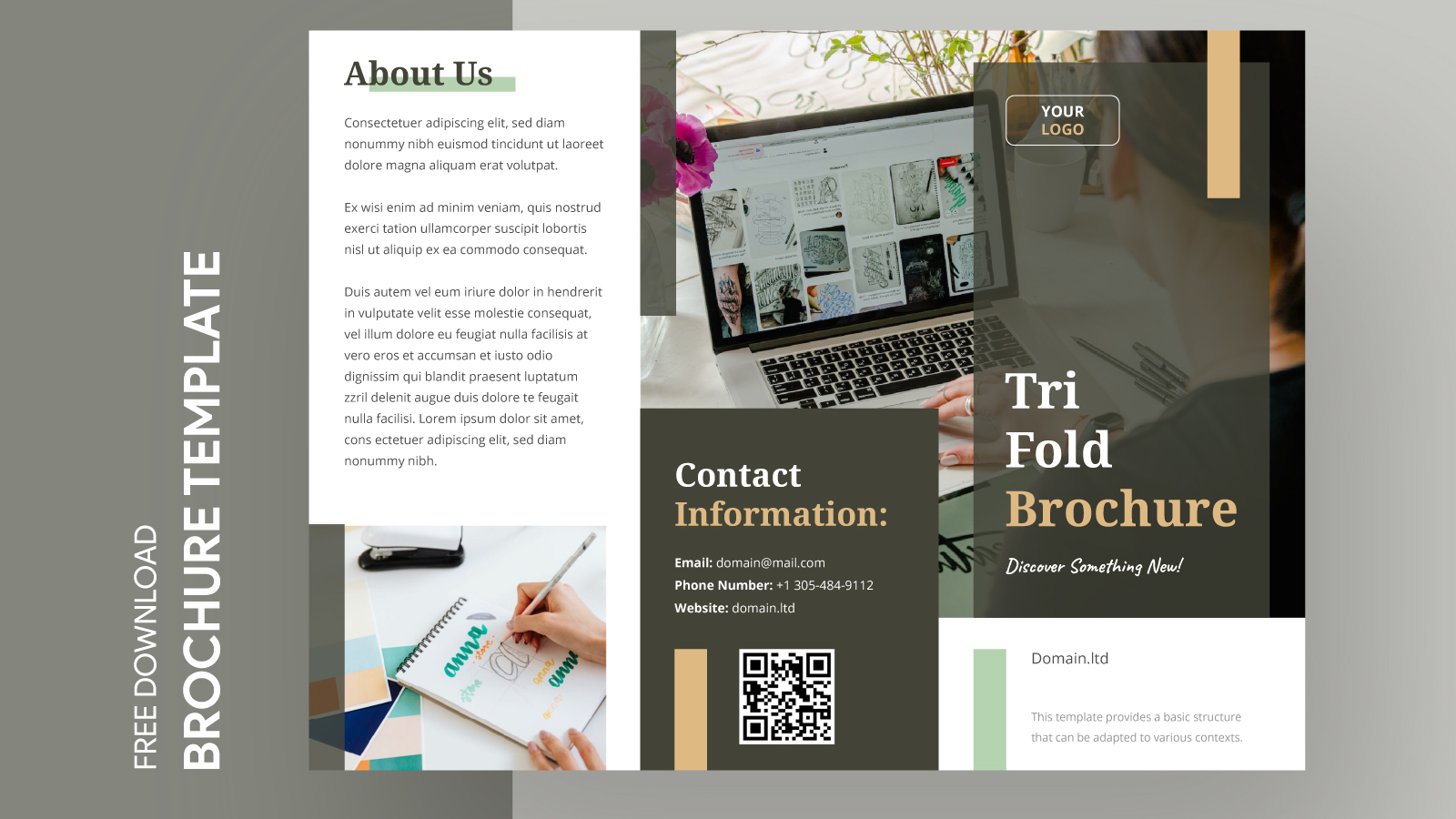
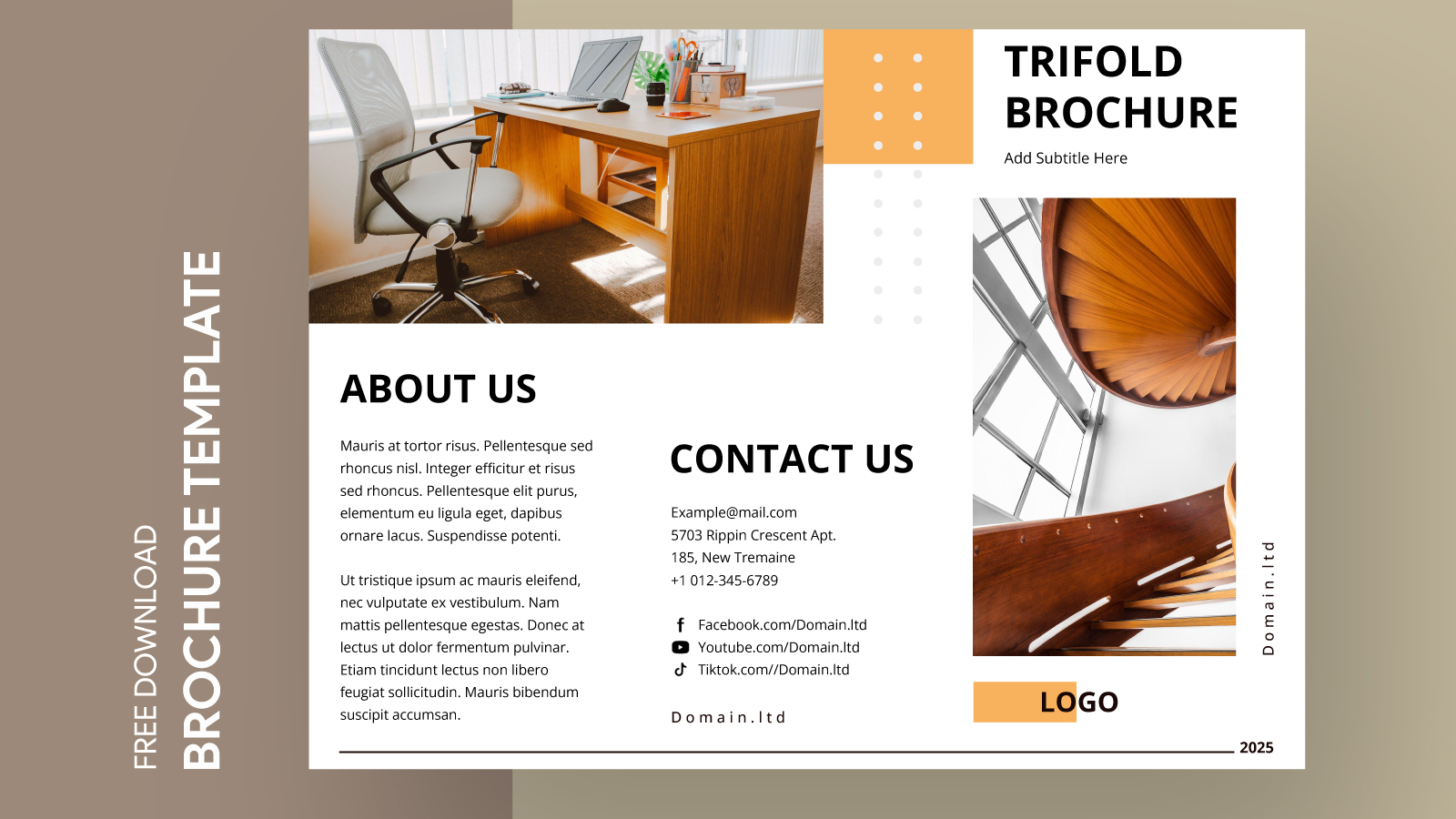
At first glance, the Contemporary Tri-Fold Brochure Free Google Docs Template presents a professional and polished layout. The tri-fold design allows you to showcase information in an organized manner, dividing your content into three distinct panels. This format is particularly useful for presenting services, events, or other essential information in a digestible way.
You can customize various elements, including:
- Colors and Fonts: Tailor the template to match your brand’s identity or the theme of your event. Google Docs makes it easy to change font styles, sizes, and colors to ensure your brochure resonates with your audience.
- Images and Graphics: Incorporate your own images or choose from Google’s extensive library. High-quality visuals can significantly enhance your brochure’s appeal.
- Text Content: Edit the text to include key information, such as descriptions, contact details, and calls to action. Make sure the content is concise and engaging to keep your audience interested.
And remember, simplicity is key. Avoid overcrowding your brochure with too much text or too many images, which can overwhelm the reader.
Downloading and Printing Options
Once you’ve customized your Contemporary Tri-Fold Brochure Free Google Docs Template, it’s time to download and print. Google Docs offers several formats, but here are the most practical options:
- PDF Format: This is usually the best choice for printing. PDFs preserve your formatting and ensure that the design looks the same on any device. When you go to download, select “PDF Document” to avoid any formatting issues.
- Google Docs Format: If you plan to make further edits after downloading, keep it in Google Docs format. However, be cautious with layout changes, as they may not print as expected.
When printing, consider the following:
- Paper Type: For a professional look, use high-quality cardstock. This material is thicker than standard paper and gives your brochure a more substantial feel.
- Print Settings: Ensure your printer settings are adjusted for the paper size you’ve chosen. Most tri-fold brochures use standard letter size (8.5×11 inches), so set your printer to that size for the best results.
Practical Use Cases for Your Brochure
The versatility of a tri-fold brochure makes it an excellent choice for various occasions. Here are a few practical scenarios where you might find this template particularly useful:
- Business Promotion: If you’re running a small business, a brochure can effectively highlight your services, products, or special offers. Distributing these at local events or in-store can attract new customers.
- Event Information: Planning an event? Use the brochure to provide attendees with essential details, such as schedules, speaker bios, and venue information. It’s a great way to keep everyone informed and engaged.
- Educational Purposes: Teachers can utilize this template for classroom projects or to share information with parents about upcoming events. A well-designed brochure can make learning more fun and interactive for students.
Deciding how and where to distribute your brochures is crucial. You might want to hand them out at community events, local businesses, or even leave them in public spaces where your target audience frequents.
Customization Tips for Maximum Impact
To ensure your brochure stands out, consider these customization tips:
- Consistent Branding: Use your logo and brand colors throughout the brochure. This helps create recognition and trust with your audience.
- Engaging Headlines: Craft attention-grabbing headlines that clearly convey the brochure’s purpose. A strong headline can draw readers in and encourage them to explore further.
- Clear Call to Action: Always include a call to action, whether it’s visiting your website, signing up for a newsletter, or contacting you for more information. Make it easy for readers to know what to do next.
And don’t forget about proofreading. A brochure with typos or errors can diminish your credibility, so double-check your content before printing.
Contemporary Tri-Fold Brochure Free Google Docs Template Gallery