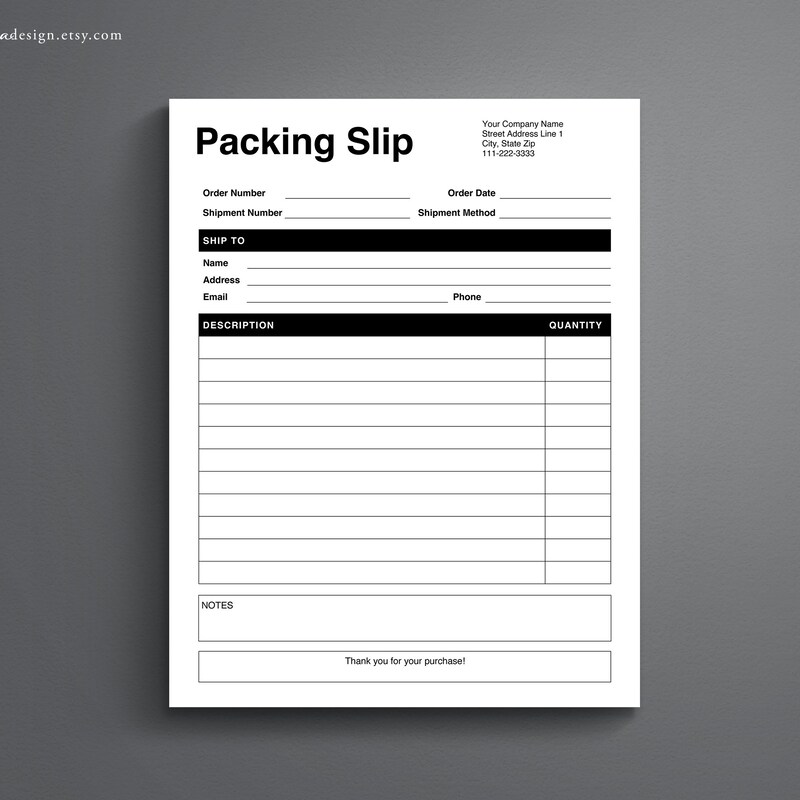
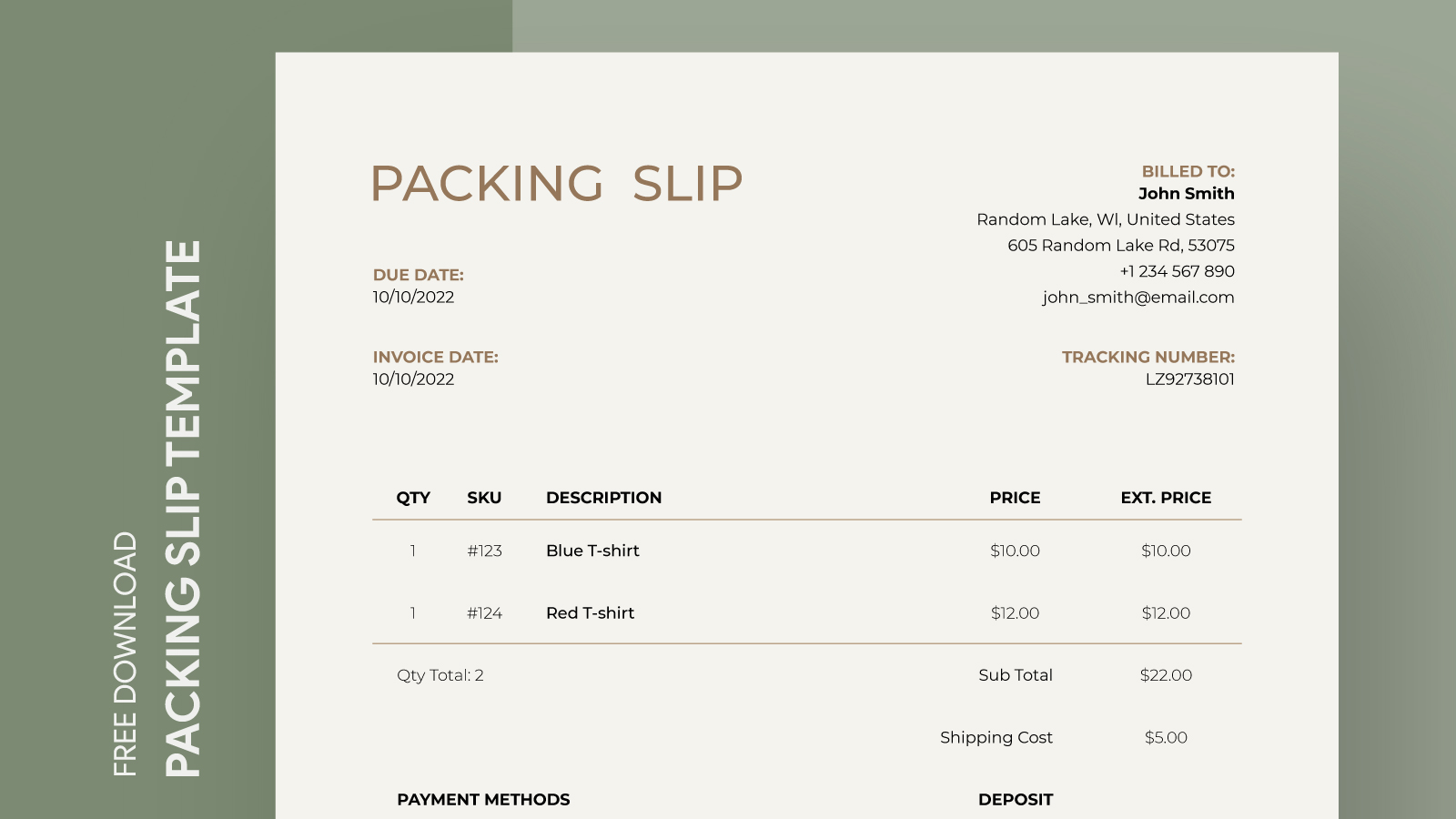
When you’re running a home business or even just sending gifts to friends and family, keeping track of your shipments can get a bit tricky. That’s where the Commercial Packing Slip Free Google Docs Template comes in. This handy resource helps you create a professional packing slip to include with your packages, ensuring your items arrive safely and organized. Let’s look at the specifics of this template, how to customize it, and the practical decisions you’ll face when using it.
Understanding the Commercial Packing Slip Template
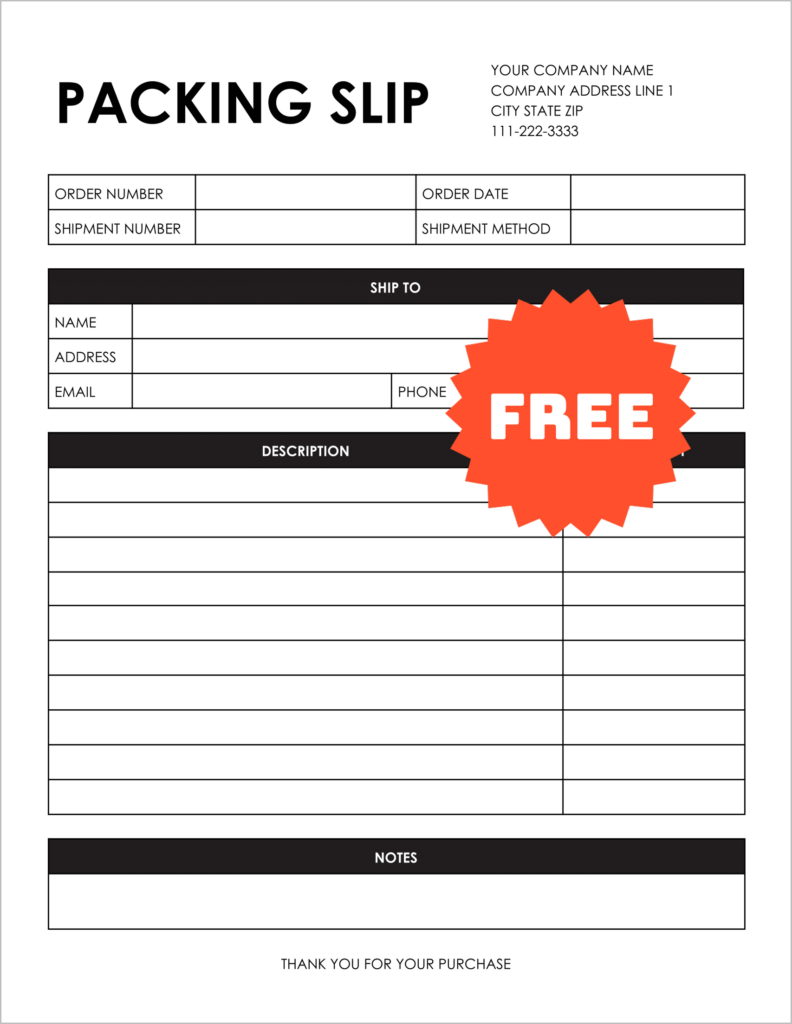
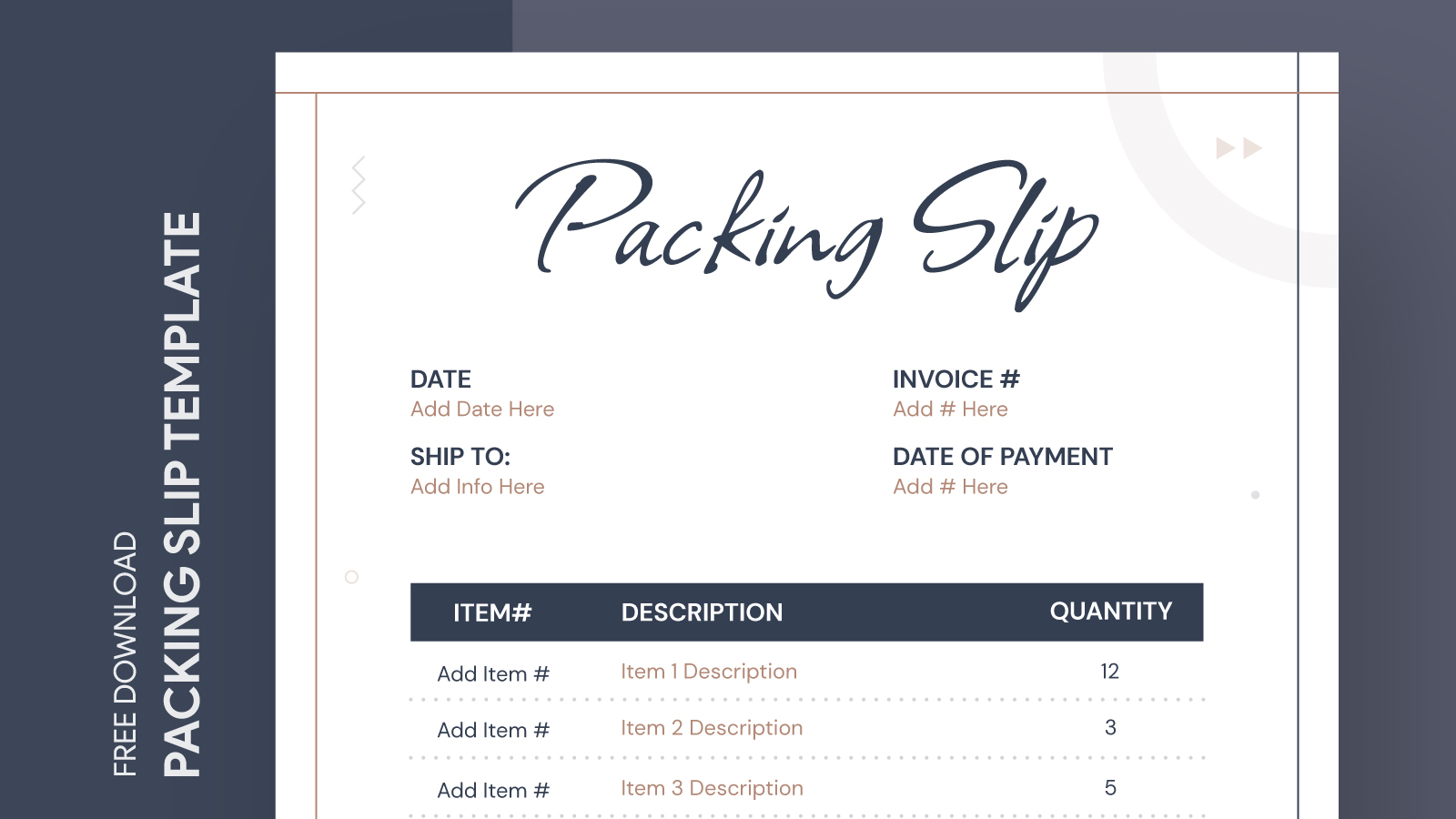
A packing slip is a crucial document that outlines the contents of a shipment. This template provides a clear layout to specify what items are included in your package. It helps both you and the recipient verify that everything is accounted for. The Commercial Packing Slip Free Google Docs Template is designed for easy customization, allowing you to tailor it to your specific needs.
Key Features of the Template
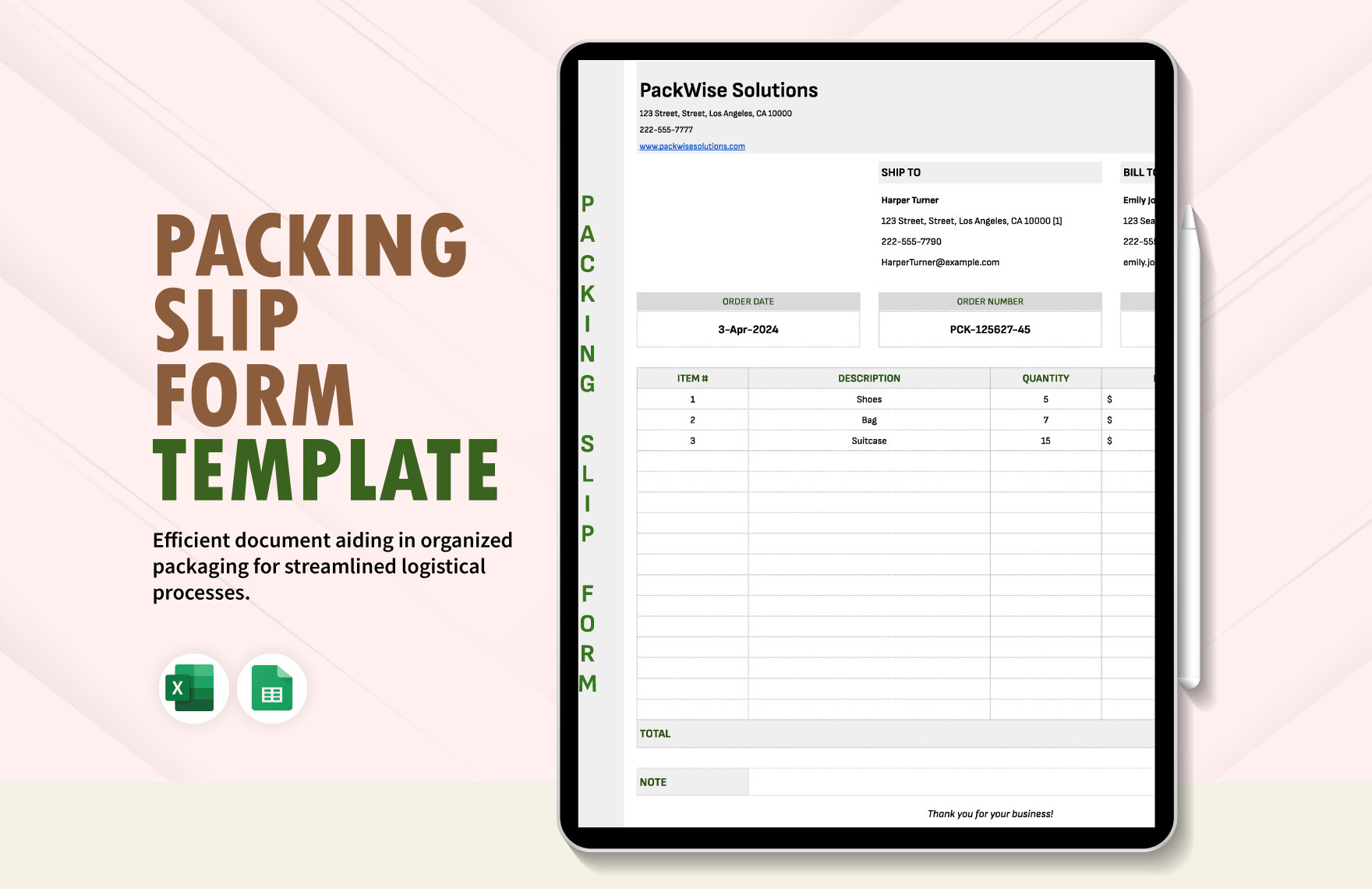
- Editable Fields: You can easily input your business name, shipping address, and item descriptions.
- Clear Layout: The template is organized, making it easy to read at a glance.
- Google Docs Compatibility: Since it’s a Google Docs template, you can access it from anywhere and share it easily with team members or collaborators.
Using this template can streamline your shipping process, making it a practical addition to your business toolkit.
Customizing the Template for Your Needs
Once you’ve downloaded the template, you can start customizing it to fit your business. Here are some practical tips to get you started:
- Add Your Branding: Incorporate your logo and brand colors to make your packing slip look professional. This not only enhances your brand’s visibility but also adds a personal touch to your shipments.
- Item Details: Be specific about the items being shipped. Include item names, quantities, and any SKU numbers if applicable. This helps in inventory management and ensures customers know exactly what they’re receiving.
- Contact Information: Make sure to include your contact details, including a phone number or email address. This way, if there are any issues with the delivery, customers can easily reach out to you.
- Shipping Information: It can be helpful to add tracking information if applicable. This keeps your customers informed about their shipment status and can reduce inquiries about when their package will arrive.
Downloading and Printing the Template
Downloading the Commercial Packing Slip Free Google Docs Template is straightforward. Here’s how to do it effectively:
- Access Google Docs: If you don’t already have a Google account, you’ll need to create one. Once you’re logged in, you can access the template directly through your Google Docs dashboard.
- Download Options: After customizing the template, you can choose to print it directly from Google Docs or download it in various formats like PDF or Word. PDF is often the best option for printing, as it preserves the layout and formatting exactly as you designed it.
- Print Settings: When printing, make sure to use a high-quality printer and consider using heavier paper for a more professional feel. Standard letter size (8.5” x 11”) is typically what you’ll want to use, but double-check your printer settings to avoid any surprises.
Practical Tips for Using Your Packing Slip
Incorporating a packing slip into your shipping routine can greatly enhance your organization. Here are some practical tips for making the most of your template:
- Batch Processing: If you’re shipping multiple items, print several packing slips at once. This saves time and helps you stay organized, especially during busy periods.
- Checklists: Use the packing slip as a checklist. As you pack items, mark them off on the slip. This ensures nothing gets left behind and minimizes errors.
- Feedback Loop: Encourage your customers to provide feedback on their shipping experience. This can help you refine your packing process and improve customer satisfaction.
- Save Versions: Always save a copy of your packing slips for your records. This can come in handy for future reference, especially if a customer has questions about their order.
Using the Commercial Packing Slip Free Google Docs Template is a straightforward way to enhance your shipping process. By customizing it to fit your needs and incorporating it into your routine, you can ensure that your products arrive safely and that your customers are happy. So go ahead, download the template, and streamline your shipping today!
Commercial Packing Slip Free Google Docs Template Gallery