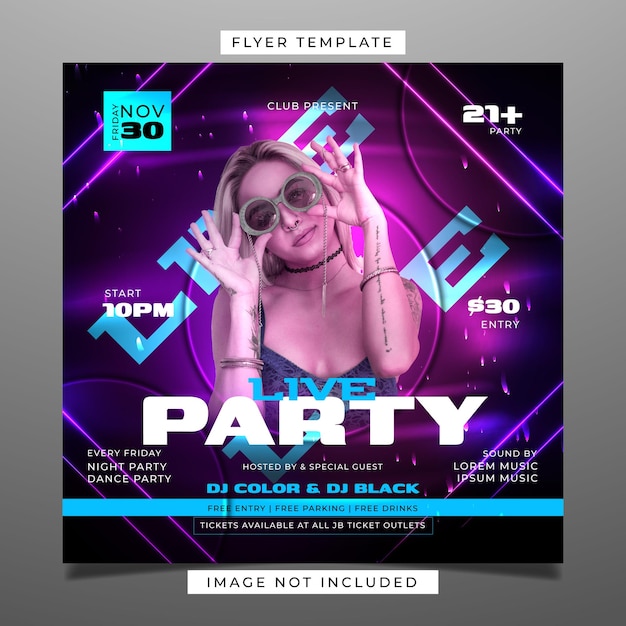
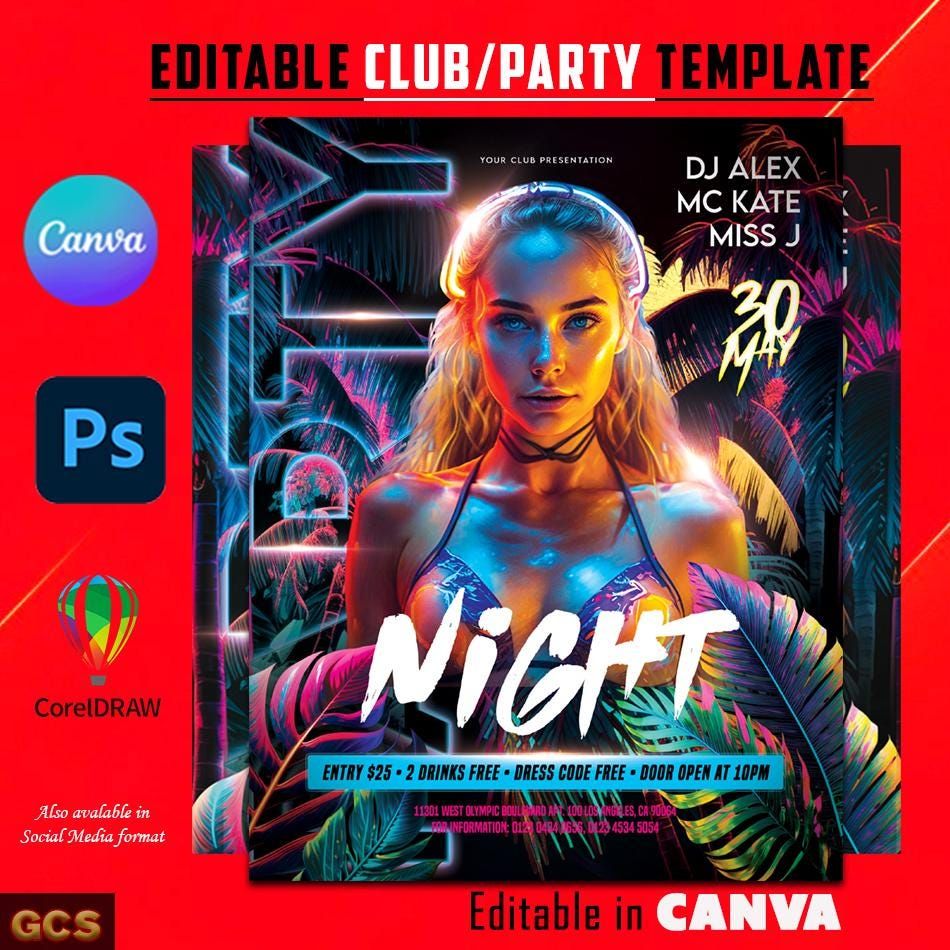
Planning a club night party? You’ll want to make sure everyone knows about it! A well-designed flyer can be the perfect way to spread the word, and luckily, the Club Night Party Flyer Free Google Docs Template makes it easy to do just that. This template is available in a standard 8.5×11-inch size, which is ideal for printing on regular letter-sized paper. Let’s explore how you can customize this template to suit your unique event and get the perfect design for your party.

Understanding the Template Layout
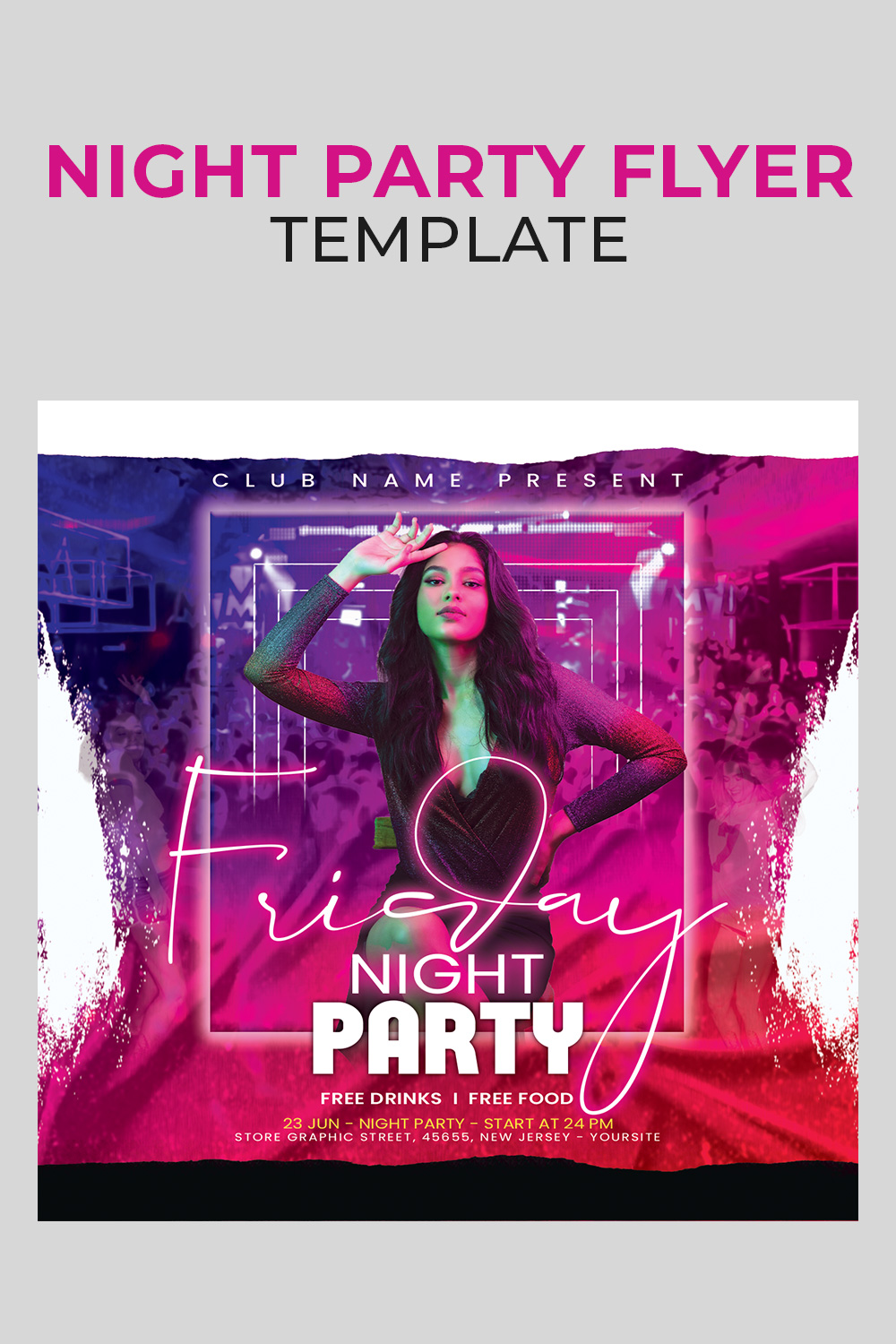
When you open the Club Night Party Flyer Free Google Docs Template, you’ll notice a clean and engaging layout designed to capture attention. The template typically features bold headings and vibrant colors that are perfect for a lively night out.
The key sections of the flyer usually include:
- Event Title: This is where you’ll want to make a splash with the name of your event. Use a catchy title that reflects the vibe of your club night.
- Date and Time: Clearly state when the party will take place. A well-placed date and time ensures your audience knows when to show up.
- Location: Include the venue name and address. A small map can also be helpful, especially if the location is a bit hidden.
- Additional Details: You can add special features like guest DJs, drink specials, or dress codes. This section is perfect for enticing attendees with what they can expect at the event.
- RSVP Information: If you need to manage attendance, don’t forget to add your contact information or a link to an online RSVP form.
Customizing Your Flyer
One of the best parts of using a Google Docs template is the ease of customization. You can change colors, fonts, and even images to match your club’s branding or the theme of your party. Here are practical steps to get you started:
- Open the Template: Click on the link to access the template in Google Docs. You’ll need a Google account to make your own copy.
- Make a Copy: Go to File > Make a Copy, so you can edit the flyer without altering the original.
- Edit Text: Click on any text box to type in your event details. You can adjust the font size and style to ensure your text stands out.
- Change Colors: Use the “Text color” and “Highlight” options to play around with colors that fit the mood of your event. Bright colors can convey excitement, while darker shades might evoke a more sophisticated atmosphere.
- Insert Images: If you have a logo or themed graphics, you can easily insert images into the flyer. Just go to Insert > Image and choose where to upload from.
Printing Your Flyers
Once you’re satisfied with your design, it’s time to print! Here are some tips to ensure your flyers turn out great:
- Paper Type: For a more professional look, consider using cardstock instead of regular paper. It’s thicker and will hold up better if you’re distributing the flyers in crowded areas.
- Print Settings: Make sure your printer is set to the best quality. Check that it’s set to print in color if you’ve used vibrant designs.
- Test Print: Before printing a large batch, do a test print to ensure everything looks as expected. Sometimes colors and layouts can change between the screen and paper.
Distributing Your Flyers
Now that you have your flyers printed, it’s time to get them out into the world! Think about where your target audience spends their time. Here are a few effective distribution strategies:
- Local Businesses: Partner with nearby cafes, bars, or shops to display your flyers. They often allow promotions for local events.
- Community Boards: Check out community centers and libraries, as they typically have bulletin boards for local happenings.
- Social Media: Consider snapping a photo of your flyer and sharing it on social media platforms. This can reach a wider audience and encourage online RSVPs.
Final Tips for Success
As you prepare for your club night, remember that the flyer is just one part of your event’s promotion. Engage with potential attendees through social media, and consider offering early bird ticket discounts to boost interest.
And if you’re looking to add a personal touch, consider handwriting a few invitations for friends or special guests. Handwritten notes can make people feel more valued and excited about attending.
Using the Club Night Party Flyer Free Google Docs Template is a fantastic way to streamline your event planning. With its user-friendly layout and customizable features, you can create an eye-catching flyer that perfectly represents your party. Don’t forget: a well-placed flyer can turn a good party into a great one!
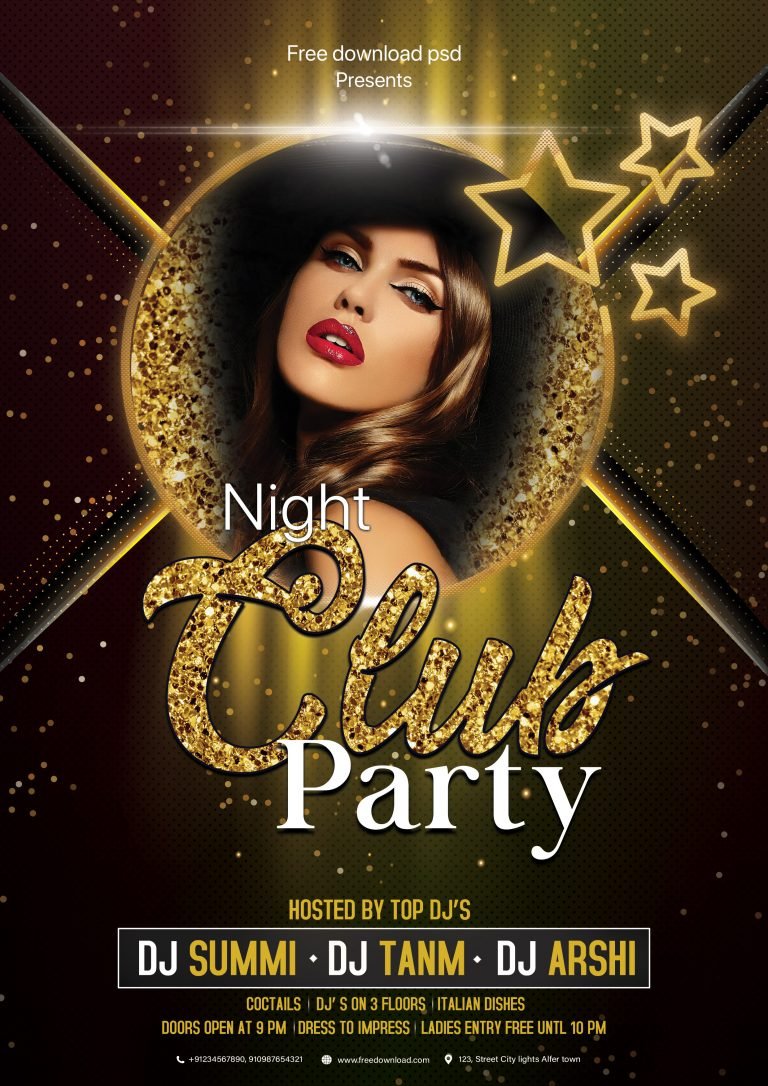
Club Night Party Flyer Free Google Docs Template Gallery