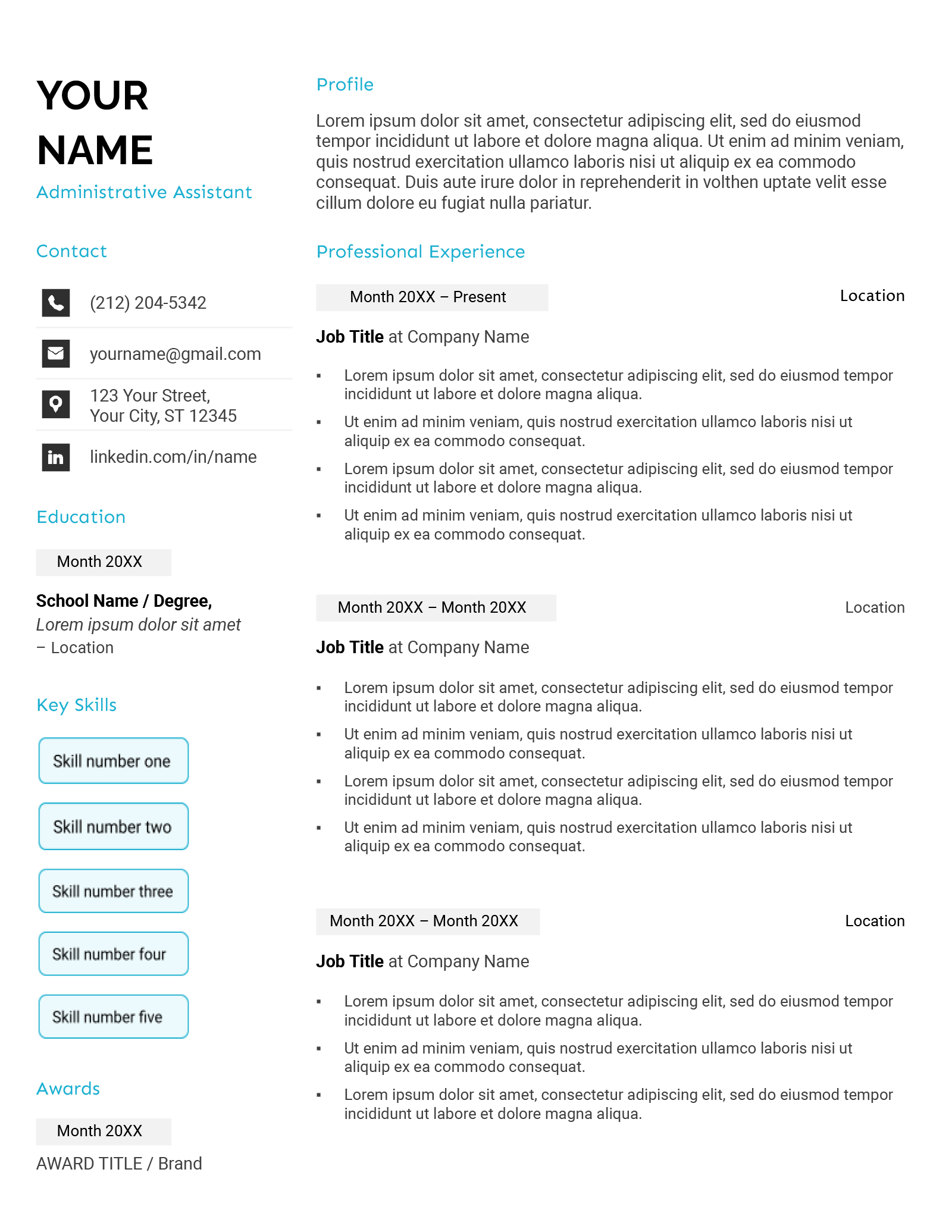
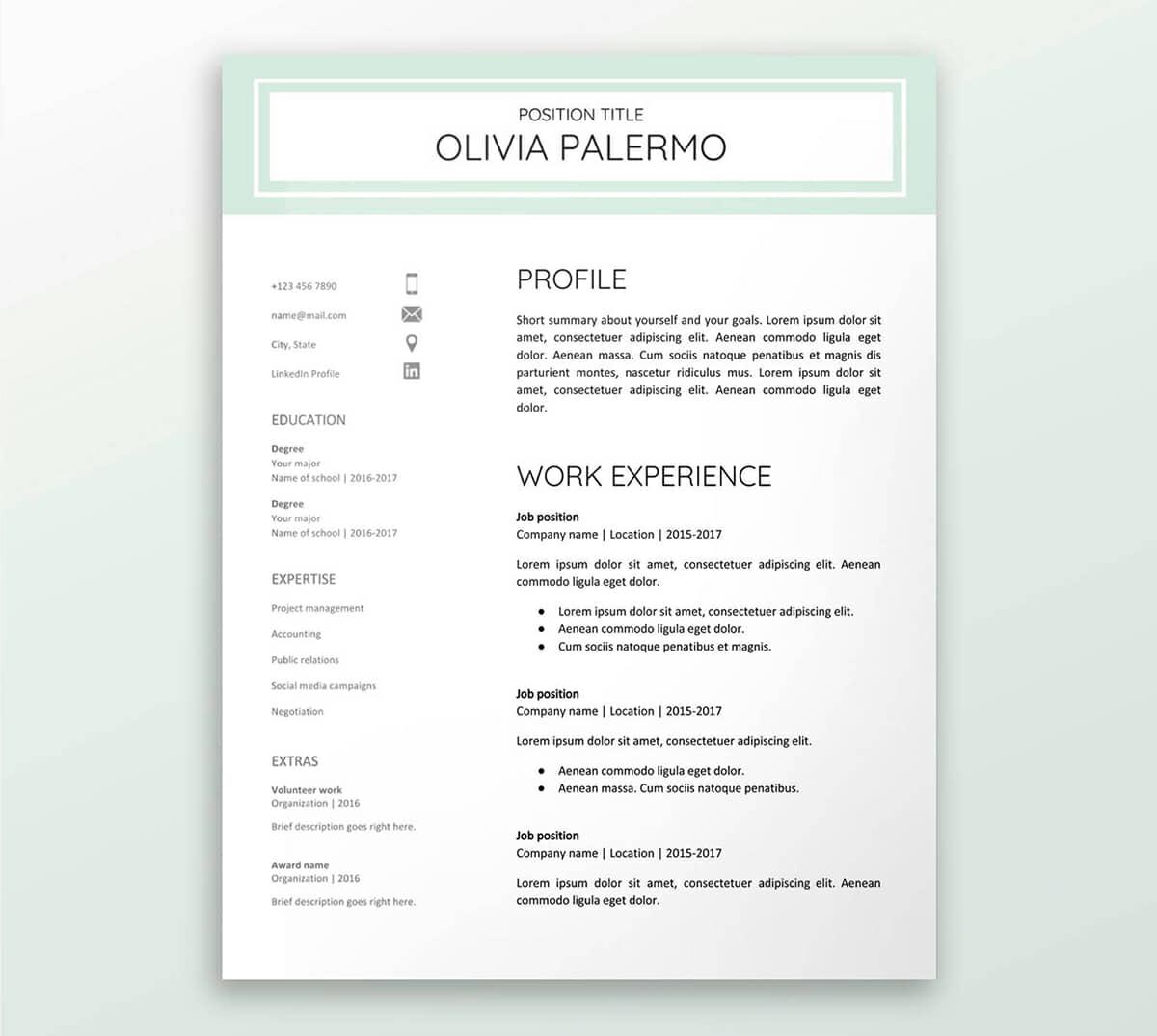
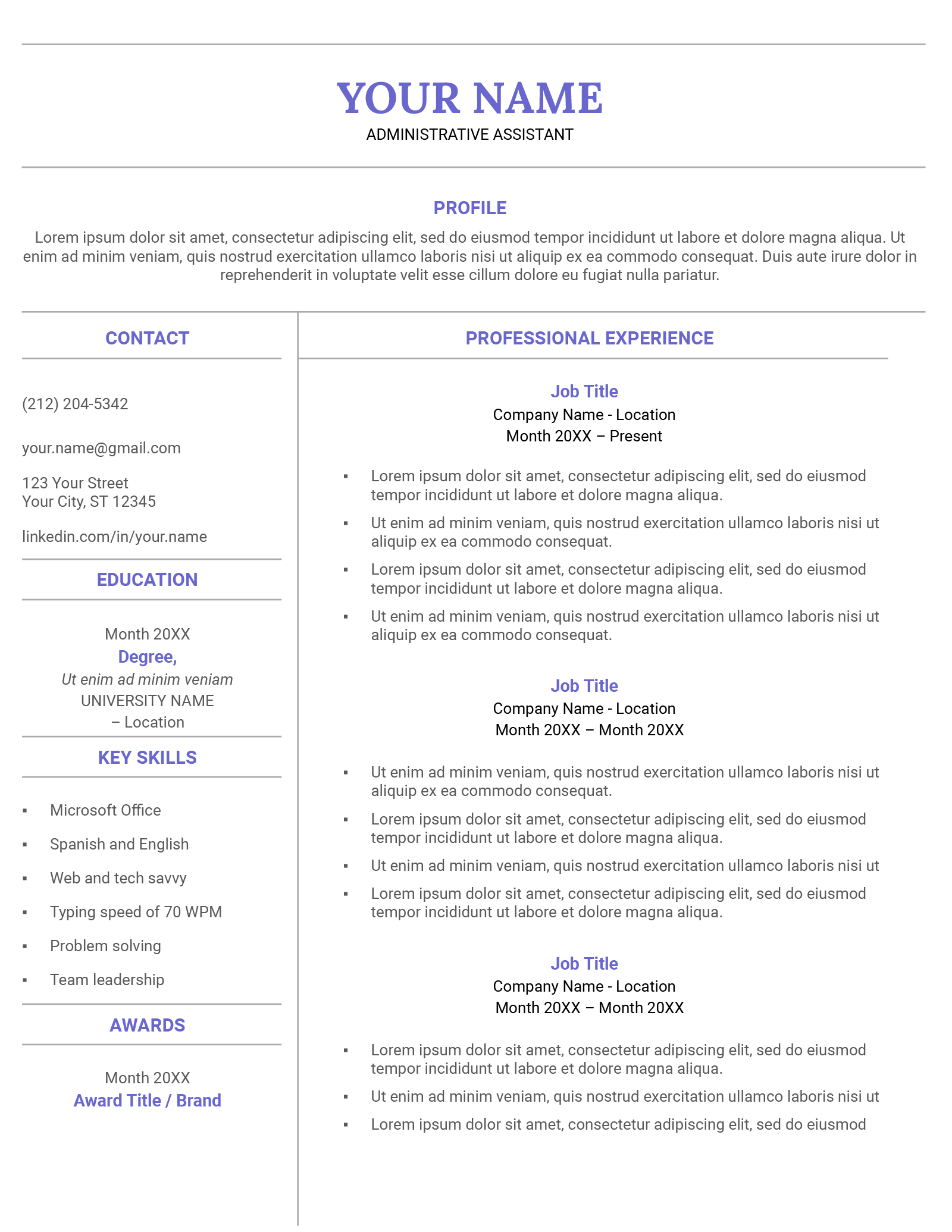
Creating a standout resume is essential in today’s competitive job market. If you’re looking for a simple yet effective way to craft your professional identity, the Clean Resume Free Google Docs Template is a fantastic resource. This template is designed to help you present your skills and experiences clearly and attractively, making it easier for potential employers to see your qualifications at a glance.
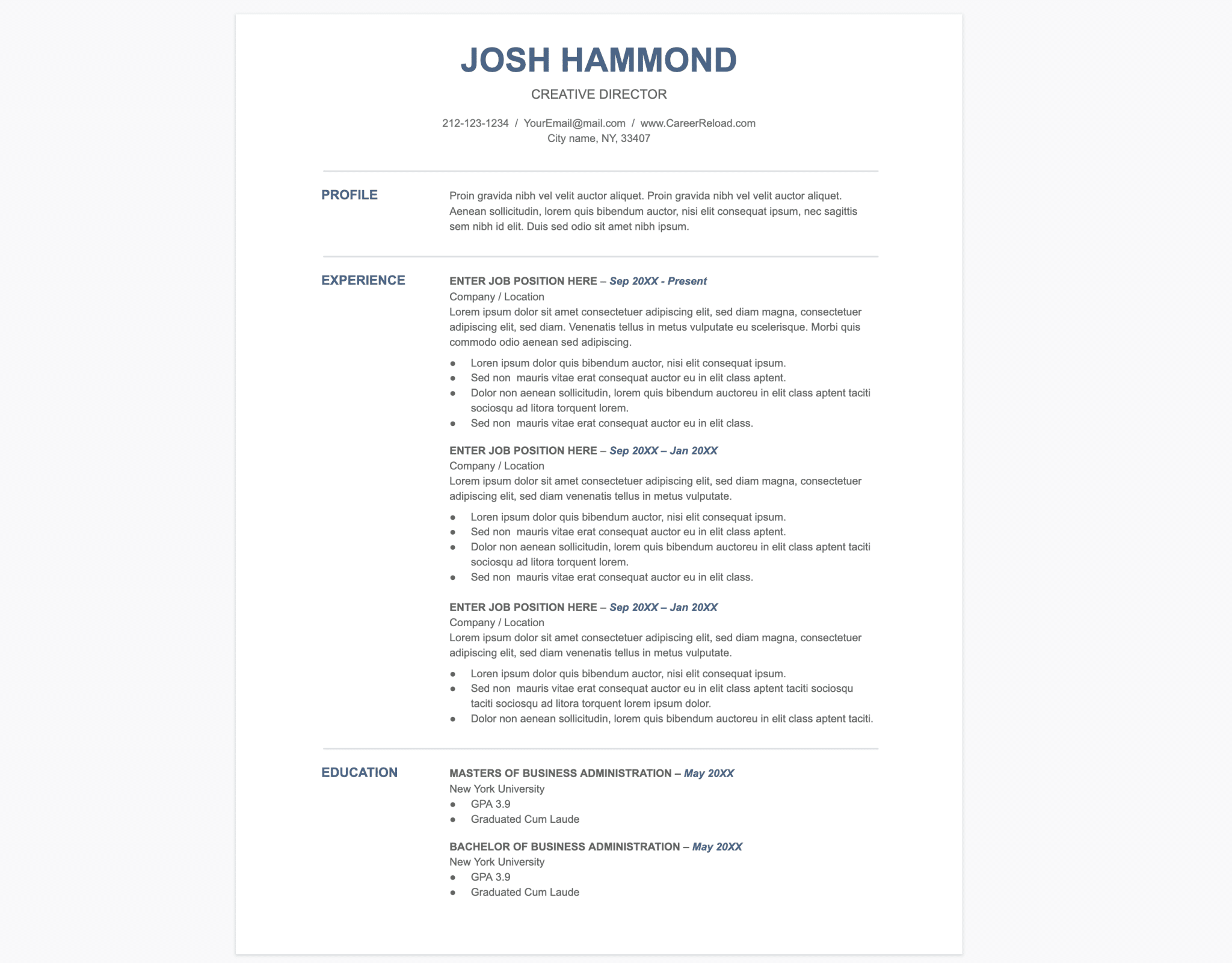
Why Choose a Clean Resume Template?
When it comes to resumes, first impressions matter. A clean, well-structured resume can make all the difference in catching an employer’s eye. The Clean Resume Free Google Docs Template is specifically crafted to highlight your strengths without unnecessary clutter. It’s straightforward, ensuring that your information is presented in a way that is both appealing and easy to read.
One of the main advantages of using a Google Docs template is accessibility. You can edit it from anywhere, whether you’re at home, in a café, or on the go. Plus, since it’s a cloud-based tool, you don’t have to worry about losing your work. The template is also compatible with most devices, making it a versatile option for anyone looking to create a professional resume.
Customizing Your Clean Resume Template
The beauty of the Clean Resume Free Google Docs Template lies in its customizability. Once you download it, you’ll find several sections designed for easy editing. Here are some key areas you might want to focus on:
- Contact Information: Make sure your name, phone number, and email address are prominently displayed at the top. This is crucial for making it easy for recruiters to reach you.
- Objective Statement: You can personalize this section to reflect your career goals and what you hope to achieve in your next position. Tailoring it to the specific job you’re applying for can significantly enhance your chances.
- Work Experience: This section should detail your previous jobs, including the company names, job titles, and dates of employment. Be sure to use bullet points to describe your responsibilities and achievements clearly.
- Education: List your degrees, certifications, and relevant coursework. This is particularly important for recent graduates or those changing fields.
- Skills: Highlight key skills that are relevant to the job. This can include technical skills, language proficiencies, or soft skills like communication and teamwork.
When customizing the template, ensure that you maintain a consistent font and style. This helps in keeping your resume looking professional and organized. You can also adjust the colors and layout to suit your personal taste while ensuring it remains easy to read.
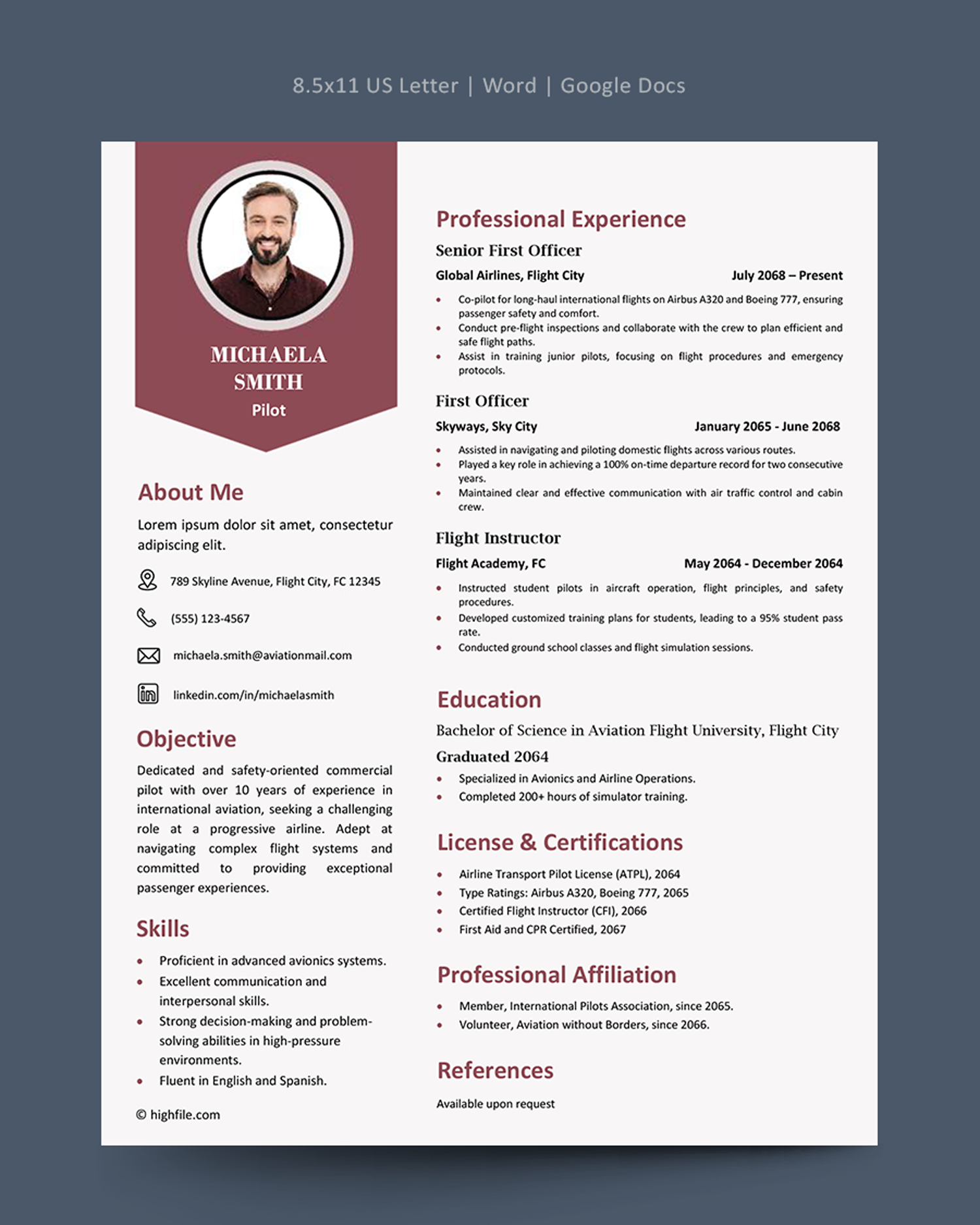
Downloading and Printing Your Resume
Once you’ve completed your resume in Google Docs, downloading it for printing or sharing is straightforward. You have a few options:
- PDF Format: This is the most recommended format for sending your resume to potential employers. PDF files preserve your formatting, ensuring that it appears exactly as you intended.
- Word Format: If you prefer to send your resume in a Microsoft Word format, you can easily download it as a .docx file. This is useful if you know the employer prefers Word documents.
- Printing: If you want to bring a physical copy to interviews, you can print directly from Google Docs. Make sure to use a good quality printer and standard letter-size paper (8.5” x 11”). For a more polished look, consider using a heavier paper or even cardstock.
Tips for Effective Printing
- Check Print Preview: Before printing, always preview your document to ensure everything is aligned correctly.
- Use Good Quality Paper: A thicker paper can enhance the overall feel of your resume, making it more memorable.
- Portrait Orientation: Most resumes are printed in portrait orientation, which usually works best for home printers.
Clean Resume Free Google Docs Template Gallery