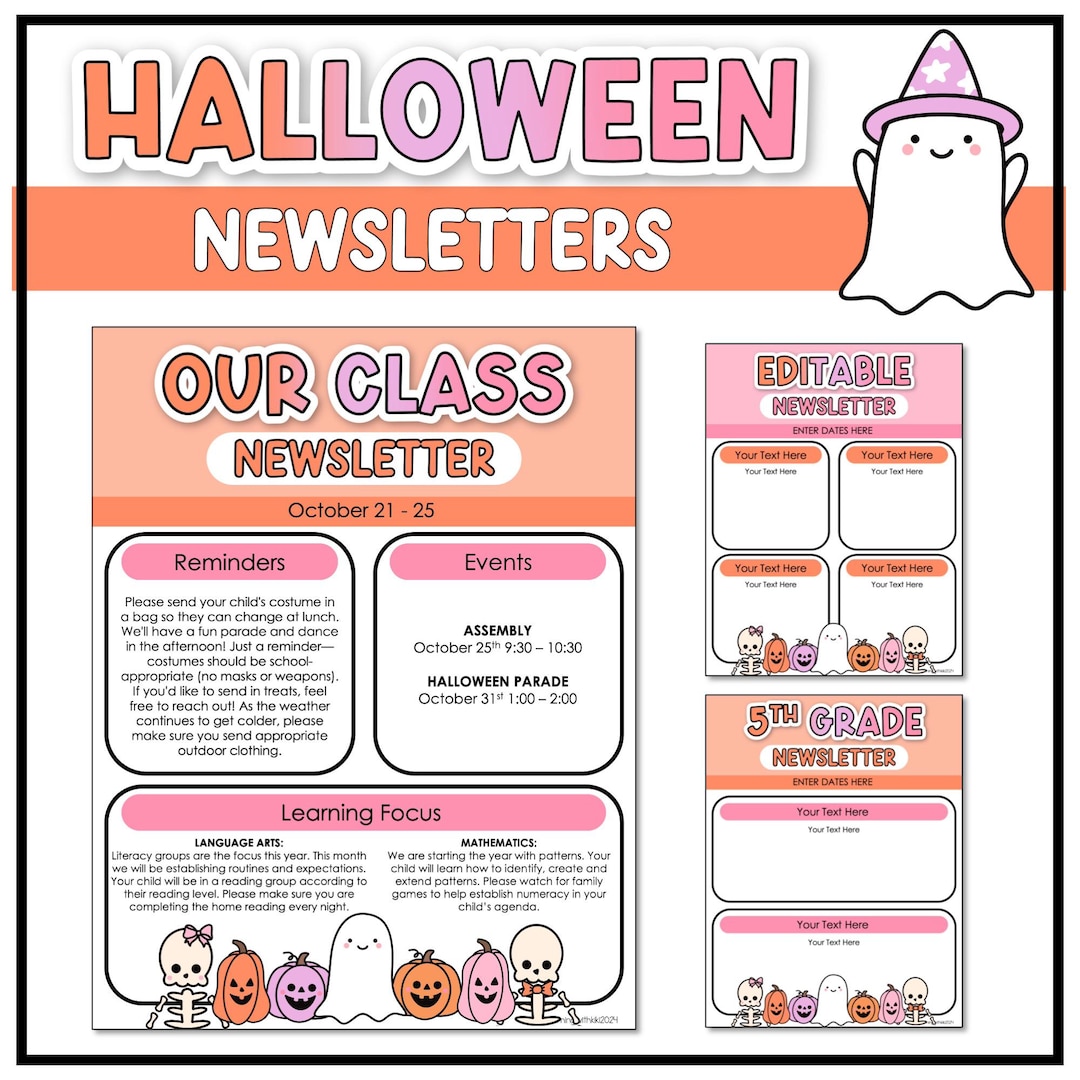
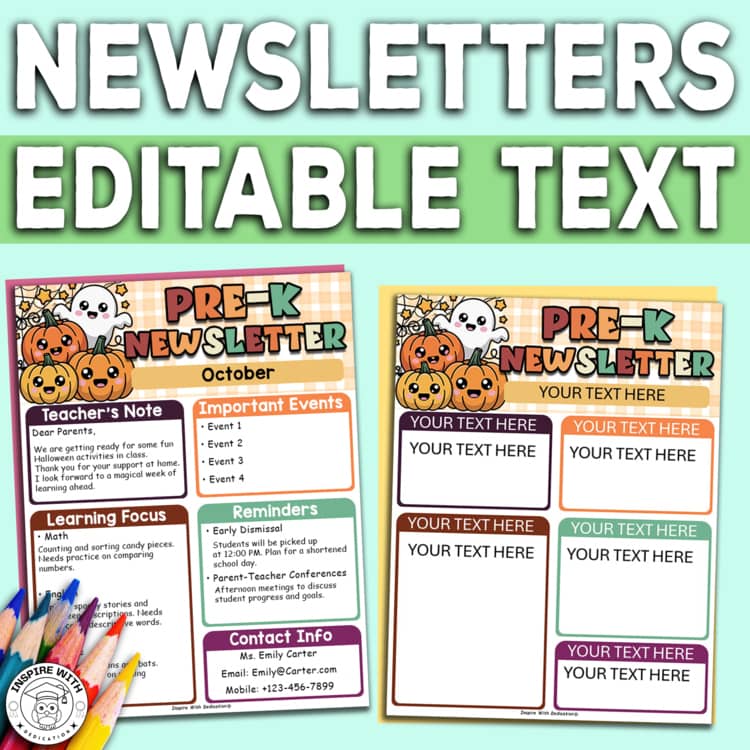
When planning a fun and engaging Halloween party for your classroom, having a well-organized newsletter can make all the difference. The Classroom Halloween Party Newsletter Free Google Docs Template is designed specifically for this purpose, providing a seamless way to communicate details with parents, students, and fellow teachers. This template is perfect for teachers and parents alike, making it easy to customize and share important information about the upcoming festivities.
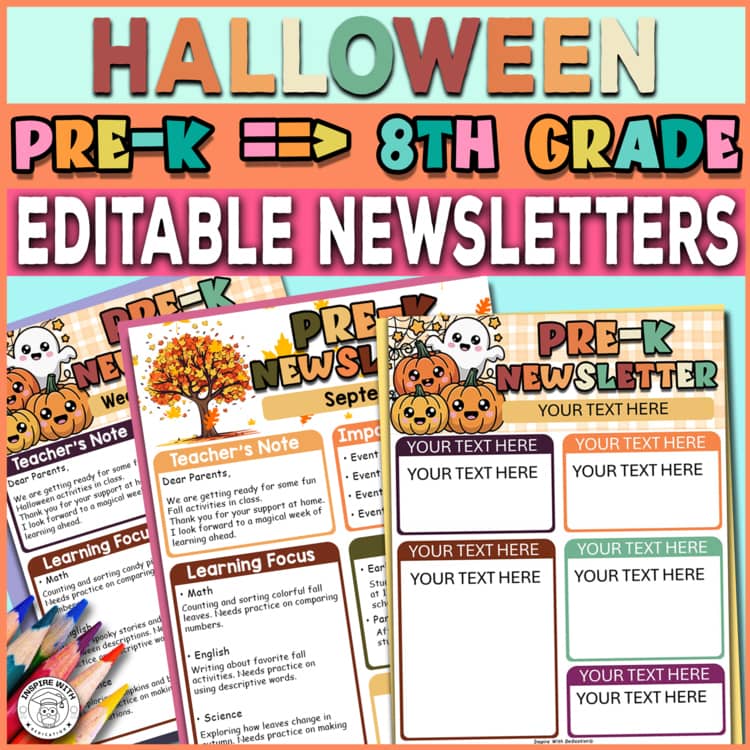
Overview of the Template Layout
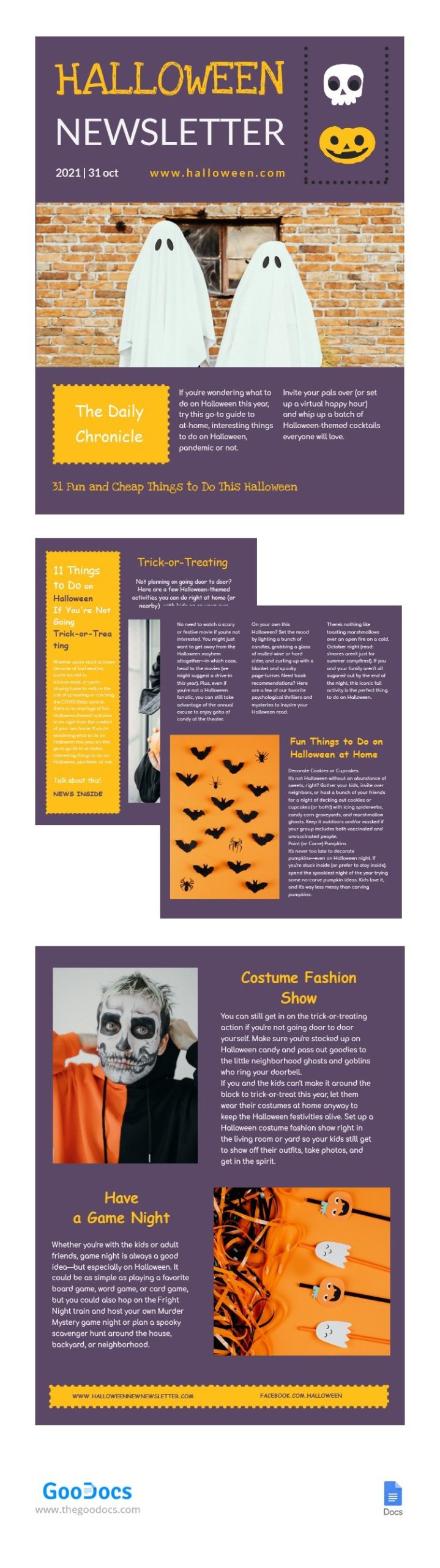
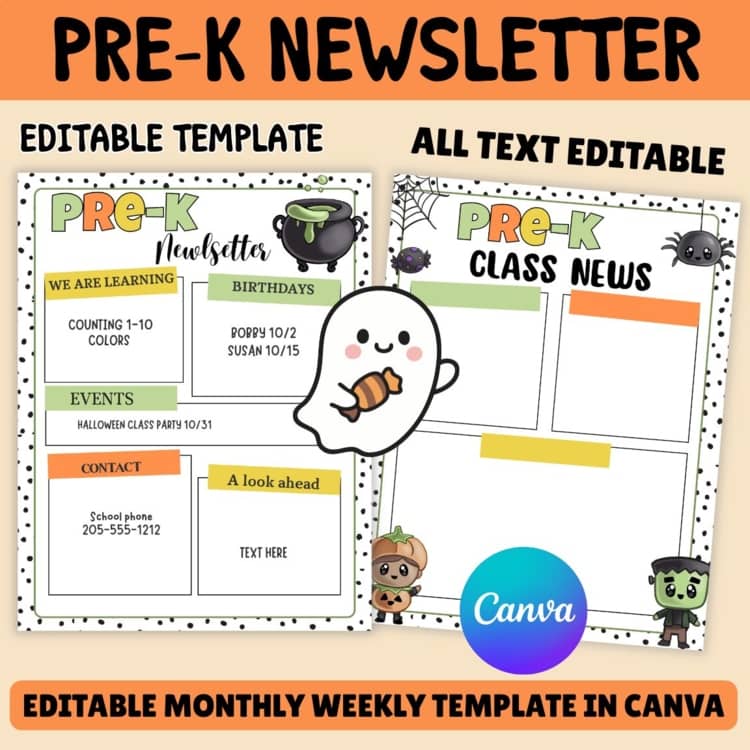
The Classroom Halloween Party Newsletter template is structured to provide clear and concise information at a glance. Typically, it is formatted in a standard letter size (8.5″ x 11″), which is ideal for printing and distribution. The layout features distinct sections that allow you to organize the party details effectively:
- Header Section: At the top, you’ll find a header area where you can include the school’s name, class, and date of the newsletter. This is also a great spot for a fun Halloween-themed graphic or border to make it visually appealing.
- Event Details: The next section is dedicated to outlining the specifics of the Halloween party. Here, you can include the date, time, location, and any special activities planned, such as games, crafts, or a costume parade.
- RSVP Information: It’s crucial to know how many students will attend, so this section provides space for parents to respond. Including a deadline for RSVPs will help you plan accordingly.
- Volunteers and Supplies Needed: If you’re looking for help or specific items, this section is perfect for listing what you need. Whether it’s snacks, decorations, or volunteers to assist during the event, you can outline your requests clearly.
- Closing Remarks: Finally, there’s a section for any last-minute notes or reminders, such as safety guidelines or costume restrictions. This area allows you to communicate any important information that parents should be aware of.
Customizing the Template
One of the best aspects of the Classroom Halloween Party Newsletter Free Google Docs Template is its customizability. You can easily edit the text to fit your specific needs. Here are a few tips on how to make the most of it:
- Personal Touch: Add your classroom’s theme or a personal message to set the tone for the celebration. A simple “Happy Halloween from Mrs. Smith’s Class!” can make it feel more inviting.
- Color and Graphics: Change the color scheme to match your school colors or Halloween themes. Adding fun graphics like pumpkins, ghosts, or bats can enhance the festive spirit.
- Fonts and Styles: Don’t hesitate to play around with different fonts and styles. Using playful fonts for headings can make the newsletter more engaging for both parents and students.
- Links and Resources: If you have additional resources or links, such as a sign-up sheet or online volunteer form, you can hyperlink them directly in the document for easy access.
Downloading and Printing
Once you’ve customized the template to your liking, downloading it for printing is straightforward. Google Docs allows you to save the document in various formats. Here’s how to do it:
- Download as PDF: This format is great for preserving your layout and ensuring everything is printed as intended. Simply go to File > Download > PDF Document.
- Print Directly: If you prefer to print straight from Google Docs, make sure your printer settings are adjusted for letter size paper. Opt for a portrait layout, as it usually works best for newsletters.
- Cardstock vs. Standard Paper: If you want the newsletter to feel more substantial, consider printing on cardstock. It holds up better, especially if you’re planning to laminate copies for display.
Sharing With Parents and Students
Now that you have your Classroom Halloween Party Newsletter ready, it’s time to share it with the parents and students. There are a few effective ways to distribute the newsletter:
- Email: Sending it via email is quick and allows you to reach parents directly. Attach the PDF or share the Google Docs link if you prefer them to view it online.
- Printed Copies: Handing out printed versions during school or school events ensures everyone receives a physical copy.
- School Website or Class Blog: If your school has a website or you maintain a class blog, posting the newsletter there can increase visibility.
Incorporating the Classroom Halloween Party Newsletter Free Google Docs Template into your planning process not only streamlines communication but also helps ensure a successful event. With its customizable nature and user-friendly layout, you’ll find that organizing your classroom’s Halloween party can be both fun and efficient. Whether you choose to print it out or share it digitally, this template will serve as a valuable tool to keep everyone informed and excited for the festivities ahead.
Classroom Halloween Party Newsletter Free Google Docs Template Gallery