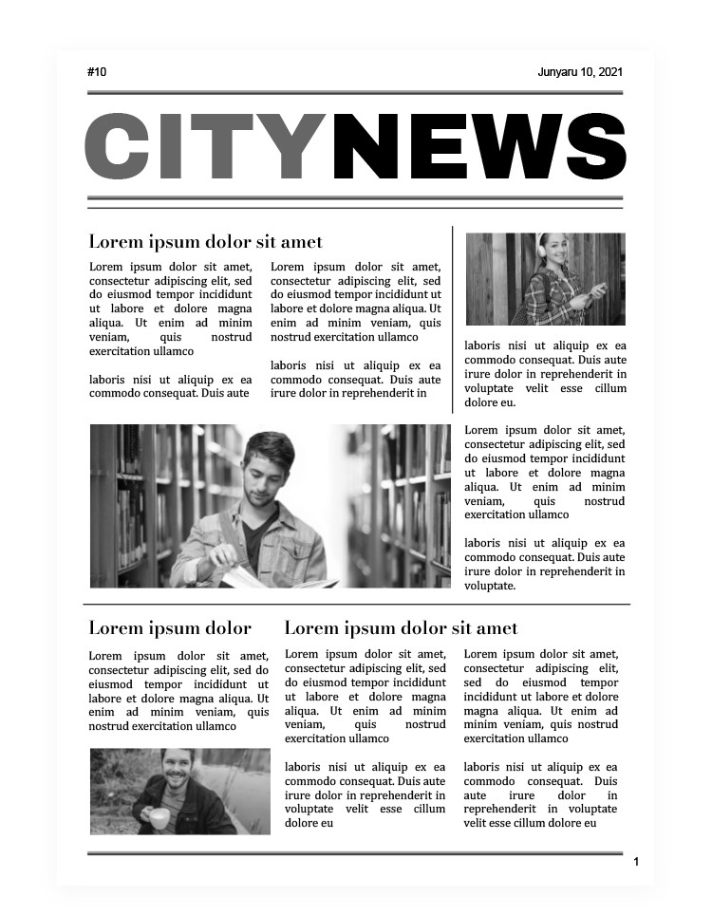
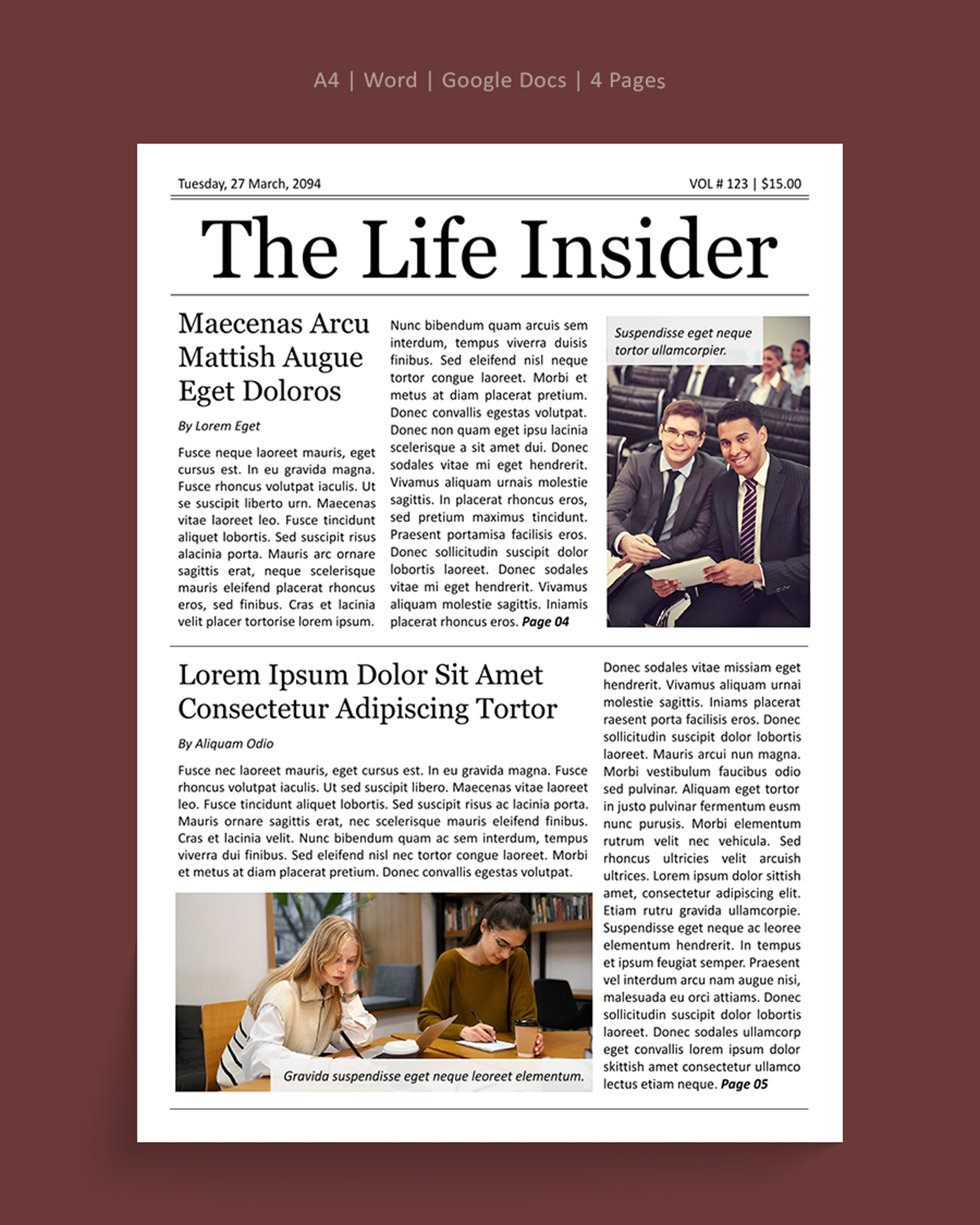
When you’re looking to create a compelling newspaper layout for school projects or family newsletters, the CityNews Newspaper Free Google Docs Template is an excellent resource. This template is designed to be user-friendly and adaptable, making it easy for you to personalize it to fit your needs. With its clear layout and structured sections, you can quickly transform a blank page into an engaging publication that captures your audience’s attention.
Understanding the Layout of the CityNews Newspaper Template
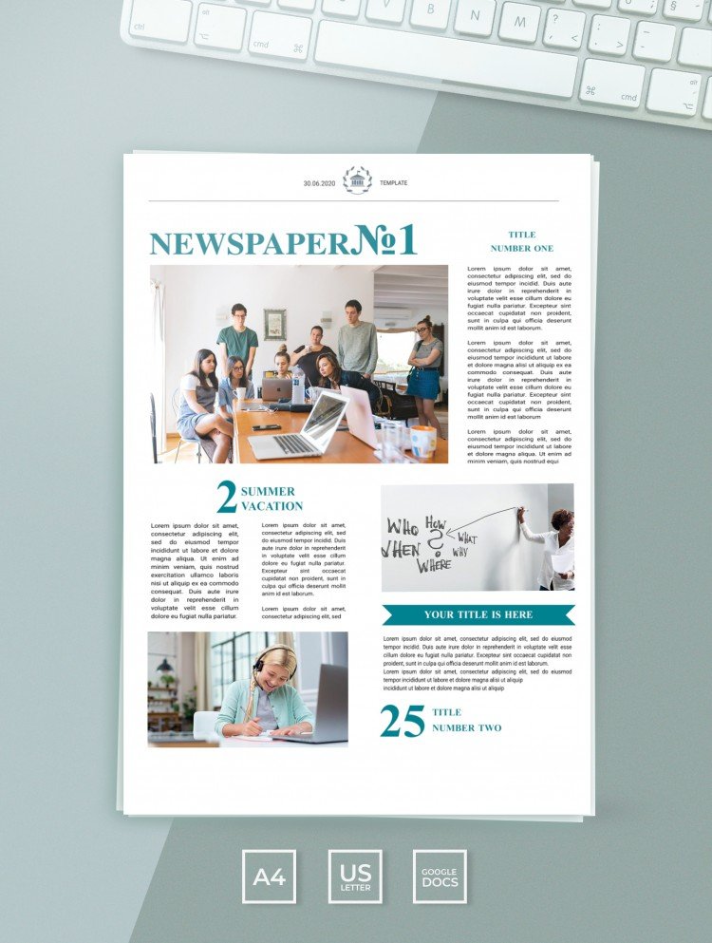
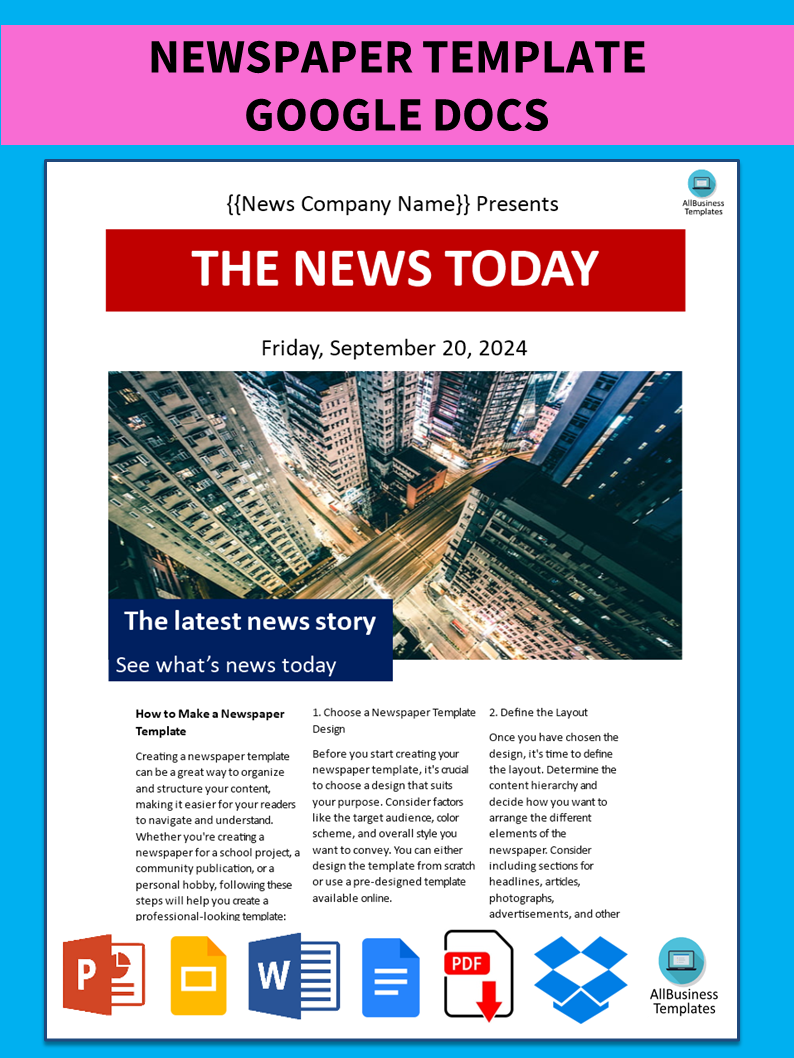
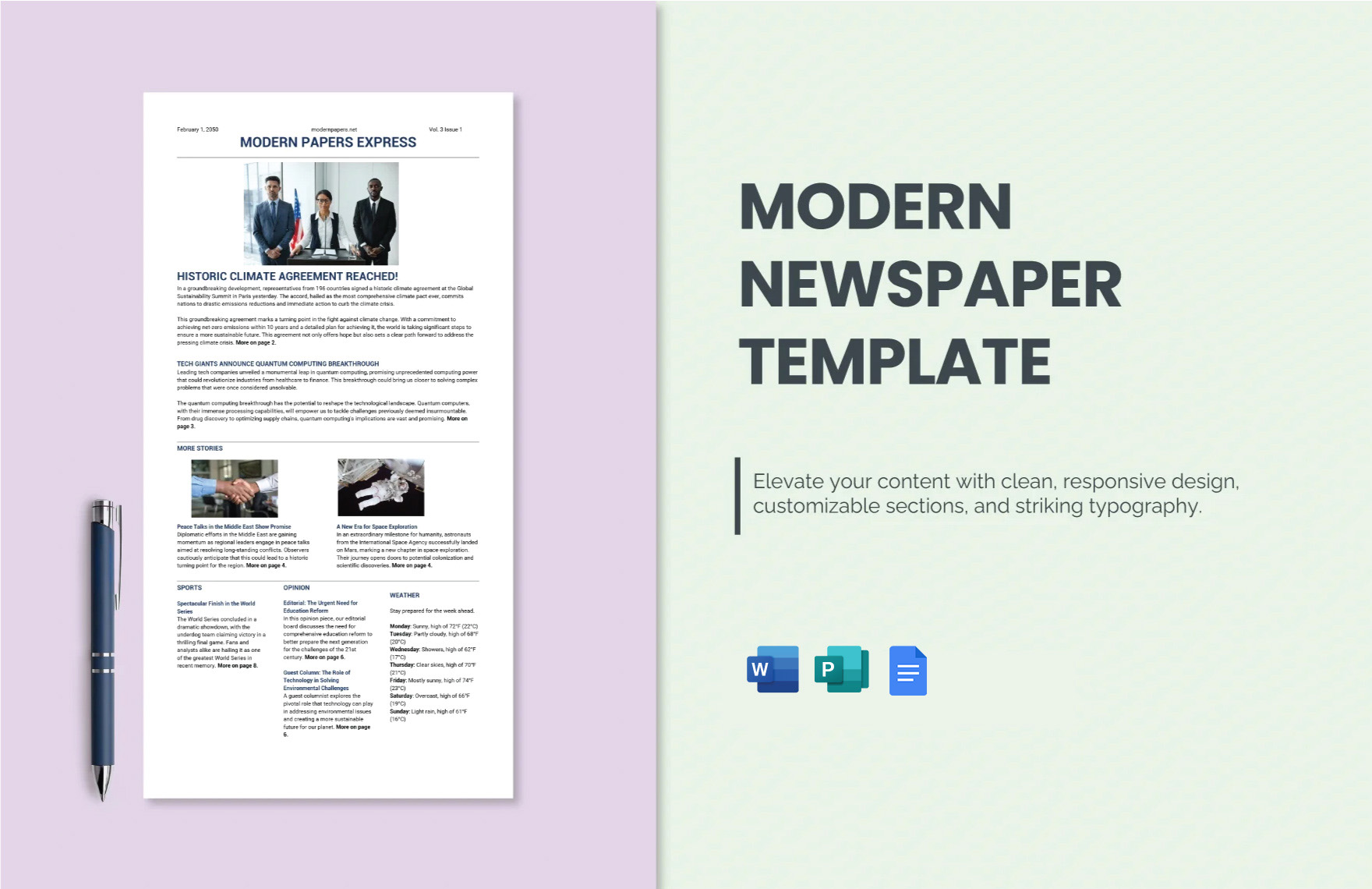
The CityNews Newspaper Free Google Docs Template features a classic newspaper format that includes a header, various article sections, images, and space for advertisements. The layout is designed to mimic a traditional newspaper, which can be particularly engaging for children learning about journalism or for families wanting to document special events.
The header typically includes the newspaper title and the date, giving it an authentic feel. You can customize this section with your name or the name of your family, making it personal. Below the header, the template is divided into sections for different news stories or topics. Each section has placeholders for headlines, subheadings, and body text. This organized structure helps readers navigate the content easily.
Customizing Your CityNews Newspaper Template
One of the great advantages of the CityNews Newspaper Free Google Docs Template is its flexibility. You can easily change text, fonts, and colors to match your style or theme. For instance, if you’re creating a newspaper for a school event, you might want to use the school colors for headings and borders.
When customizing, consider the following:
- Fonts: Choose legible fonts for body text and more decorative fonts for headlines. This contrast can make your newspaper visually appealing.
- Images: Insert images relevant to your articles. You can upload photos or use stock images that resonate with your content.
- Sections: The template includes sections like local news, sports, and community events. You can add or remove sections based on the stories you want to highlight.
This level of customization makes it suitable for various purposes, whether it’s for a school project, a family reunion, or even a community newsletter.
Practical Use Cases for the Template
The CityNews Newspaper Free Google Docs Template can be used in various creative ways. Here are a few practical ideas to inspire you:
- School Projects: If your child has a history or social studies project, they can use this template to create a newspaper that highlights important events or figures.
- Family Newsletters: Create a monthly or quarterly newsletter that updates family members on news, events, and milestones. This can be a fun way to keep everyone connected.
- Event Documentation: Whether it’s a birthday celebration, a family reunion, or a community event, use the template to document the occasion with articles and photos.
- Creative Writing: Encourage your kids to write articles or stories based on their interests and use the template to publish them. This can help develop their writing and storytelling skills.
Downloading and Printing Your Template
To get started with the CityNews Newspaper Free Google Docs Template, simply download it from the provided link. Once you have the template, you can open it in Google Docs. This is particularly convenient because it allows for easy editing directly in your browser.
When it comes to printing, here are some tips to ensure the best results:
- Page Size: The template is set up for standard letter size (8.5 x 11 inches), which fits most home printers. Make sure to check your printer settings before printing.
- Paper Quality: If you’re printing a newsletter or project for display, consider using heavier paper or cardstock. This will give your newspaper a professional feel.
- Color Settings: If you want vibrant images and text, opt for color printing. However, if you’re looking to save on ink, a black-and-white print can still look great, especially for text-heavy sections.
CityNews Newspaper Free Google Docs Template Gallery