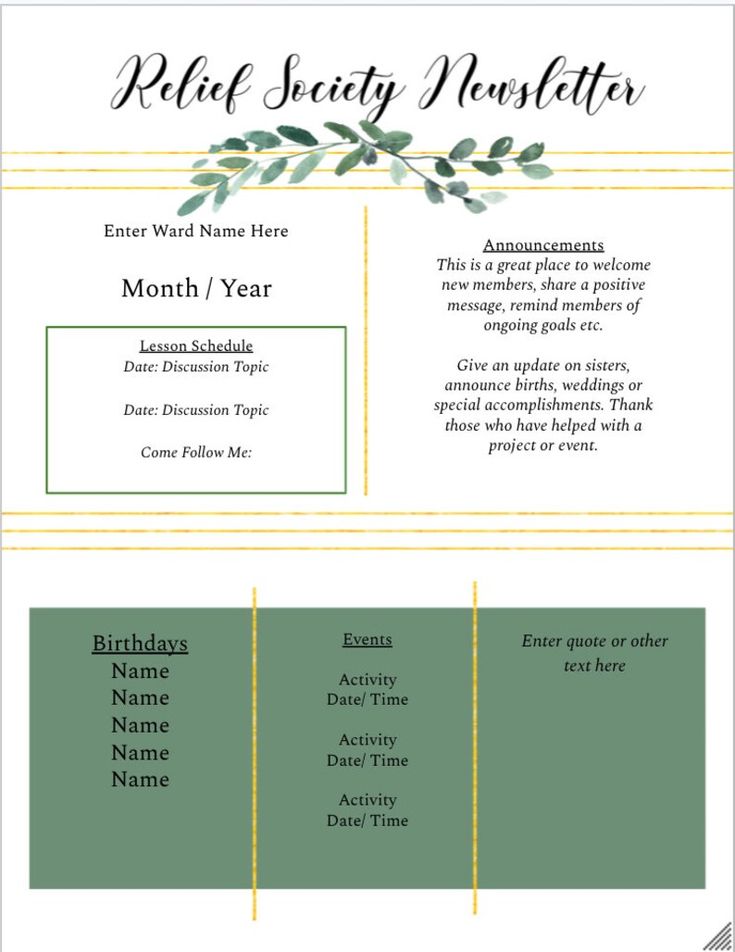
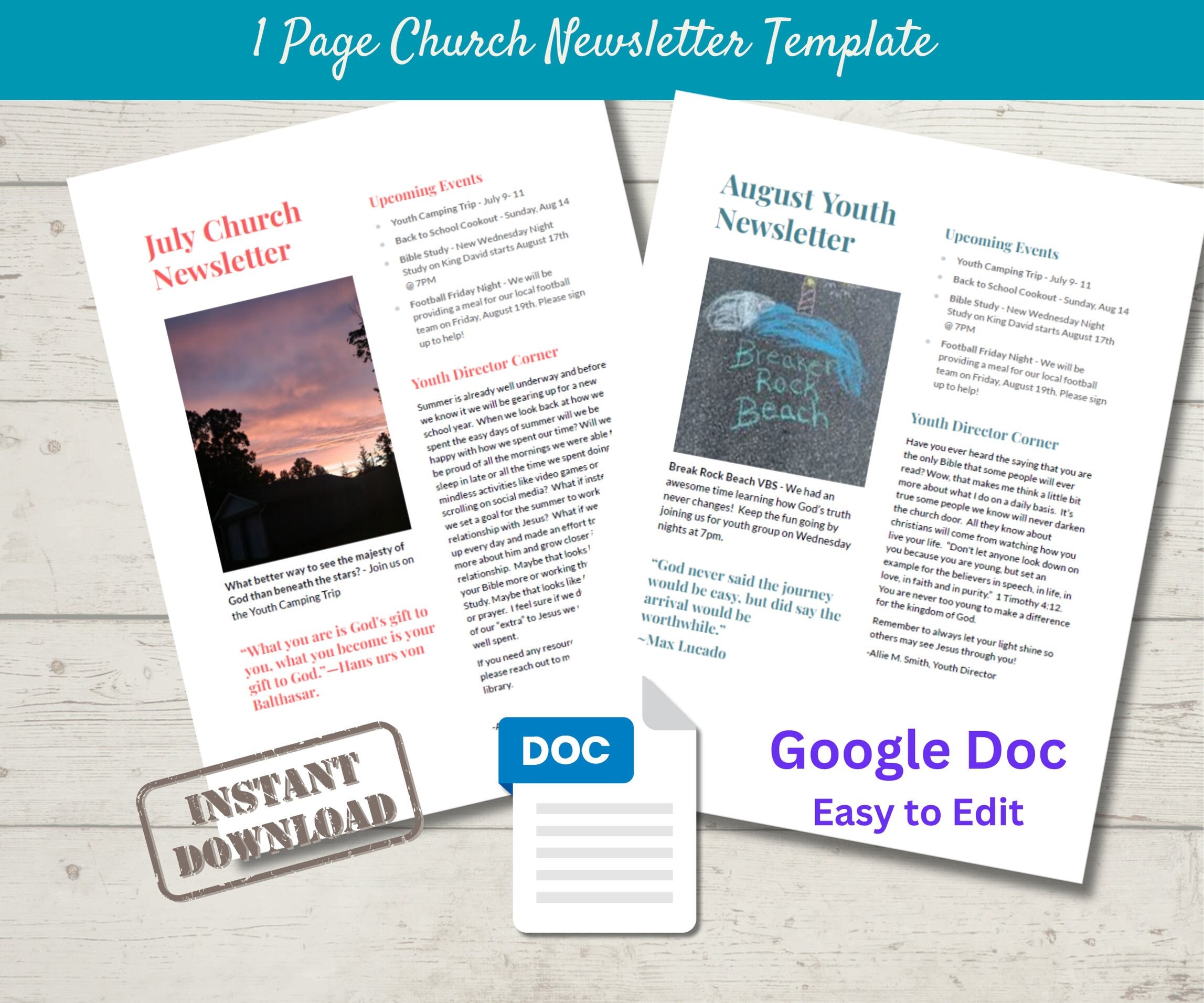
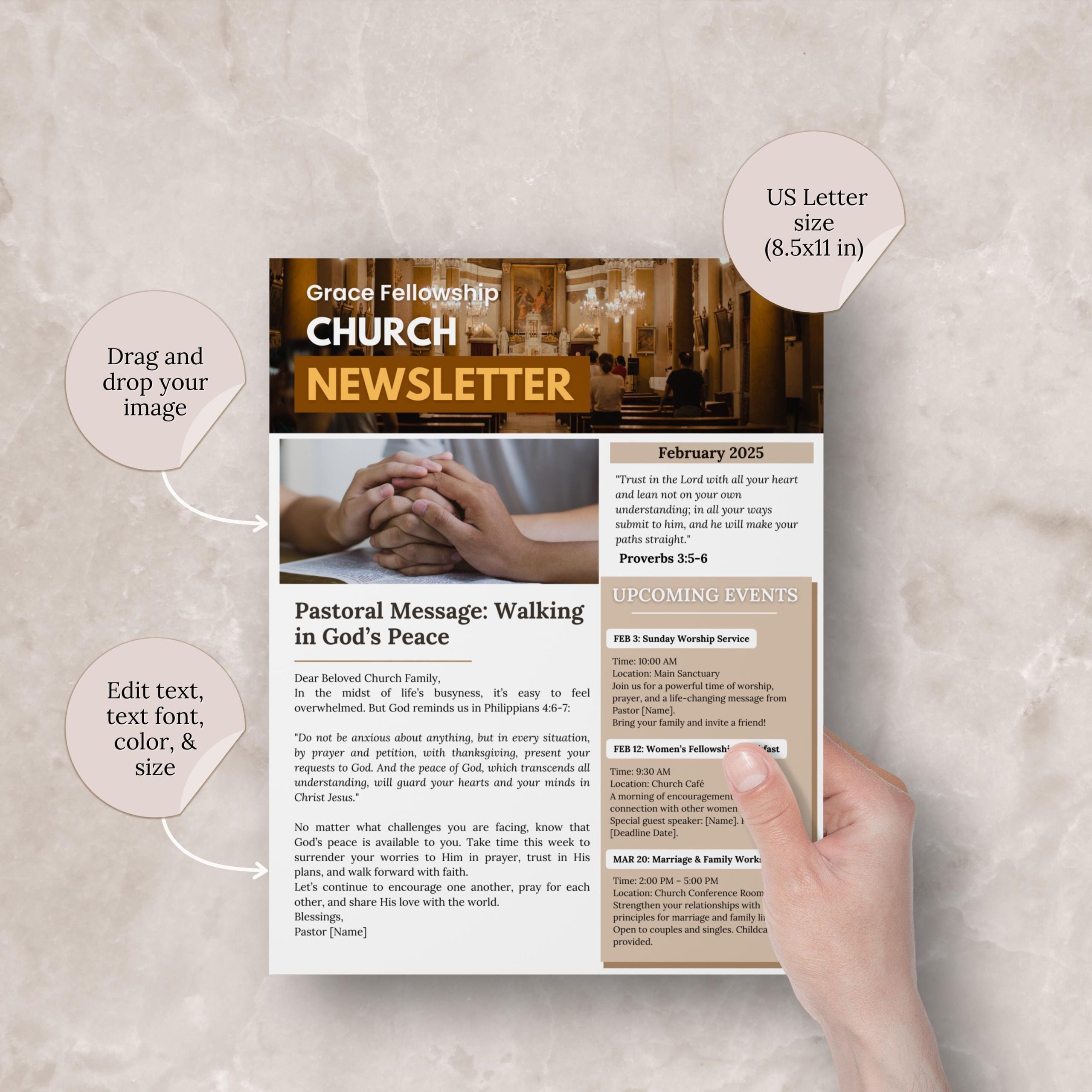
When it comes to crafting a church newsletter, many templates tend to be overly generic, lacking the personal touch that makes your community feel connected. The Church Newsletter Free Google Docs Template stands out because it offers flexibility and ease of use while allowing you to tailor your content to fit your church’s unique personality. Whether you need to share upcoming events, highlight community service opportunities, or share inspirational messages, this template can help you create a polished and professional-looking newsletter in no time.
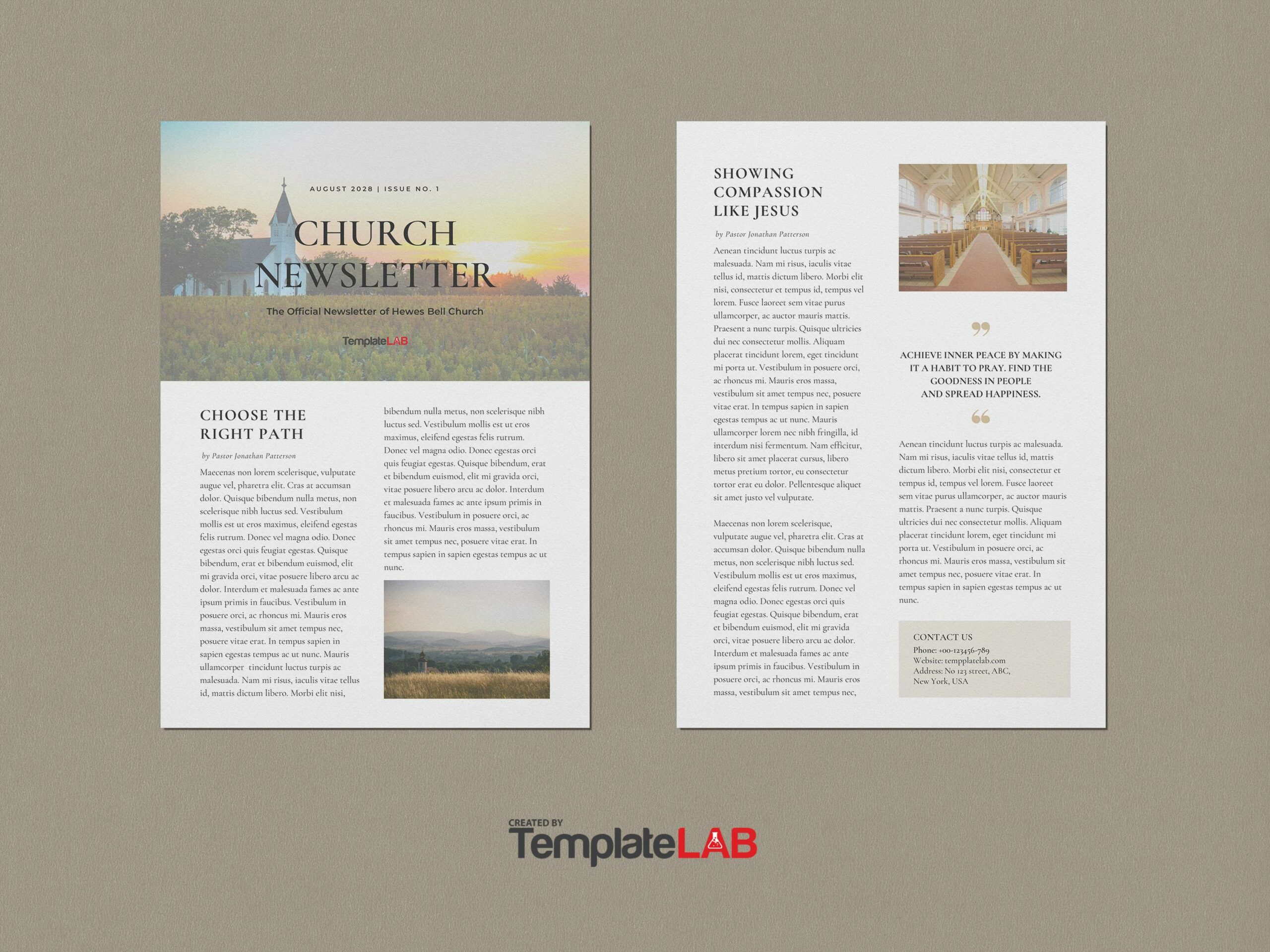
Exploring the Advantages of Using a Google Docs Template for Church Newsletters
Using a Google Docs template for your church newsletter has several advantages. First, Google Docs is accessible from anywhere with an internet connection, making it easy to collaborate with multiple staff members or volunteers. You can edit the document in real-time, ensuring that everyone is on the same page. Additionally, the template is designed for customization, so you can easily change colors, fonts, and layouts to match your church’s branding.
Another key benefit is that Google Docs allows for easy sharing. Once your newsletter is ready, you can share it directly with your congregation via email or as a downloadable link. This can save you time and resources, especially compared to traditional printing and distribution methods.
Customizing Your Church Newsletter Template
One of the most appealing aspects of the Church Newsletter Free Google Docs Template is its customization options. You can modify the following elements to make it your own:
- Layout: Choose between portrait or landscape orientation based on how you plan to distribute your newsletter. Portrait is often preferred for printed newsletters, while landscape may work better for digital formats.
- Color Scheme: Adjust the colors to align with your church’s branding. Use your church colors to create a cohesive look that resonates with your audience.
- Fonts: Select fonts that enhance readability and match your church’s personality. A modern sans-serif for headings paired with a classic serif for body text can create a nice balance.
- Images and Graphics: Incorporate images of church events, community outreach programs, or inspirational graphics. This visual element can make your newsletter more engaging.
Adding Content Effectively
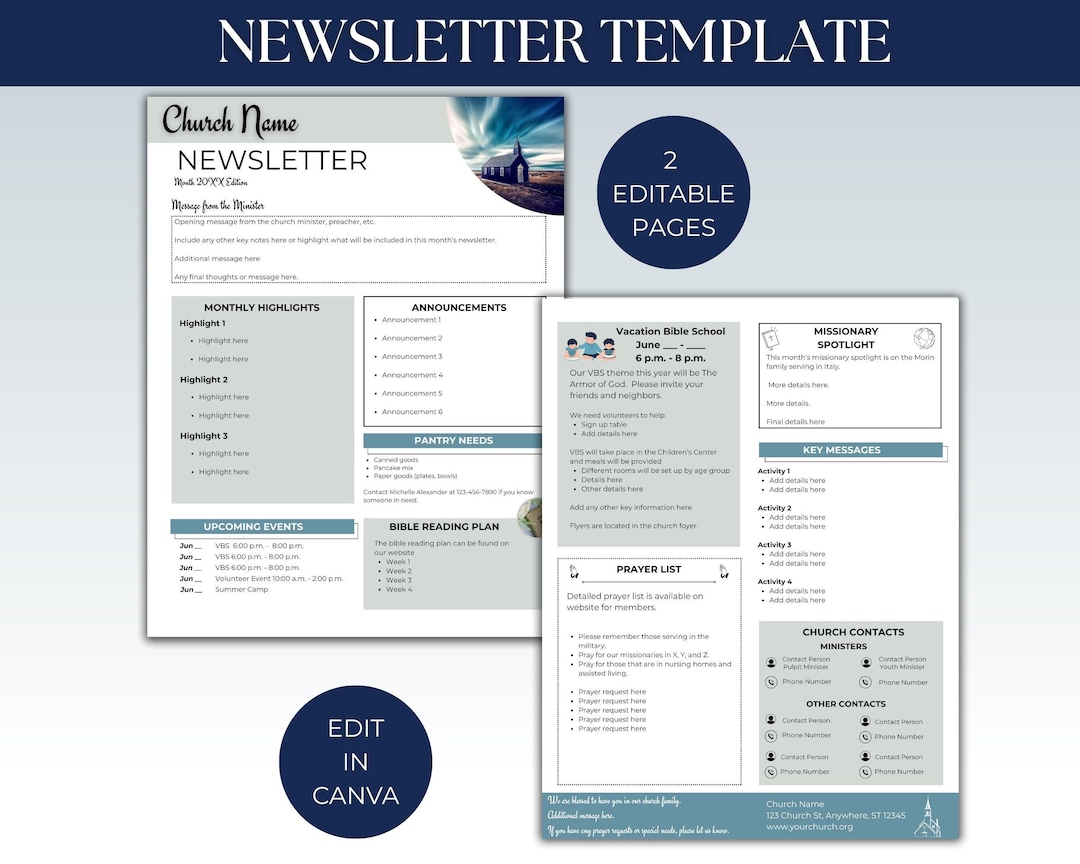
When it comes to filling in your newsletter template, content is key. Aim for a balance of information and inspiration. Here are some sections you might consider including:
- Upcoming Events: List church services, community gatherings, and special events. Use bullet points for clarity and include relevant dates and times.
- Community Spotlights: Feature stories about church members, volunteers, or groups that have made a significant impact. This adds a personal touch and fosters community spirit.
- Scripture Reflections: Share a verse or a short devotional message. This adds a spiritual element that many readers appreciate.
- Prayer Requests: Include a section for prayer needs within the community. This not only keeps everyone informed but also encourages a supportive environment.
Downloading and Printing Your Newsletter
Once you’ve customized the Church Newsletter Free Google Docs Template to your liking, you’ll need to consider how to download and print it. Google Docs allows you to download your document in various formats, including PDF and Microsoft Word. The PDF format is often preferred for printing as it maintains the layout and design without any formatting issues.
Paper Choices and Printer Settings
When printing your newsletter, the type of paper you choose can make a difference. Here are some tips:
- Paper Type: Use a heavier weight paper, like cardstock, for a more professional feel. This is especially effective if you plan to distribute your newsletter in person.
- Size: Standard letter size (8.5 x 11 inches) is commonly used, but don’t hesitate to experiment with half-sheet sizes if you want something more compact.
- Printer Settings: Ensure your printer is set to the correct paper size and quality settings. For color prints, using a high-quality printer can make your images pop and enhance the overall look of your newsletter.
Practical Considerations for Distribution
After printing, think about how you’ll distribute your newsletter. If you’re sharing it physically during services, consider placing them in a designated area where congregants can easily grab a copy. For digital distribution, sending it via email or posting it on your church website can reach a broader audience.
One thing to watch for is ensuring your newsletter is accessible to everyone. If you’re distributing digitally, consider including a text-only version for those who may have difficulty accessing visual content.
By using the Church Newsletter Free Google Docs Template, you can create a beautiful, informative resource that will keep your congregation engaged and informed. Just remember to keep your content fresh and relevant, and your church newsletter will become an anticipated part of your community’s communication.
Church Newsletter Free Google Docs Template Gallery