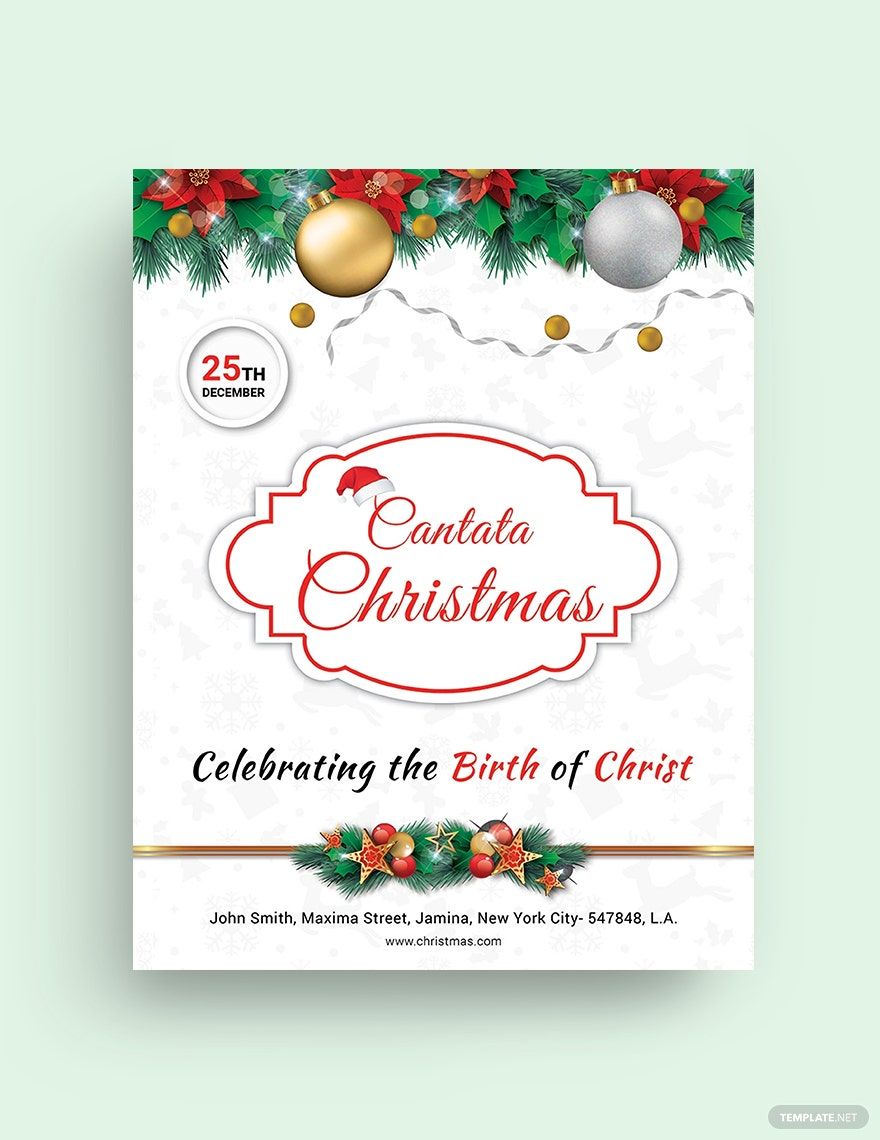
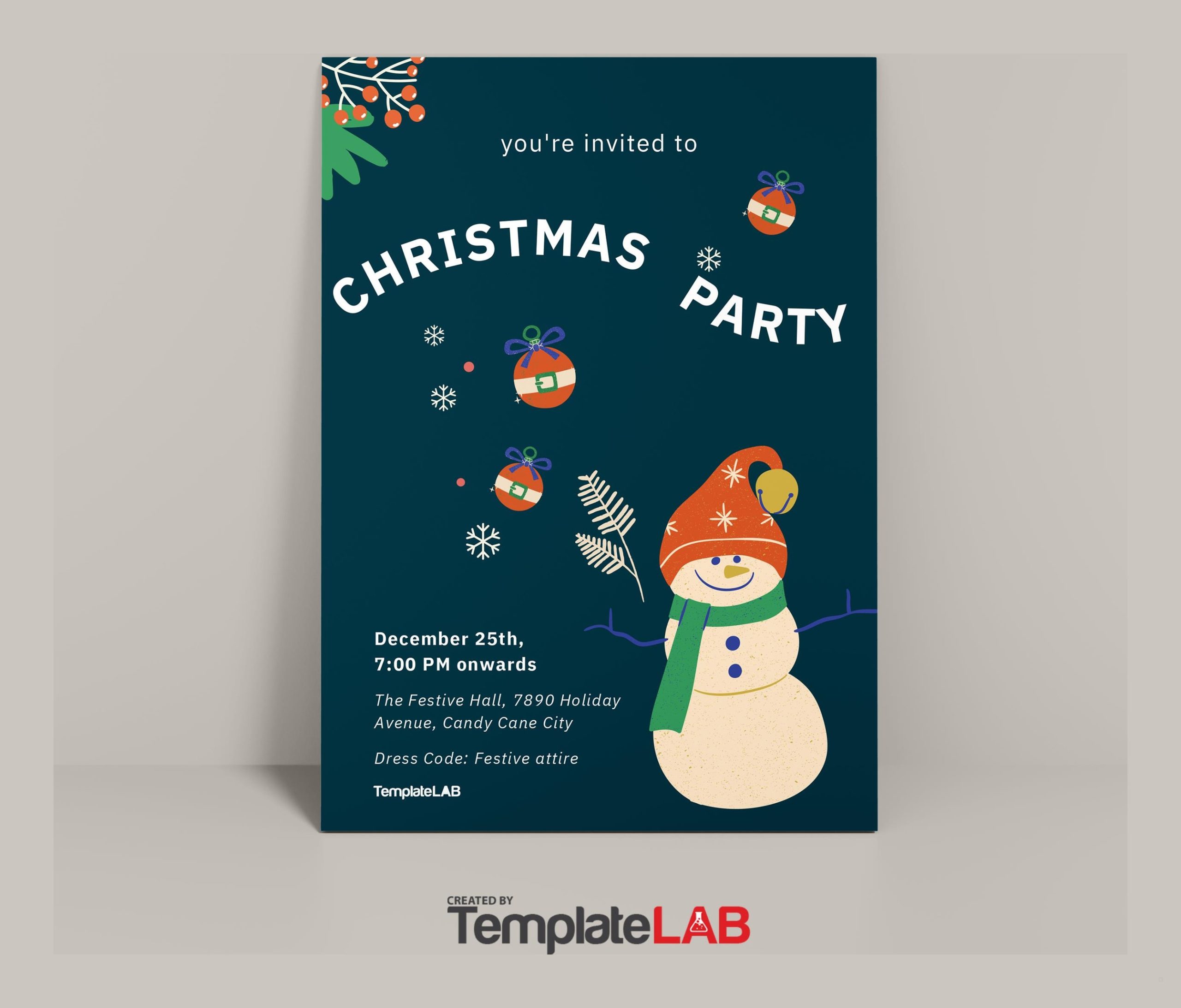
The Christmas Party Flyer Free Google Docs Template stands out as a user-friendly resource that allows you to create eye-catching flyers for your holiday gatherings. With its simple layout and customizable features, it caters to those who want to spread the festive cheer without the hassle of designing from scratch. Whether you’re planning a casual get-together or a more formal celebration, this template provides everything you need to get started.
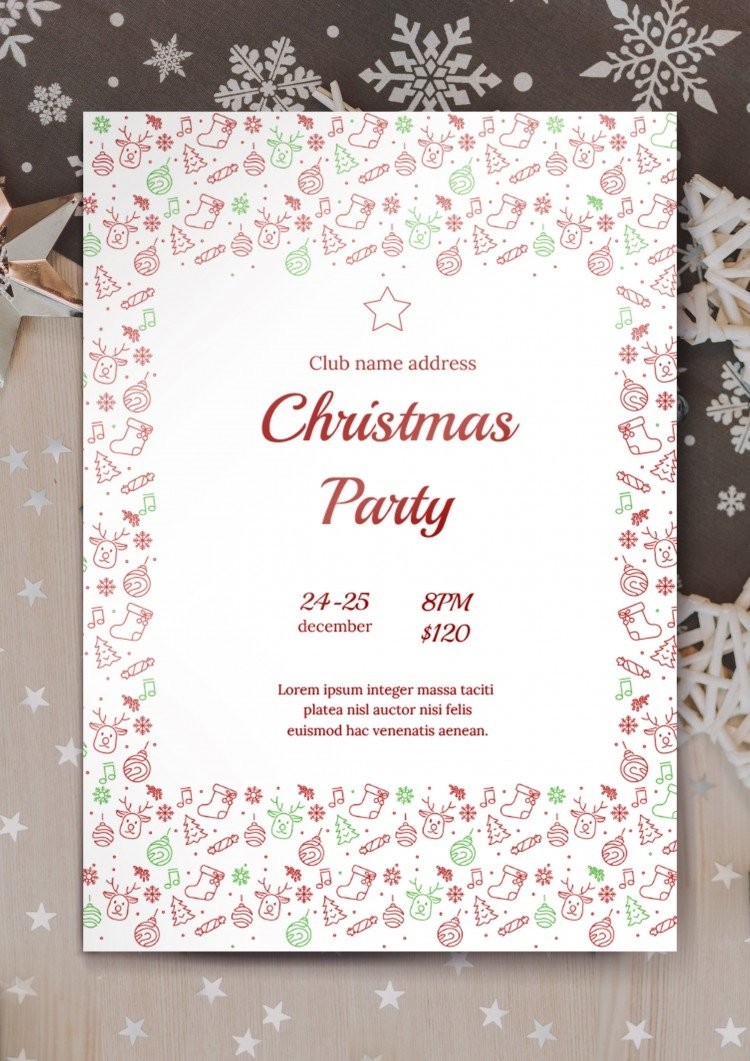
Template Layout and Design Features
The layout of this Christmas party flyer template is designed with clarity and festive flair in mind. The flyer generally follows a portrait format, which is ideal for printing and displaying on bulletin boards or handing out at gatherings.
Sections of the Flyer
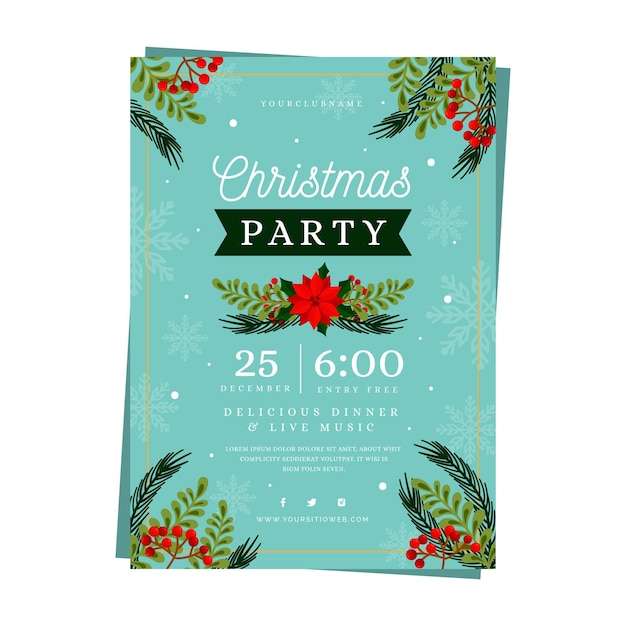
- Header: The top section typically features a bold title, like “Christmas Party!” This is your opportunity to grab attention right away. You can easily customize the font and color to match your party theme.
- Event Details: Just below the header, you’ll find space to include essential information such as the date, time, and location of your party. This section is crucial for ensuring your guests have all the pertinent details at a glance. You can also add RSVP instructions here.
- Description: A brief section allows you to write a fun or festive description of what guests can expect. Think about including details like themed activities, food offerings, or dress codes. This is where you can inject your personality into the flyer, making it uniquely yours.
- Imagery: Many templates come with placeholders for images or graphics. You can insert holiday-themed images, such as snowflakes, Christmas trees, or ornaments. This visual element adds an inviting touch that can set the tone for your event.
- Footer: The bottom section can be used for additional information, such as a list of items guests might bring or links to social media pages where they can find updates.
Customization Options
One of the most appealing aspects of the Christmas Party Flyer Free Google Docs Template is its flexibility. You can easily tailor it to suit your specific requirements. You’ll want to take advantage of the following customization options:
- Colors and Fonts: Choose festive colors that reflect the holiday spirit. Traditional red and green work well, but don’t hesitate to use gold or silver for a more elegant look. Adjusting fonts can also create a different vibe; playful fonts might suit a casual party, while elegant scripts are better for formal events.
- Images: Incorporate personal touches by adding family photos or graphics that resonate with your guests. If you have a theme (like an Ugly Sweater Party), use corresponding images to enhance the flyer’s appeal.
- Text Adjustments: Feel free to modify the text fields for the event details. The template is designed to allow for easy edits, so you can adjust font sizes, styles, and colors without hassle.
Practical Use Cases
This Christmas party flyer template isn’t just about aesthetics; it serves practical purposes too. Here are a couple of ways to effectively utilize it:
- Digital Invitations: You can easily share the completed flyer via email or social media. This is an efficient way to reach your guests, especially those who may not be local. Just ensure the format is compatible for digital sharing.
- Printed Invitations: For a more personal touch, print the flyers on cardstock. Cardstock tends to hold up better than standard paper, especially if you plan to laminate them for durability. You can choose to print them in standard sizes like 5×7 or 8.5×11, depending on your preference.

Downloading and Printing Tips
To get started with the Christmas Party Flyer Free Google Docs Template, you’ll want to follow these simple steps:
- Download the Template: Access the template in Google Docs. It’s available for free, which is a huge plus for budget-conscious planners.
- Edit Your Details: Open the file in Google Docs and begin customizing the sections. Keep in mind the flow of information; you want it to be easy for your guests to read.
- Print Settings: When you’re ready to print, adjust your settings. It’s best to use a high-quality printer to ensure the colors pop. If you’re using cardstock, ensure your printer can handle that thickness.
- Final Check: Before printing multiple copies, do a test print to catch any errors or formatting issues. This step can save you time and resources.
This Christmas Party Flyer Free Google Docs Template is a versatile tool that can make your holiday planning easier and more enjoyable. If you are hosting a small family gathering or a larger community event, customizing this flyer will help you create a warm and inviting atmosphere. With just a few clicks, you can have a beautifully designed flyer ready to share with your guests, setting the stage for a memorable celebration.
So, gather your ideas, customize the template, and get ready to spread the holiday cheer!
Christmas Party Flyer Free Google Docs Template Gallery