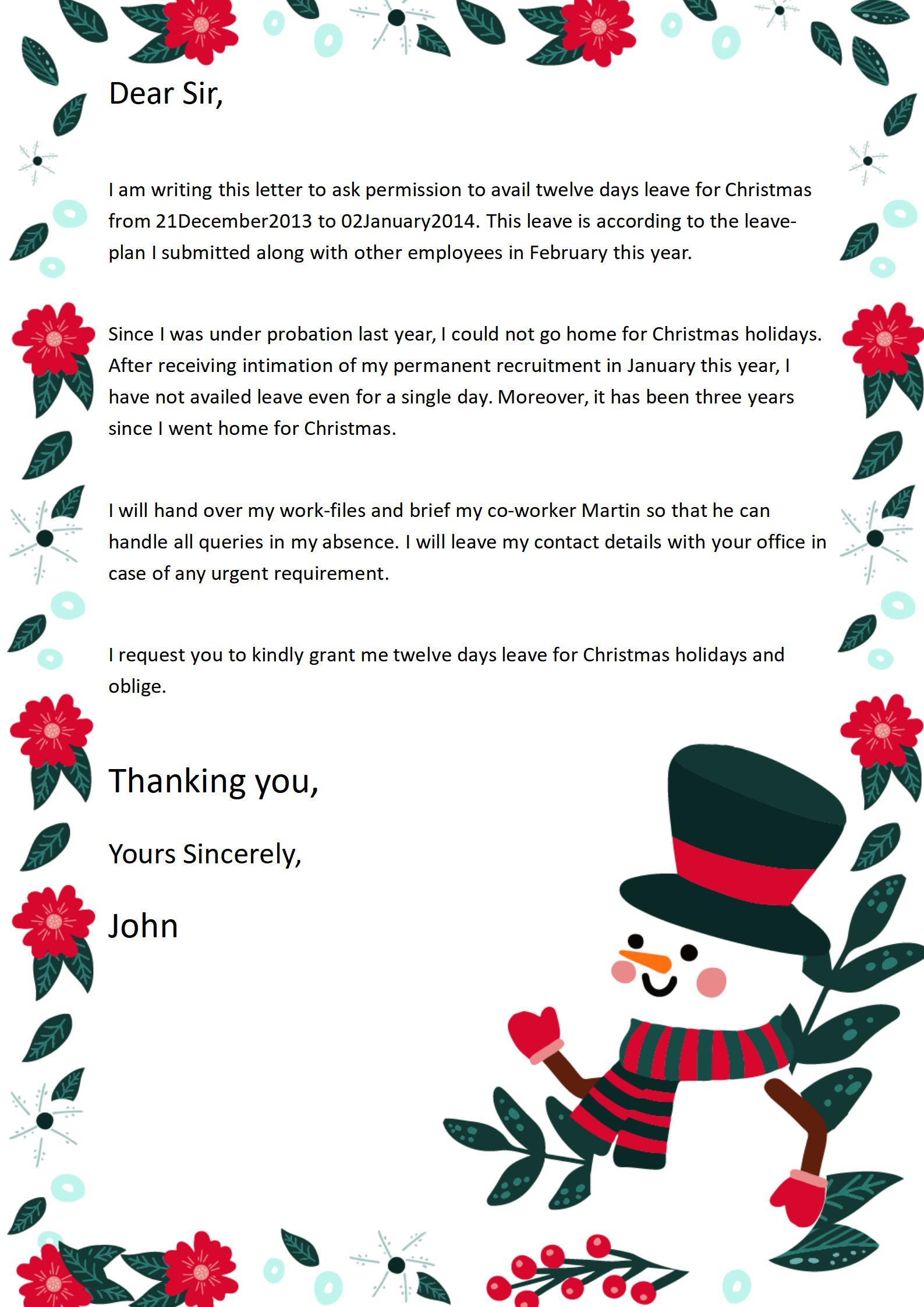
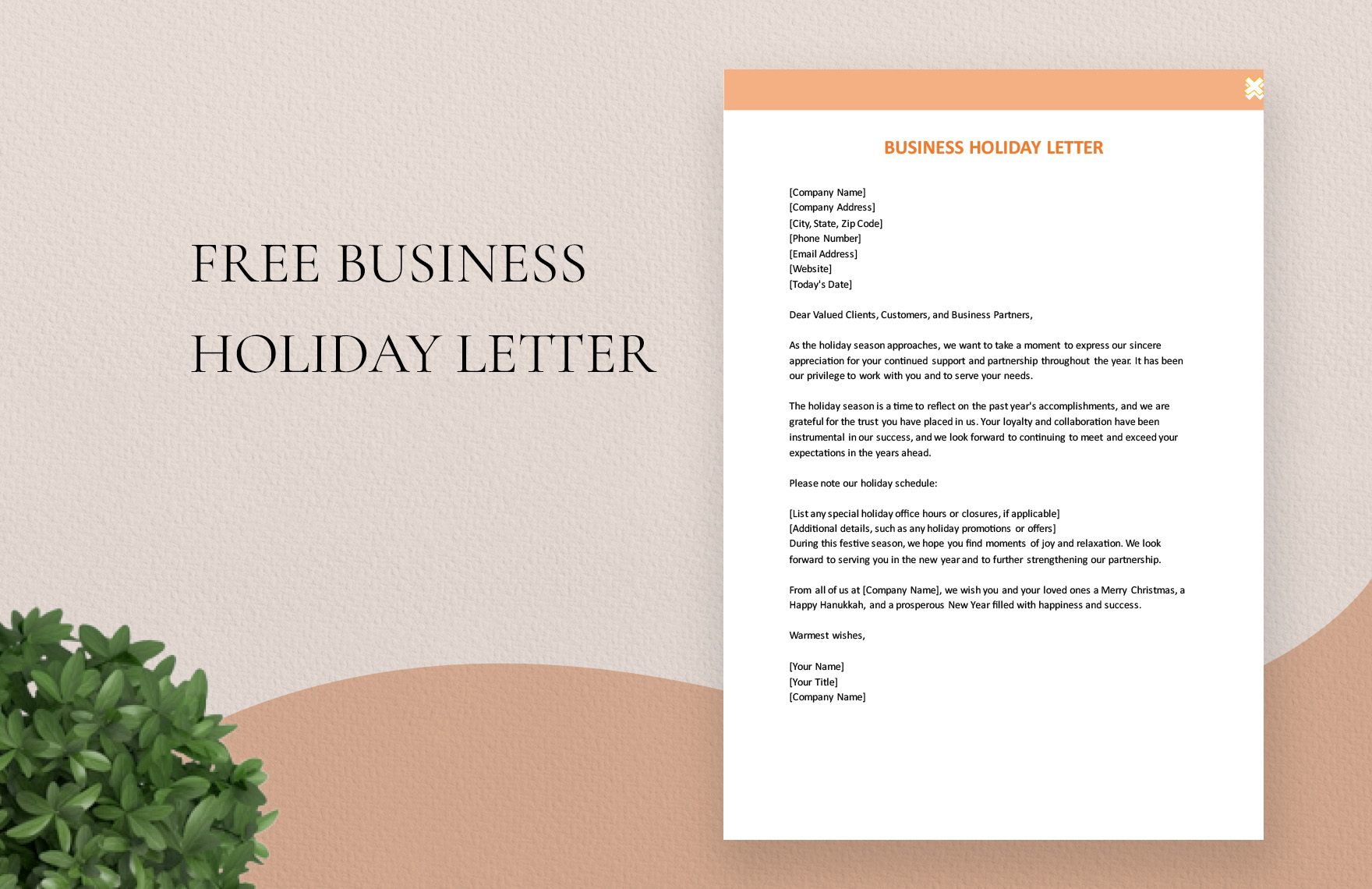
Creating a Christmas newsletter can be a delightful way to share your family’s news and holiday cheer with loved ones. The Christmas Newsletter Free Google Docs Template stands out from other resources by offering a user-friendly format that allows for easy customization and quick printing. This template is perfect for parents who want to add a personal touch to their holiday greetings without spending hours designing from scratch.
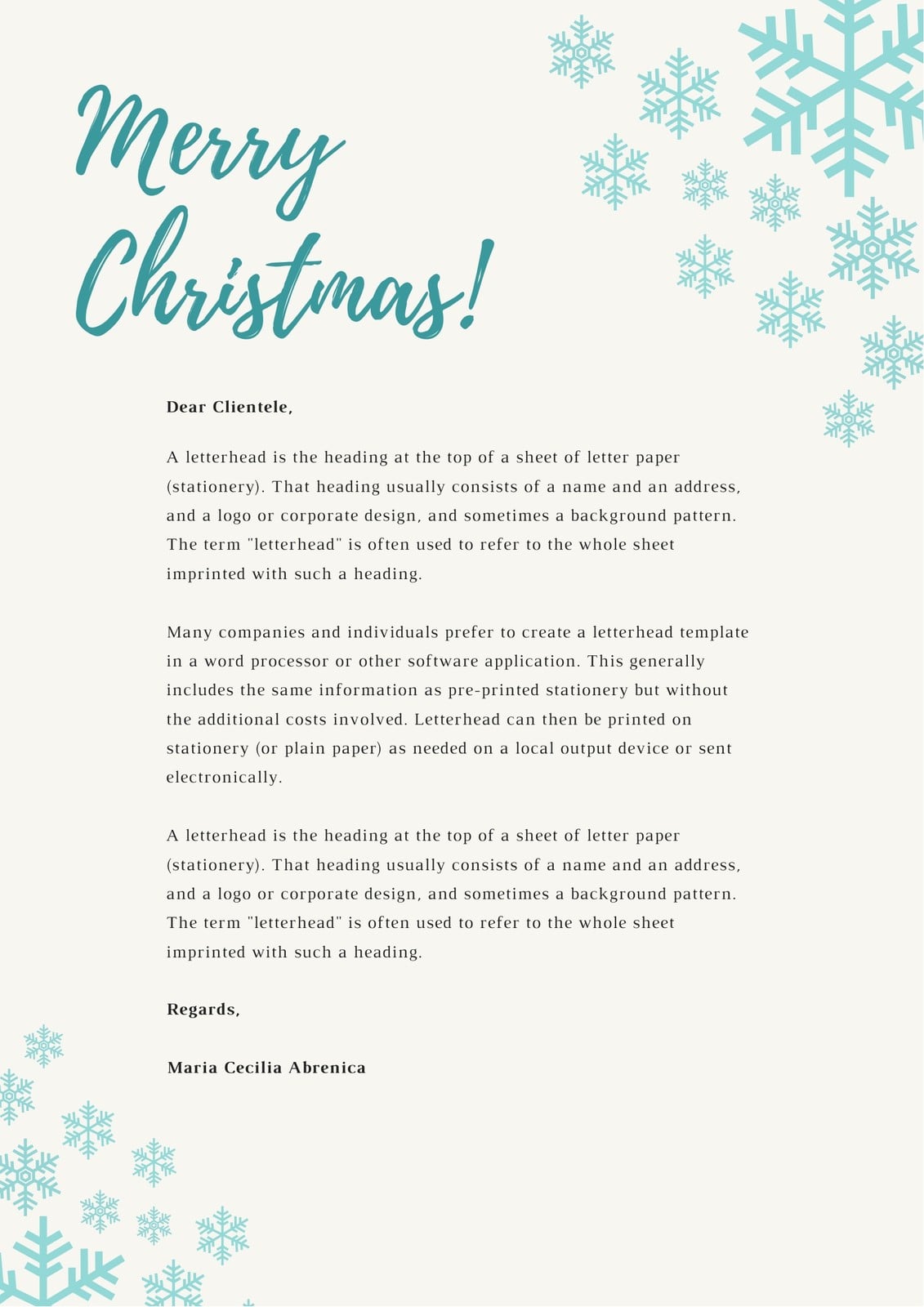
Understanding the Christmas Newsletter Template
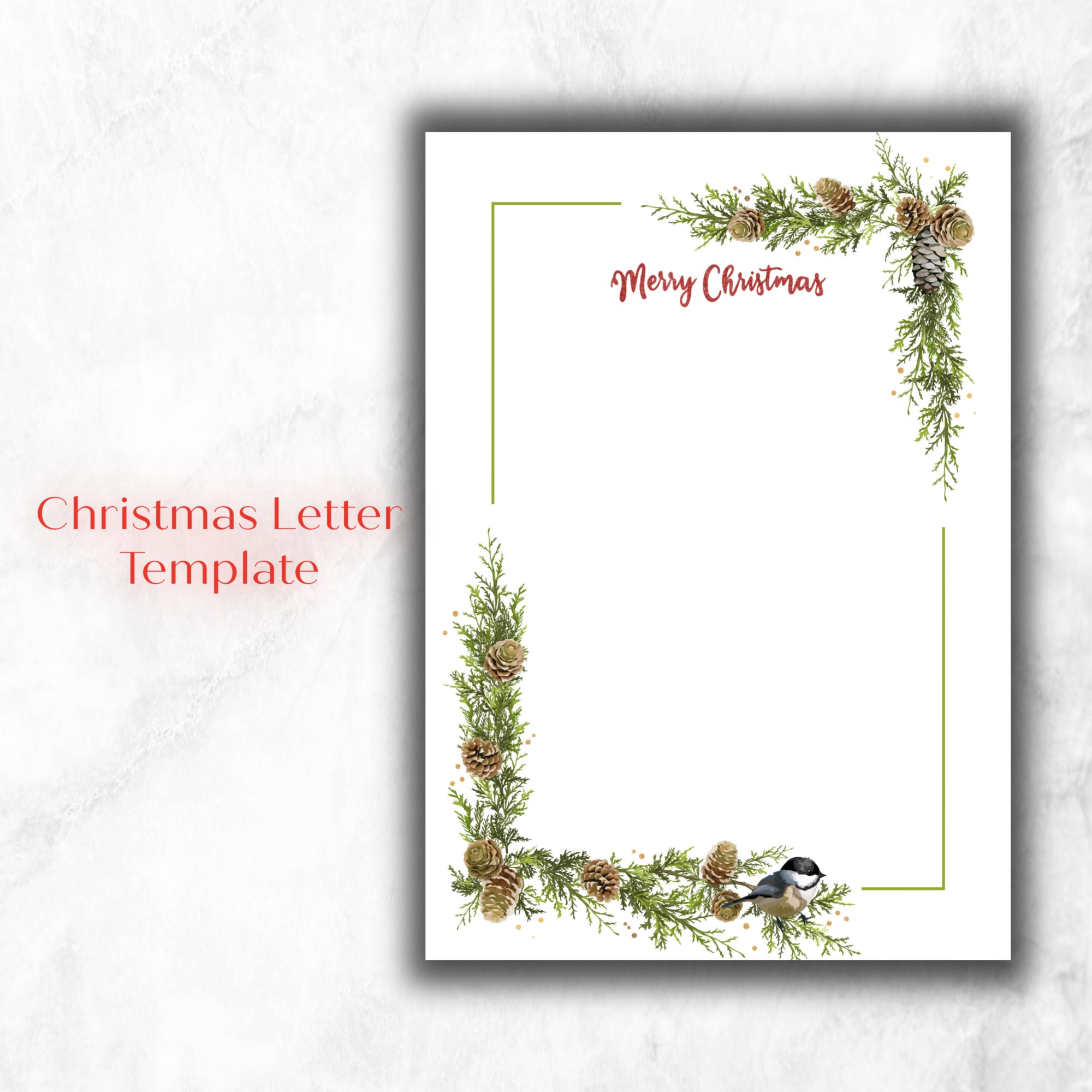
This template is designed in Google Docs, making it accessible and editable from any device with internet access. You can personalize it to reflect your family’s unique style. With sections for updates, photos, and festive decorations, you’ll find that this template simplifies the process of creating a thoughtful newsletter.
One of the best features of this template is its versatility. It allows you to easily adjust text, change colors, and add images to suit your family’s personality. Plus, since it’s in Google Docs, you can collaborate with family members or even invite them to contribute their own updates directly.
Customizing Your Newsletter
When you start working with the Christmas Newsletter Free Google Docs Template, you’ll find several areas to customize:
- Header: Add your family name or a festive title.
- Sections: There are designated areas for personal updates, activities, or achievements. Feel free to include a fun family photo here!
- Design Elements: Change colors or fonts to match your holiday theme. You can even add digital stickers or clipart to enhance the festive feel.
To get started, simply click “File” and select “Make a copy” to save it to your own Google Drive. This way, you’ll have your own editable version to play with.
Printing Options
Once you’ve customized your newsletter, it’s time to think about printing. Here are some practical considerations:
- Paper Size: The template is designed for standard letter size (8.5×11 inches), which is perfect for easy printing at home.
- Printer Settings: Most home printers handle this size well, but do check your printer’s settings to ensure you’re printing in high quality.
- Paper Type: For a more polished look, consider using heavier cardstock rather than regular printer paper. It gives your newsletter a more professional feel and can stand up to mailing.
After printing, you can fold the newsletters into thirds for easy mailing, or you might choose to hand-deliver them in festive envelopes to add a personal touch.
Sharing Your Newsletter Digitally
If you prefer a digital distribution method, you can easily share your Christmas newsletter via email or social media. Here’s how:
- Exporting as PDF: In Google Docs, go to “File,” then “Download,” and select “PDF Document.” This format ensures that your layout remains intact, regardless of the device your recipients use.
- Emailing: Attach the PDF or share a link directly to the Google Doc if you want to allow others to view or even edit the newsletter. Make sure to adjust the sharing settings for privacy!
This digital option is not only eco-friendly but also allows for instant delivery, ensuring your family and friends receive your updates in a timely manner.
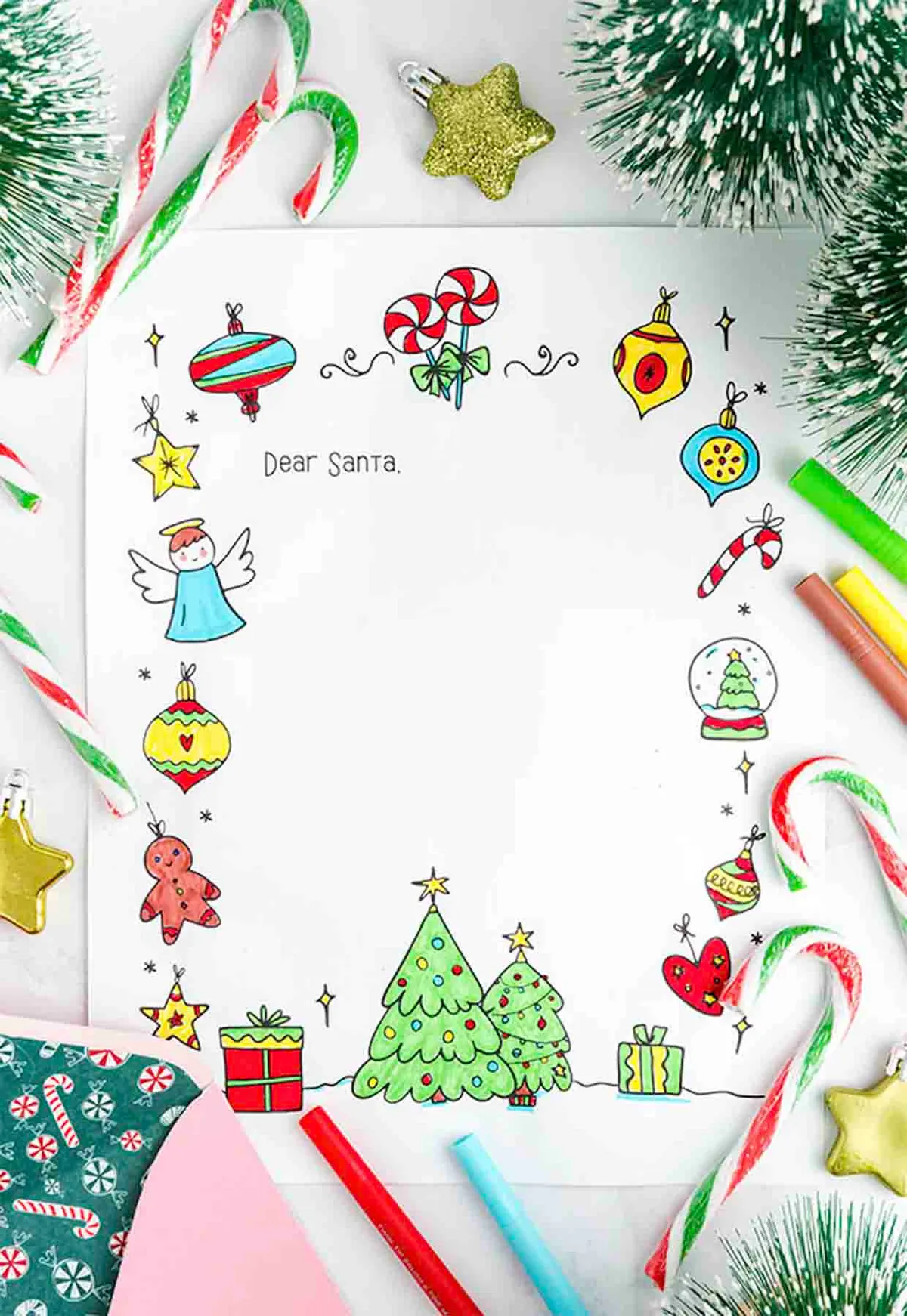
Choosing the Right Template Style
While the Christmas Newsletter Free Google Docs Template is an excellent choice, you might also consider a couple of variations that can suit different needs:
- Traditional vs. Modern Design: If your family leans towards a classic holiday feel, look for templates with traditional colors and designs. Conversely, if you prefer a modern aesthetic, opt for templates that use sleek fonts and minimalist layouts.
- Length and Detail: Some templates are designed for short updates, while others provide more space for detailed storytelling. Think about how much you have to share and choose a template that accommodates your needs.
Whatever style you choose, ensure it reflects your family’s personality and festive spirit.
By taking the time to customize your Christmas newsletter, you create not just a holiday update, but a cherished keepsake for your loved ones. Whether you print it out or share it digitally, the Christmas Newsletter Free Google Docs Template offers a flexible solution to help you connect with family and friends during the holiday season.
Christmas Newsletter Free Google Docs Template Gallery