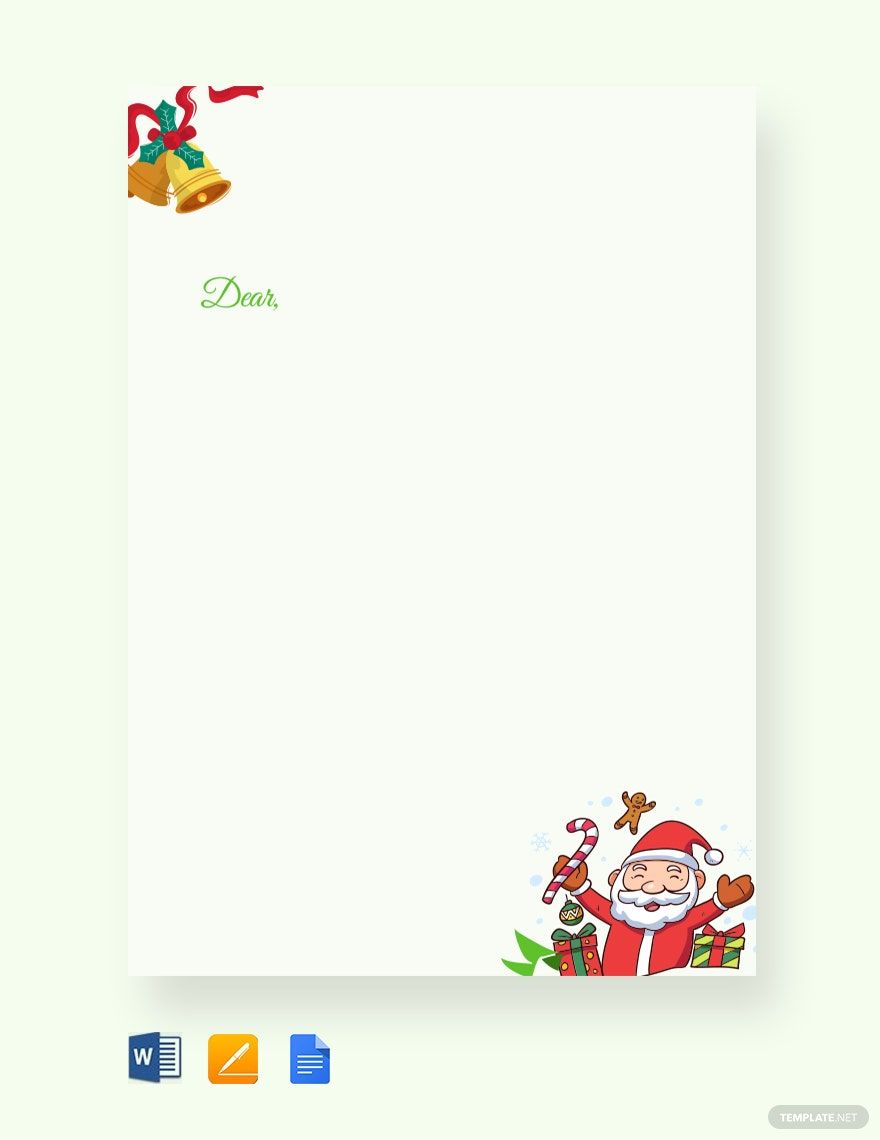
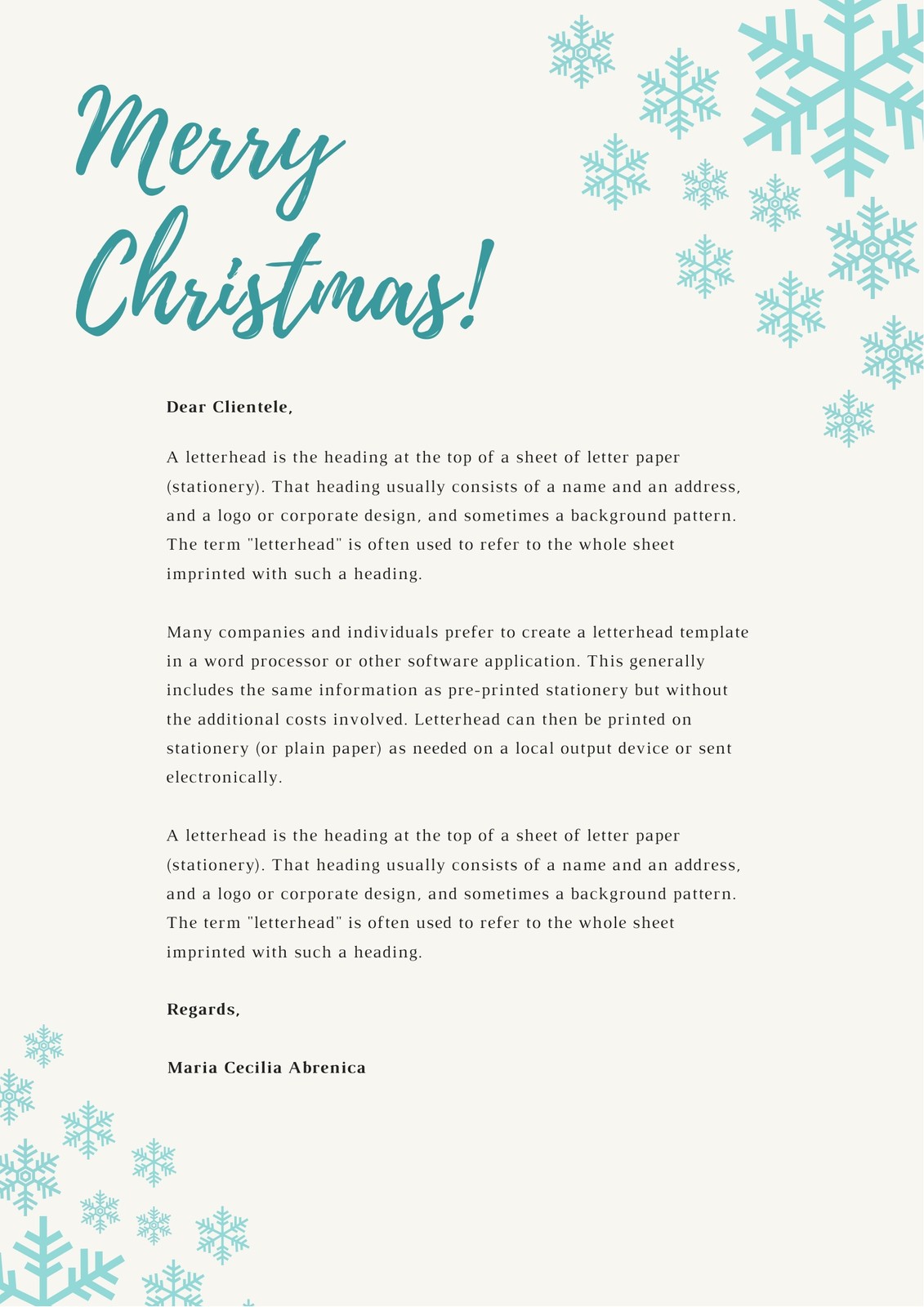
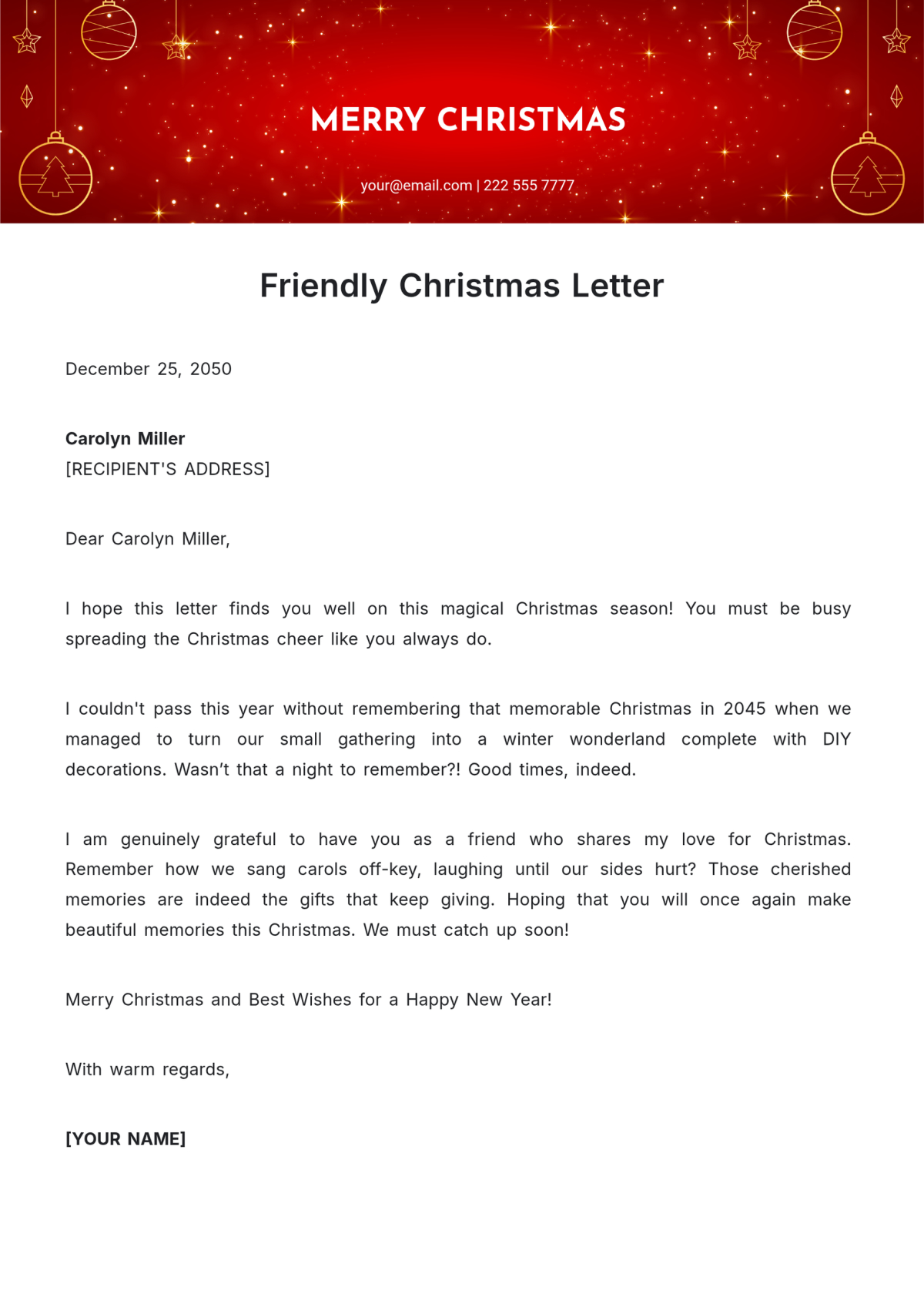
When the holiday season rolls around, many of us look forward to sending out cards and letters to our friends and family. A heartfelt Christmas letter is a wonderful way to share updates, express gratitude, and spread joy. If you’re searching for an efficient way to create one, the Christmas Letter Free Google Docs Template is just what you need. It’s user-friendly and perfect for crafting a personal touch in your seasonal greetings.
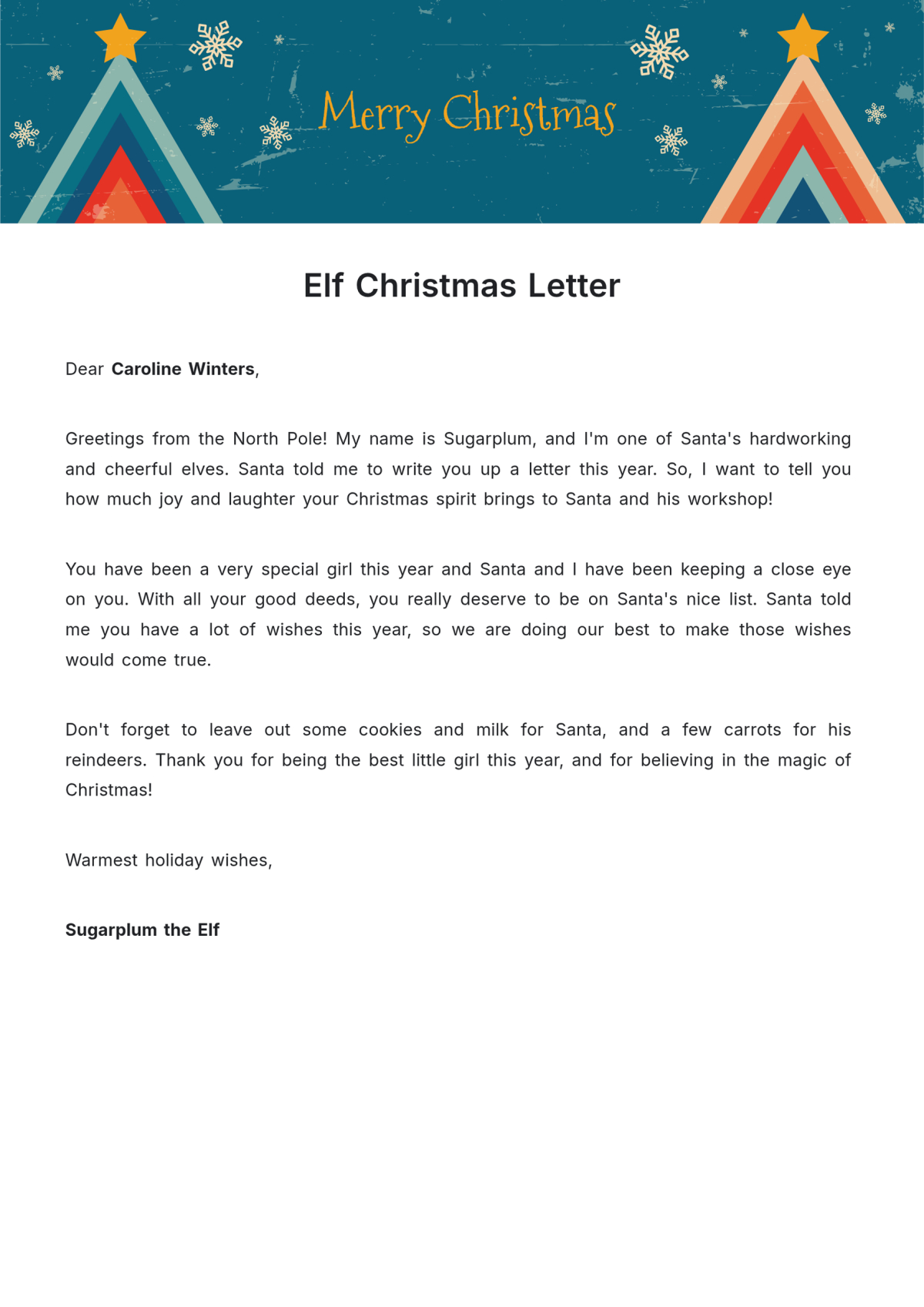
What is the Christmas Letter Free Google Docs Template?
This template is designed to help you create a festive letter with ease. It offers a structured layout that you can customize to include your family’s news, reflections on the past year, and warm wishes for the upcoming holiday season. The template is available in Google Docs, meaning you can access it online and edit it from anywhere, making it a convenient option for busy parents like us.
Features of the Template
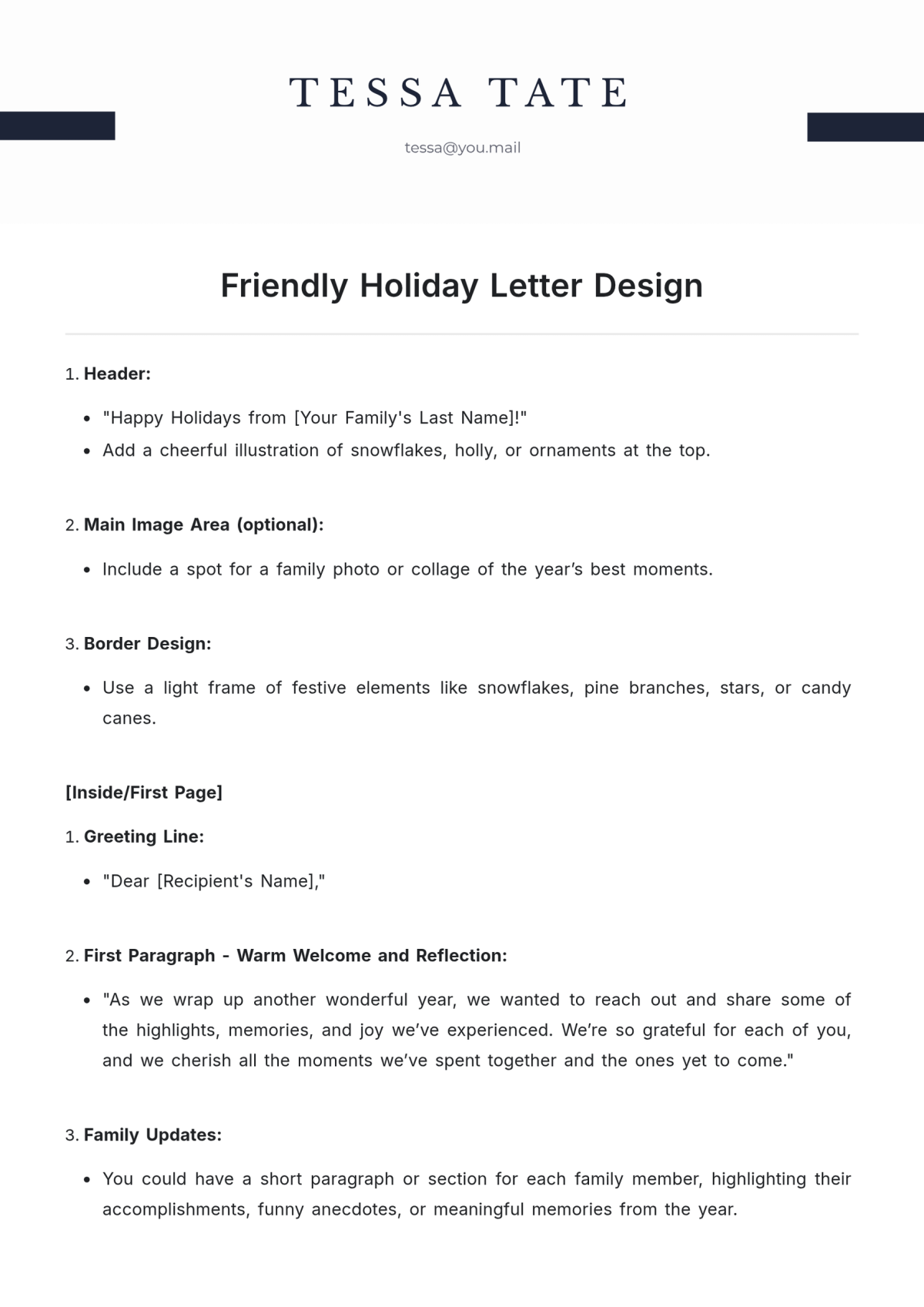
- Editable Format: Since it’s a Google Docs template, you can easily modify text, change fonts, and add images or decorations that reflect your family’s personality.
- Print-Friendly: The template is formatted to look great when printed. You can use standard letter-sized paper (8.5” x 11”) or adjust the dimensions if you prefer a different size.
- Easy Sharing: You can share your Christmas letter via email or print it out to send through traditional mail. This flexibility is perfect for reaching family members who may not have access to digital communications.
How to Customize Your Christmas Letter
Once you’ve accessed the Christmas Letter Free Google Docs Template, the fun begins with customization. Here are some practical tips:
- Personal Touch: Start by replacing the placeholder text with your own family updates. Consider highlighting significant events from the past year, such as new jobs, school achievements, or memorable family trips. This personal touch makes your letter feel special.
- Visual Enhancements: You can add images to your letter, such as family photos or festive graphics. Google Docs allows you to insert images easily, so feel free to get creative. If you’re using a photo, ensure it’s high-resolution for clear printing.
- Festive Fonts and Colors: Choose fonts that reflect the Christmas spirit. You might opt for a classic script for a warm, inviting feel or a bold typeface for a more modern look. Additionally, using festive colors like red and green can enhance the holiday theme.
- Sign-Off and Closing: Don’t forget to include a warm sign-off. Something like “Wishing you peace and joy this holiday season” followed by your family name adds a lovely touch.
Downloading and Printing Your Letter
Downloading your customized Christmas letter from Google Docs is simple. Just go to the File menu, select “Download,” and choose your preferred format—PDF is often the best choice for printing because it preserves your formatting. If you’re printing directly from Google Docs, here are a few tips:
- Paper Choice: For a more polished look, consider using heavier paper or cardstock. This not only feels more substantial but also holds up better if you plan to mail it.
- Print Settings: Adjust your printer settings to match the paper size you’ve chosen. Most home printers handle standard letter sizes well, but double-check your settings to avoid any formatting issues.
- Test Print: If you’re concerned about how it will look, do a test print on regular paper first. This can help you make any last-minute adjustments before you print your final copies.
Sending Your Christmas Letter
After your letter is printed, it’s time to share it with the world! Here are some ideas on how to distribute your Christmas letters effectively:
- Mailing: If you’re sending physical copies, consider using festive envelopes to brighten the recipient’s day. A handwritten address adds a personal touch that people appreciate.
- Emailing: If you choose to send it digitally, save your letter as a PDF to maintain the formatting. You can attach this to an email or share it via a cloud storage link for easy access.
Why Use a Template?
Using the Christmas Letter Free Google Docs Template saves you time and ensures your letter looks professional. It’s easy to feel overwhelmed during the holiday season, but having a reliable template can help streamline the process. Plus, by customizing it, you still retain that personal touch that makes holiday greetings so special.
Creating a Christmas letter doesn’t have to be a chore. With the right tools, like the Christmas Letter Free Google Docs Template, you can send out beautiful, personalized letters that spread holiday cheer without the stress. Try it out this season and enjoy sharing your family’s joy with loved ones!
Christmas Letter Free Google Docs Template Gallery