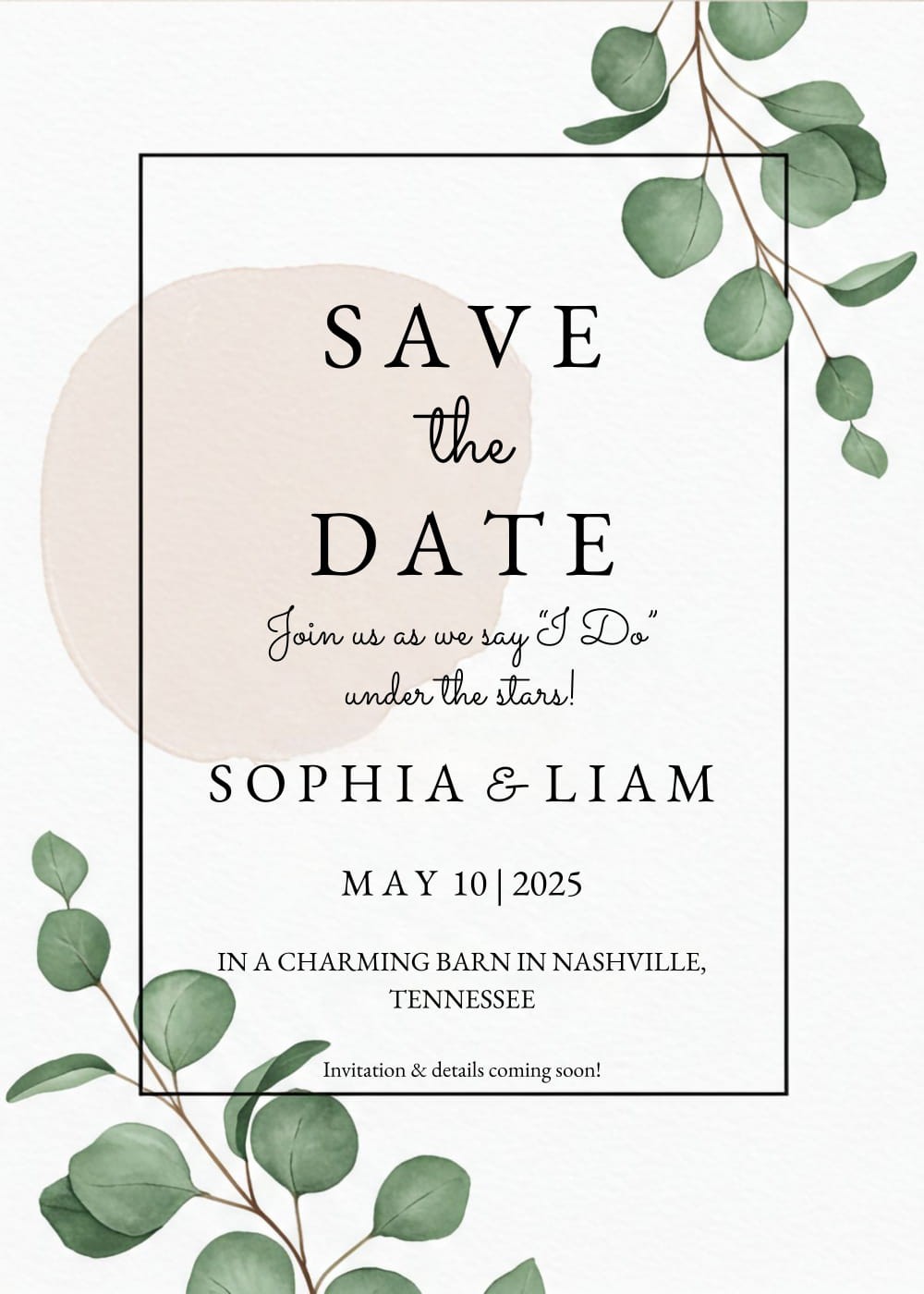
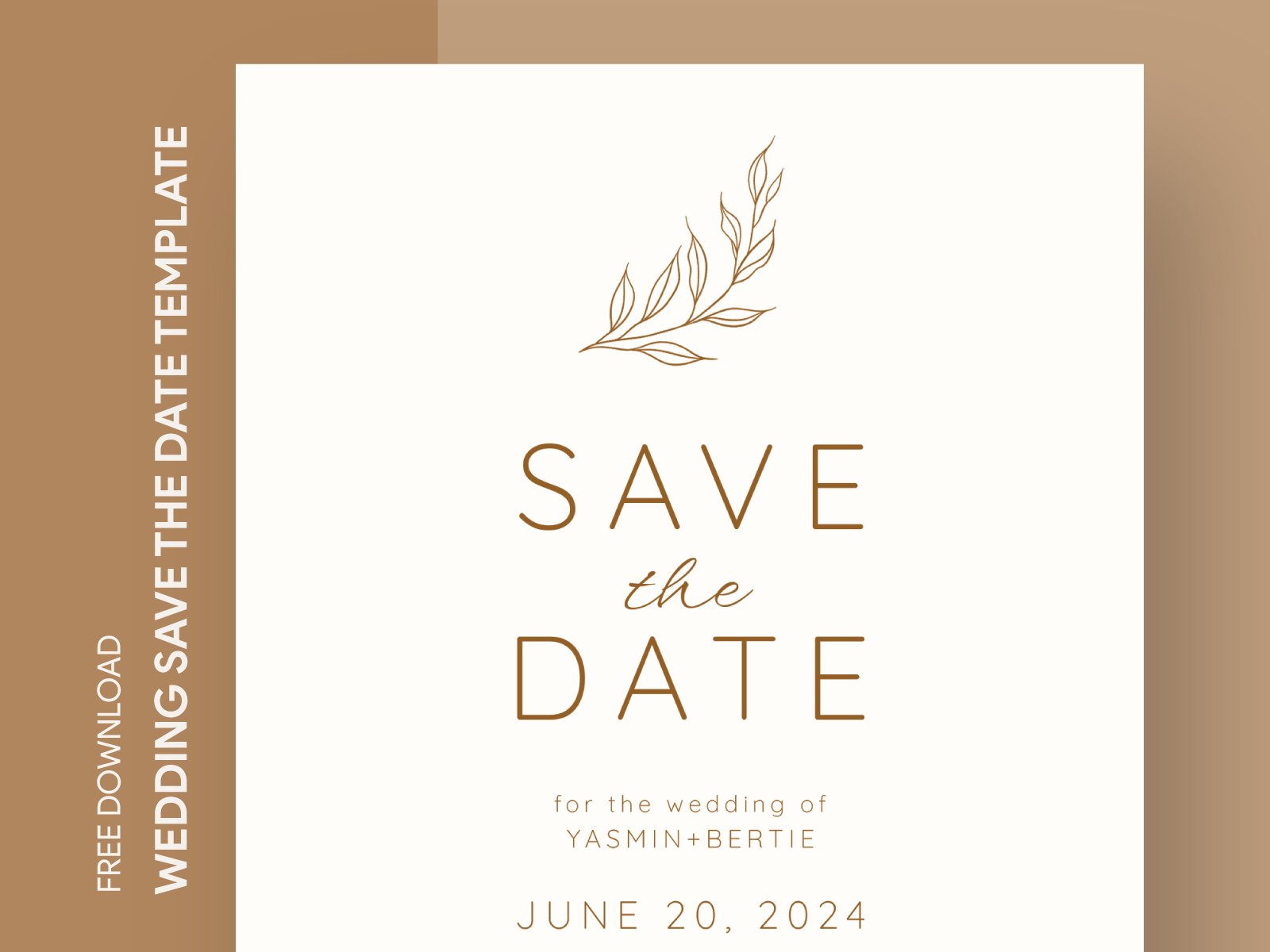
Planning a wedding is a thrilling yet overwhelming experience, especially when it comes to setting a date and notifying your guests. The Casual Wedding Save the Date Free Google Docs Template provides a straightforward solution for couples looking to create stylish and personalized announcements without the hassle of expensive invitations. This template is designed to be user-friendly, making it easy for you to customize it according to your wedding theme and preferences.
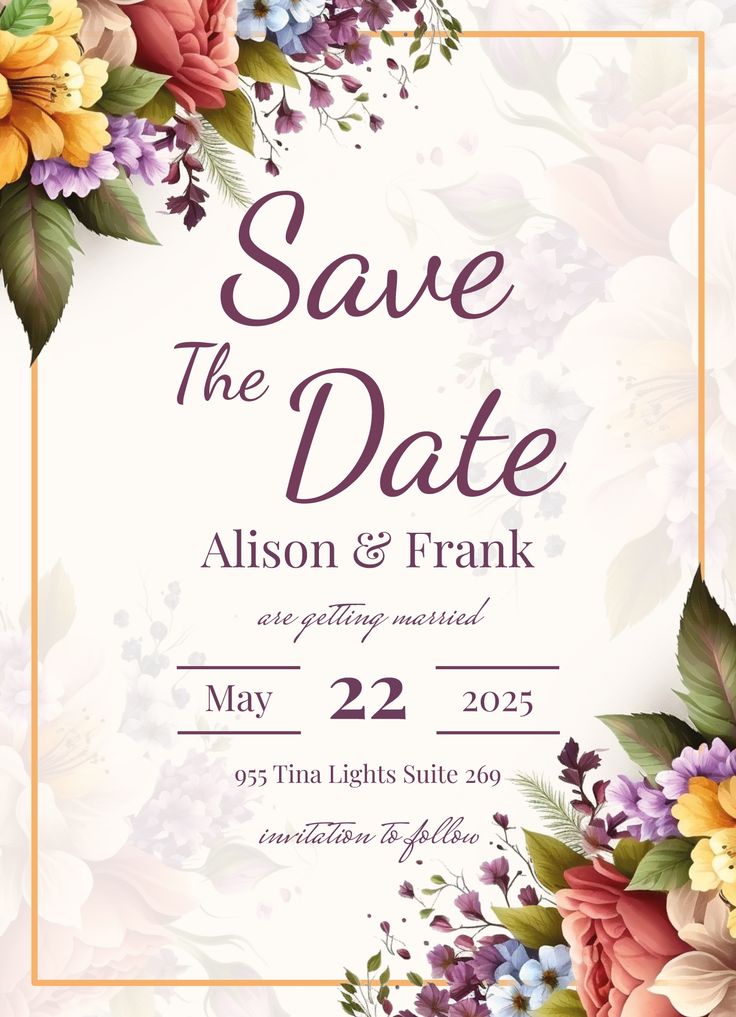
Why Use a Save the Date Template?
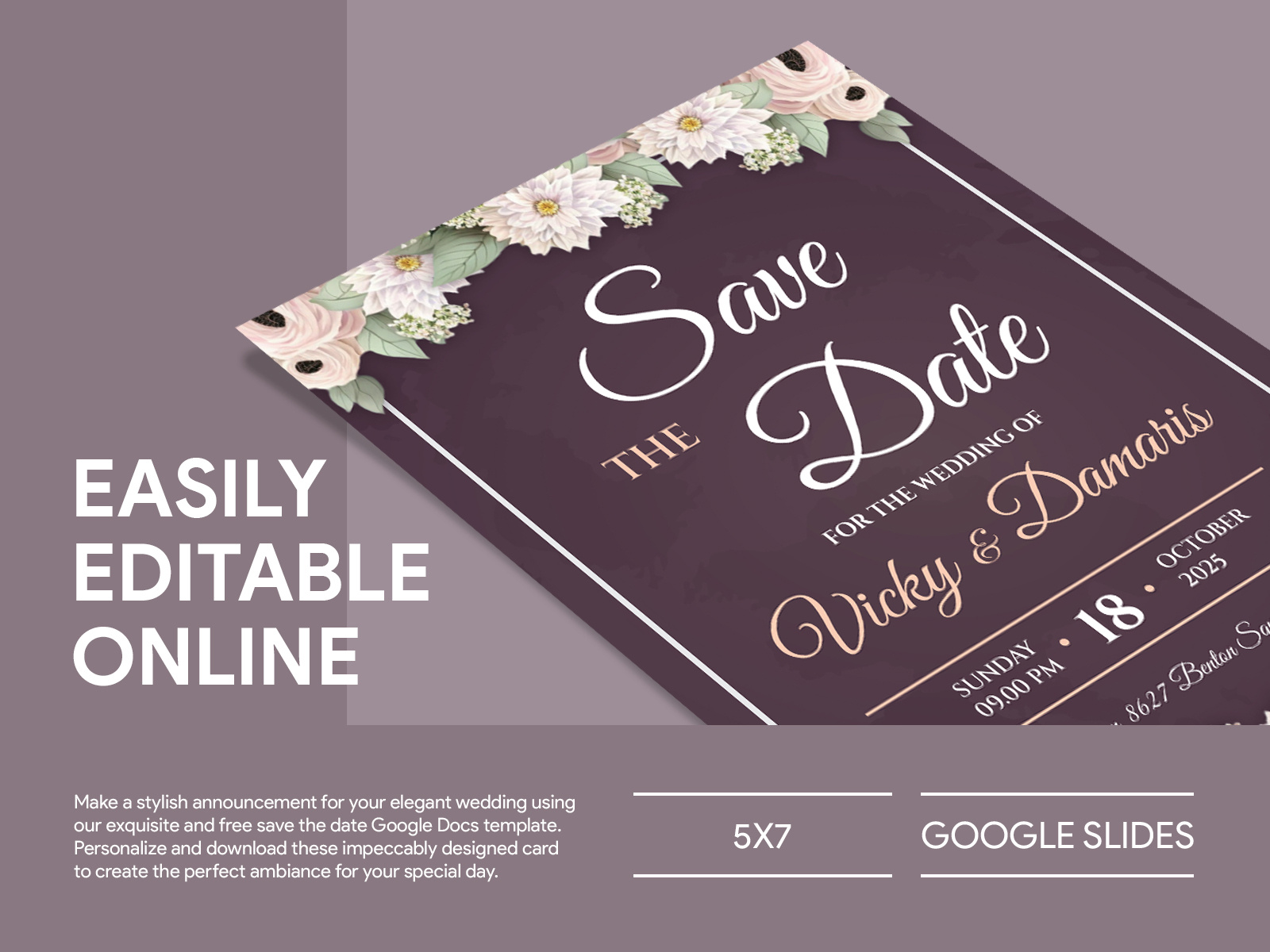
Using a template saves you time and effort. With the Casual Wedding Save the Date Free Google Docs Template, you won’t have to start from scratch. Instead, you can focus on the details that matter most, like your wedding theme and colors. Templates streamline the design process, allowing you to quickly fill in essential information such as your names, wedding date, and venue.
This particular template stands out because it’s easily editable in Google Docs, which means you can access it from any device with internet connectivity. Plus, Google Docs automatically saves your work. No more worrying about losing your progress!
Personalizing Your Save the Date
Once you’ve downloaded the Casual Wedding Save the Date Free Google Docs Template, the next step is personalization. Here are some ways to make it uniquely yours:
- Choose Your Fonts and Colors: Select fonts that complement your wedding theme. If you’re going for a rustic vibe, consider a handwritten font. For a more modern look, a clean sans-serif font might be the way to go. Changing the text color to match your wedding palette will also help create a cohesive look.
- Add Photos: Incorporating a picture of you and your partner can add a personal touch. You might want to use a professional engagement photo, or even a fun candid shot from a day out together. Just ensure the image resolution is high enough for printing.
- Wording Choices: The wording on your Save the Date can reflect your personalities. A casual tone might suit you best. For example, “We’re getting hitched! Save the date for our wedding on [insert date].” This sets the tone for a relaxed, fun celebration.
- Include Additional Details: Besides just the date, consider adding information about your wedding website where guests can find more details. This is especially helpful for destination weddings or if you have specific accommodation suggestions.
Printing and Delivering Your Save the Dates
Once you’ve completed your design, it’s time to print. Here are some tips for printing your Save the Dates effectively:
- Paper Choices: For a professional look, opt for cardstock; it’s sturdy and gives a nice finish. Standard sizes like 5×7 inches work well for most envelopes and are easy to handle.
- Printer Settings: If you’re printing at home, make sure your printer settings are adjusted for high-quality printing. This typically means selecting the “best” print quality option and ensuring you have enough ink.
- Delivery Options: Depending on your guest list size, you might choose to mail your Save the Dates or send them digitally. If you’re on a budget, emailing them is a quick and eco-friendly option. However, printed cards can feel more personal and tangible, making them memorable keepsakes for your guests.
Timing Your Save the Dates
When should you send out your Save the Dates? Ideally, you’ll want to send them out around six to eight months before your wedding date. This gives your guests ample time to adjust their schedules, especially if you have many out-of-town attendees. If your wedding falls during a busy season or holiday, consider sending them even earlier.
Remember, your Save the Date is just the first step in wedding communication. Following up with formal invitations and additional details as the wedding date approaches is essential.
What’s Next?
Now that you have your Casual Wedding Save the Date Free Google Docs Template and a plan for personalizing and printing it, it’s time to get started! Gather your favorite photos, select your font styles, and start filling in the details. With this template, you’ll be one step closer to officially announcing your big day to friends and family. Happy planning!
Casual Wedding Save the Date Free Google Docs Template Gallery