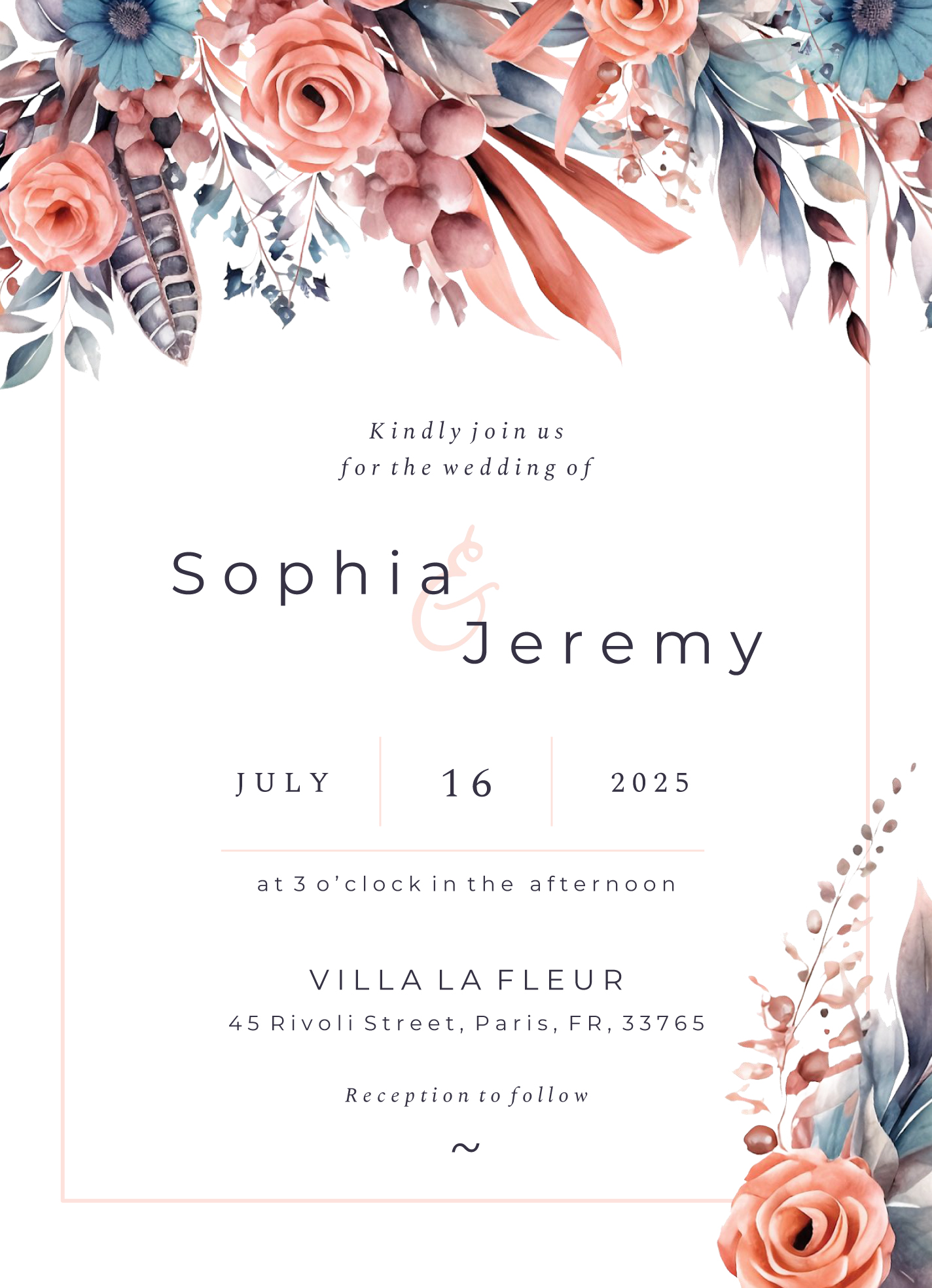
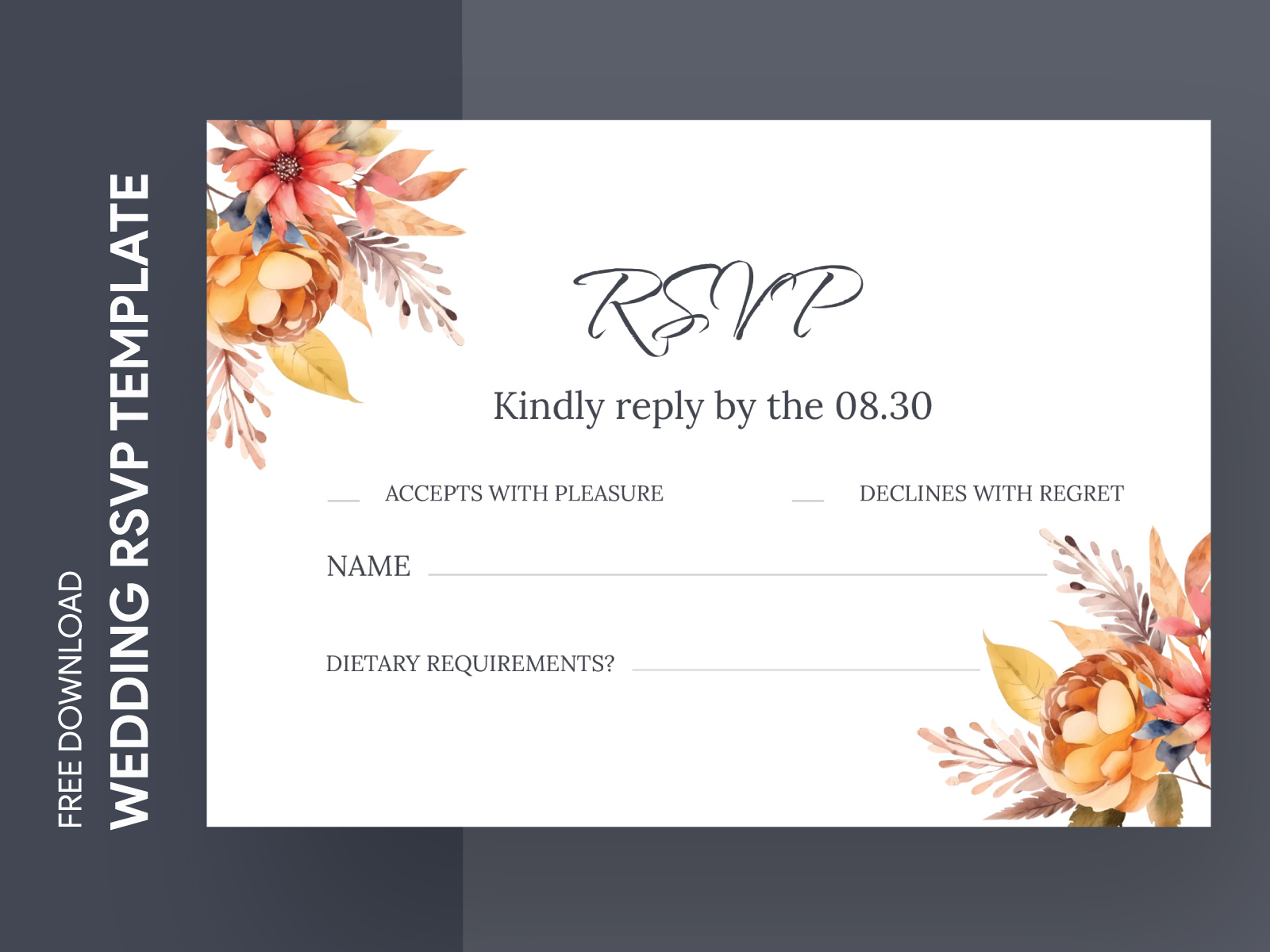
Planning a wedding can feel like juggling a million things at once, and keeping track of RSVPs is often at the top of that list. The Casual Wedding RSVP Free Google Docs Template is designed to make this process smoother and more organized, allowing you to focus on the fun parts of your big day. Unlike generic RSVP templates, this one offers a casual vibe that suits laid-back weddings perfectly. Let’s look at how you can customize this template to fit your needs!
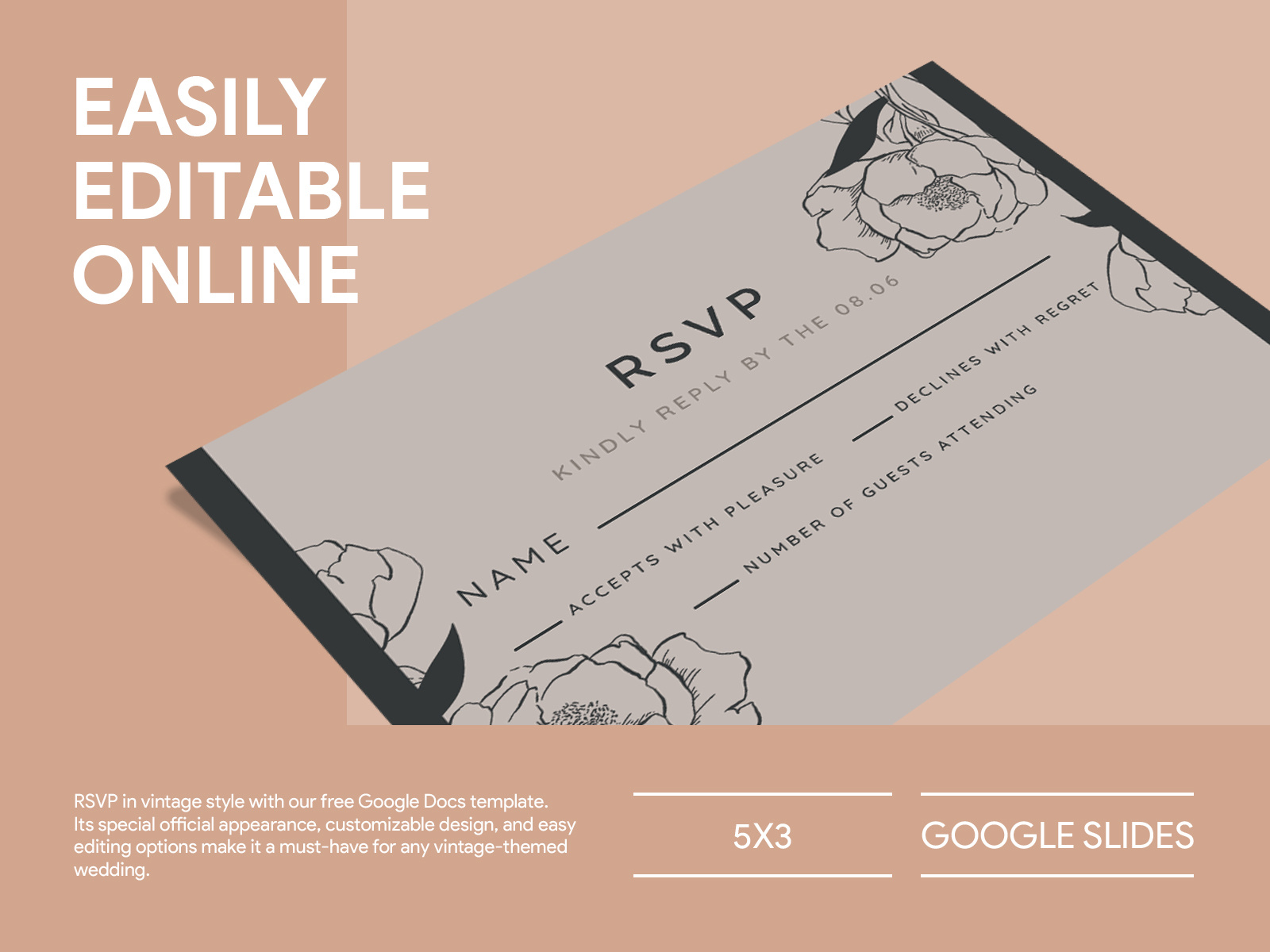
Customizing Your Casual Wedding RSVP Template
One of the best features of the Casual Wedding RSVP Free Google Docs Template is its flexibility. You can easily modify the text, colors, and layout to reflect your wedding theme.
Text and Wording Choices
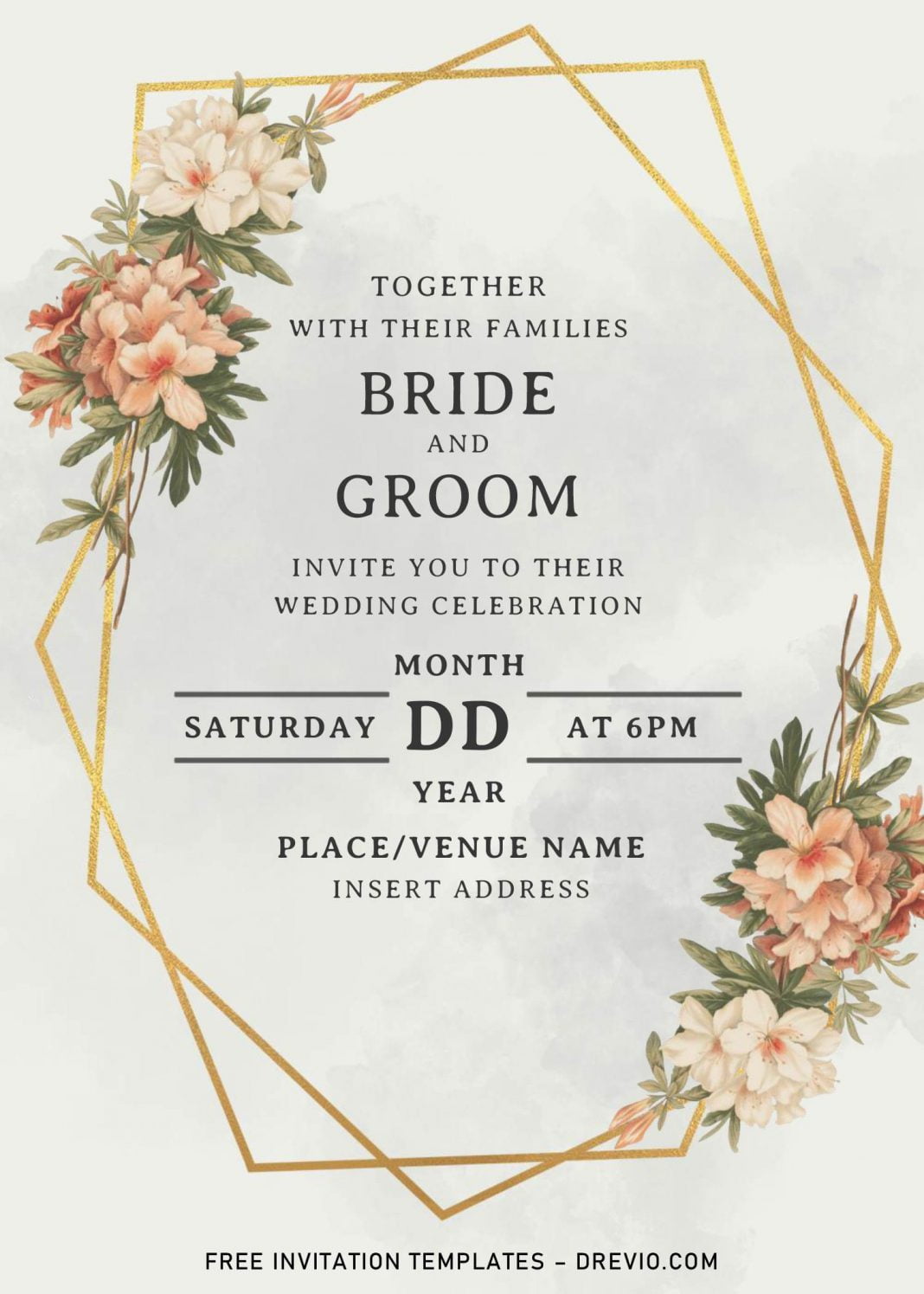
When it comes to the wording, you might want to include playful phrases that match the spirit of your event. For instance, instead of a formal “Please RSVP,” you could use “Can’t wait to celebrate? Let us know!” This small tweak can set a friendly tone right from the start.
Design Elements
You can also personalize the design elements. Consider adding your wedding colors or even a small graphic that represents your relationship—like a favorite flower or symbol. The template allows you to change font styles, sizes, and colors, so have fun experimenting!
Practical Use Cases for the RSVP Template
Once customized, you can use this RSVP template in various ways. Here’s how:
Digital Vs. Printed Invites
You have the option to send the RSVPs digitally via email or print them out to include with your invitations. If you choose to print them, consider using heavier paper or cardstock for a more polished look. This is especially important if you’re planning to laminate them for durability.
Tracking Responses
Using Google Docs means you can easily track responses in real-time. As guests reply, you can update the document to reflect who’s coming, who’s not, and any additional notes (like dietary restrictions). This makes it easier to manage your guest list and plan seating arrangements.
Downloading and Printing Your Template
Getting your hands on the Casual Wedding RSVP Free Google Docs Template is a breeze. Here’s how to do it:
- Download the Template: Simply click the download link to save it to your Google Drive. You can also download it as a PDF if you prefer that format for printing.
- Open and Customize: Open the template in Google Docs and start customizing. Remember to save your changes!
- Print Options: If you’re printing, set your document to 5×7 inches for a standard postcard size, or adjust based on your invitation style. Use portrait layout for a classic look, or landscape if you prefer a more modern approach.
Choosing the Right Paper and Printer Settings
Paper quality matters when it comes to making a great impression. If you’re printing at home, here are a few tips:
- Cardstock: For a more professional feel, use cardstock. It holds up better and gives a premium look.
- Print Settings: Ensure your printer settings are set to the highest quality for the best results. This might mean selecting “Best” or “High” in your print settings.
- Test Print: Always do a test print first to check for alignment and color accuracy. This way, you can make adjustments before printing the final batch.
Casual Wedding RSVP Free Google Docs Template Gallery