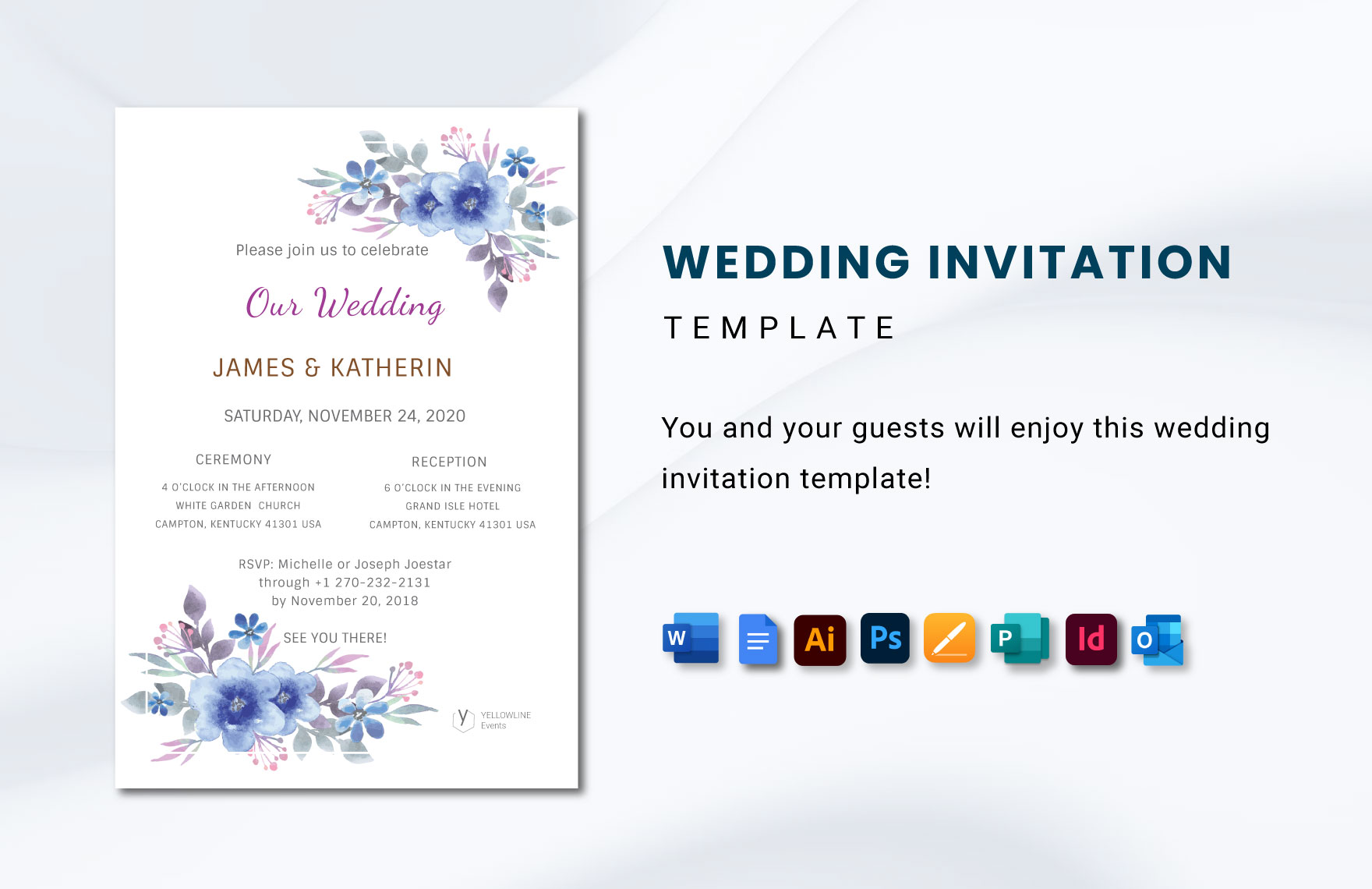
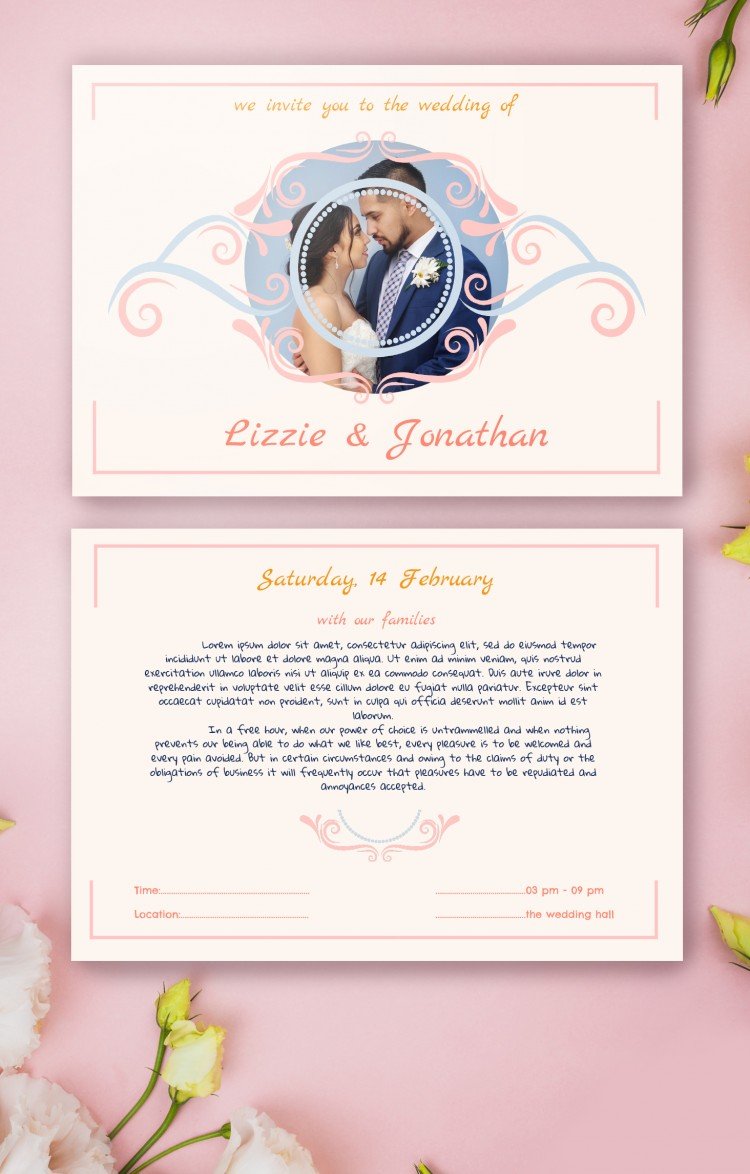
Planning a wedding can be both exciting and overwhelming, especially when it comes to sending out invitations. You want your invites to reflect your style and set the tone for your special day. That’s where the Casual Wedding Invitation Free Google Docs Template comes in handy. With this template, you can create beautiful invitations in no time, all while keeping your budget in check.
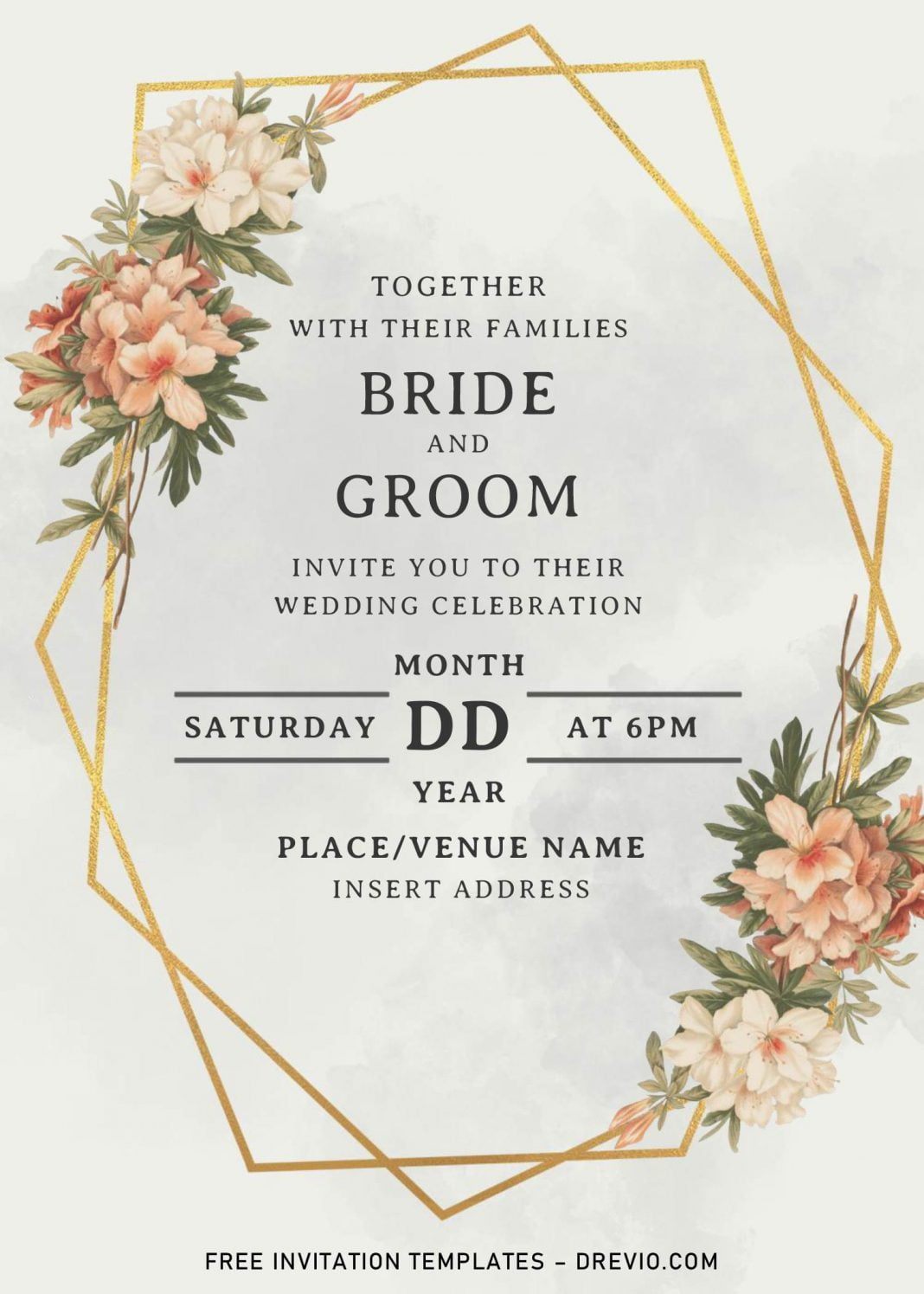
Why Use a Google Docs Template for Your Casual Wedding Invitation?
One of the best features of using a Google Docs template is its accessibility. You can easily access and edit the template from any device with internet access. This means you can work on your invitations during your lunch break or while relaxing on the couch after a long day. Plus, Google Docs saves your progress automatically, so you don’t have to worry about losing your work.
Additionally, the collaboration feature allows you to invite family or friends to help you design the invitation. This can make the process more enjoyable and less stressful. You can easily share the document with your partner or your wedding planner, allowing everyone to provide input and make changes in real-time.
Customizing Your Casual Wedding Invitation
Once you’ve downloaded the Casual Wedding Invitation Free Google Docs Template, it’s time to make it your own. Here are some practical steps to customize your invitations:
Personalizing Wording
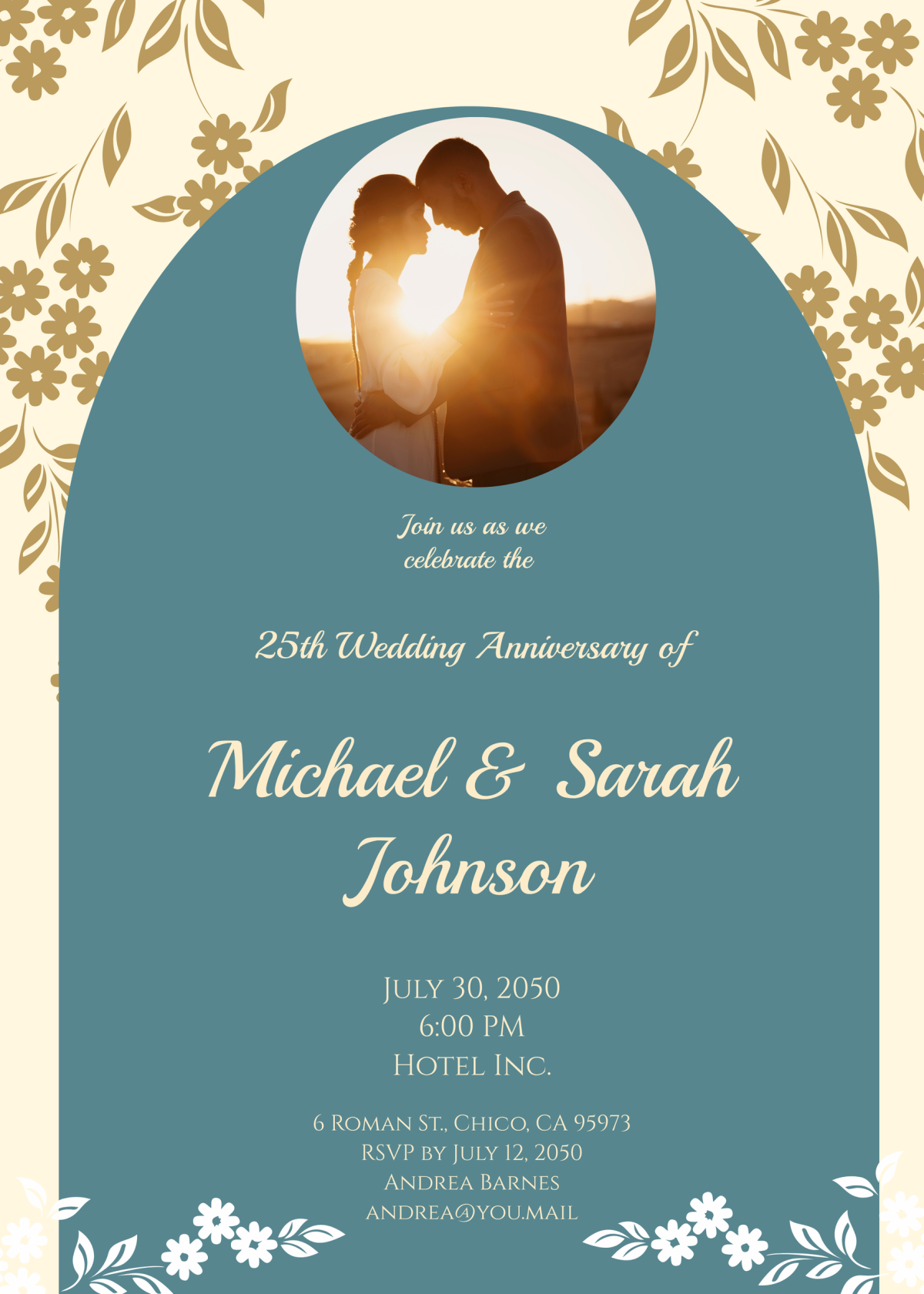
The wording of your invitation is crucial; it sets the tone for your event. You might opt for a lighthearted and casual tone if you’re planning a relaxed gathering. Here’s a simple structure you can follow:
- Host Line: “Join us for the wedding of [Your Name] and [Partner’s Name]”
- Date and Time: “Saturday, the [Date] of [Month], [Year] at [Time]”
- Location: “[Venue Name], [Address]”
- RSVP Details: “Please let us know by [RSVP Date] at [Contact Information]”
Feel free to adjust the wording to fit your personality and the overall vibe of your wedding.
Choosing Colors and Fonts
Once the wording is set, focus on the design elements. Google Docs allows you to easily change fonts and colors. Choose a color palette that complements your wedding theme. For example, soft pastels work well for spring weddings, while rich jewel tones are perfect for autumn. When selecting fonts, aim for readability while also expressing your style. A combination of a script font for the names and a sans-serif font for the details can look elegant yet casual.
Paper and Printing Choices
When it comes to printing your invitations, the type of paper you choose can make a big difference. Here are some options to consider:
- Standard Cardstock: This is a reliable choice for most home printers. It’s durable and gives a professional look.
- Textured Paper: If you want to add a bit of flair, consider using textured paper. It can add depth to your invitations.
- Recycled Paper: For an eco-friendly option, recycled paper is great. It’s often slightly heavier, which can give your invites a substantial feel.
Before printing, make sure to test a few prints on regular paper to check for alignment and color accuracy.
Mailing Vs. Hand-Delivering Your Invitations
Deciding whether to mail or hand-deliver your invitations can affect your paper choice and design. If you’re mailing the invitations, consider the following:
Envelope Sizing
The standard size for most wedding invitations is 5×7 inches, which fits perfectly in an A7 envelope. Make sure to account for the thickness of your cardstock when choosing the envelope. If you’re hand-delivering, you might opt for a slightly thicker paper, as you won’t have to worry about postage costs.
Postage Considerations
Keep in mind that heavier invitations may require additional postage. If you’re using embellishments like ribbons or additional layers, weigh your finished invitations to ensure you purchase enough stamps. A quick visit to your local post office can help you determine the right postage for your invitations.
Final Touches and Delivery
Once your invitations are printed and ready to go, it’s time to add the final touches. Consider including a personal note or a small insert with information about your wedding website, accommodations, or a special message for your guests. These little details can make your invitations feel even more special.
After everything is set, you can either hand-deliver your invitations or mail them out. If you’re mailing, ensure that you double-check addresses and seal the envelopes securely. If you’re hand-delivering, consider making an event out of it—perhaps a small gathering with friends to celebrate the upcoming wedding while delivering the invites.
By using the Casual Wedding Invitation Free Google Docs Template, you’re not just saving time and money; you’re also creating something unique that reflects your personality and vision for your big day. The ease of customization and accessibility of Google Docs makes it a fantastic choice for modern couples looking to keep their planning as stress-free as possible.
Casual Wedding Invitation Free Google Docs Template Gallery