When planning a wedding, one of the most crucial aspects is managing your guest list effectively. With the Casual Wedding Guest List Free Google Sheets Template, you can easily keep track of everyone you want to invite, their RSVP status, and other important details. This template is designed to help you stay organized, ensuring that you don’t overlook any important guests or details as your big day approaches.
Understanding the Layout of the Template
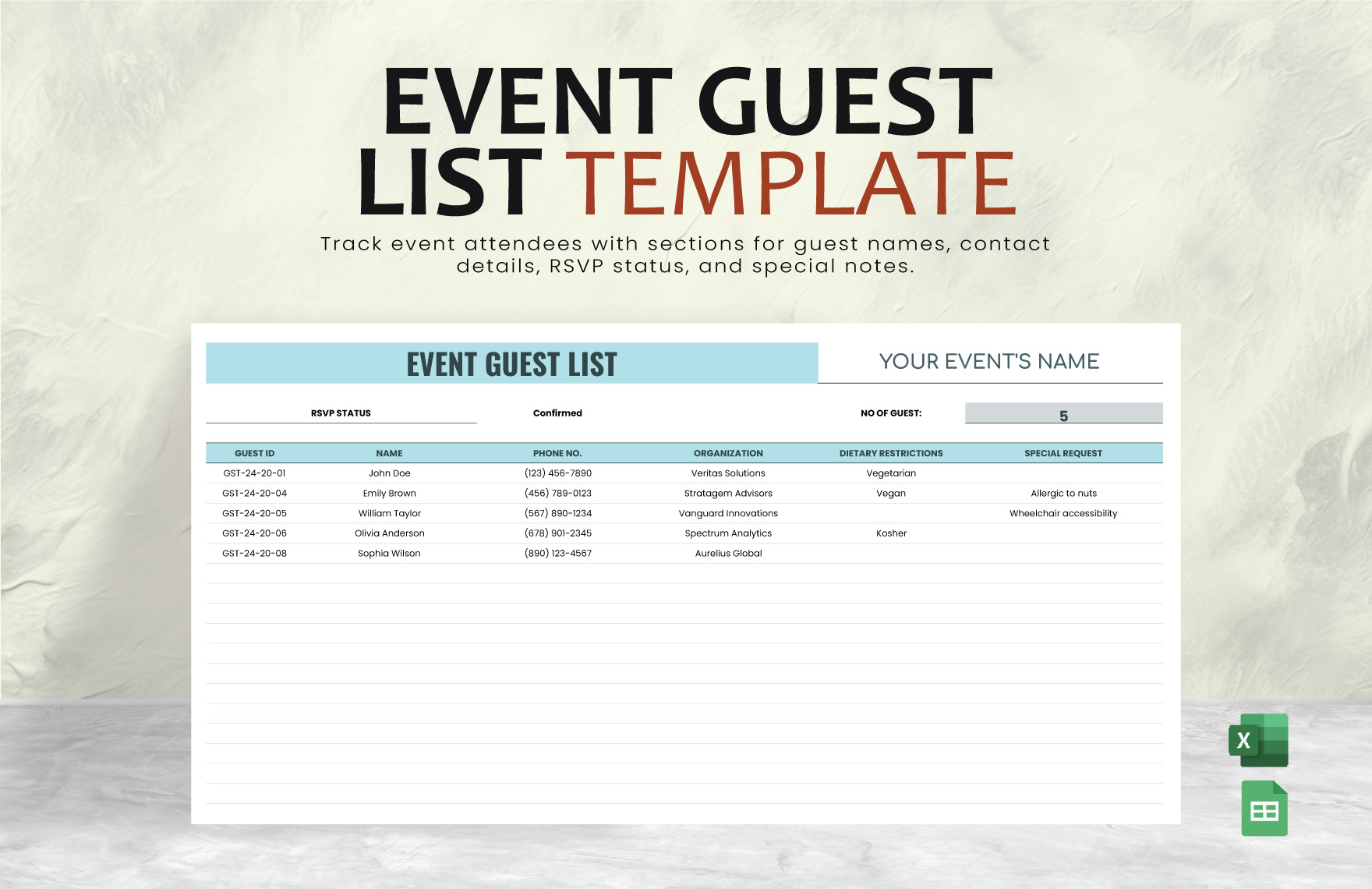
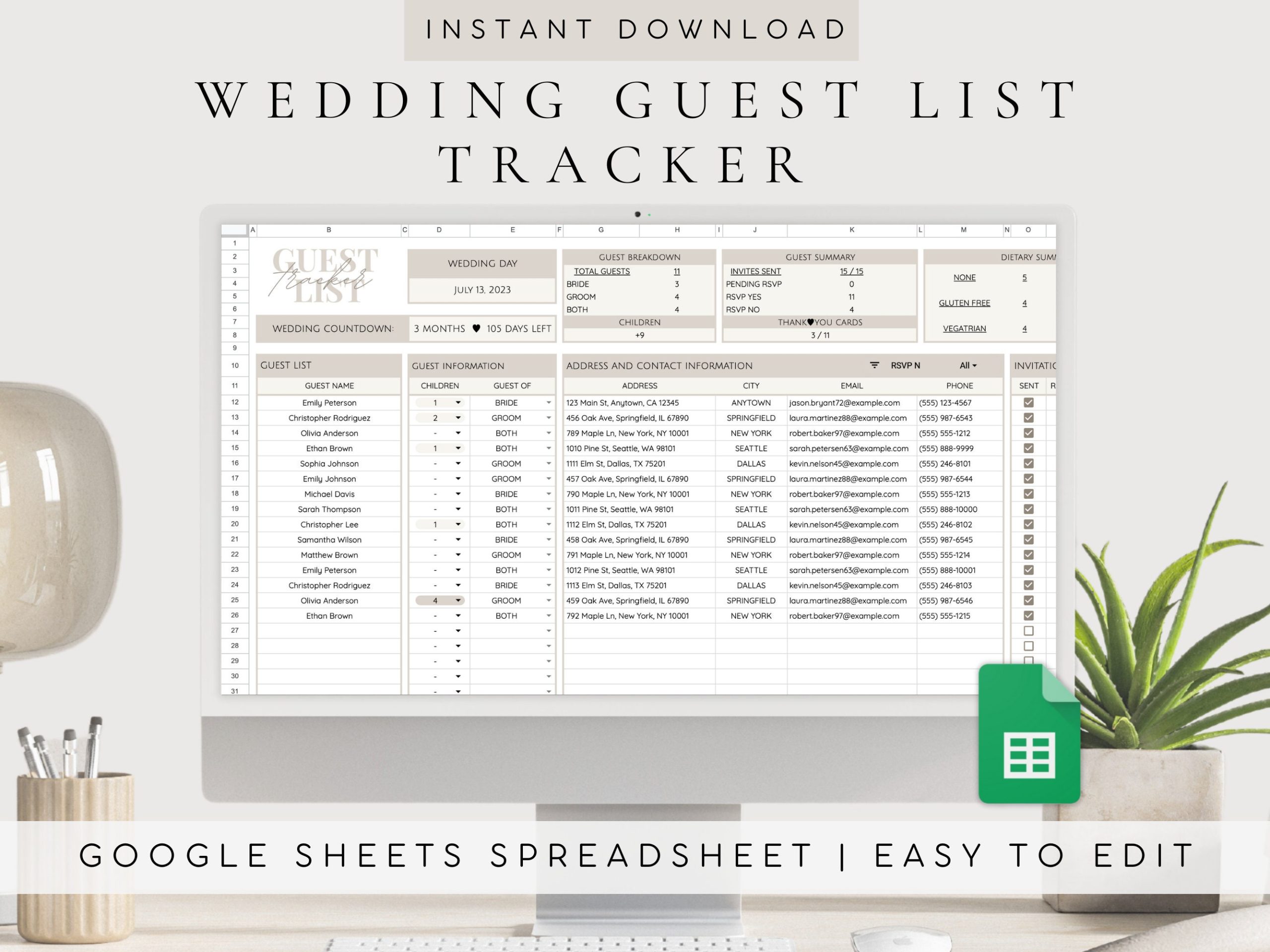
The Casual Wedding Guest List Free Google Sheets Template is user-friendly and visually appealing. At first glance, you’ll notice a clean design with clearly labeled columns. Here’s what you can expect:
- Guest Name: This is where you’ll input the names of your guests. You can customize this to include titles (e.g., Mr., Mrs., Dr.) if you wish.
- Contact Information: Columns for email and phone numbers ensure you can reach out for confirmations or any last-minute changes.
- RSVP Status: A dropdown menu allows you to select whether guests have accepted, declined, or not yet responded, making it easy to track who’s coming.
- Meal Choices: If you’re offering meal options, this section lets you note what each guest prefers, which can be incredibly helpful for catering.
- Notes: This column is perfect for jotting down any special requests or reminders for each guest.
By using this layout, you can quickly glance at your guest list and see where you stand with your invitations and responses.
Customizing Your Guest List Template
One of the best features of this Google Sheets template is its adaptability. You can easily customize it to fit your specific needs. For example, if you’re planning to have a themed wedding, you might want to add columns for guest affiliation (like family, friends, or coworkers) to keep track of who knows whom.
Additionally, you can adjust the formatting to match your wedding colors or theme. Changing the font, colors, or even adding a personal touch like a wedding logo makes this template feel uniquely yours.
When downloading the template, ensure you make a copy to your own Google Drive. This allows you to edit it freely without affecting the original template.
Practical Decisions for Downloading and Printing
Downloading the Casual Wedding Guest List Free Google Sheets Template is straightforward and can be done in just a few clicks. Here’s a quick guide on how to do it:
- Click the download link provided on the resource page.
- Once in Google Sheets, select “File” and then “Make a copy” to save it to your own Drive.
- Customize the template as needed.
- If you prefer a physical copy, you can print it directly from Google Sheets. Just remember to adjust your print settings to ensure everything fits correctly on the page.
When printing, I recommend using a standard letter size (8.5 x 11 inches) for easy handling. If you plan to keep this list handy during your planning process, consider printing on heavier paper or cardstock for durability.
How to Use the Guest List Effectively
Once you’ve set up your Casual Wedding Guest List Free Google Sheets Template, the next step is to make the most of it. Here are some tips:
- Regular Updates: Make it a habit to update the guest list regularly. Every time you get an RSVP, input it immediately. This will save you from last-minute stress.
- Share with Your Partner: If you’re sharing planning duties, make sure to give your partner access to the template. Google Sheets allows for easy collaboration, so you both can add notes or changes in real-time.
- Track Gifts: If you’re also keeping track of gifts, consider adding a column for that too. It can be helpful to remember who gifted what, especially for thank-you notes later.
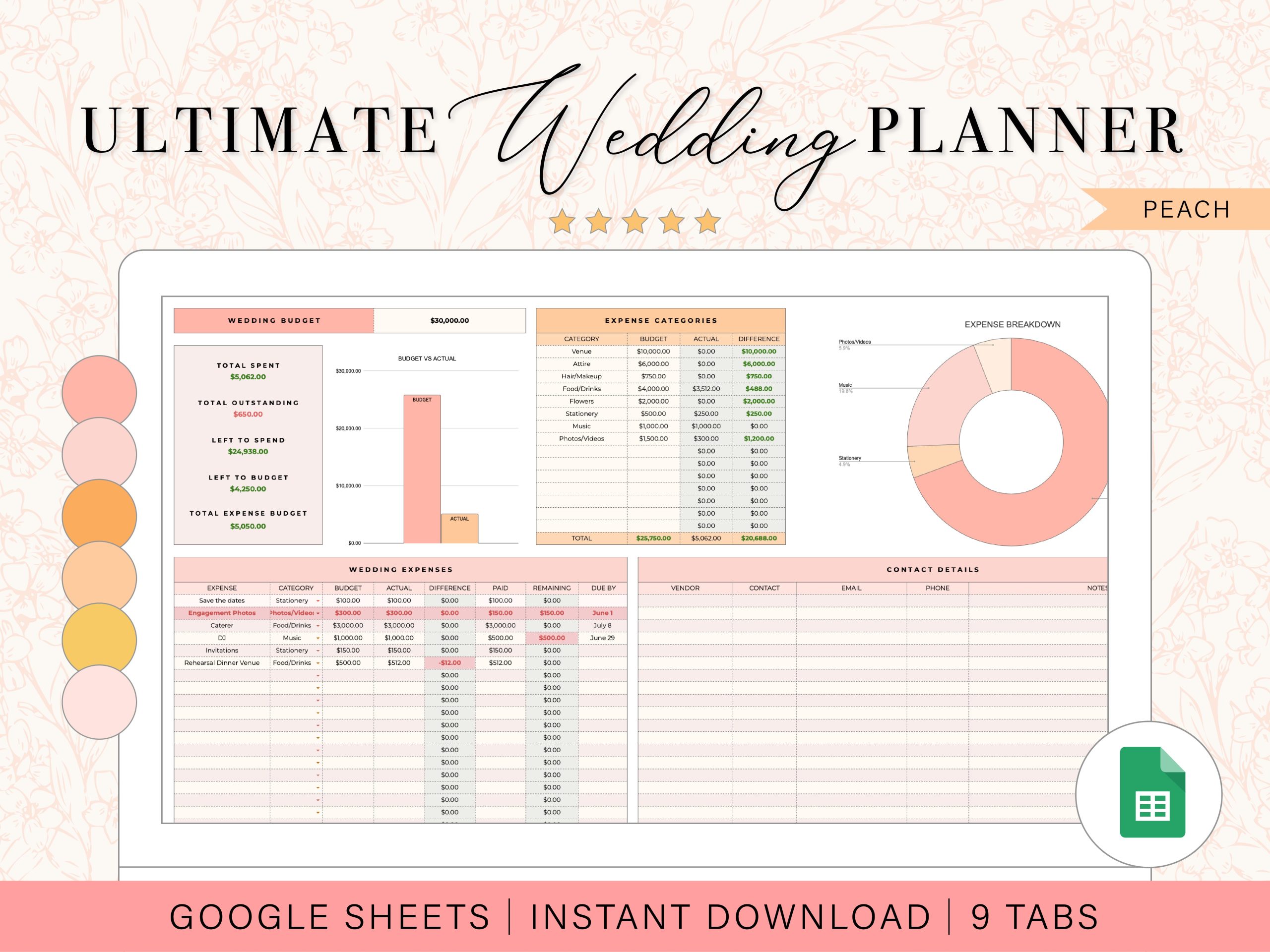
The beauty of this template is that it not only helps you organize your guest list but also serves as a central hub for wedding planning.
Final Touches Before Sending Invitations
As your wedding date approaches, double-check your guest list for any errors or missing information. This is the perfect time to ensure that all contact details are accurate and that you’ve accounted for everyone you want to invite.
Also, consider adding a final column for “Invitation Sent” to keep track of who has received their invite. This small detail can help you manage follow-ups if you don’t hear back from certain guests.
One last useful detail: the template is designed to be mobile-friendly, so you can easily access it on your phone while out and about. This means you can update details or check your list wherever you are, making wedding planning even more convenient.
Casual Wedding Guest List Free Google Sheets Template Gallery