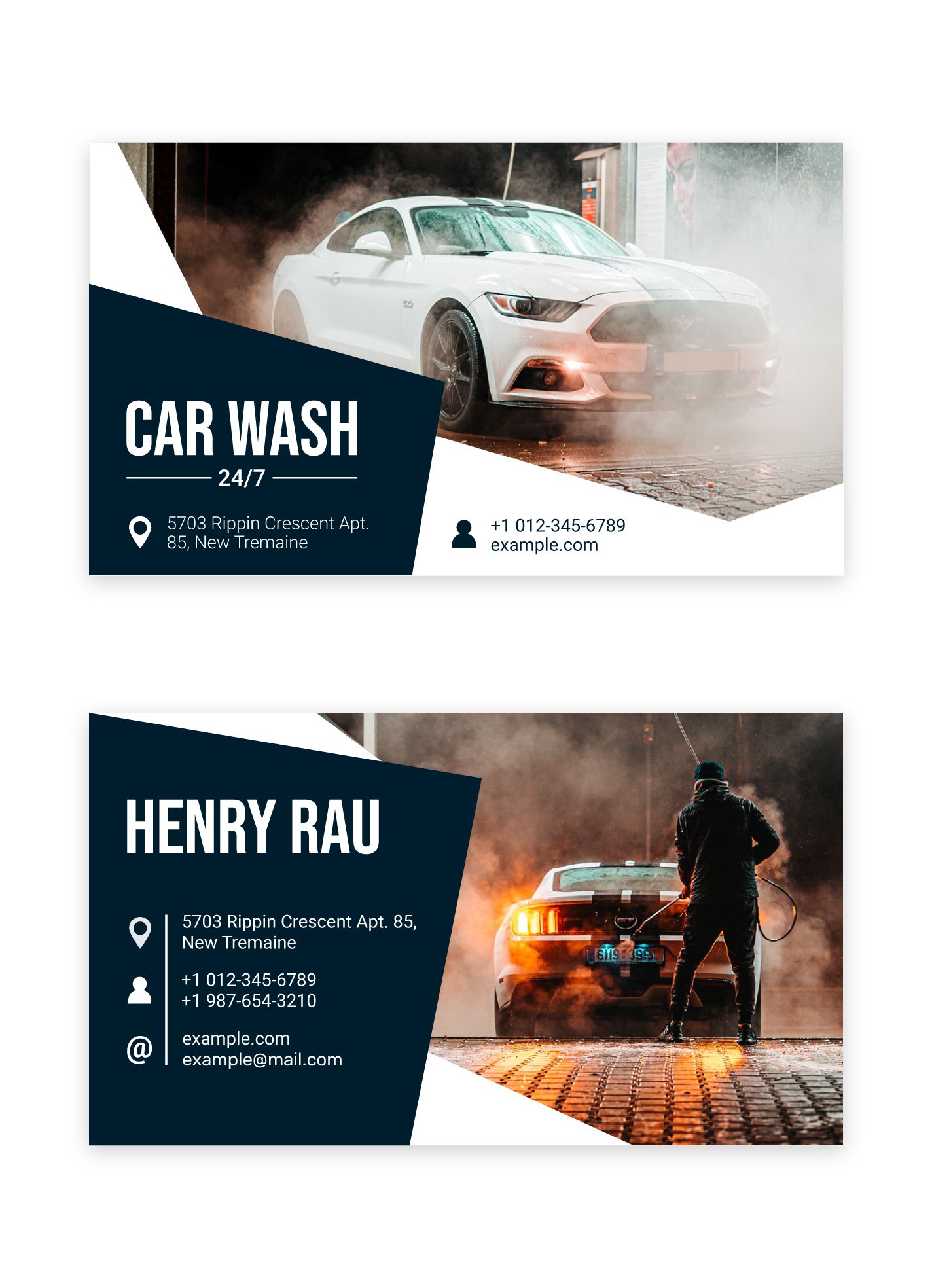
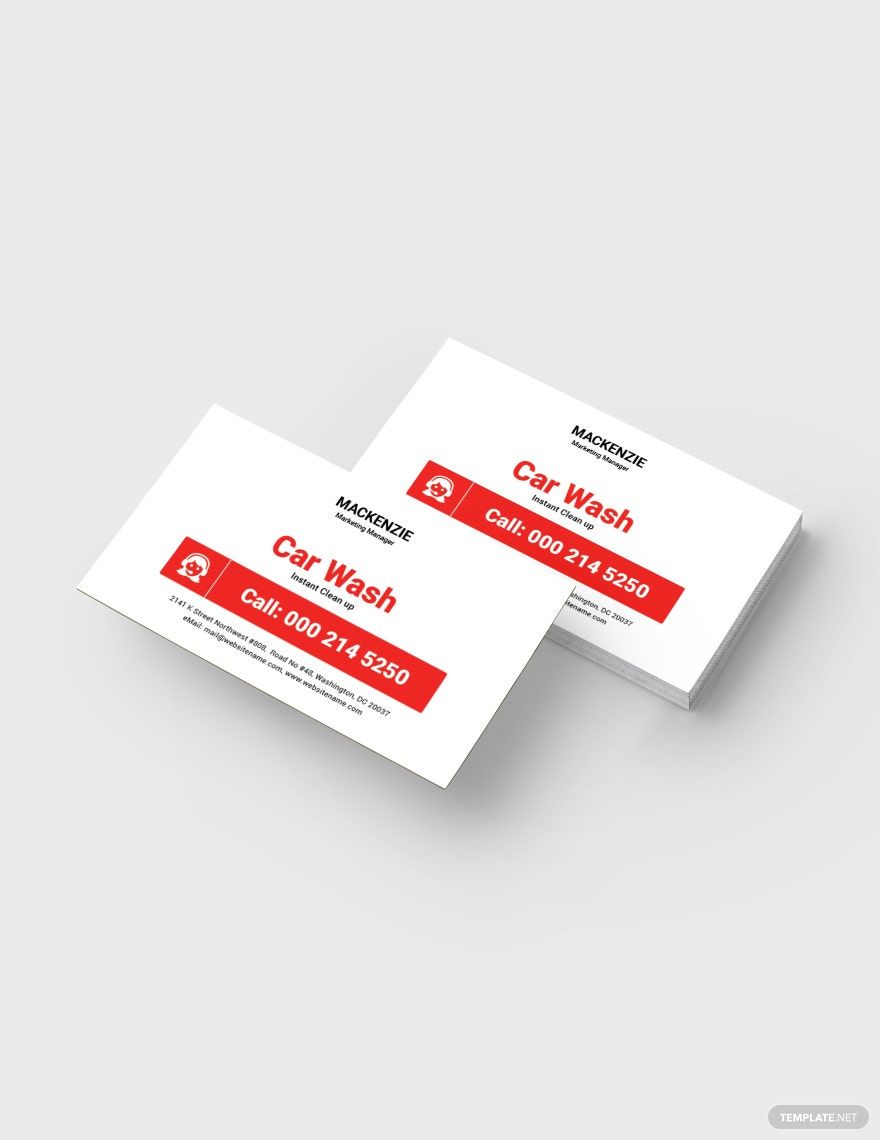
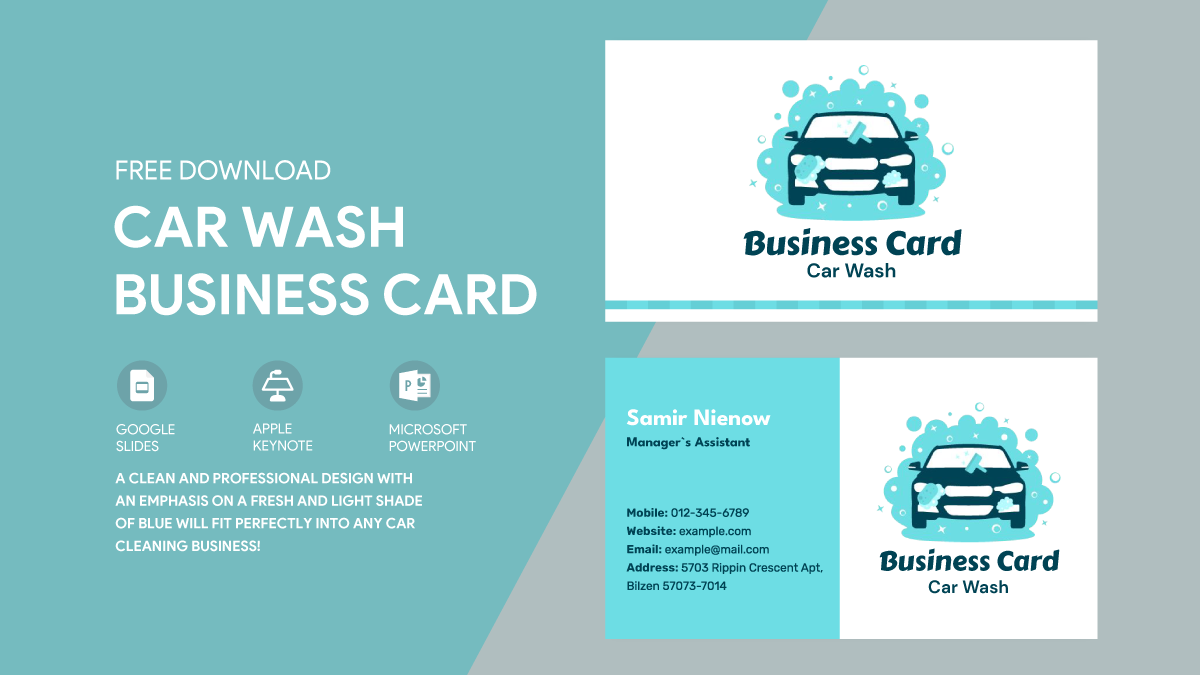
Creating a business card for your car washing service doesn’t have to be complicated. With the Car Washing Business Card Free Google Docs Template, you can get started quickly and easily. I remember when I first needed business cards for my own side hustle; I wanted something that looked professional without breaking the bank. Using a template like this is a great solution. Let’s walk through how to customize your card, choose the right paper, and set everything up for printing.
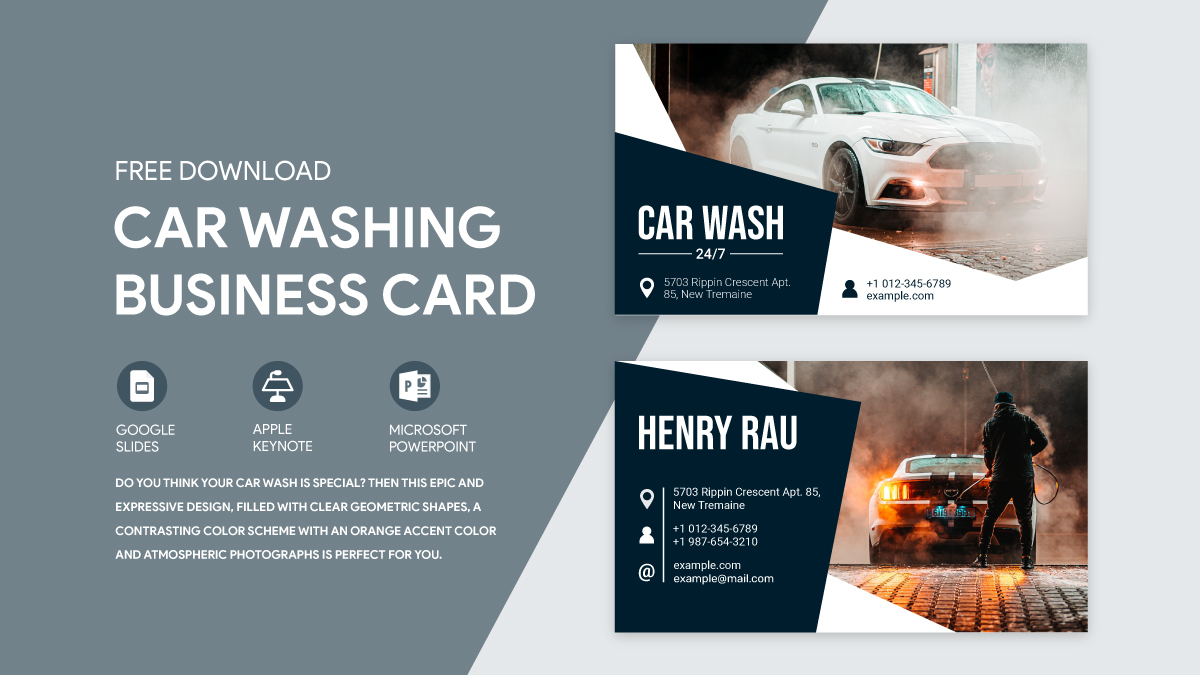
Customizing Your Business Card Template
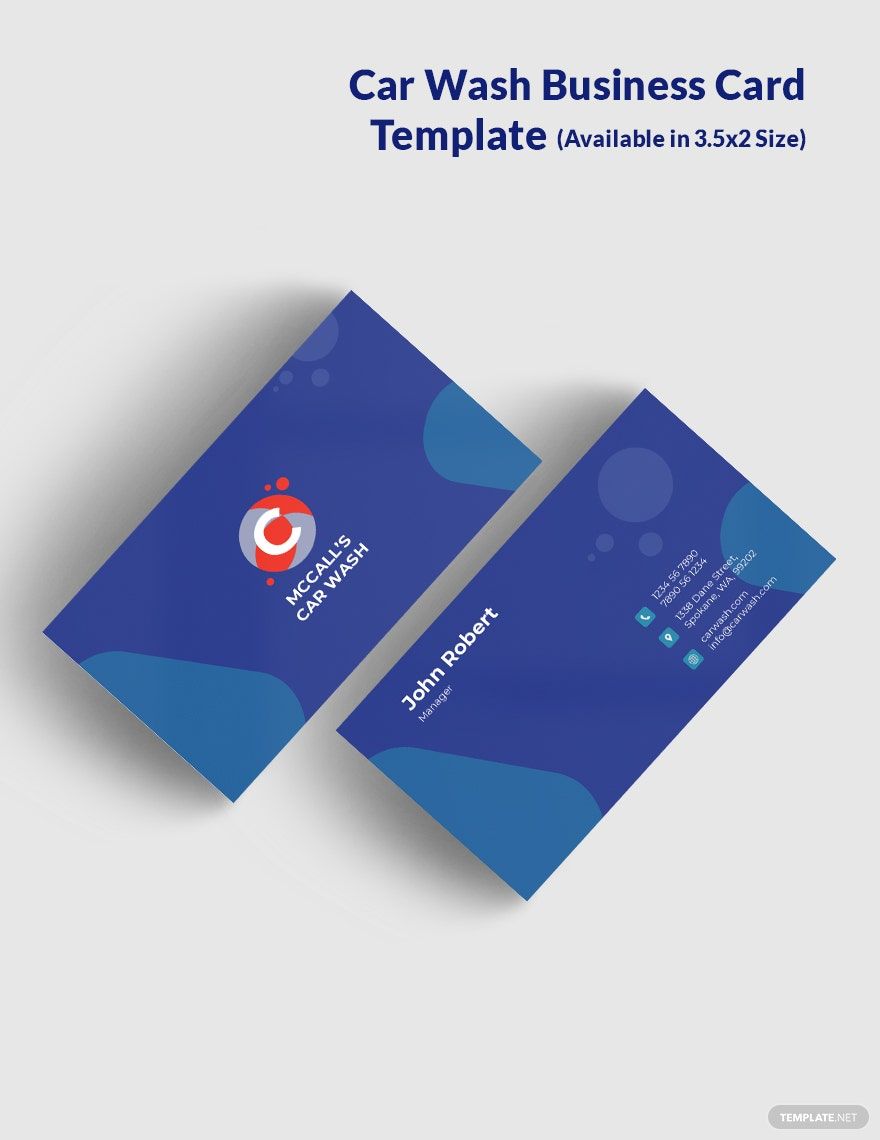
Once you access the Car Washing Business Card Free Google Docs Template, the first step is customization. You’ll want to personalize it with your business name, contact information, and any specific services you offer.
Start by opening the template in Google Docs. From there, you can click on the text boxes to edit the information directly. Choose a font that reflects your brand—something clean and easy to read. I’ve found that sans-serif fonts tend to look more modern, which is perfect for a car washing business.
Don’t forget to add a logo if you have one! A logo can help your business stand out. If you don’t have a logo yet, consider using a simple graphic that relates to your service, like a car or a water splash.
Choosing the Right Paper for Printing
Now that your card is designed, it’s time to think about paper choices. The type of paper you use can significantly affect how your card feels and looks. Here are a few options:
- Standard Cardstock (80 lb): This is a common choice for business cards. It’s durable and feels substantial without being overly thick.
- Premium Cardstock (110 lb): This option gives a more professional feel and is less likely to bend. If you want your card to make a strong impression, this is the way to go.
- Glossy Finish: If your design includes images or colors, a glossy finish can make those elements pop. Just be mindful that glossy cards can be prone to fingerprints.
For most home printers, a cardstock that is 80 lb or 110 lb works well. You should also ensure that your printer can handle the thickness of the paper you choose.
Printer Setup for Best Results
Before you hit print, it’s essential to adjust your printer settings. Here’s a simple checklist to ensure everything goes smoothly:
- Select the Right Paper Size: Most business cards are 3.5 x 2 inches. Make sure your printer settings reflect this size.
- Use the Right Paper Type Setting: If your printer has options for cardstock, select that. It’ll adjust the ink flow and pressure for better results.
- Print a Test Page: Always print a test page on regular paper first. This allows you to check the layout and ensure nothing is cut off.
After making these adjustments, you’re ready to print your business cards on the cardstock.
Folding and Cutting Techniques
Once printed, you may need to cut your cards if they aren’t pre-perforated. Here’s how to do it neatly:
- Use a Paper Cutter: This will give you straight edges and a professional finish. If you don’t have one, a sharp pair of scissors can work, but it requires a steady hand.
- Mark Your Cuts: Measure and lightly mark where you need to cut. This step can prevent mistakes and ensure uniformity.
If you’re opting for a foldable card, be sure to score the fold line before folding to keep it crisp and clean.
Using Your Business Cards Effectively
Now that your business cards are ready, it’s time to put them to use! Keep a stack with you when you’re out and about. You never know when you might meet someone who could use your car washing services. Additionally, consider leaving a few cards at local businesses, community boards, or events.
You can also create a small display at your car washing station. This encourages customers to take a card and refer you to friends or family.
With the Car Washing Business Card Free Google Docs Template, you’ve taken an important step in promoting your business. Customize, print, and start sharing your cards today!
Car Washing Business Card Free Google Docs Template Gallery