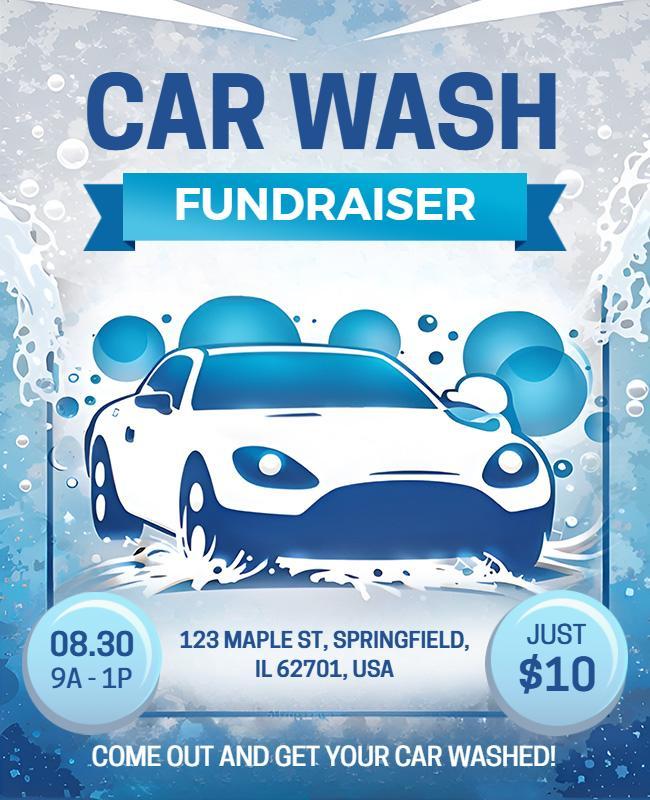
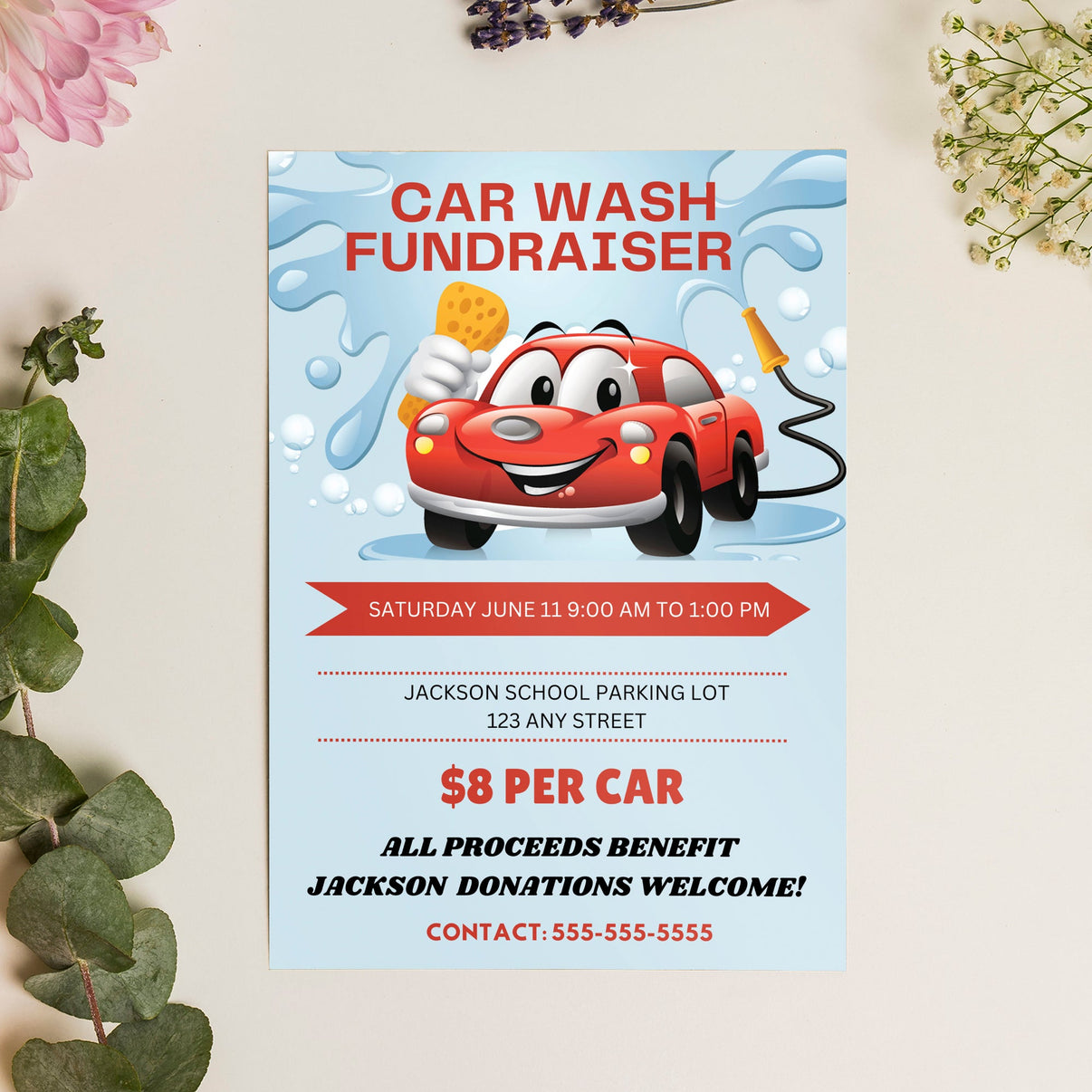
A well-designed flyer can be a useful option for any fundraiser, especially for a car wash event. The Car Wash Fundraiser Flyer Free Google Docs Template is a fantastic resource that simplifies the process of promoting your event. This template is easy to customize, allowing you to quickly adapt it to fit your specific needs. With a standard size of 8.5 x 11 inches, it’s perfect for printing on regular letter-sized paper, making it accessible for everyone.
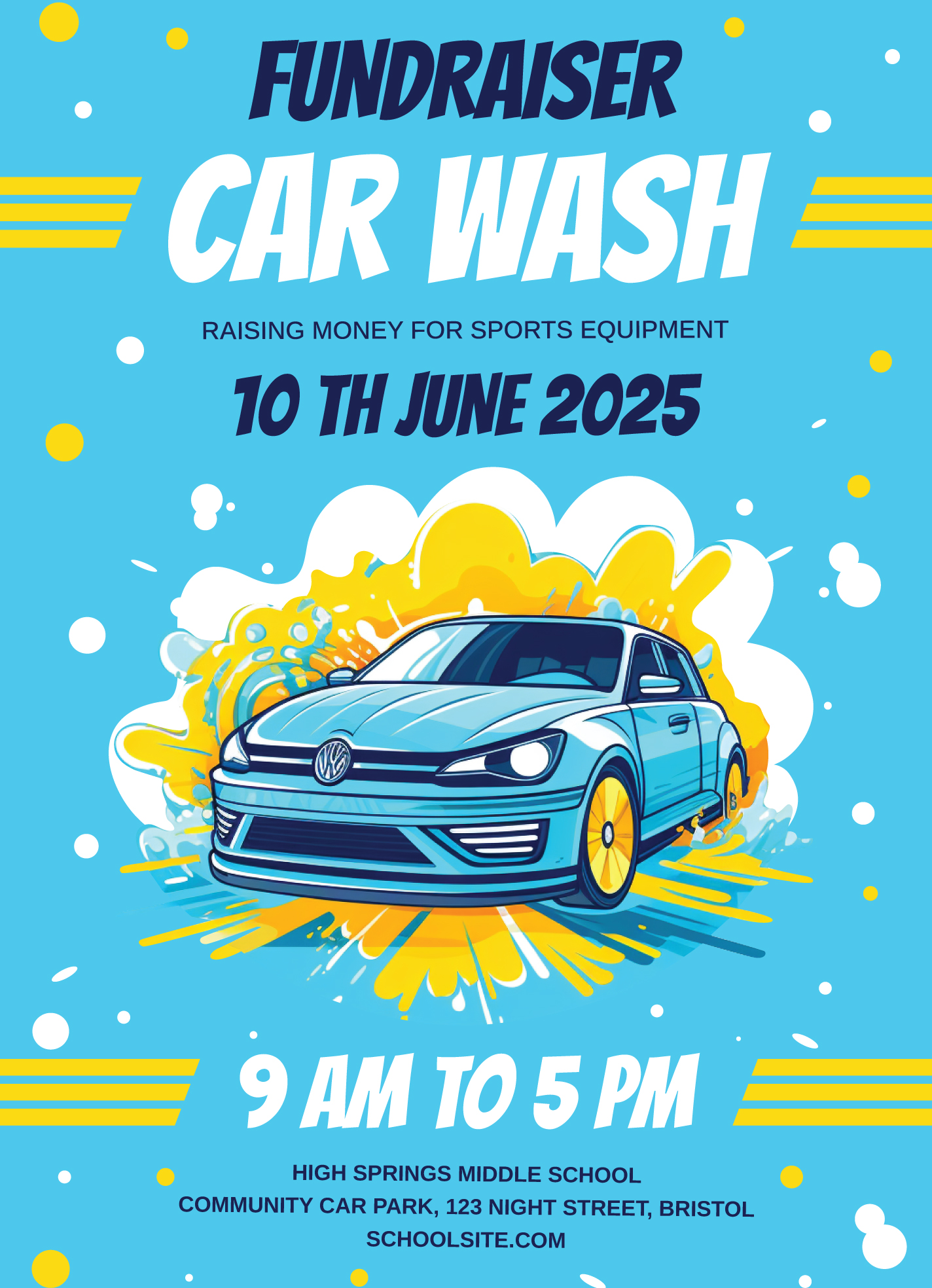
Customizing Your Flyer for Maximum Impact
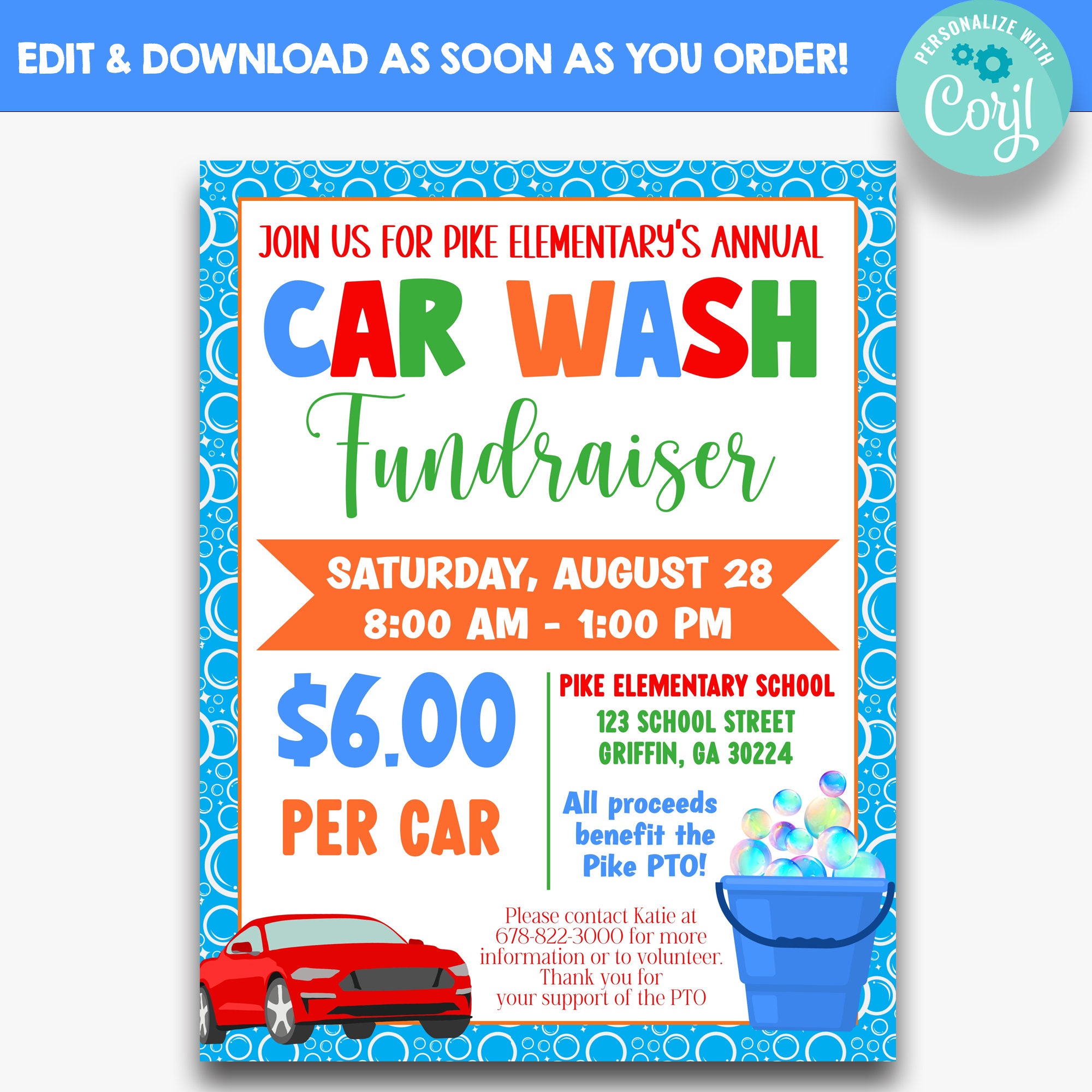
When you first download the Car Wash Fundraiser Flyer Free Google Docs Template, you’ll notice its clear sections designed for easy customization. You can change the event name, date, time, and location directly in the document. This flexibility means you can tailor it to your specific fundraiser, whether it’s for a school club, sports team, or community service project.
The template features designated areas for eye-catching graphics and images. Consider adding your team’s logo or a fun graphic of a car being washed to grab attention. This visual component is essential as it helps convey the light-hearted and community-driven nature of the event.
Essential Sections of the Flyer
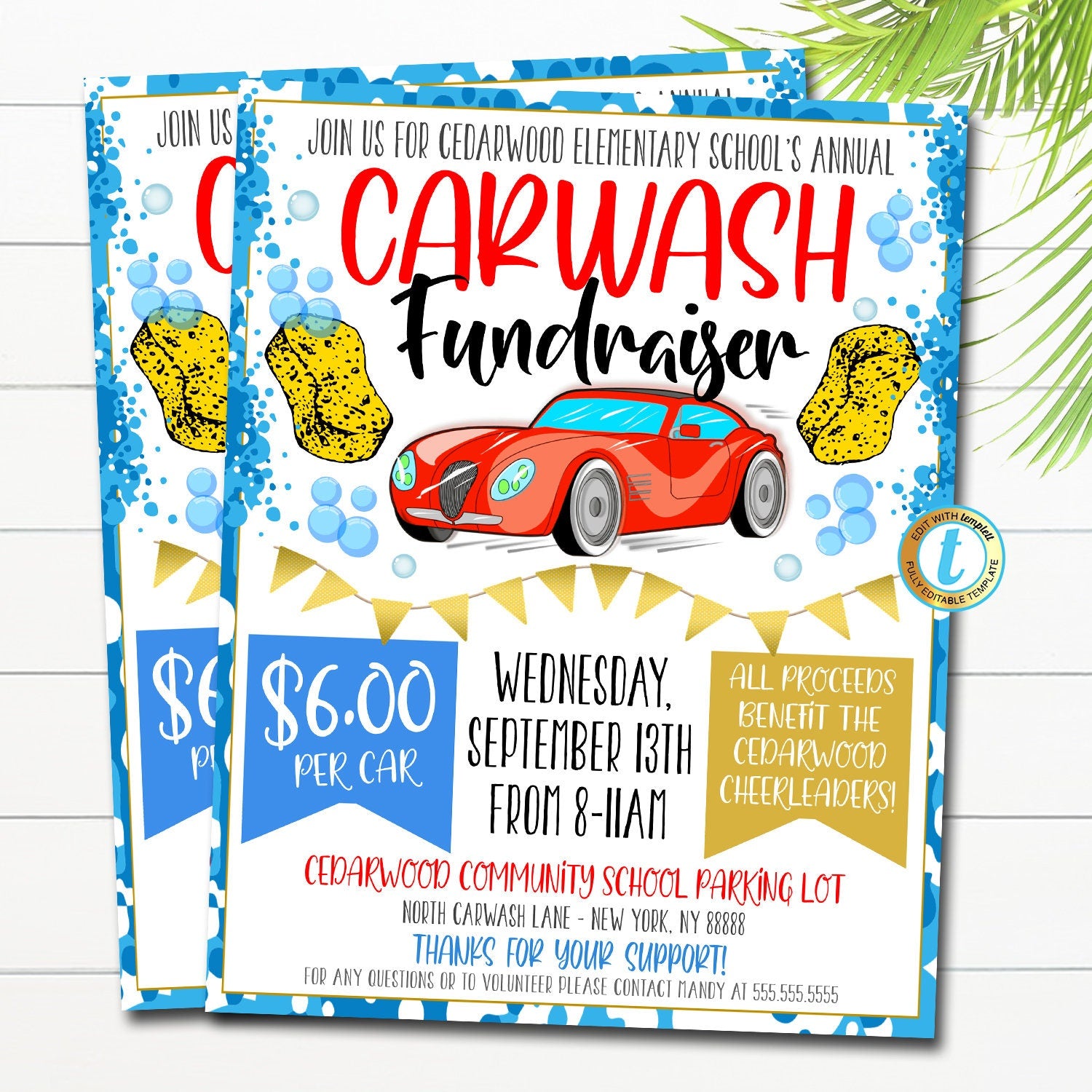
The Car Wash Fundraiser Flyer Free Google Docs Template is structured to ensure that all vital information is included without overwhelming potential customers. Here’s a breakdown:
- Event Name: This is prominently displayed at the top, making it the first thing people see.
- Details: Right below the event name, you’ll find sections for the date, time, and location. Make sure to double-check these details for accuracy!
- Pricing Information: Clearly state how much you’re charging for the car wash. Consider offering deals, like a discount for pre-booking or group rates.
- Contact Information: Include a phone number or email address for questions or pre-bookings. This can really help with organization and customer engagement.
This layout not only provides all necessary details but also makes it easy for readers to find what they need quickly.
Downloading and Printing Tips
Once you’ve customized your flyer, it’s time for the fun part: printing! Here are a few tips to ensure your flyers look their best:
- Paper Type: Use a heavier paper, like cardstock, for a more professional feel. This adds durability, especially if you plan to hang them outdoors.
- Color Settings: If you have access to a color printer, use it! Vibrant colors can make your flyer stand out much more than black and white.
- Portrait vs. Landscape: The template is designed in portrait mode, which is typically better for home printers and easier to read when posted on bulletin boards.
If you’re planning to print a large batch, consider using a local print shop. They often have higher-quality printers that can enhance the overall look of your flyers.
Distributing Your Flyer Effectively
Now that your flyers are printed and ready, it’s time to think about distribution. Here are a few strategies to maximize your outreach:
- Local Businesses: Ask local shops if you can leave a stack of flyers at their counters. Many businesses are supportive of community fundraising efforts.
- Community Boards: Post your flyers on community boards at libraries, schools, and grocery stores.
- Social Media: Take a picture of your flyer and share it on social media platforms. You can also create an event page to engage with potential attendees.
These strategies can help you reach a wider audience and increase participation in your fundraiser.
Real-World Applications of the Template
The Car Wash Fundraiser Flyer Free Google Docs Template is not just for car washes. Its adaptable format can be utilized for various fundraising events. For instance, you could modify it for bake sales, garage sales, or other community events. The key is to keep the layout and design elements consistent, so your audience recognizes your branding across different initiatives.
This versatility makes the template a great asset for any parent or community organizer looking to make a positive impact while keeping things simple and efficient.
The single most useful detail to remember about this template is that it’s entirely editable in Google Docs, which means you can access it from anywhere and collaborate with others if needed. Just be sure to save a copy to ensure your original template remains unchanged!
Car Wash Fundraiser Flyer Free Google Docs Template Gallery