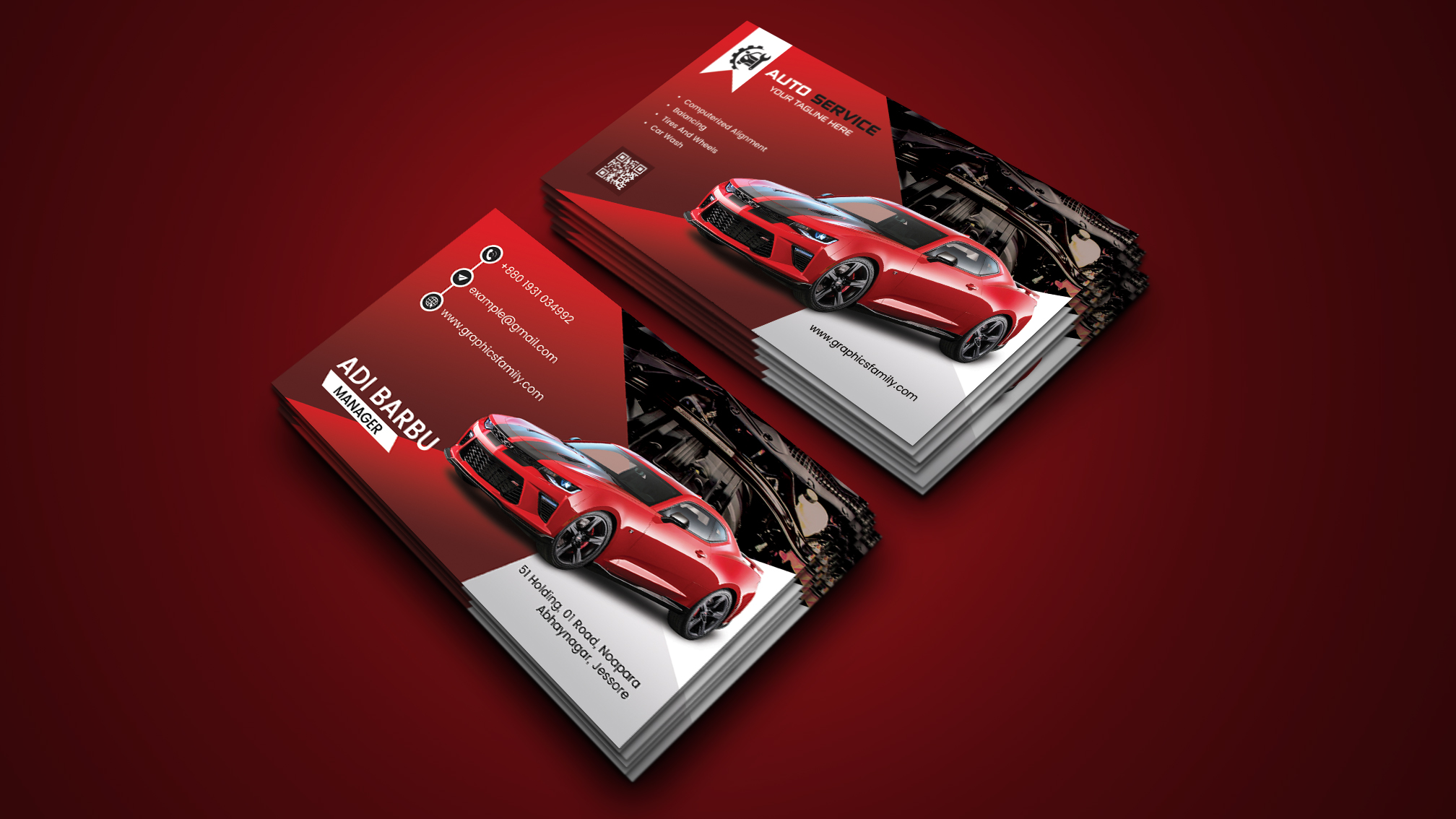
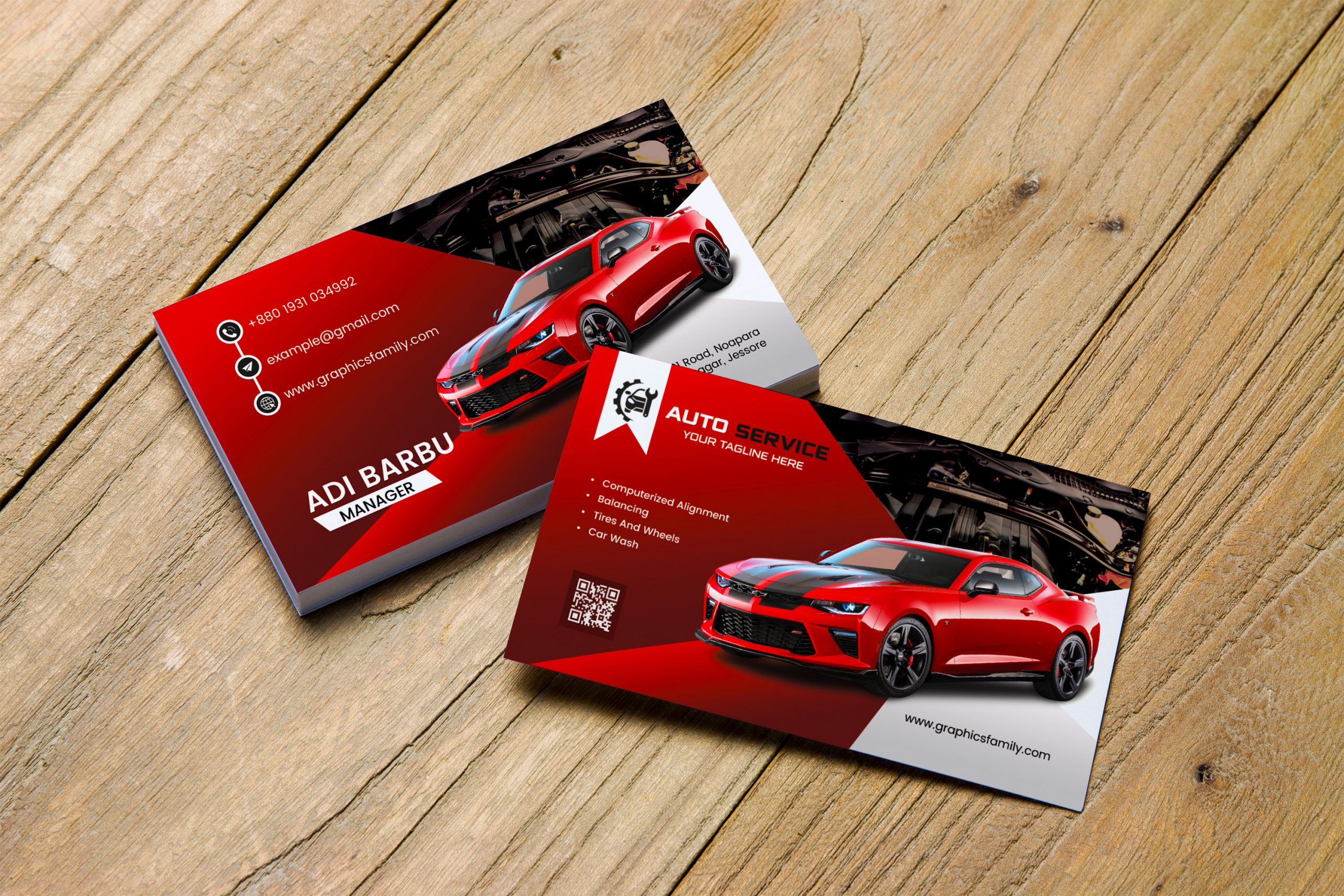
Creating a business card that represents your car dealership can be an exciting yet daunting task. You want it to reflect your brand, convey essential information, and be visually appealing—all while being easy to produce. That’s where the Car Dealer Business Card Free Google Docs Template comes in. This template is designed for convenience, allowing you to create a professional card without the hassle of complicated design software.
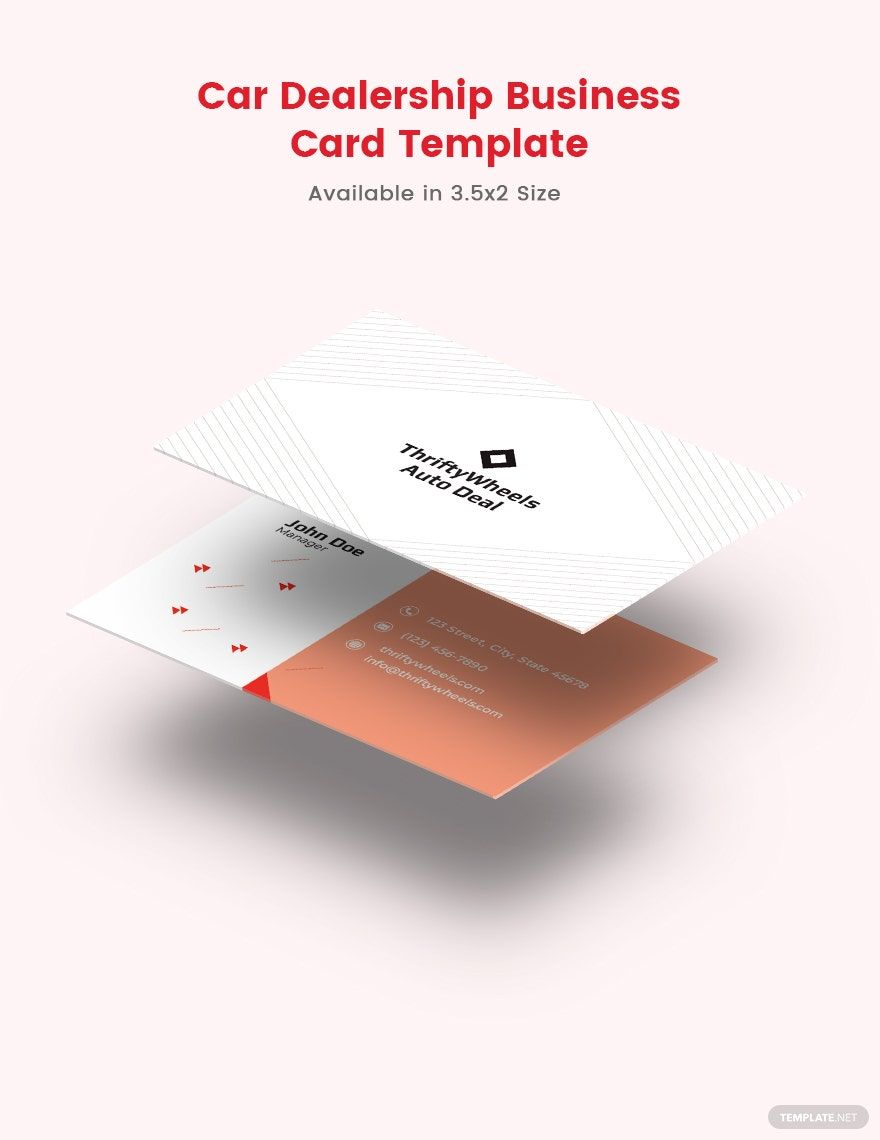
Why Use a Google Docs Template for Your Car Dealer Business Card?
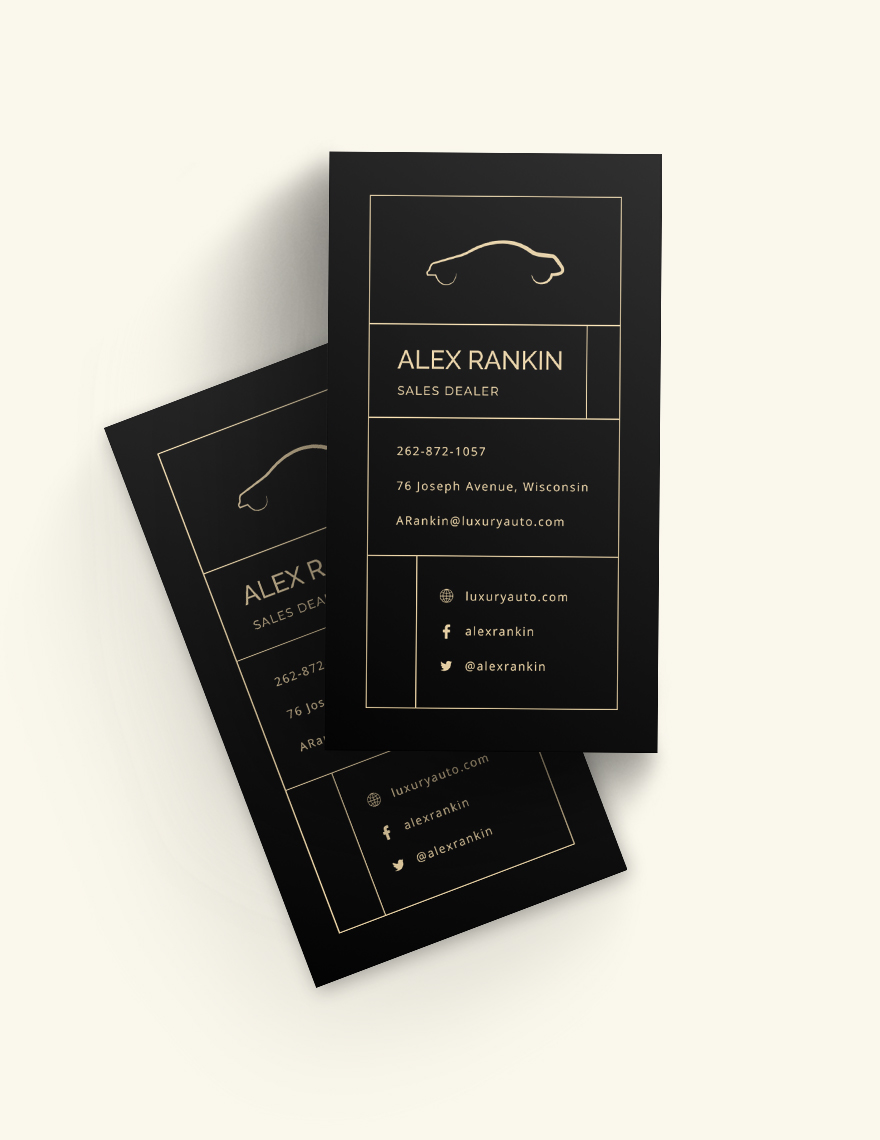
Using Google Docs for your business card offers several advantages. Primarily, it’s user-friendly and accessible from any device with internet connectivity. No need to worry about whether your software is up to date or if you have the right program to open a specific file type.
Additionally, Google Docs saves your work automatically, which means you won’t lose your progress unexpectedly. You can also easily share your card with others for feedback before printing. The collaborative nature of Google Docs allows for seamless input from your team or friends, ensuring that your final design is polished and professional.
Customizing Your Car Dealer Business Card Template
Once you’ve downloaded the Car Dealer Business Card Free Google Docs Template, customization is straightforward. Here are some key areas to focus on:
- Logo and Branding: Start by adding your dealership’s logo at the top of the card. This establishes brand recognition and provides a professional touch.
- Contact Information: Include essential details such as your name, title, phone number, email address, and dealership website. Make sure this information is easy to read and correctly spelled; errors here can leave a poor impression.
- Design Elements: Play around with colors and fonts that match your brand’s identity. Google Docs allows you to change text styles and background colors easily, so don’t hesitate to experiment until you find the perfect fit.
- Call to Action: Consider adding a call to action like “Visit us today!” or “Schedule a test drive!” This can encourage potential customers to engage with your business.
Printing Your Business Cards
After customizing your business card template, it’s time to print. The quality of your print job can significantly impact the impression your card makes. Here are some tips to ensure a professional finish:
- Paper Choice: Opt for a thicker cardstock, as it feels more substantial and durable than regular paper. A weight of 300 gsm is generally recommended for business cards.
- Size: Most business cards are sized at 3.5 x 2 inches. Ensure your template is set to this size for easy printing and fitting into standard business card holders.
- Printer Settings: If you’re printing at home, check that your printer settings match your paper choice. For example, select “high quality” for best results and ensure that you’re printing on the correct side of the paper.
Using Your Business Cards Effectively
Having a stack of business cards is only the beginning. How you use them can make a significant difference in your networking efforts. Here are a few practical ways to utilize your business cards:
- Networking Events: Always carry a few cards with you to trade during networking events or industry conferences. When you meet potential clients or partners, hand them your card and briefly explain what you do.
- Follow-Up: After meeting someone, follow up with a personal message and include your card. This reinforces your connection and keeps your business fresh in their mind.
- Customer Interactions: Whenever you sell a car, provide your business card to the new owner. This shows professionalism and offers them a way to contact you for future needs, like servicing.
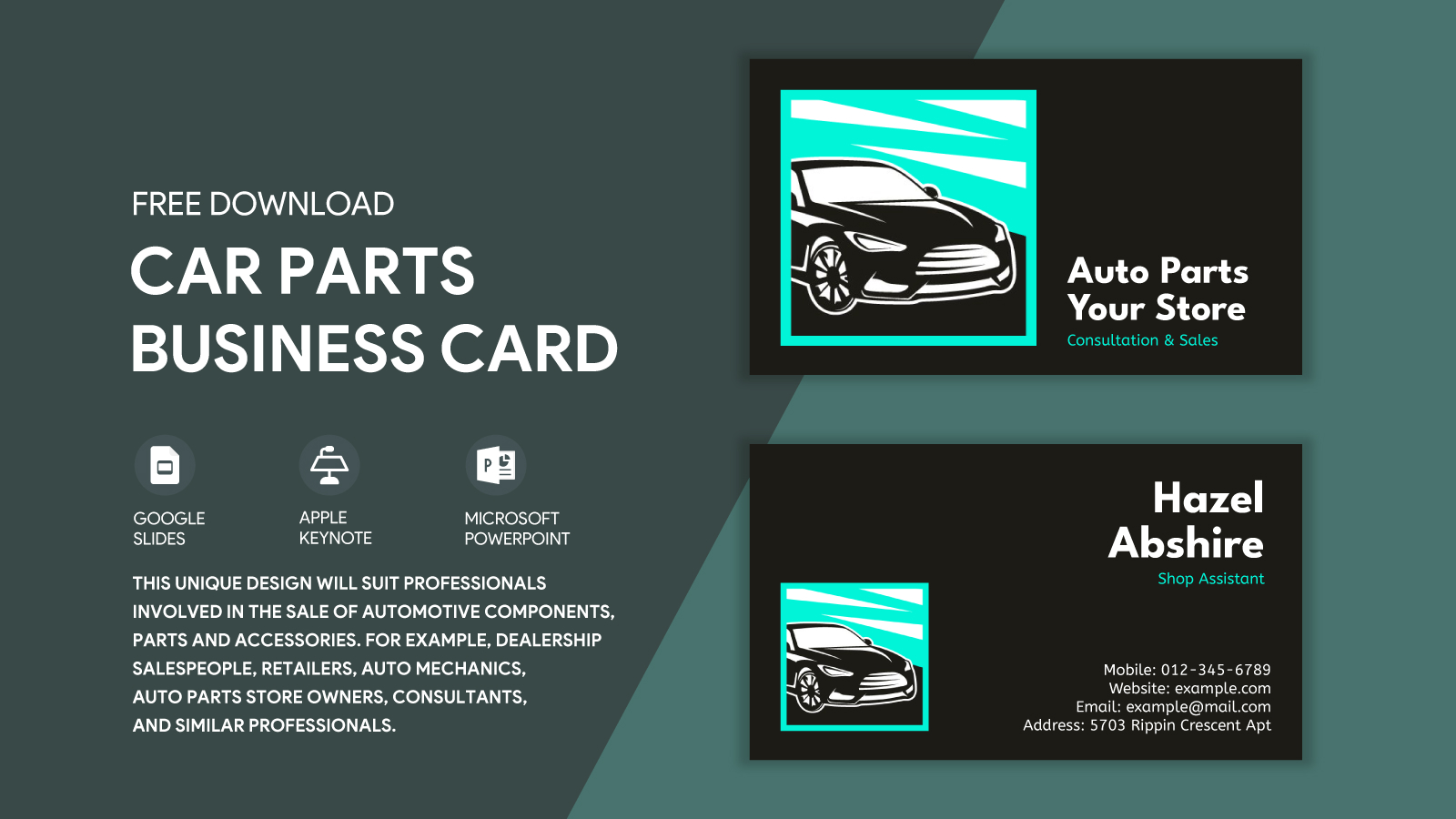
Adapting Your Template for Different Scenarios
One of the great features of using a template is the ability to adapt it for different occasions or purposes. For example, you might want to create a card specifically for a promotion or special event. Here’s how you can easily modify your existing template:
- Event-Specific Information: If you’re attending a car show, include details about the event and any special offers you’re providing there.
- Seasonal Promotions: Update your card for seasonal sales—like summer discounts or holiday specials—by changing the colors or adding festive elements.
- Referral Cards: Create a version of your business card that includes a referral offer, encouraging customers to share your information with friends and family.
By using the Car Dealer Business Card Free Google Docs Template, you’re not just creating a card—you’re building a tool for connection and communication. With thoughtful customization and effective usage, your business card can significantly impact your dealership’s success in attracting and retaining customers. So, get started on your design today, and watch your network grow!
Car Dealer Business Card Free Google Docs Template Gallery