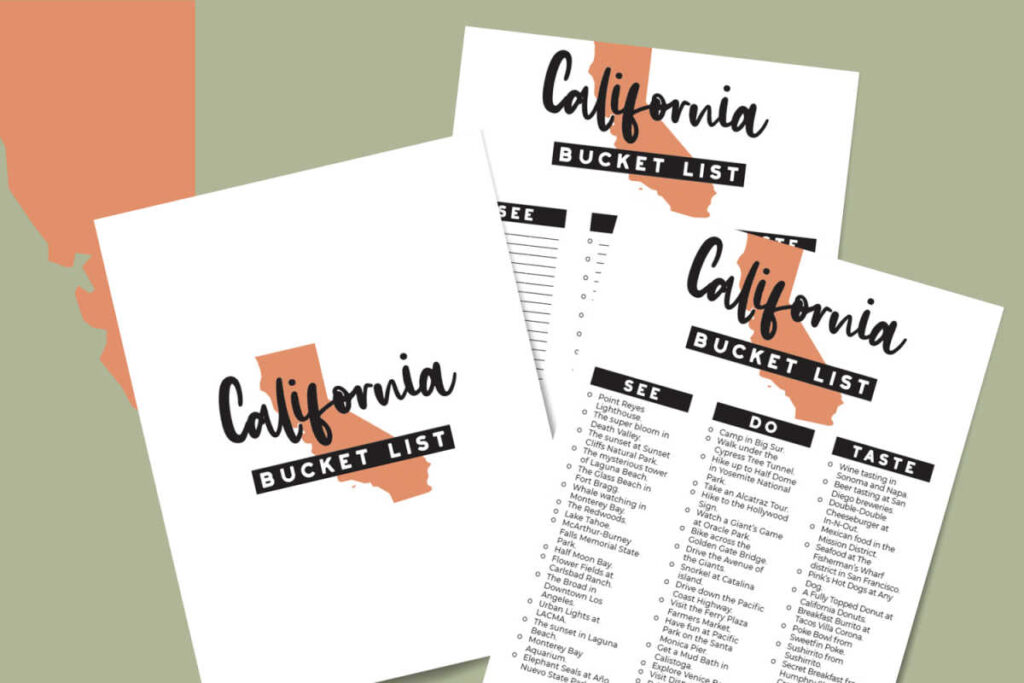
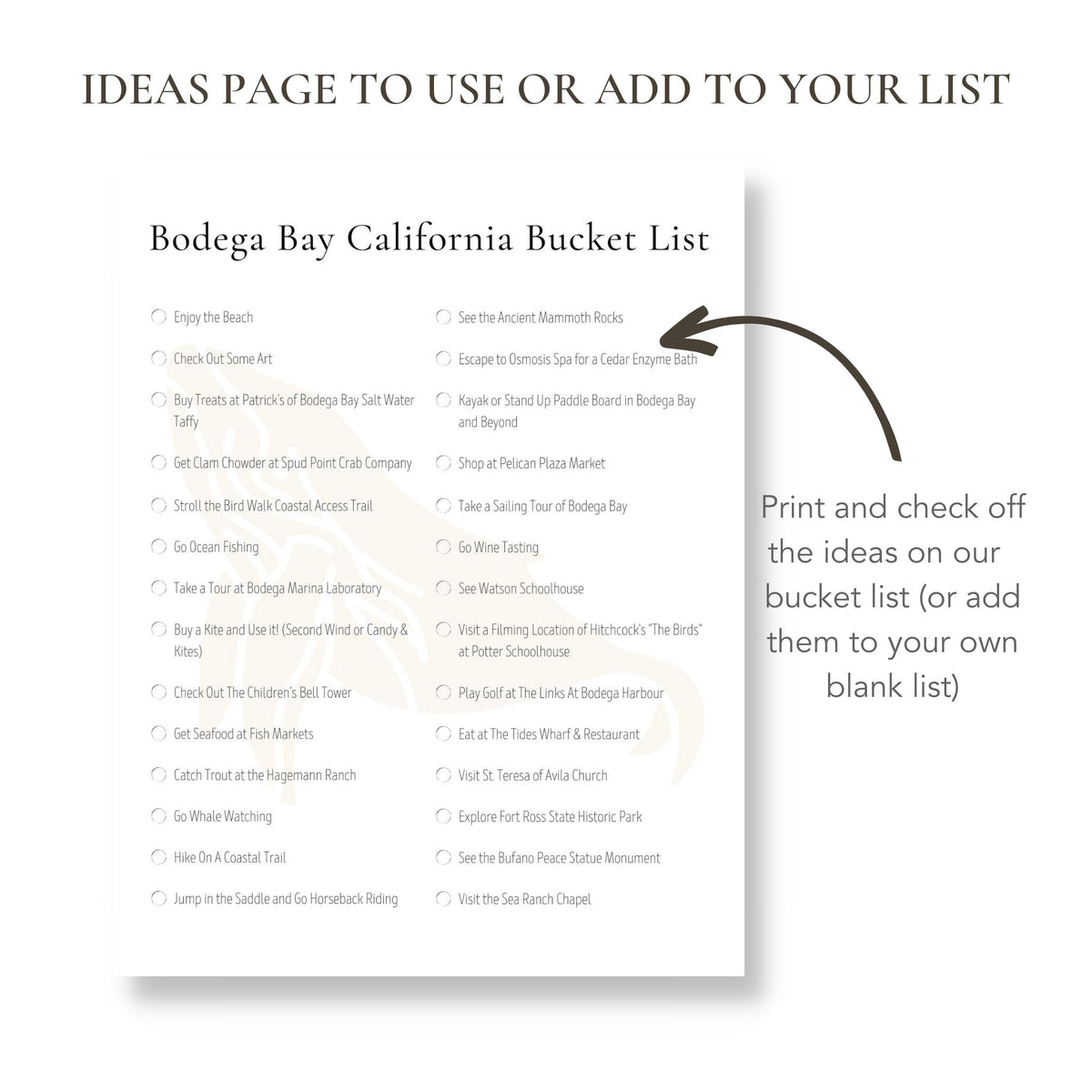
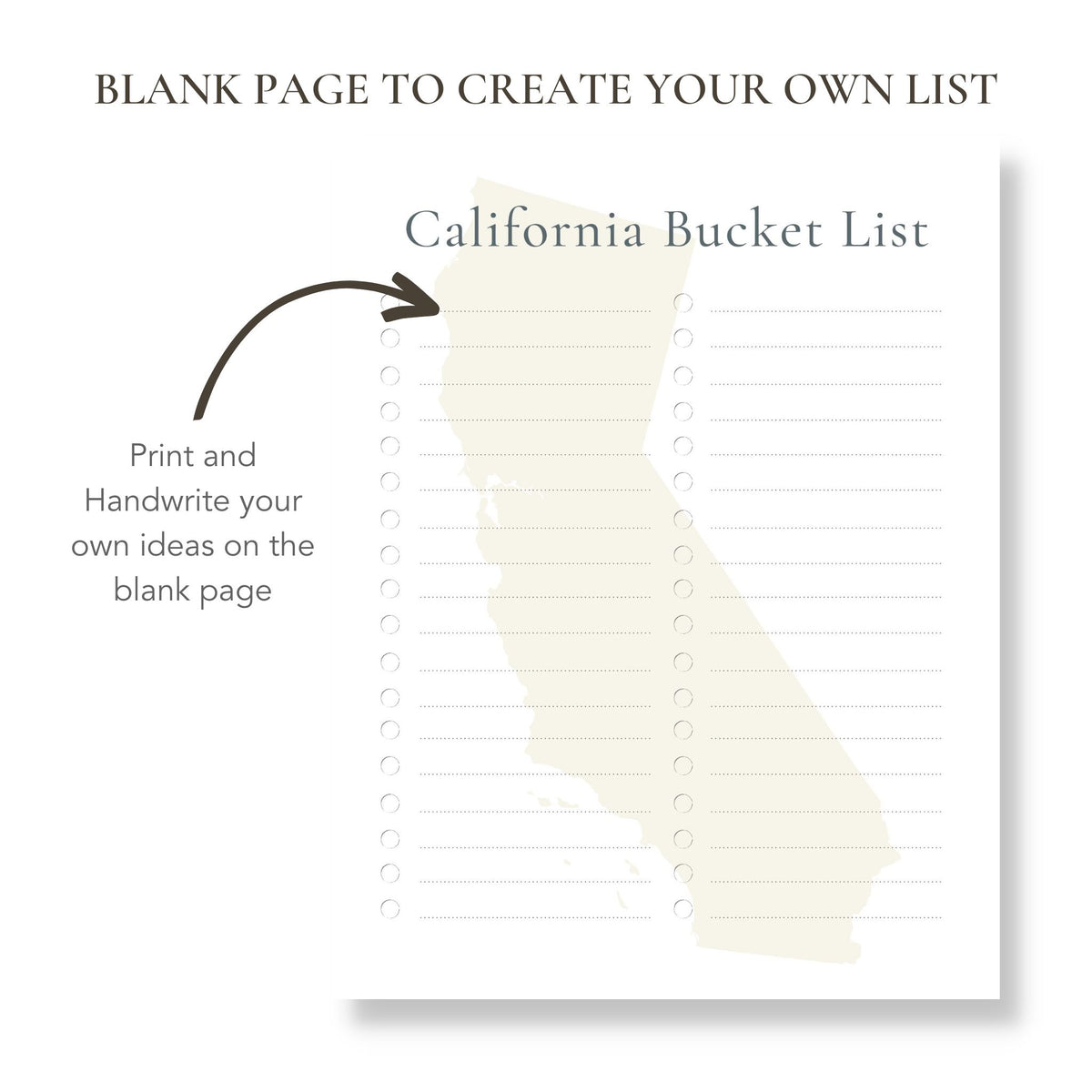
Creating a travel bucket list is an exciting way to map out your adventures, especially when it comes to a diverse and beautiful state like California. With our California Travel Bucket List Free Google Docs Template, you can easily jot down your must-see locations, experiences, and activities. This template is designed to help you organize your travel dreams and make them a reality, whether you’re planning a weekend getaway or a full-blown road trip.
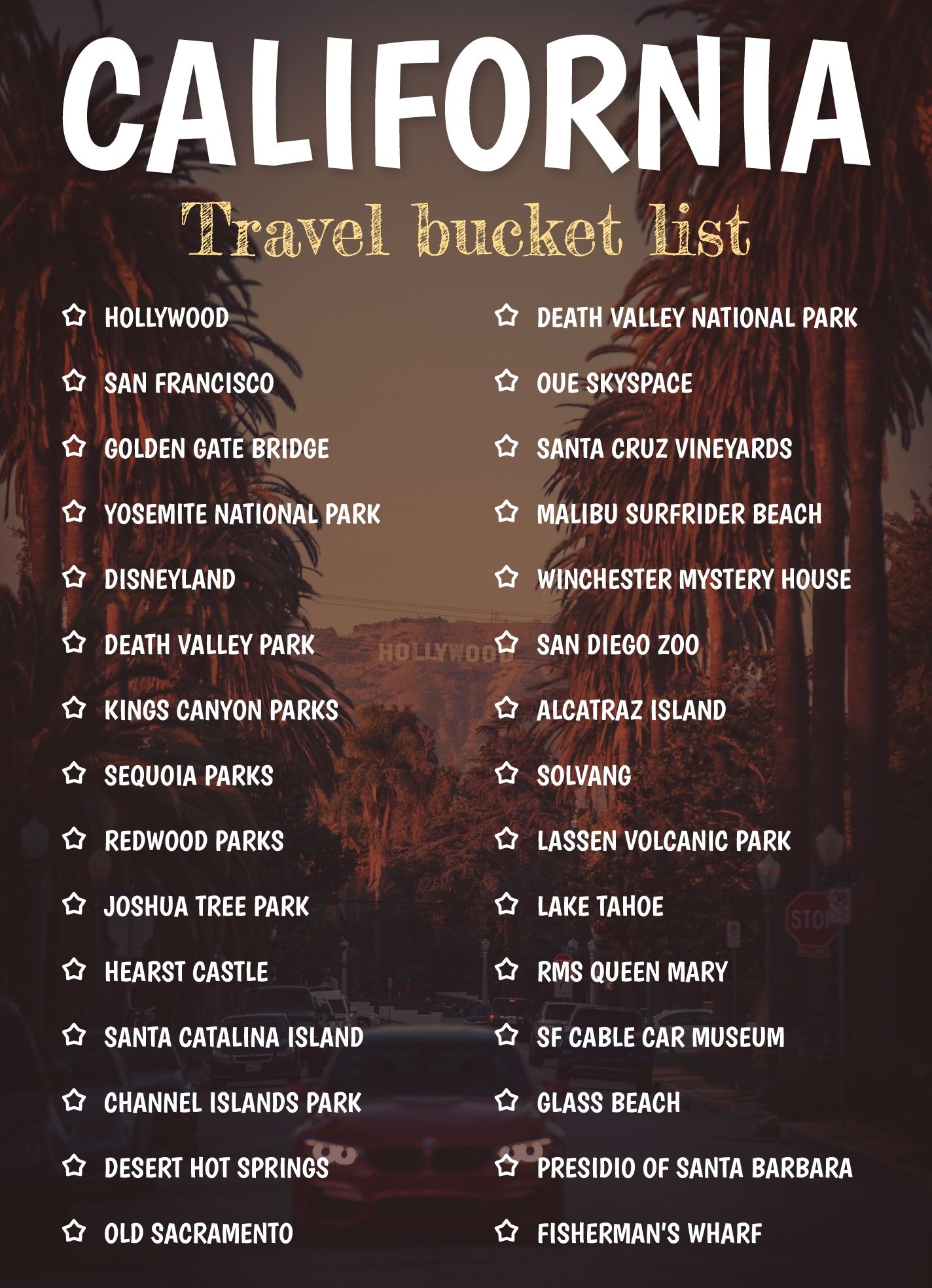
What’s Included in the Template?
The California Travel Bucket List Free Google Docs Template comes with several features designed to enhance your planning. You’ll find sections for:
- Destination Name: Space to write down places you want to visit.
- Description: A brief note on what excites you about each destination.
- Priority Level: A simple system to rank your destinations from must-see to nice-to-have.
- Travel Dates: A place to jot down when you plan to visit each location.
- Notes: An area for any additional thoughts or reminders.
This structured layout not only keeps your plans organized but also provides a clear roadmap for your travels. You can easily customize each section to fit your specific journey.
How to Download and Customize Your Template
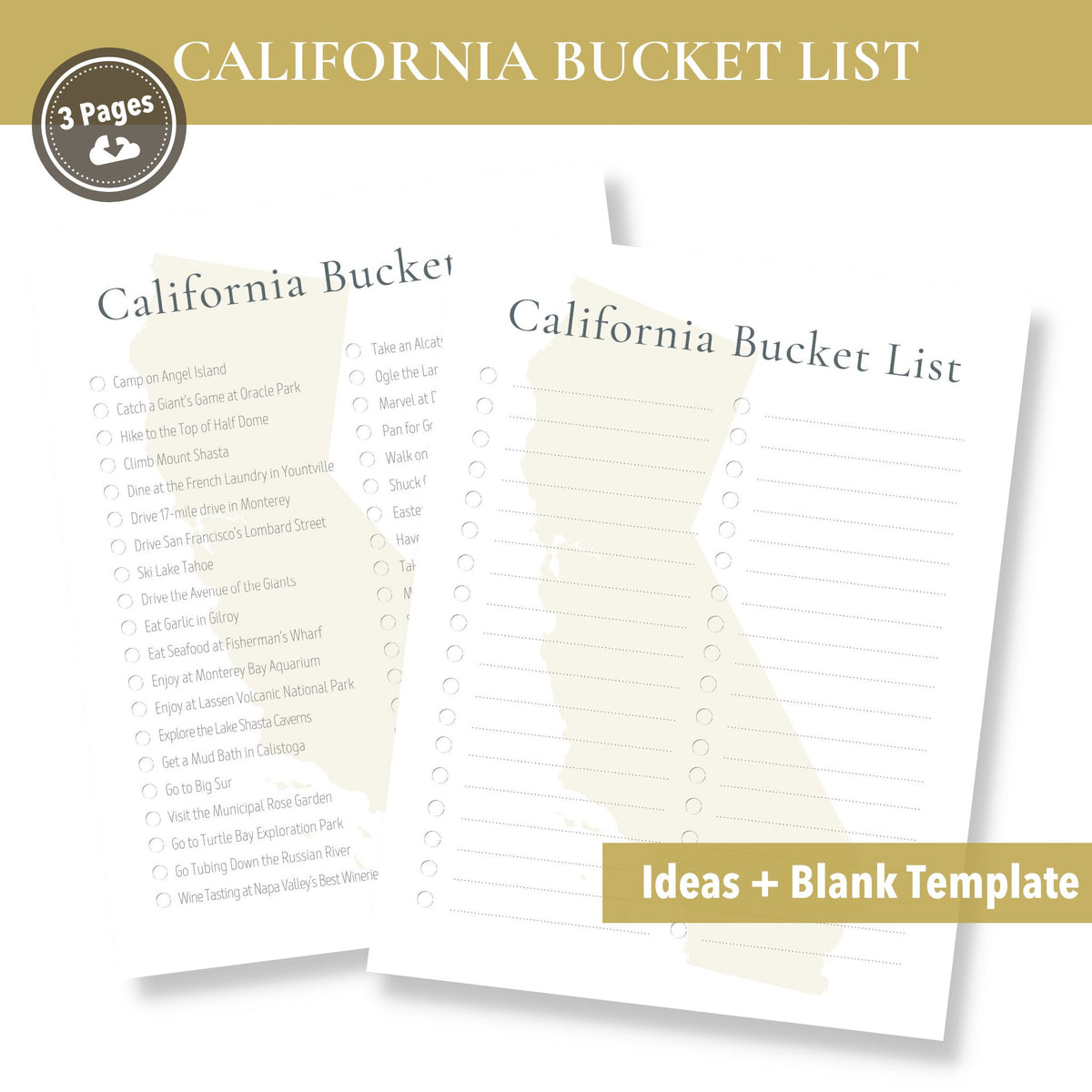
Getting your hands on the California Travel Bucket List Free Google Docs Template is a breeze. Simply click the download link, which will take you to Google Docs. From there, you can either save it to your own Google Drive or download it as a PDF or Word document.
Download Formats
- Google Docs: Ideal for easy editing and sharing.
- PDF: Perfect if you want a non-editable version to print directly.
- Word Document: Good for those who prefer working offline.
Each format has its advantages, so choose according to your needs. If you’re planning to share your list with friends or family, Google Docs is the way to go.
Tips for Printing Your Bucket List
Once you’ve customized your template to your liking, printing is next on the agenda. Here are some practical tips to ensure the best results:
- Paper Size: Standard letter size (8.5×11 inches) works well for most home printers.
- Printer Settings: Make sure your printer is set to high quality for the best results. For color templates, ensure you have enough ink.
- Paper Choice: If you want your bucket list to last, consider using heavier cardstock. This makes it more durable, especially if you plan to carry it around.
You might also want to laminate your printed list for added protection. This way, you can write on it with a dry-erase marker and update your plans as you go.
Making the Most of Your Travel Bucket List
Now that you have your California Travel Bucket List printed and ready, it’s time to put it to use. Here are some ways to maximize its effectiveness:
- Set Goals: Decide which destinations you want to prioritize based on your travel schedule and budget. This will help you focus on what you really want to see.
- Share with Friends: If you’re traveling with others, share your list. It can spark discussions about what everyone wants to do and see.
- Add Photos: After your travels, you might want to add photos of your journey next to each destination. This can turn your bucket list into a wonderful keepsake.
California Travel Bucket List Free Google Docs Template Gallery