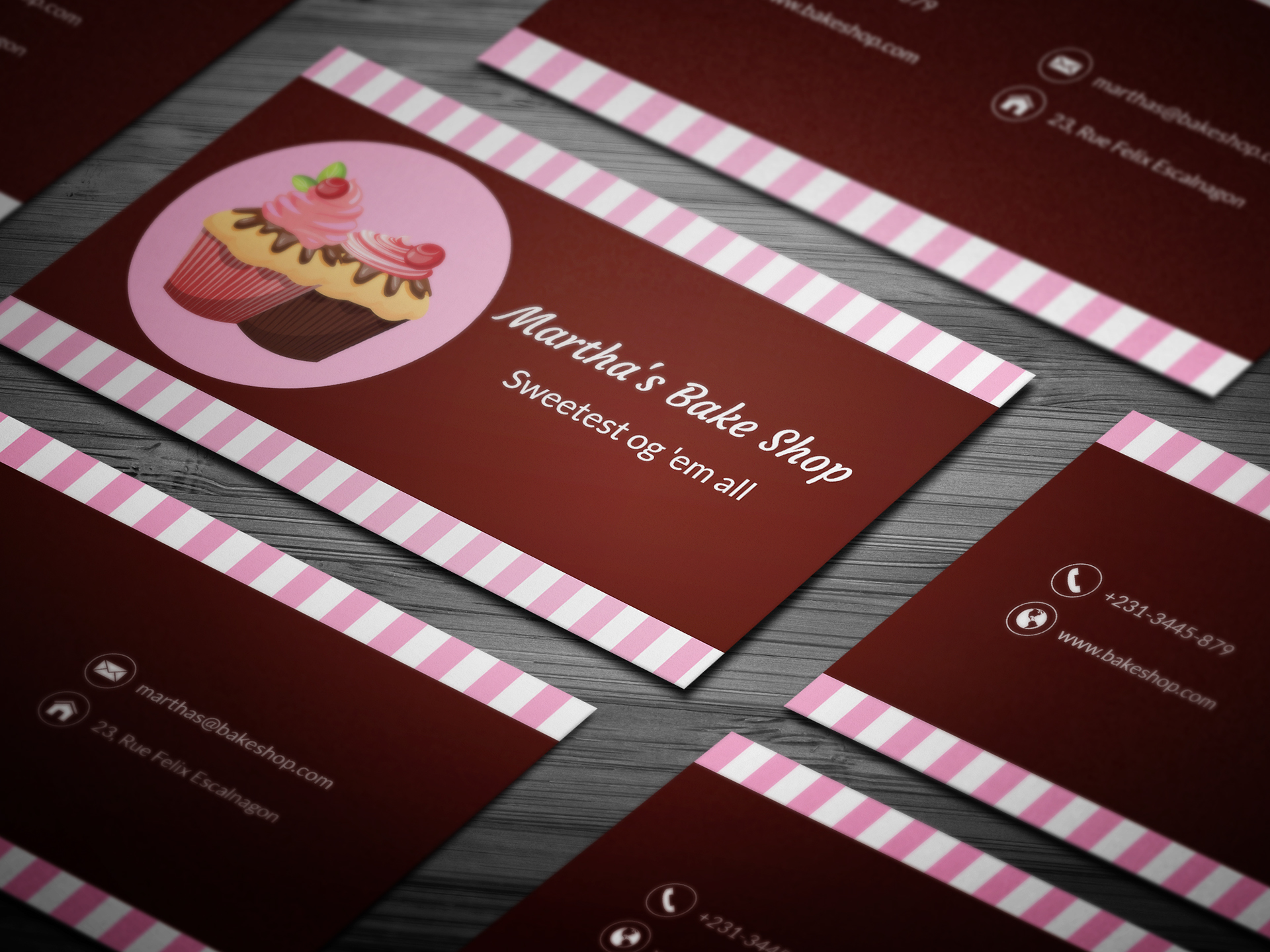
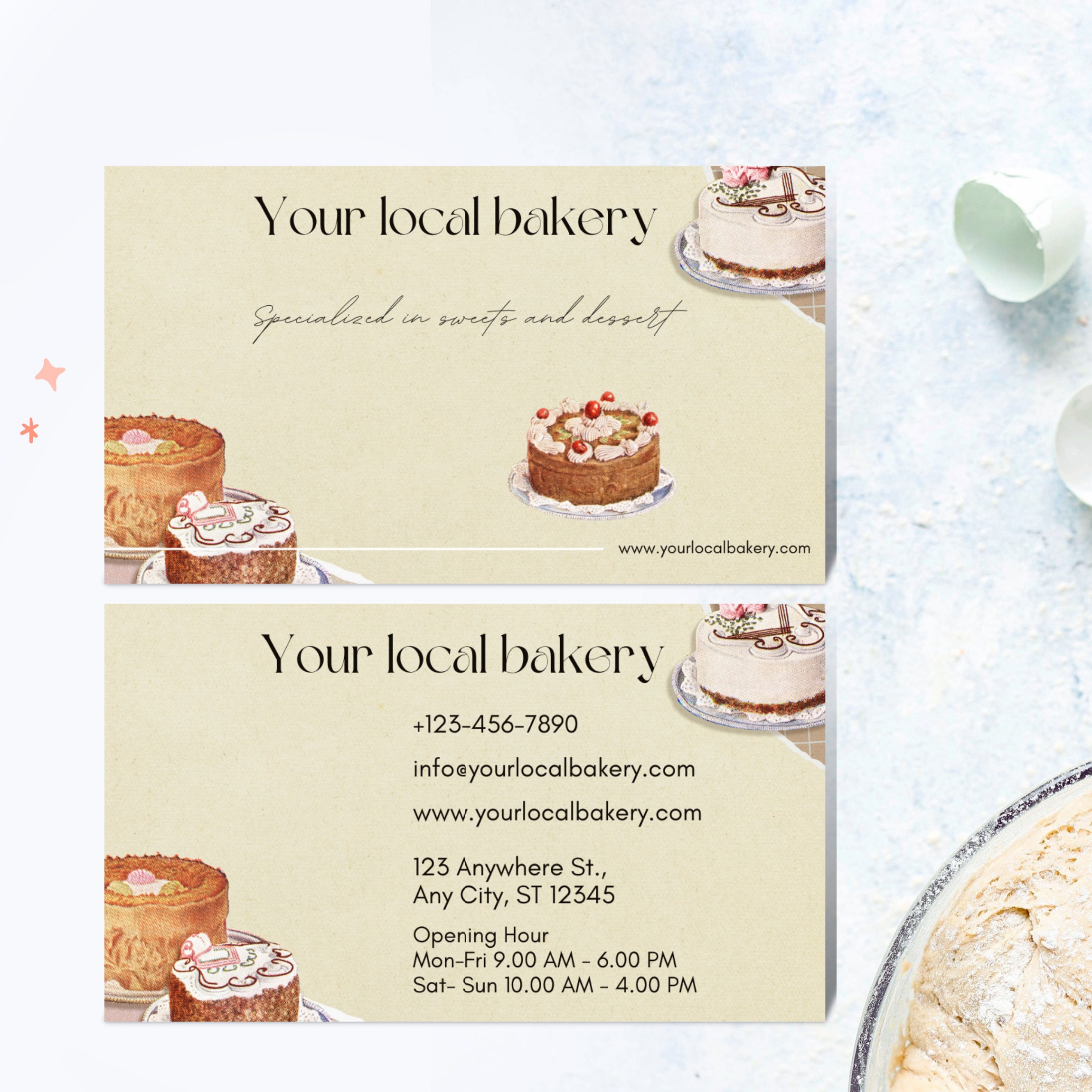
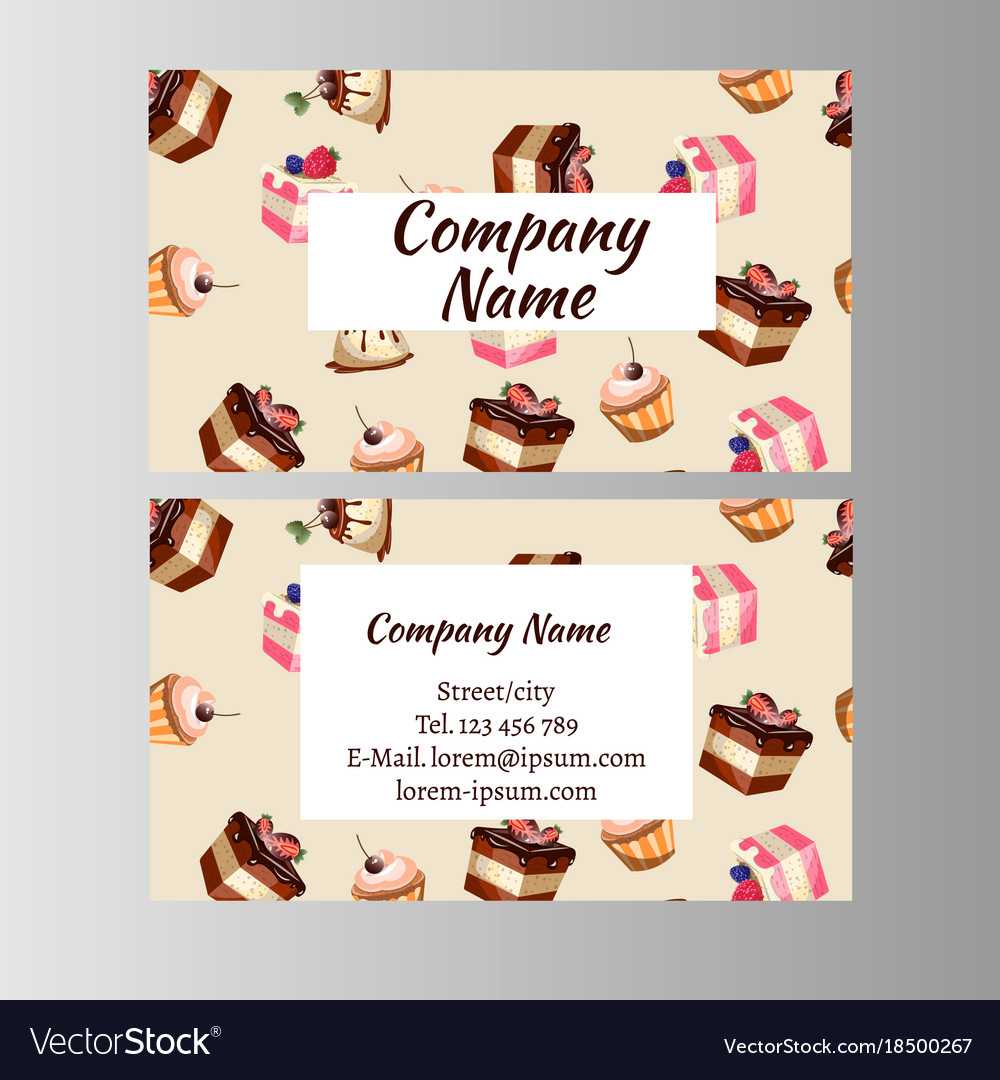
Creating a business card can feel overwhelming, especially when you want it to reflect your unique cake business. The Cake Business Card Free Google Docs Template offers a straightforward solution with a customizable layout that suits your branding needs. Each card is typically designed to fit the standard size of 3.5 x 2 inches, making it easy to print and distribute. This template allows you to showcase your cakes beautifully while providing essential contact information.
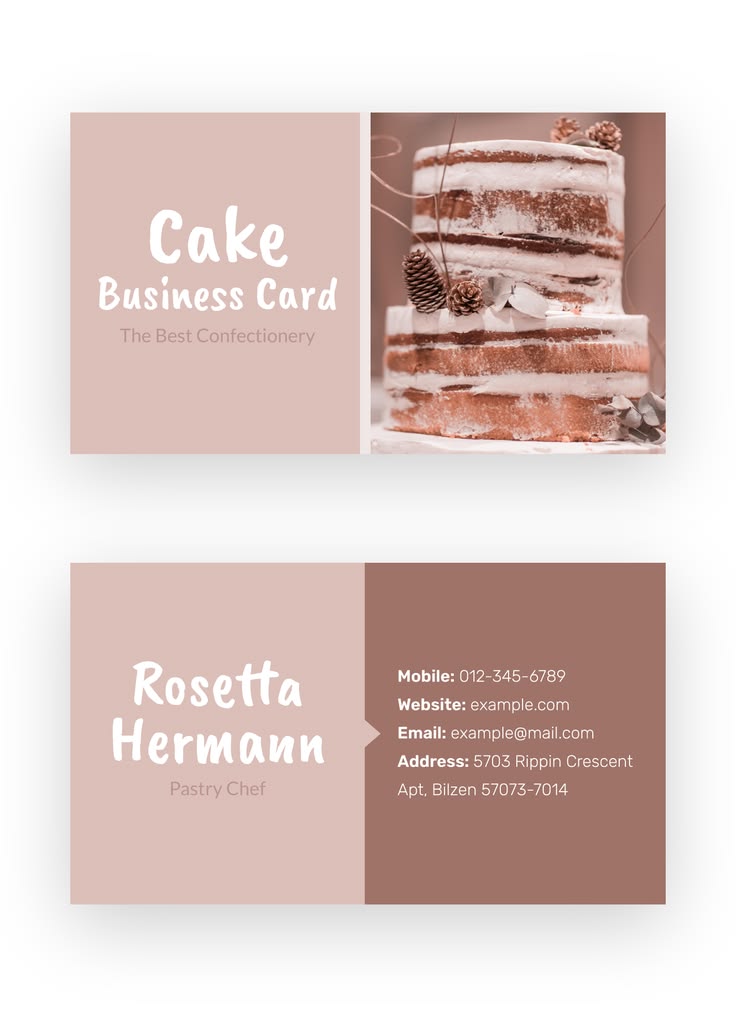
Understanding the Layout of the Cake Business Card
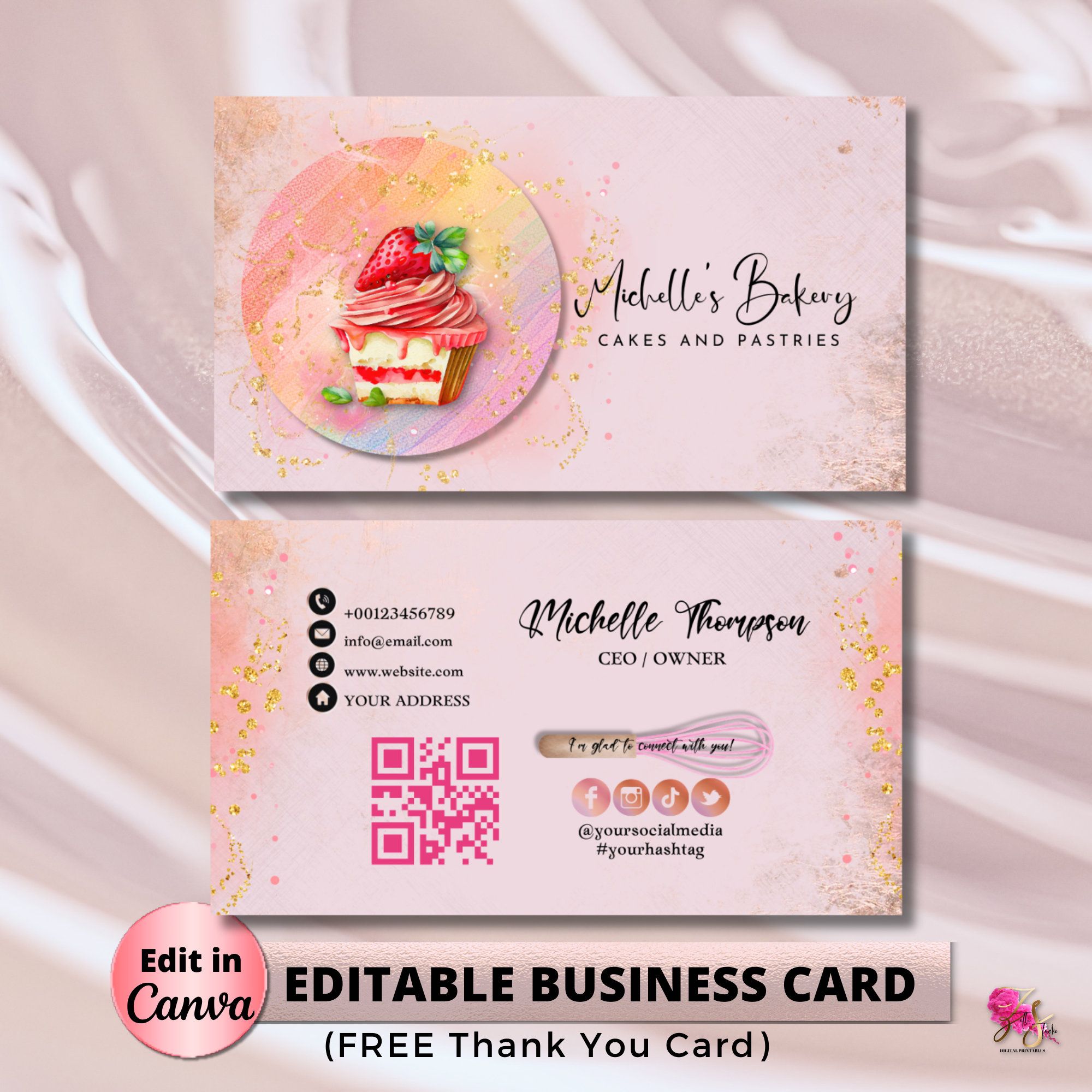
When you open the Cake Business Card Free Google Docs Template, you’ll notice a clean and professional design that includes essential sections: your business name, tagline, contact number, email, and website. Typically, the layout is divided into two halves, with one side dedicated to your logo and a mouth-watering image of your best cake.
Personalization is straightforward. You can easily replace placeholder text with your details. Use a font that reflects your brand’s personality—something elegant or fun, depending on your target audience. Remember, the right typography can make a significant difference in how your card is perceived.
Customizing Your Cake Business Card
Customization options are vast with this template. You can modify colors, fonts, and images to align with your branding. When selecting images, opt for high-resolution pictures of your cakes to ensure they look appealing when printed. The visual appeal of your card can attract potential clients, so choose wisely.
Don’t forget to include social media handles if you utilize platforms like Instagram or Facebook for your cake business. This is a great way to encourage potential clients to check out your work online. Additionally, ensure your contact details are clear and easy to read. Consider highlighting your name or business name in a larger font to make it stand out.
Printing Your Business Cards
Once you’ve finished customizing your Cake Business Card Free Google Docs Template, it’s time to print. Most home printers can handle business card printing, but there are a few tips to ensure the best results:
- Paper Choice: Use cardstock for durability. A thickness of 80 lb cover or higher is ideal.
- Print Settings: Use the “Best Quality” setting on your printer to ensure vibrant colors. If your printer allows, select the “Borderless” option to avoid white edges around your cards.
- Cutting: After printing, use a paper cutter for clean, straight edges. Scissors can leave uneven cuts, which can impact the professionalism of your cards.
If you plan to hand out your cards at events or meetings, consider investing in a business card holder to keep them pristine.
Mailing Vs. Hand-Delivering Your Business Cards
Deciding whether to mail or hand-deliver your business cards can influence how you prepare them. If you plan to mail them, consider the following:
- Envelope Size: Standard business envelopes (4.25 x 9.5 inches) are typically used for mailing business cards. Make sure to choose envelopes that fit snugly to prevent your cards from moving around.
- Postage: A standard business card will require a standard letter stamp. Keep in mind that if you’re mailing multiple cards, you may need to calculate the weight to ensure you have the correct postage.
- Weight Consideration: If you’re using thicker cardstock, factor in that weight when determining postage.
If you’re hand-delivering cards, you can also consider adding a personal touch, such as a handwritten note or a small treat, to make a lasting impression.
Final Touches for Your Cake Business Card
The last step is to ensure your business card embodies your brand values. This might include a tagline that captures what makes your cakes unique or a QR code that links to your online portfolio.
Make sure to review your card for any typos or misprints before finalizing it. It’s often helpful to print a test card first to see how everything looks in real life. This way, you can make adjustments if necessary.
The Cake Business Card Free Google Docs Template is a fantastic starting point for creating a professional and appealing representation of your cake business. By focusing on the layout, customization, and the practicalities of printing and distribution, you can ensure your business card stands out and effectively communicates your brand.
Cake Business Card Free Google Docs Template Gallery