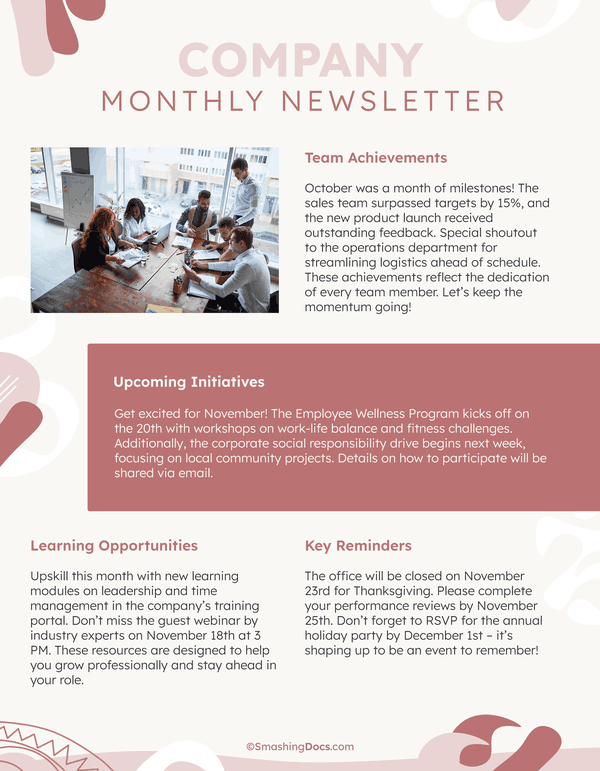
Creating a business update newsletter can feel daunting, especially if you’re unsure where to start. With the Business Update Newsletter Free Google Docs Template, you can simplify the process. This template stands out because it offers a clean, organized layout that makes customization easy. You don’t need advanced design skills to produce a professional-looking newsletter that keeps your audience informed.
Understanding the Template’s Layout
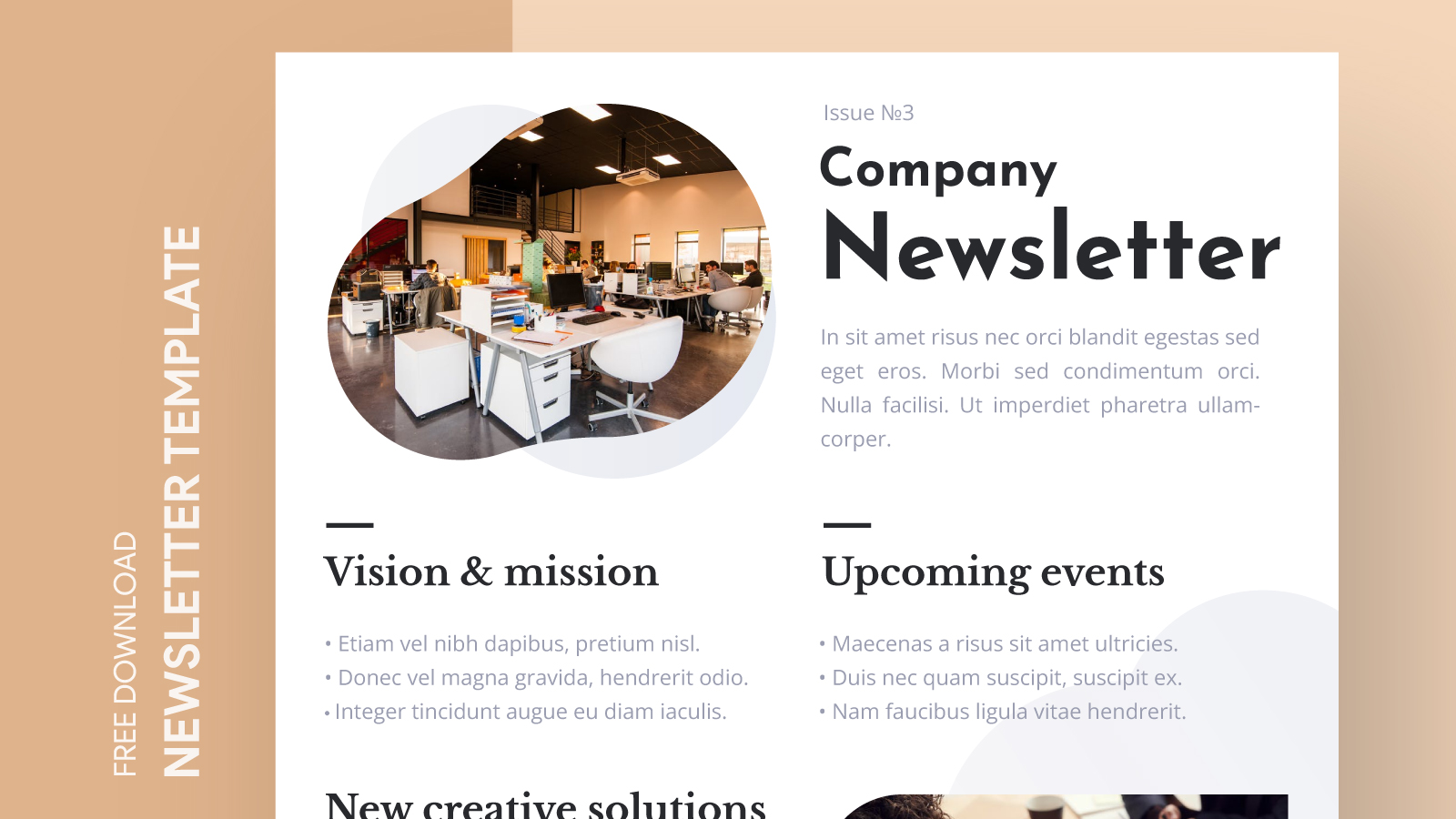
The layout of the Business Update Newsletter template is thoughtfully designed. It typically features a header that includes your business logo and a catchy title. This is your opportunity to grab your reader’s attention right from the start. Below the header, there are sections for different types of content, such as recent updates, upcoming events, and highlights from your business.
The template is structured to help you convey essential information without overwhelming your readers. You can easily modify the sections to fit your specific needs. For instance, if you want to highlight new products, there’s a designated space for that. If you wish to share customer testimonials, you can do so in another area. This flexibility allows you to make the newsletter truly yours.
Customizing Your Newsletter
One of the best features of the Business Update Newsletter Free Google Docs Template is its customization options. You can easily change text, colors, and images to align with your brand’s identity. Here are some practical steps to get started:
- Open Google Docs: If you don’t have a Google account, you’ll need to create one. It’s free and straightforward.
- Download the Template: Click on the link to download the template. Make sure to save it in your Google Drive for easy access.
- Edit Text: Click on any text box to start editing. You can change the font style, size, and color to match your branding.
- Insert Images: To personalize your newsletter, insert your logo or relevant images. This can make your newsletter feel more engaging.
- Adjust Sections: Don’t hesitate to add or remove sections as needed. You might find that some areas are more important for your audience than others.
Remember to keep your language friendly and engaging. Write as if you’re having a conversation with your readers. This approach can help build a connection and keep your audience coming back for more.
Practical Use Cases for Your Newsletter
A well-crafted business update newsletter can serve multiple purposes. Here are some practical ways to utilize the Business Update Newsletter Free Google Docs Template:
Internal Communication
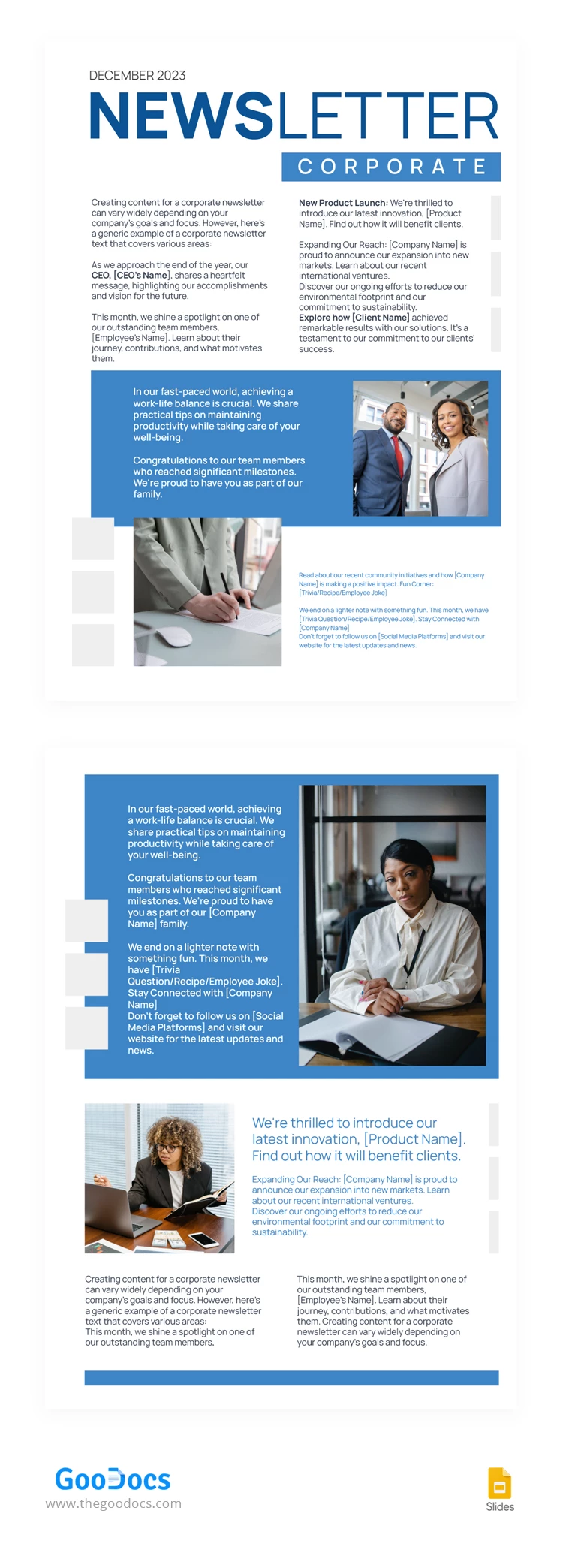
If you run a small business or a team, use the newsletter to keep everyone informed. Share important updates, celebrate milestones, and keep the team motivated. It’s a great way to foster a sense of community and keep everyone aligned with your goals.
Customer Engagement
For businesses that interact with customers regularly, newsletters can provide valuable information. Share product launches, special promotions, or upcoming events. This not only keeps your customers informed but also encourages them to engage with your brand.
Educational Content
Consider including educational content or tips related to your industry. This positions your business as a knowledgeable leader and provides added value to your readers. For example, if you run a fitness studio, you might share health tips or workout routines.
Event Announcements
If you regularly host events, use your newsletter to announce them. Include details like dates, locations, and how to register. An eye-catching section dedicated to upcoming events can increase participation and excitement.
Printing and Distribution Tips
Once your newsletter is ready, you’ll want to consider how to distribute it. Here are some practical tips for printing and sharing:
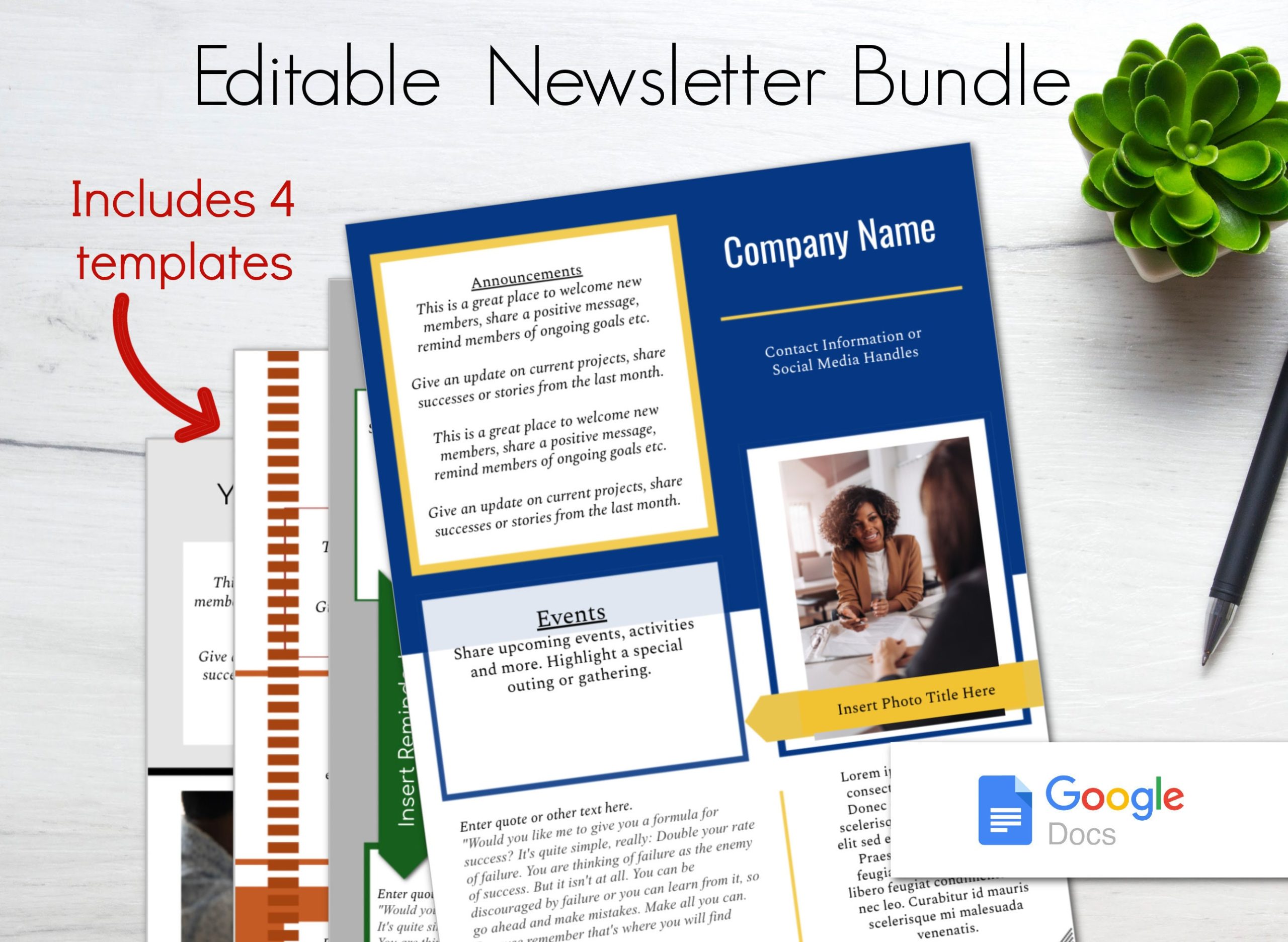
- Print Settings: If you plan to print your newsletter, check your printer settings. Portrait layout usually works best for standard letter-sized paper (8.5×11 inches). This ensures that everything fits nicely on the page.
- Paper Choice: If you want your printed newsletter to have a more professional feel, consider using heavier cardstock. It holds up better than regular printer paper and feels more substantial in hand.
- Digital Distribution: For those who prefer digital formats, save your newsletter as a PDF. This avoids formatting issues and ensures that your design remains intact when shared via email or uploaded online.
Remember to keep your audience in mind when deciding how to distribute your newsletter. Digital formats are environmentally friendly and allow for instant delivery, while printed versions can be more engaging in face-to-face settings.
Business Update Newsletter Free Google Docs Template Gallery