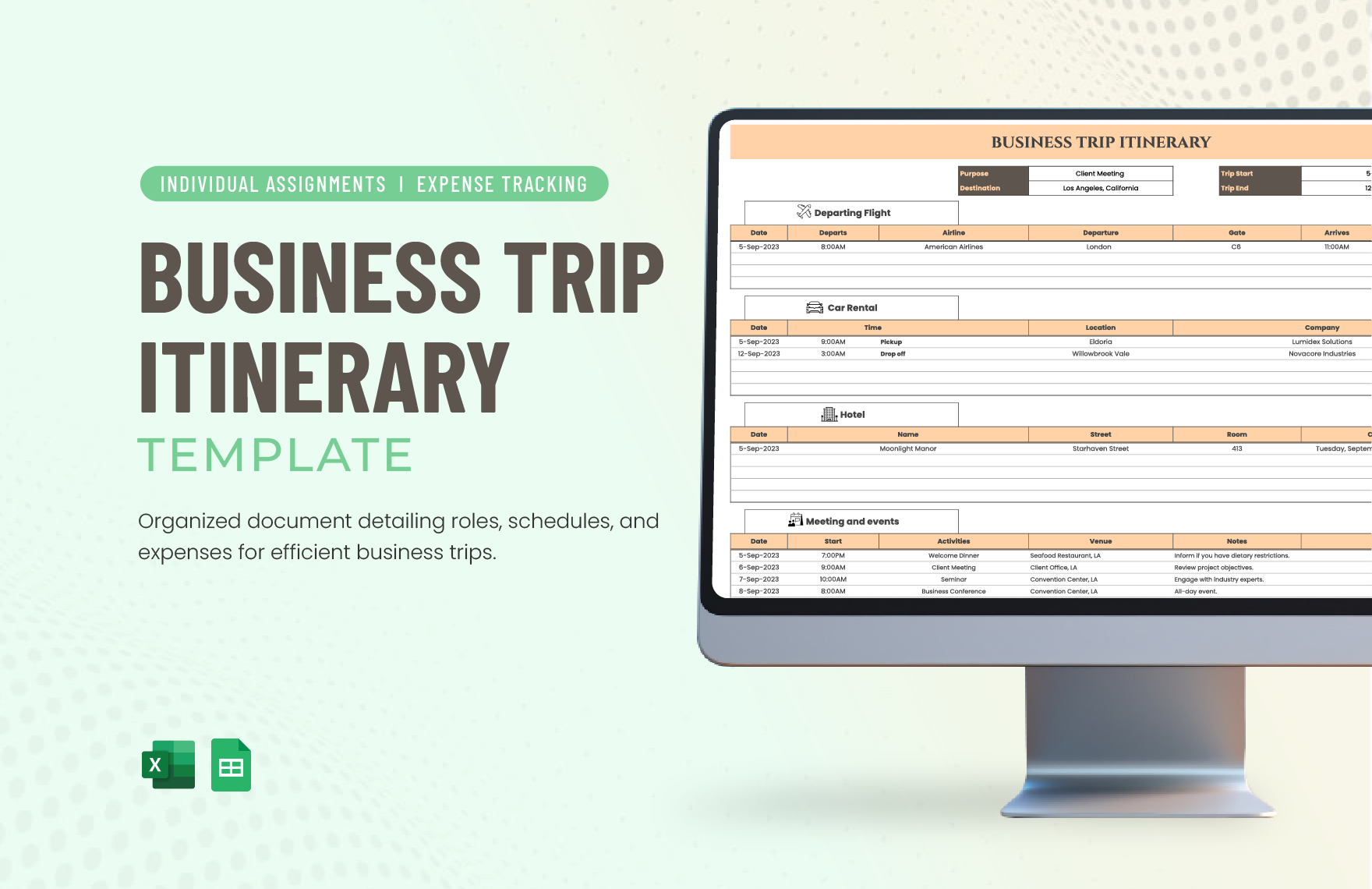
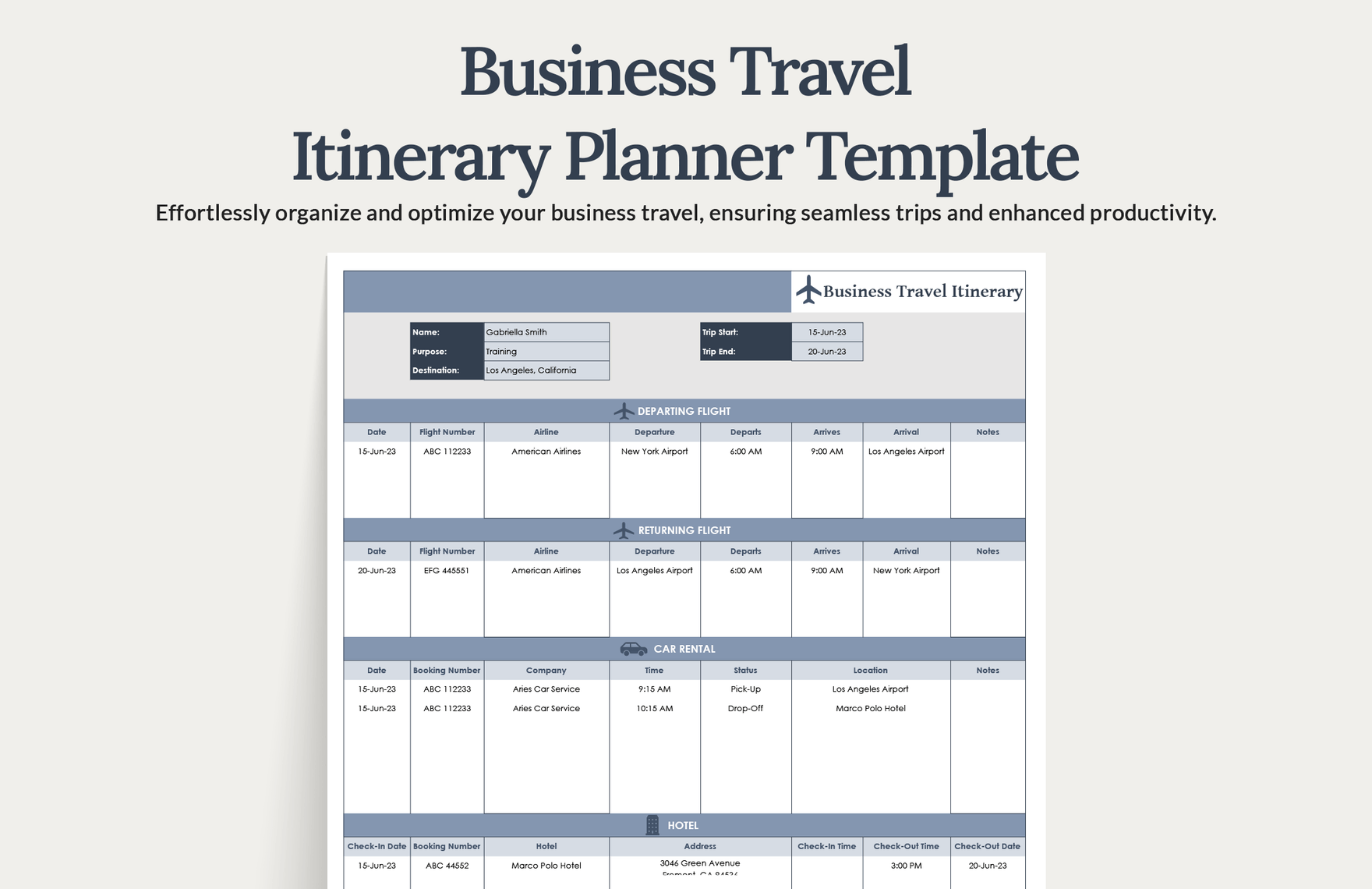
Creating a well-structured business itinerary is essential for any professional, especially when traveling for meetings or events. The Business Itinerary Free Google Docs Template offers an easy way to organize your schedule and keep all relevant information in one place. This template is designed to help you track your appointments, travel details, and essential contacts, ensuring you stay focused and efficient during your trip.
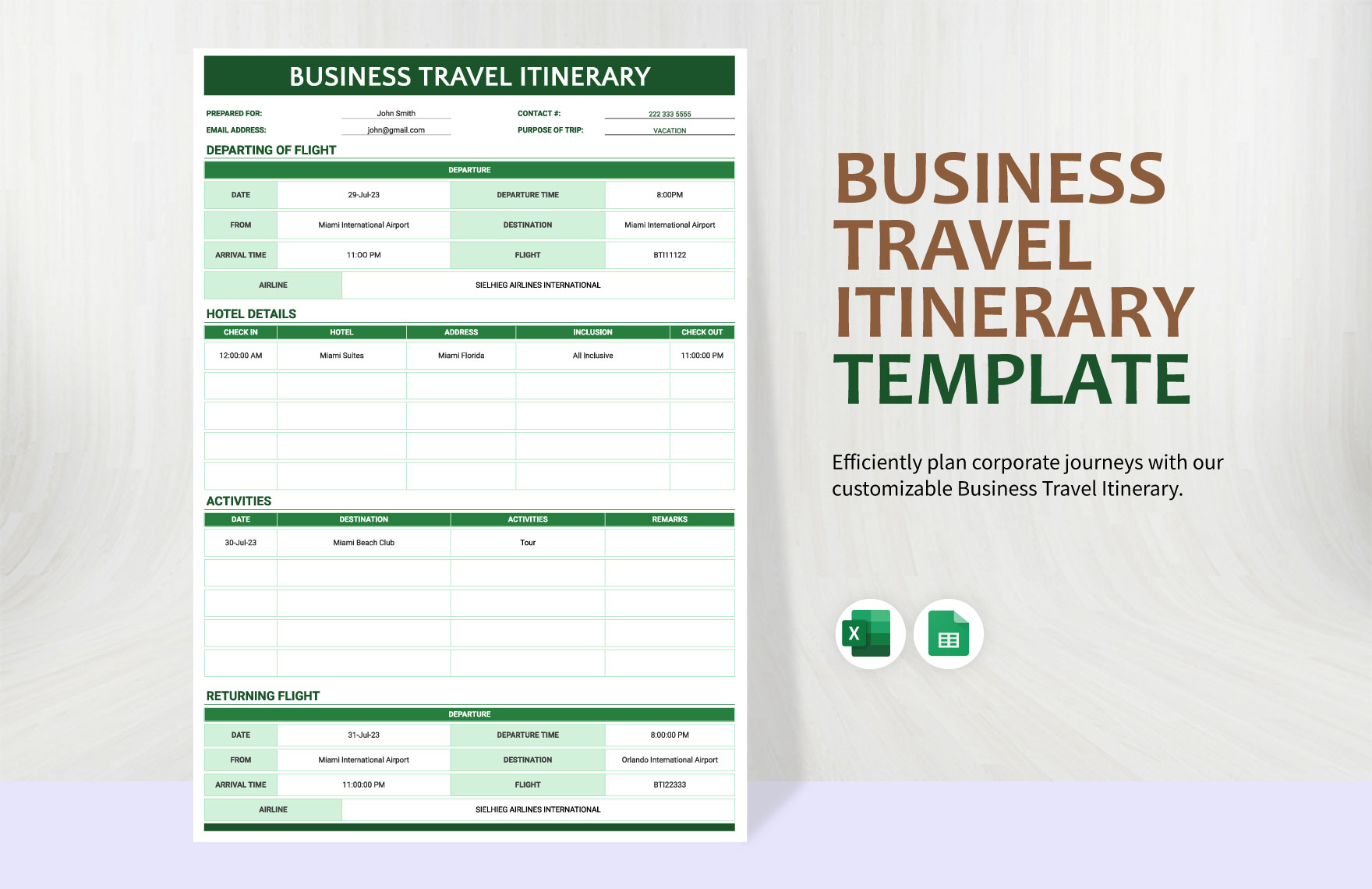
What to Expect in the Business Itinerary Free Google Docs Template
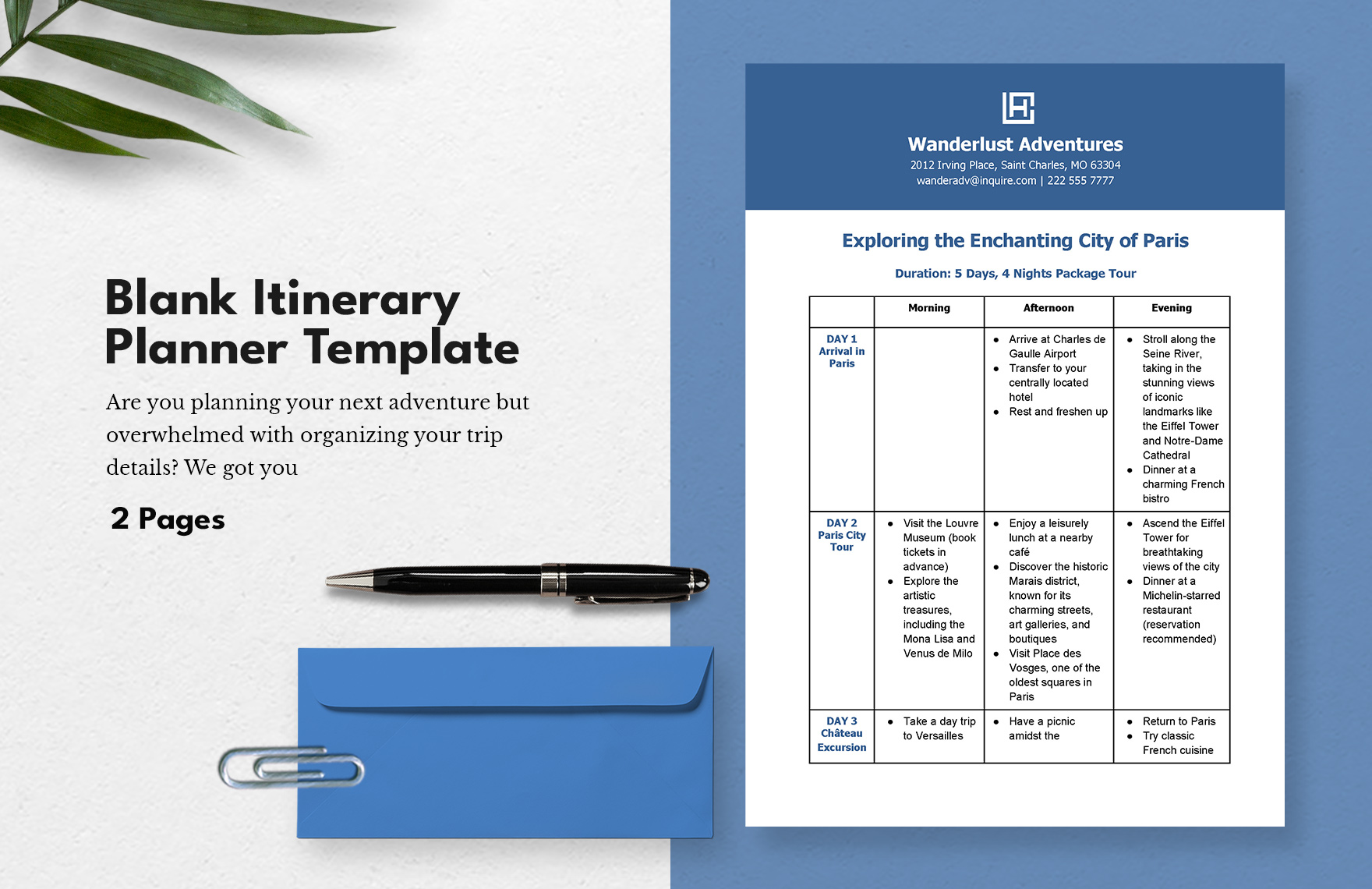
This Google Docs template is designed with clarity and usability in mind. Here’s what you can typically expect to find:
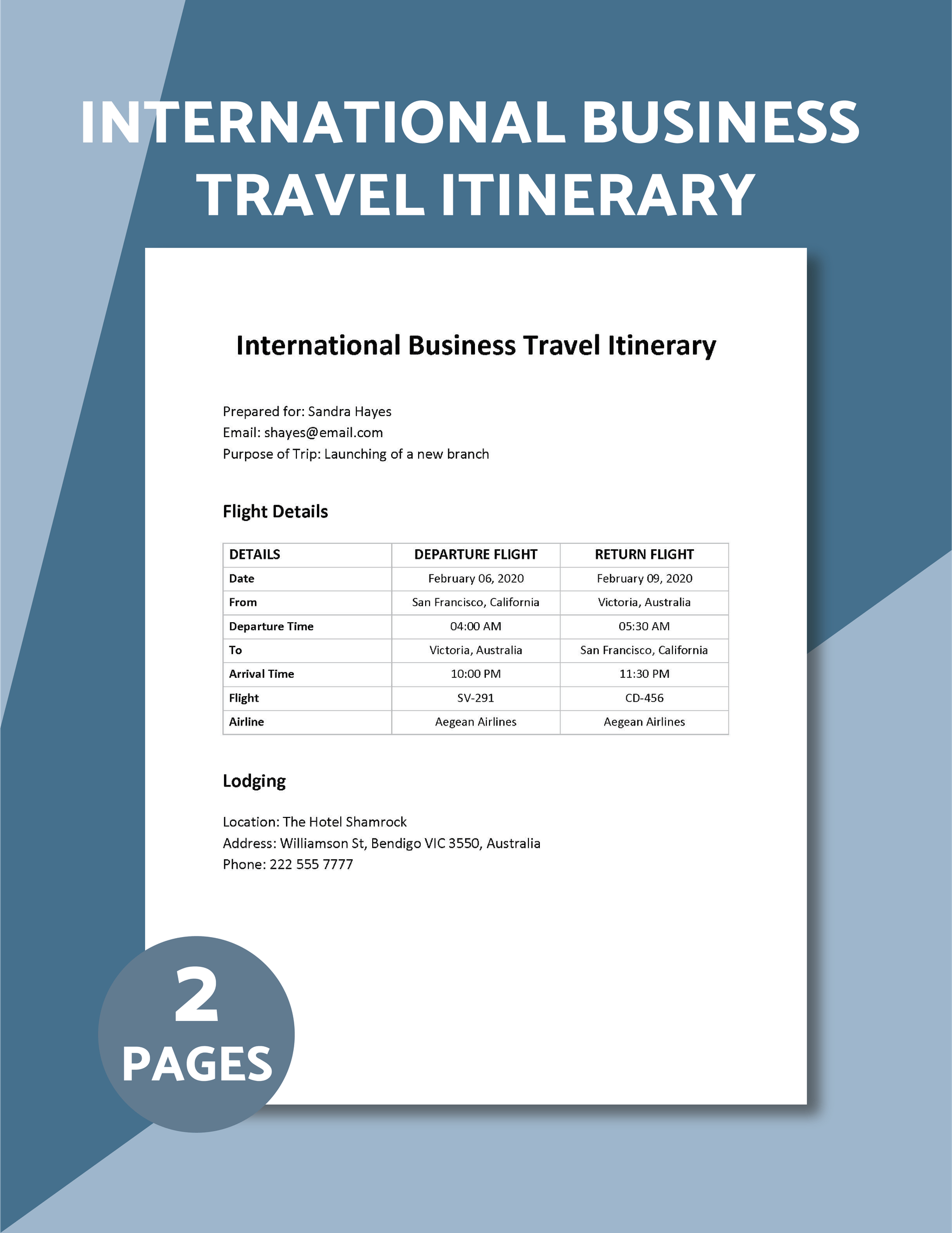
- Travel Information: Sections for flight details, accommodation, and transportation arrangements.
- Meeting Schedule: Dedicated spaces for each meeting, including time, location, and agenda.
- Contact List: A section for important contacts, such as colleagues, clients, and local resources.
- Notes Section: Space for jotting down key points or reminders.
With these components, you can customize the template to fit your specific travel needs. The beauty of a Google Docs template is its accessibility; you can edit it from any device with internet access.
Customizing Your Itinerary
Once you’ve downloaded the Business Itinerary Free Google Docs Template, it’s time to make it your own. Here are some practical steps to consider:
- Personalize the Header: Add your name, company logo, and any other relevant branding elements.
- Fill in Travel Details: Input your flight numbers, hotel addresses, and transportation options. This keeps all essential information at your fingertips.
- Schedule Meetings: List out your meetings chronologically, including the names of participants and the purpose of each meeting. This helps you stay on track.
- Add Notes: Use the notes section for reminders or highlights from previous meetings or discussions.
Customization makes the itinerary much more functional and tailored to your specific needs.
Downloading and Printing the Template
To get started with your business itinerary, you’ll want to download the template. It’s available in Google Docs format, which means you can easily access and edit it online. Here’s how to do it:
- Access the Template: Open the link provided for the template. You may need to sign into your Google account if you’re not already logged in.
- Make a Copy: Click on “File” and select “Make a copy” to save it to your Google Drive. This ensures you can edit it without altering the original template.
- Print Options: If you prefer a hard copy, you can print the itinerary directly from Google Docs. Most home printers work well with standard letter-sized paper (8.5” x 11”). If you plan to use the itinerary in meetings, consider printing on heavier-weight paper for a more professional feel.
Tips for Efficient Use of Your Itinerary
Using your business itinerary effectively can significantly enhance your productivity. Here are some practical tips:
- Stay Updated: Regularly check and update your itinerary as travel plans change. Google Docs makes it easy to modify details in real time.
- Share With Colleagues: If you’re traveling with a team, share the document with them. This ensures everyone is on the same page and can access the latest information.
- Mobile Access: Download the Google Docs app on your smartphone or tablet. This allows you to reference your itinerary while on the go.
Preparing for Your Trip
Preparation is key to a successful business trip. Your itinerary serves as a central document to ensure everything runs smoothly. Here’s how to prepare:
- Review the Itinerary: Before leaving, take a moment to review your itinerary. This helps in mentally preparing for meetings and travel logistics.
- Check Travel Restrictions: Depending on your destination, verify any travel restrictions or requirements (such as identification or health documentation).
- Pack Accordingly: Use your itinerary to determine what to pack. Consider the nature of your meetings and any necessary materials you may need.
By following these steps, you’ll not only make the most of the Business Itinerary Free Google Docs Template but also streamline your entire travel experience. Whether you’re heading to a conference or an important client meeting, a well-organized itinerary can make a significant difference in your productivity and peace of mind.
Now that you have all the tools at your disposal, it’s time to download the template, customize it, and prepare for your next business journey with confidence!
Business Itinerary Free Google Docs Template Gallery