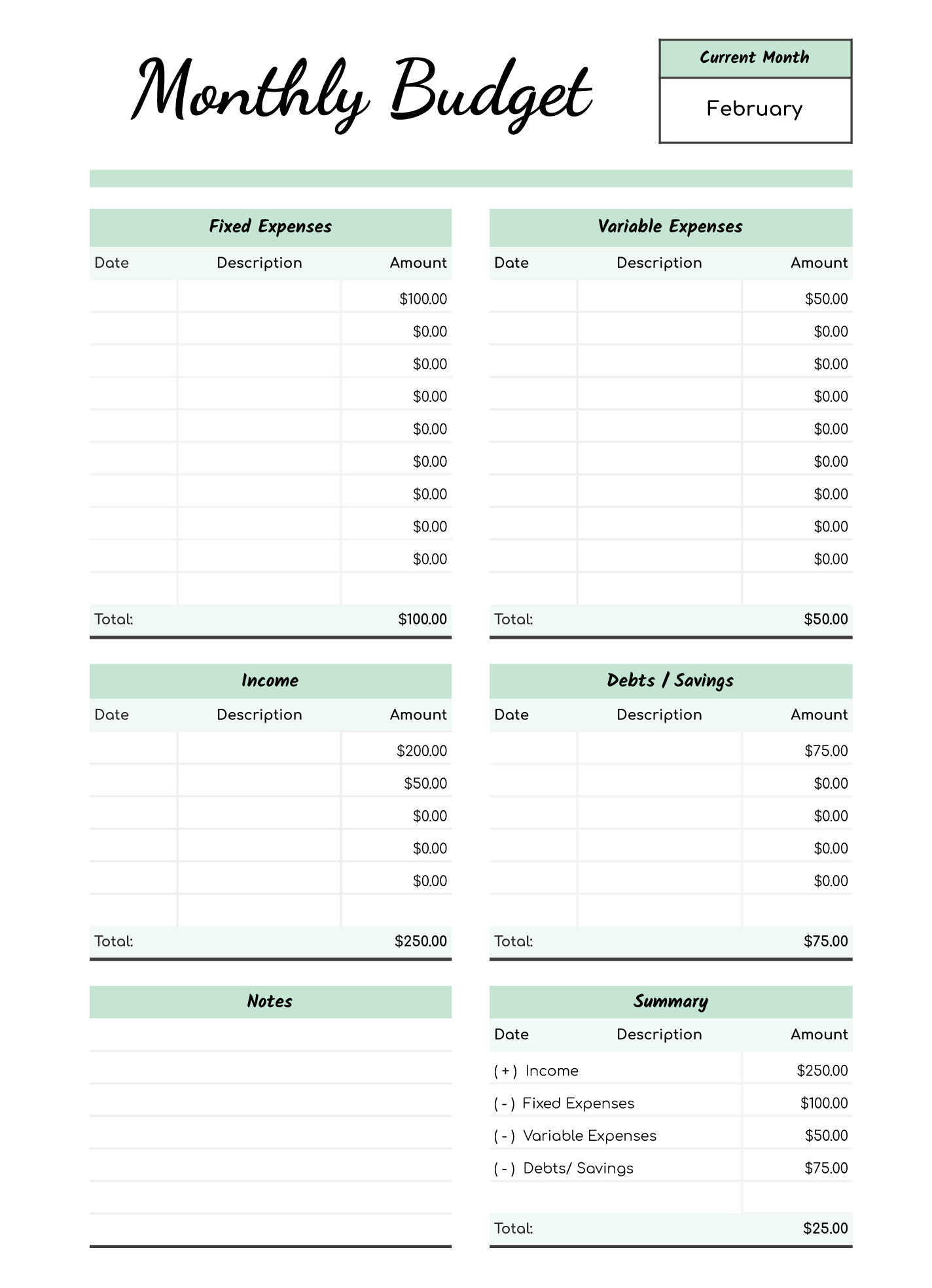
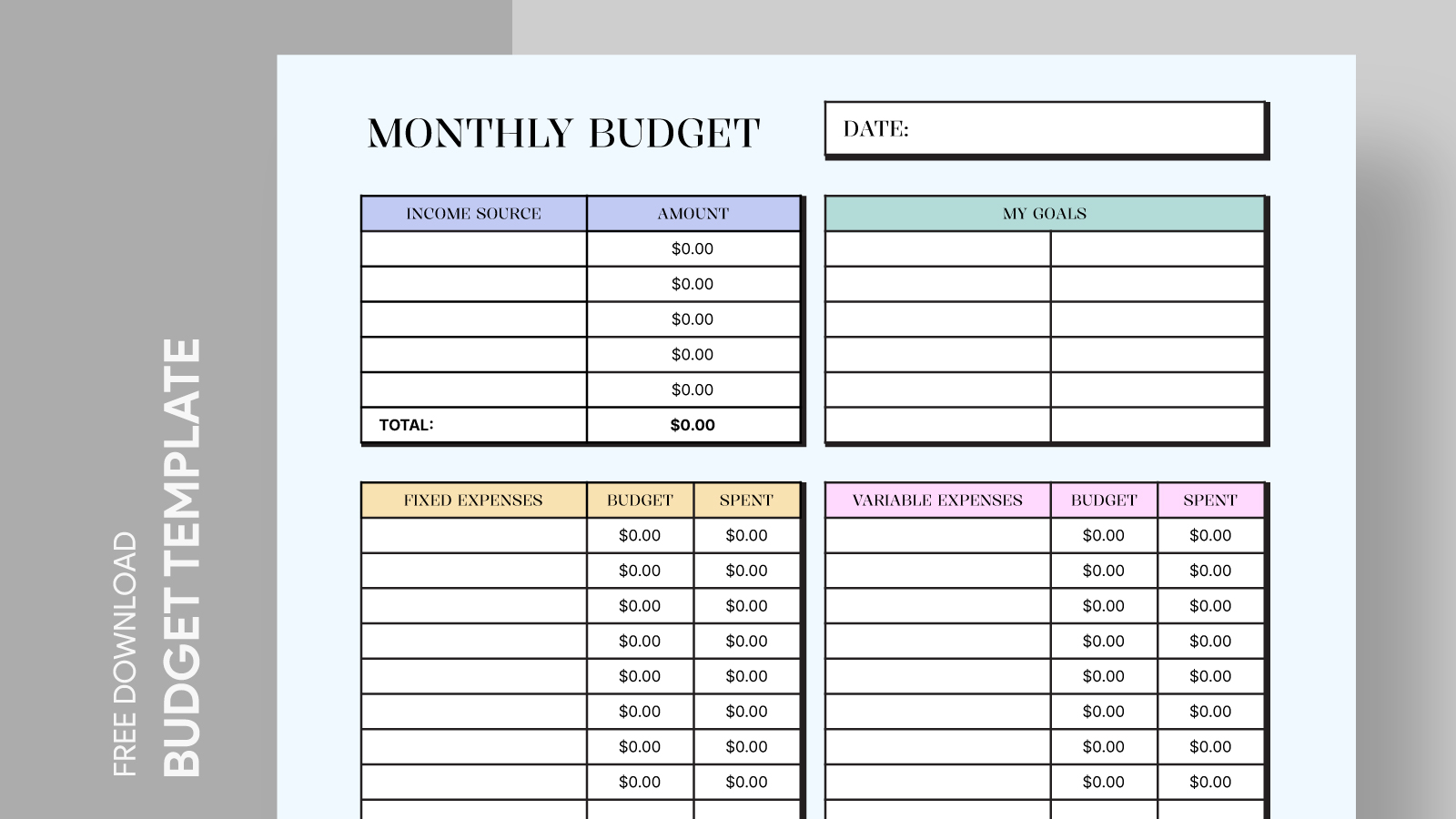
Budgeting can often seem overwhelming, especially when you’re trying to find the right tools to help you stay organized. The Budget Proposal Free Google Docs Template stands out as a resource that not only simplifies the budgeting process but also allows you to tailor it to your specific needs. Whether you’re managing personal finances, planning a project, or preparing for an event, this template provides a solid foundation for creating a detailed budget proposal.
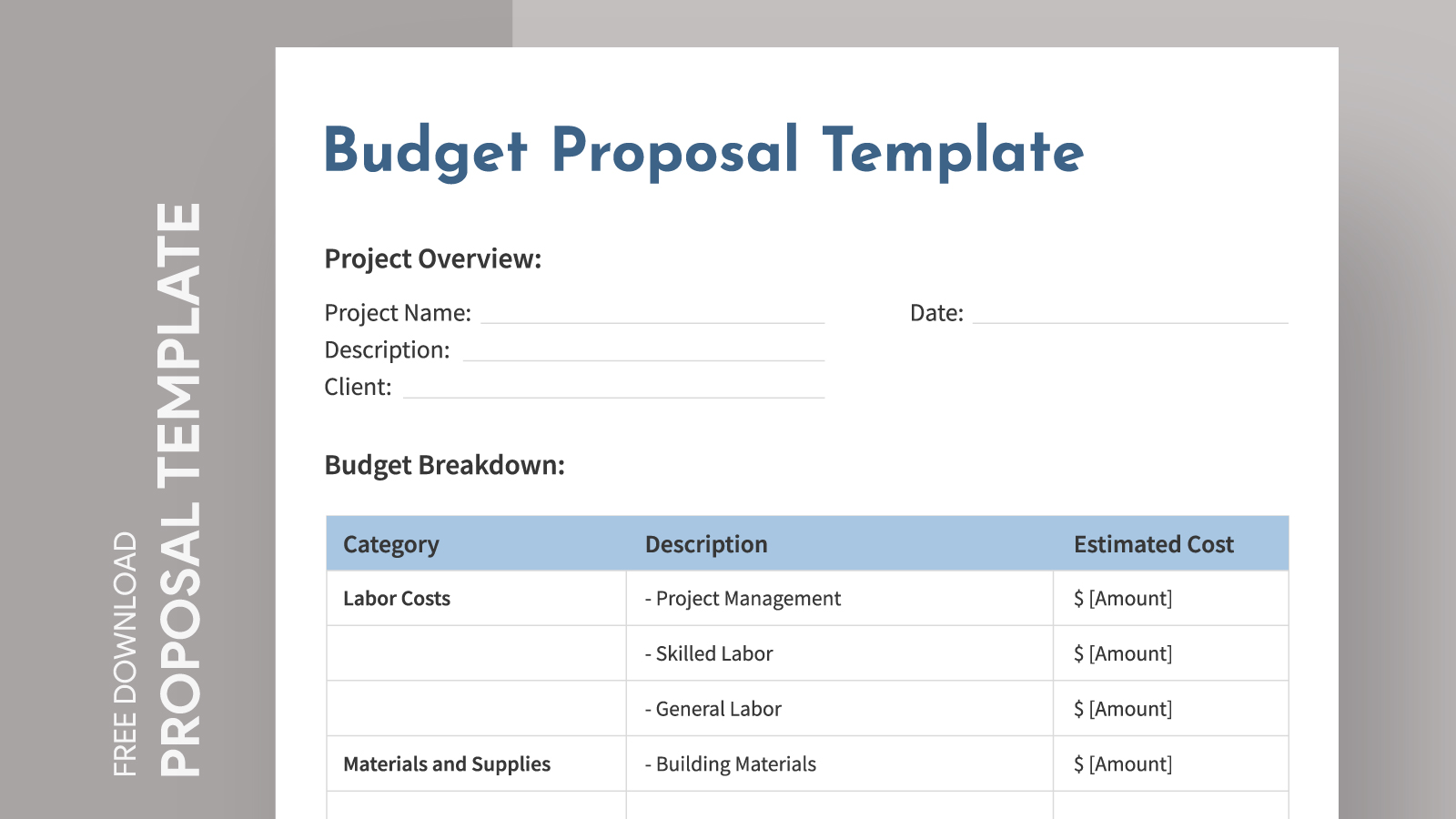
Understanding the Layout of the Budget Proposal Template
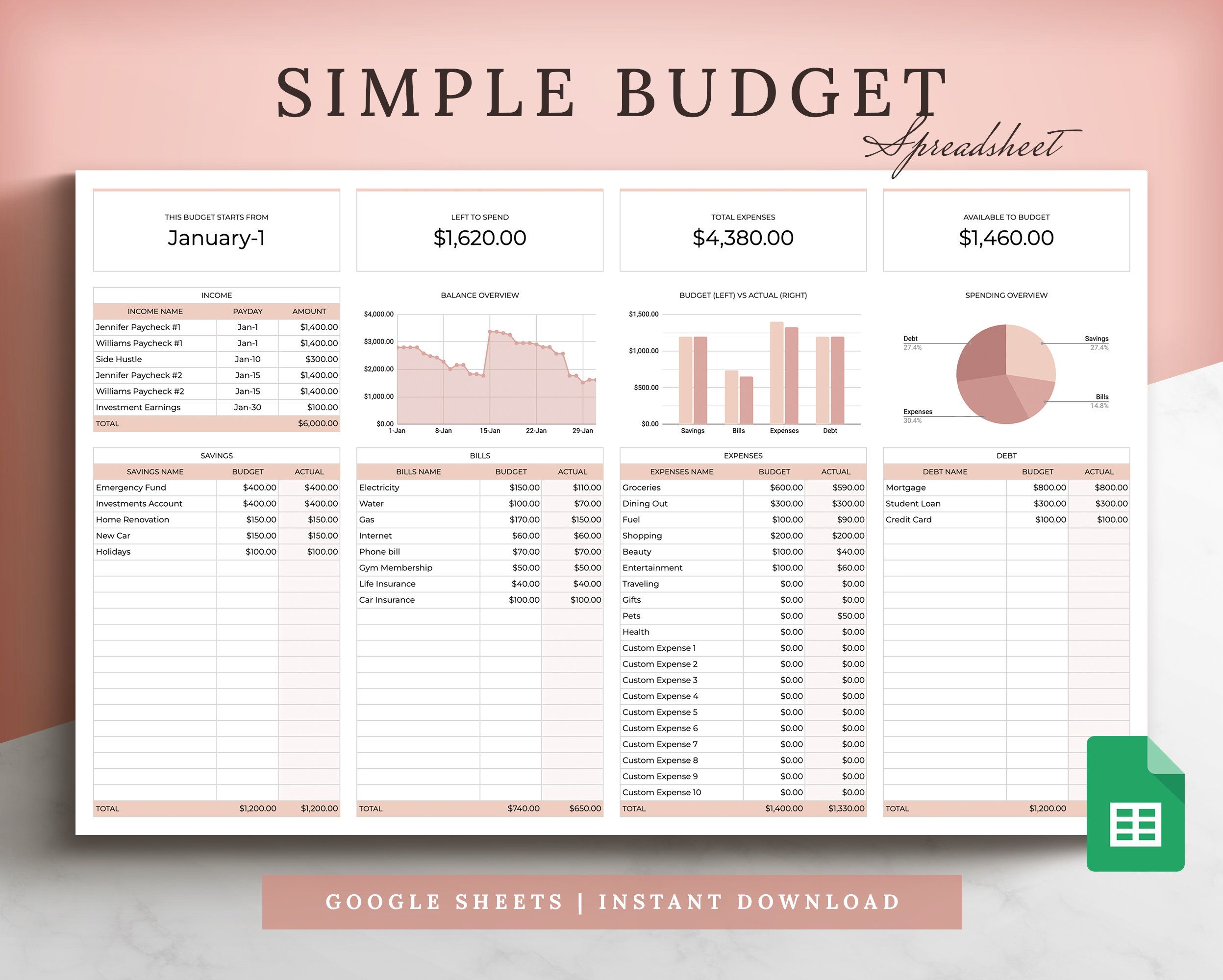
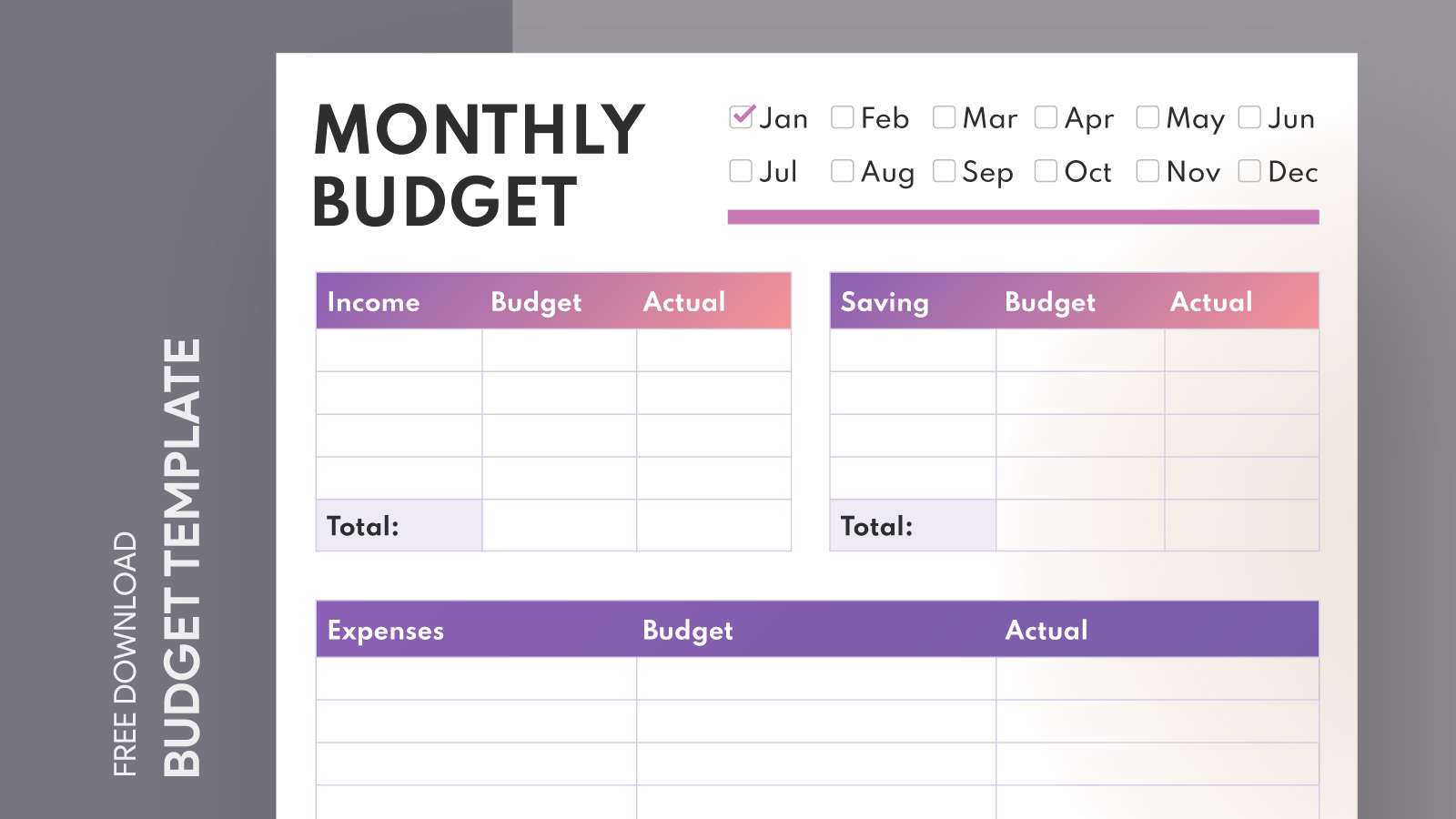
The layout of the Budget Proposal Free Google Docs Template is designed for clarity and ease of use. It typically includes several sections that guide you through the budgeting process:
- Title Section: This is where you can enter the name of your project or budget purpose.
- Date and Prepared By: These fields help you keep track of when the budget was created and who is responsible for it.
- Budget Categories: Most templates break down expenses into categories, such as Personnel, Equipment, Supplies, and Miscellaneous. This structure allows you to see where your money will go at a glance.
- Estimated Costs: Here, you’ll input the projected costs associated with each category. This is crucial for helping you stay within your financial limits.
- Justification Section: This area is where you can explain why each expense is necessary, adding context to your budget proposal.
Each section is thoughtfully placed to ensure that you can easily navigate through the document, whether you choose to fill it out digitally or print it for handwritten completion.
Filling Out the Template: Digital Vs. Print
One of the strengths of the Budget Proposal Free Google Docs Template is its versatility. You can either fill it out digitally or print it for a more traditional approach.
If you opt for the digital route, Google Docs allows you to edit the template directly in your browser, making it easy to adjust figures on the fly. This is particularly useful if you need to make last-minute changes or collaborate with others. Plus, the automatic saving feature means you won’t lose your progress.
On the other hand, printing the template can be beneficial if you find it easier to write by hand. Many people retain information better when they write it down, and using a pen can give you a more tactile connection to your budgeting process. Just make sure to choose a good quality paper; heavier stock like 24 lb paper works well for printing these templates.
Key Sections to Focus On for Effective Budgeting
To make the most of the Budget Proposal Free Google Docs Template, focus on a few key sections that can have a significant impact on your budgeting process:
- Category Breakdown: Be thorough when defining your categories. The more specific you are, the easier it will be to track your spending. For instance, instead of just “Supplies,” consider breaking it down into “Office Supplies,” “Marketing Materials,” and so on.
- Estimated vs. Actual Costs: Including a column for actual costs alongside your estimates allows you to track discrepancies and adjust future budgets accordingly. It’s a great way to learn from your budgeting experiences.
- Contingency Funds: Don’t forget to allocate a portion of your budget to unforeseen expenses. This can be a lifesaver if unexpected costs arise.
By paying attention to these sections, you’ll create a budget that not only serves its purpose but also provides insight into your spending habits.
Tips for Effective Use of the Budget Proposal Template
Here are some practical tips for making the most of your Budget Proposal Free Google Docs Template:
- Regular Updates: Make it a habit to revisit and update your budget regularly. This helps you stay on track and adjust for any changes in your financial situation.
- Collaborate with Others: If you’re working on a group project, share the Google Doc with teammates. This way, everyone can contribute to the budget and stay informed about the financial status.
- Use Color Coding: If you’re filling out the template digitally, consider using color coding for different categories or status updates. For example, green for under budget and red for over budget can provide quick visual cues.
These strategies can enhance your budgeting experience, ensuring you stay organized and informed.
The Final Touch: Review and Adjust
After filling out your Budget Proposal Free Google Docs Template, take a moment to review your entries. Look for any areas where you might have overestimated or underestimated costs. Adjustments can be made easily in Google Docs, allowing you to fine-tune your budget to reflect reality.
Moreover, consider sharing your budget with a trusted friend or colleague for feedback. Sometimes, a fresh pair of eyes can catch issues you might have overlooked.
The most useful detail to remember is that having a structured template like this can significantly ease the budgeting process, making it less daunting and more manageable.
Budget Proposal Free Google Docs Template Gallery