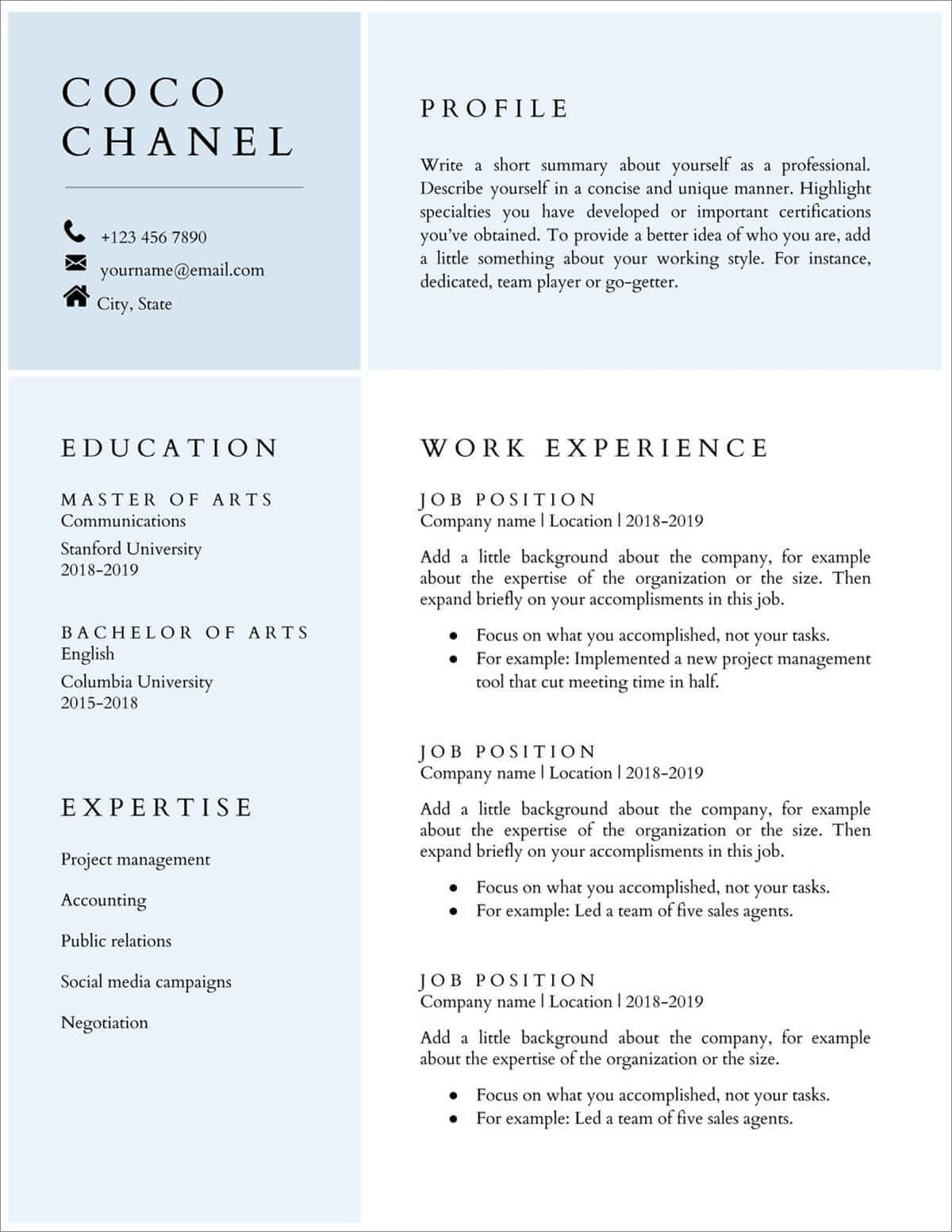
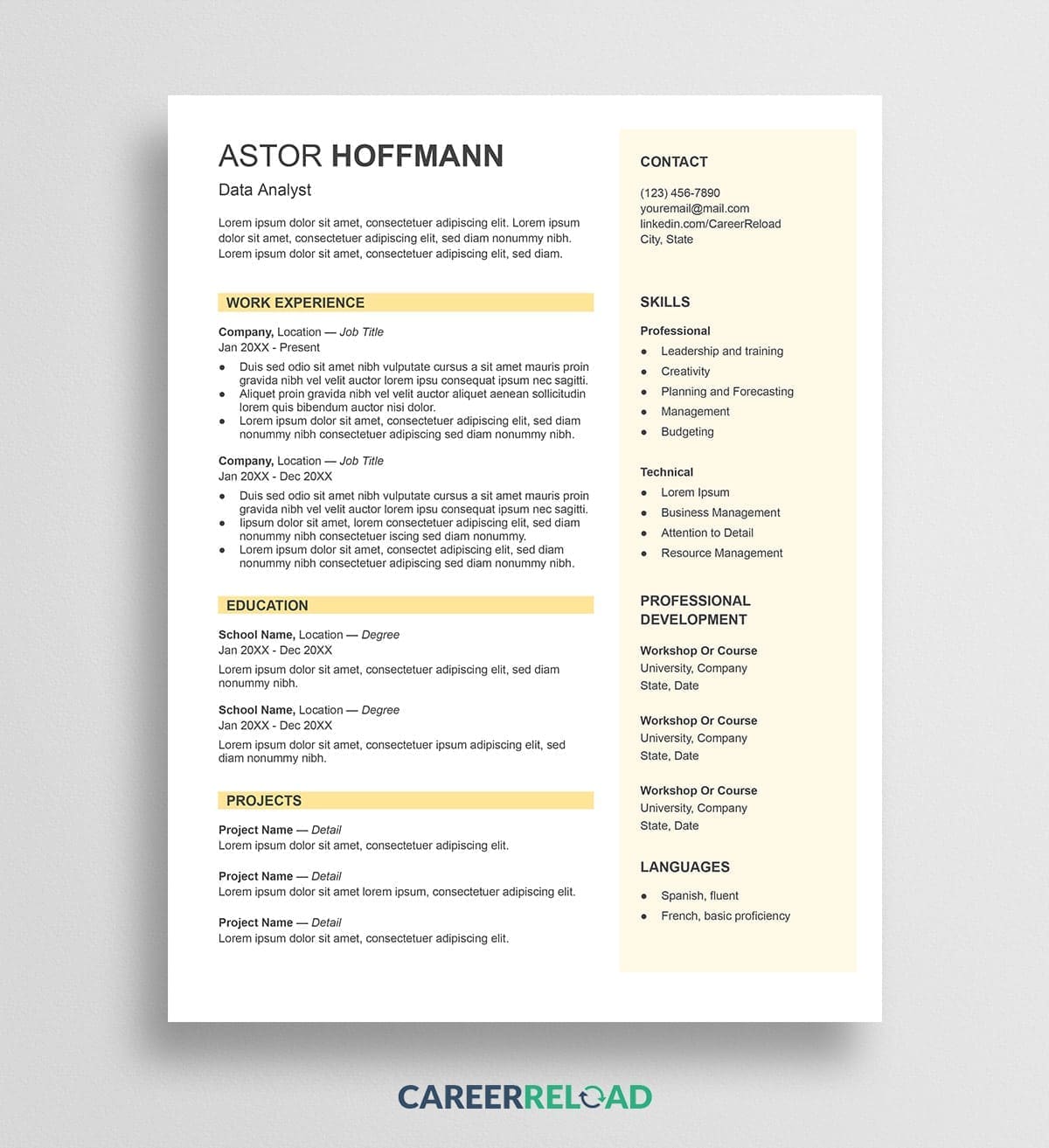
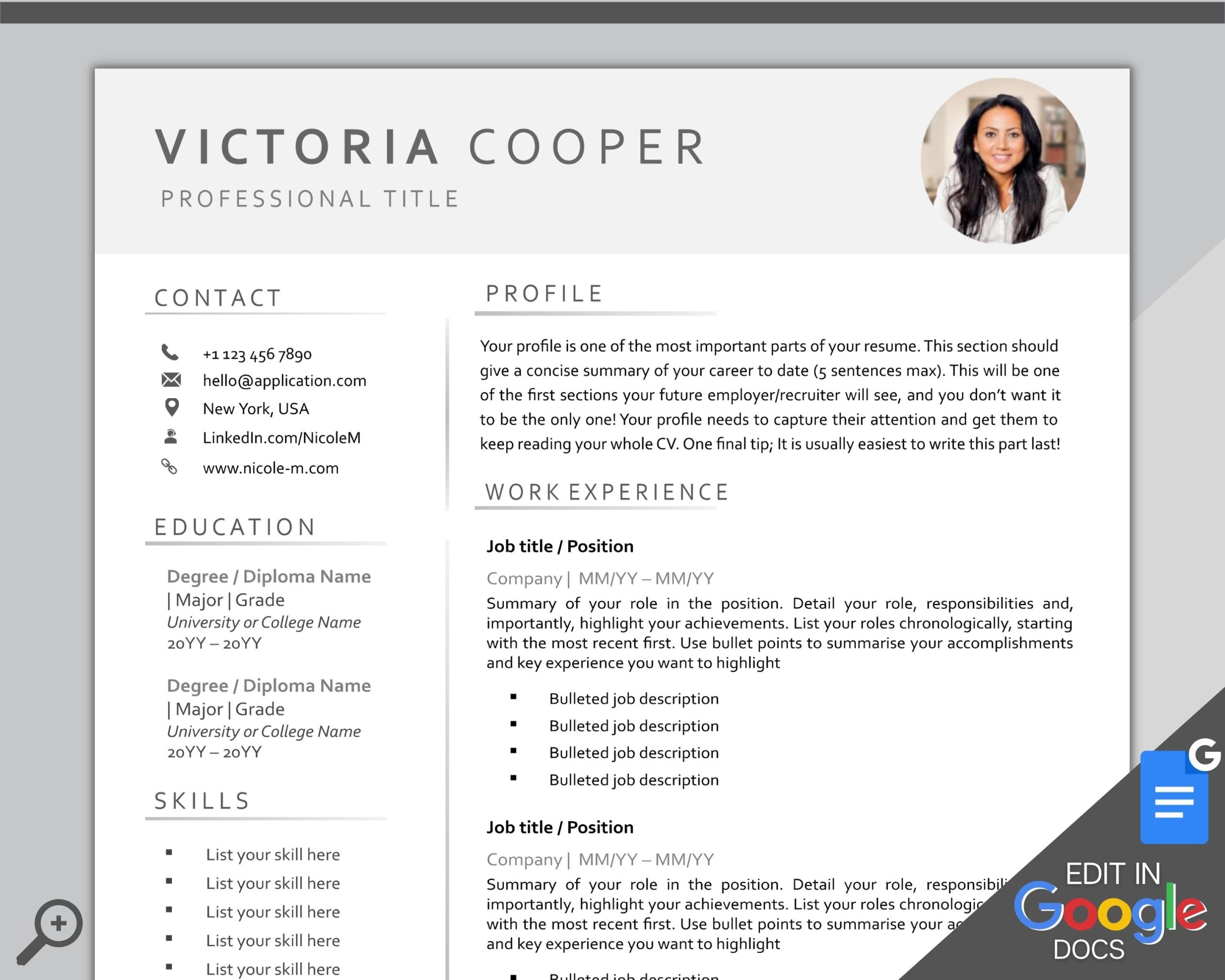
Creating a standout CV can be a daunting task, especially when you want to present your skills and experience in a visually appealing way. The Bright Professional CV Free Google Docs Template is a fantastic resource that can help you achieve that effortlessly. Unlike many other templates available online, this one combines a clean design with vibrant colors, making it both professional and eye-catching. This guide will walk you through how to customize it and make it work for you, ensuring you’re ready to impress potential employers within minutes.
Why Choose a Google Docs Template for Your CV?
Using a Google Docs template has several advantages. First, it’s accessible from anywhere with an internet connection, so you can make updates or edits on the go. You don’t need special software to open or edit it, just a Google account. This user-friendly platform allows for easy sharing, which is particularly useful if you want to get feedback from friends or mentors.
Additionally, the Bright Professional CV Free Google Docs Template is designed to be easily customizable. You can adjust colors, fonts, and layouts to reflect your personal brand. And if you’re not sure where to start, Google Docs offers a straightforward interface that makes editing intuitive.
Customizing Your Bright Professional CV
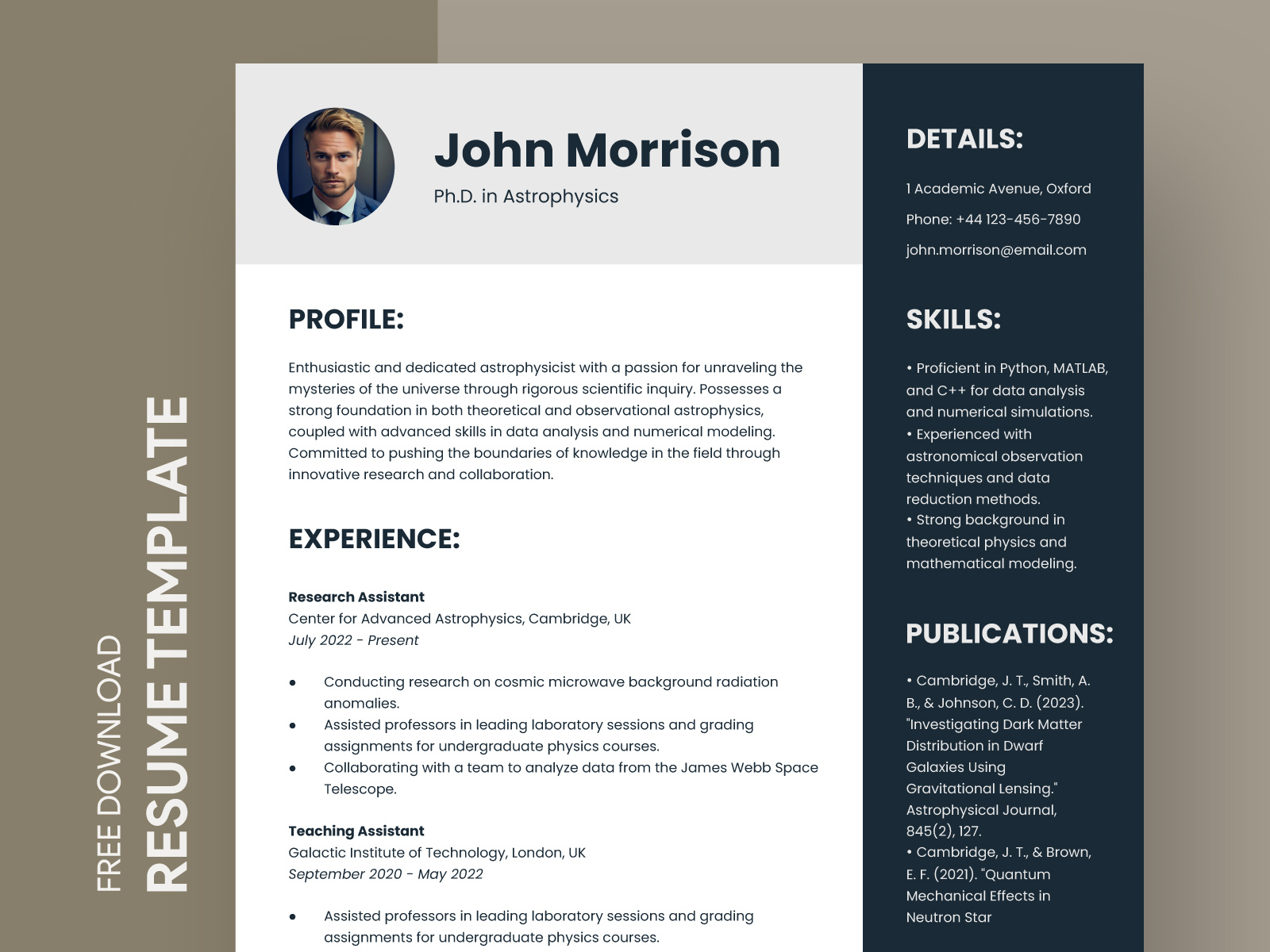
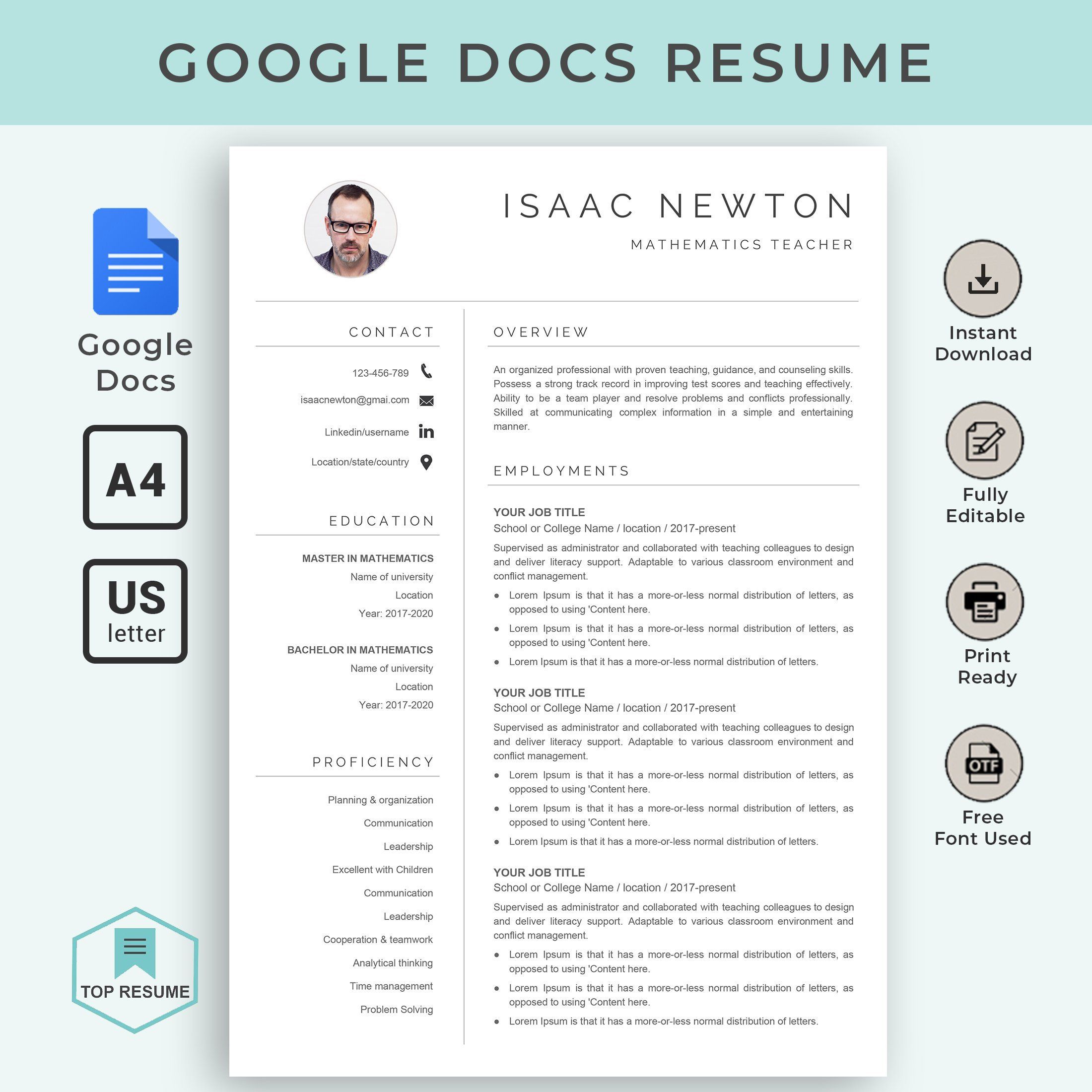
When you download the Bright Professional CV Free Google Docs Template, you’ll notice that it has various sections dedicated to your contact information, work experience, education, and skills. Here are some specific aspects you can customize:
- Contact Information: Make sure to include your name, phone number, email, and LinkedIn profile. This is critical for employers to reach you.
- Work Experience: List your most relevant job experiences in reverse chronological order. Be specific about your roles and achievements.
- Skills Section: Tailor this section to match the job you’re applying for. Highlight both hard and soft skills that are relevant to the position.
- Education: Include your highest degree first, along with any relevant certifications or courses.
- Design Elements: You can change colors to match your personal style or to stand out more in a creative industry.
Keep in mind that while customization is important, clarity should always be your priority. Avoid using too many different fonts or colors that can distract from the content.
Practical Decisions for Downloading and Using the Template
Before you start customizing your CV, consider how you plan to use it. Here are a few practical decisions to make:
- Format: The template is available in Google Docs, which allows for easy editing and saving. However, you can also download it as a PDF for a polished look when emailing or printing.
- Paper Size: If you decide to print your CV, standard A4 paper (8.27 x 11.69 inches) is widely accepted. However, if you’re in the U.S., you might prefer letter size (8.5 x 11 inches).
- Printer Settings: If you’re printing at home, make sure your printer settings are adjusted for high-quality output. Use a good quality, heavier paper if possible for a professional feel.
Or, if you’re applying digitally, ensure your file is named appropriately, like “YourName_CV.pdf,” to make it easy for employers to find your application.
Real Use Cases for Your CV
Once you’ve customized your Bright Professional CV, think about how you’ll be using it. Here are a few scenarios:
- Job Applications: The most common use is for applying to jobs. Tailor your CV for each application to align with the job description.
- Networking Events: Having a polished CV at hand can be beneficial during networking events. It shows professionalism and readiness.
- LinkedIn Profiles: You can use your CV as a basis for updating your LinkedIn profile, ensuring consistency across platforms.
Remember to keep your CV updated regularly, even if you’re not actively job hunting. This practice will save you time and ensure you don’t forget any important details.
Bright Professional CV Free Google Docs Template Gallery