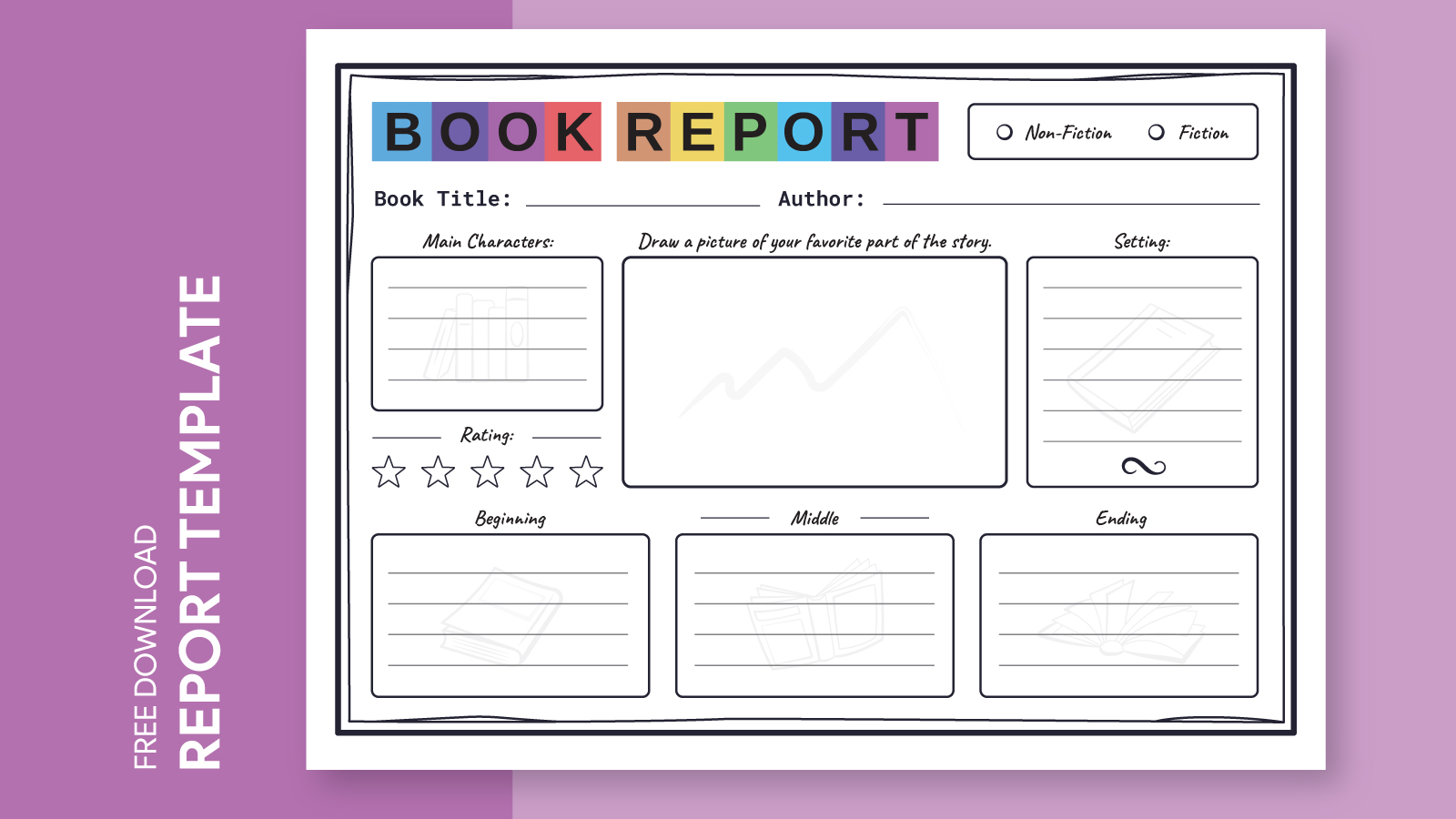
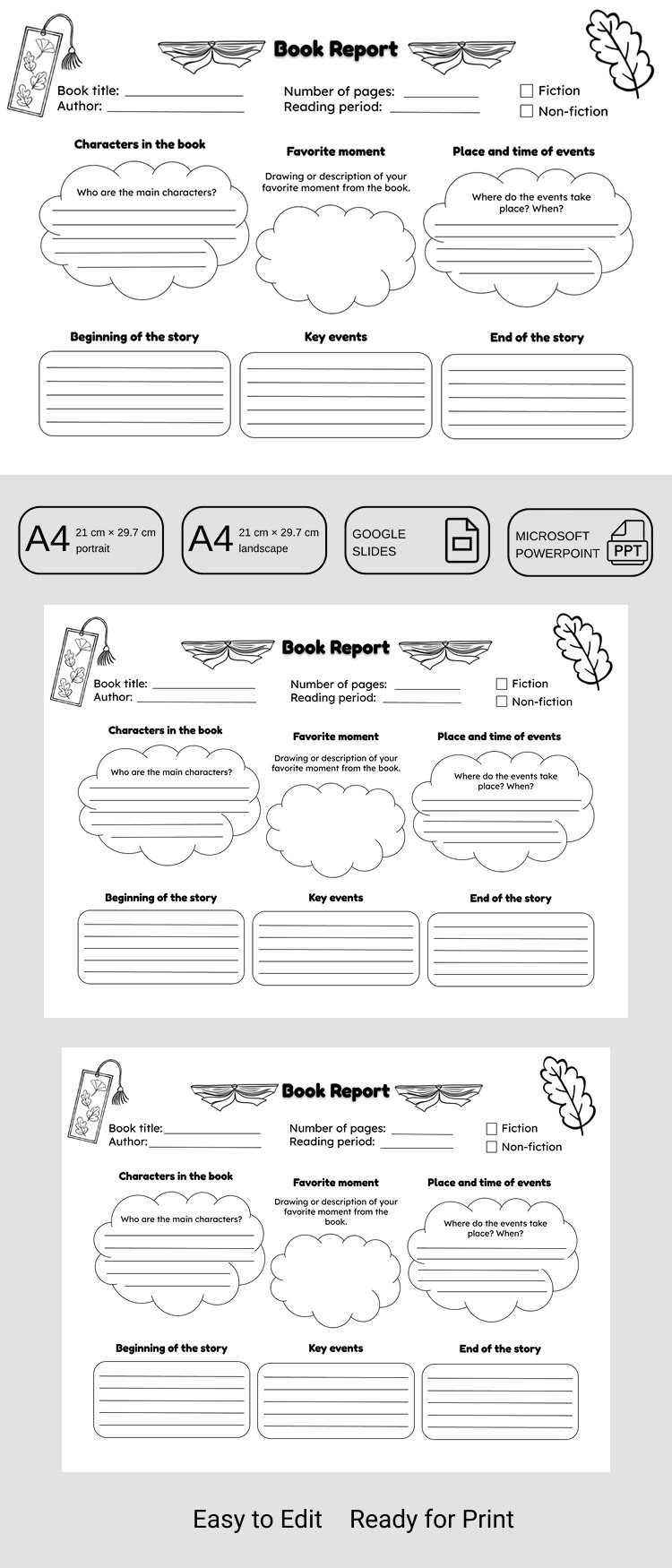
If you’re a parent looking for a straightforward way to help your 5th grader tackle their book report, the Book Report 5th Grade Free Google Docs Template is just what you need. This resource is designed specifically for students to summarize their thoughts on a book while developing their writing skills. With its user-friendly format, your child can easily fill out the template, making the writing process a breeze.
Exploring the Features of the Book Report 5th Grade Google Docs Template
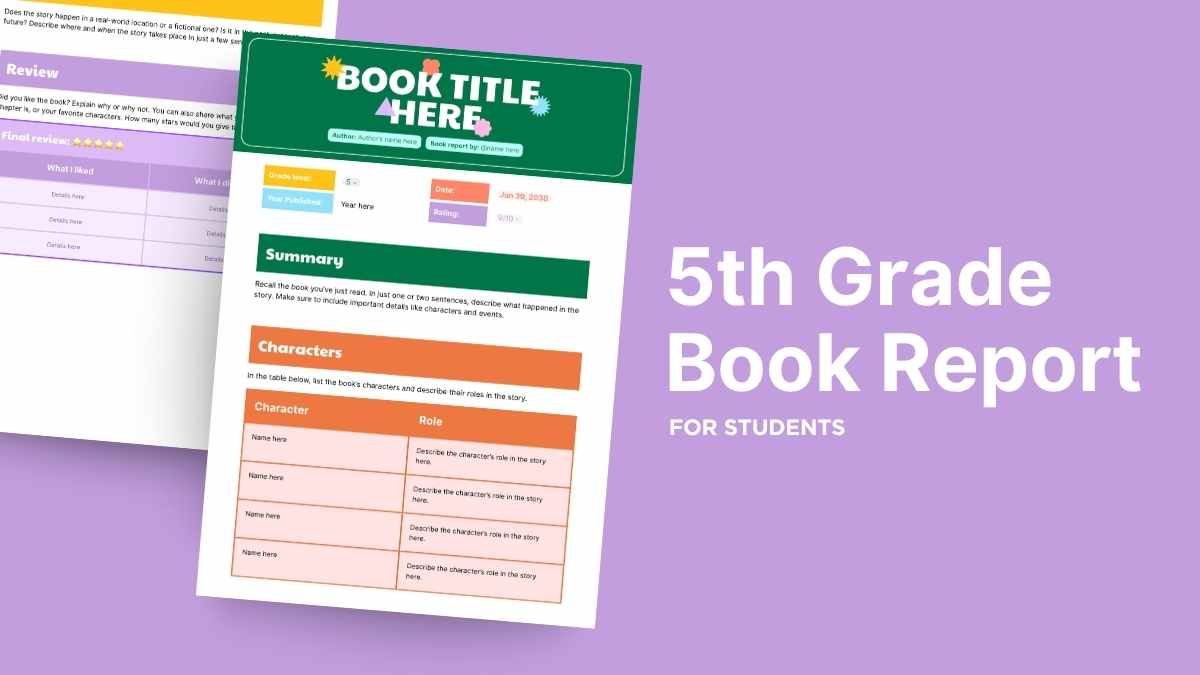
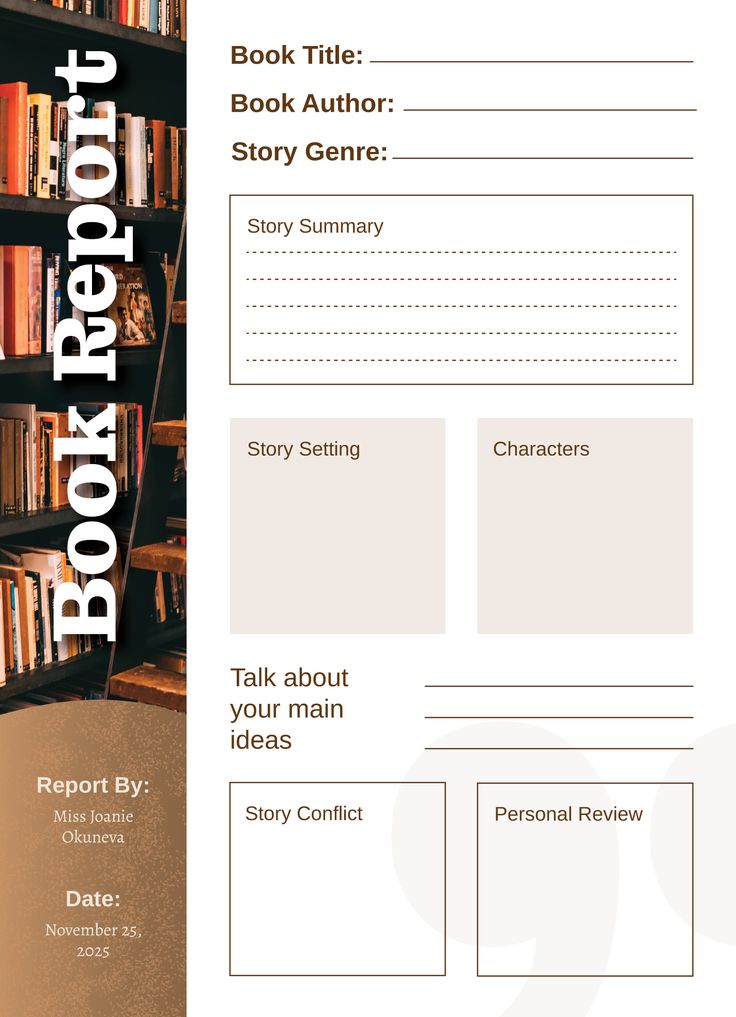
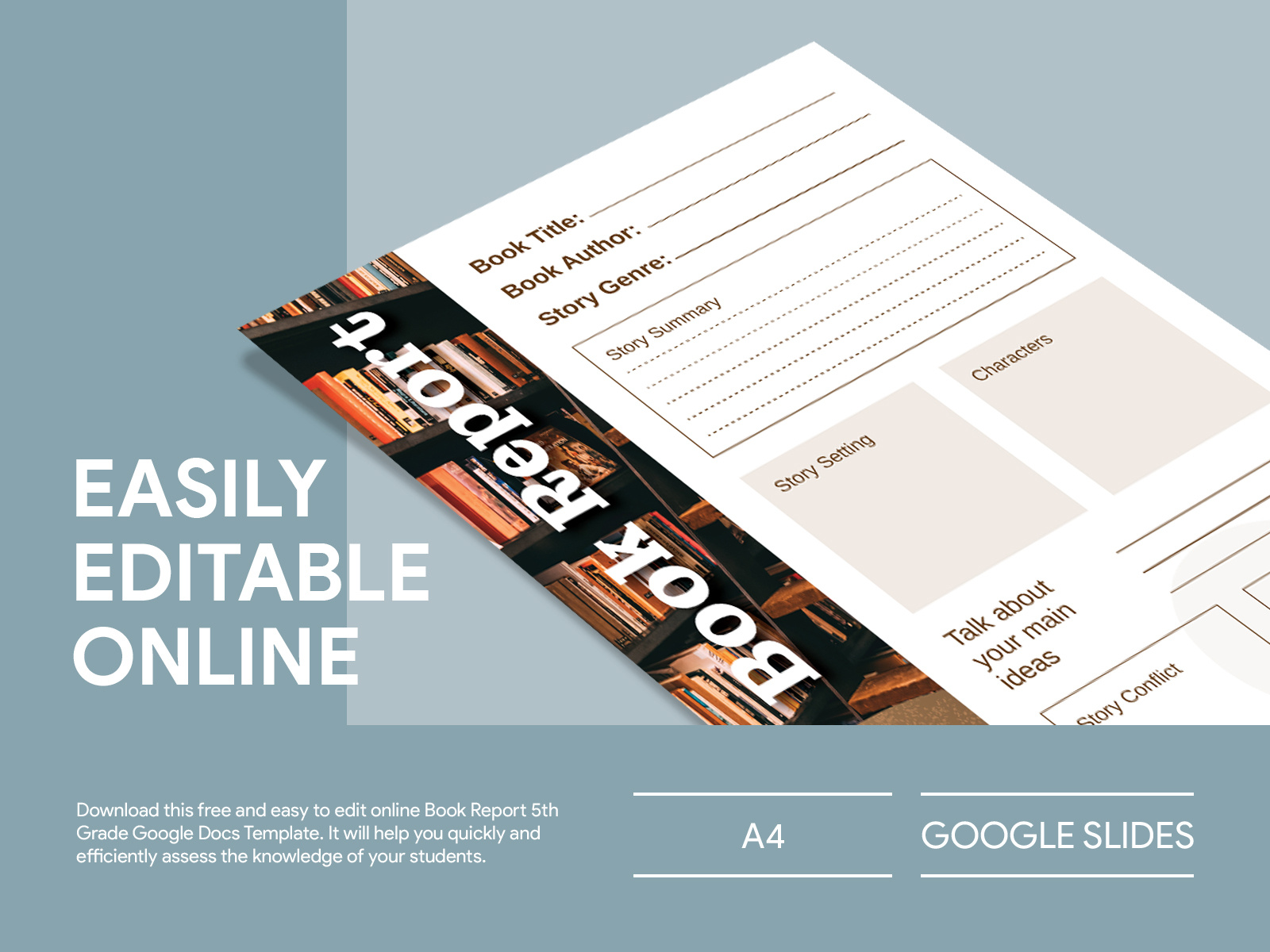
The Book Report 5th Grade Free Google Docs Template is structured to guide your child through the essential components of a book report. Typically, it includes sections for:
- Title of the book
- Author’s name
- Main characters
- Setting
- Summary of the plot
- Personal reflections or opinions
Each section prompts your child to think critically about what they’ve read. This template not only encourages comprehension but also fosters a love for reading. Plus, since it’s in Google Docs format, you can access it from any device with internet connectivity, making it convenient for on-the-go writing.
How to Download and Customize
Downloading the template is a straightforward process. Simply follow these steps:
- Click on the link to access the template.
- Make sure you’re logged into your Google account.
- Go to “File” in the menu and select “Make a copy.” This will create a personal version in your Google Drive.
- You can then customize it to suit your child’s needs.
If your child prefers to work offline, consider downloading it as a Microsoft Word document or a PDF. This option allows for easy printing and can be particularly useful if you want to avoid any reformatting issues that sometimes occur with image files.
Printing Tips for Optimal Results
When it comes to printing the Book Report template, a few practical tips can make a big difference:
- Paper Size: Use standard 8.5 x 11-inch printer paper for the best fit. This size is ideal for school assignments.
- Printer Settings: Set your printer to “Portrait” layout, as this aligns with the template’s design. Most home printers handle this setting well.
- Paper Quality: If your child plans to present this book report, consider using a heavier paper stock. Cardstock can make the report feel more substantial and professional.
Preparing for the Book Report
Before your child starts filling out the template, it’s helpful to gather some key information about the book. Encourage them to take notes while reading, focusing on important plot points and character development. This will make completing the report much easier and more thorough.
You might also want to discuss the book with your child. Ask them open-ended questions about their favorite parts or what they learned. This not only helps them articulate their thoughts better but also makes the process more engaging.
Making It Personal
One of the wonderful things about the Book Report 5th Grade Free Google Docs Template is that it can be customized to reflect your child’s personality. Encourage them to add their own flair:
- Color Coding: They can use different colors for each section to make it visually appealing.
- Incorporating Quotes: If there are specific lines or passages that stood out, they can include quotes in their summaries.
- Artwork: Allow them to draw or insert images related to the book. This could be the book cover or illustrations of key scenes.
Making the report personal not only helps them take ownership of their work but also makes it more enjoyable.
Things to Watch Out For
When using the Book Report 5th Grade Free Google Docs Template, keep an eye on the length of the responses. 5th graders should aim for a balance between thoroughness and conciseness. Encourage your child to express their opinions clearly but not to go off on tangents that stray from the main points.
Also, remind them to proofread their work before submission. This is a crucial step in the writing process that helps catch any errors or awkward phrasing.
By following these steps and utilizing the Book Report 5th Grade Free Google Docs Template, you can help your child create a thoughtful and well-structured report that reflects their understanding of the book. It’s a great way to support their academic growth while making reading a fun and engaging activity!
Book Report 5th Grade Free Google Docs Template Gallery